



Andrey
See collaborative AI in action — straight from the Canvas 26 keynote.
Jeff

Presentations and slides for marketing teams

Turn your campaign briefs and launch boards into polished decks. No rebuilding in PowerPoint required.

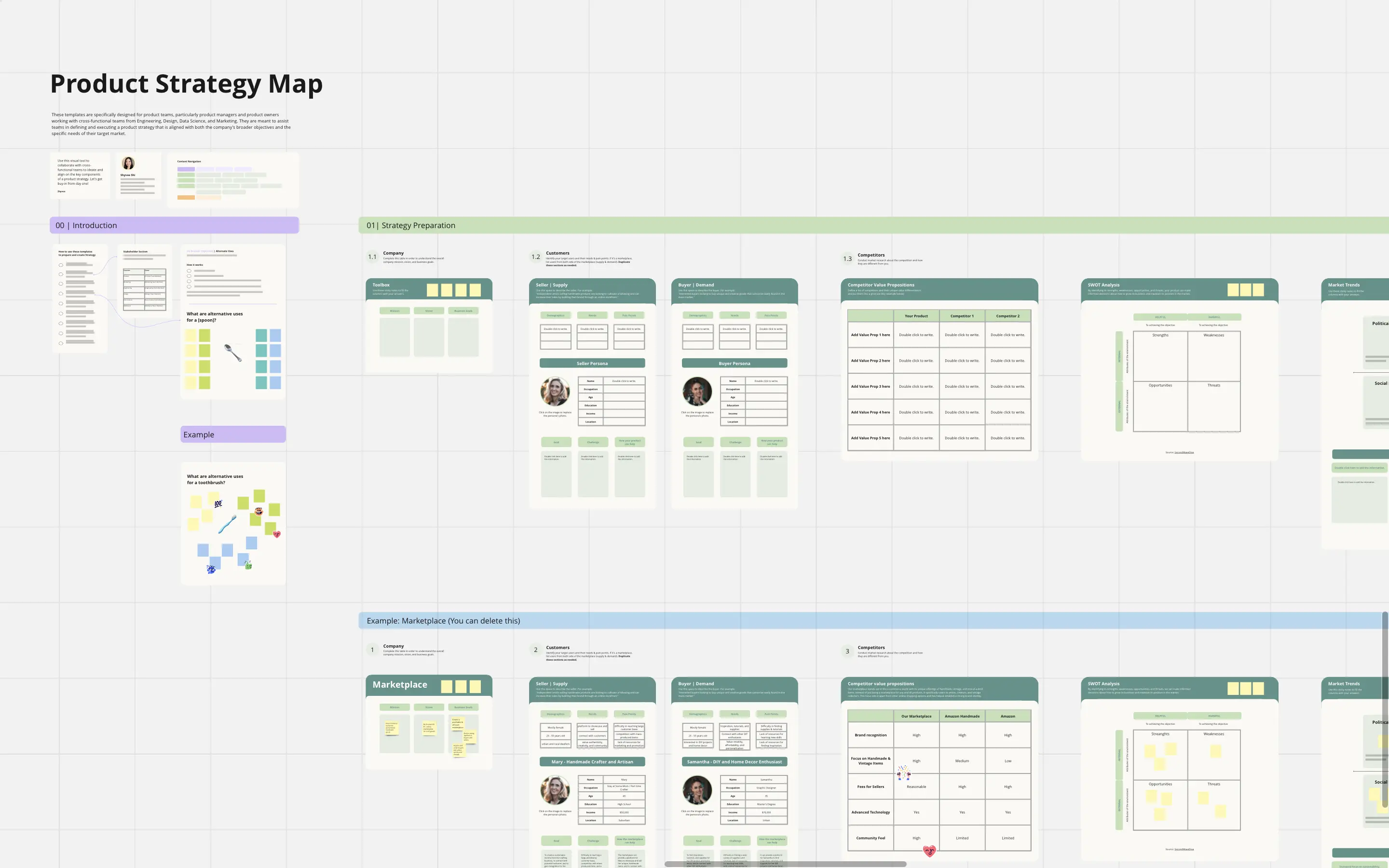
Miro board displaying a Go To Market Plan template with six visible slide panels including Title Slide, What are you launching, Persona pain points and value, Launch Metrics/Goals, Marketing & Sales Plan, and Competitive Considerations, all styled in yellow and white with structured tables and sticky notes.

What experts say

  • The way we present information and tell stories using slides has a massive impact on how well our ideas are understood and remembered.

    Nancy Duarte

    Speaker and CEO · Duarte

    Industry Expert
  • According to a study published in the Harvard Business Review, presentations that effectively communicate data can increase persuasiveness by up to 43%.

    SlideBazaar Team

    Presentation Experts · SlideBazaar

    Practitioner

The research on presentations and slides

  • 50%

    Interactive whiteboard conversations lead to 50% higher lead conversion rate compared to static presentations

    Source: Corporate Visions

  • 66%

    Visual presentations with graphs and diagrams increased audience conviction from 50% (verbal only) to over 66%, demonstrating the persuasive power of diagramming in consulting presentations

    Source: Cornell University / Wharton School of Business

See presentations and slides in action

Related templates for marketing teams

We have 22 templates in our library for Presentations and Slides.

Why marketing teams love creating presentations with Miro Slides

  • From campaign brief to boardroom-ready deck

    Demand gen, brand, and product marketing teams waste hours rebuilding Miro boards into PowerPoint decks before every leadership review. With Miro's AI slide generation, you describe the deck you need - '10 slides covering campaign results, channel mix, and Q3 recommendations' - and it drafts the structure from your existing board content. Brand Center auto-applies your palette so every generated slide looks on-brand from slide one.
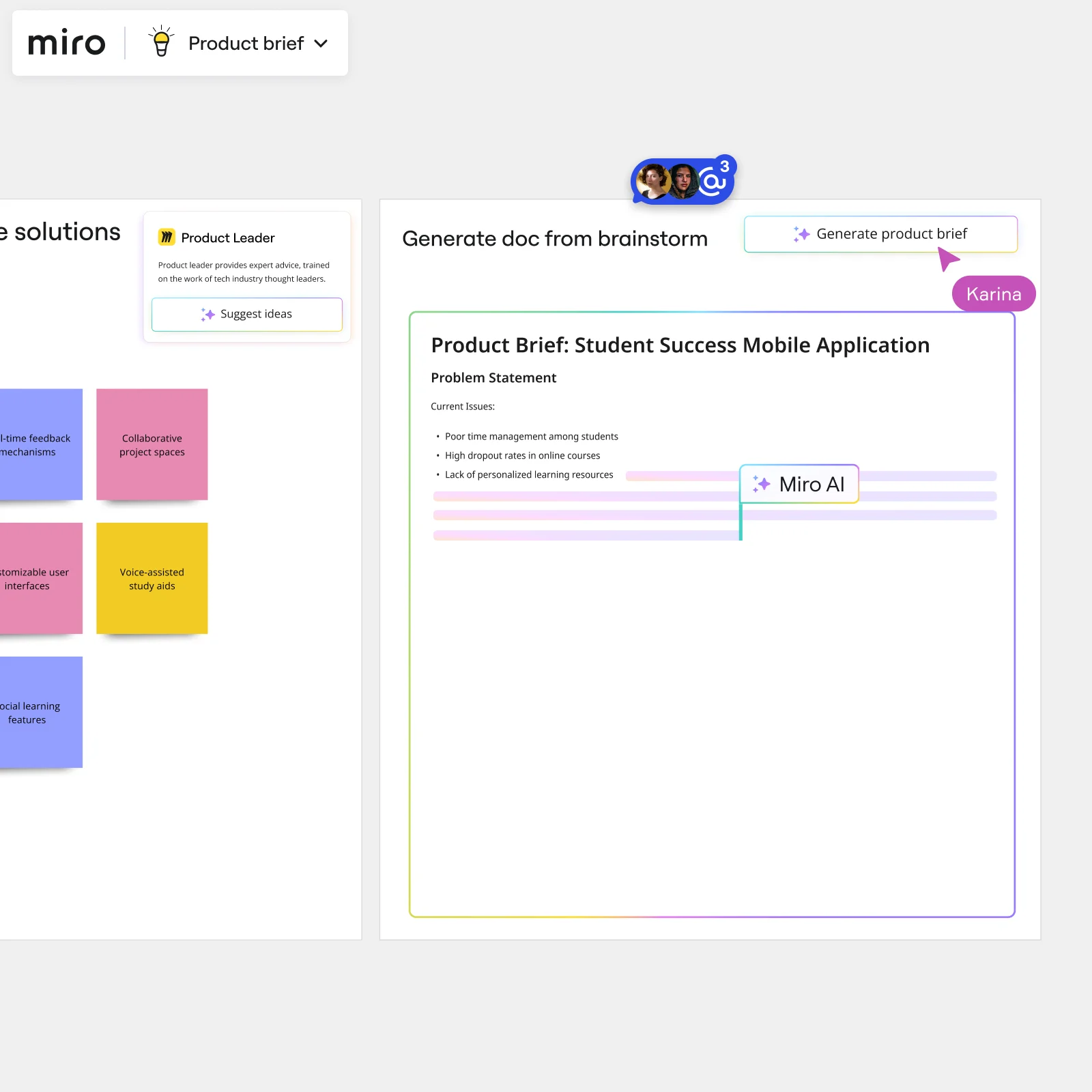
    Miro board showing AI-powered document generation from a brainstorming session, with a Product Leader AI sidekick panel on the left, colorful sticky notes listing solution ideas (collaborative project spaces, voice-assisted study aids, social learning features), and an AI-generated Product Brief document for a Student Success Mobile Application being created in real time by Miro AI.
  • Stop losing your live presentation to a passive audience

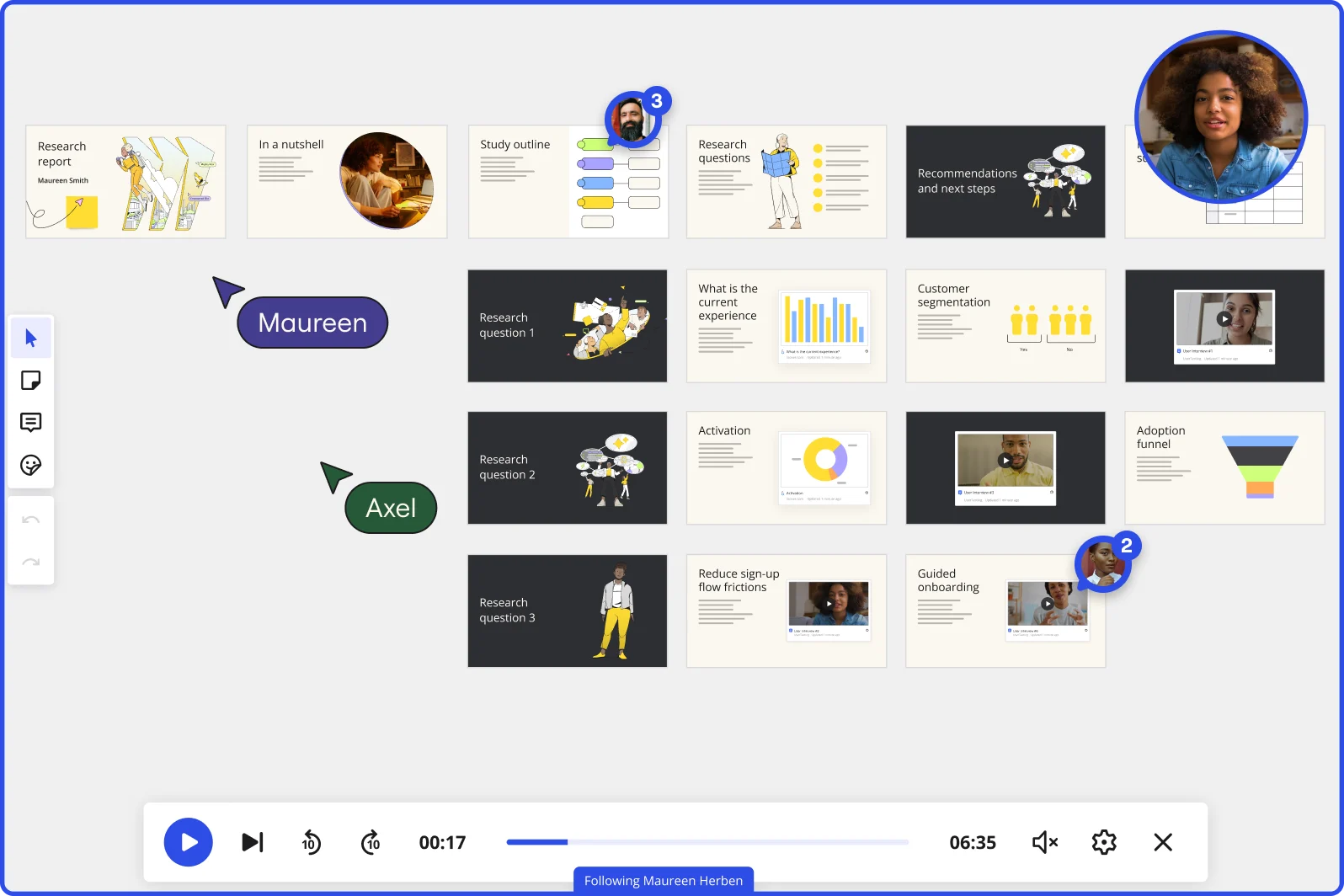
    When your go-to-market readiness review is a one-way broadcast, the real feedback never surfaces. Miro's Interactive Presentation Mode flips that: your audience reacts, raises hands, and votes on next-quarter priorities in real time. QR-code mobile join means anyone in the room can participate - no Miro account needed.

    Miro board in Interactive Presentation Mode displaying a research report presentation with multiple slides organized in rows, covering topics including research questions, customer segmentation charts, adoption funnel, and guided onboarding, with two collaborators (Maureen and Axel) visible as cursors, video playback controls at the bottom showing 00:17 of 06:35, and a live webcam feed of a presenter in the top right corner.
  • Your talktrack, for the CMO who missed it

    Not every exec makes the live session. Instead of forwarding a static PDF, record a Talktrack walkthrough: narrate each frame, capture your emphasis on the channel mix slide, and send one link. Your absent CMO or regional lead replays the full presentation with synchronized audio and board navigation on their own schedule.

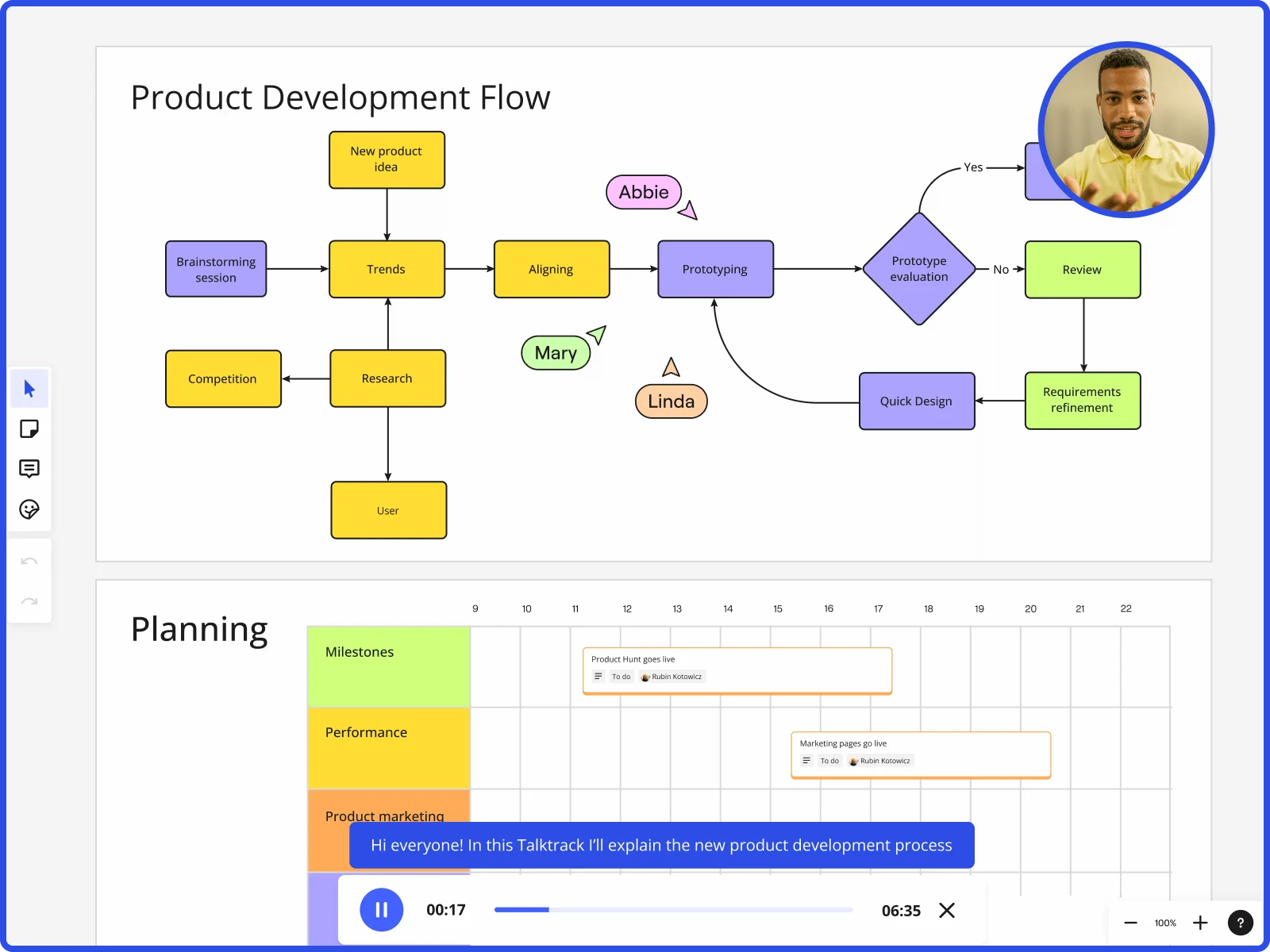
    Miro board showing product development flow with brainstorming, research, prototyping stages and planning timeline with Talktrack presentation
  • When your go-to-market cadence runs every quarter

    Small marketing teams shouldn't rebuild the same QBR deck from scratch every cycle. Large orgs shouldn't let 12 different campaign teams drift off-brand. Miro's Presentation Blueprints package your full brief-to-final-deck structure - frames, Engage activity slots, embedded Sidekick review - into a reusable Space. Reset it each quarter instead of duplicating last cycle's board.

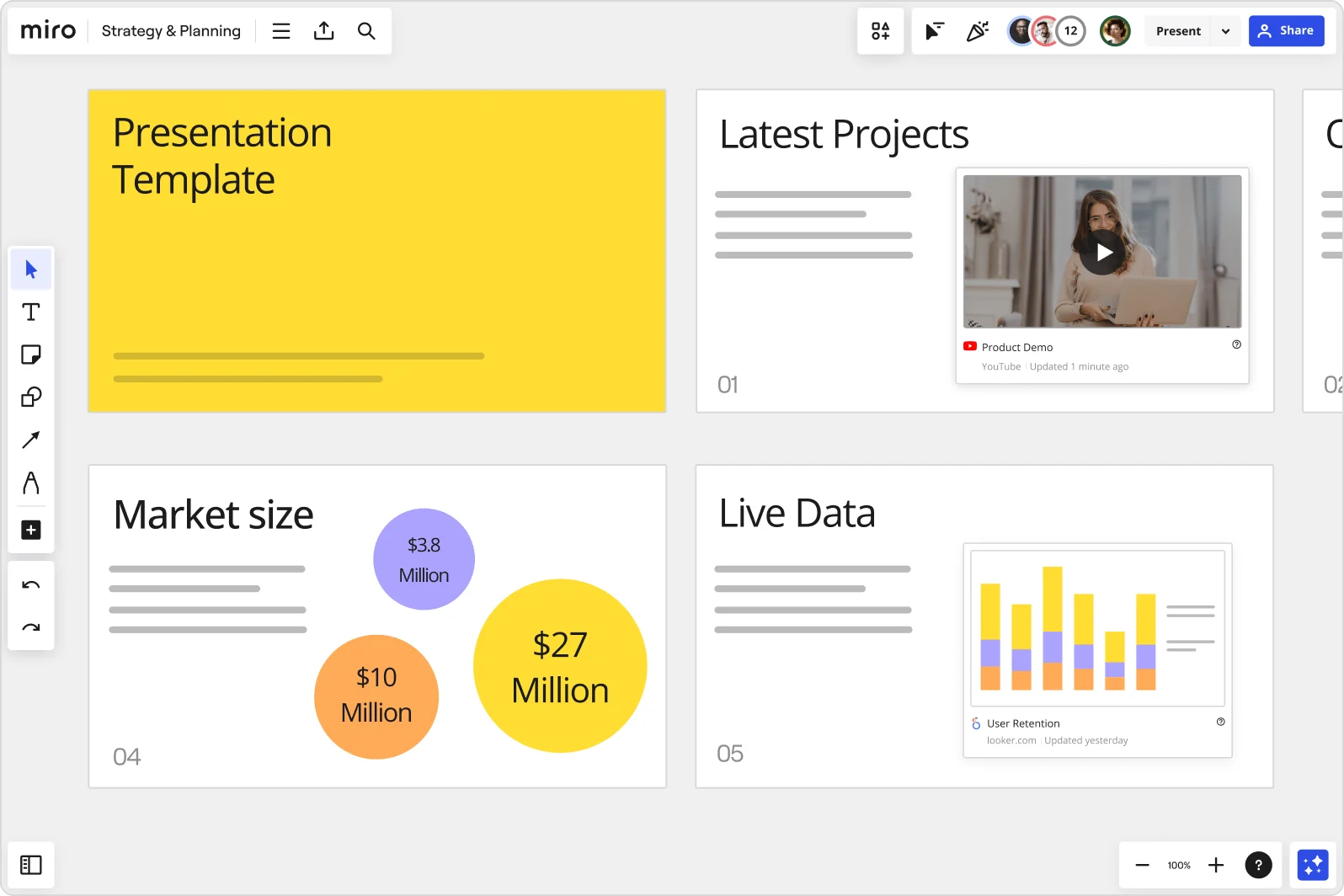
    Miro board showing a Strategy & Planning presentation workspace with four slides visible: a yellow title slide labeled 'Presentation Template', a 'Latest Projects' slide with an embedded YouTube Product Demo video, a 'Market size' slide with bubble charts showing $3.8M, $10M, and $27M values, and a 'Live Data' slide featuring an embedded Looker.com User Retention bar chart.
  • Embed Looker and Figma directly in your slides

    Pivoting mid-presentation to pull live numbers from Looker or a prototype from Figma kills your momentum. Embed both directly onto slide frames via External Embeds, with Action Shortcuts fetching the latest data at present time. Your launch readiness review stays in one window, from opening slide to live dashboard.

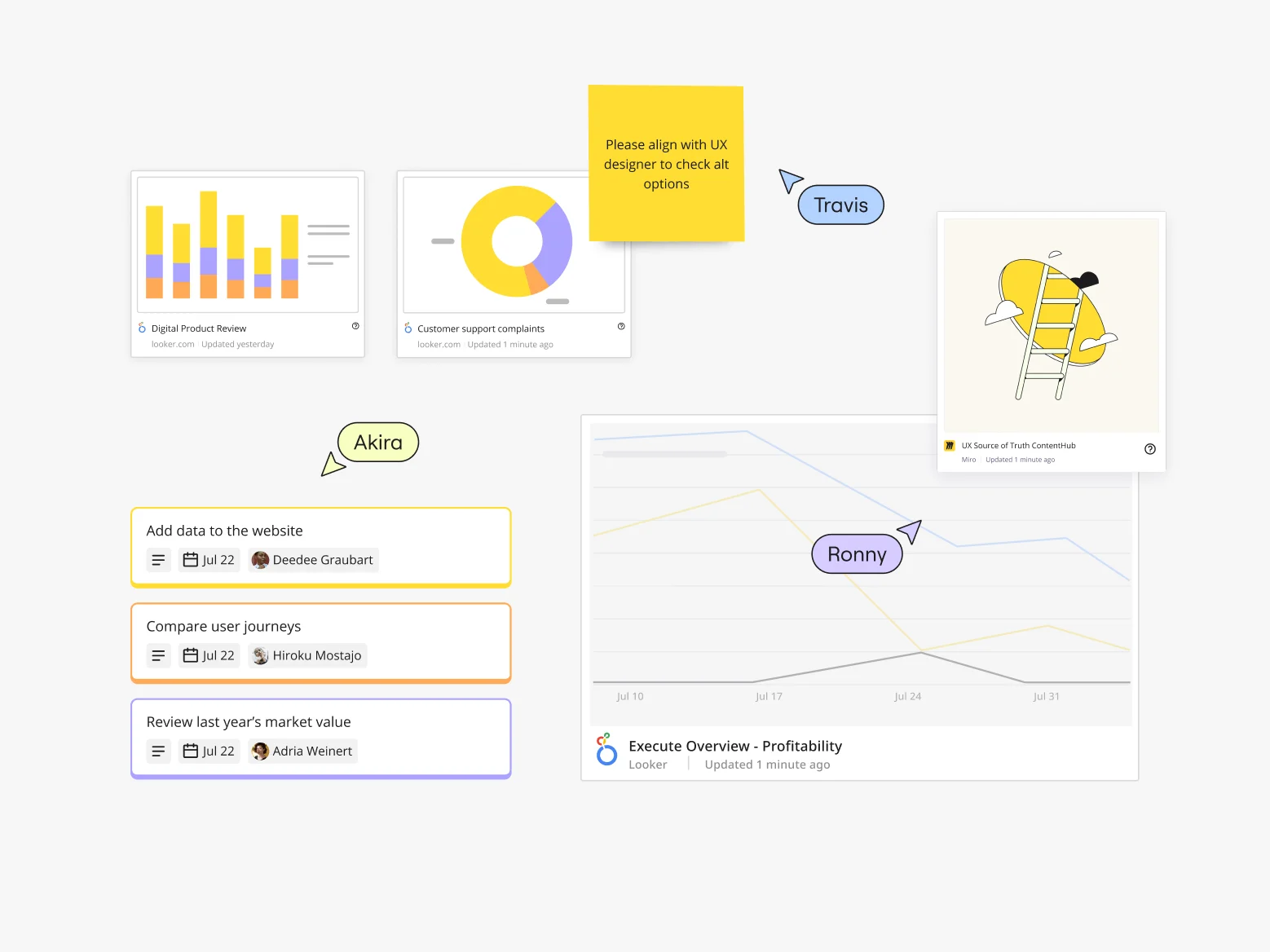
    Miro board showing a collaborative marketing workspace with embedded Looker data visualizations (bar chart for Digital Product Review, donut chart for Customer support complaints, line graph for Execute Overview Profitability), a sticky note with UX feedback, a UX Source of Truth ContentHub card from Miro, task cards with assignees and due dates (Add data to website, Compare user journeys, Review last year's market value), and multiple collaborator cursors (Travis, Akira, Ronny) visible.

How marketing teams get started with Presentations in Miro

  • Pull your campaign data into one board

    Open a Miro board and drag in your HubSpot screenshots, Figma creative assets, and paid media dashboard exports so your Friday-afternoon deck assembly starts with everything in one place instead of six browser tabs. Use External Embeds to pull live Looker or Google Slides content directly onto the board.

  • Turn your campaign story into slides in minutes

    Select your scattered performance data and creative assets, then use AI Generate Slides with an audience-specific prompt ("5-slide QBR deck: channel performance, CPL trends, pipeline contribution, creative results, next-quarter ask, for a CFO audience") so the funnel narrative builds itself rather than starting from a blank slide at 4pm Friday.

  • Lock in brand consistency before review

    Configure Brand Center so every AI-generated slide auto-applies your brand palette, then save your title slide, agenda, and closing frames as Custom Templates that the whole marketing org reuses across campaign debriefs, quarterly business reviews, and campaign concept pitches to leadership.

  • Present live and capture audience reaction

    Switch to Interactive Presentation Mode to walk the CMO through the executive summary, then drop a Miro Engage Scales activity into the deck so the growth team can anonymously signal which metrics they trust as real signals versus vanity metrics, with responses exporting directly to sticky notes for follow-up.

Presentations and Slides tips for marketing teams

  • When selling a campaign concept internally before production, use Talktrack to narrate the mood board frames so creative directors and brand leads can replay your thinking asynchronously instead of scheduling another alignment meeting.

  • For recurring decks like monthly demand gen reviews, save your structure as a Blueprint so the frame order, embedded Sidekick prompts, and Miro Engage activity slots reload automatically each cycle and your team focuses only on updating the numbers, not rebuilding the deck.

  • Avoid the Friday-merge nightmare on shared decks by using Synced Copies for master slide content across audience-specific versions. Pasting without confirming the sync prompt creates a silent divergent copy that drifts the moment a campaign result changes.

Understand how marketing teams transform their work

  • I use Miro every day, before during and after every Marketing campaign. Easy to use, intuitive, easy to share, plenty of templates to get started. Implementation was minimal to nonexistent because I just signed on with my work email and got started right away.

    Verified User

    G2
  • Dynamite Collaboration for Marketing Teams! 🌟

    Verified User

    G2

Presentations essential guide for marketing teams

CategoryKey insights
  • Common mistakes to avoid

    The biggest Friday-afternoon trap: cramming CTR breakdowns, creative screenshots, and attribution tables onto a single frame like it's a slide deck appendix. Marketers also hurt themselves by skipping Talktrack recordings, which means the CFO who missed the live all-hands gets a static export with no context instead of your full performance narrative. If you're still rebuilding your Miro board content inside Google Slides or PowerPoint before every leadership review, you're doing double the work you need to.

  • Key integrations for marketing teams

    Google Slides and Microsoft PowerPoint let you move final decks out of Miro when a specific file format is required for stakeholder handoffs. Zoom and Microsoft Teams connect directly for live campaign reviews and QBR calls, so there's no scramble to screen-share the right window. For larger organizations running SSO and Confluence at scale, Miro slots into those environments without forcing a separate login workflow or content silo.

  • When to use it

    Use this when your campaign debrief or quarterly pipeline review lives on a Miro board and you need to present it to the CMO without rebuilding everything in a different tool. It's especially useful when your growth lead is in a different timezone and needs to absorb the channel-level breakdown on their own schedule. Talktrack lets you narrate the full story once, and every absent stakeholder gets the same context you'd deliver live.

  • Security & Compliance

    For smaller marketing teams, SOC2 Type II certification means your campaign performance data and budget projections are handled to a professional security standard without extra configuration. Enterprise marketing orgs sharing decks that contain commercial contracts, unreleased creative, or media spend data can rely on data residency controls and granular sharing permissions to make sure the right people see the right slides, and nobody else does. Private Mode keeps confidential sessions locked down when your deck doubles as an internal sell-in for a campaign concept that hasn't cleared legal yet.

Frequently asked questions for marketing teams

Last updated: Thursday, July 16, 2026