







Andrey
See collaborative AI in action — straight from the Canvas 26 keynote.
Jeff

Presentations and slides for product managers

Turn your sprint board into a stakeholder deck in minutes. No rebuilding, no tool-switching, no starting from scratch.

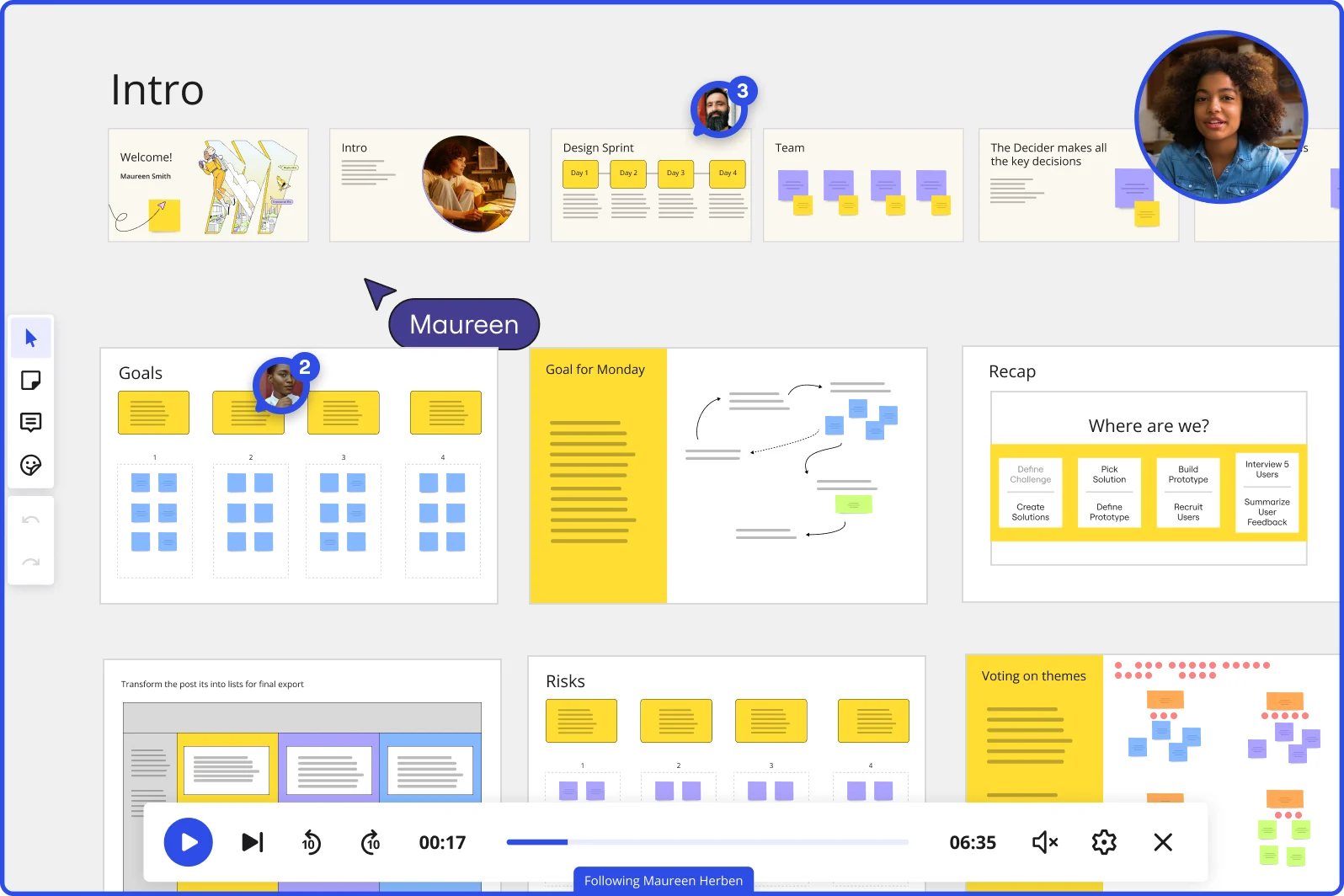
Miro board showing a Design Sprint presentation in facilitation mode, with slide thumbnails across the top (Welcome, Intro, Design Sprint days, Team, Decider), and active frames including Goals with yellow sticky notes, Goal for Monday with a flow diagram, Recap with a 'Where are we?' process tracker, Risks section, and Voting on themes — with a video player bar at the bottom showing 'Following Maureen Herben' and two visible participant avatars.

What experts say

  • The way we present information and tell stories using slides has a massive impact on how well our ideas are understood and remembered.

    Nancy Duarte

    Speaker and CEO · Duarte

    Industry Expert
  • In the competitive world of product marketing, the ability to effectively showcase your product can make or break its success. Storyboarding for product demos is a powerful tool that allows professionals to craft compelling narratives, visually map out their ideas, and deliver impactful presentations.

    Meegle

    Research source · Meegle

The research on presentations and slides

  • 66%

    Visual presentations with graphs and diagrams increased audience conviction from 50% (verbal only) to over 66%, demonstrating the persuasive power of diagramming in consulting presentations

    Source: Cornell University / Wharton School of Business

  • Business strategies presented with visual diagrams received higher attention, agreement, and recall compared to text-based presentations, benefiting consulting deliverables

    Source: University of Lugano / SIOP-SHRM

See presentations and slides in action

Related templates for product managers

We have 22 templates in our library for Presentations and Slides.

Why product managers love collaborating on presentations in Miro

  • From Jira-linked sprint board to executive deck - without rebuilding

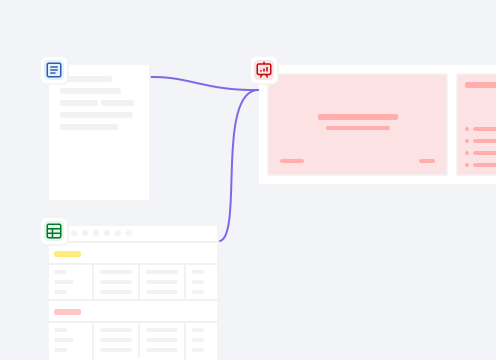
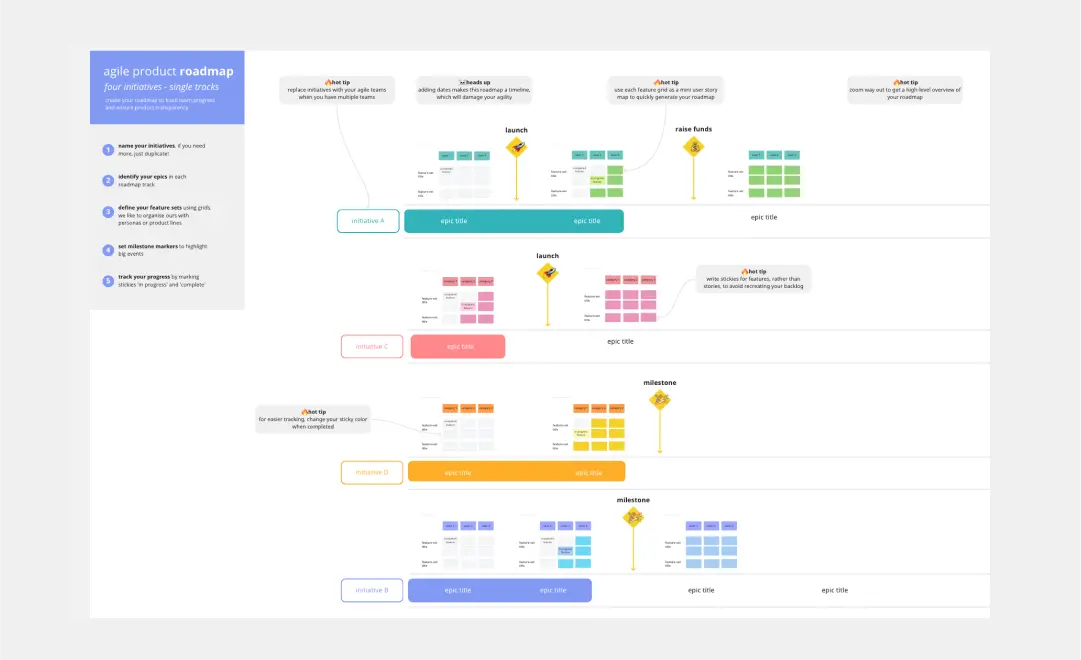
    Most PMs spend hours recreating the same roadmap content in PowerPoint that already lives on their Miro board. Use Miro's AI slide generation to turn your existing frames - user story maps, prioritization grids, sprint outcomes - into a structured deck in seconds. Solo PMs and large product orgs both skip the blank-slide tax entirely.
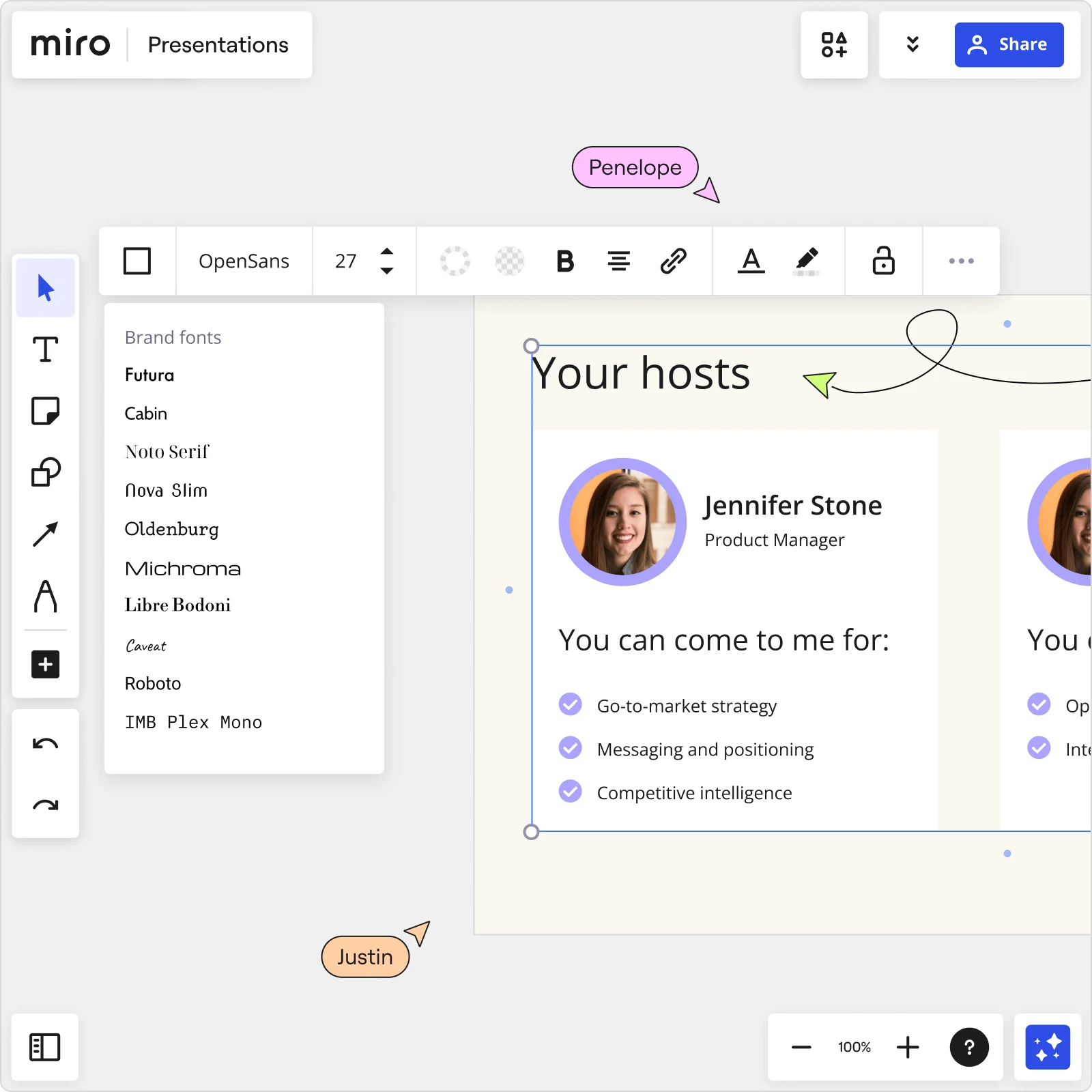
    Miro Presentations board showing Your hosts slide with Jennifer Stone profile, brand fonts panel open, and collaborator cursors editing presentation content
  • When your quarterly roadmap review needs two versions, not one

    You're heading into QBR with one deck for execs and another for your engineering leads, and they're already drifting apart after last week's edits. Miro's Synced Copies push updates from a master deck to every audience-specific version in about ten seconds - so the five-slide executive summary and the fifteen-slide working-team version stay in sync without manual copy-paste.

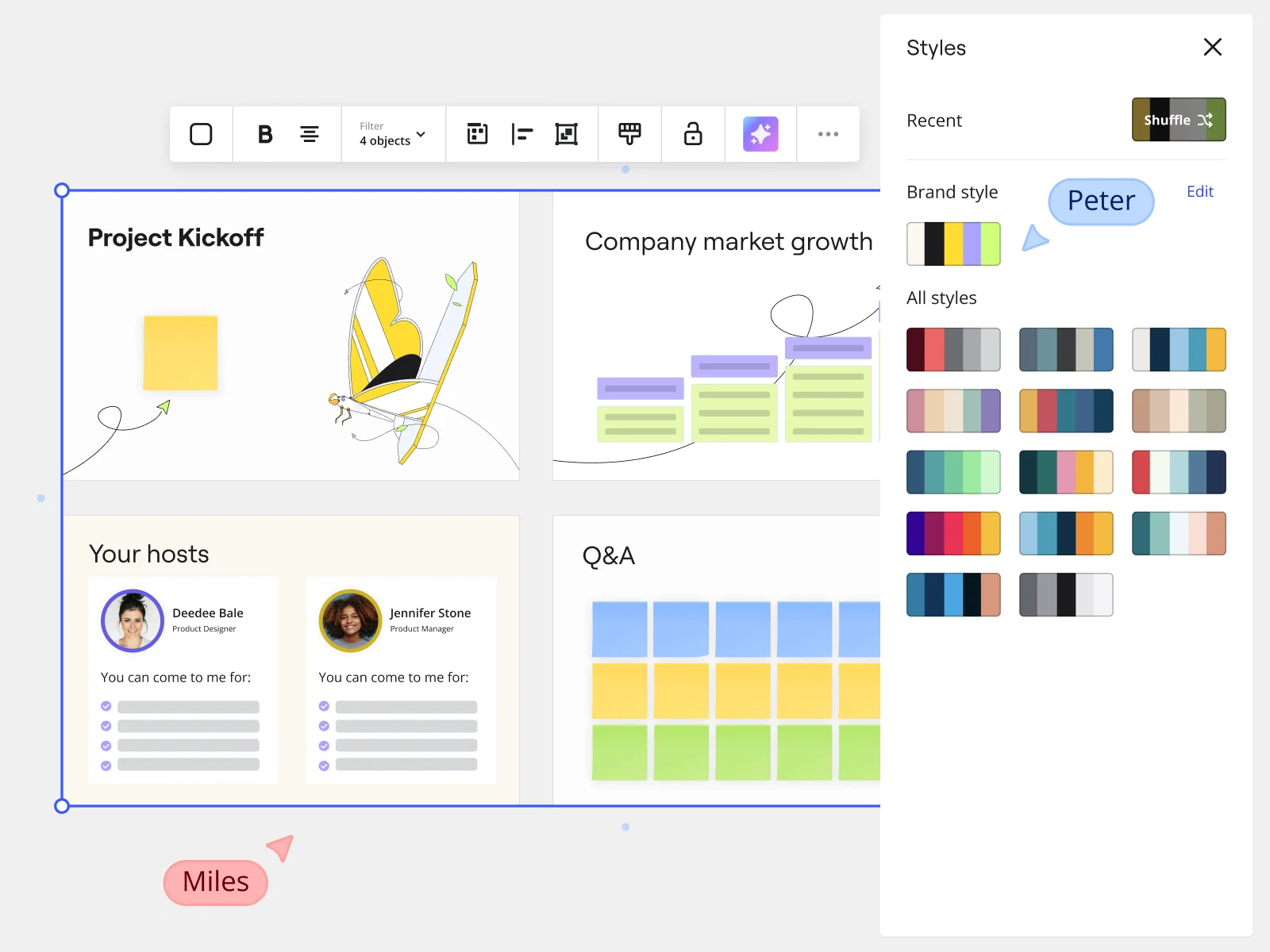
    Miro presentation mode showing Project Kickoff slides with Styles panel and brand style options for marketing teams
  • Stop asking engineering leads to read the Confluence page you already presented

    When a tech lead misses the roadmap review, they get a PDF with no context - and then you spend another thirty minutes on Slack explaining your narrative. Record a Talktrack walkthrough instead: your audio syncs to each frame so they replay the full presentation, with every transition and emphasis point, on their own schedule.

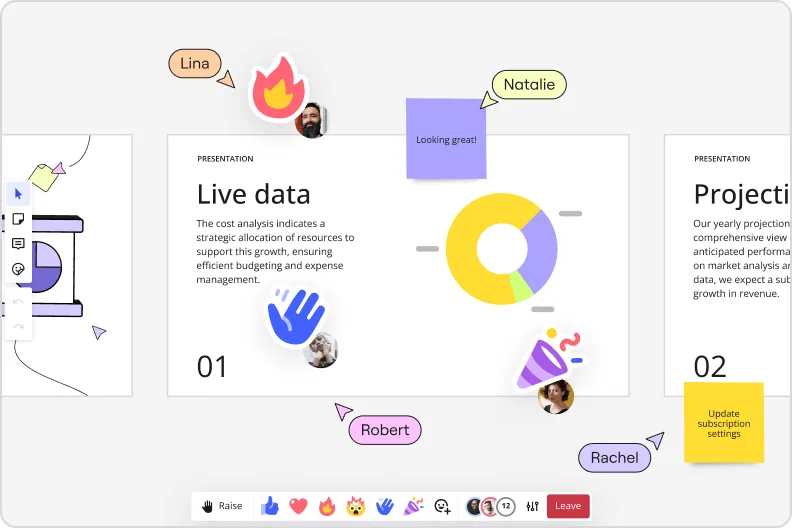
    Miro presentation mode showing live data slide with donut charts and collaborator reactions and emoji feedback
  • Your demo day prep, without the last-minute slide panic

    The night before demo day, you're still fielding Slack comments on individual slides and losing track of which version is final. Miro's threaded Comments anchor feedback directly to the specific frame it references, and AI-powered summaries collapse long threads into one clear action item - whether you're a two-person product team or a fifty-person org across three time zones.

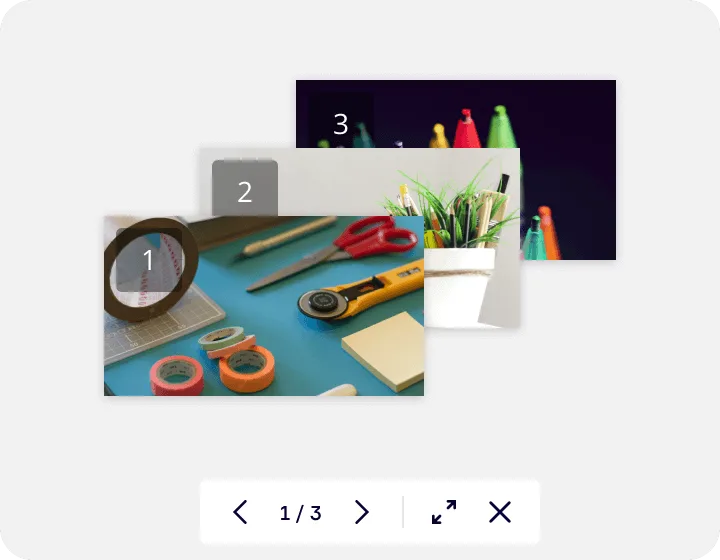
    Miro's image gallery or media viewer feature showing a lightbox-style presentation with three numbered slides containing craft supplies photos, displayed with navigation controls (1/3) and expand/close buttons at the bottom.
  • Live feature prioritization during the presentation, not after

    Voting during a roadmap review usually means a follow-up survey that half the room ignores. Miro's built-in audience voting lets your stakeholders rank next-quarter priorities directly inside the deck - on their phones via QR code, no Miro account needed - and the results export straight to sticky notes on the board for your backlog grooming session.

    Live feature prioritization during the presentation, not after

How product managers get started with presentations in Miro Slides

  • Pull your sprint outputs into frames

    Open a board where your backlog notes, user research, and roadmap already live, then use Frames to carve that content into individual slides - one key message per frame - so your roadmap review or go/no-go recommendation has a clear structure before you write a single word of narrative.

  • Let AI draft your story arc

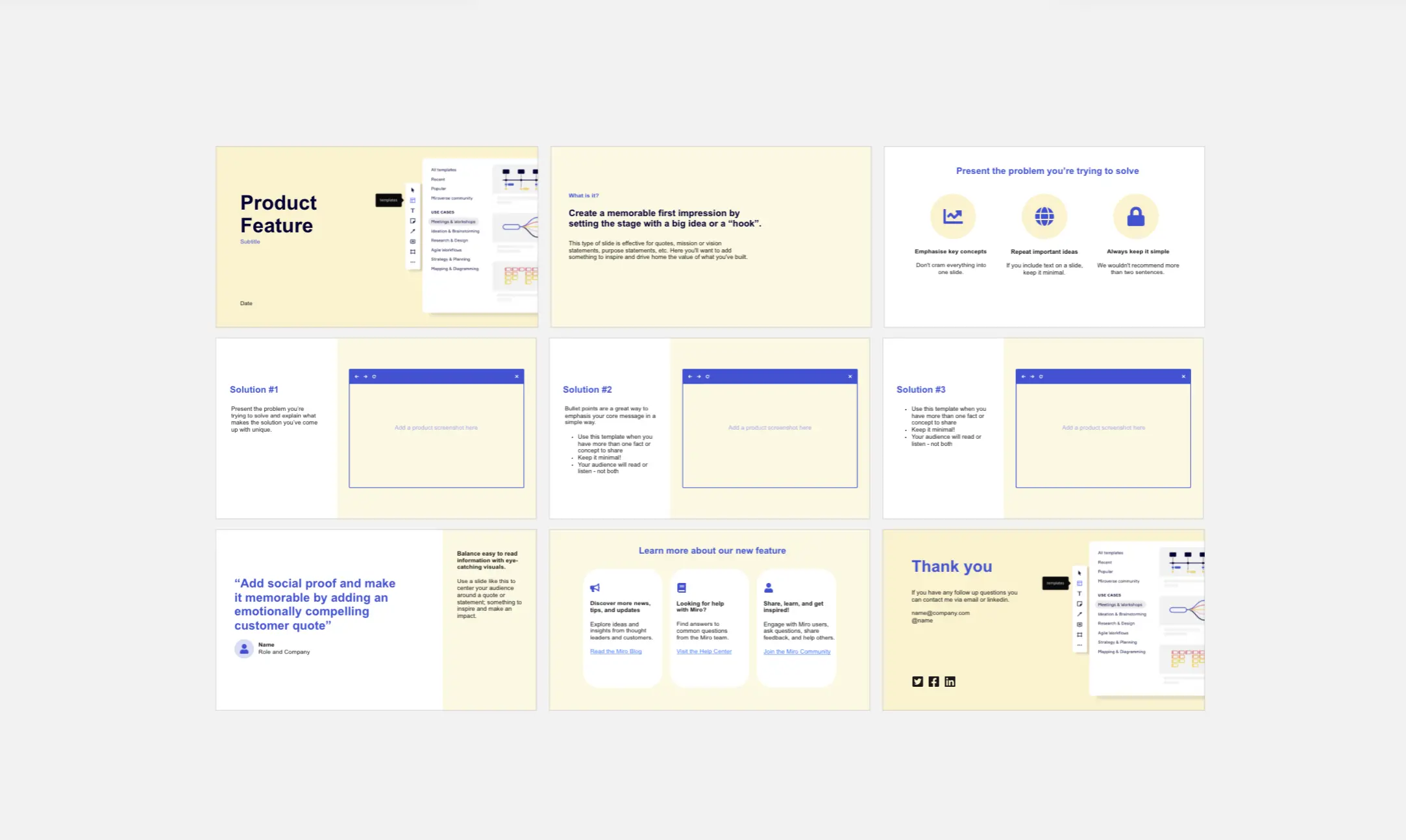
    Select your existing board content and use AI Generate Slides with a prompt that names your audience and stakes (try: "5-slide go/no-go deck: opportunity, discovery findings, prioritization rationale, tradeoffs, ask - for a VP of Product and engineering leads") so the deck argues a clear case rather than just reporting status.

  • Trigger the Product Leader Sidekick on dense slides

    Use AI Sidekicks via Action Shortcuts on individual frames to flag overloaded slides, weak tradeoff logic, or buried prioritization rationale as sticky note follow-ups - so you catch the questions your CPO will ask before you're in the room.

  • Run a live prioritization check with your audience

    Embed Miro Engage Activities - a Ranking or Alignment Scale - directly into the deck so engineering leads and stakeholders vote on tradeoffs in real time, and responses export to sticky notes on the board for your post-meeting backlog decisions.

Miro Slides tips for product managers

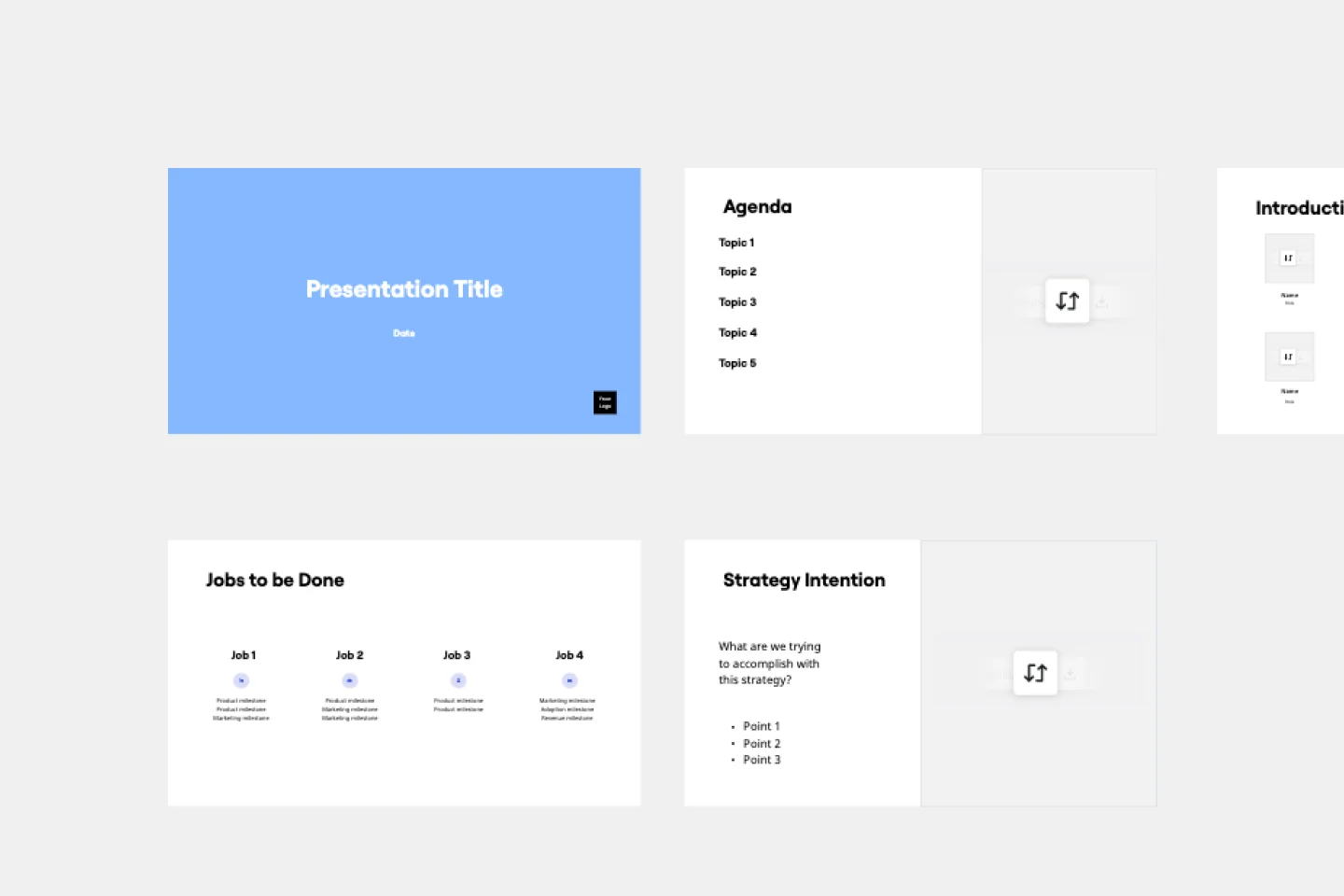
  • Before your quarterly roadmap review, save your slide structure as a Custom Template so sprint reviews, strategy updates, and resourcing asks all start from the same opinionated frame order - not a blank board or last quarter's duplicated deck.

  • Record a Talktrack narration after finalizing the deck so your CPO gets the three-slide version asynchronously before the meeting, and your engineering leads can replay your prioritization rationale without you having to repeat yourself.

  • Embed live Figma frames and your analytics tool via External Embeds directly on slide frames, then set Action Shortcuts to fetch the latest data at present time - so your activation rates and feature adoption numbers are never a screenshot from last Tuesday.

Understand how product managers transform their work

  • The platform is intutive and easy to navigate, even for a first time user. I am a Product Manager and I use it on a daily basis to create feature flows, UX journeys, facilitate workshops and to present. I don't even remember I used Powerpoint to present.

    Verified User

    G2
  • Currently, I'm working on a presentation. I was asked to put it in PowerPoint, but I insisted that I put it in Miro. PowerPoint only has so much room. With Miro, I can go on forever and all I have to do is zoom in and out to show the big picture and to show the details

    Verified User

    G2

Presentations and Slides essential guide for product managers

CategoryKey insights
  • Common mistakes to avoid

    The biggest trap for PMs is cramming a roadmap's worth of context onto a single frame. Each frame should make one argument, not document an entire quarter. Also, sort your frame order before the exec review starts. Frames default to creation order in Interactive Presentation Mode, and a narrative that jumps from Q3 bets to onboarding specs to churn risk will lose the room faster than any scope debate.

  • Key integrations for product managers

    Jira and Confluence are the workhorses here. Pull live delivery status and decision logs directly into your board so your roadmap review reflects what's actually shipping, not what you remembered to copy over. Zoom and Microsoft Teams keep the live presentation layer intact for distributed orgs, and the Google Slides and PowerPoint exports give you an escape hatch when a VP insists on a file attachment. For PMs operating in Atlassian-heavy environments, the Jira integration is especially worth setting up before you hit sprint review season.

  • When to use it

    Reach for Miro Presentations when you're translating a live working board into an executive-facing story and don't want to rebuild everything in a separate slide tool. A quarterly roadmap review is the clearest fit: open the board where the team tracked sprint outcomes, drop Frames around each section, use AI slide generation to draft the executive summary, then capture leadership's prioritization preferences in real time with Voting. If your CPO is in a different timezone and needs the three-slide version before tomorrow's leadership sync, record a Talktrack walkthrough so they get your full rationale without scheduling another call.

  • Security & Compliance

    For PMs presenting roadmaps that include unannounced features or pricing strategy, check your sharing permissions before you send the link. Miro's granular controls let you share a curated slide sequence without exposing the full working board. The platform is SOC2 Type II certified, and enterprise product organizations with stricter requirements can layer on data residency controls and admin-level access management to keep roadmap content inside approved boundaries.

Frequently asked questions for product managers

Last updated: Thursday, July 16, 2026