





Andrey
See collaborative AI in action — straight from the Canvas 26 keynote.
Jeff

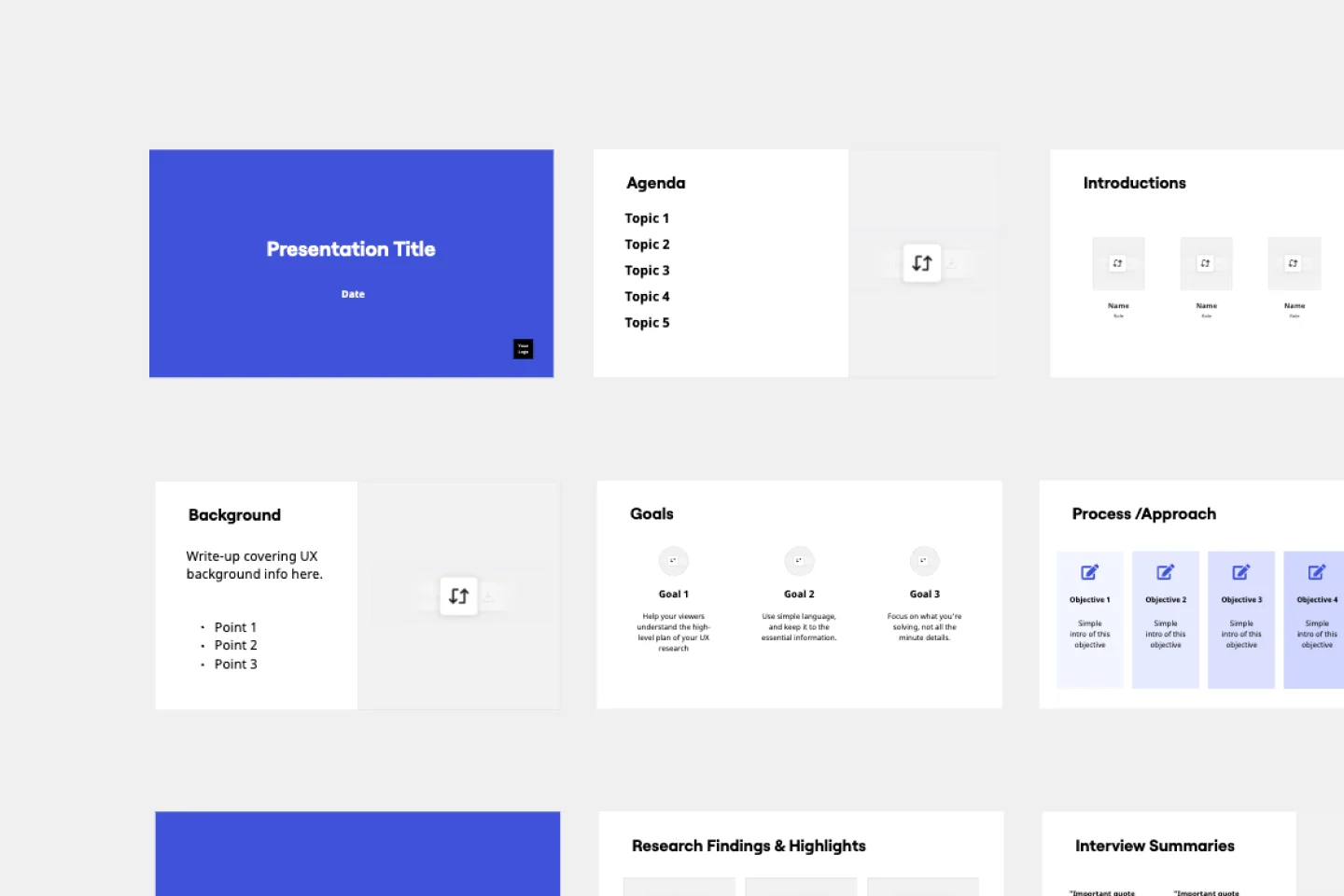
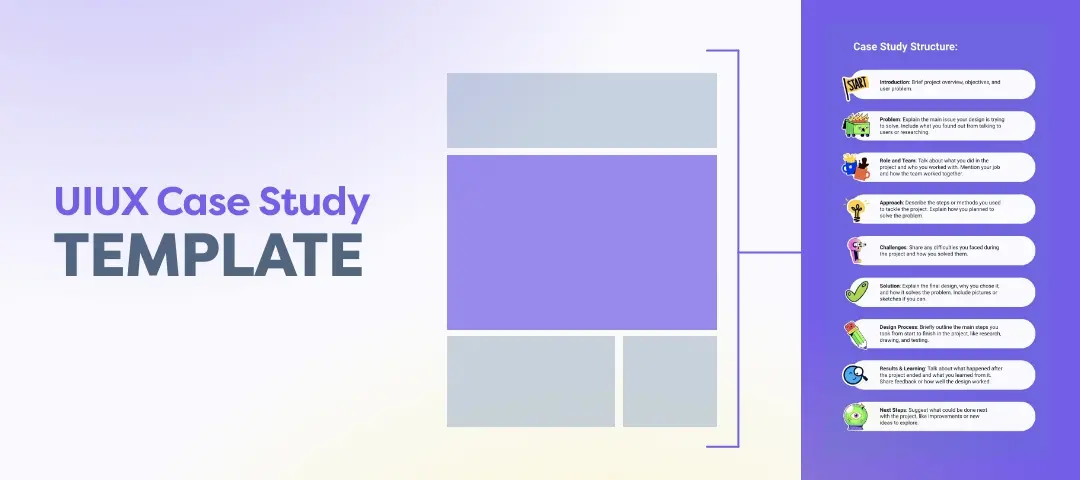
Presentations and slides for UX designers

Turn your research canvas into a stakeholder-ready deck. No rebuilding in PowerPoint, no lost context with Miro Slides.

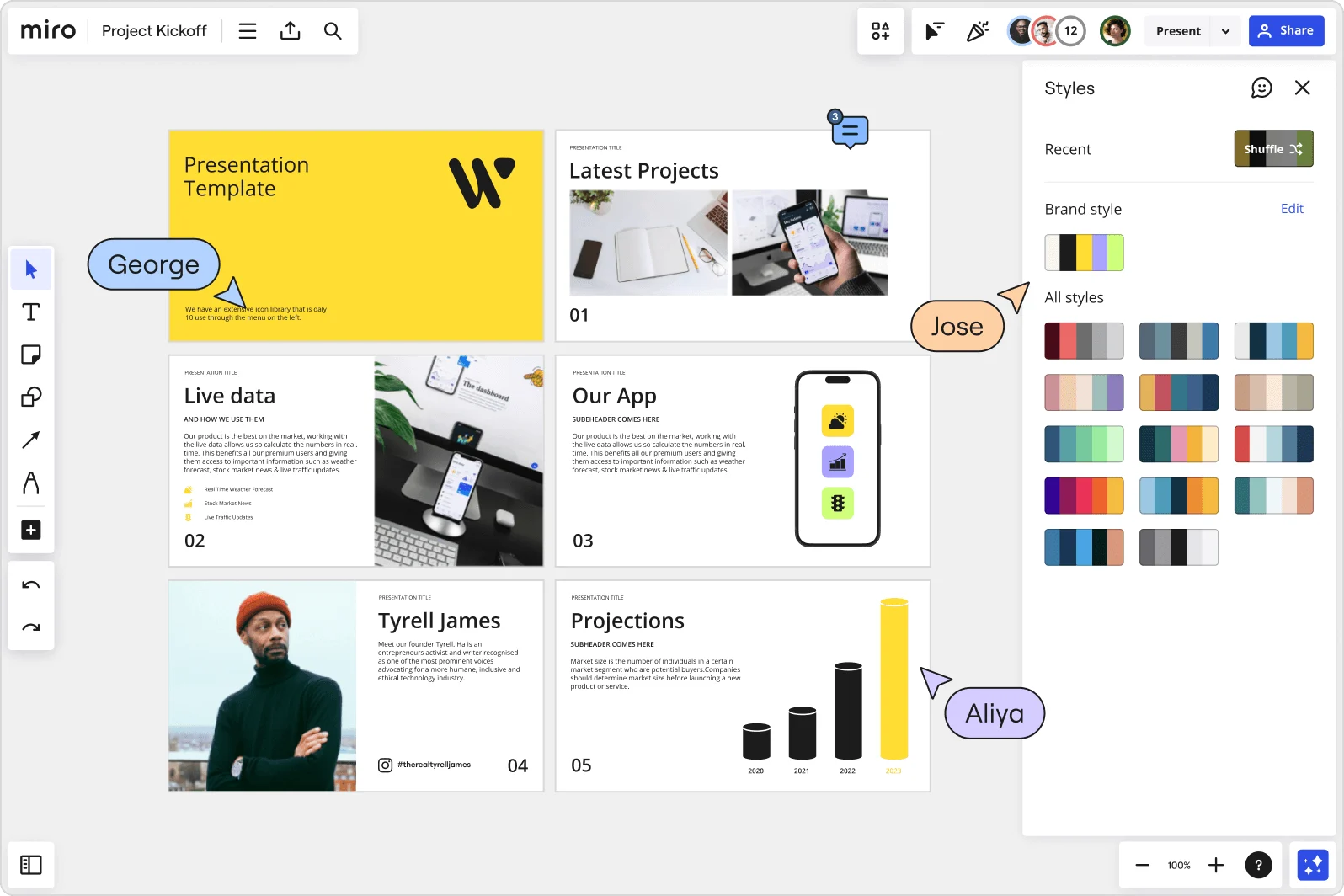
Miro board showing a Project Kickoff presentation template with five slides including a title slide, Latest Projects, Live Data, Our App, a founder profile for Tyrell James, and Projections with bar charts. A Styles panel is open on the right showing brand color palettes and a Shuffle option, with three collaborator cursors visible (George, Jose, and Aliya).

What experts say

  • The way we present information and tell stories using slides has a massive impact on how well our ideas are understood and remembered.

    Nancy Duarte

    Speaker and CEO · Duarte

    Industry Expert
  • Presenting isn't about selling yourself or your work; it's about designing understanding.

    Laia Tremosa

    Writer · Interaction Design Foundation

    Keynote Speaker

The research on presentations and slides

  • 66%

    Visual presentations with graphs and diagrams increased audience conviction from 50% (verbal only) to over 66%, demonstrating the persuasive power of diagramming in consulting presentations

    Source: Cornell University / Wharton School of Business

  • Business strategies presented with visual diagrams received higher attention, agreement, and recall compared to text-based presentations, benefiting consulting deliverables

    Source: University of Lugano / SIOP-SHRM

See presentations and slides in action

Related templates for UX designers

We have 88 templates in our library for presentations and slides.

Why UX designers love collaborating on presentations with Miro Slides

  • From user journey maps to executive-ready slides

    You've spent a week mapping flows and synthesizing research - then you rebuild it all in PowerPoint from scratch. With Miro's Frames-as-slides approach, your journey maps, affinity diagrams, and annotated wireframes become the deck. Select your content, hit "Turn into slides," and your design work is the presentation.
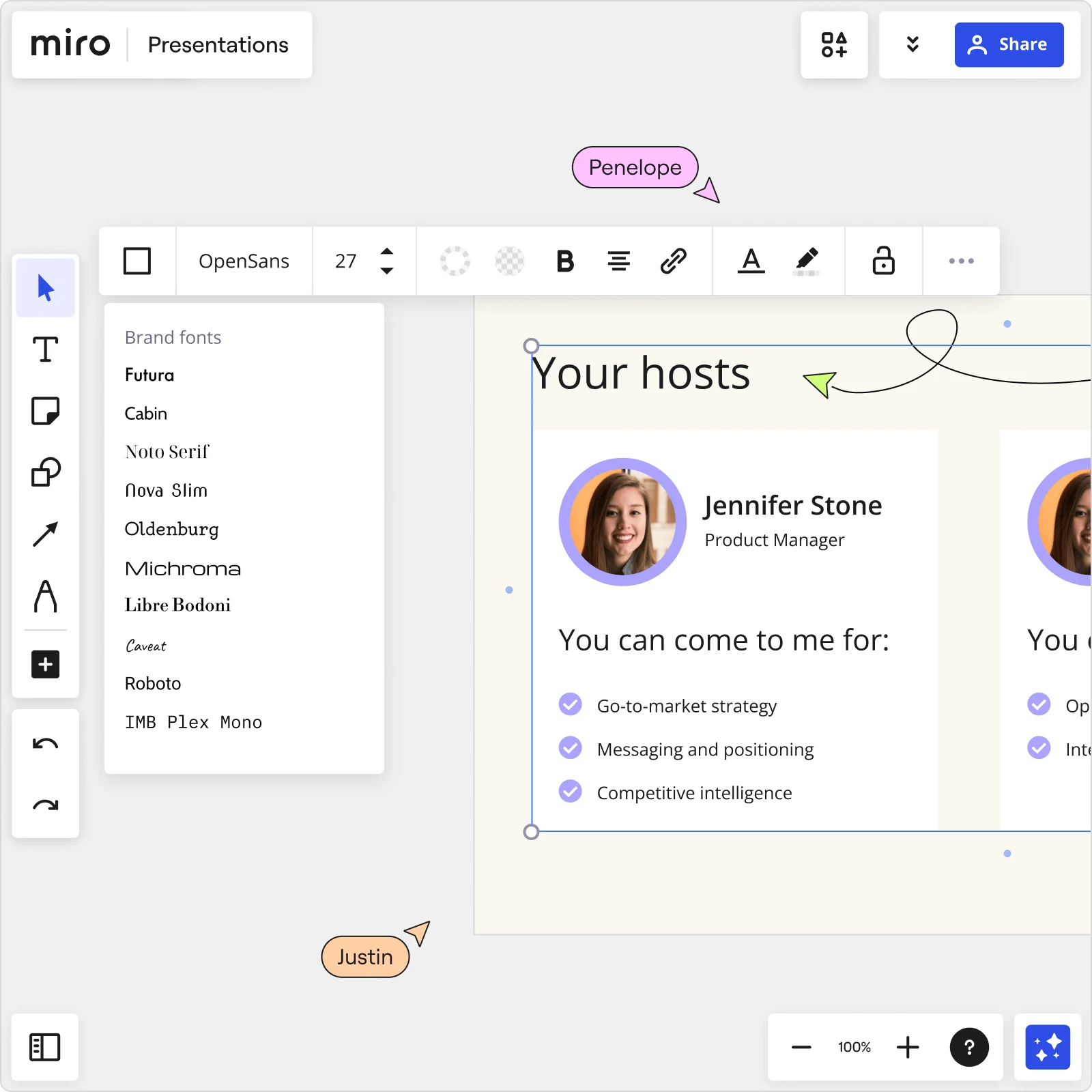
    Miro Presentations board showing Your hosts slide with Jennifer Stone profile, brand fonts panel open, and collaborator cursors editing presentation content
  • Stop chasing reviewers before a design crit

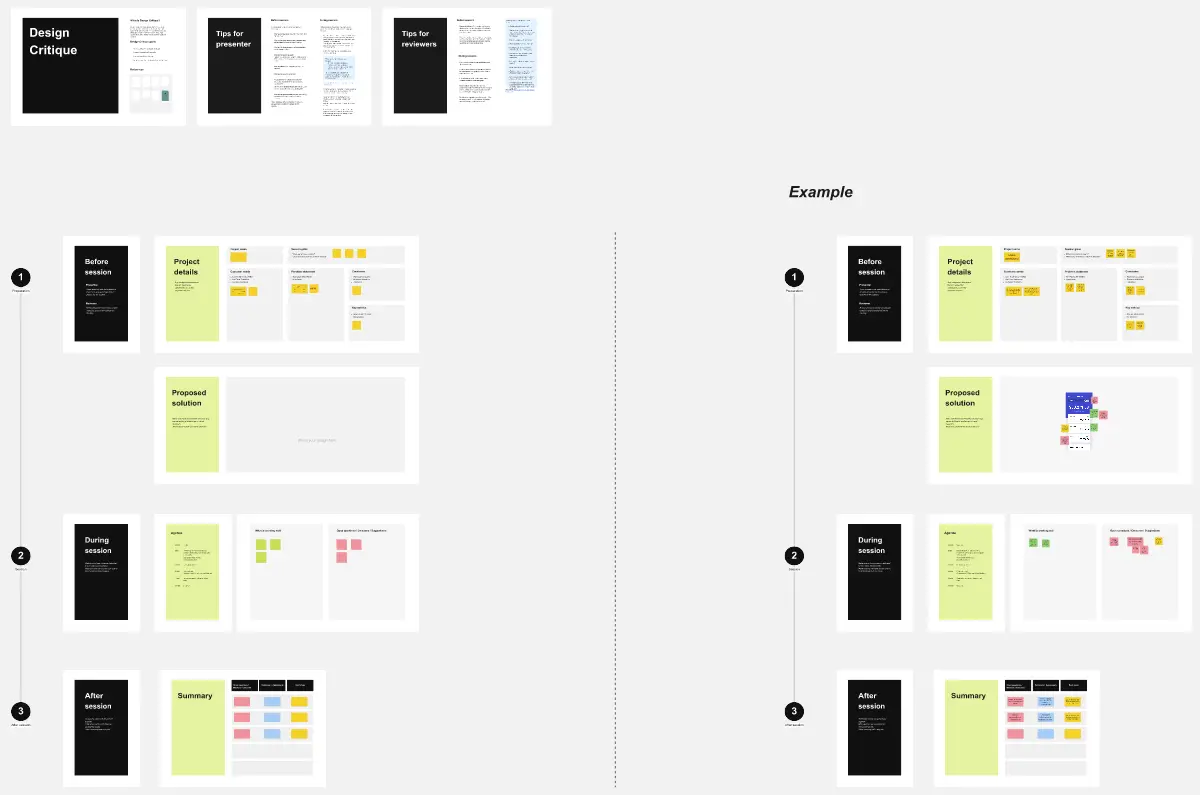
    Feedback on design deliverables usually arrives in scattered email threads, days after the session. Miro's threaded comments anchor directly to each slide frame - your tech leads and product managers comment on the exact screen they mean, and you iterate without scheduling a follow-up call.

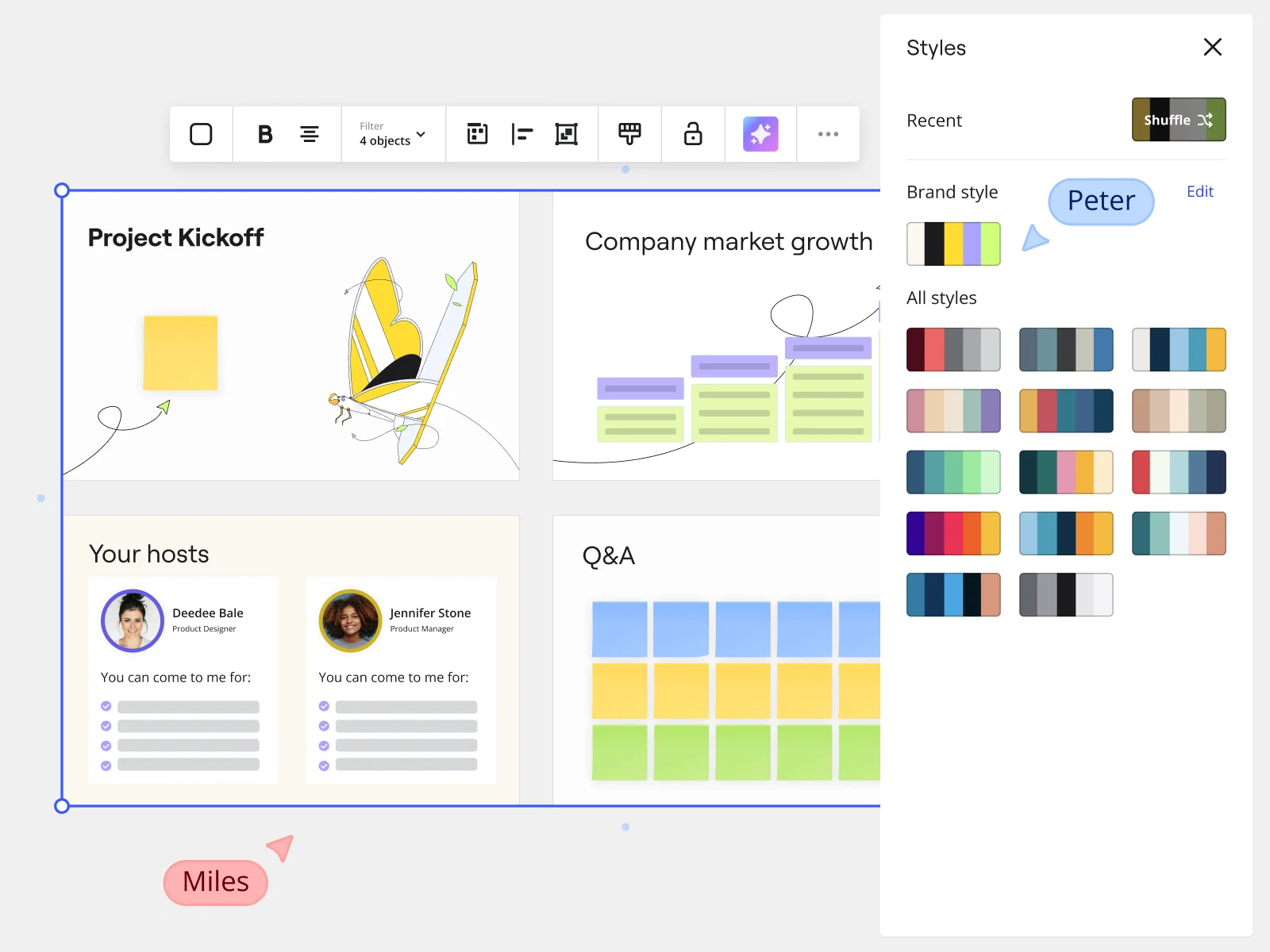
    Miro presentation mode showing Project Kickoff slides with Styles panel and brand style options for marketing teams
  • When your Figma prototype needs to live in the deck

    Switching tabs mid-presentation kills momentum and loses the room. Embed Figma design frames and live Looker charts directly onto slide frames using Miro's External Embeds, so your prototype, data, and narrative stay in one place during delivery.

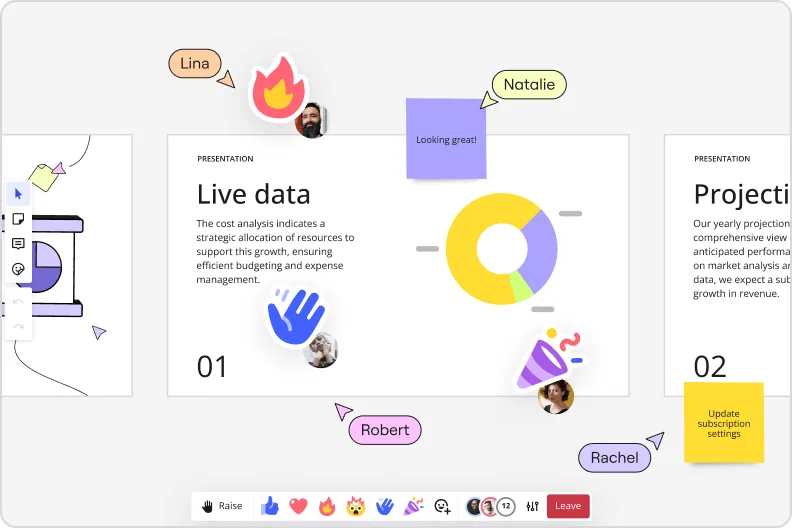
    Miro presentation mode showing live data slide with donut charts and collaborator reactions and emoji feedback
  • Your design handoff, without the async black hole

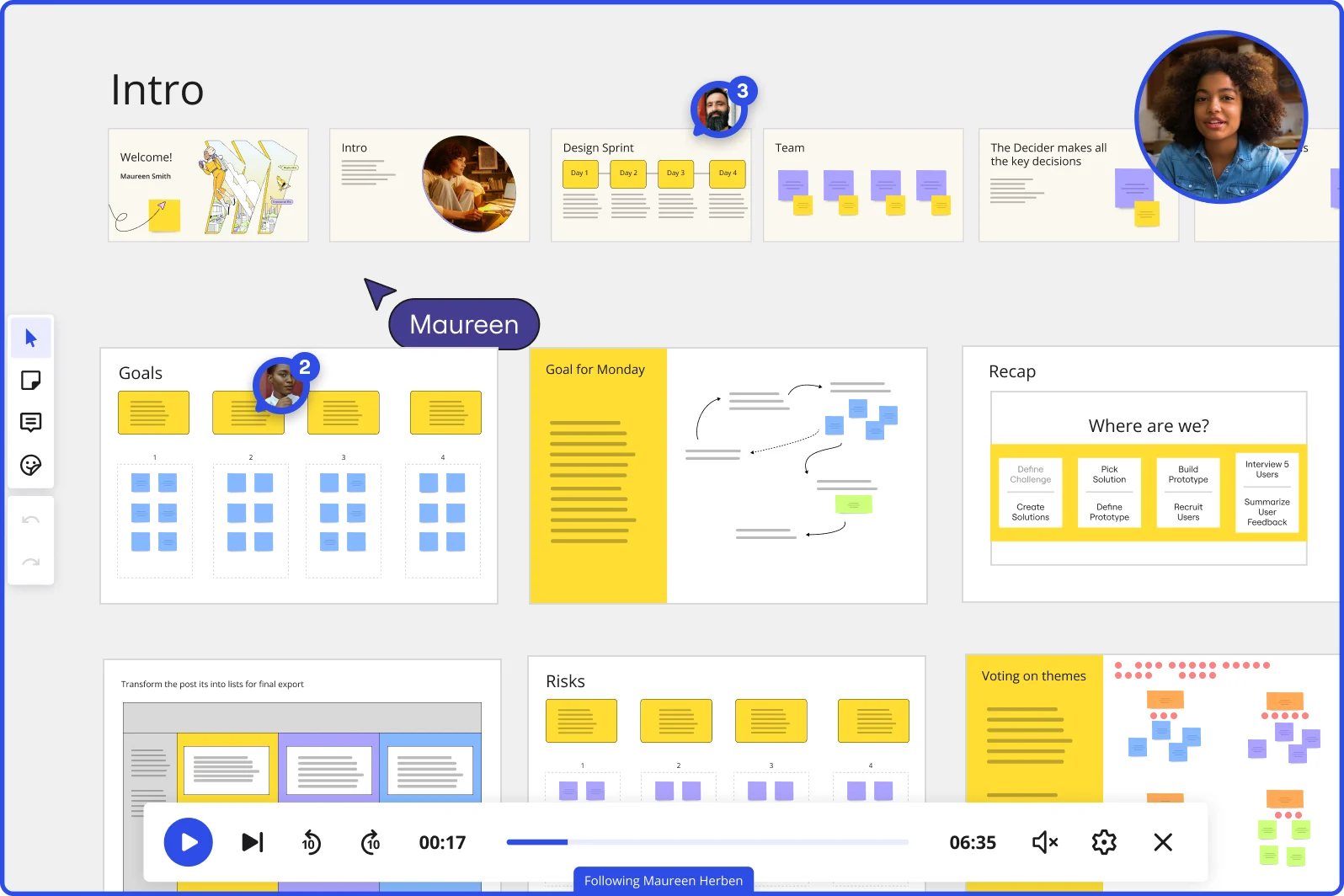
    Distributed teams - whether a 4-person startup or a 400-person org - lose context when stakeholders miss the live session. Record a narrated Talktrack walkthrough tied to each frame, and absent product leads or engineering managers replay the full presentation with your audio and navigation intact.

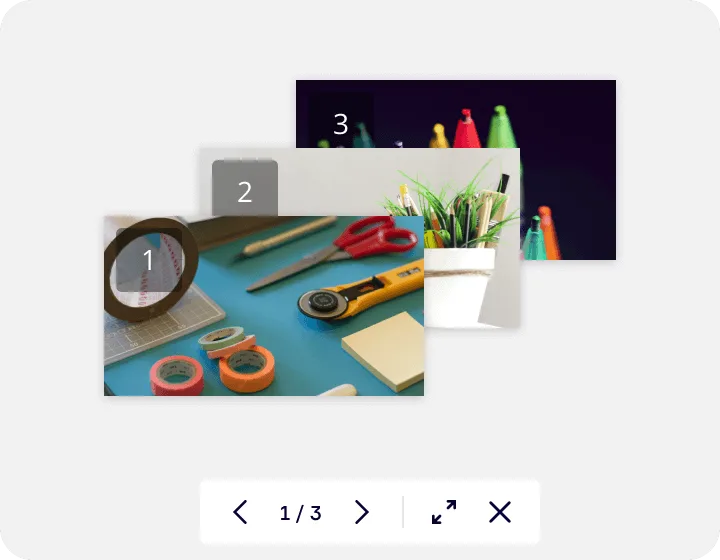
    Miro's image gallery or media viewer feature showing a lightbox-style presentation with three numbered slides containing craft supplies photos, displayed with navigation controls (1/3) and expand/close buttons at the bottom.
  • Build one presentation template, ship it to every designer

    Small studios want consistency without a 20-step setup. Large design organizations need every squad presenting in the same brand format. Save your branded title slide, research readout structure, and handoff frame as a custom template - Miro's Synced Copies push updates to every designer's board in about 10 seconds.

    Build one presentation template, ship it to every designer

How UX designers get started with presentations and slides in Miro

  • Pull your research artifacts into one board

    Open a Miro board and embed your Figma prototypes, Maze results, and Dovetail synthesis directly onto the canvas using External Embeds, so your affinity clusters and severity ratings live beside the slides you're building, not buried in separate tabs.

  • Turn your synthesis into a first-draft deck

    Select your affinity-clustered sticky notes and insight themes, then use AI Generate Slides via "Turn into slides" from the context menu to convert your research synthesis into a structured findings deck, with audience and tone specified in the prompt (e.g., "5-slide usability readout for a skeptical engineering audience").

  • Build one frame per insight, not per topic

    Organize your findings into Frames, with each frame carrying a single recommendation and its supporting evidence, then use Comments to collect threaded, slide-specific feedback from your PM or design lead before sprint planning day arrives.

  • Record your narrative before the meeting

    Use Talktrack to narrate through the severity ratings and so-what recommendations so the VP who skips the live readout still gets the full story, complete with your spoken reasoning, captions, and the visual context that a flat PDF would have stripped out.

Presentations tips for UX designers

  • When prompting AI Generate Slides, name your audience explicitly ("senior PM, no research background") and your recommendation structure ("finding, evidence, severity, next step") to stop the output defaulting to generic bullet layouts.

  • Use Presenter Notes inside Presentation Mode from Miro slides to hold your verbatim task completion rates and time-on-task numbers, keeping slides clean for executives while giving yourself the data depth engineers will ask for in Q&A.

  • Save your research readout structure, including the findings frame, evidence frame, and recommendation frame, as a Custom Template so every future usability study starts from the same narrative scaffold rather than a blank canvas.

Understand how UX designers transform their work

  • Currently, I'm working on a presentation. I was asked to put it in PowerPoint, but I insisted that I put it in Miro. PowerPoint only has so much room. With Miro, I can go on forever and all I have to do is zoom in and out to show the big picture and to show the details

    Dahlia Hamamcy

    G2
  • Best templates for workshops and brainstorming sessions within UX/product teams

    Manager in Other at Gambling & Casinos

    TrustRadius

Presentations and slides essential guide for UX designers

CategoryKey insights
  • Common mistakes to avoid

    The biggest trap for UX designers is cramming an affinity cluster, a severity matrix, and three insight quotes onto a single frame - each frame should land one idea, not recreate your full Dovetail synthesis. Don't skip reordering your frames before you go live: Miro Slides stacks them by creation order by default, which means your research narrative can fall apart right when a skeptical VP needs to see a clean through-line. If you're recording a Talktrack for async stakeholders in different time zones, test your interactive elements like Voting and Breakout Frames beforehand - discovering a broken facilitation tool mid-readout is its own usability finding you don't want to make.

  • Key integrations for UX designers

    Figma and Confluence are the core of the UX designer's stack here: Figma artifacts embed directly so designers don't flatten their visual work into screenshots, and Confluence means findings decks can live alongside product specs without a copy-paste loop. Jira keeps the presentation grounded in the sprint calendar, so recommendations link directly to backlog items rather than floating as abstract insights. For presenting live or async, Zoom, Microsoft Teams, and Talktrack cover both the synchronous readout and the narrated walkthrough for researchers on opposite sides of the globe.

  • When to use it

    Reach for Miro's Slides tool the moment a research sprint wraps and you need to turn spatial synthesis work into a narrative your PM or VP can actually follow - presenting directly from the board means your affinity clusters, journey maps, and usability findings stay live and interactive rather than getting flattened into a PDF. It's especially useful when a single deck has to work at two levels: executives get the interactive executive summary frames up front, while engineers can drill into embedded prototypes and task completion data without you rebuilding anything in a separate tool. If the sprint review is tomorrow and half the team is async, record a Talktrack so the stakeholders who missed the live session hear your full reasoning, not just the slides.

  • Security & Compliance

    For UX designers at product companies handling user research data, Miro's SOC 2 Type II certification and granular sharing permissions mean you can open a board to a cross-functional review without accidentally exposing a raw Lookback session or an unpublished findings deck to the wrong audience. Enterprise design orgs managing sensitive user data across regions get data residency controls to keep research artifacts in the right jurisdiction. Private Mode adds an extra layer for pre-launch usability work where even internal visibility needs to stay locked down until the readout is ready.

Frequently asked questions for UX designers

Last updated: Thursday, July 16, 2026