






Andrey
See collaborative AI in action — straight from the Canvas 26 keynote.
Jeff

Presentations and slides for workshop facilitators

Turn your session canvas into a polished deck instantly. No rebuild, no tool-switching - just present. Try Miro's Slides tool now.

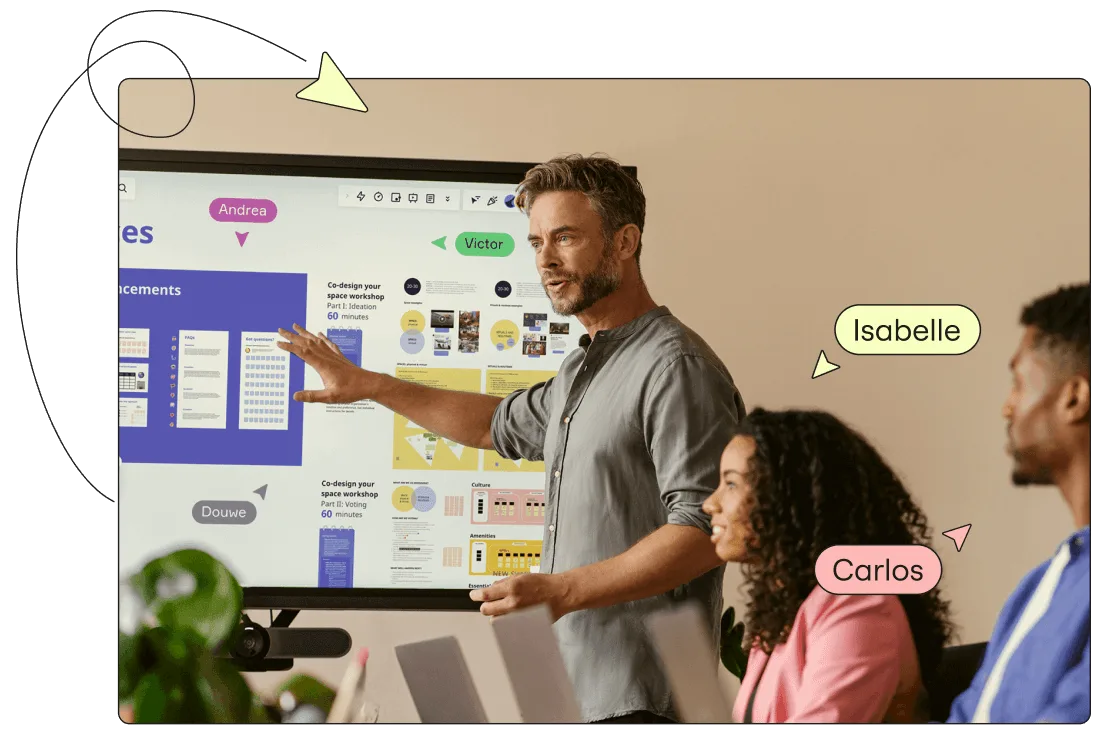
A presenter gestures toward a large display showing a Miro board with workshop templates including 'Co-design your space workshop' cards in blue and yellow, while two colleagues (labeled Isabelle and Carlos) watch; collaborative user cursors labeled Andrea, Victor, and Douwe are overlaid on the board.

What experts say

  • The way we present information and tell stories using slides has a massive impact on how well our ideas are understood and remembered.

    Nancy Duarte

    Speaker and CEO · Duarte

    Industry Expert
  • The facilitator's job is to create a sense of safety and trust, so that participants feel comfortable sharing their experiences and insights.

    Ken Nelson

    Author and Workshop Facilitator · MotivationStuff.com

The research on presentations and slides

  • 33%

    Facilitation techniques improved participant engagement by 33% in team workshop settings

    Source: Organizational Behavior and Human Decision Processes

  • 85.8%

    85.8% of facilitators use AI for preparing workshop sessions, speeding up preparation

    Source: SessionLab

See presentations and slides in action

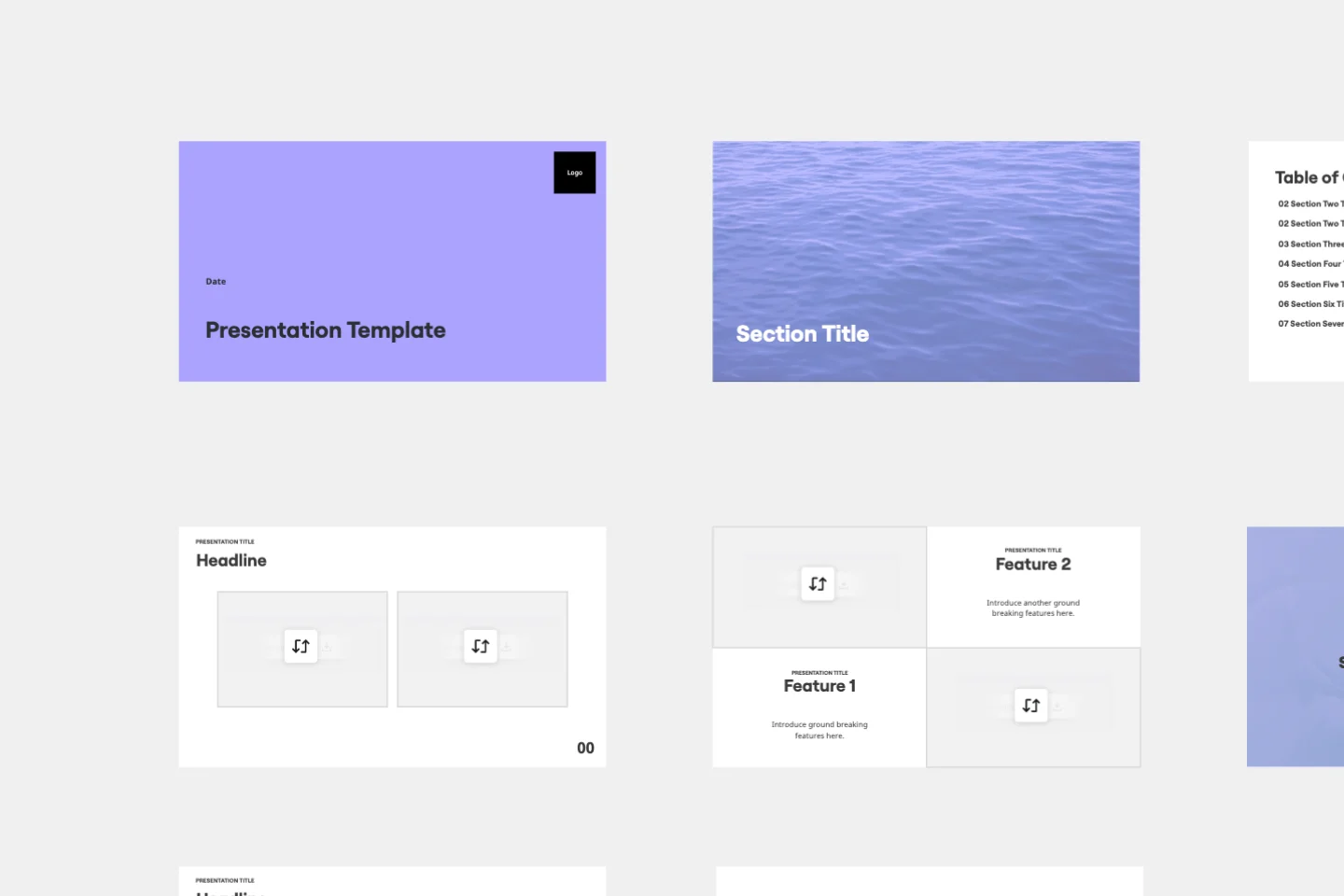
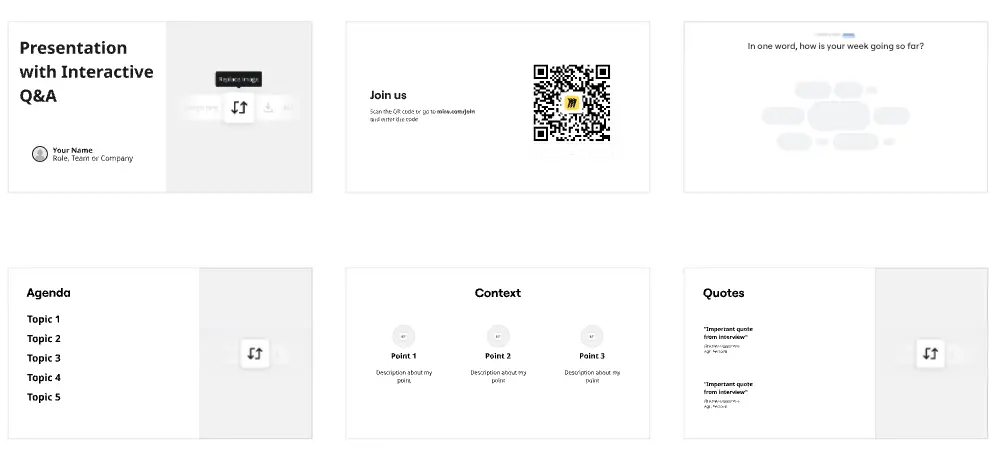
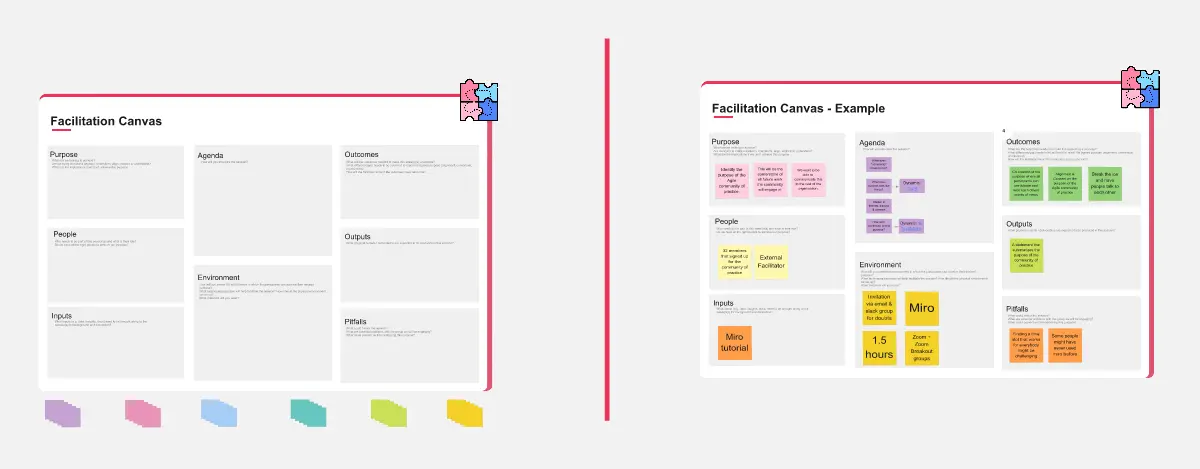
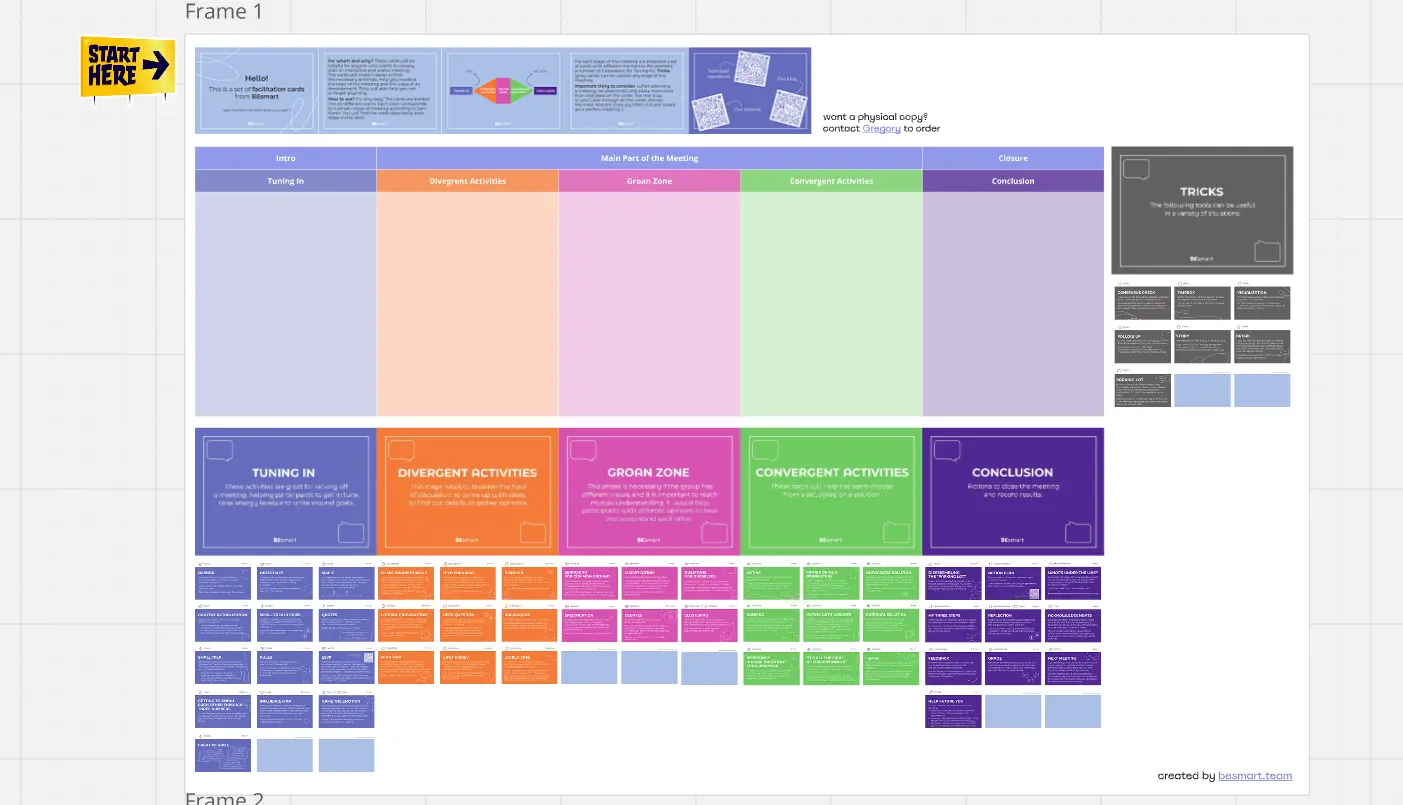
Related templates for workshop facilitators

We have 22 templates in our library for Presentations and Slides.

Why workshop facilitators love creating and sharing presentations in Miro

  • Stop rebuilding your workshop outputs in PowerPoint

    You've run the session, filled the board with sticky notes, voted on priorities, and mapped the flow. Then you spend another two hours copying it all into a slide deck. Miro's Frames turn every board section into a slide automatically - your workshop is already the presentation.
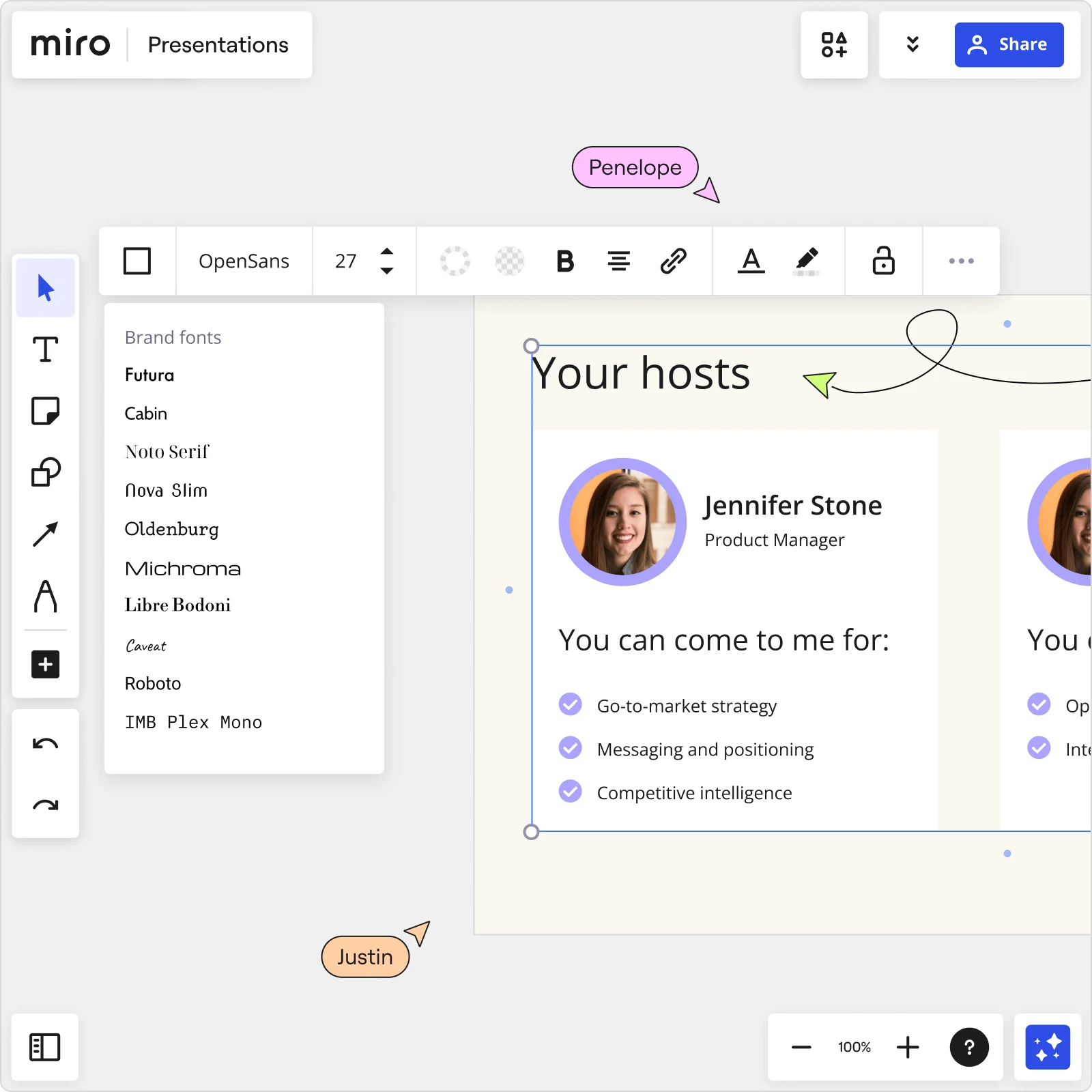
    Miro Presentations board showing Your hosts slide with Jennifer Stone profile, brand fonts panel open, and collaborator cursors editing presentation content
  • When your audience needs to do more than watch

    Passive decks lose rooms fast, whether you're running a 6-person retrospective or a 200-person all-hands. Miro's Interactive Presentation Mode puts live polls, word clouds, anonymous Q&A, and group exercises right inside the deck - participants join from their phones via QR code, no Miro account needed.

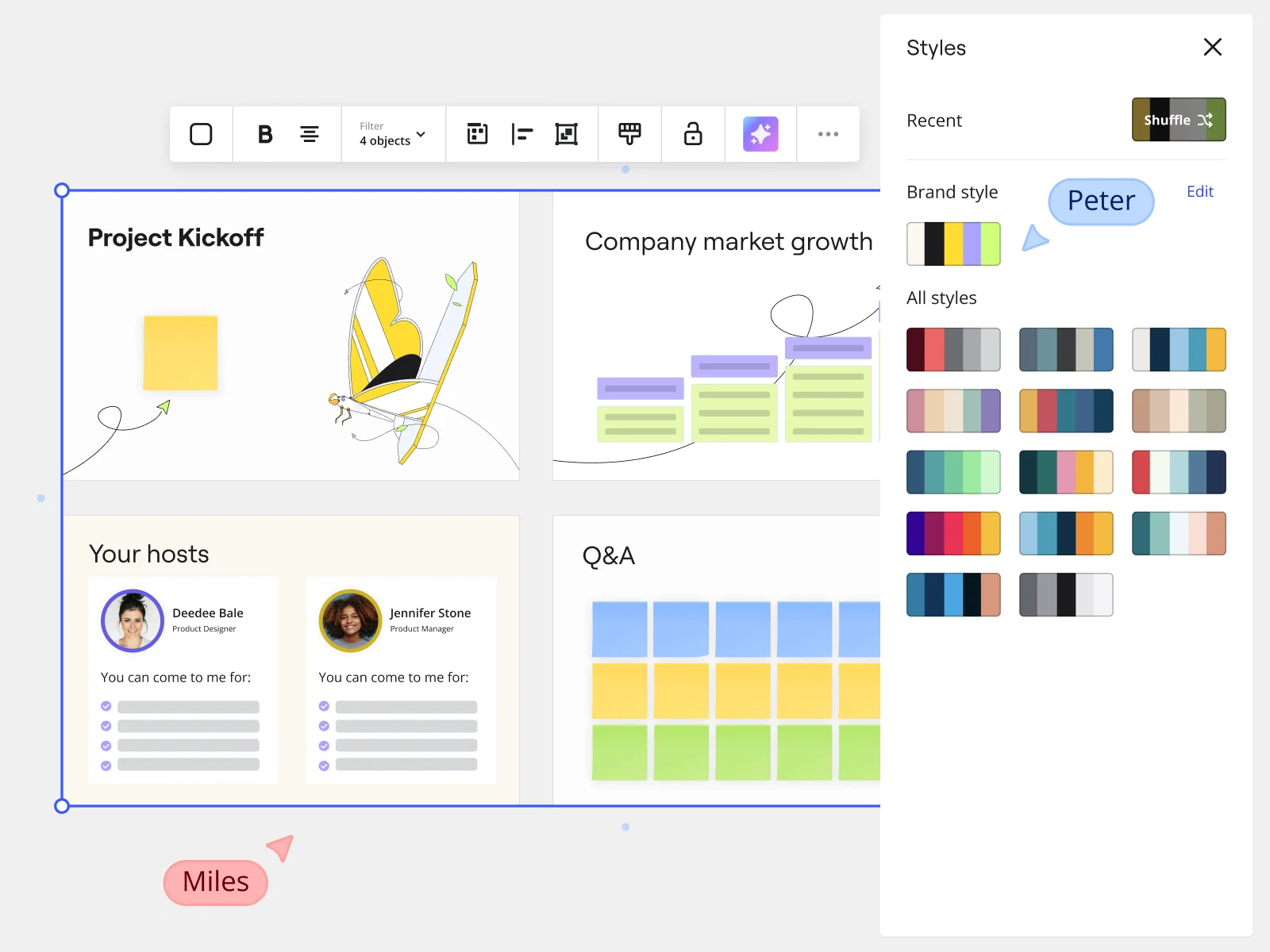
    Miro presentation mode showing Project Kickoff slides with Styles panel and brand style options for marketing teams
  • Your recurring cadence, without the setup tax

    Sprint reviews, quarterly planning sessions, client readouts - you run the same structure every cycle. Save your session format as a Presentation Blueprint so the agenda, Engage activity slots, and embedded facilitation tools reload fresh every time, not rebuilt from last month's board.

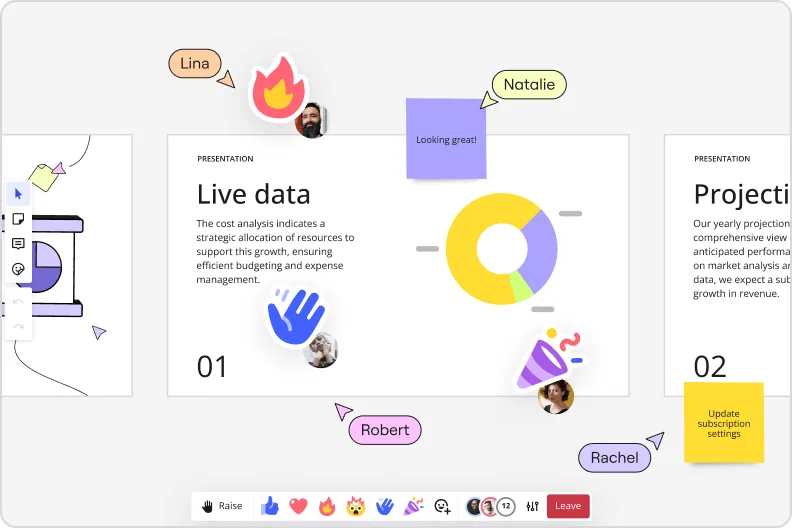
    Miro presentation mode showing live data slide with donut charts and collaborator reactions and emoji feedback
  • From scattered breakout notes to one signed-off deck

    After breakout groups report back, you're left reconciling sticky notes, diagrams, and half-finished frames across five different canvas sections. Describe what you need and let Miro's AI slide generator draft the outline, apply your brand colors automatically, and route the deck for sign-off before it goes to execs.

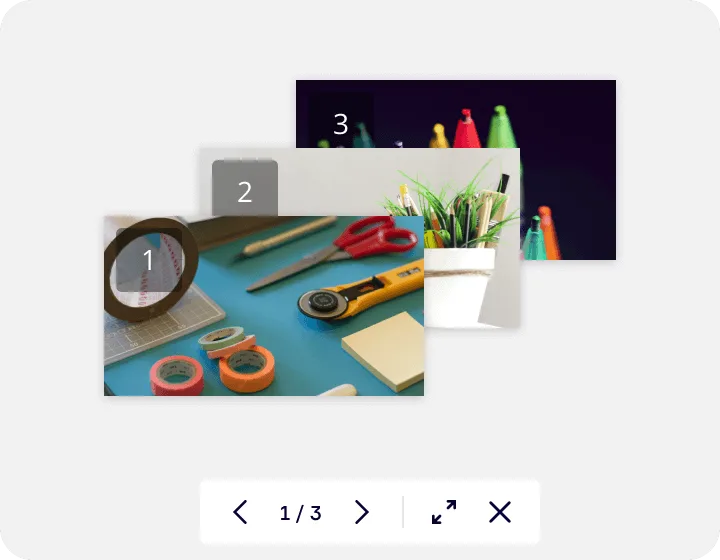
    Miro's image gallery or media viewer feature showing a lightbox-style presentation with three numbered slides containing craft supplies photos, displayed with navigation controls (1/3) and expand/close buttons at the bottom.
  • Are remote participants missing the full picture?

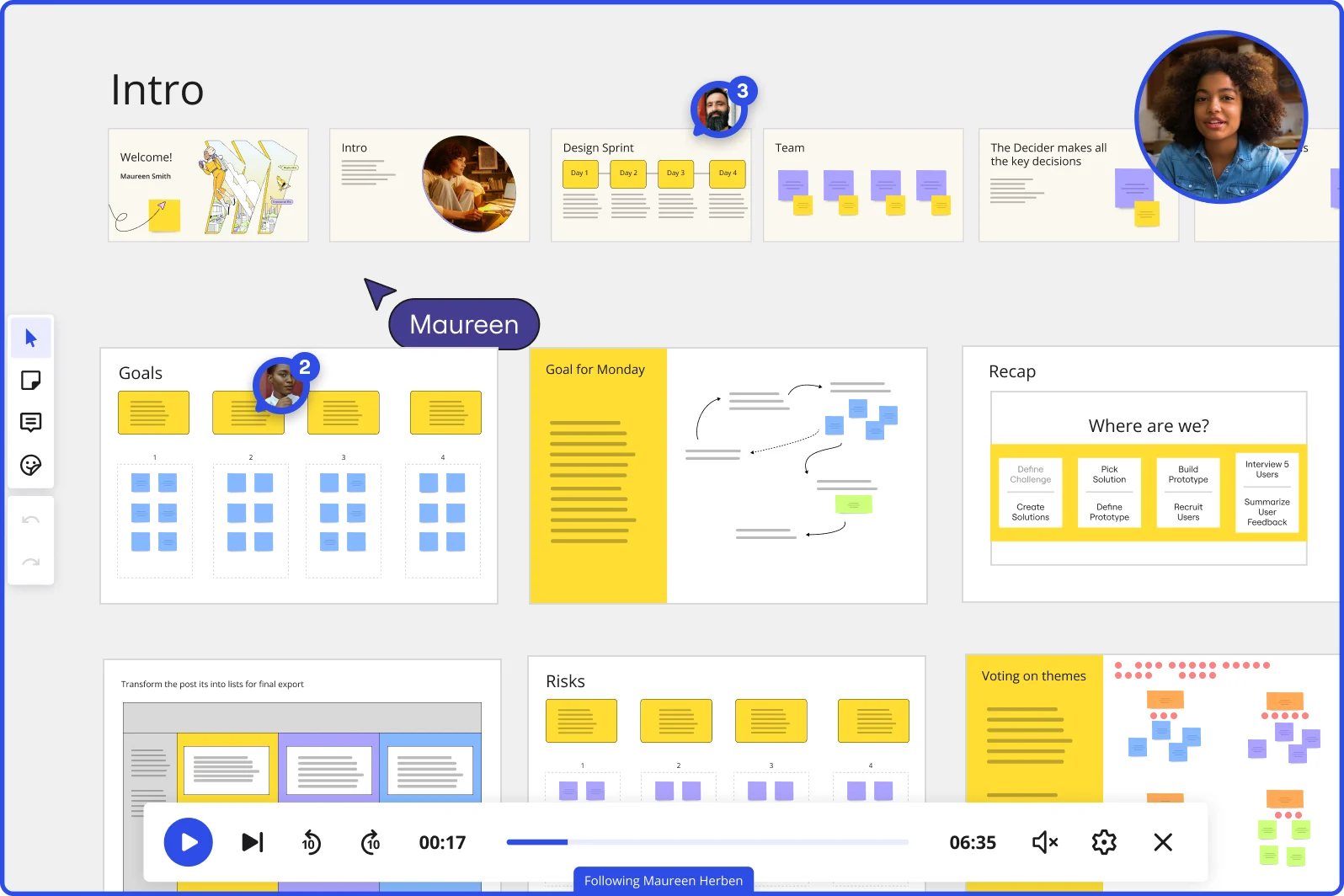
    A PDF export strips out your narration, your emphasis, and the moment the room agreed on a direction. Record a Talktrack walkthrough - your audio syncs to every frame transition so distributed participants replay the session exactly as it happened, captions included.

    Are remote participants missing the full picture?

How workshop facilitators get started with Miro's Slides tool

  • Build your session agenda in frames

    Open a new board and create one Frame per agenda block - warm-up, diverge activity, converge activity, debrief - so your run-of-show is already baked into the slide order before you touch a single piece of content.

  • Embed live activities into your deck

    Drop Miro Engage Activities (Multiple Choice, Word Cloud, Ranking, Q&A) directly into the frames where participants need to respond, so attendees join via QR code on their phones and their answers visualize live without anyone leaving the slide.

  • Lock what participants shouldn't see

    Before the session goes live, use Presentation Mode's Frames Panel to confirm your slide sequence hides any working boards or spoiler frames, then assign Breakout Frames for small-group exercises so the room splits cleanly at the right moment.

  • Hand off and harvest without losing momentum

    Use Hand Off Control to pass the presenter role to a co-facilitator during parallel workstreams, then export Engage responses directly to Sticky Notes on the canvas so the debrief harvest is ready the moment you close the deck.

Slides tips for workshop facilitators

  • Before the session, run through every transition in Presentation Mode with a colleague standing in as a participant - catching a missequenced frame or an exposed working board in rehearsal beats catching it in front of twenty executives.

  • Set your Timer durations on each activity frame during build, not the morning of - having countdown cues pre-loaded means you stay in facilitator mode instead of fumbling with settings mid-session.

  • After the workshop, record a Talktrack walkthrough of the final deck so the sponsor who wasn't in the room gets the full narrative, not just a static export they'll misread without context.

Understand how workshop facilitators transform their work

  • Setting up interactive workshops in one platform - emotes and voting tools provide an easy to use way of structuring participant input. Far better than anything I have worked with so far.

    Verified User in Insurance

    G2
  • Great tool for workshop/training facilitation and daily work

    User at Information Technology & Services

    TrustRadius

Presentations and slides essential guide for workshop facilitators

CategoryKey insights
  • Common mistakes to avoid

    The biggest trap facilitators fall into is not reordering frames before going live. By default, Frames appear in creation order, so a session that was built non-linearly will play out as a confusing jumble right in front of your sponsor. The other one to stress-test before anyone joins: check your sharing permissions, because a link that exposes the full working board rather than your curated slide sequence is exactly the kind of spoiler that kills psychological safety before the warm-up even starts.

  • Key integrations for workshop facilitators

    Google Slides and Microsoft PowerPoint let facilitators pull in client-sent pre-work without copy-pasting between tools, so the sponsor's existing deck and your activity frames live in one place. Zoom, Microsoft Teams, and Webex connect directly to Interactive Presentation Mode, which means your timing cues, Voting, and Breakout Frames run inside the same session your participants are already in. For facilitators working inside larger organizations with Confluence or Jira, embedding session outputs means decisions and action items flow straight into the systems where follow-through actually happens.

  • When to use it

    Reach for this when you need to sequence your facilitation agenda into a clean linear flow for participants without exposing the messy working board underneath. If a client has sent a PowerPoint deck you need to reconcile with your own activity frames, AI slide generation lets you build a unified session deck in minutes rather than rebuilding from scratch across two tools. It's also the right call when time-zone-shifted participants or an absent sponsor need the full session experience after the fact: Talktrack recordings let them hear your narration and context, not just read a slide they weren't in the room for.

  • Security & Compliance

    For facilitators running sessions with sensitive client data or executive-level strategy work, Miro is SOC2 Type II certified and supports data residency controls, so large organizations with strict data governance can keep content where their policies require. Private Mode protects your unrevealed frames during a live session, which is the practical version of compliance for a facilitator: no participant accidentally scrolls ahead to a spoiler frame while you're still in the debrief. If your client operates in healthcare or a regulated industry, HIPAA compliance and granular sharing permissions mean you control exactly who sees what, whether you're running a two-person discovery call or a fifty-person enterprise workshop.

Frequently asked questions for workshop facilitators

Last updated: Thursday, July 16, 2026