






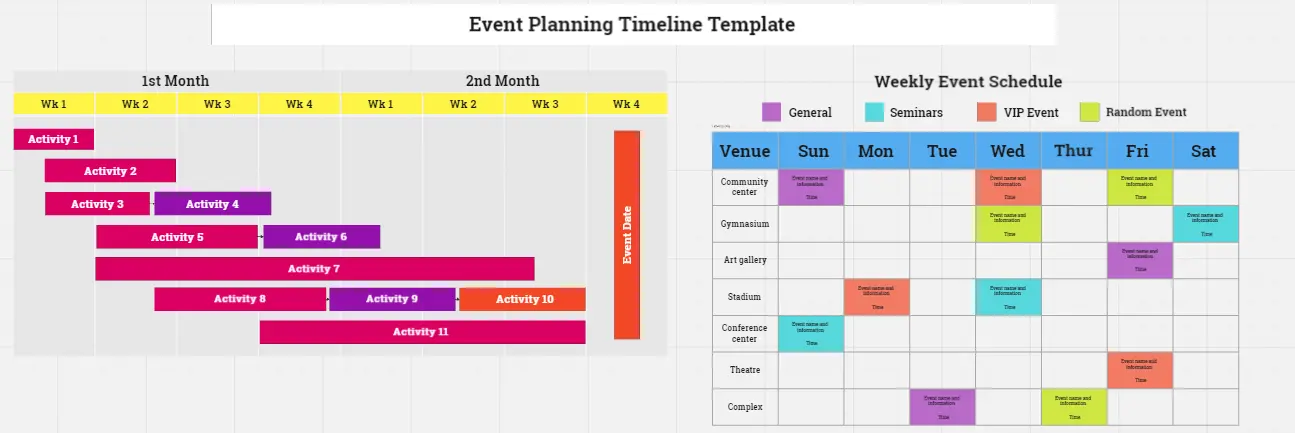
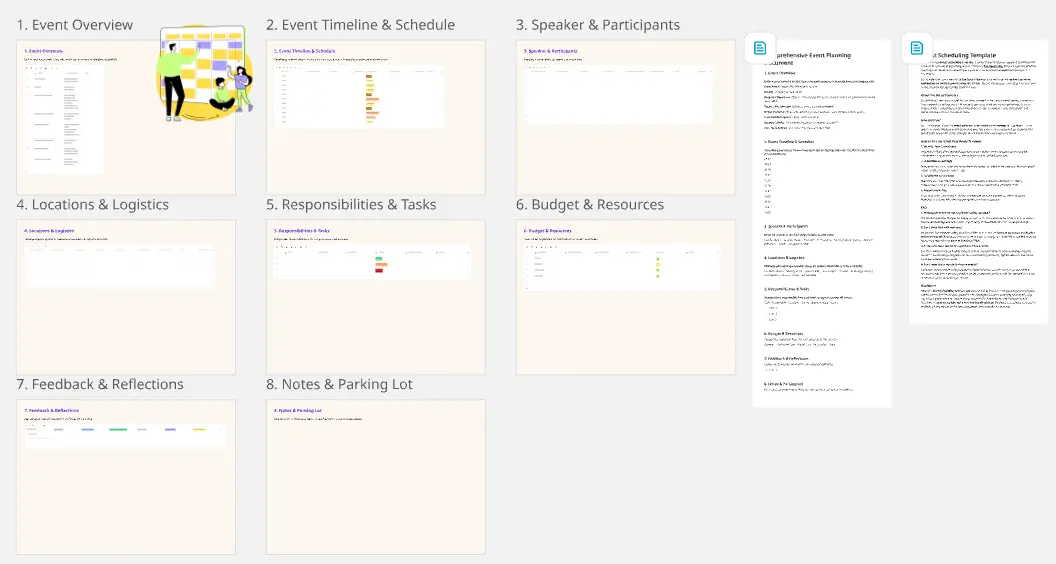
Presentations for event planners

Turn your event rundown into a live, interactive deck. No rebuilding, no tool-switching.

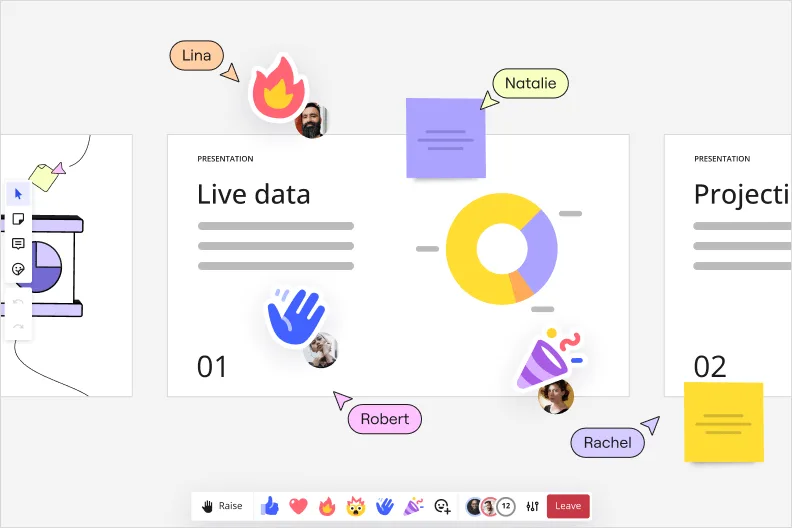
Miro interactive presentation mode showing a 'Live data' slide with a donut chart, multiple collaborator cursors with name labels (Lina, Natalie, Robert, Rachel), emoji reactions including a waving hand, and sticky notes overlaid on the presentation canvas.

What experts say

  • The way we present information and tell stories using slides has a massive impact on how well our ideas are understood and remembered.

    Nancy Duarte

    Speaker and CEO · Duarte

    Industry Expert
  • According to a study published in the Harvard Business Review, presentations that effectively communicate data can increase persuasiveness by up to 43%.

    SlideBazaar Team

    Presentation Experts · SlideBazaar

    Practitioner

The research on presentations and slides

  • 66%

    Visual presentations with graphs and diagrams increased audience conviction from 50% (verbal only) to over 66%, demonstrating the persuasive power of diagramming in consulting presentations

    Source: Cornell University / Wharton School of Business

  • 85.8%

    85.8% of facilitators use AI for preparing workshop sessions, speeding up preparation

    Source: SessionLab

See presentations and slides in action

Related templates for event planners

We have 22 templates in our library for Presentations and Slides.

Why event planners love creating presentations with Miro Slides

  • From venue walk-through to sponsor deck, without starting over

    You've already mapped the run-of-show, confirmed vendors, and briefed the AV crew - all in Miro. Instead of copying that work into a fresh PowerPoint, use Frames to turn each planning milestone into a slide. Your briefing board becomes the client-ready deck in minutes, not hours.
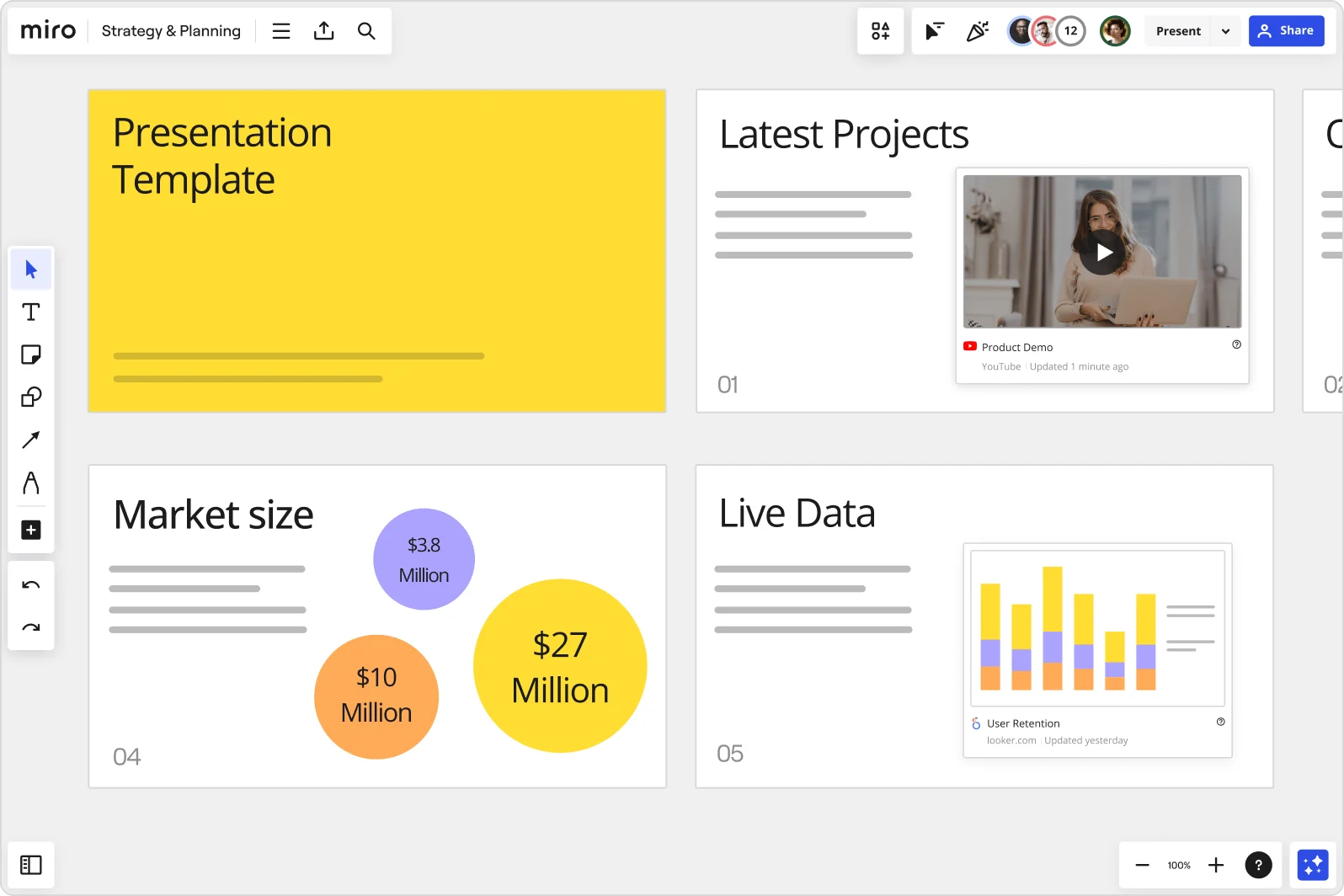
    Miro board showing a Strategy & Planning presentation workspace with four slides visible: a yellow title slide labeled 'Presentation Template', a 'Latest Projects' slide with an embedded YouTube Product Demo video, a 'Market size' slide with bubble charts showing $3.8M, $10M, and $27M values, and a 'Live Data' slide featuring an embedded Looker.com User Retention bar chart.
  • When your sponsor pitch needs live audience buy-in

    Stakeholders sitting through a static deck won't tell you which activation idea they actually prefer. Run a live poll inside your presentation using Miro's voting tools, then let attendees join via QR code from their phones - no account required. Responses export directly to sticky notes, so action items are ready before the debrief ends.

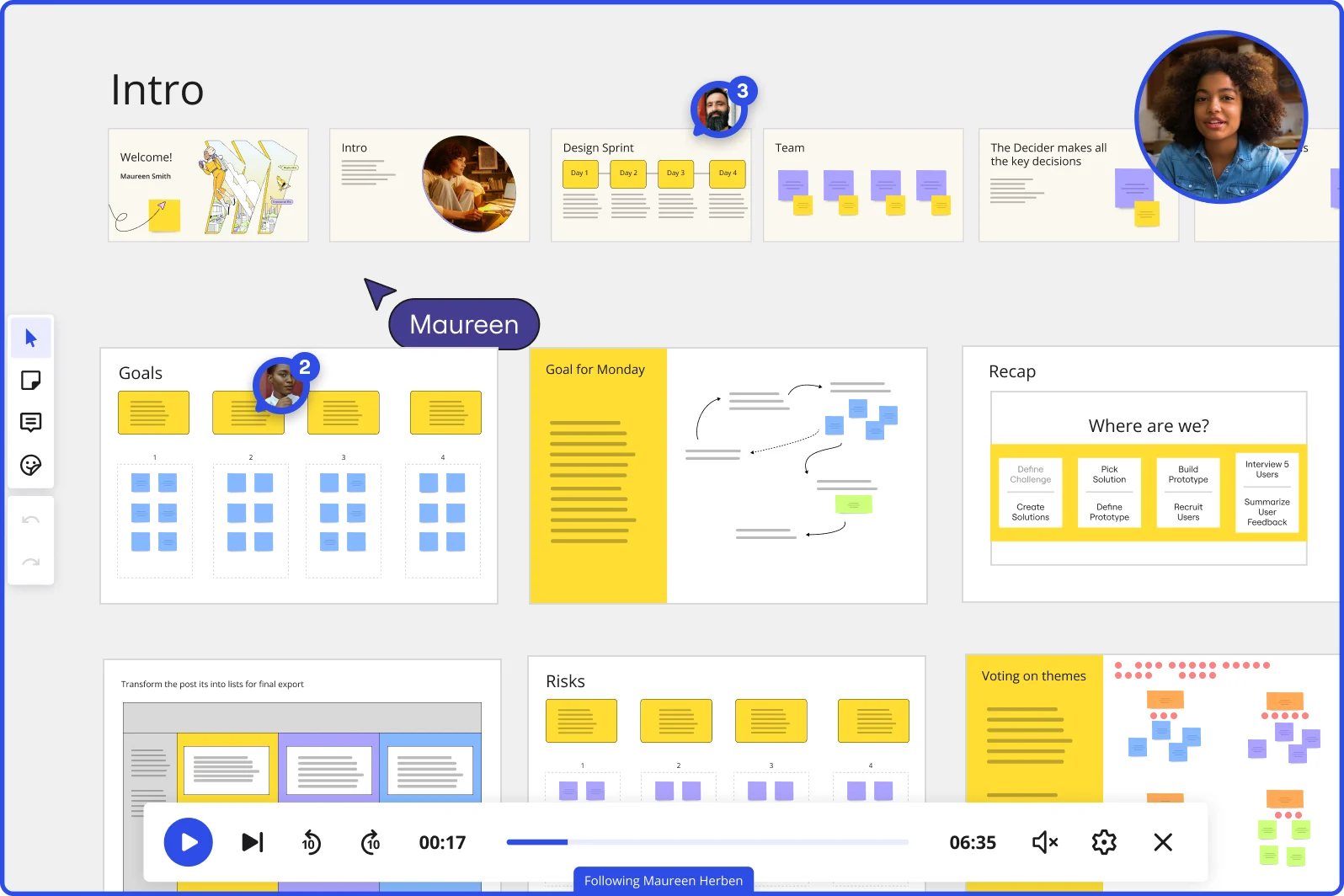
    Miro board showing a Design Sprint presentation in facilitation mode, with slide thumbnails across the top (Welcome, Intro, Design Sprint days, Team, Decider), and active frames including Goals with yellow sticky notes, Goal for Monday with a flow diagram, Recap with a 'Where are we?' process tracker, Risks section, and Voting on themes — with a video player bar at the bottom showing 'Following Maureen Herben' and two visible participant avatars.
  • Your run-of-show, ready for the full event team and the executive sponsor

    A 4-person boutique planning team needs speed. A 400-person agency needs consistency across every client deck. Miro's custom templates let you save your branded event brief layout once, then push it to every planner's board in seconds - small teams skip setup, large teams stay on-brand automatically.

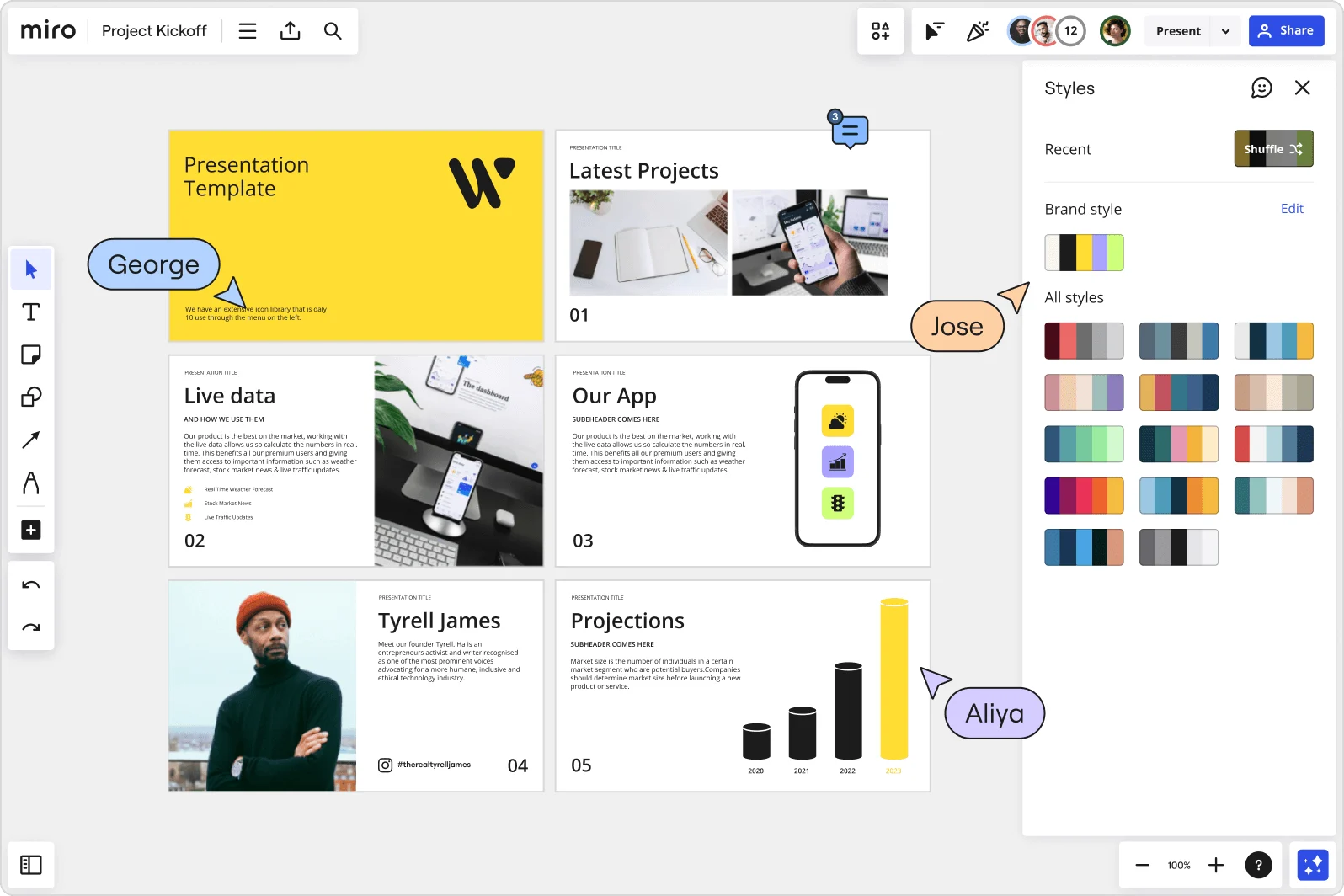
    Miro board showing a Project Kickoff presentation template with five slides including a title slide, Latest Projects, Live Data, Our App, a founder profile for Tyrell James, and Projections with bar charts. A Styles panel is open on the right showing brand color palettes and a Shuffle option, with three collaborator cursors visible (George, Jose, and Aliya).
  • Record the venue preview your remote clients missed

    Not every client attends the live walk-through call. Record a narrated Talktrack that syncs your audio to each frame - venue layout, production timeline, catering flow - so clients in different time zones replay the full briefing on their own schedule, with context intact.

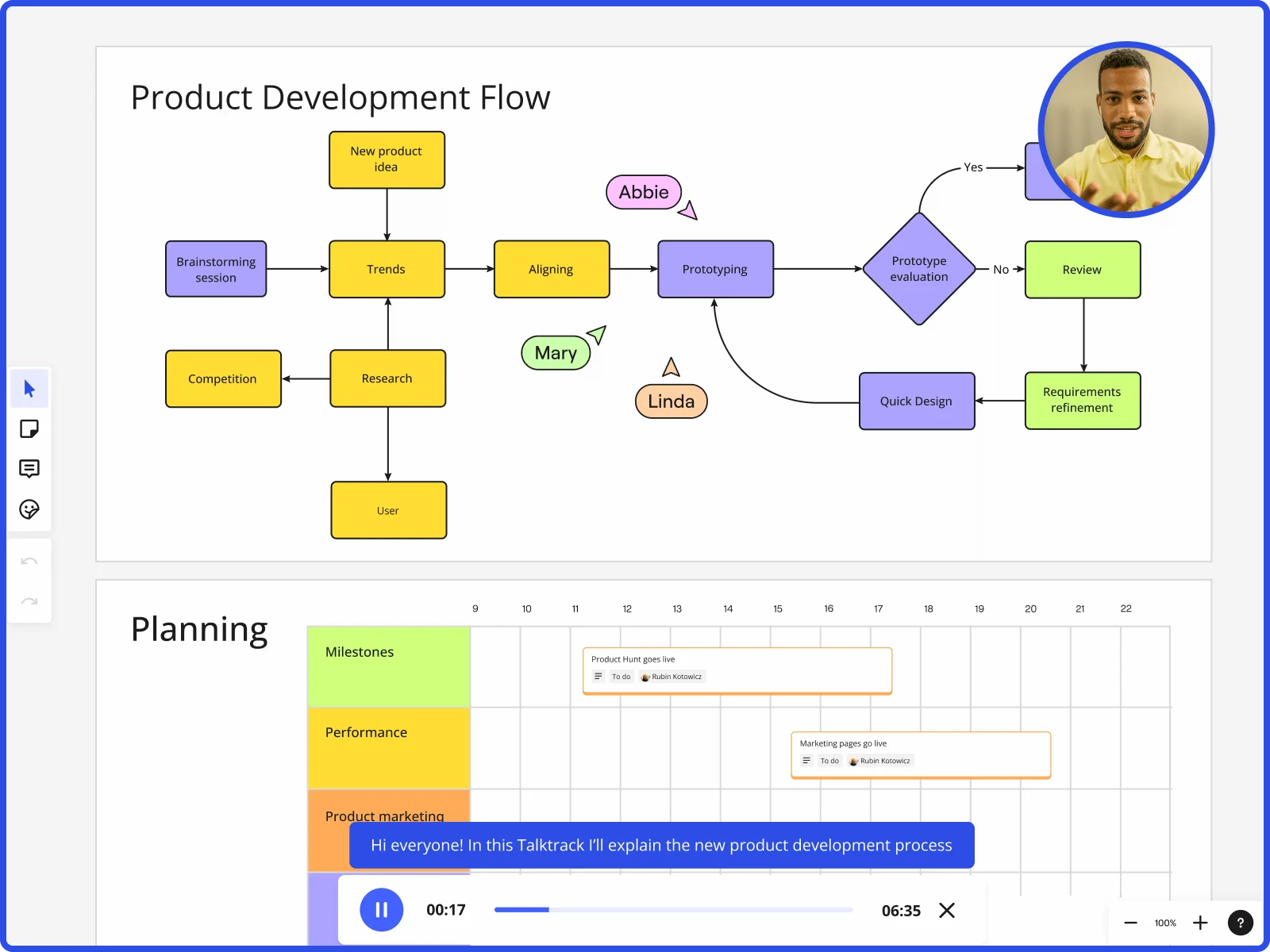
    Miro board showing product development flow with brainstorming, research, prototyping stages and planning timeline with Talktrack presentation
  • Stop chasing sign-off emails after the production meeting

    Feedback on event concepts usually lands in scattered reply-all threads, disconnected from the actual slide it references. Miro's threaded comments let AV leads, caterers, and executive sponsors annotate each frame directly, so your final presentation is already approved before you hit present.

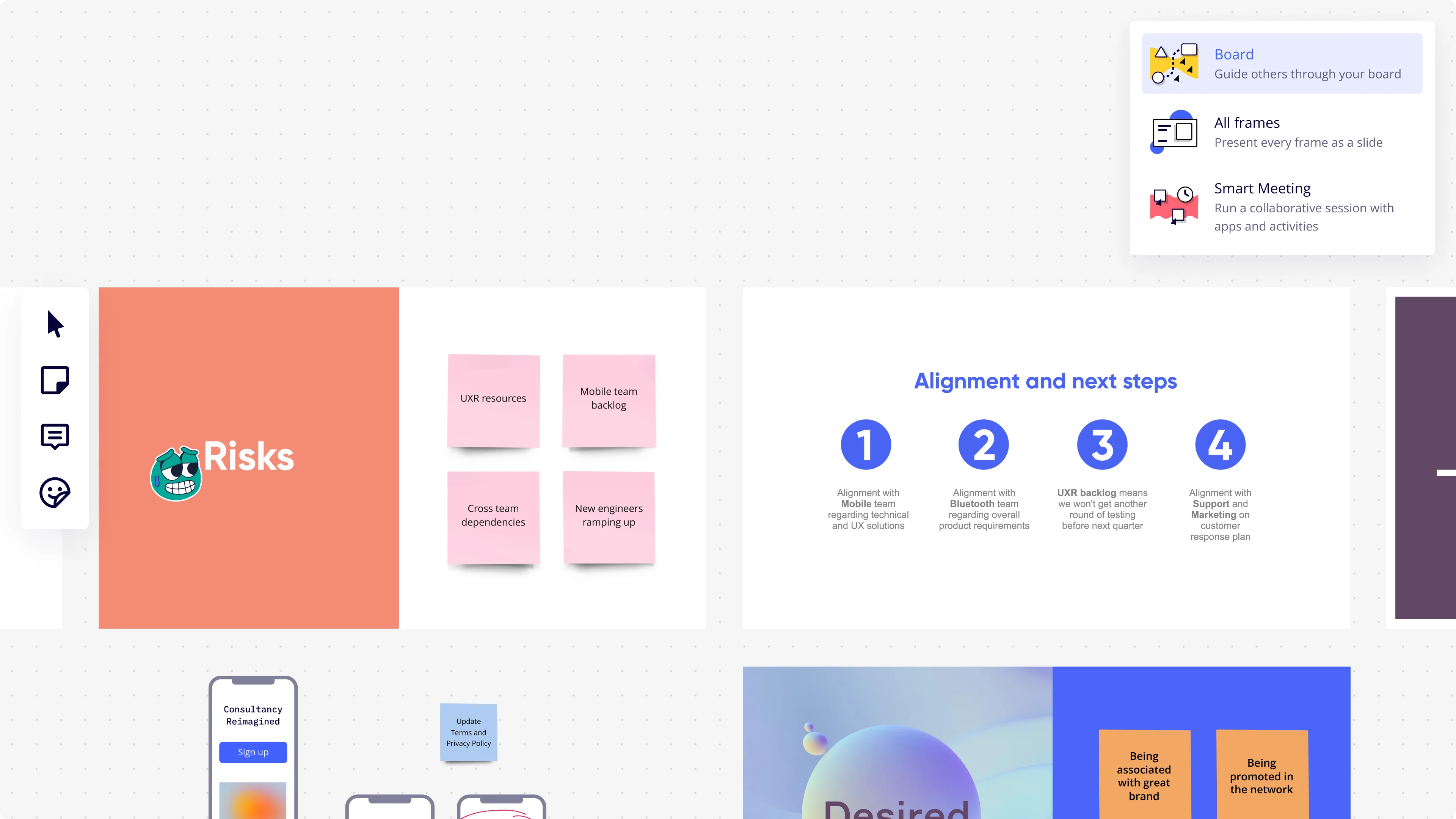
    Miro presentation mode interface showing a dropdown menu with three presentation options (Board, All Frames, Smart Meeting), alongside two visible slides: a 'Risks' slide with four pink sticky notes (UXR resources, Mobile team backlog, Cross team dependencies, New engineers ramping up) and an 'Alignment and next steps' slide with four numbered blue circle icons and corresponding alignment descriptions.

How event planners get started with presentations and slides in Miro

  • Build your event concept board

    Open a new Miro board the moment a venue contract lands, pull your mood board visuals, floor plan PDFs, and F&B line items onto the canvas, then use Frames to turn each section - concept overview, run of show, sponsor tiers, attendee journey - into its own slide ready to present at the vision alignment meeting.

  • Generate your first event deck with AI

    Select your canvas content and use AI Slides to draft the initial slide sequence from your scattered board elements, specifying the audience and tone in the prompt (e.g., "8-slide client pitch: event concept, run of show, sponsor activation footprint, budget overview, for a C-suite audience") so the deck reads as polished as the event itself.

  • Embed live assets directly into slides

    Use Live Embed to drop in the venue's AV PDF floor plan, your Airtable vendor comparison, or the sponsor logo placement doc directly onto slide frames, so when the client asks "is that logo placement confirmed?" you're showing them the source file, not a screenshot from last Tuesday.

  • Run Engage polls during the client walkthrough

    Embed Miro Engage Activities - a Scales vote on overall concept direction or a Ranking activity for sponsor tier packages - directly into the deck so attendees respond via QR on their phones, responses visualize live, and feedback exports to Sticky Notes on your board for the follow-up instead of a chaotic email chain.

Slides tips for event planners

  • Before any client presentation, reorder your Frames in the sidebar to match the run of show logic rather than the order you built them - the sequence that made sense during production rarely matches what a sponsor or C-suite exec needs to see first.

  • Record a Talktrack walkthrough after finalizing the recap deck so the post-event ROI summary can be replayed by the client's leadership team on their own time, with your commentary explaining the attendance-to-room-block ratio and sponsor satisfaction results without scheduling another meeting.

  • Save your event pitch structure - concept frame, attendee journey, sponsor tiers, F&B overview, closing asks - as a Custom Template so every new prospect pitch starts from a branded, consistent foundation rather than a duplicate of whatever deck you finished at midnight last cycle.

Understand how event planners transform their work

  • Currently, I'm working on a presentation. I was asked to put it in PowerPoint, but I insisted that I put it in Miro. PowerPoint only has so much room. With Miro, I can go on forever and all I have to do is zoom in and out to show the big picture and to show the details

    Verified User

    G2
  • Great for virtual collaboration events

    Verified User

    TrustRadius

Presentations and Slides essential guide for event planners

CategoryKey insights
  • Common mistakes to avoid

    The biggest trap for event coordinators is cramming a full run-of-show into a single frame - each slide should tell one part of the event story, not the whole thing at once. Before you walk a client through a venue concept or sponsor activation proposal, reorder your frames intentionally in the sidebar so the narrative flows the way the event does, not the order you built it. And always check sharing permissions before sending that recap deck link to a sponsor contact - the last thing you want is a C-suite executive landing on your full production board instead of the polished summary you prepared.

  • Key integrations for event planners

    Google Drive and Google Slides connect directly so planners can pull signed contracts, catering menus, and branded assets into a Miro board without the copy-paste scramble before a client presentation. Zoom and Microsoft Teams let event producers run interactive presentations live with remote clients or venue partners, while Confluence keeps every version of the event deck traceable alongside the broader project documentation. For larger agencies managing multiple concurrent events, SSO and admin controls sit underneath all of it so access stays tightly governed across the whole team.

  • When to use it

    Reach for Presentations and Slides in Miro the moment a venue contract lands and you need to walk a client through the full event concept before the first deposit clears - instead of rebuilding your mood board and run-of-show outline in a separate slide tool, present directly from the board where you built it. It's also the right call when a sponsor's reporting deadline is tomorrow and you need to turn a production timeline and recap content into a polished deliverable fast, using AI slide generation to get from existing board content to a finished deck in minutes. When a live kick-off call needs real-time input from a marketing lead on logo placement or a C-suite exec on session format, Interactive Presentation Mode with Voting keeps the conversation structured and captures decisions on the spot.

  • Security & Compliance

    Miro is SOC 2 Type II certified, which covers the baseline assurance that most corporate clients and venue partners will ask about when you're sharing event decks containing budget line items or attrition clause details. For larger organizations running multi-event programs, data residency controls and granular sharing permissions mean an enterprise client's confidential sponsorship terms stay visible only to the people who need them. Private Mode adds another layer when you're presenting sensitive sponsor tier pricing or F&B minimums to a room of mixed stakeholders and need to control exactly what gets seen when.

Frequently asked questions for event planners

Last updated: Thursday, July 30, 2026