Andrey
See collaborative AI in action — straight from the Canvas 26 keynote.
Jeff

Presentations and slides for educators

Turn your training canvas into a polished, participatory deck. No rebuilding in PowerPoint - just present from where the learning already lives.

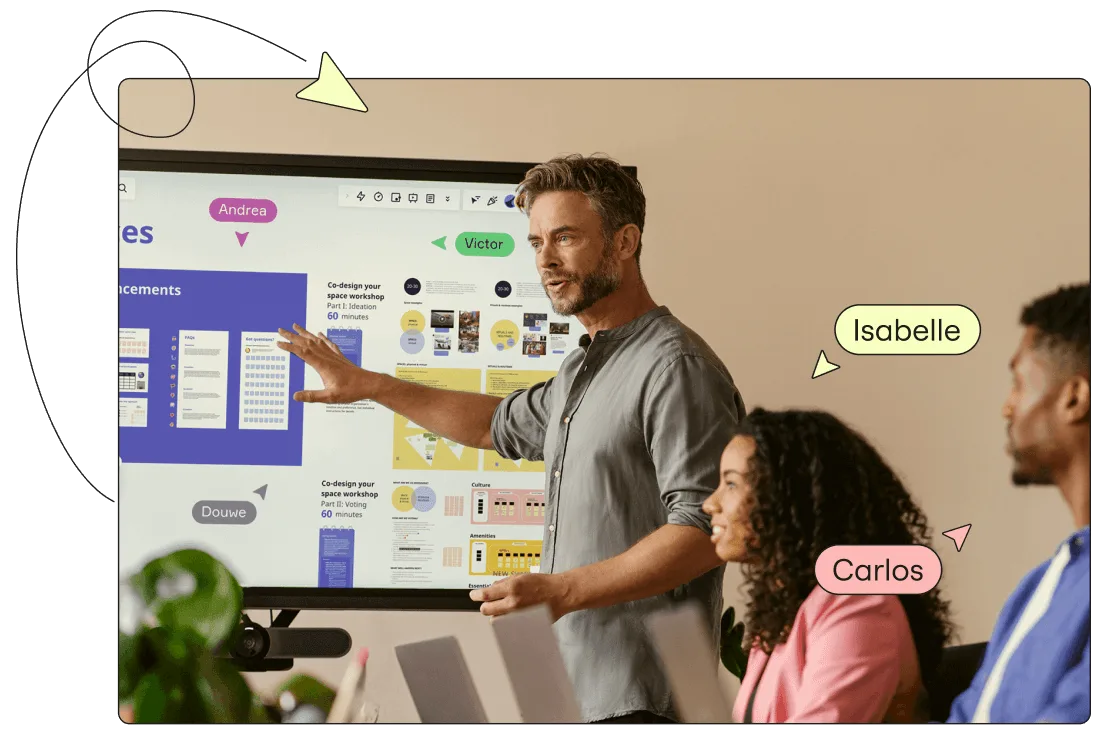
A presenter gestures toward a large display showing a Miro board with workshop templates including 'Co-design your space workshop' cards in blue and yellow, while two colleagues (labeled Isabelle and Carlos) watch; collaborative user cursors labeled Andrea, Victor, and Douwe are overlaid on the board.

What experts say

  • The way we present information and tell stories using slides has a massive impact on how well our ideas are understood and remembered.

    Nancy Duarte

    Speaker and CEO · Duarte

    Industry Expert
  • Effective delivery is more than just presenting content from a set of slides.

    Cindy Huggett

    author and virtual training expert · Training and Development

    Keynote Speaker

The research on presentations and slides

  • Participants who viewed assertion-evidence slides demonstrated superior comprehension and recall of information than participants who viewed conventional slide designs.

    Source: Penn State University

  • 66%

    Visual presentations increased audience conviction from 50% (verbal only) to over 66%

    Source: Cornell University / Wharton School of Business

See presentations and slides in action

Related templates for educators and trainers

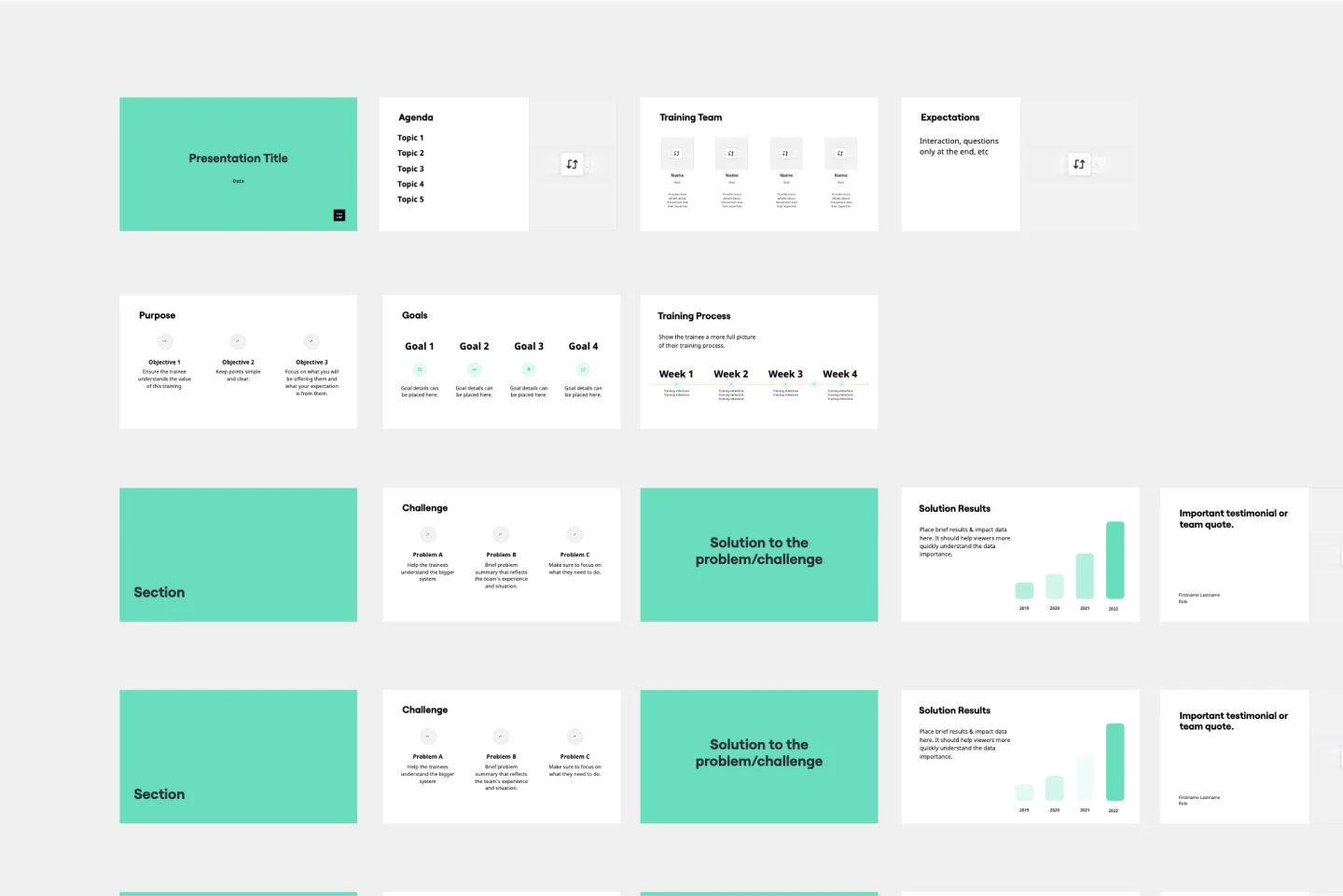
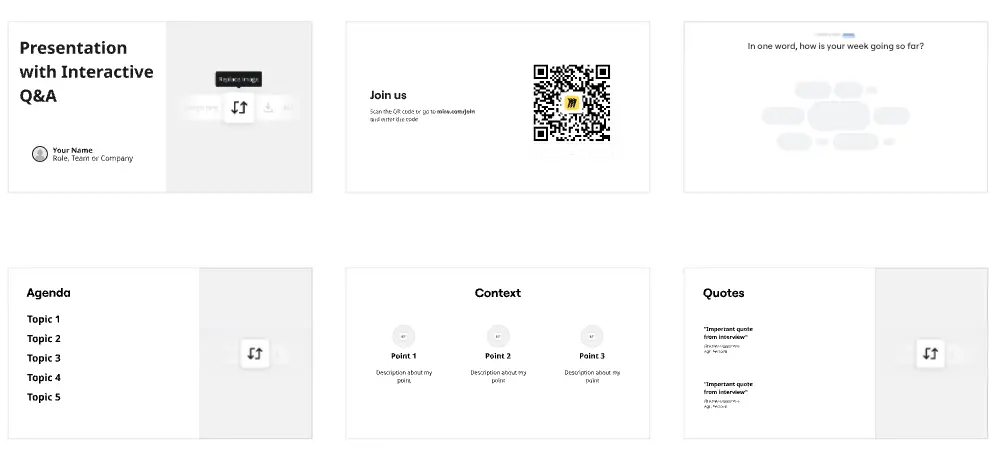
We have 22 templates in our library for Presentations and Slides.

Why educators and trainers love creating presentations with Miro Slides

  • Stop re-creating your training content before every session

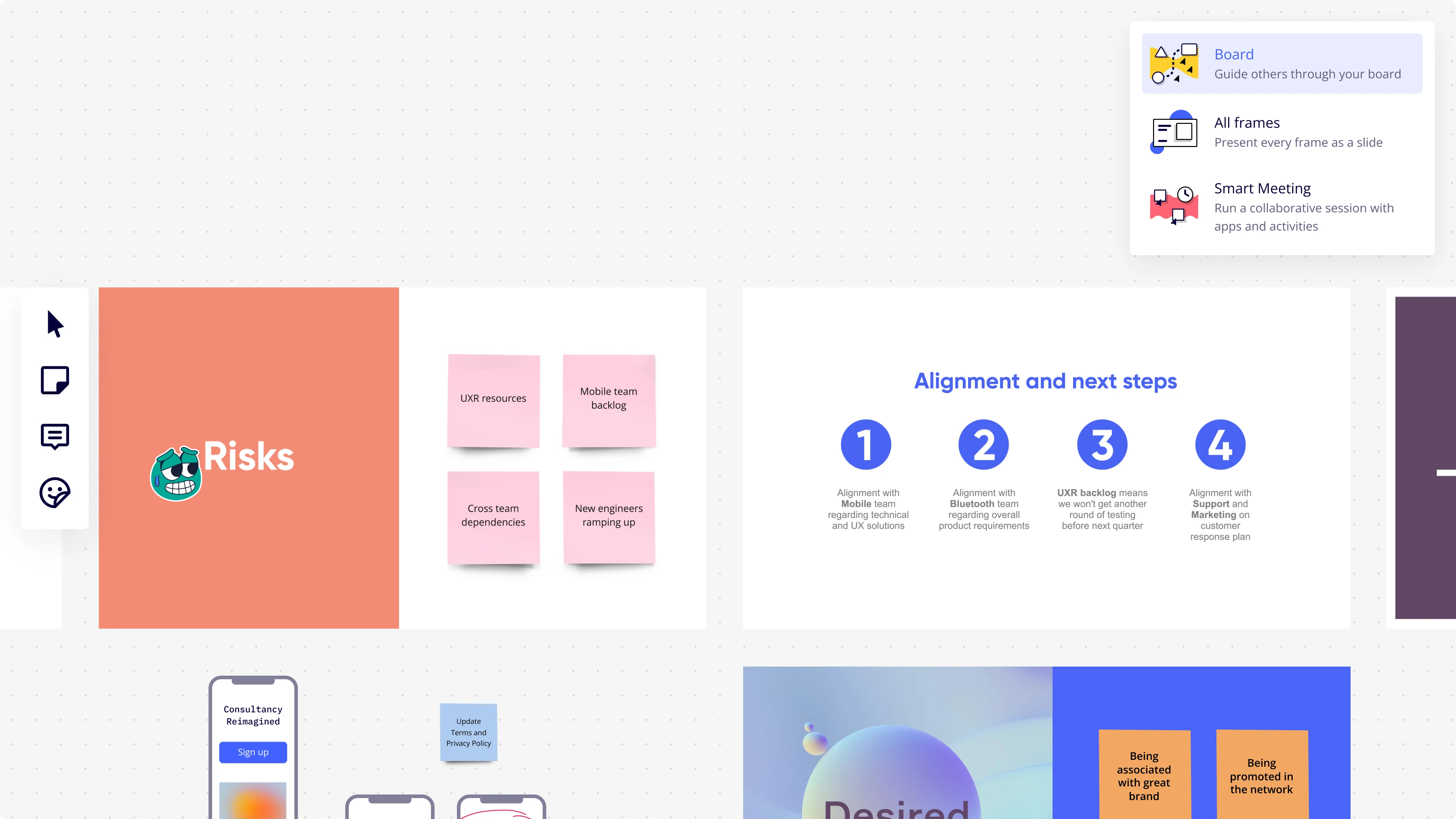
    You've mapped your learning objectives, built out activities, and organized your content - all on the same board. Instead of rebuilding it slide by slide in a separate tool, use Miro's Frames to turn that content directly into a presentation, so your session prep ends where delivery begins.

    Miro presentation mode interface showing a dropdown menu with three presentation options (Board, All Frames, Smart Meeting), alongside visible board frames including a 'Risks' slide with pink sticky notes (UXR resources, Mobile team backlog, Cross team dependencies, New engineers ramping up) and an 'Alignment and next steps' slide with four numbered circular icons detailing team alignment actions.
  • Are your learners actually engaged, or just watching?

    Passive slide decks lose a room fast, whether you're running onboarding for a five-person startup or certifying 500 employees across departments. Miro's interactive audience tools - live polls, word clouds, anonymous Q&A, and QR-code mobile join - let every attendee respond from their phone without a Miro account, and export responses straight to sticky notes for follow-up.

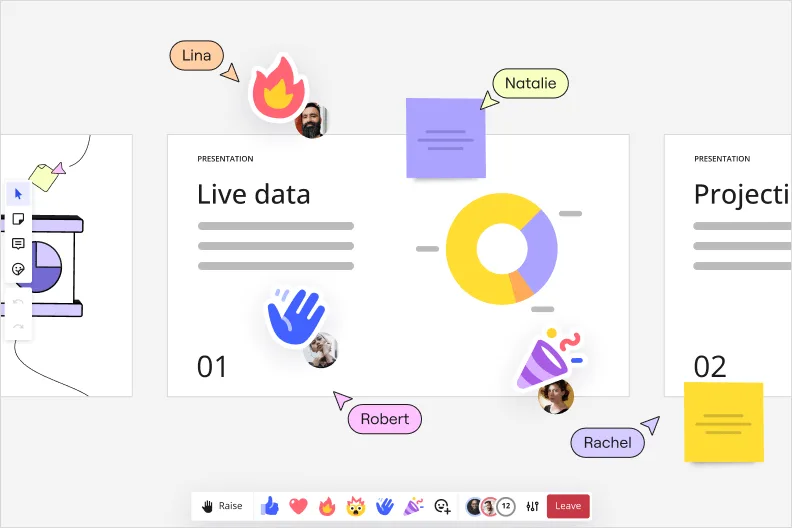
    Miro interactive presentation mode showing a 'Live data' slide with a donut chart, multiple collaborator cursors with name labels (Lina, Natalie, Robert, Rachel), emoji reactions including a waving hand, and sticky notes overlaid on the presentation canvas.
  • From live session to async course module in one step

    A remote cohort in a different time zone misses your live training, and a static PDF won't preserve your narrative. Record a Talktrack walkthrough with synchronized audio and board navigation so learners replay the full session - instructor emphasis, transitions, and all - on their own schedule.

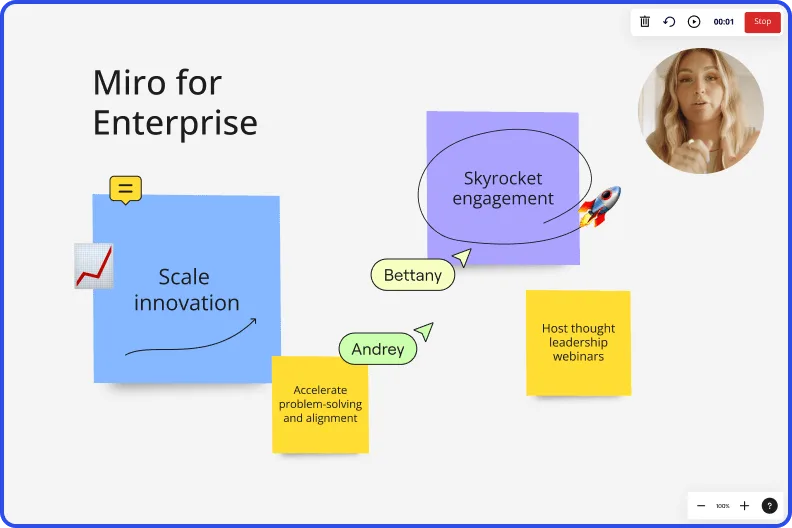
    Miro board recording showing Miro for Enterprise presentation with sticky notes about scaling innovation and skyrocketing engagement
  • Your recurring curriculum, ready to run every cycle

    Rebuilding the same onboarding deck or quarterly upskilling session from scratch wastes prep time your instructional designers don't have. Save your session structure as a custom template, and small training teams get speed without overhead while large L&D departments get brand-consistent delivery across every cohort.

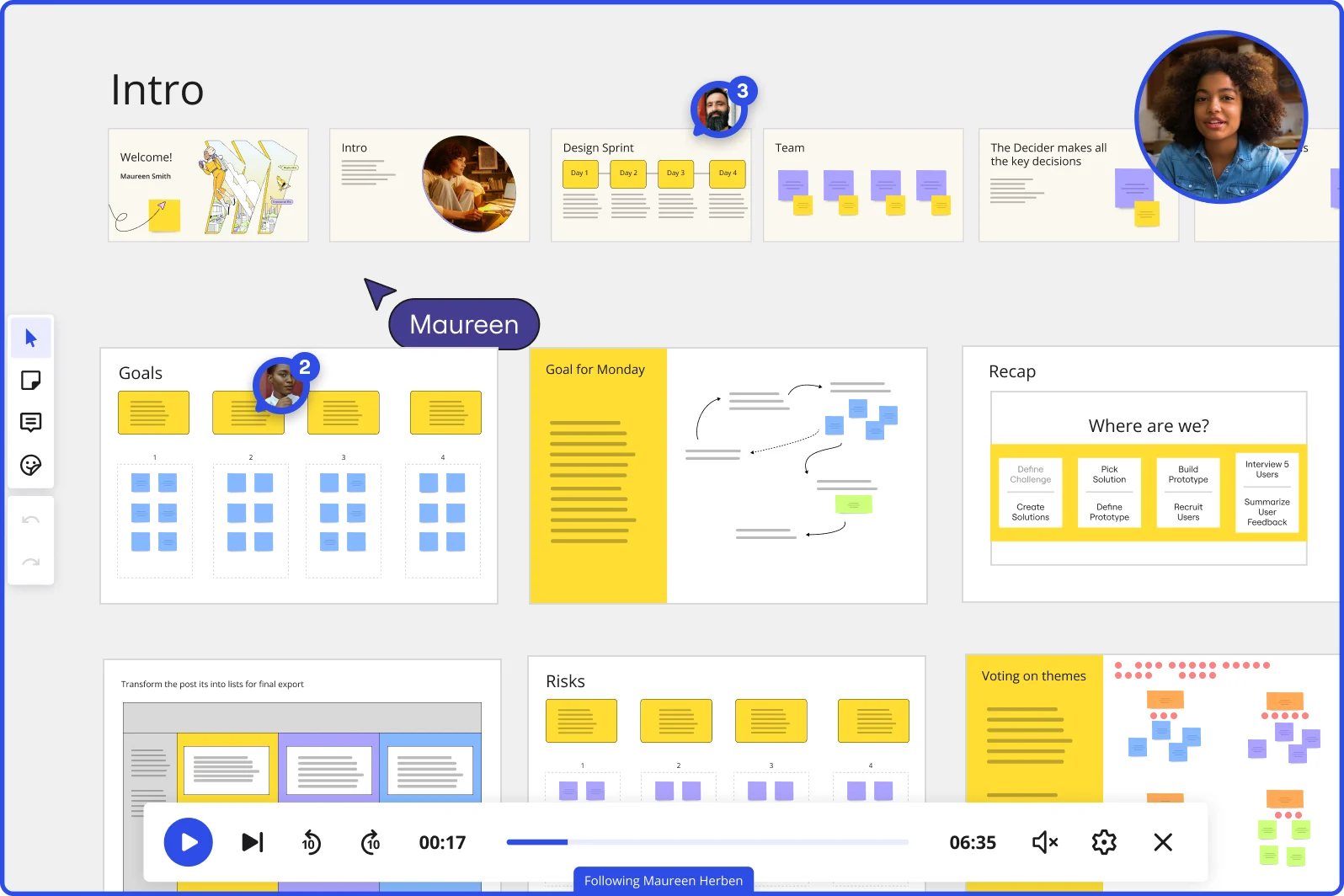
    Miro board showing a Design Sprint presentation in facilitation mode, with slide thumbnails across the top (Welcome, Intro, Design Sprint days, Team, Decider), and active frames including Goals with yellow sticky notes, Goal for Monday with a flow diagram, Recap with a 'Where are we?' process tracker, Risks section, and Voting on themes — with a video player bar at the bottom showing 'Following Maureen Herben' and two visible participant avatars.
  • When breakout groups need to happen mid-presentation

    You're mid-session and need learners to work through a scenario in small groups - switching tools kills momentum. Breakout Frames split participants into separate collaborative spaces inside the same board, with a timer keeping each group on track, then bring everyone back to the main deck without leaving the presentation.

    Miro board showing a Design Sprint workspace with a 'Miro Intro' tutorial slide and 'Quick Exercise' panel on the left, alongside a structured Day 1 checklist note panel on the right listing tasks including HMW exercises, voting, long-term goal setting, sprint questions, lightning demos, and concept sketching, with four participant cursors visible on the board.

How educators and trainers get started with Presentations and Slides in Miro

  • Build your session arc in frames

    Open a new board, pull in your facilitation guide as reference, and create one Frame per learning moment - content delivery, knowledge check, activity, reflection - so your slide order maps directly to your run-of-show before you write a single word of content.

  • Embed live knowledge checks into slides

    Drop Miro Engage Activities - Multiple Choice for quick knowledge checks, Word Cloud for reflection prompts, Scales for confidence ratings - directly into the frames where they belong in your facilitation flow, so learners join via QR on their phones and responses visualize live without breaking the session arc.

  • Record a talktrack for pre-work or replay

    Once your session deck is finalized, use Talktrack to narrate a walkthrough of each frame so L&D sponsors can review the run-of-show before the cohort date, or participants can revisit key content after the session ends.

  • Save the core curriculum as a reusable blueprint

    Convert your proven workshop structure - agenda frame, content frames, Breakout Frames for small-group activities, Voting slots for prioritization moments, closing reflection - into a custom template so you can adapt it to a new industry or audience level in minutes rather than rebuilding from scratch every cycle.

Presentations and Slides tips for educators and trainers

  • If a content-to-activity transition feels clunky in rehearsal, trigger Timer on the activity frame during your run-through so you know exactly how long each segment breathes before the live cohort date.

  • For trainers adapting one core curriculum to multiple audience levels, use Synced Copies on master content frames so an update to the source material flows through every audience-specific deck without a manual find-and-replace pass.

  • Before your first live session, share the board with your L&D sponsor and ask them to leave threaded Comments on individual frames - it keeps sign-off feedback attached to the exact slide it references rather than buried in an email chain.

Understand how educators and trainers transform their work

  • It is very easy to use Miro to build presentations for my Kung Fu classes and create personal templates.

    Verified User

    G2
  • I have introduced Miro in all of the sessions. I do use my teachings during all of my virtual sessions. I have trained across India with more than 50,000 faculty members during this pandemic.

    Verified User

    G2

Presentations and Slides essential guide for educators

CategoryKey insights
  • Common mistakes to avoid

    The biggest trap for facilitators is cramming a full activity brief, instructions, and reflection prompts onto a single frame, which turns a learning moment into a wall of text that loses the room fast. Before your cohort date arrives, reorder your frames in the sidebar to match your facilitation flow, and run through Voting and Timer tools in a dry run so a technical hiccup doesn't kill the energy during a live knowledge check. If you're exporting your session deck as a PDF and it includes clickable links to breakout resources or post-training surveys, always choose the higher-quality export option or those links won't work when participants need them most.

  • Key integrations for educators and trainers

    Google Slides and PowerPoint connect directly so instructional designers can pull existing course materials into Miro without rebuilding from scratch every time a curriculum gets adapted for a new audience. Zoom and Microsoft Teams keep the facilitation flow intact for virtual delivery, while Talktrack lets teaching assistants or co-facilitators catch an async walkthrough of the session before stepping in to support. For L&D teams operating at enterprise scale, Confluence integration centralizes your facilitation guides and session documentation so nothing gets lost between the contracted training date and the post-session debrief.

  • When to use it

    Reach for Presentations and Slides in Miro when a confirmed cohort date means your deck, your activities, and your participant prompts all need to live in one place rather than scattered across a facilitation guide, a breakout sheet, and a separate slide file. A great example: an L&D team adapting a leadership workshop for a new client industry can use AI slide generation on their existing Miro board to rebuild the core arc for the new audience in minutes, then run the live session in Interactive Presentation Mode so participants vote on scenarios and move through Breakout Frames without anyone switching tabs. When a time-zone conflict keeps part of a cohort out of the live session, a Talktrack recording lets those participants get the full narrated walkthrough, including the facilitator's context on each activity, on their own schedule.

  • Security & Compliance

    For instructional designers handling sensitive learner data or delivering training inside regulated industries like healthcare or financial services, Miro's SOC2 Type II certification and HIPAA compliance mean the platform meets the data protection requirements your L&D sponsor or procurement team will ask about. Granular sharing permissions let you share a curated presentation link with participants without exposing the full board, which matters when your session plan includes facilitator notes or proprietary curriculum you're not ready to hand over. Enterprise training organizations with global cohorts get data residency controls and admin-level governance so IT teams can keep learner data in the right region while instructors deliver consistent sessions worldwide.

Frequently asked questions for educators and trainers

Last updated: Thursday, July 16, 2026