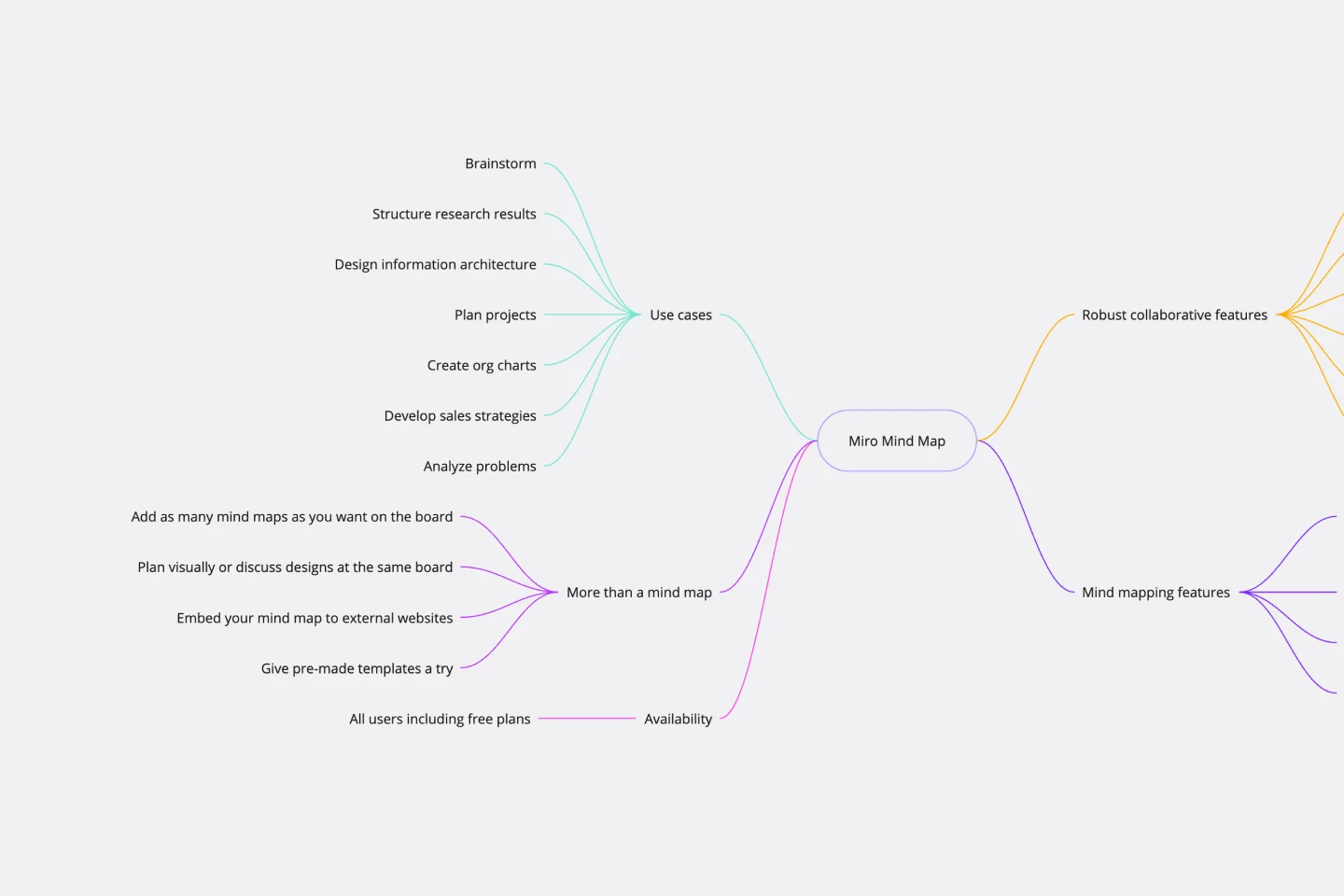
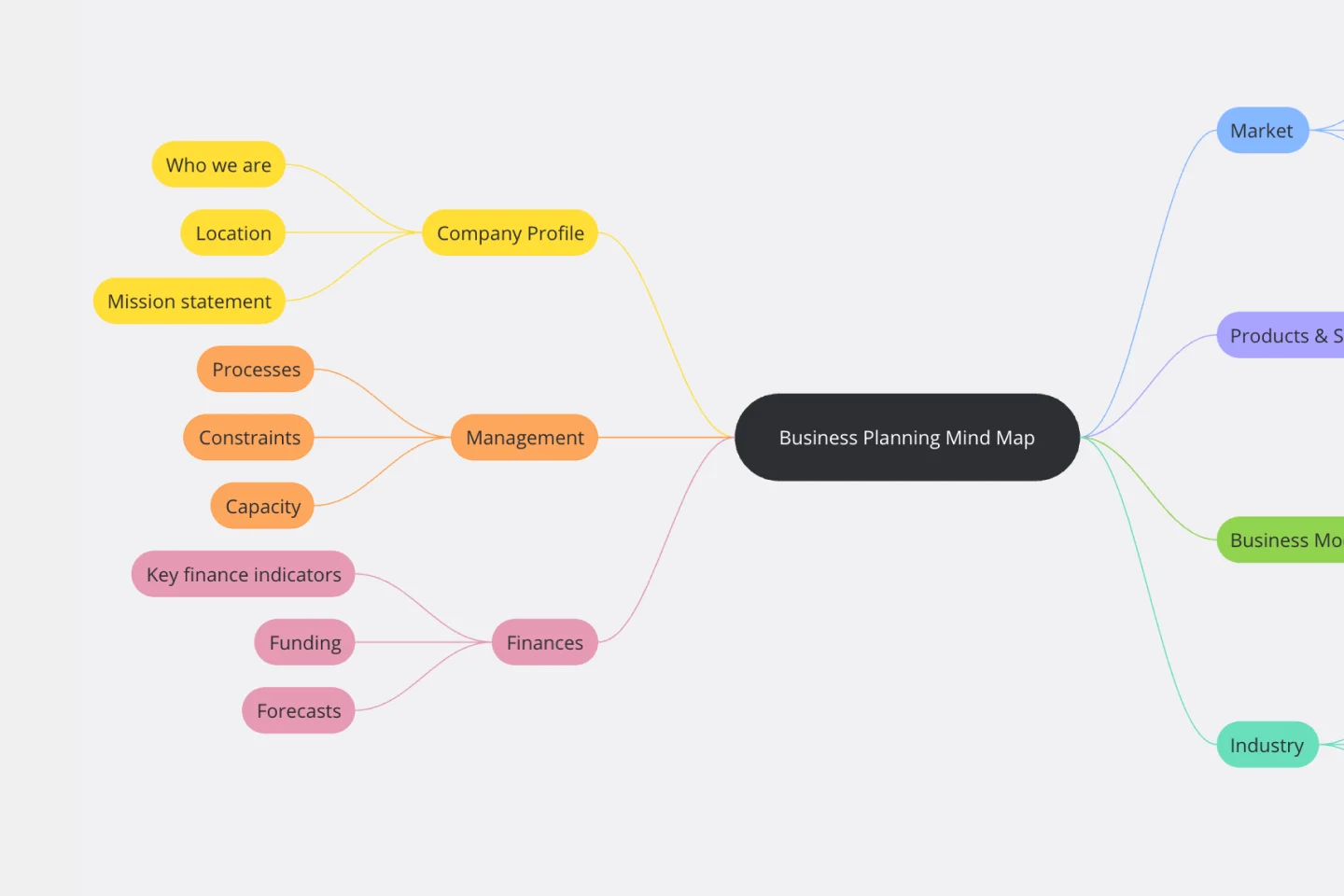
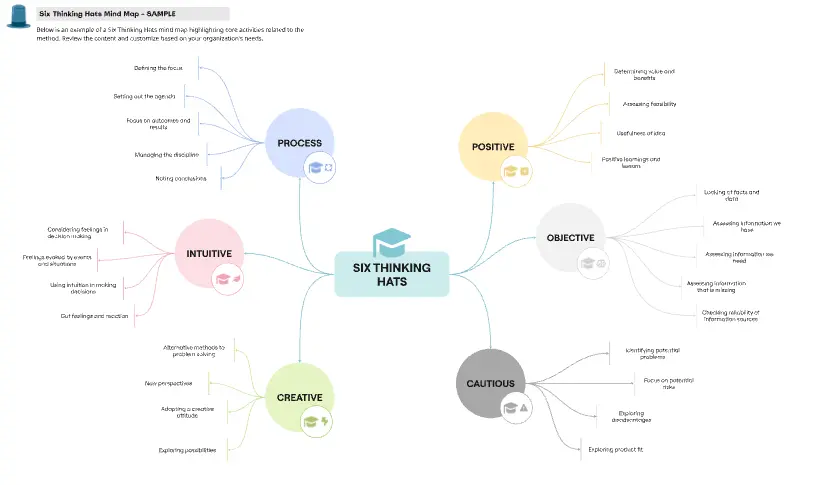
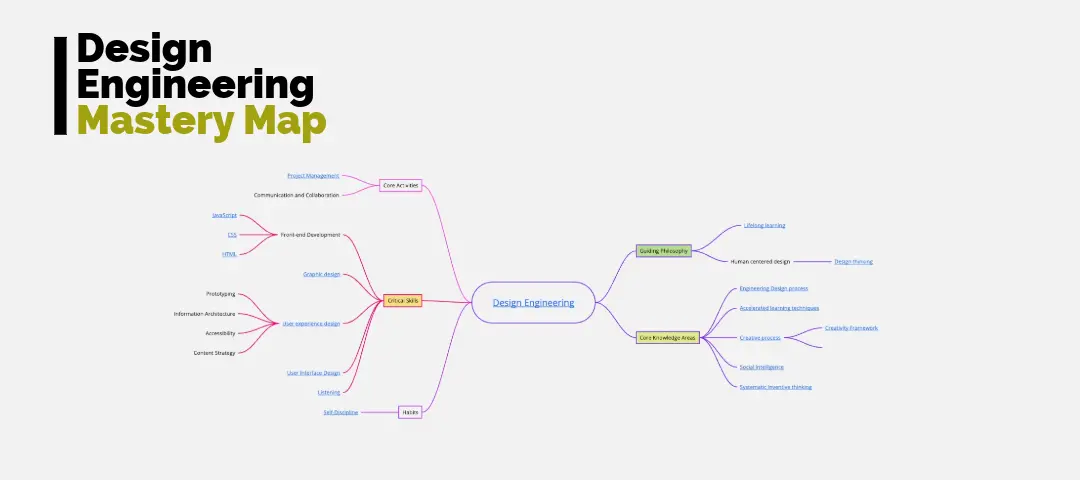
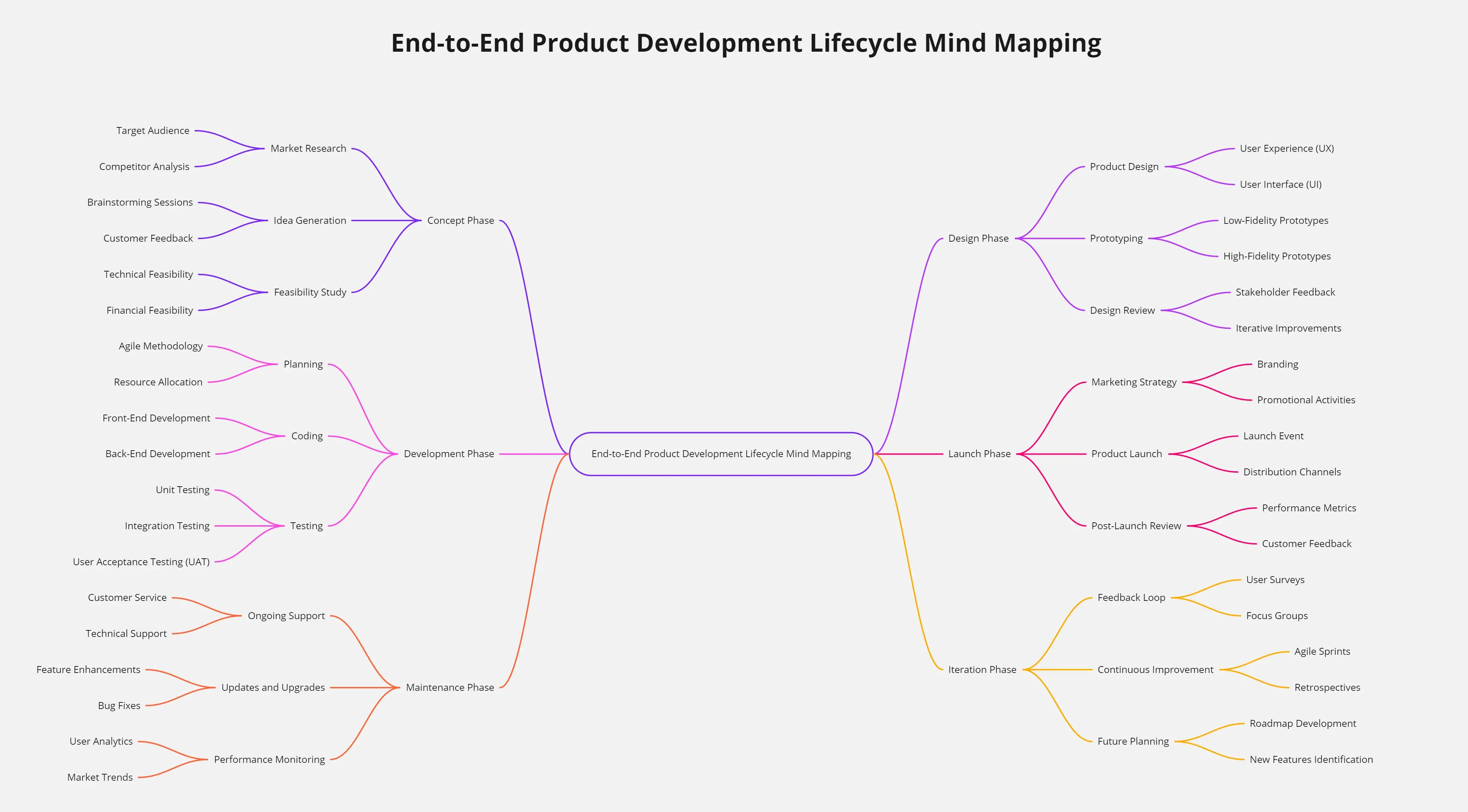
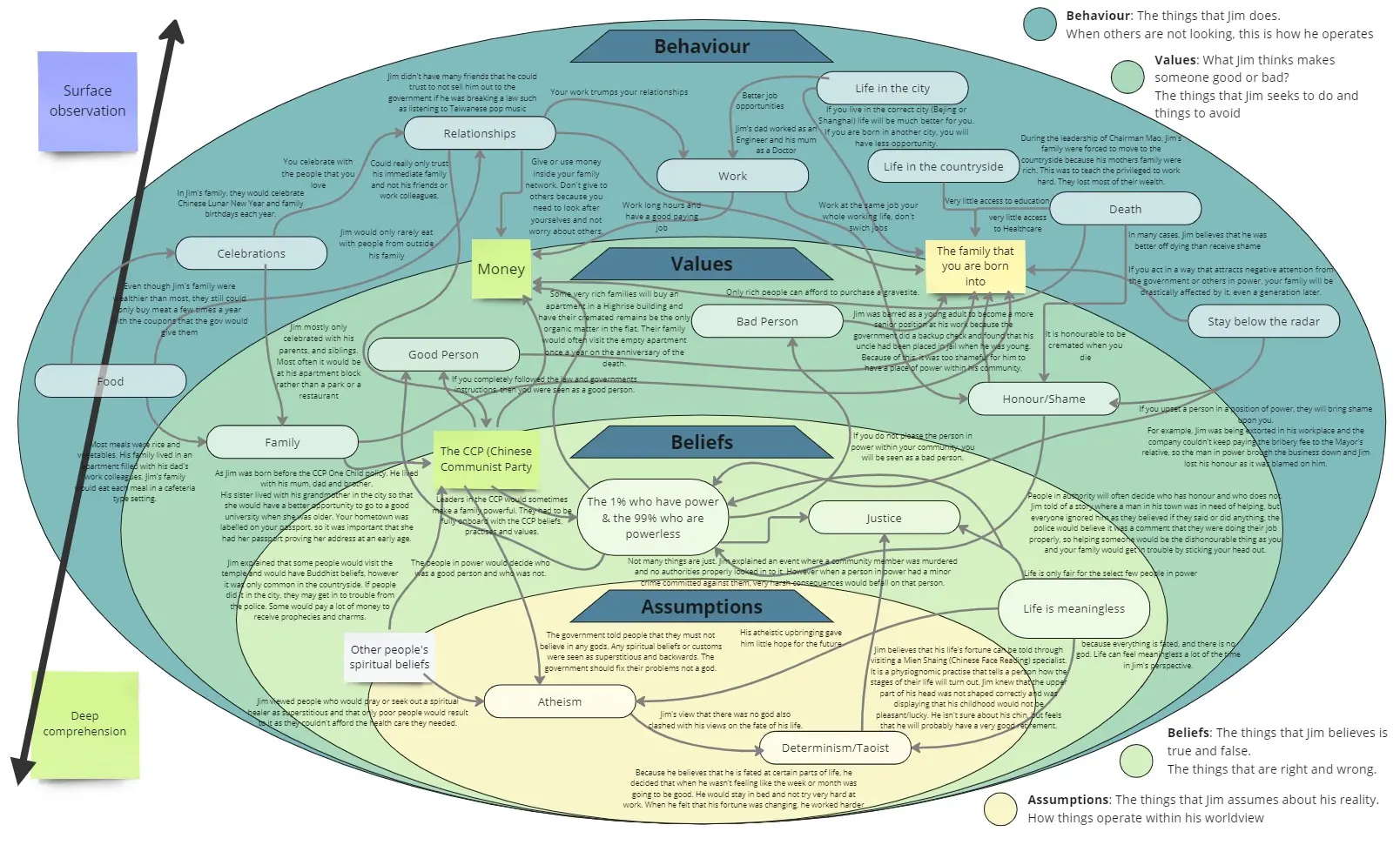
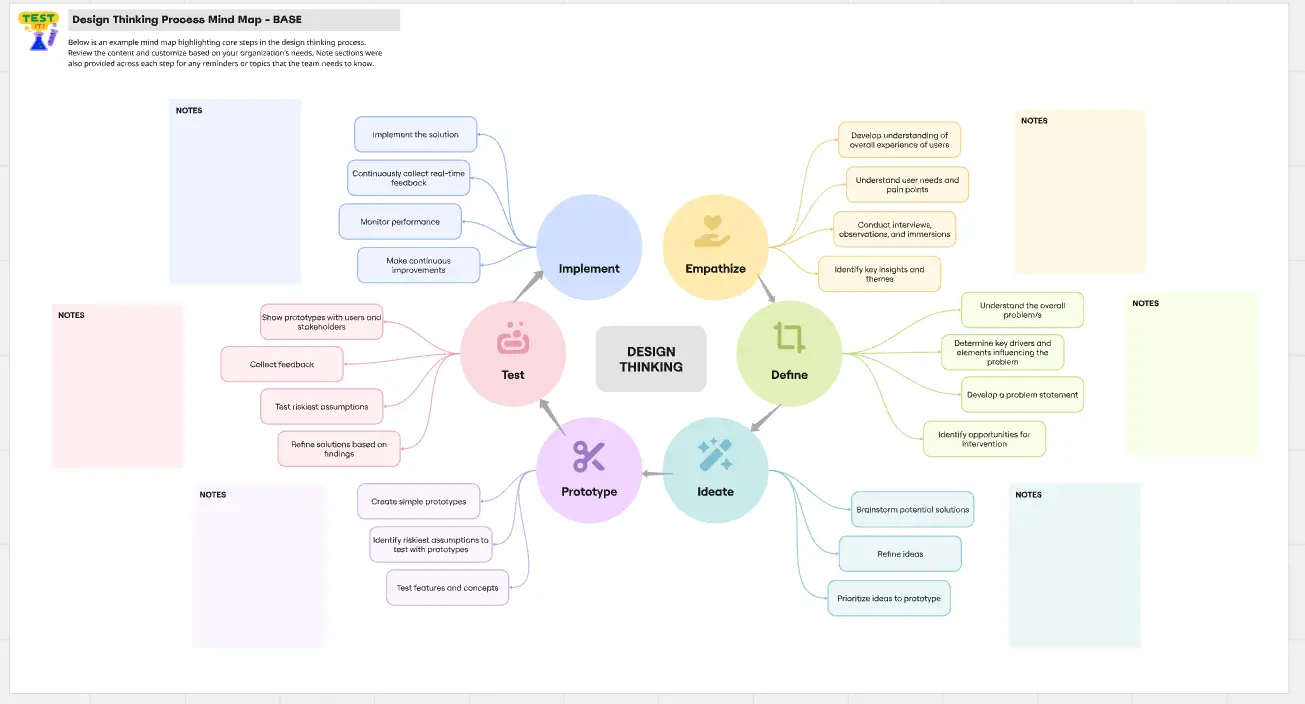
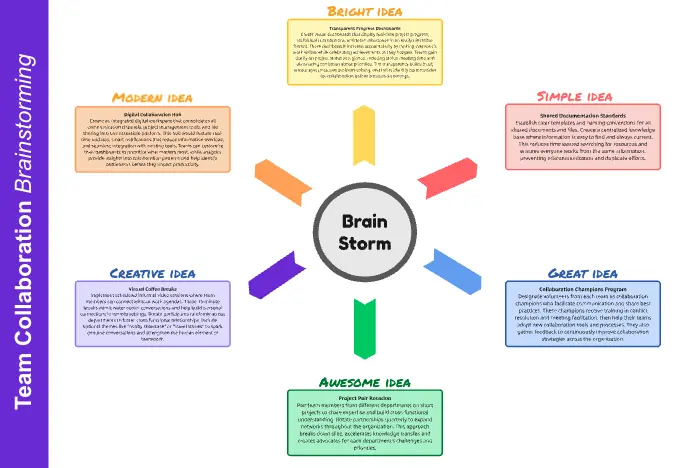
About the Mind Map Template
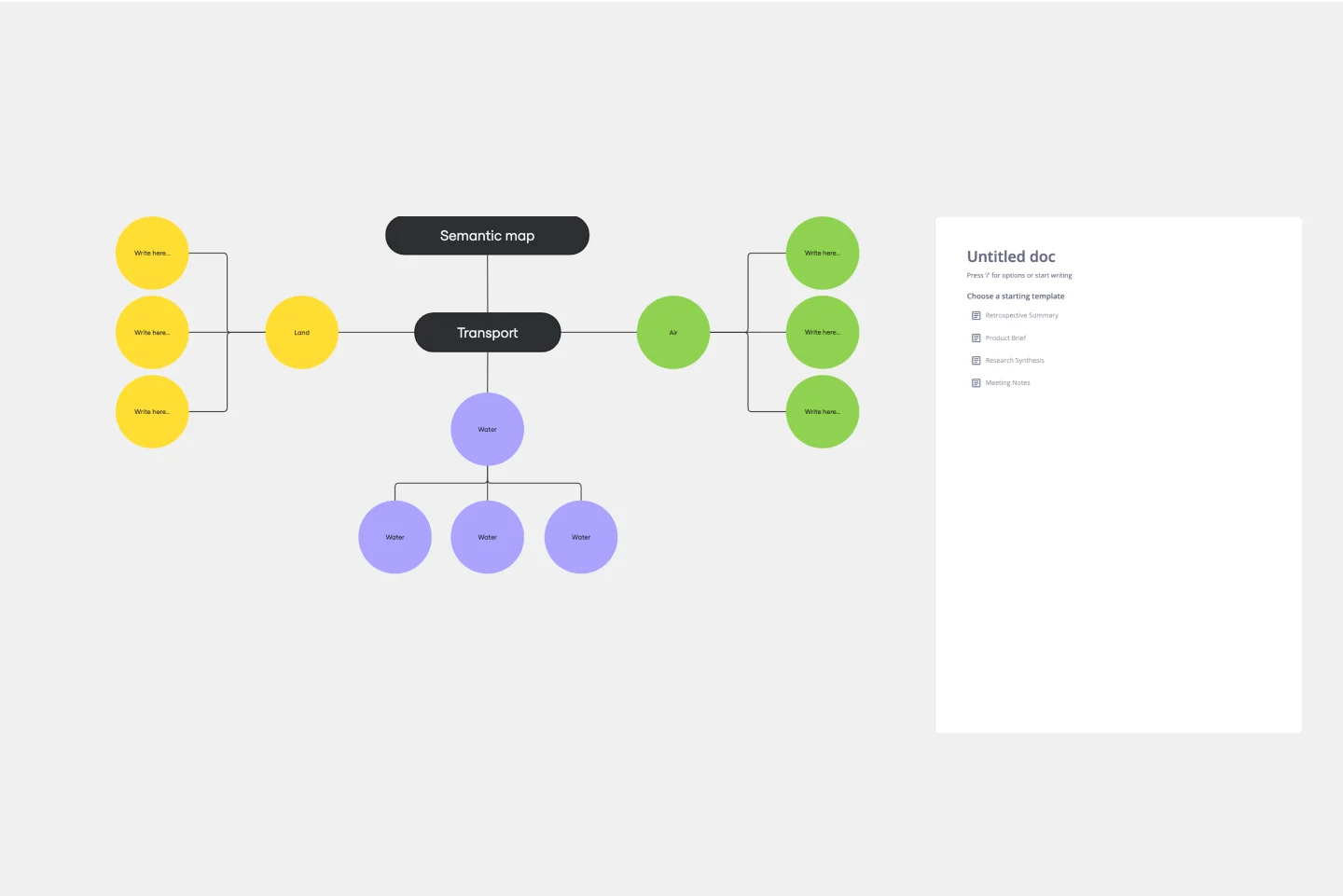
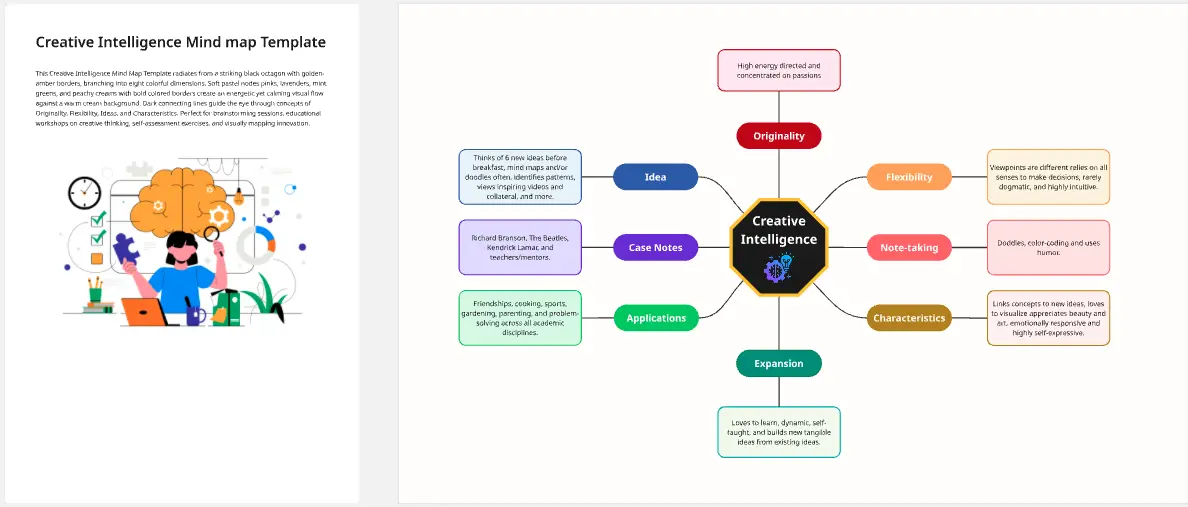
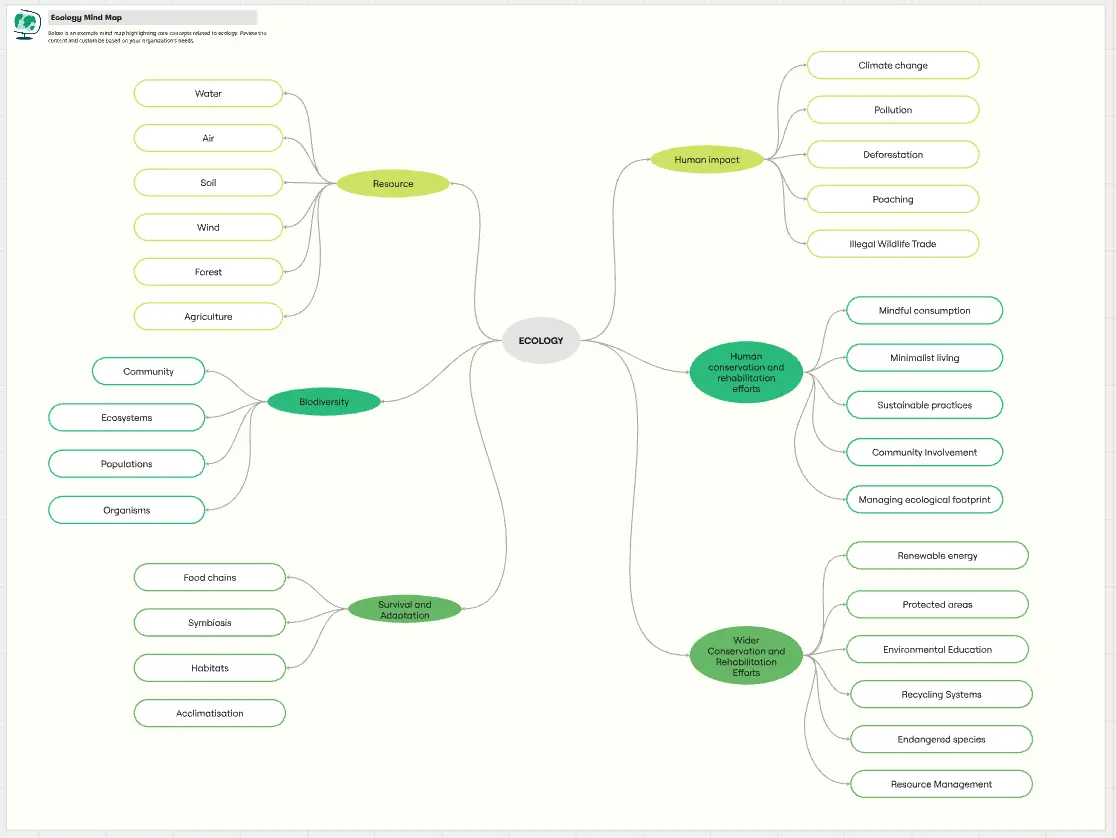
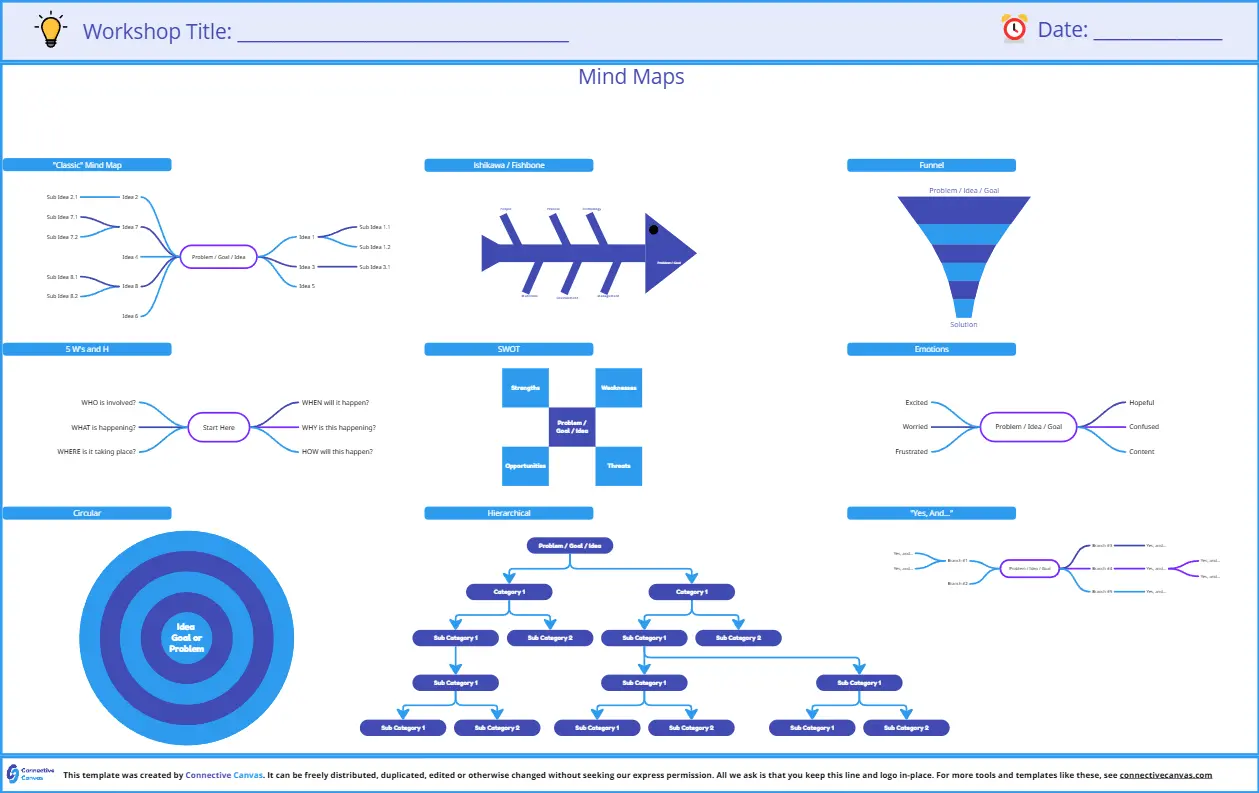
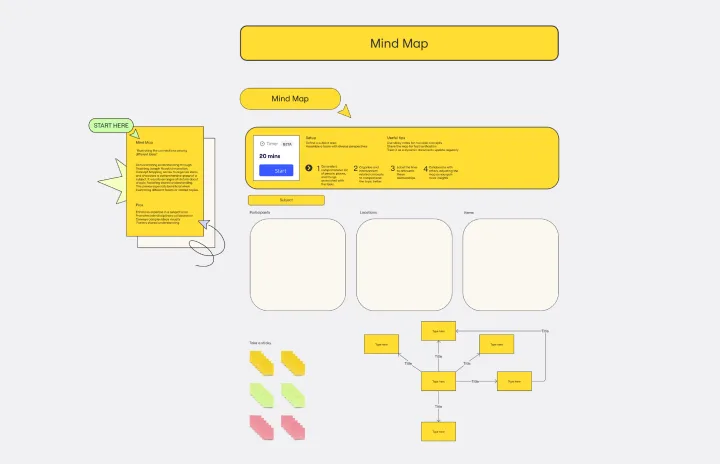
A mind map template is a nonlinear graphical framework used to organize information around a single central concept. Unlike a standard list, a mind map mimics the way the human brain naturally processes ideas through association. By using a "hub-and-spoke" structure, these templates allow you to visualize connections between disparate thoughts, making them the ultimate tool for brainstorming, note-taking, and complex problem-solving.
Key Components of a Mind Map Template
A professional mind map template provides a "spatial logic" that lists cannot provide. Every high-performance Miro board should include these four core elements:
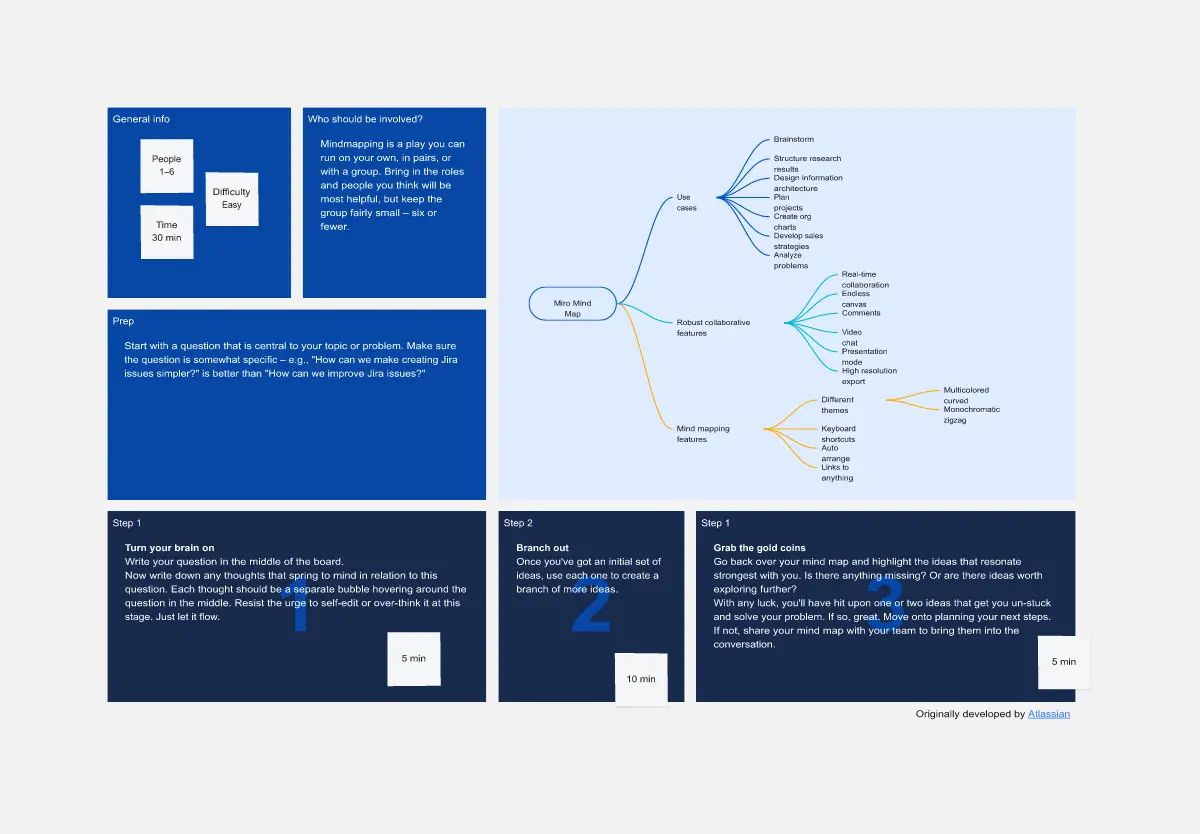
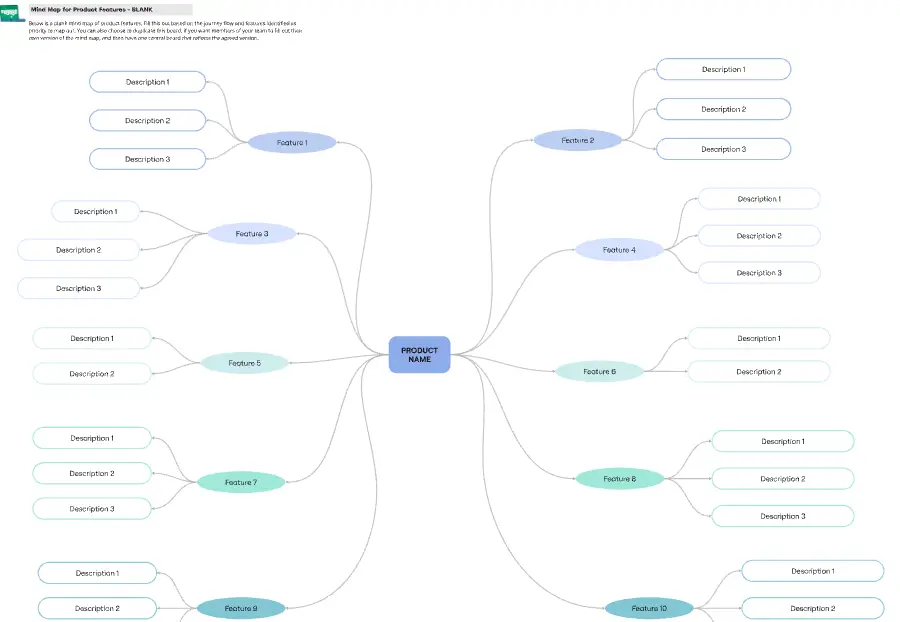
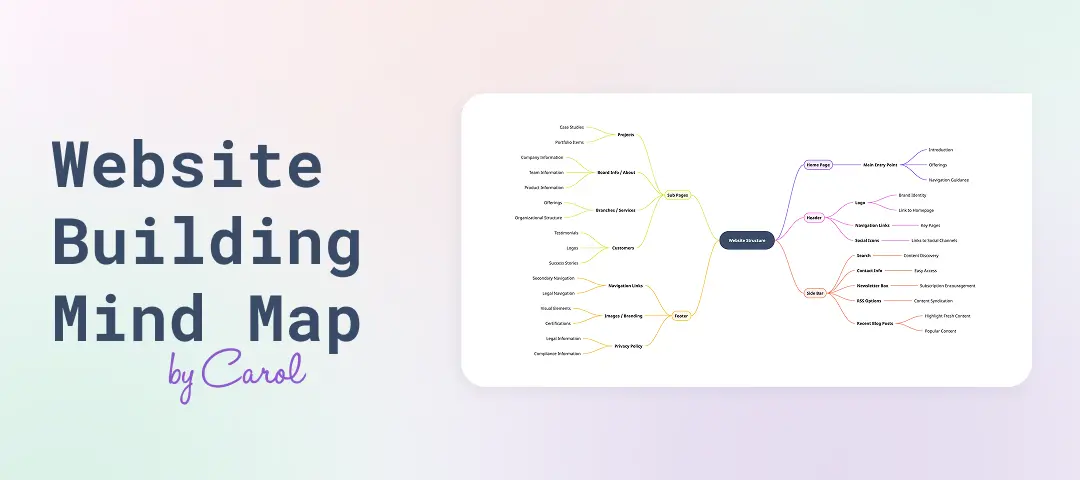
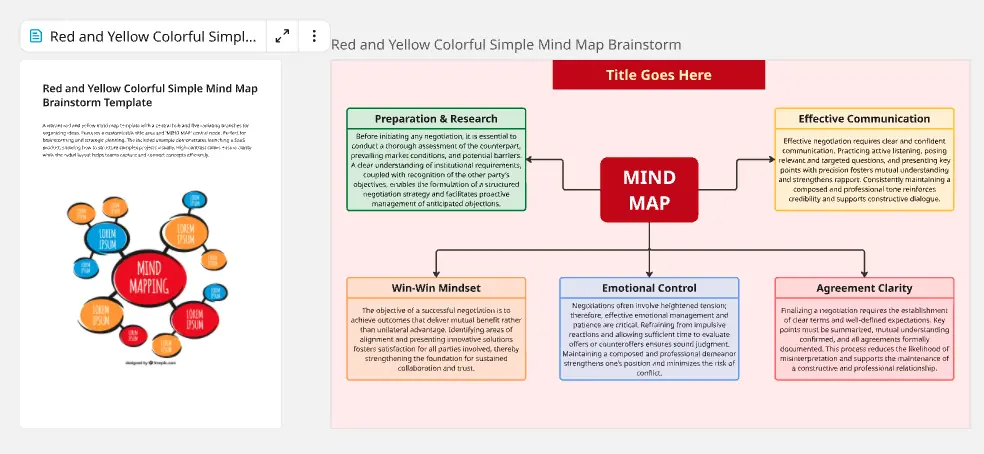
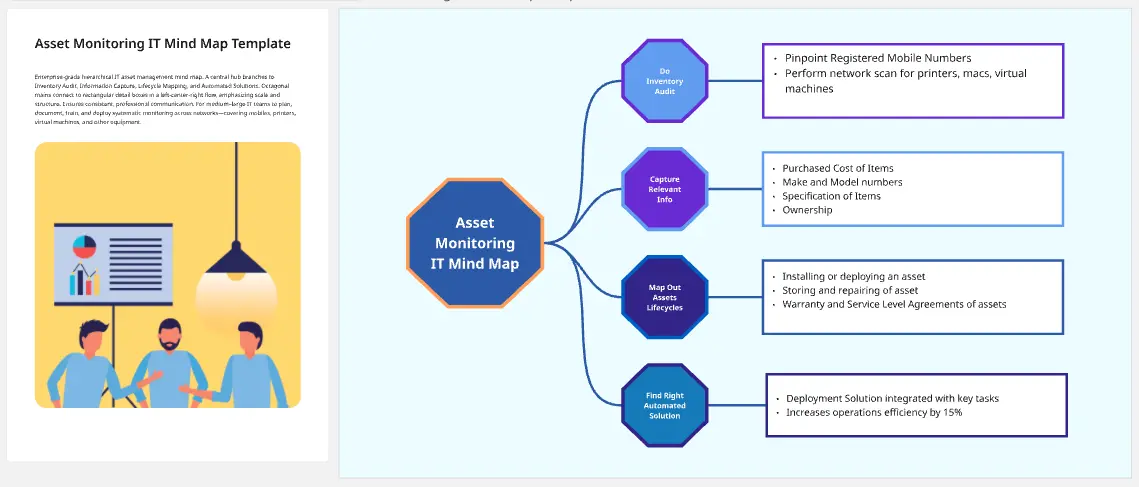
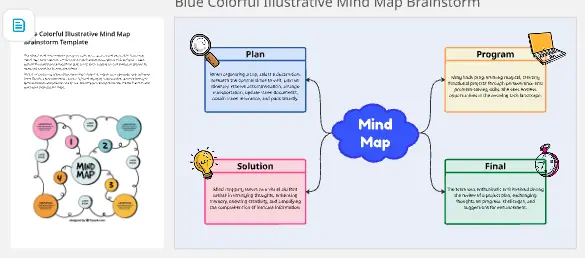
The Central Node (The Hub): The single problem, goal, or topic you are exploring. This should be a bold visual anchor in the center of your board.
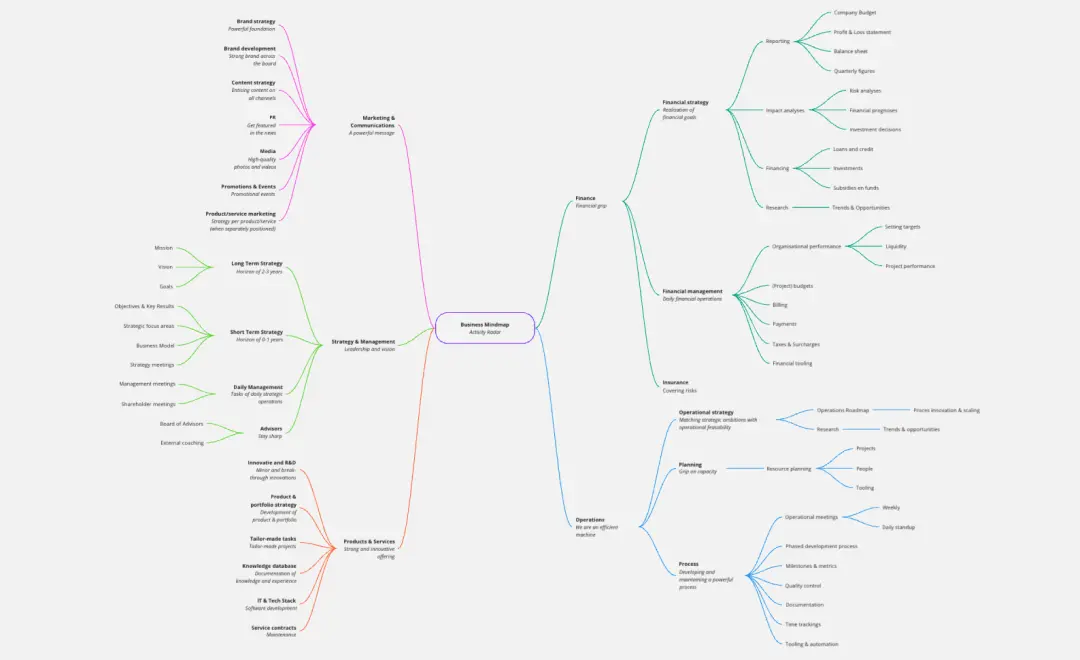
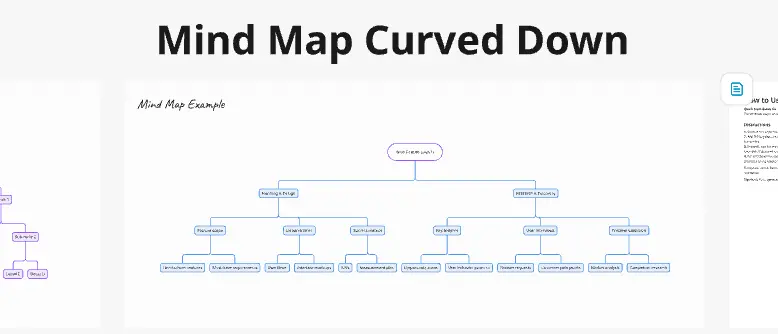
Primary Branches (The Themes): The 5–7 main categories that radiate from the center. These represent the high-level pillars of your subject.
Secondary Branches (The Details): The granular sub-topics that expand on your themes.
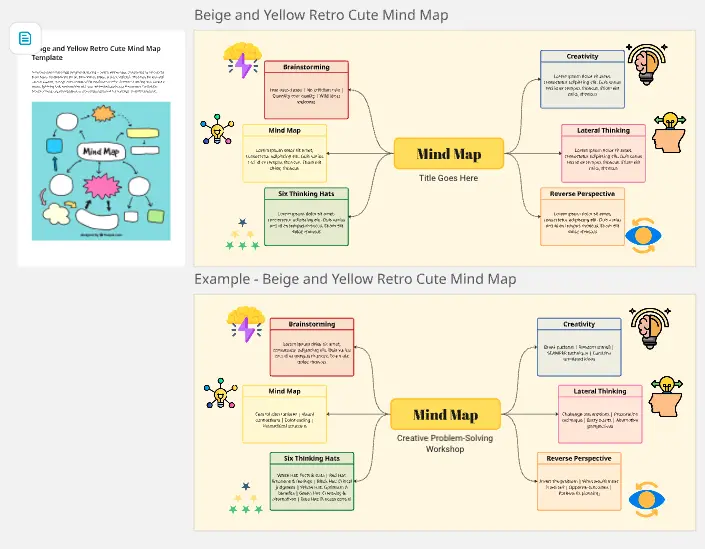
Visual Triggers (Icons & Images): Human brains process images 60,000x faster than text. Using icons on key nodes helps with memory retention and "at-a-glance" understanding.
The "Cognitive Clarity" Audit: 3 Ways to Master Nonlinear Thinking
A mind map can easily become a "tangle of text" if not managed correctly. Before finalizing your Miro board, apply these three expert "health checks" to ensure your map is actionable:
1. The "Single Keyword" Rule
The Audit: Are your branches cluttered with long, dense sentences? The Fix: Professional mind mapping relies on "triggers." Use single words or short phrases on your branches. This keeps the map scannable and encourages your brain to make more associations. If a branch requires a paragraph, attach a Miro Note or Comment to that node instead of cluttering the visual path.
2. The "Parent-Child" Logic Test
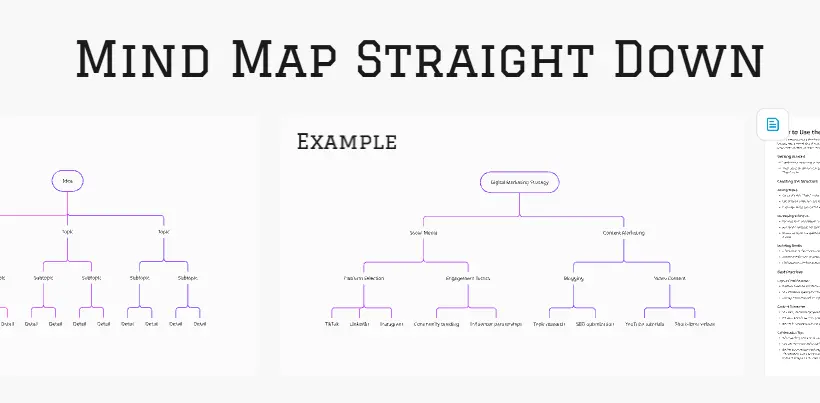
The Audit: Does your map feel like a random cloud, or is there a clear hierarchy? The Fix: Ensure every "child" node is a direct sub-category of its "parent." High-authority mind maps use Visual Weight—making the central lines thicker and the outer branches thinner—to signify the transition from high-level strategy to granular tactics.
3. Using "Color-Coding" as Data
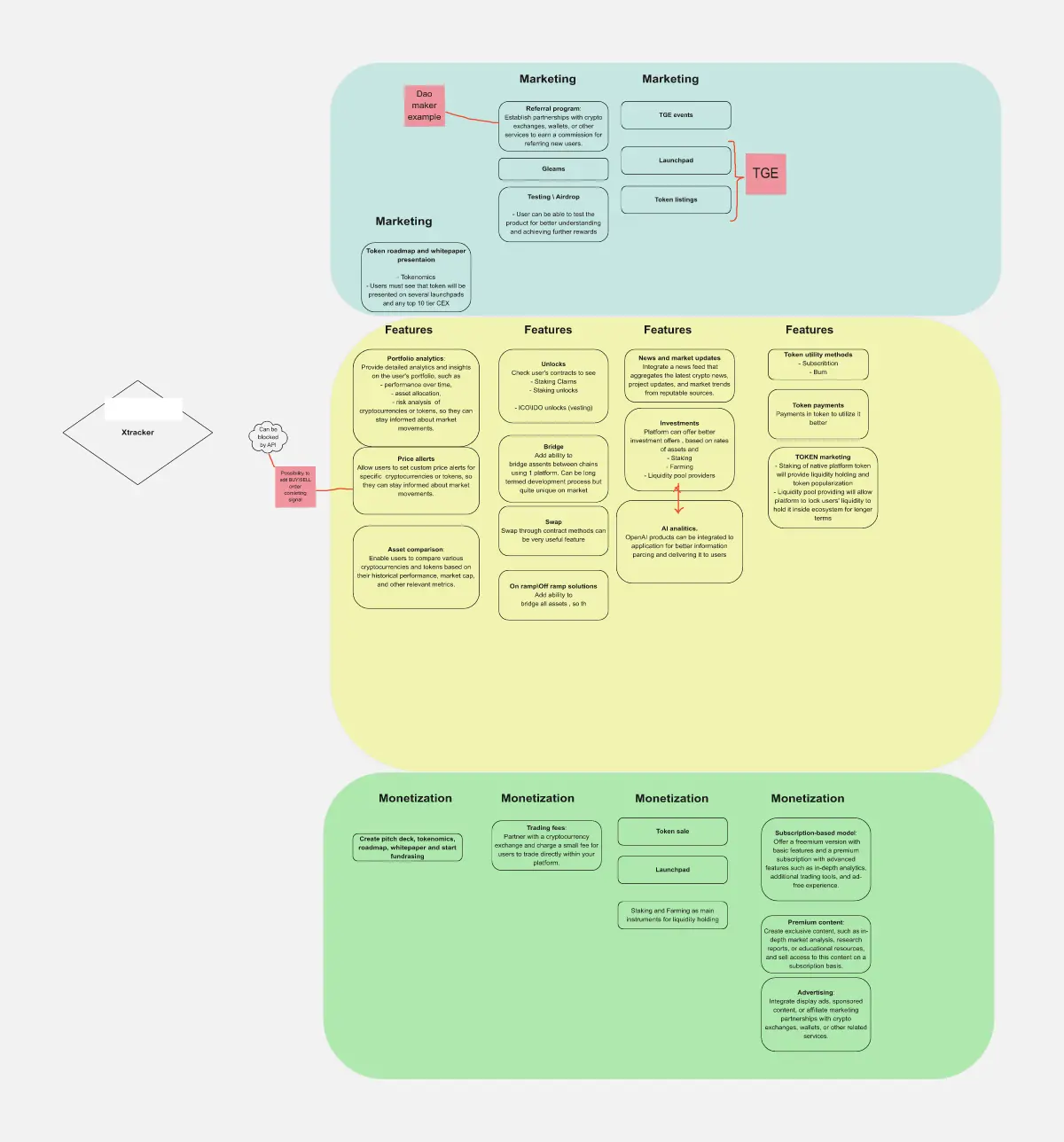
The Audit: Is your map monochrome and difficult to navigate at a glance? The Fix: Don't use color just for aesthetics; use it for Categorization. Assign one color to "Marketing Ideas," another to "Technical Constraints," and another to "Budget." This allows stakeholders to "filter" the map visually and find the information relevant to their department instantly.
Which Mind Map Template Do You Need?
Mind mapping is the "Swiss Army Knife" of visual thinking. Select the Miro template that matches your current mental objective:
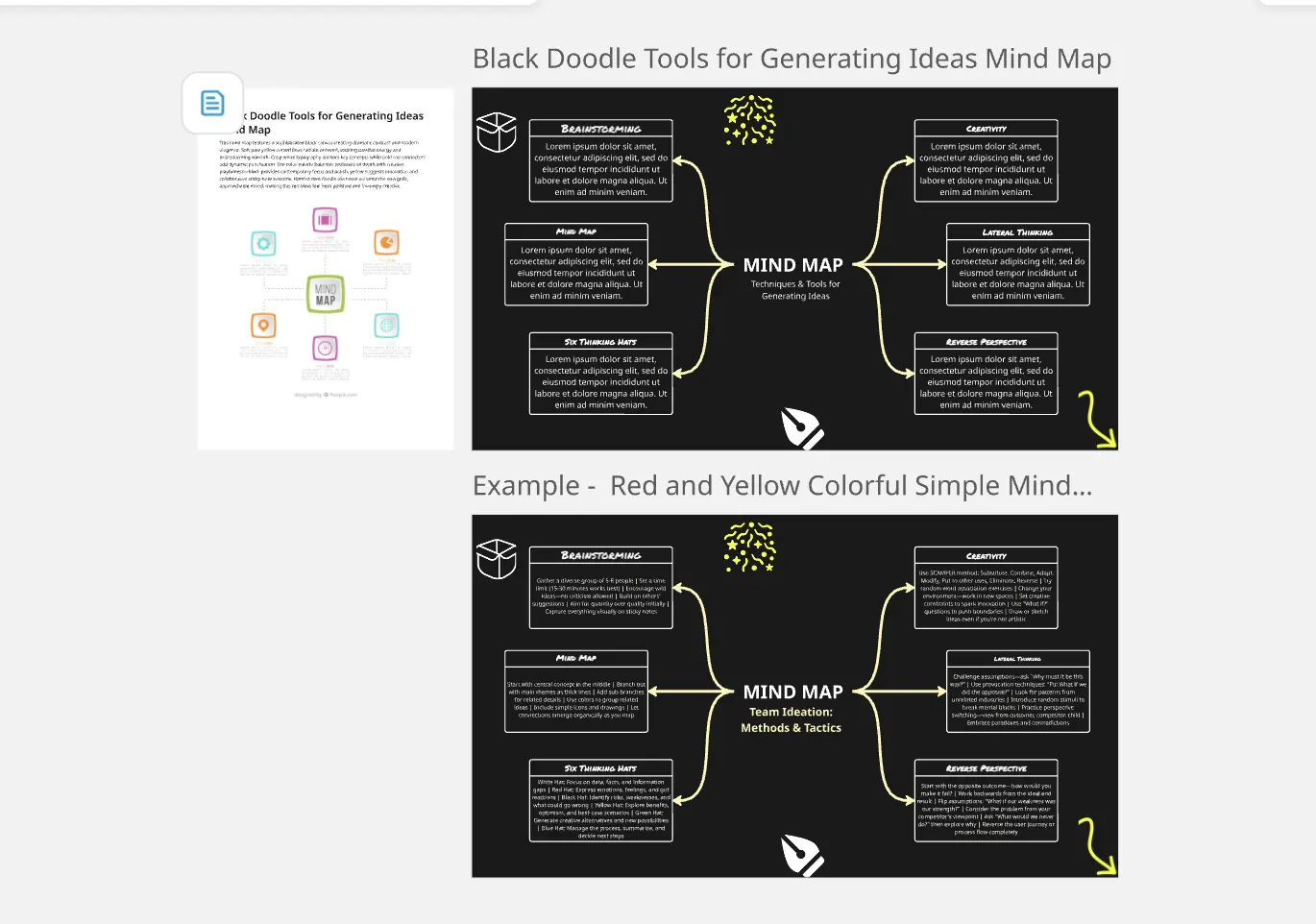
The Brainstorming Map:
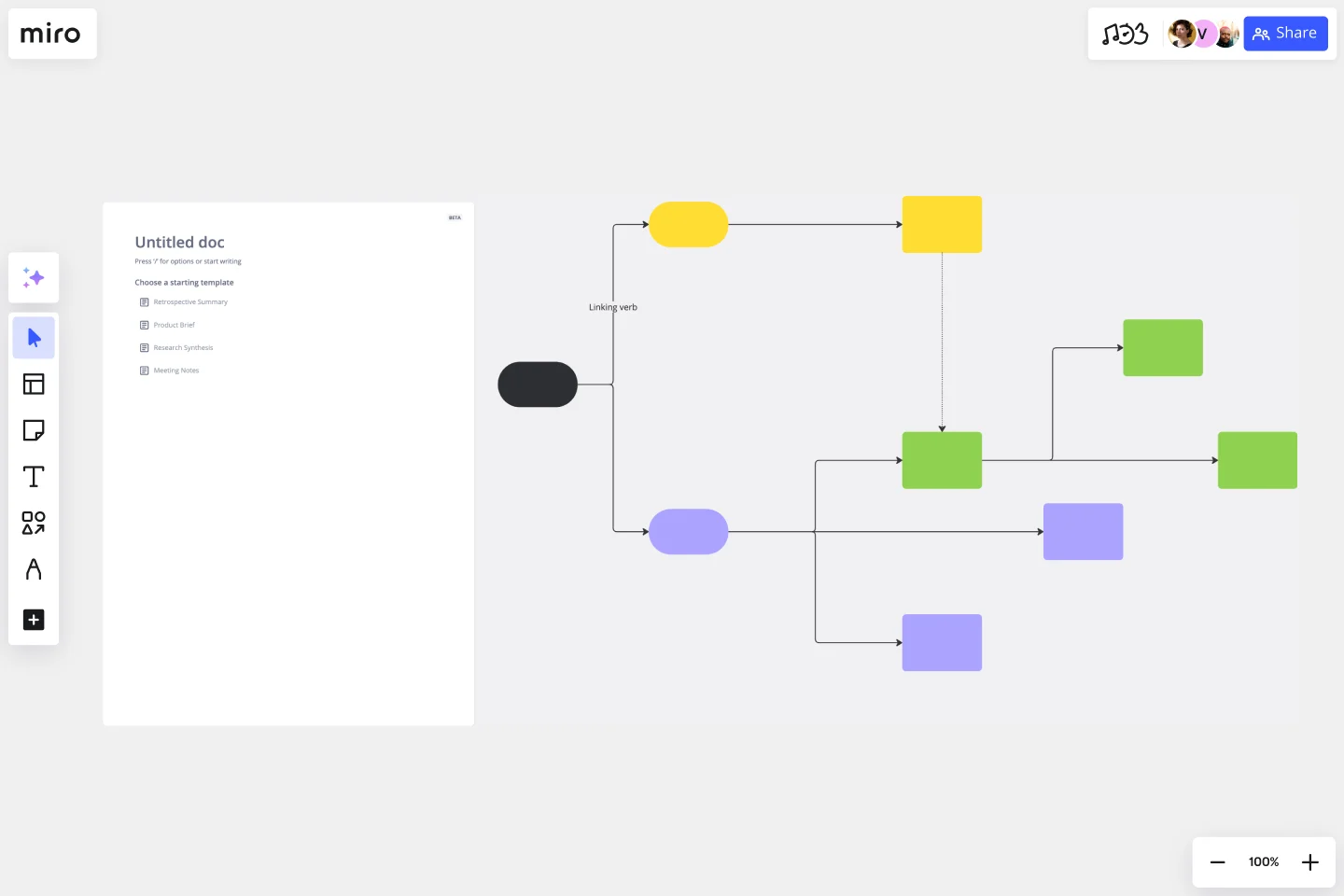
The Concept Map:
Best For: Learning complex subjects or mapping system architectures.
The Goal: To show the intricate relationships (cross-links) between different nodes, moving beyond a simple hierarchy.
The Meeting Notes Map:
Best For: Real-time documentation during collaborative sessions.
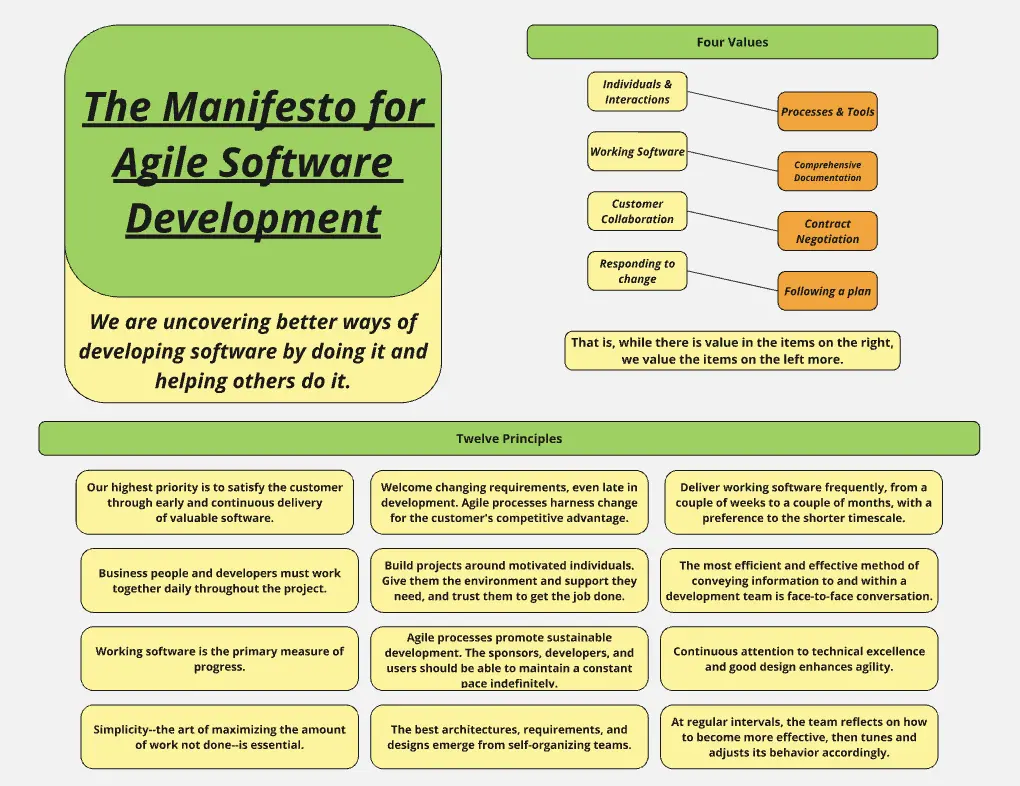
The Goal: To organize a sprawling conversation into logical buckets (e.g., Decisions, Action Items, Open Questions) as they happen.
When to use a mind map template
Here are a few scenarios where the mind map template comes in handy:
Brainstorming: Whether you're generating ideas for a project, planning an event, or coming up with solutions to a problem, mind maps help to organize thoughts creatively and expansively.
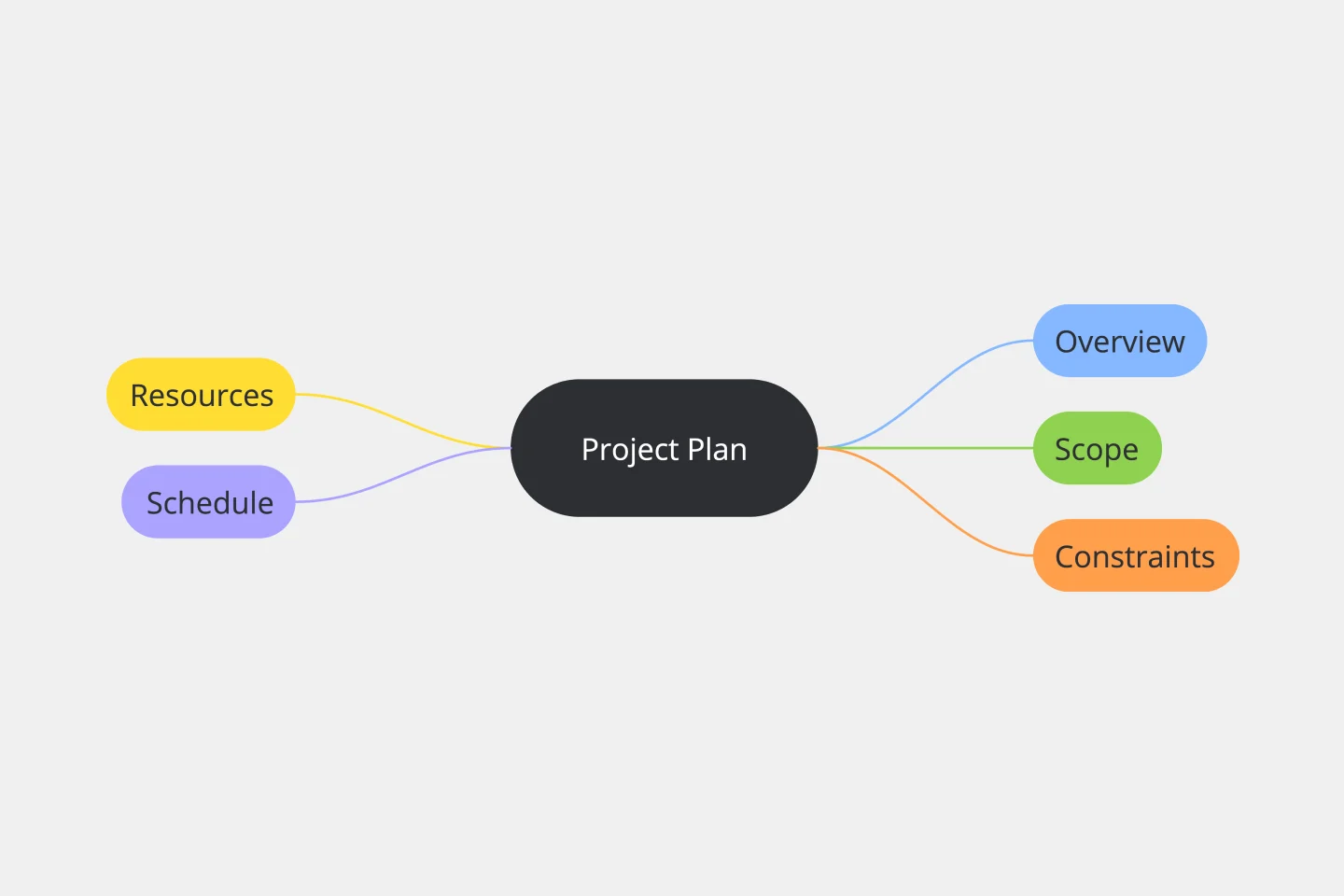
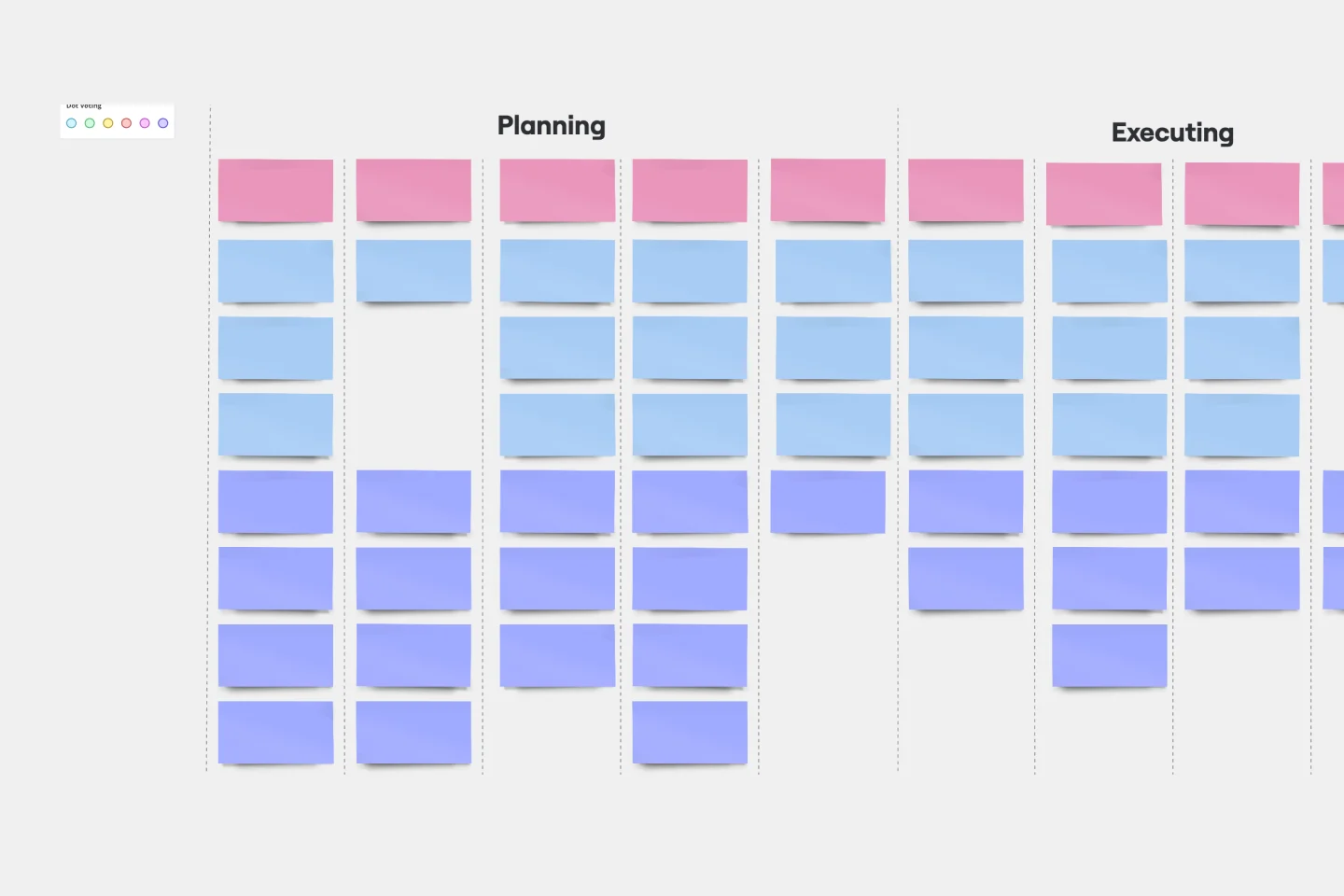
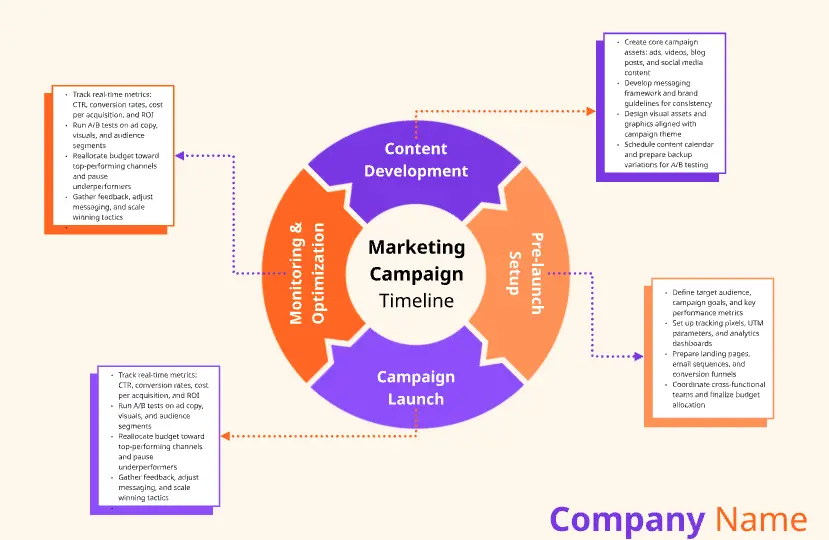
Project Planning: Mind maps can outline the steps, resources, and timelines for a project. They provide a visual representation of tasks, making it easier to understand the project's scope and sequence.
Problem Solving: When facing a complex problem, a mind map can break it down into smaller, more manageable components. This makes it easier to identify potential solutions and their implications.
Presentations: Mind maps can be an effective tool for preparing and delivering presentations. They help in structuring the presentation's flow and ensuring that all key points are covered.
If you want to learn more and improve your mind mapping skills, take a look at our guide to mind mapping.