





Brainstorming for startups

Turn your next product session into a prioritized pitch. Run the ideation, cluster the themes, ship the deck.

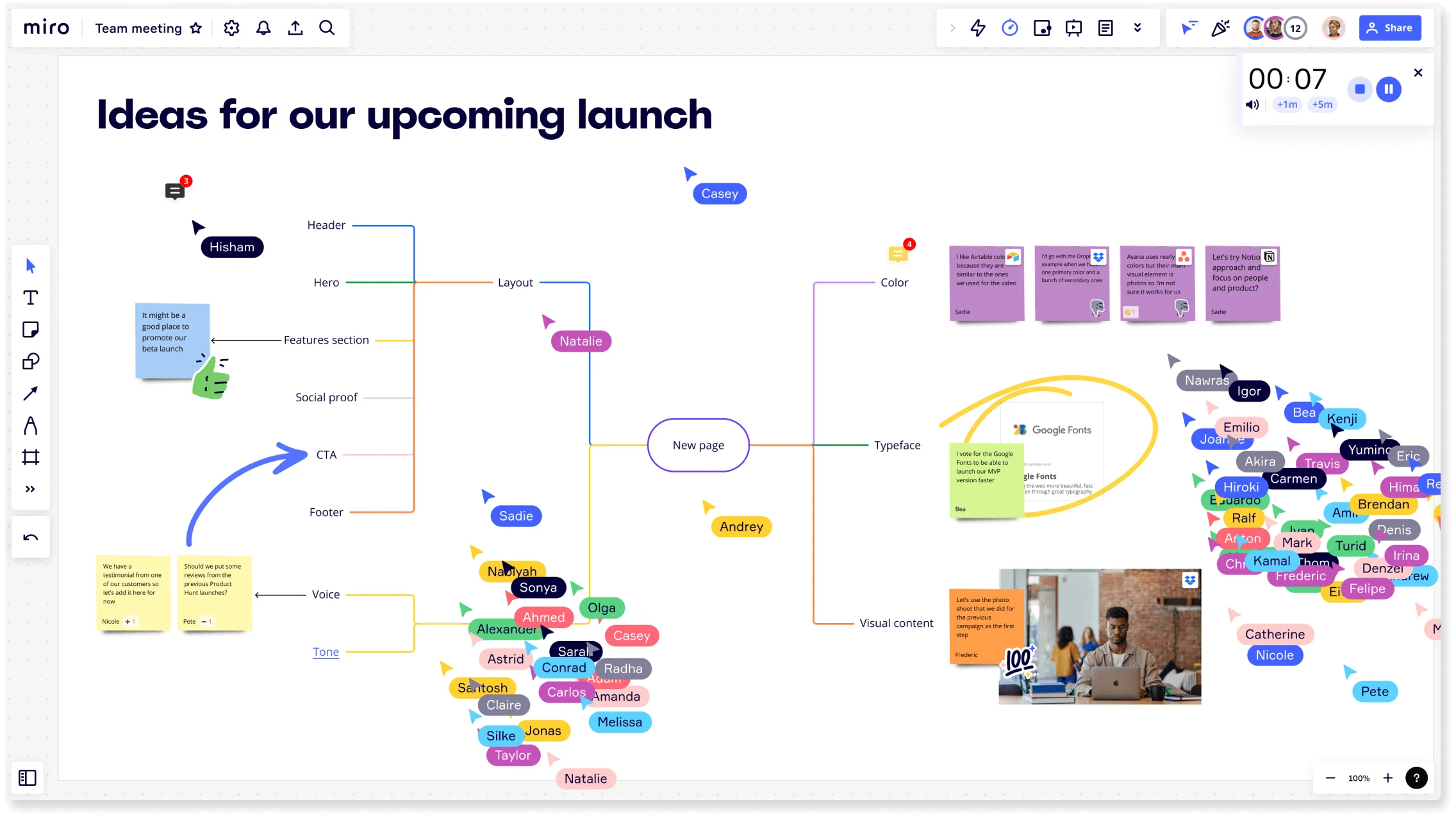
Miro board titled 'Ideas for our upcoming launch' showing a collaborative brainstorming session with a central mind map branching into Layout, Color, Typeface, Visual Content, Voice, and Tone nodes, multiple colored collaborator cursors with name tags, sticky notes, an embedded Google Fonts card, a photo, a timer widget, and a crowd of participant avatars on the right side.

The research on brainstorming

  • Brainstorming can broaden exploration of possible solutions, increase idea quantity, and help participants build on each other's ideas.

    Source: University of Michigan

  • N=56

    Modified hybrid brainstorming can improve idea fluency, flexibility, and originality more than conventional brainstorming.

    Source: J Contin Educ Nurs

See brainstorming in action

Related templates for startup founders

We have 193 templates in our library for Brainstorming.

Why startup founders love brainstorming in Miro

  • From raw pitch ideas to a structured concept brief

    You've got a founder session coming up, sticky notes from three different Slack threads, and a deck due before the investor call. Miro's AI automatically clusters your raw ideas by theme, scores them, and generates a structured concept brief - with your top ideas ready to review before anyone hits send.

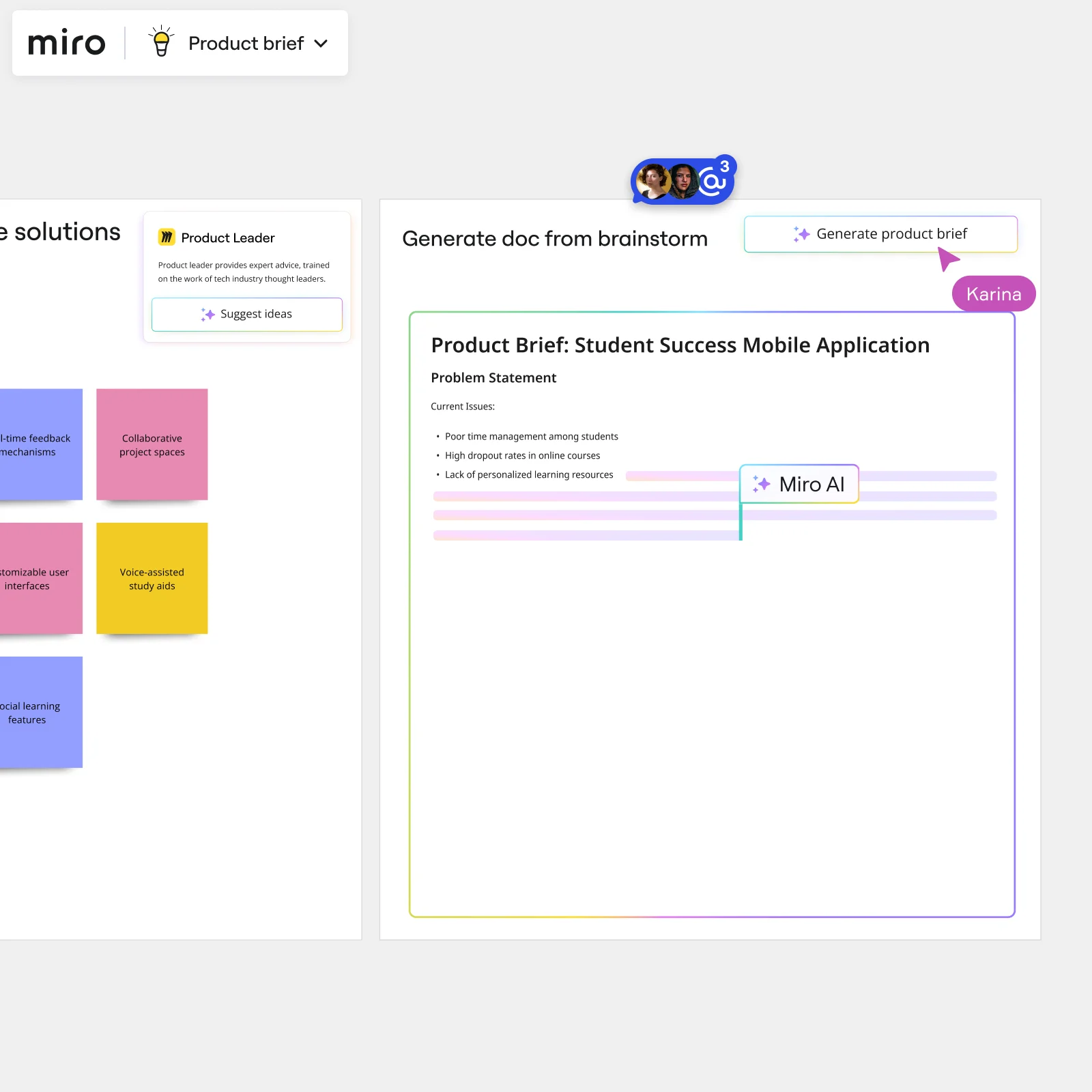
    Miro board split view showing colorful brainstorming sticky notes on the left (blue, pink, yellow) alongside an AI-powered document generation panel on the right, with a 'Generate product brief' button and Miro AI label actively generating content from the brainstorm.
  • Stop rebuilding your ideation board before every sprint

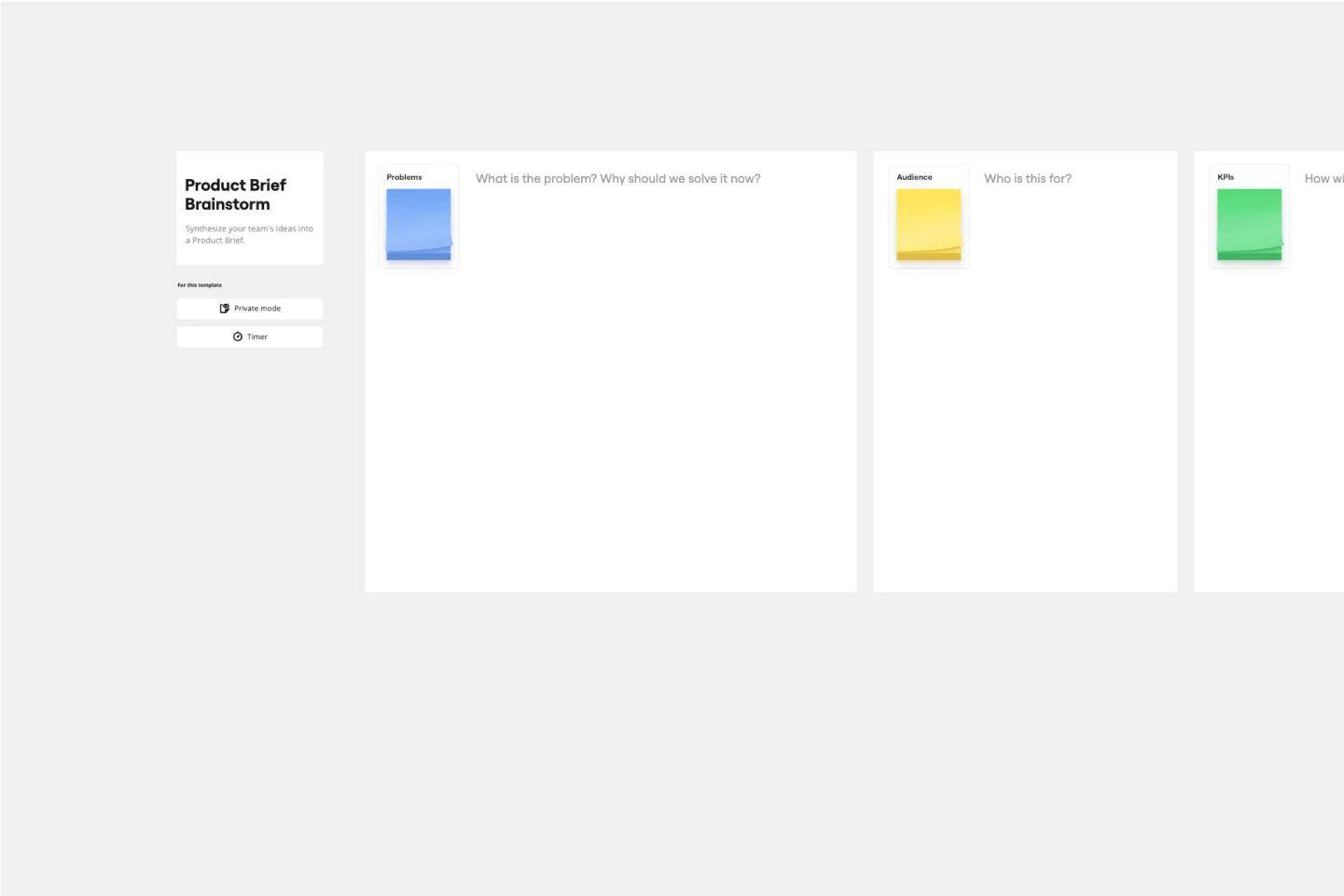
    Whether you're a two-person team running weekly sprints or a 50-person org with product, growth, and engineering squads all ideating in parallel, starting from scratch every time kills momentum. Miro's Template Library ships 193 brainstorming templates - including a Product Brief Brainstorm built specifically for brief-shaping - so you open a board, not a blank canvas.

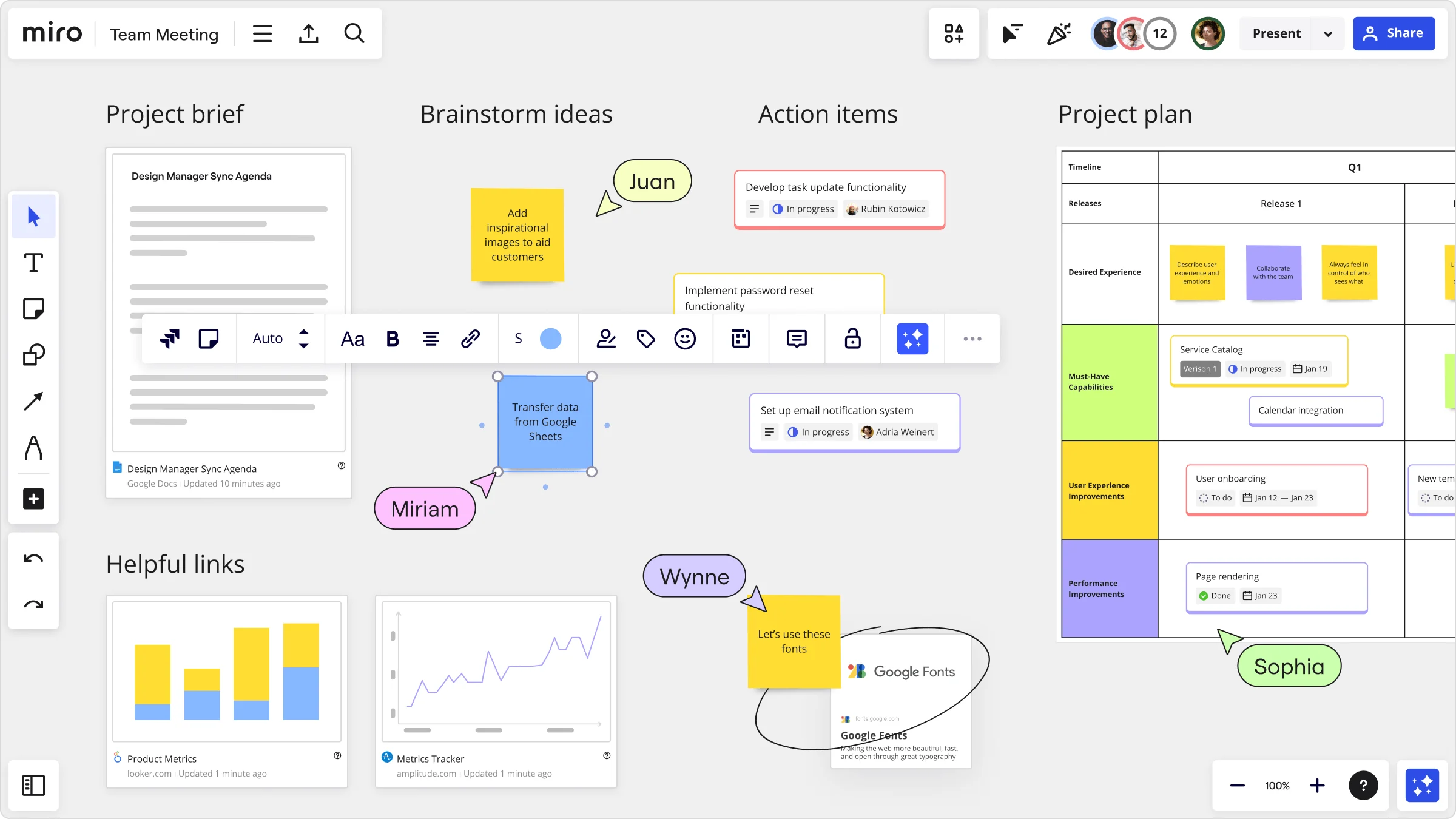
    Miro team meeting board showing four sections: a Project Brief with a Google Docs embed, a Brainstorm Ideas area with sticky notes and collaborator cursors (Juan, Miriam, Wynne, Sophia), an Action Items list with task cards showing assignees and in-progress statuses, and a Project Plan timeline grid with categorized capability rows and task cards.
  • When your co-founder is async and your angel is in a different time zone

    Not every voice can join live. Distributed founders and early investors can drop ideas via sticky notes on their own schedule, and remote teammates join any session from any device by scanning a QR code - no Miro account needed. Everyone contributes before the prioritization vote runs.

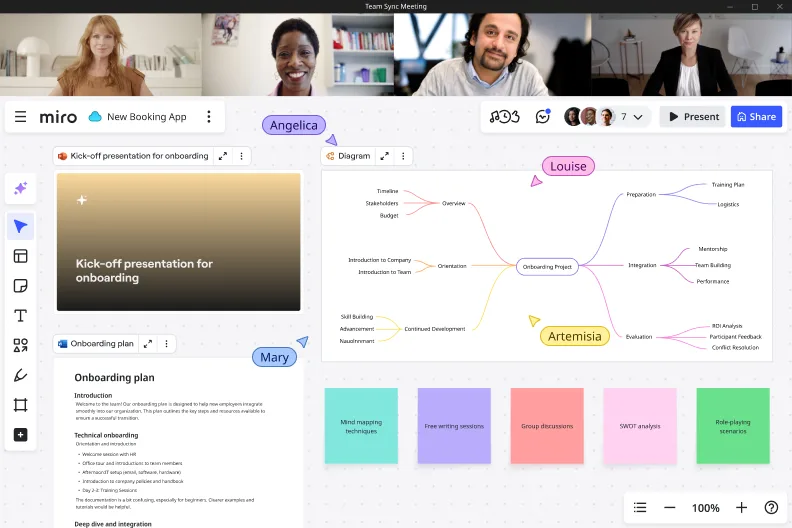
    Miro board shown during a video call with four participants, featuring a mind map centered on 'Onboarding Project' with branches covering Preparation, Integration, Evaluation, Orientation, and Continued Development, alongside an onboarding plan document and a kick-off presentation slide, with colored activity cards at the bottom including mind mapping techniques, free writing sessions, group discussions, SWOT analysis, and role-playing scenarios.
  • Your pitch deck, generated directly from the brainstorm

    After you've clustered and voted, don't rebuild artifacts in Google Slides. Miro's AI generates a leadership-ready deck straight from your brainstorm frames - Brand Center colors auto-apply, and you edit slide by slide before committing. A five-person seed team and a Series B org with a formal GTM review both ship the same readout in minutes.

    Miro board showing AI-powered document generation from a brainstorming session, with a Product Leader AI sidekick panel on the left, colorful sticky notes listing solution ideas (collaborative project spaces, voice-assisted study aids, social learning features), and an AI-generated Product Brief document for a Student Success Mobile Application being created in real time by Miro AI.
  • Are your best ideas still buried in last quarter's board?

    Founders run fast and boards multiply. AI Search on the Miro dashboard finds last quarter's product brainstorm using plain-language queries like "roadmap session with the growth team" - no exact title needed. Embed the summary directly into Notion or Confluence via /miro so your team wiki and your next planning session always read from one live source.

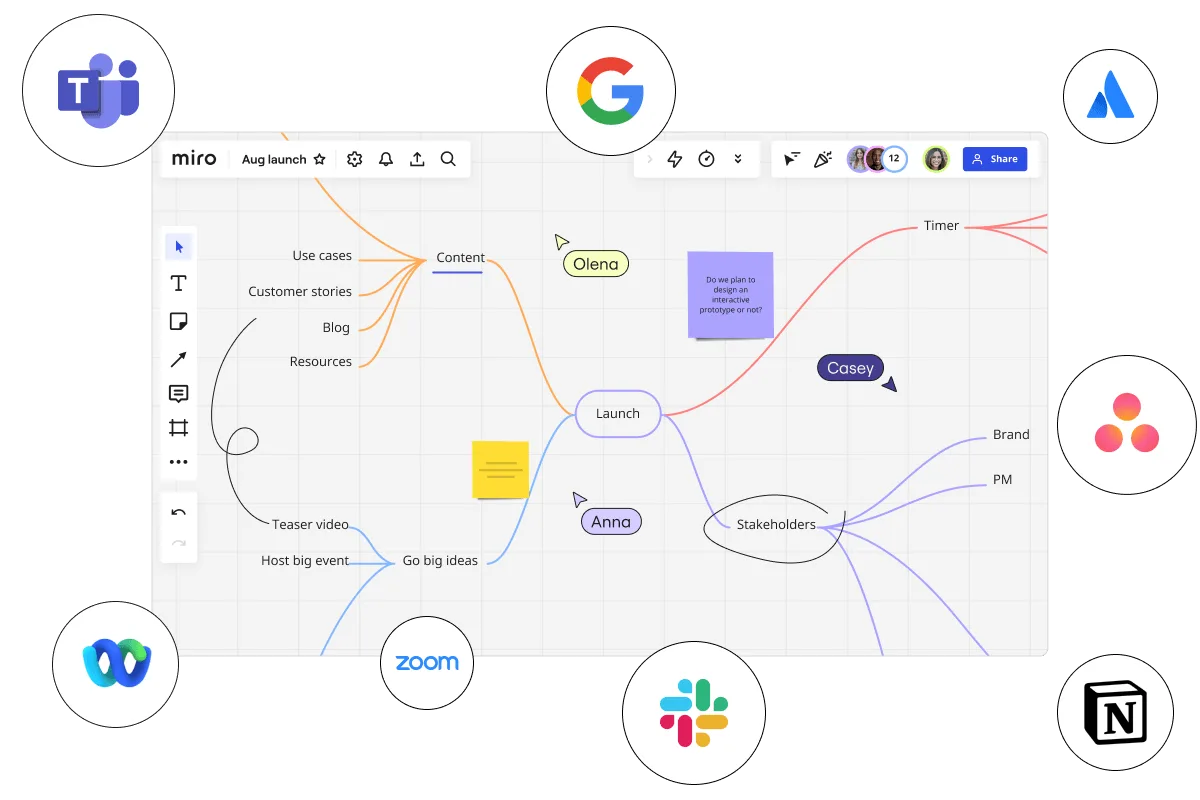
    Miro board displaying a mind map centered on 'Launch' with branches for Content (use cases, customer stories, blog, resources), Go big ideas (teaser video, host big event), Stakeholders (brand, PM), and Timer, with three collaborator cursors labeled Olena, Casey, and Anna, a sticky note asking about interactive prototypes, surrounded by integration logos for Microsoft Teams, Google, Atlassian, Asana, Webex, Zoom, Slack, and Notion.

How startup founders get started with Brainstorming in Miro

  • Frame your pivot or bet as a board

    Open a Brainstorming Intelligent Template, drop your current thesis in a dedicated Frame at the top, and pull in the Loom link, competitor screenshots, or churn signals your co-founders need to see before a single sticky goes up.

  • Get every bet on the board fast

    Enable Bulk Mode on Sticky Notes and set a Timer for five minutes so you and your co-founders are capturing bets, wedge ideas, and ICP hypotheses simultaneously rather than talking in circles.

  • Find the signal in the noise

    Run Clustering to group your raw sticky notes by theme, then use Dot Voting with three votes per person to force real conviction on which bets are worth the runway.

  • Turn your top ideas into a defensible brief

    Trigger the Workshop Planner Sidekick to synthesize clustered ideas into opportunity areas, drag the output into a Miro Doc, and export to Markdown for your thesis doc or PDF for the investor recap.

Brainstorming tips for startup founders

  • Use AI Generate Sticky Notes to seed the board before your co-founders join - founders waste the first 20 minutes restating context, and a pre-seeded board skips that entirely.

  • Color-code stickies by conviction level (green = strong signal, red = assumption not yet tested) before you run Clustering, so you can instantly see whether your top theme is built on evidence or hope.

  • After voting, assign owners directly in Comments on the board - if you leave the session without a named person on each bet, the pivot conversation restarts at the next all-hands with nothing resolved.

Understand how startup founders transform their work

  • Streamlines the brainstorming process for startups.

    Verified User

    G2
  • The Intelligent and Visionary Brainstorming Software for Busiensses

    Verified User

    G2

Brainstorming essential guide for startup founders

CategoryKey insights
  • Common mistakes to avoid

    The biggest trap for founders is diving straight into ideation without a warm-up, which guarantees your quieter co-founder or first engineering hire stays silent while the loudest voice in the room anchors the whole session. Don't skip grouping your output either. Clustering scattered sticky notes into themes is what turns a whiteboard full of half-baked bets into a defensible strategic direction you can actually walk investors through. Whether you're a two-person founding team or have grown to fifty, lock your board objects before facilitated sessions so nobody accidentally wipes the one insight that reframes your ICP.

  • Key integrations for startup founders

    Slack and Zoom keep the board connected to wherever your founding team is already talking, so a brainstorm doesn't die the moment the call ends. Jira pulls in the customer-reported edge cases your team is already tracking, so you're not brainstorming in a vacuum while the Linear board tells a different story. For growing teams moving toward enterprise infrastructure, Confluence keeps strategic outputs living somewhere the whole org can reference rather than buried in a Miro link nobody bookmarks.

  • When to use it

    Reach for Miro brainstorming when you need a shared mental model fast. That might be a Monday morning right after a board meeting where your roadmap got challenged, or a Friday async session before a Series A partner wants a sharper ICP by the following week. Picture this: your product team runs three silent ideation rounds using Timer and Breakout Frames, generates over a hundred sticky notes, then uses Clustering and Dot Voting to surface the two bets worth building toward. That's the difference between two weeks of drift and a hiring or kill decision made with real conviction.

  • Security & Compliance

    For early-stage founders, SOC 2 Type II certification means you can share boards with lead investors and advisors without worrying about what's exposed. As you scale and bring on enterprise customers or operate in regulated verticals, Miro's data residency controls and granular sharing permissions give your legal and infosec teams what they need to say yes. Private Mode keeps sensitive pivot conversations and pre-announcement strategic sessions off-limits to anyone outside the room, which matters more when the stakes are a funding round, not just a feature review.

Frequently asked questions for startup founders

Last updated: Monday, September 14, 2026