






Brainstorming for engineering teams

Turn sprint retrospectives and architecture debates into real decisions. Run structured ideation from a 4-person platform squad to a 200-person distributed org.

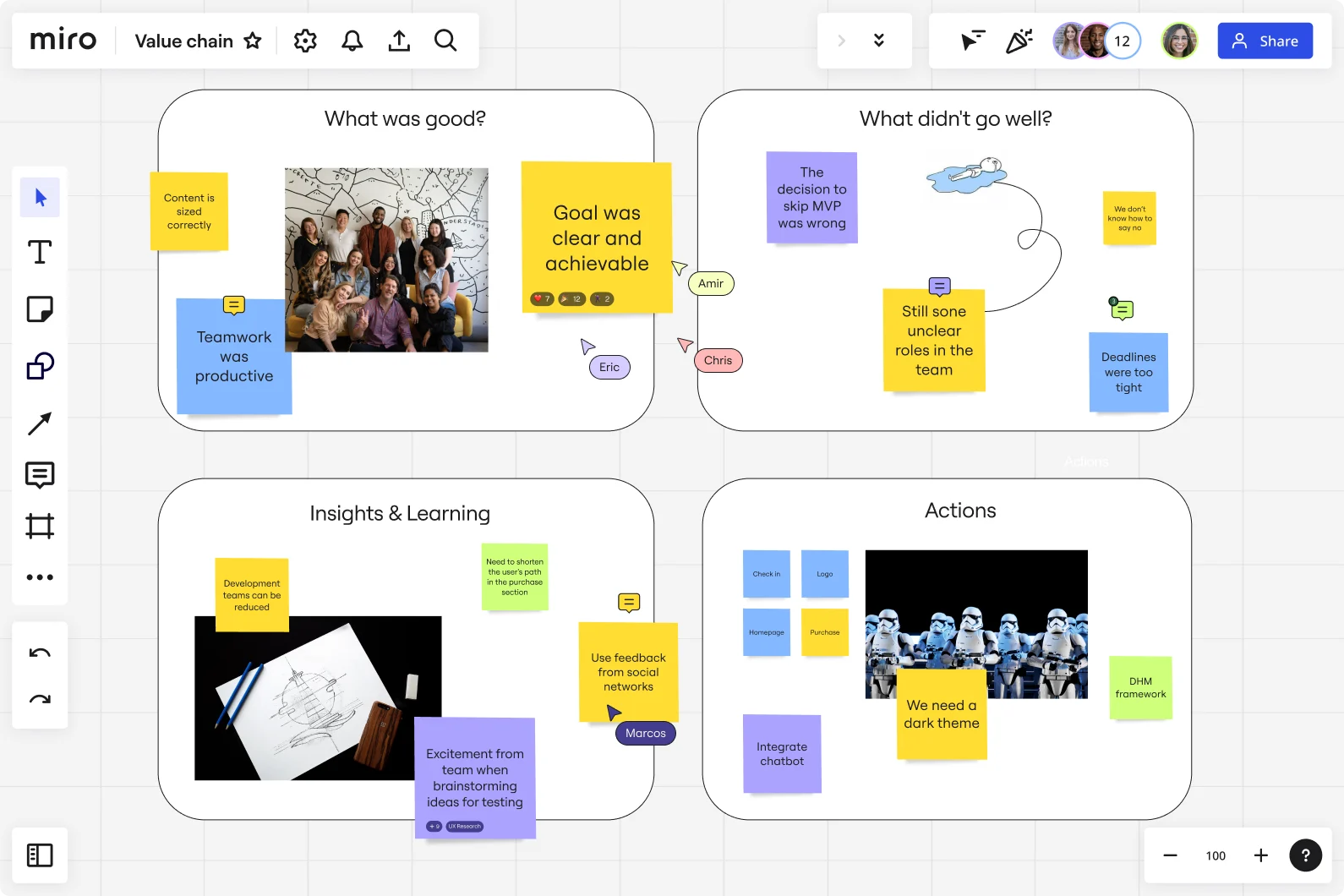
Miro board displaying a sprint retrospective template with four quadrants — 'What was good?', 'What didn't go well?', 'Insights & Learning', and 'Actions' — populated with yellow, blue, and purple sticky notes, team photos, and action items including topics like teamwork, MVP decisions, unclear roles, and integrating a chatbot.

The research on brainstorming

  • 3x

    Hybrid brainstorming-then-clustering group processes generated 3x more ideas per unit time compared to traditional group brainstorming, with significantly better quality of the best idea selected

    Source: INSEAD Faculty Research

  • 71%

    In one study at a tech company, teams using a brainwriting approach generated 37% more ideas than those who first worked alone, and an asynchronous brainwriting variant produced 71% higher idea rate than a traditional group session.

    Source: Leadership IQ (citing Yale study and meta-analysis by Paulus et al.)

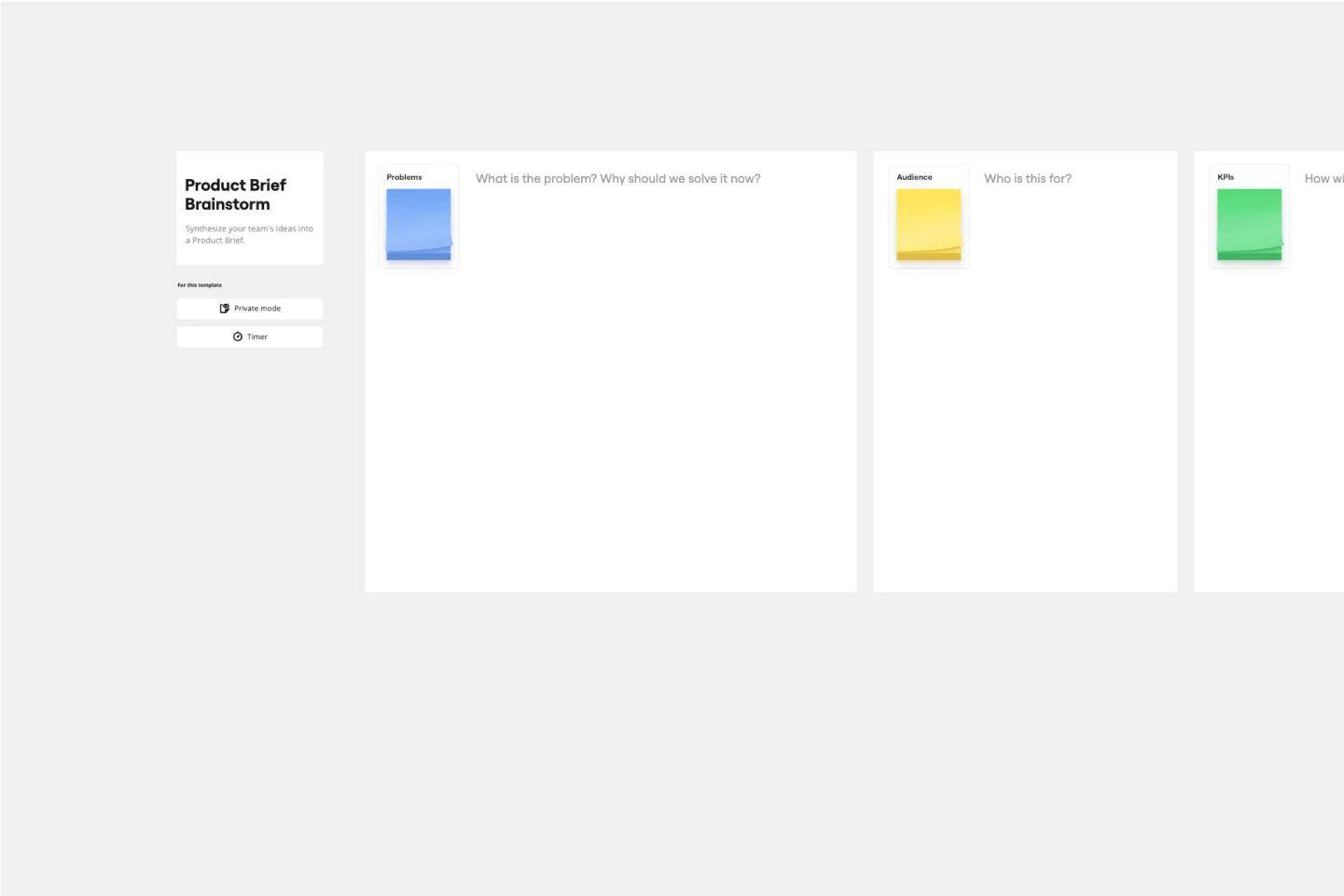
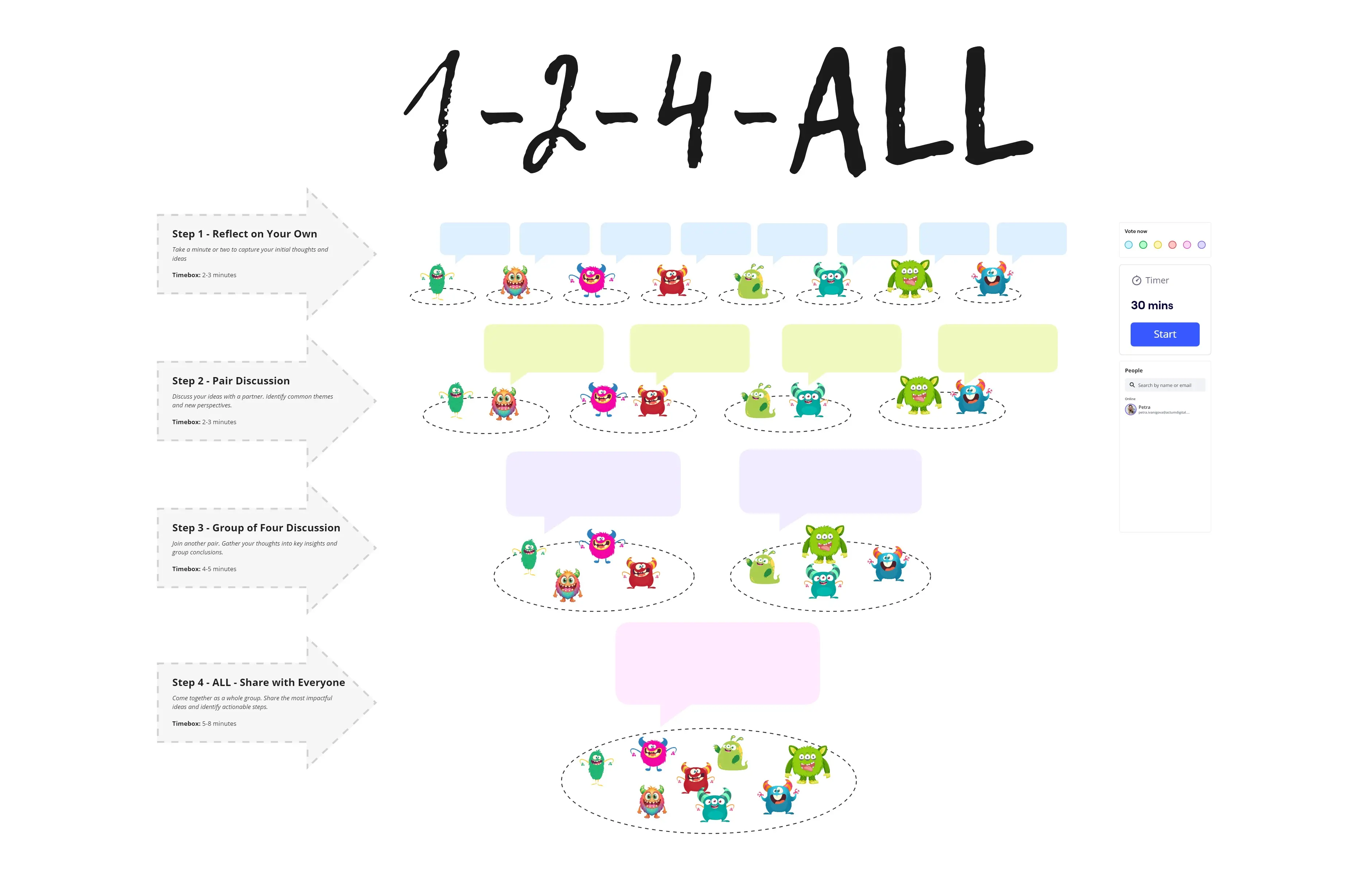
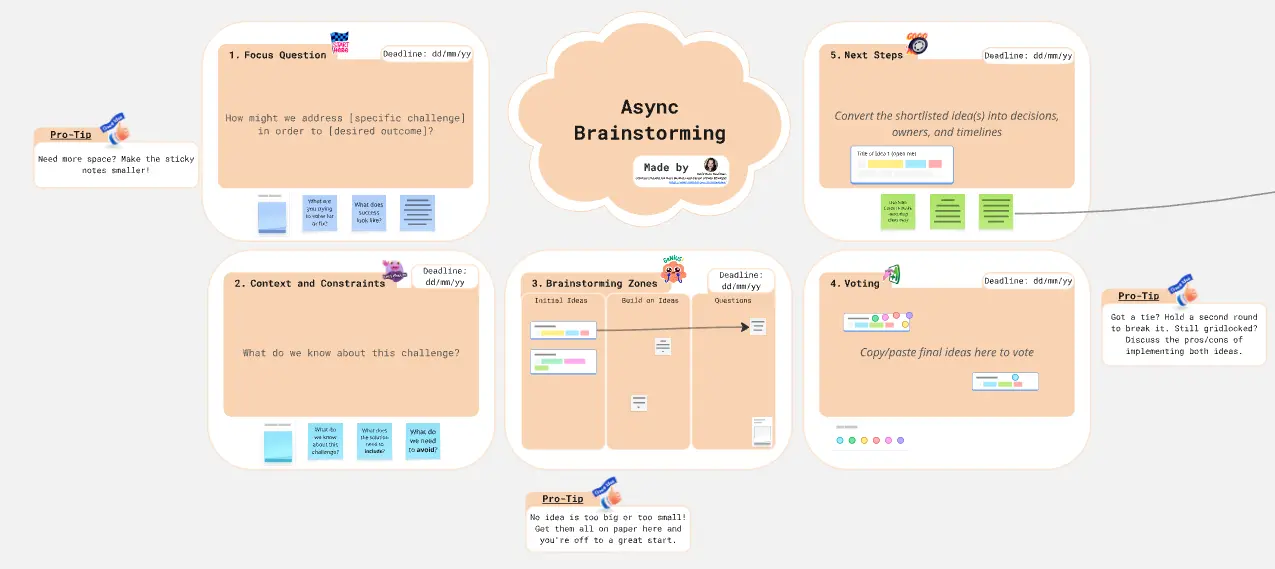
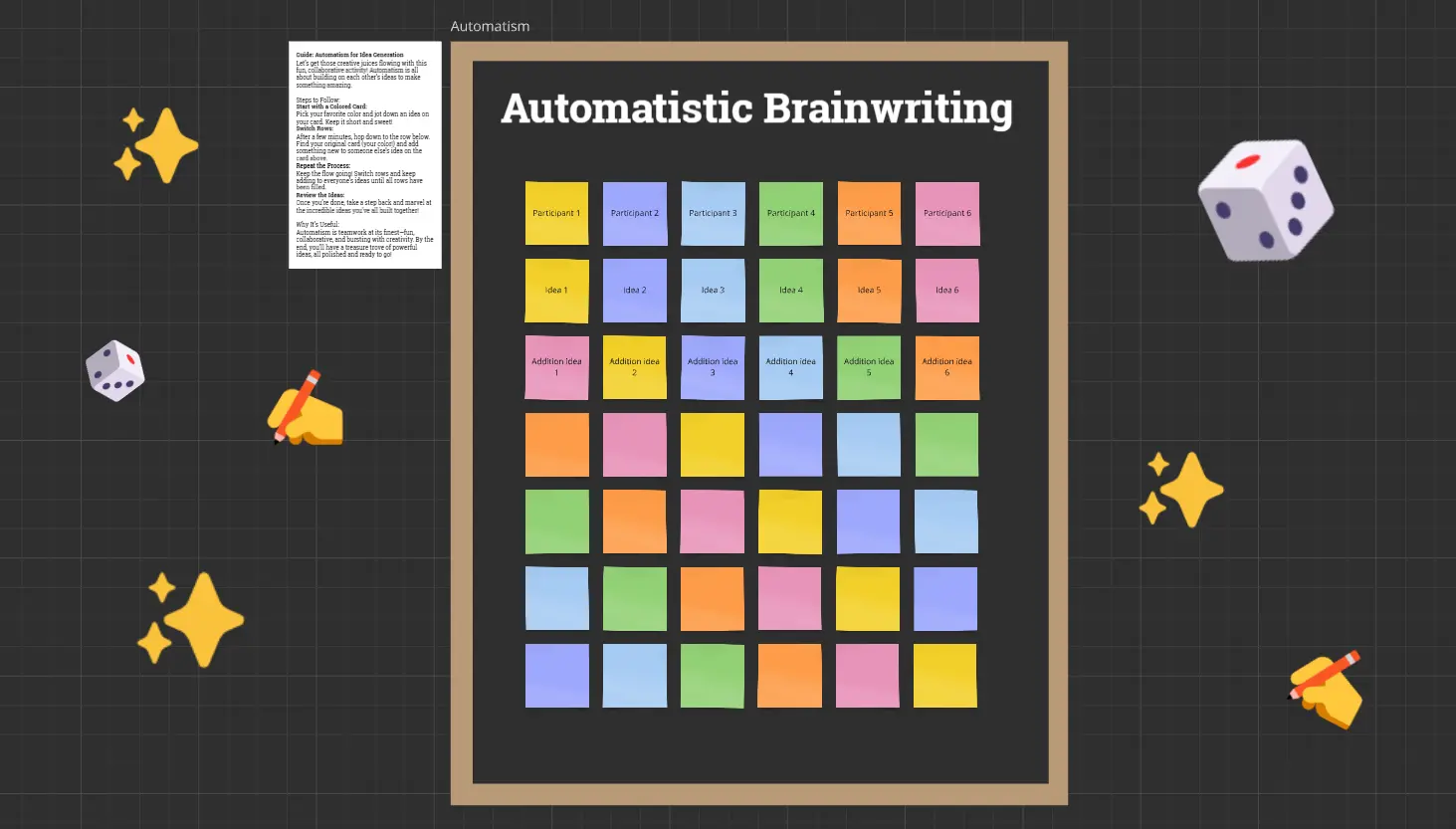
See brainstorming in action

Related templates for engineering teams

We have 193 templates in our library for Brainstorming.

Why engineering teams love brainstorming in Miro

  • Stop losing sprint retro insights to sticky-note chaos

    Every retro ends with a photo of the whiteboard and the quiet understanding that nobody will look at it again. Miro's clustering automatically groups related ideas by theme, so your platform, infra, and feature teams walk away with clearly labeled action clusters - not a wall of noise they'll never revisit.
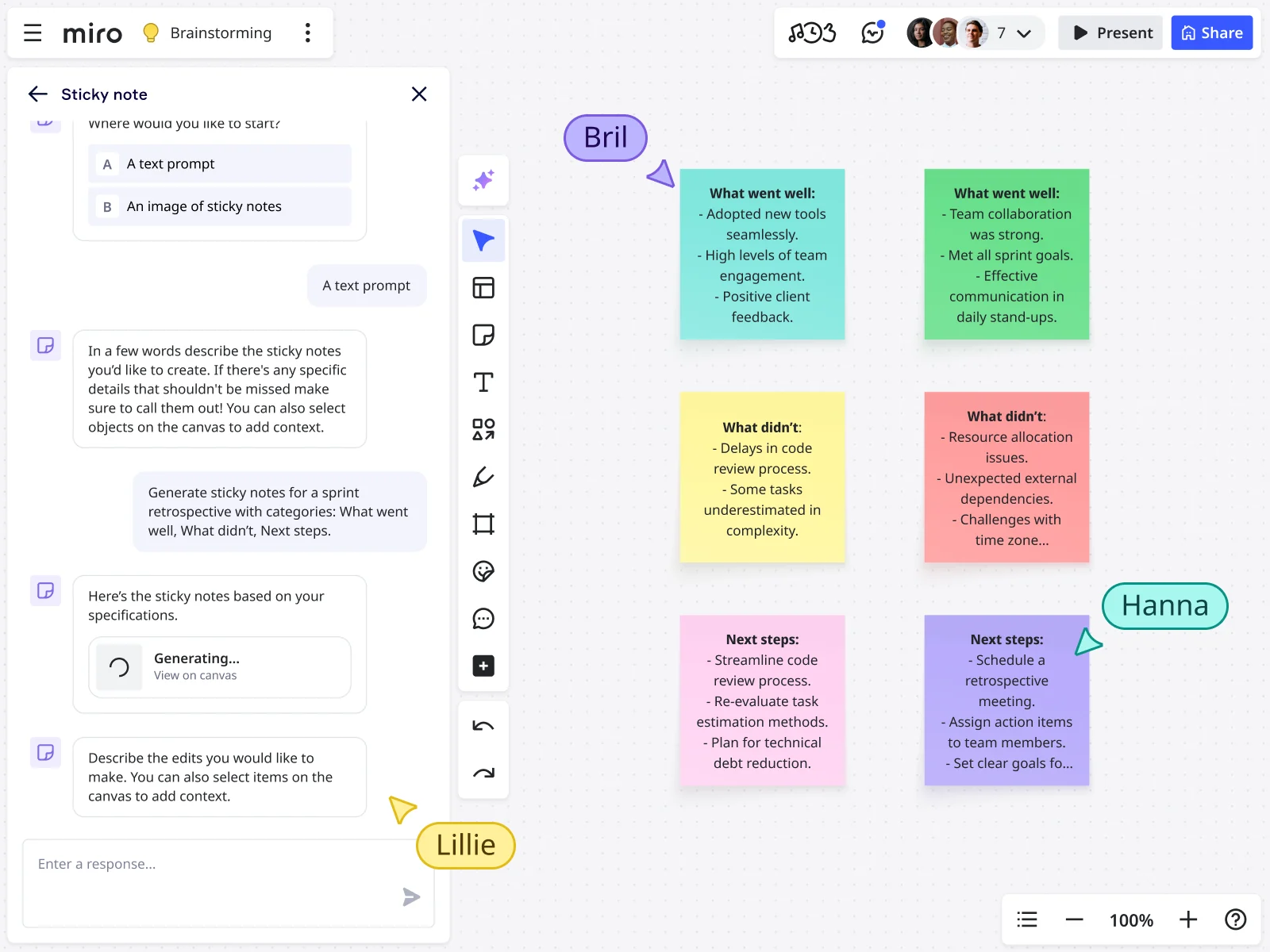
    Miro board displaying an AI-generated sprint retrospective with six color-coded sticky notes organized in a 2x3 grid covering 'What went well,' 'What didn't,' and 'Next steps' categories, alongside an open AI chat panel on the left where a user prompted the generation using a text description, with three collaborator cursors (Bril, Hanna, Lillie) visible on the canvas.
  • Are incident postmortems actually changing your deploy pipeline?

    You write up the postmortem, assign owners, and three sprints later the same failure mode resurfaces. Run your next postmortem on a shared canvas: add sticky notes in parallel, vote anonymously on root causes, and push the top action items directly to Jira-synced cards without re-entering anything by hand.

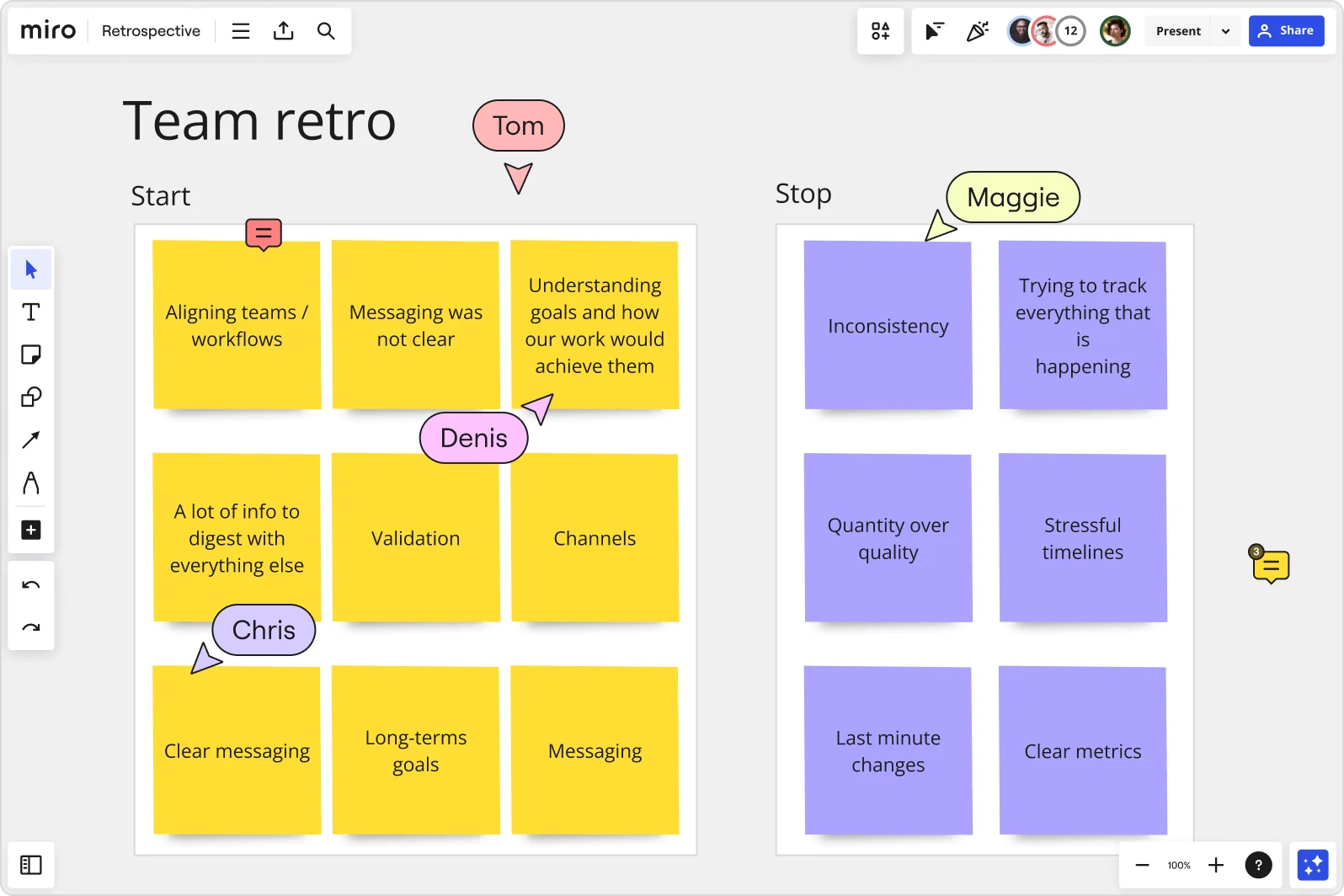
    Miro board showing a Team Retrospective with two sections — 'Start' (yellow sticky notes with items like 'Aligning teams/workflows,' 'Messaging was not clear,' 'Validation,' and 'Channels') and 'Stop' (purple sticky notes with items like 'Inconsistency,' 'Quantity over quality,' 'Stressful timelines,' and 'Last minute changes') — with multiple collaborator cursors (Tom, Denis, Chris, Maggie) visible on the board.
  • From blank canvas to your first architecture proposal in minutes

    A cold-start architecture review is rough when everyone's staring at an empty board waiting for someone to go first. Miro's AI seeds the board with starter concepts from a single prompt - your tech leads can react, challenge, and build instead of hesitating.

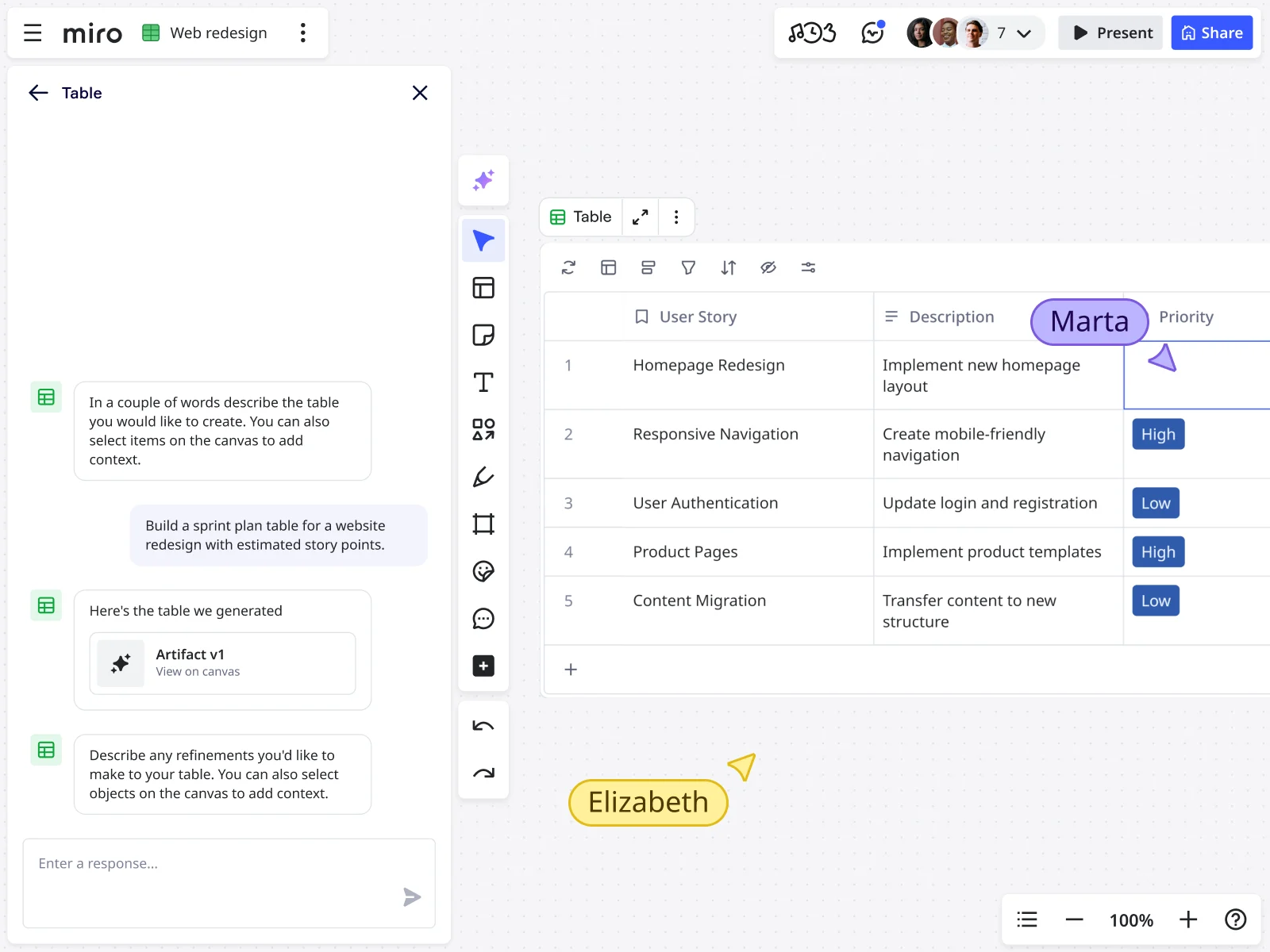
    Miro board showing an AI sidebar chat interface generating a sprint plan table for a website redesign, with the resulting table displaying five user stories (Homepage Redesign, Responsive Navigation, User Authentication, Product Pages, Content Migration) alongside descriptions and priority labels (High/Low), with two collaborator cursors (Marta and Elizabeth) visible on the canvas.
  • Your tech debt conversation, structured for the whole org

    A 5-person team can freeform a debt triage in 30 minutes. A 500-person org needs a repeatable format. Breakout Frames split large groups into parallel working areas - platform, infra, security each ideate independently, then merge results into one prioritized backlog without three separate Confluence pages.

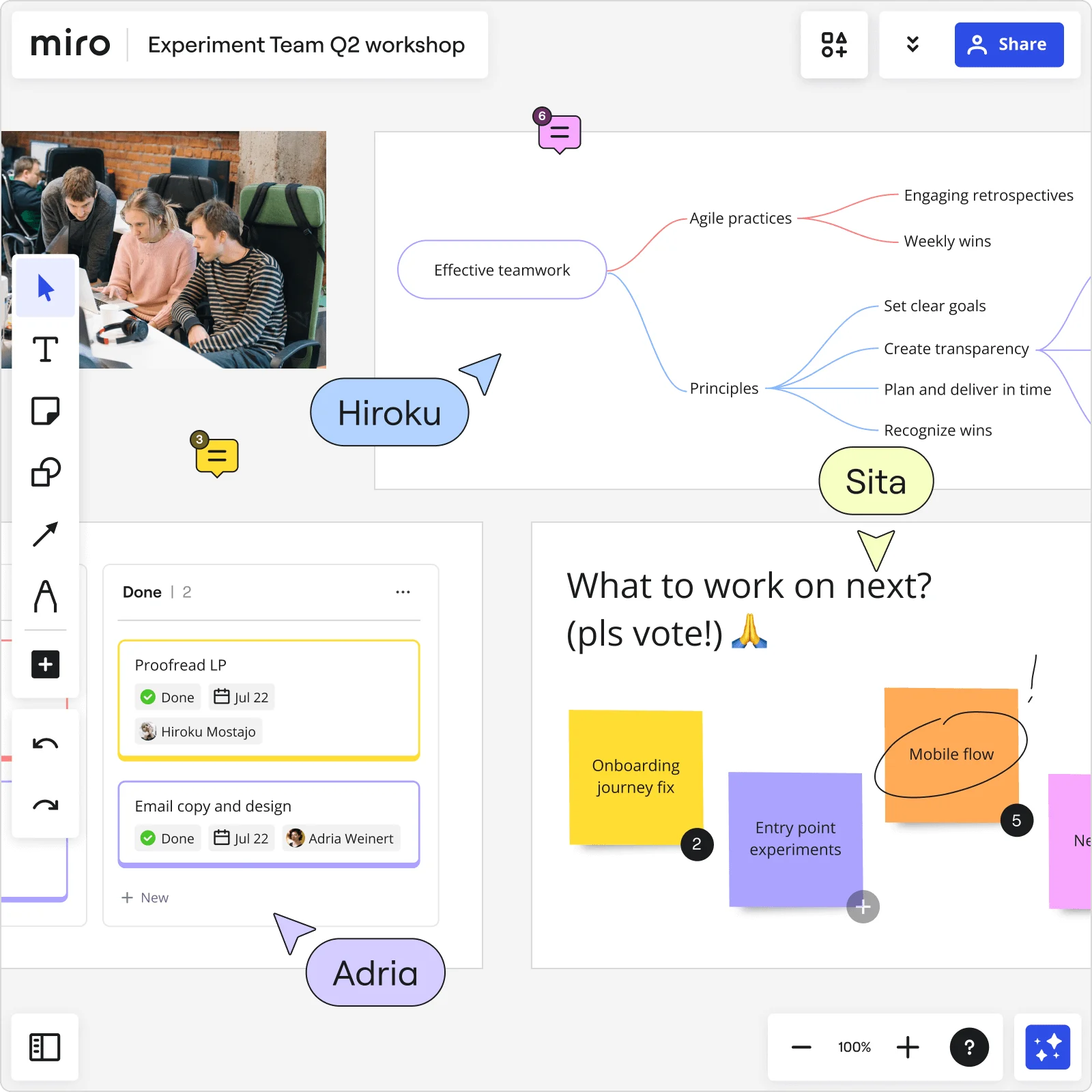
    Miro board showing a Q2 workshop with multiple collaborative elements: a mind map centered on 'Effective teamwork' branching into Agile practices and Principles, a Kanban board with Done cards assigned to team members (Hiroku Mostajo and Adria Weinert), a voting section with sticky notes for 'Onboarding journey fix,' 'Entry point experiments,' and 'Mobile flow,' plus three live collaboration cursors labeled Hiroku, Sita, and Adria.
  • When the github retro needs a leadership readout by EOD

    Engineering managers shouldn't spend an hour reformatting sticky notes into slides. Once your team votes on the top themes, Miro generates a leadership deck directly from your brainstorm frames - Brand Center colors included, ready to refine slide-by-slide before you commit.

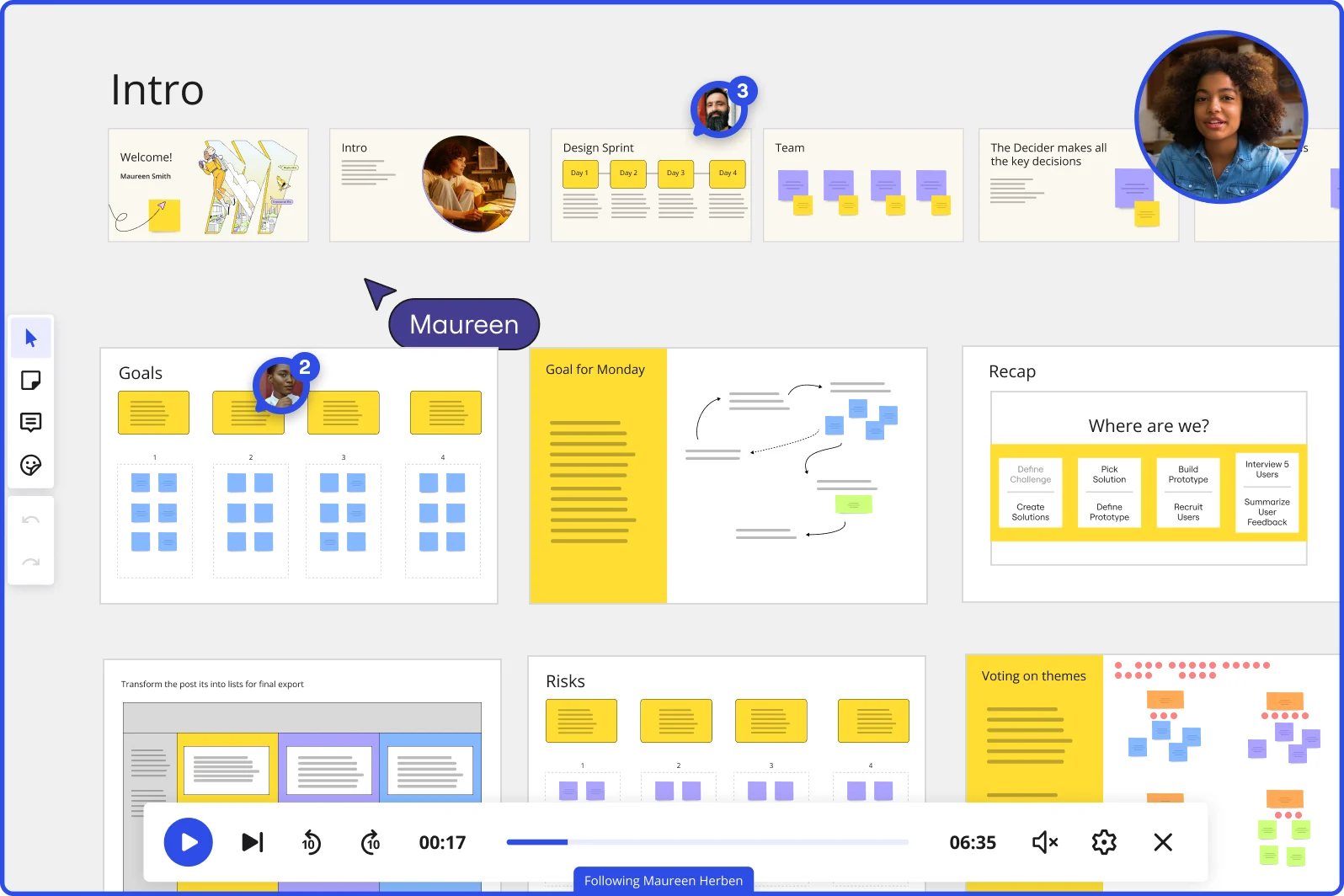
    Miro board showing a Design Sprint presentation in facilitation mode, with slide thumbnails across the top (Welcome, Intro, Design Sprint days, Team, Decider), and active frames including Goals with yellow sticky notes, Goal for Monday with a flow diagram, Recap with a 'Where are we?' process tracker, Risks section, and Voting on themes — with a video player bar at the bottom showing 'Following Maureen Herben' and two visible participant avatars.

How engineering teams get started with Brainstorming in Miro

  • Frame your architecture problem

    Open a board from Miro's brainstorming template library and set up a dedicated Frame with your problem statement front and center - whether that's a postmortem trigger, a thorny ADR question, or an unclear epic that sprint planning couldn't resolve.

  • Run a structured technical ideation round

    Set the Timer to a focused 5-7 minute interval, then have engineers add Sticky Notes in Bulk Mode - one idea per line - covering approaches, constraints, blast radius concerns, and latency trade-offs simultaneously so no single voice dominates.

  • Cluster and vote on viable approaches

    Use Clustering to group related technical approaches by theme (greenfield vs. legacy touch, low vs. high rollback risk), then run Dot Voting with three to five votes per engineer to surface the strongest direction before anyone opens a design doc.

  • Push decisions into your existing toolchain

    Connect the outcome to your actual workflow: sync action items to Jira tickets via Miro's Jira integration, drag your prioritized stickies into a Miro Doc to auto-generate a shareable ADR summary, and embed it directly into Confluence so the decision lives where the team already looks.

Brainstorming tips for engineering teams

  • Tag sticky notes by complexity (quick win, needs spike, touches legacy) before your session starts so Clustering groups approaches by engineering effort, not just topic.

  • Assign your Breakout Frames by system area - frontend, backend, infra - so SREs and junior engineers surface constraints in parallel rather than waiting for a staff engineer to set the agenda.

  • Lock board objects before the session so engineers who live in Jira and rarely touch a canvas can contribute without accidentally moving frames or deleting other content.

Understand how engineering teams transform their work

  • Great brainstorming environment for online teams

    Engineer in Engineering at Research

    TrustRadius
    TrustRadius
    Verified user
    Read review
  • Best brainstorming tool for remote teams

    Engineer in Research & Development at Medical Device

    TrustRadius
    TrustRadius
    Verified user
    Read review

Brainstorming essential guide for engineering teams

CategoryKey insights
  • Common mistakes to avoid

    Jumping straight into ideation without a warm-up is the fastest way to lose your quieter engineers, the ones who actually know where the legacy coupling lives. Don't skip locking board objects before the session either - one accidental drag mid-postmortem and your entire blast-radius diagram is gone. For larger orgs running multi-team architecture reviews, cap votes during prioritization so the dot voting actually surfaces a clear direction instead of spreading thin across 40 ideas nobody can act on.

  • Key integrations for engineering teams

    Jira and Confluence are the integrations that matter most here: engineers can link a Miro board directly from a ticket and embed it in a Confluence page so the ADR rationale stays alive and searchable long after the session ends. Slack keeps async contributors in the loop without forcing a second meeting, while Zoom and Google Meet let distributed engineers join live ideation without switching contexts.

  • When to use it

    Reach for Miro brainstorming when a sprint planning session or postmortem surfaces a problem that can't be assigned to one engineer - when the solution space is genuinely unclear and you need principal engineers and SREs in the same room surfacing constraints together. It's especially useful when your engineers are split across time zones: set up a board before the sync, let the distributed folks drop ideas asynchronously, then use Timer and Voting during the live session to converge fast before the sprint boundary hits. The session pays off when it ends with a prioritized list of approaches your team can link from a Jira epic and defend in a future incident review.

  • Security & Compliance

    Miro is SOC 2 Type II certified, which covers the baseline trust bar most engineering orgs need before putting architecture diagrams and incident retrospectives on a shared canvas. Larger organizations with data residency requirements get granular controls over where content lives, plus admin-level sharing permissions that matter when boards contain details about internal system topology. Private Mode adds an extra layer for sensitive sessions like security incident reviews, keeping individual contributions hidden until the facilitator opens them up.

Frequently asked questions for engineering teams

Last updated: Monday, August 31, 2026