





Brainstorming for enterprise teams

Turn your next innovation sprint into a prioritized action plan. Every voice contributes, every idea gets captured.

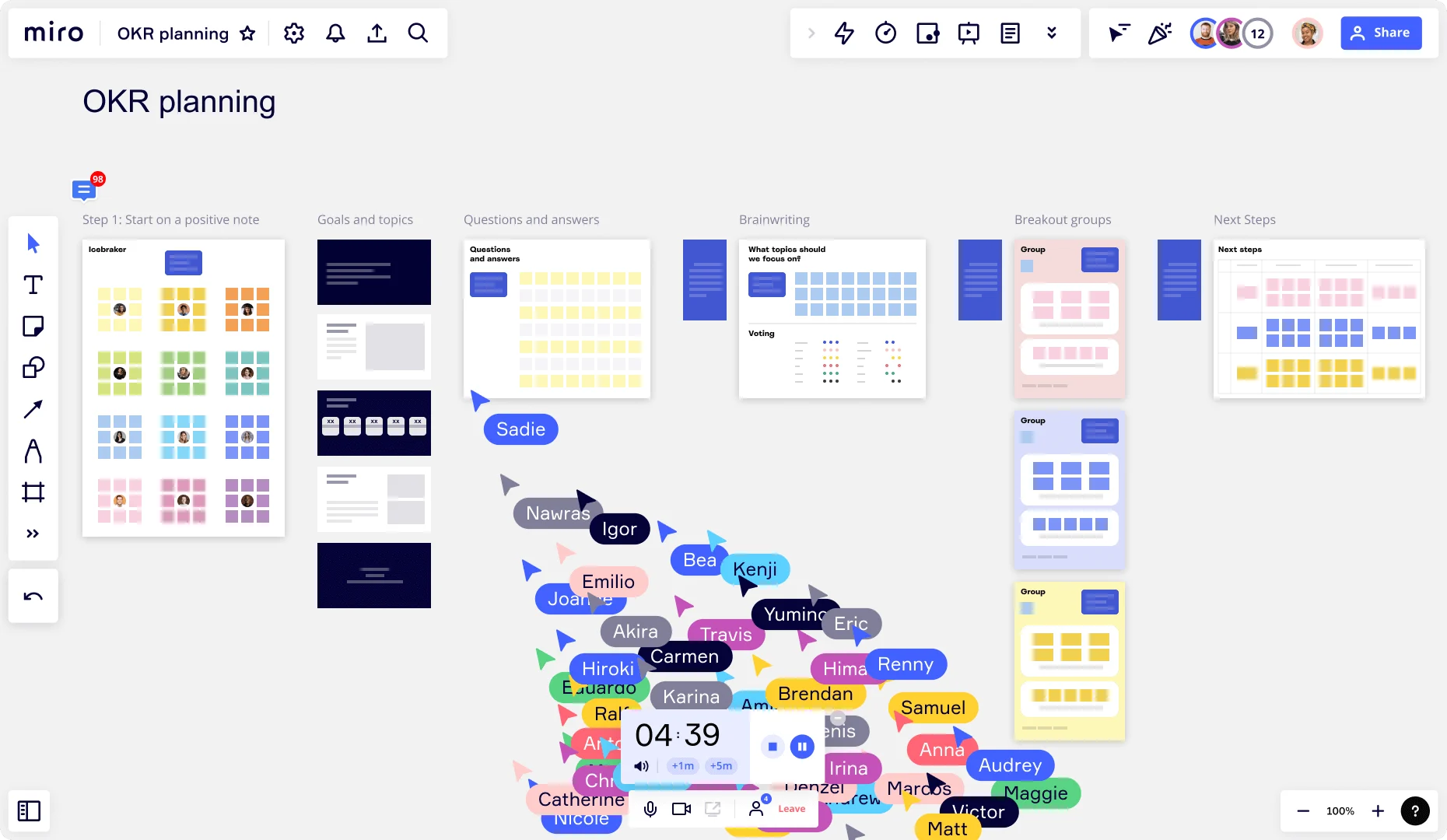
Miro OKR planning board with columns for Start on a positive note Goals and topics Questions and answers Brainstorming Breakout groups and Next steps with many collaborator cursors

What experts say

  • Brainstorming is a technique for generating creative ideas and solutions through group discussion.

    APQC (American Productivity and Quality Center)

    Editorial team · APQC

    Industry Analyst
  • Brainstorming seems like an ideal technique, a feel-good way to boost productivity. But there is a problem with brainstorming.

    Alex Osborn

    advertising executive and co-founder of BBDO · BBDO

    Industry Expert

The research on brainstorming

  • Brainstorming can broaden exploration of possible solutions, increase idea quantity, and help participants build on each other's ideas.

    Source: University of Michigan

  • 37%

    In one study at a tech company, teams using a brainwriting approach generated 37% more ideas than those who first worked alone, and an asynchronous brainwriting variant produced 71% higher idea rate than a traditional group session.

    Source: Leadership IQ (citing Yale study and meta-analysis by Paulus et al.)

See brainstorming in action

Related templates for enterprise teams

We have 193 templates in our library for Brainstorming.

Why enterprise teams love brainstorming in Miro

  • From scattered sticky notes to a ranked product brief

    After a cross-functional ideation session, you're staring at 200 sticky notes and a deadline to present top concepts to your VP by Friday. Miro's AI automatically clusters those notes into themes, then Dot Voting surfaces your team's actual priorities - no manual sorting, no guesswork. Small product teams get a structured brief in under an hour. Large orgs standardize that output across every squad.
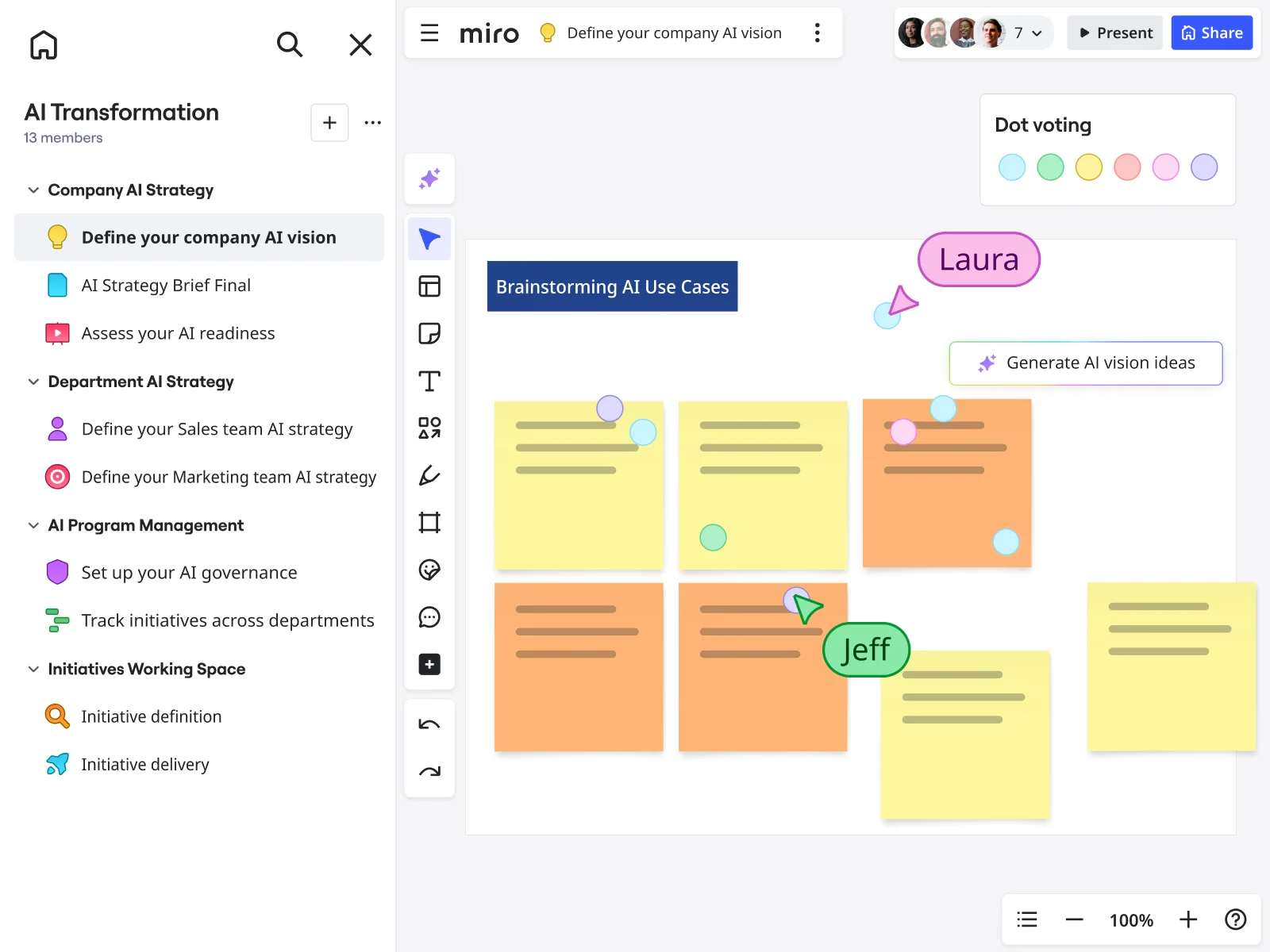
    Miro board showing a 'Brainstorming AI Use Cases' session with multiple yellow and orange sticky notes arranged in a grid, featuring dot voting dots in various colors, two visible collaborator cursors (Laura and Jeff), and a 'Generate AI vision ideas' AI button, within an AI Transformation workspace that has a structured left-panel navigation covering Company AI Strategy, Department AI Strategy, AI Program Management, and Initiatives Working Space sections.
  • When your innovation lead needs the readout before Monday

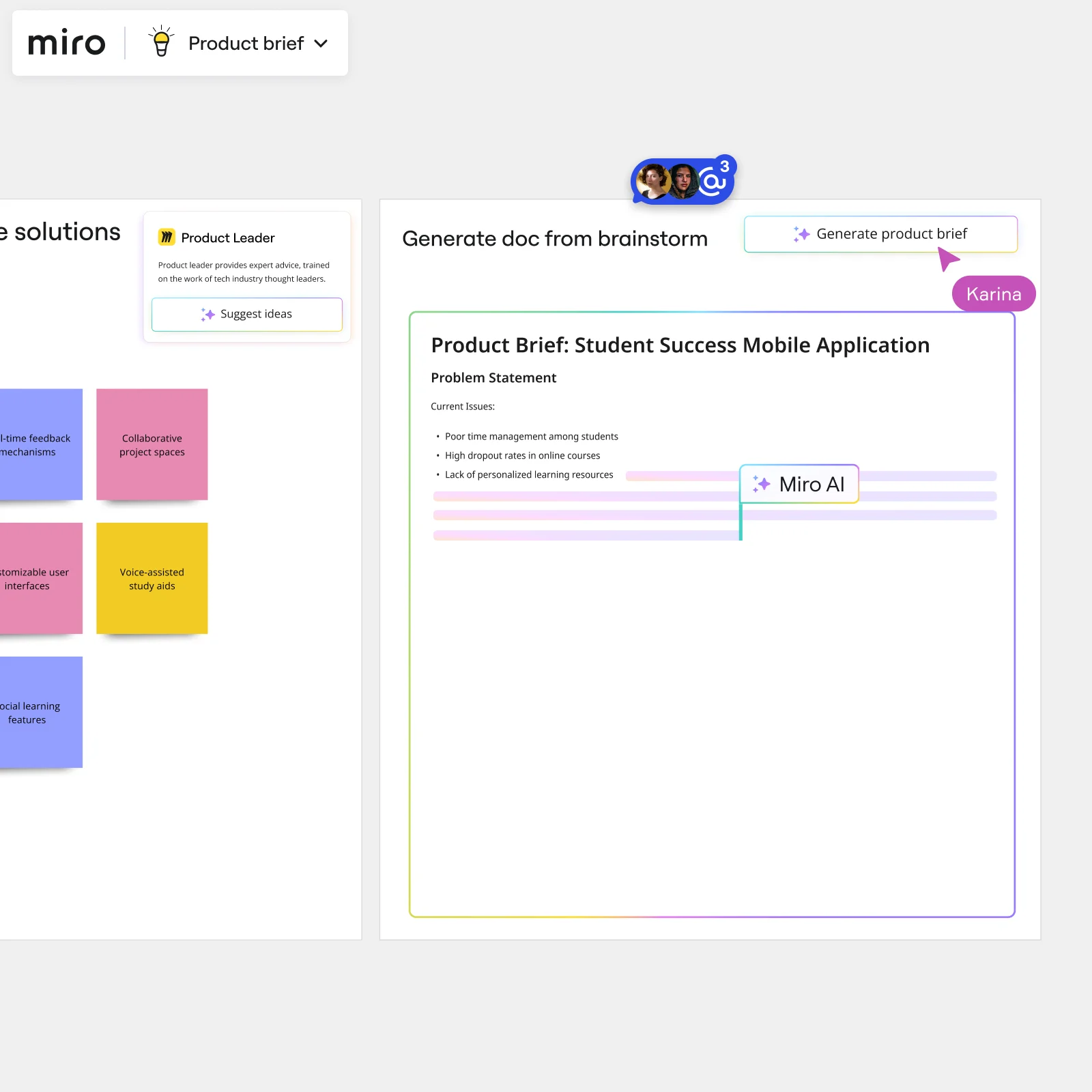
    Building a leadership deck from raw brainstorm frames used to mean a full afternoon of copy-pasting. AI Slides generates that readout directly from your finalized brainstorm frames, applying your Brand Center colors and a leadership-tone prompt automatically. Whether you're a 3-person startup or a 3,000-person enterprise, the deck is ready before you close your laptop.

    Miro board showing AI-powered document generation from a brainstorming session, with a Product Leader AI sidekick panel on the left, colorful sticky notes listing solution ideas (collaborative project spaces, voice-assisted study aids, social learning features), and an AI-generated Product Brief document for a Student Success Mobile Application being created in real time by Miro AI.
  • Stop losing ideas between your Confluence wiki and the working canvas

    After the session wraps, your Confluence pages, Coda playbooks, and follow-up Google Meet meetings all pull from different versions of the truth. Type /miro in Confluence or Coda to embed your brainstorm summary as a single live source - your product leads and engineering managers all read from the same board, updated in real time.

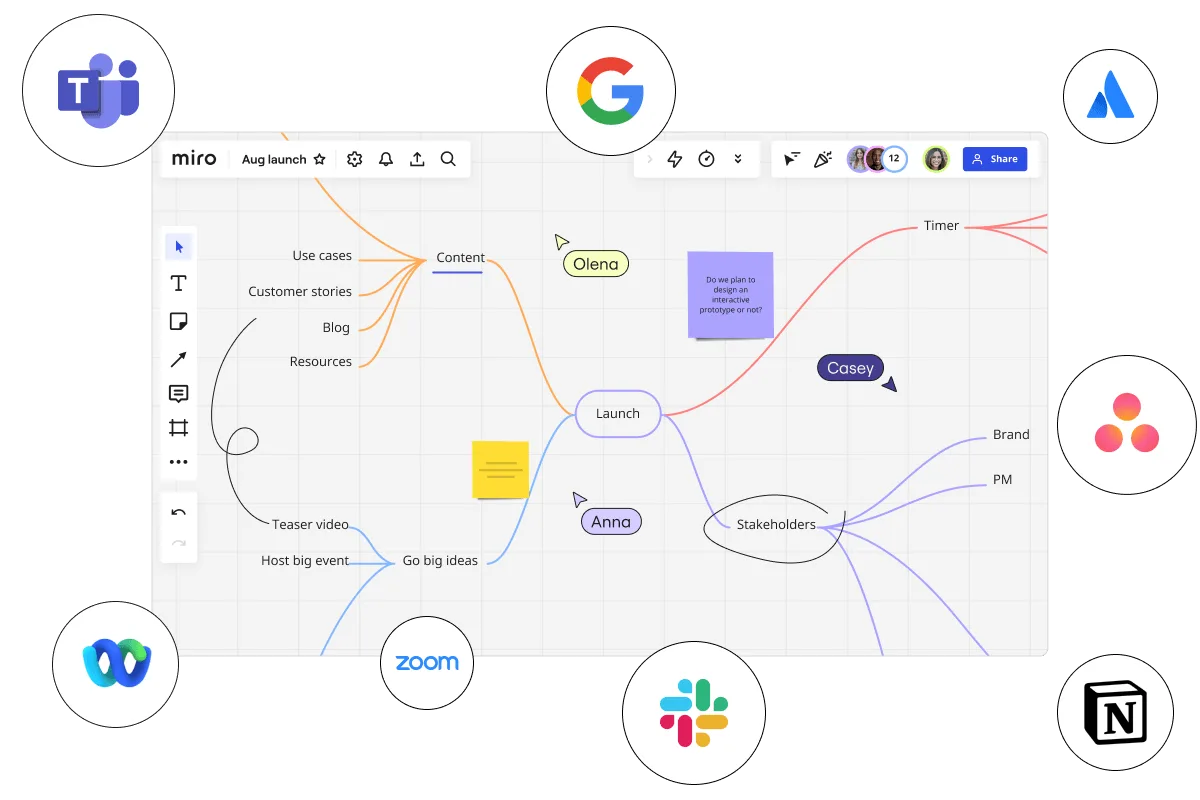
    Miro board displaying a mind map centered on 'Launch' with branches for Content (use cases, customer stories, blog, resources), Go big ideas (teaser video, host big event), Stakeholders (brand, PM), and Timer, with three collaborator cursors labeled Olena, Casey, and Anna, a sticky note asking about interactive prototypes, surrounded by integration logos for Microsoft Teams, Google, Atlassian, Asana, Webex, Zoom, Slack, and Notion.
  • Where parallel ideation beats the loudest voice in the room

    When senior tech leads anchor the discussion, quieter contributors self-censor and your idea pool shrinks. Breakout Frames split your group into smaller parallel working spaces, while anonymous Voting surfaces the real consensus - not just the opinions of whoever talked last. A 10-person startup and a 500-person org both run this the same way.

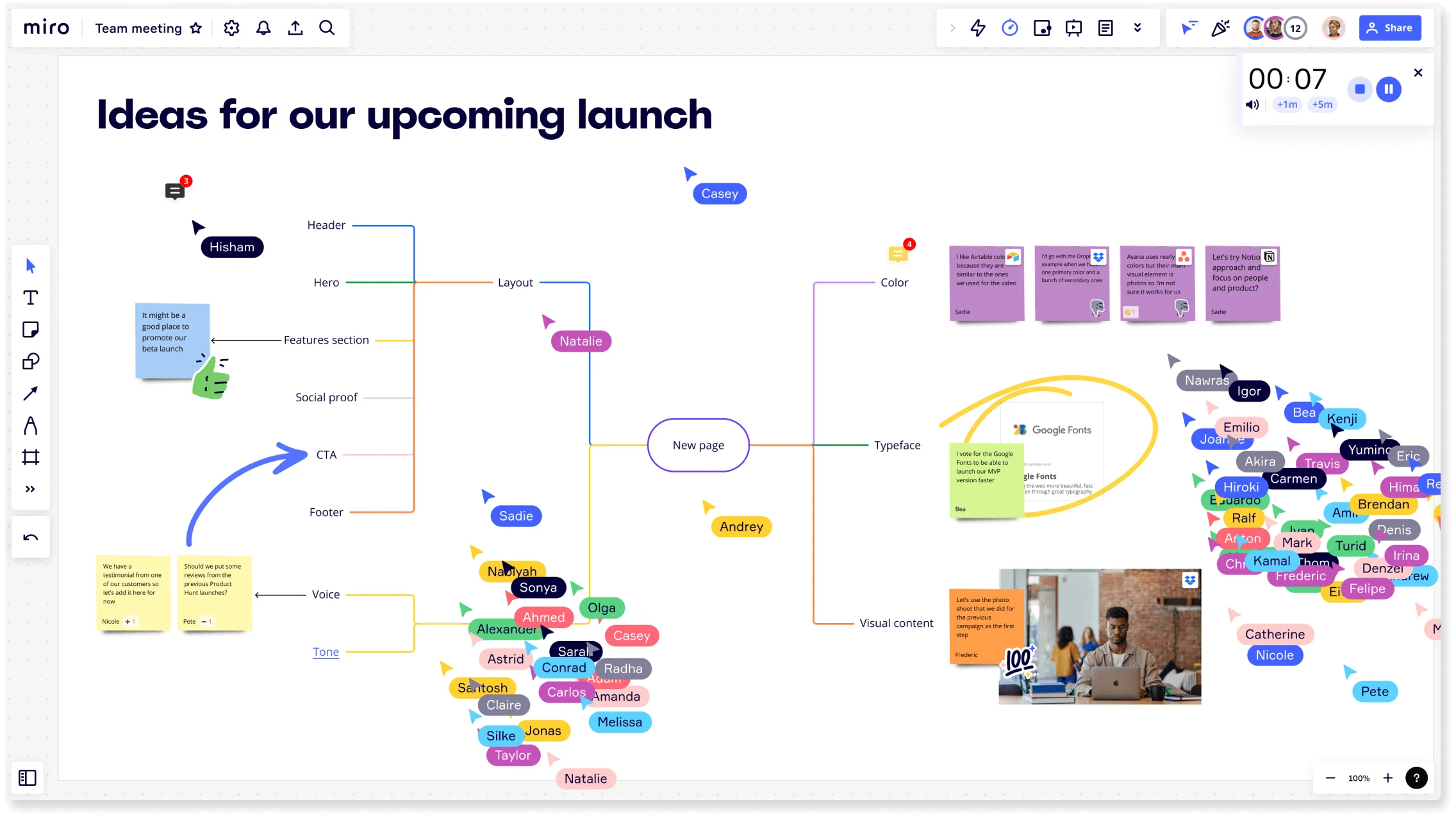
    Miro board titled 'Ideas for our upcoming launch' showing a collaborative brainstorming session with a central mind map branching into Layout, Color, Typeface, Visual Content, Voice, and Tone nodes, multiple colored collaborator cursors with name tags, sticky notes, an embedded Google Fonts card, a photo, a timer widget, and a crowd of participant avatars on the right side.
  • Your next quarter's brainstorm, found in two seconds

    Product managers at fast-growing companies waste real time hunting for last quarter's session board. AI Search on the Miro home dashboard finds it with a plain-language query - "last brainstorm with the CX team" - and recommends the right template (Brainwriting, SCAMPER, Reverse Brainstorm) the moment a new contributor types what they need.

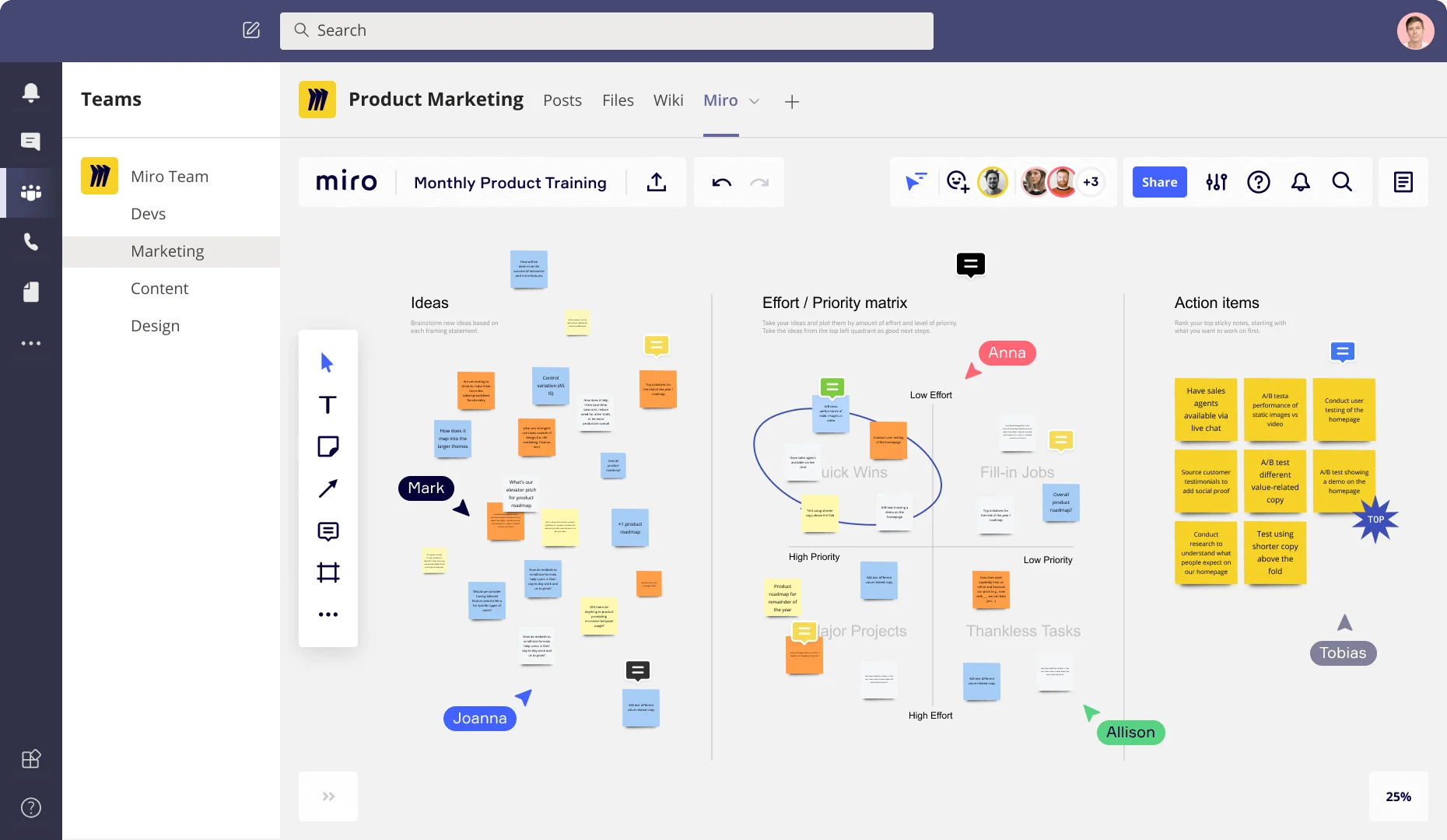
    Miro board embedded in Microsoft Teams showing a Product Marketing workspace with three frames: an Ideas section with colorful sticky notes, an Effort/Priority matrix with quadrants (Quick Wins, Fill-in Jobs, Major Projects, Thankless Tasks), and an Action Items frame listing prioritized tasks like A/B testing and user testing, with multiple collaborators (Anna, Mark, Joanna, Allison, Tobias) visible as cursors.

How enterprise teams get started with Brainstorming in Miro

  • Pick a template that fits your trigger

    Open the Template Library, choose a brainstorming structure that matches your session's starting point (quarterly planning kickoff, portfolio gap review, or cross-functional reset), and configure Frames to separate your problem statement, ideation zone, and action items before anyone joins the board.

  • Run a structured ideation round

    Set the Timer to a 5-7 minute focused interval, activate Bulk Mode on Sticky Notes so every contributor captures ideas in parallel, and use Breakout Frames to split groups larger than eight into smaller pods - larger org-wide sessions especially benefit from this to prevent a few voices from setting the entire direction.

  • Move from raw ideas to a ranked backlog

    Use AI-powered Clustering to group sticky notes by keyword or theme, then run Dot Voting with a hard limit of three to five votes per person so the team produces a defensible prioritization - the kind that can survive a steering committee without reopening the conversation.

  • Turn the board into a portable artifact

    Generate your leadership readout using AI Slides directly from your finalized brainstorm frames, embed the summary Miro Doc into Confluence or your internal wiki via /miro, and push action items to Jira-synced cards using Integrations so outputs travel with your existing governance stack.

Brainstorming tips for enterprise teams

  • Before the session, color-code Sticky Notes by workstream or OKR owner and brief participants on the scheme - Clustering then auto-sorts contributions into groups that map directly to your program increment or product council agenda.

  • For sessions in regulated verticals, frame the problem statement in a dedicated Frame that explicitly names the compliance or risk constraint you're designing around, so ideation stays bounded and the output is defensible from the start.

  • Lock board objects before facilitating a large cross-functional group so contributors interact only with Sticky Notes - this protects your frame structure and keeps less experienced participants from accidentally disrupting the session layout.

Understand how enterprise teams transform their work

  • Collaborative brainstorming tool for research and development teams

    Verified User

    G2
  • The Intelligent and Visionary Brainstorming Software for Busiensses

    Verified User

    G2

Brainstorming essential guide for enterprise teams

CategoryKey insights
  • Common mistakes to avoid

    The biggest session-killer for cross-functional enterprise groups is skipping the warm-up and letting the loudest voice in the room set the direction early. Lock your board objects before you start, use Private Mode during silent ideation rounds to prevent anchoring bias, and time-box every round with Timer so a fifteen-person session doesn't bleed past the hour mark and lose the room. If you skip Clustering after ideation, your ranked concept backlog never materializes. You'll have 150 sticky notes and no defensible prioritization to take into the steering committee.

  • Key integrations for enterprise teams

    Connect Miro to Confluence and Jira so your brainstorming output feeds directly into your documentation and tracking workflows without a manual copy-paste step that loses context between sessions. For live facilitation across distributed organizations, Zoom, Google Meet, and Microsoft Teams keep remote participants in the room while Miro handles the shared canvas. Slack rounds it out for async follow-up, so the ideas your product council surfaced on Tuesday don't go cold by Thursday.

  • When to use it

    Reach for Miro brainstorming when a quarterly planning cycle, portfolio review, or stalled cross-functional initiative puts you on the clock for a structured ideation session that has to produce a shareable artifact the same day. It's the right call when you're running a brainwriting or reverse brainstorming session with fifteen or more people across time zones and you need Timer, Voting, and Clustering doing the heavy lifting so the facilitator isn't manually herding sticky notes after the session ends. For example: a product team running a quarterly innovation session can use Breakout Frames to separate sub-teams, run silent ideation rounds, then let Clustering surface the themes and Dot Voting identify the top concepts before the readout.

  • Security & Compliance

    Miro is SOC 2 Type II certified and HIPAA compliant, which covers the baseline expectations most enterprise security and risk teams will check against during procurement. For organizations in regulated verticals like financial services or insurance, data residency controls let IT and compliance stakeholders define where session content lives, and granular sharing permissions mean a board scoped for a leadership readout never ends up visible to the wrong audience. Private Mode adds another layer for sessions where competitive or risk-sensitive ideas are on the table and you need ideation to stay confidential until the group is ready to converge.

Frequently asked questions for enterprise teams

Last updated: Monday, September 14, 2026