




Brainstorming for design thinking practitioners

Turn a blank canvas into a prioritized concept brief. Run silent ideation, cluster themes, and walk away with direction - not just sticky notes.

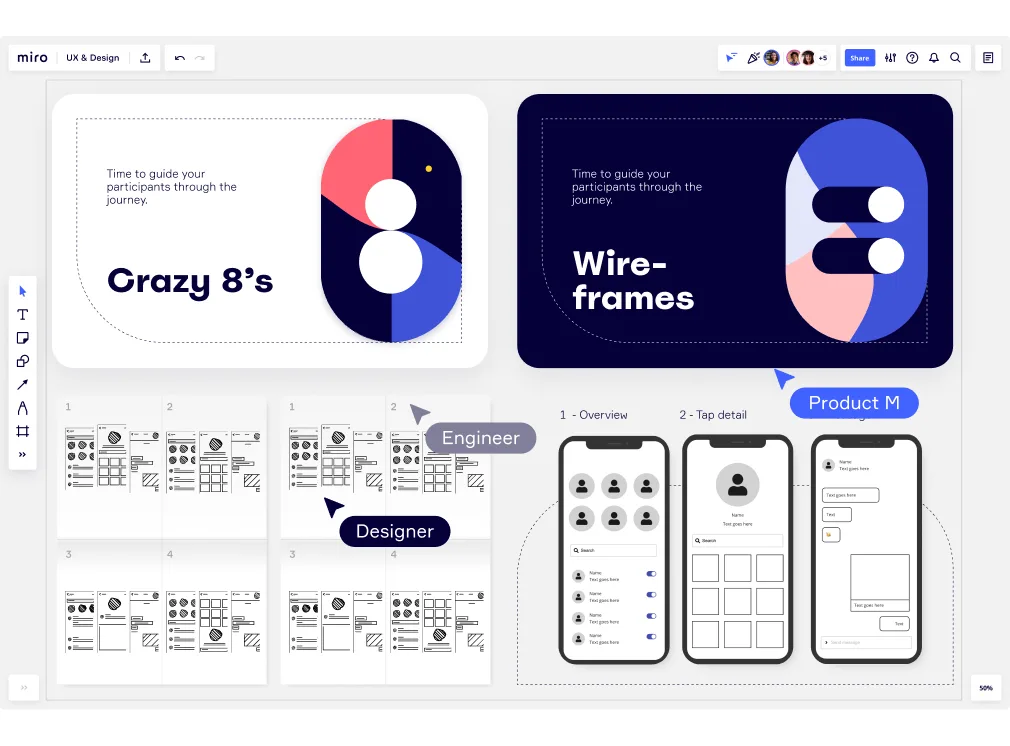
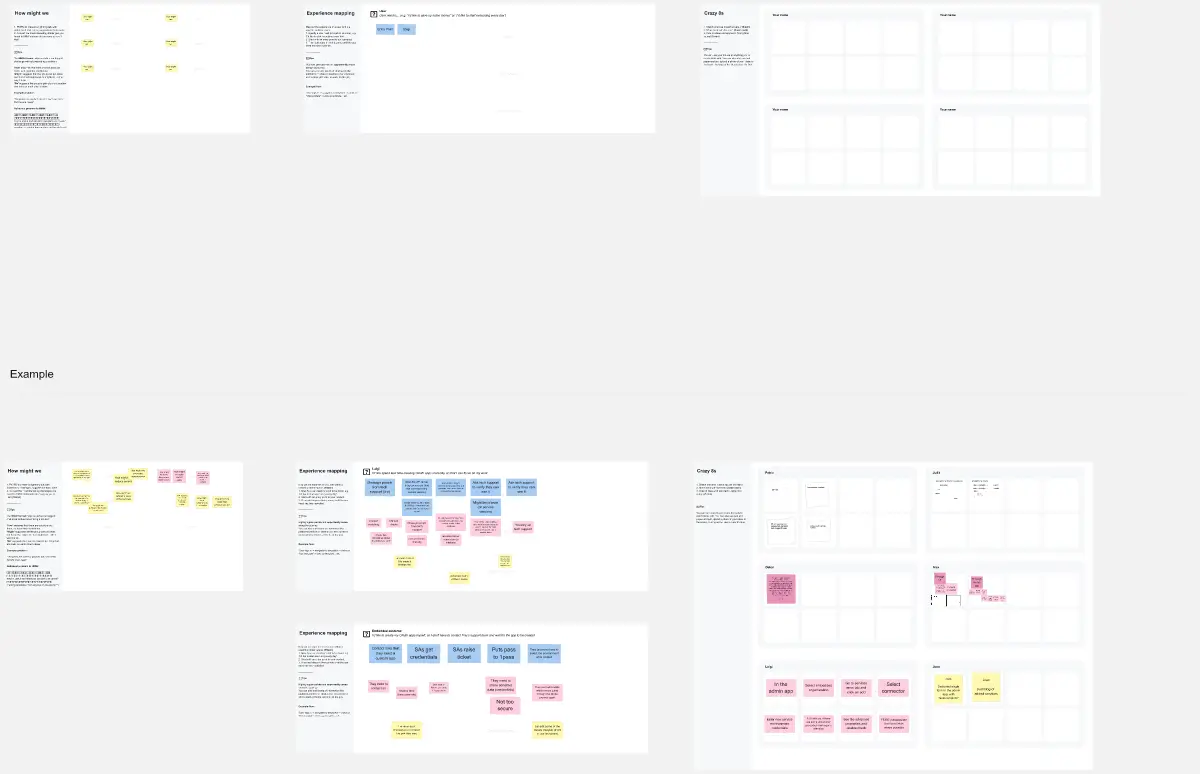
Miro board showing a UX design sprint workspace with two header cards ('Crazy 8's' and 'Wireframes'), multiple sketch template grids for rapid ideation exercises, and three mobile app wireframe mockups showing an overview screen and tap detail screens, with 'Designer' and 'Engineer' collaborator cursors visible.

What experts say

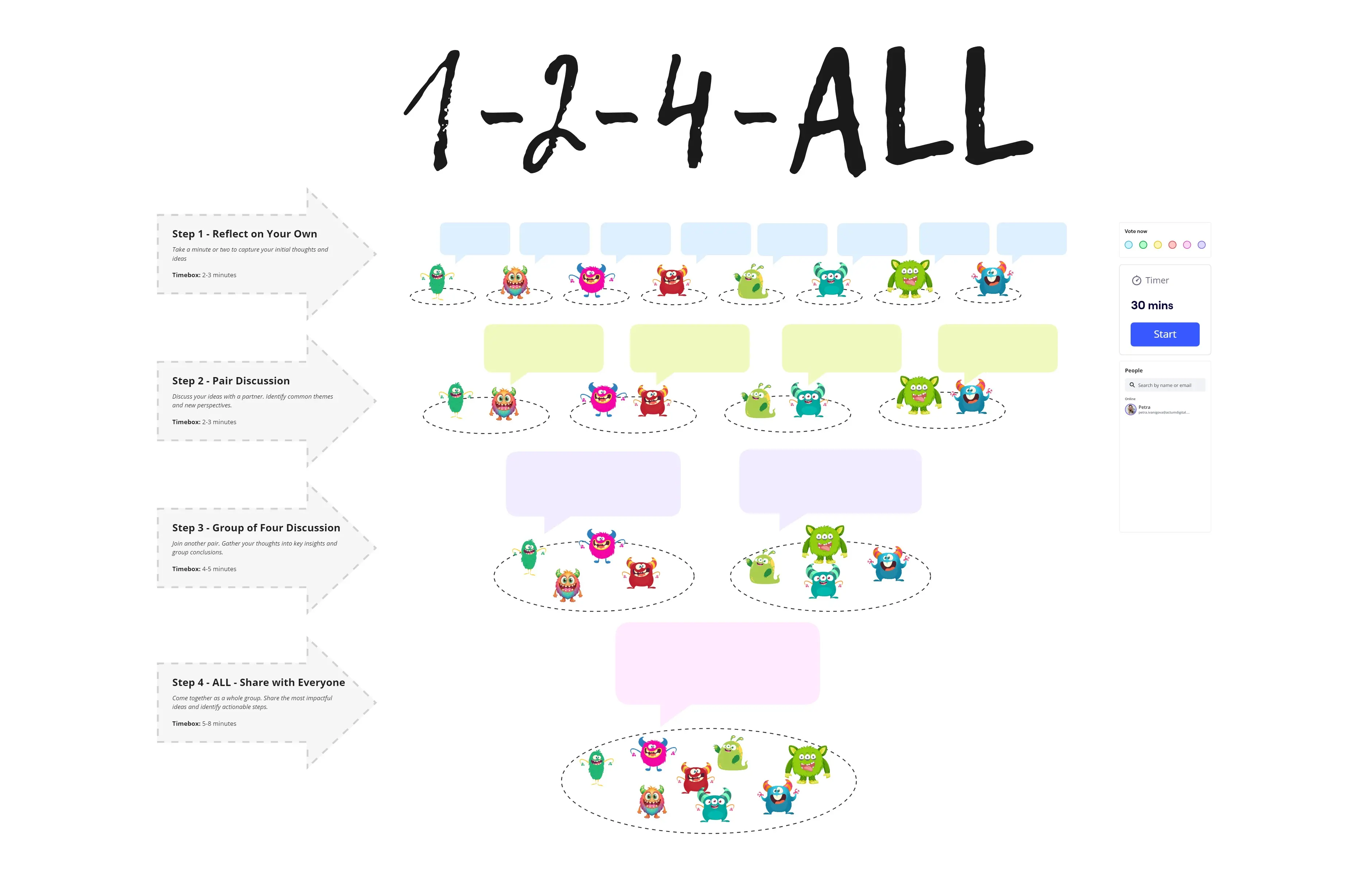
  • Brainstorming One popular design ideation method is Brainstorming. Often the term "brainstorming" is used colloquially to refer to any type of prolific idea generation without concern for quality, both in groups or individually (Paulus & Yang, 2000).

    University of Michigan

    Research source · University of Michigan

    Industry Analyst
  • Replace open discussion or brainstorming with a structured process that leads to more ideas, clearer decisions and better outcomes.

    Design Thinking Toolkit Team

    Authors · Design Thinking Toolkit

    Industry Analyst

The research on brainstorming

  • Brainstorming can broaden exploration of possible solutions, increase idea quantity, and help participants build on each other's ideas.

    Source: University of Michigan

  • Design thinking enables finance professionals to generate ideas more inclusively, contributing to strategic decisions by applying empathy, ideation, and prototyping methods to financial processes

    Source: Institute of Management Accountants (IMA)

See brainstorming in action

Related templates for design thinking practitioners

We have 193 templates in our library for Brainstorming.

Why design thinking practitioners love brainstorming in Miro

  • Stop starting every workshop from scratch

    Every facilitated session burns time on setup - arranging frames, building prompt structures, briefing participants on where to write. Miro's brainstorming templates (including Brainwriting, SCAMPER, and Reverse Brainstorm) deploy in seconds, with AI-powered Action Shortcuts that generate the session agenda and starter prompts from a single click. A five-person innovation consultancy and a 500-person product org both skip the blank-board panic.
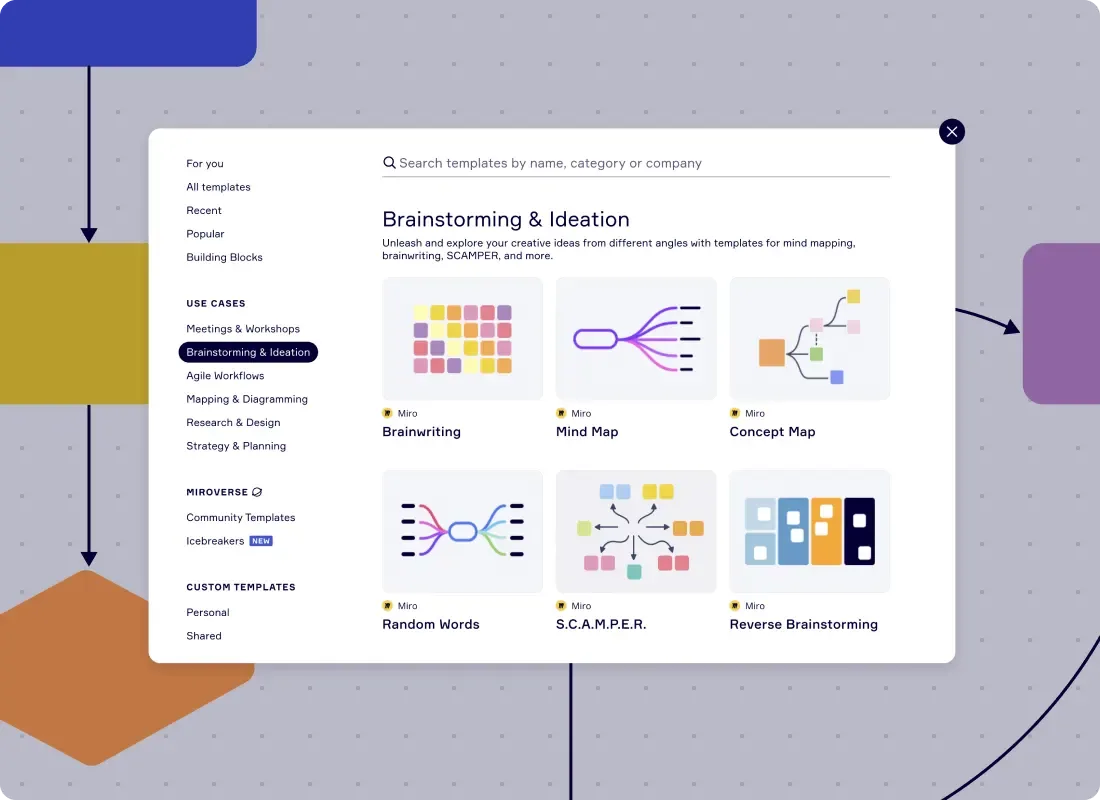
    Miro template library showing Brainstorming & Ideation category with Brainwriting, Mind Map, Concept Map, Random Words, SCAMPER, and Reverse Brainstorming templates
  • When 150 sticky notes need to become three actionable directions

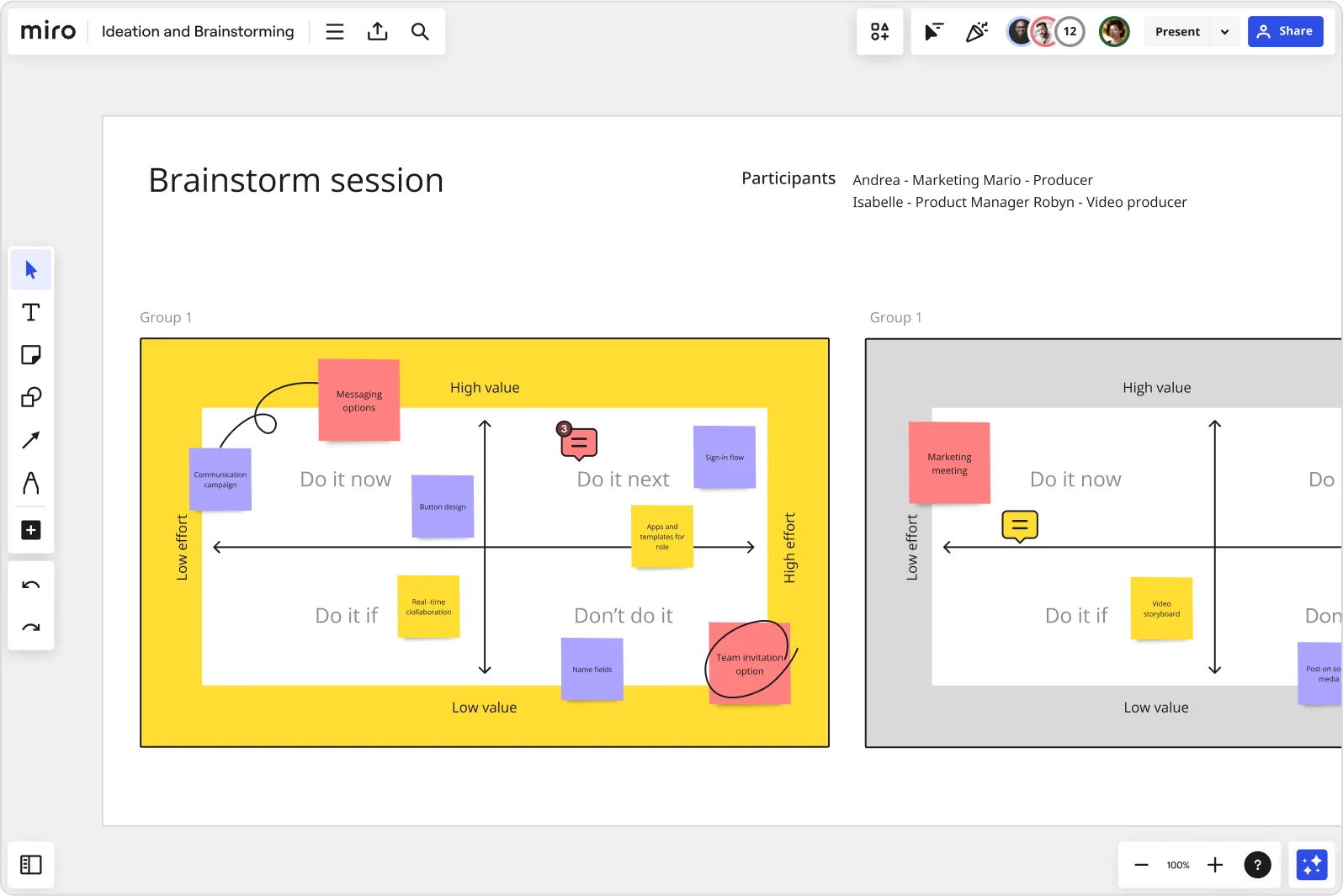
    After a generative ideation round, design thinking practitioners face a familiar wall: too many ideas, not enough signal. You run a clustering step manually, and it eats the last 20 minutes of the session. Miro automatically groups sticky notes by theme, keyword, or sentiment - then Dot Voting surfaces the top three concepts before the timer hits zero.

    Miro brainstorm session board displaying an impact-effort matrix divided into four quadrants (Do it now, Do it next, Do it if, Don't do it) populated with color-coded sticky notes for features like messaging options, sign-in flow, button design, and team invitation option, with two group views visible side by side.
  • From your workshop output to a leadership-ready deck

    After the session wraps, someone has to build the readout. That means copy-pasting sticky notes into slides, losing fidelity along the way. AI Slides generates the leadership deck directly from your finalized brainstorm frames - with Brand Center colors applied and a leadership-tone prompt built in - so the deck reflects the actual source of truth, not a memory of it.

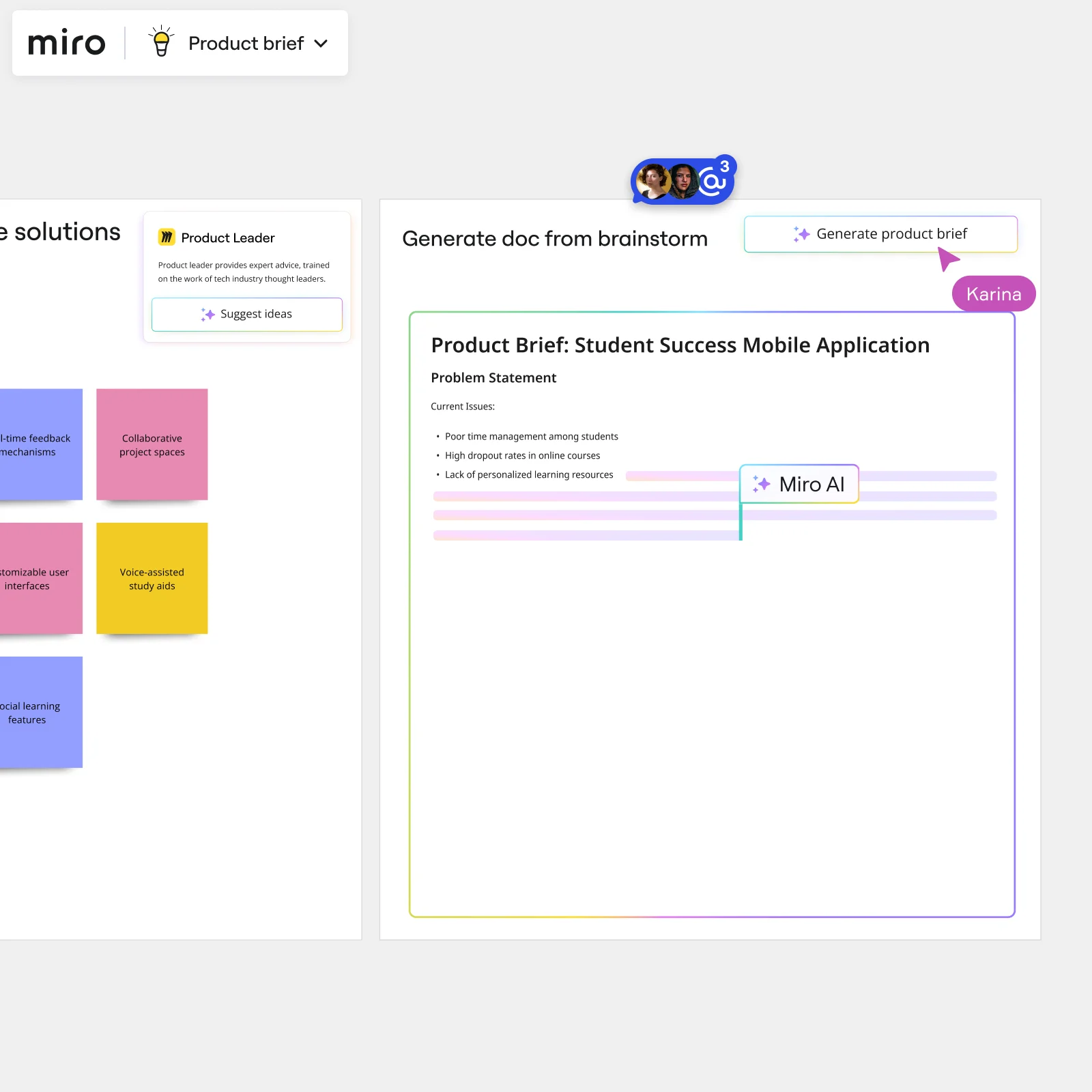
    Miro board showing AI-powered document generation from a brainstorming session, with a Product Leader AI sidekick panel on the left, colorful sticky notes listing solution ideas (collaborative project spaces, voice-assisted study aids, social learning features), and an AI-generated Product Brief document for a Student Success Mobile Application being created in real time by Miro AI.
  • Where distributed co-design sessions actually work

    Running a cross-functional ideation session across UX, engineering leads, and product marketing - in three time zones - means someone always ends up passive. Breakout Frames split large groups into parallel working areas, and participants join from any device by QR code with no account needed. Small teams get speed; large orgs get parity across every timezone.

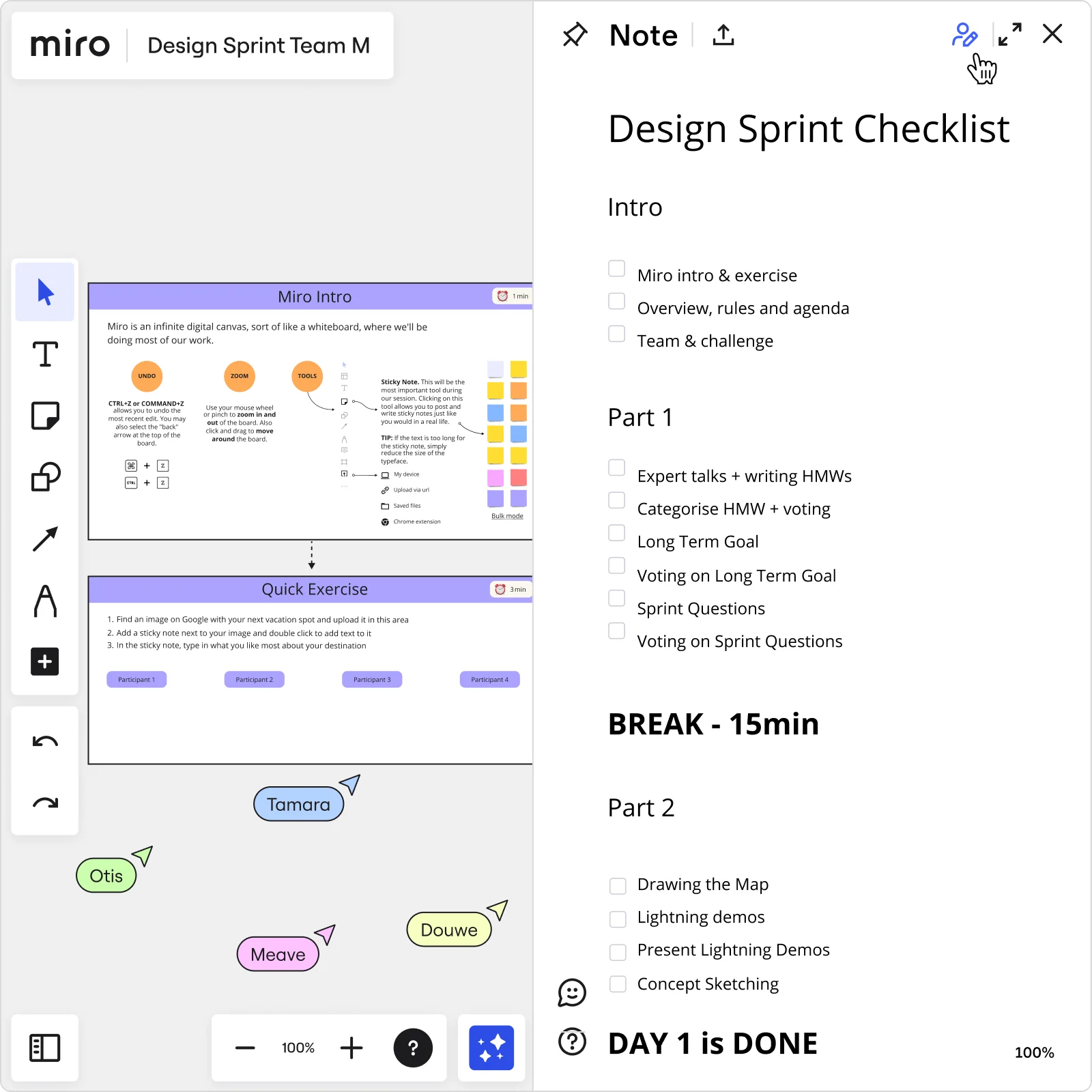
    Miro board showing a Design Sprint workspace with a 'Miro Intro' tutorial slide and 'Quick Exercise' panel on the left, alongside a structured Day 1 checklist note panel on the right listing tasks including HMW exercises, voting, long-term goal setting, sprint questions, lightning demos, and concept sketching, with four participant cursors visible on the board.
  • Your concept brief, without the manual handoff

    The hardest part of a design thinking sprint isn't the ideation - it's turning raw output into a structured brief that tech leads can actually act on. Miro's Brainstorm-to-Deliverable AI Flow ingests your sticky notes, runs a synthesis and quality-scoring step, and generates a structured concept brief with a human-in-the-loop review gate before anything goes to stakeholders. Whether your team is eight people or eighty, the brief ships the same day as the session.

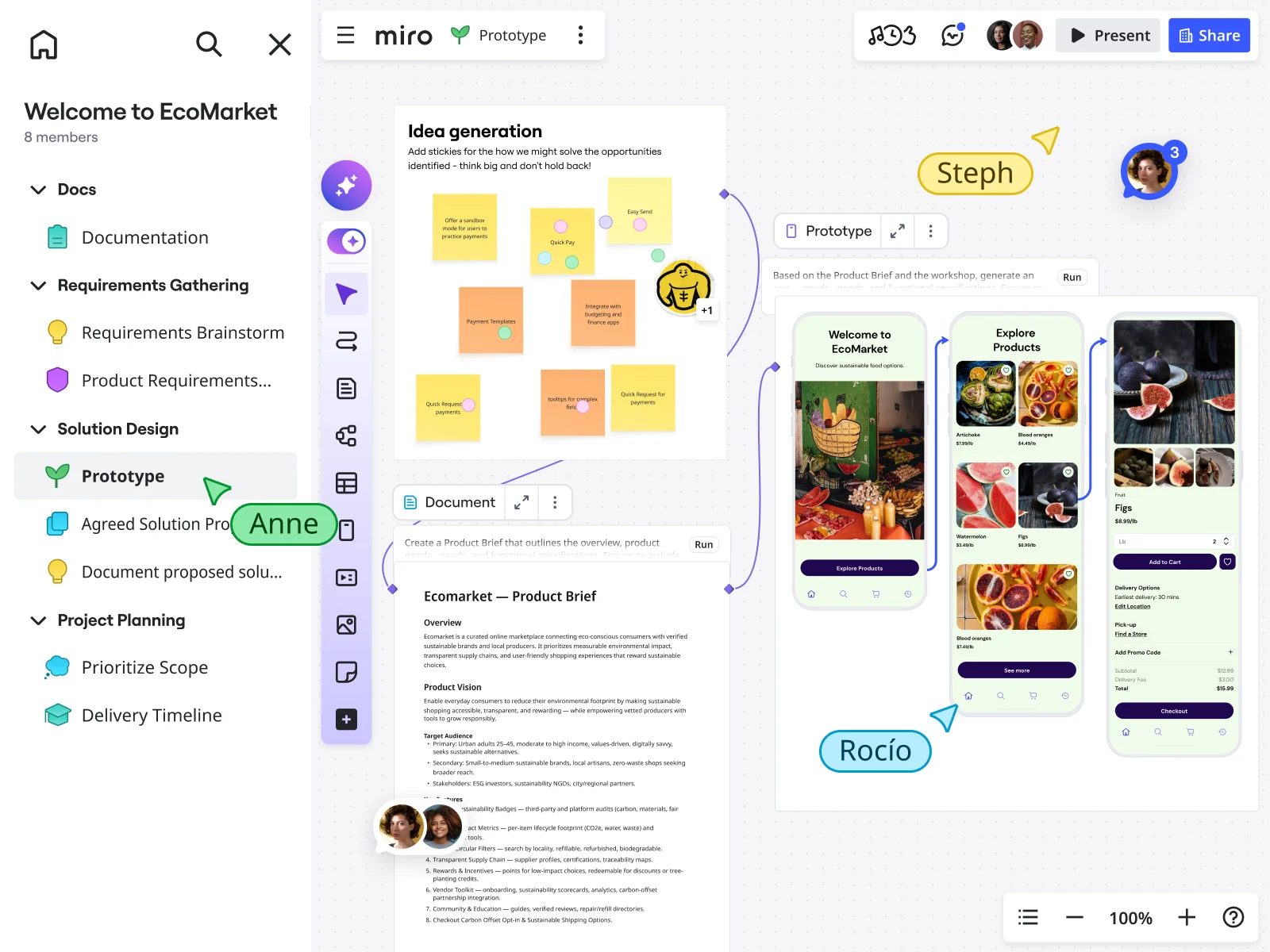
    Miro board showing an EcoMarket product design workflow with a sticky note idea generation session, an AI-generated product brief document, and an AI-powered prototype showing mobile app screens for a sustainable food marketplace, with multiple collaborators (Anne, Steph, RocĂ­o) visible on the canvas.

How design thinking practitioners get started with Brainstorming in Miro

  • Frame your "how might we" space

    After your affinity mapping session, open the Intelligent Templates library and deploy the brainstorming template that matches your sprint phase - divergent exploration or solution prioritization - then use Nested Frames to carve out separate zones for your problem statement, ideation, and concept ranking before anyone else joins the board.

  • Run structured divergence with constraints

    Set the Timer to a 5-7 minute round and activate Bulk Mode on Sticky Notes so every designer, engineer, and researcher in the room simultaneously generates ideas across desirability, feasibility, and viability - no turn-taking, no social filtering, no dominant voice crowding out the quieter ones.

  • Cluster ideas into concept directions

    Use AI Clustering by Keywords to group the raw sticky output into emerging themes, then run Dot Voting with a three-to-five vote cap so your cross-functional group converges on two or three differentiated concept directions strong enough to take into rapid prototyping - not a list of twenty half-considered options.

  • Hand concept directions to the sprint

    Trigger the Workshop Planner Sidekick's Action Shortcuts to generate a structured opportunity-area summary from your top clusters, then lock the board's Default View to the Miro Doc recap so your PM and executive sponsor open the board and read the synthesis immediately, without needing a tour of the working canvas.

Brainstorming tips for design thinking practitioners

  • Before your session, pre-tag Sticky Stack prompts with your practitioner vocabulary - "Desirability," "Feasibility," "Viability," and "Wild Bet" - so participants think in design-thinking terms from the first idea, not after you've had to re-explain the framework mid-session.

  • For co-creation workshops with eight-plus participants that include researchers and engineers, use Breakout Frames with identical content so sub-groups ideate in their own space first - it preserves psychological safety and stops engineers from anchoring on constraints before the divergent phase is done.

  • Use Private Mode during the ideation round so ideas appear simultaneously when time is up, which keeps the "building on not blocking" principle honest and prevents early anchoring on whichever sticky note went up first.

Understand how design thinking practitioners transform their work

  • Collaborative brainstorming tool for research and development teams

    Verified User

    G2
  • Best tool for brainstorming and workshops across teams

    Verified User

    G2

Brainstorming essential guide for design thinking practitioners

CategoryKey insights
  • Common mistakes to avoid

    Skipping the warm-up and diving straight into crazy eights or brainwriting is the fastest way to get a canvas full of ideas from three people and silence from everyone else. If you don't time-box rounds with Timer and lock your board objects before the session starts, you'll spend the first ten minutes watching someone accidentally move the affinity clusters you spent an hour building. And without Clustering and Dot Voting after ideation, your "how might we" directions stay scattered across 200 sticky notes that nobody revisits before sprint planning.

  • Key integrations for design thinking practitioners

    Confluence and Jira connect the brainstorm directly to where design decisions live and where concepts become sprint tickets, so nothing gets lost between the idea wall and the backlog. Zoom and Google Meet keep live facilitation tight when your engineers, researchers, and stakeholders are spread across locations, and Slack lets async contributors add to the board between sessions without waiting for the next stand-up.

  • When to use it

    Reach for Miro brainstorming the moment your research synthesis is done and you're staring at fresh affinity clusters with a co-creation workshop or design sprint on the calendar within the next week. It's the right move when you need to run structured divergence techniques like brainwriting or reverse brainstorming across a mixed room of designers, engineers, and researchers, with Timer, Voting, and Breakout Frames already built in so you're facilitating the thinking, not the tooling. It also works when your team ran a physical session and needs to digitize sticky notes, cluster them into concept directions, and share them with stakeholders who weren't in the room.

  • Security & Compliance

    Miro is SOC 2 Type II certified and HIPAA compliant, which covers the data handling expectations practitioners encounter in regulated industries or when working with sensitive user research. Enterprise organizations get data residency controls and granular sharing permissions, so you can open a board to a cross-functional workshop without exposing everything else on the workspace. Private Mode adds another layer for sessions where you need honest divergent input before ideas are visible to the room.

Frequently asked questions for design thinking practitioners

Last updated: Monday, August 31, 2026