






Brainstorming for agile teams

Turn sprint ideation into actionable outcomes, fast. Run structured sessions, cluster themes, and ship ideas to your backlog.

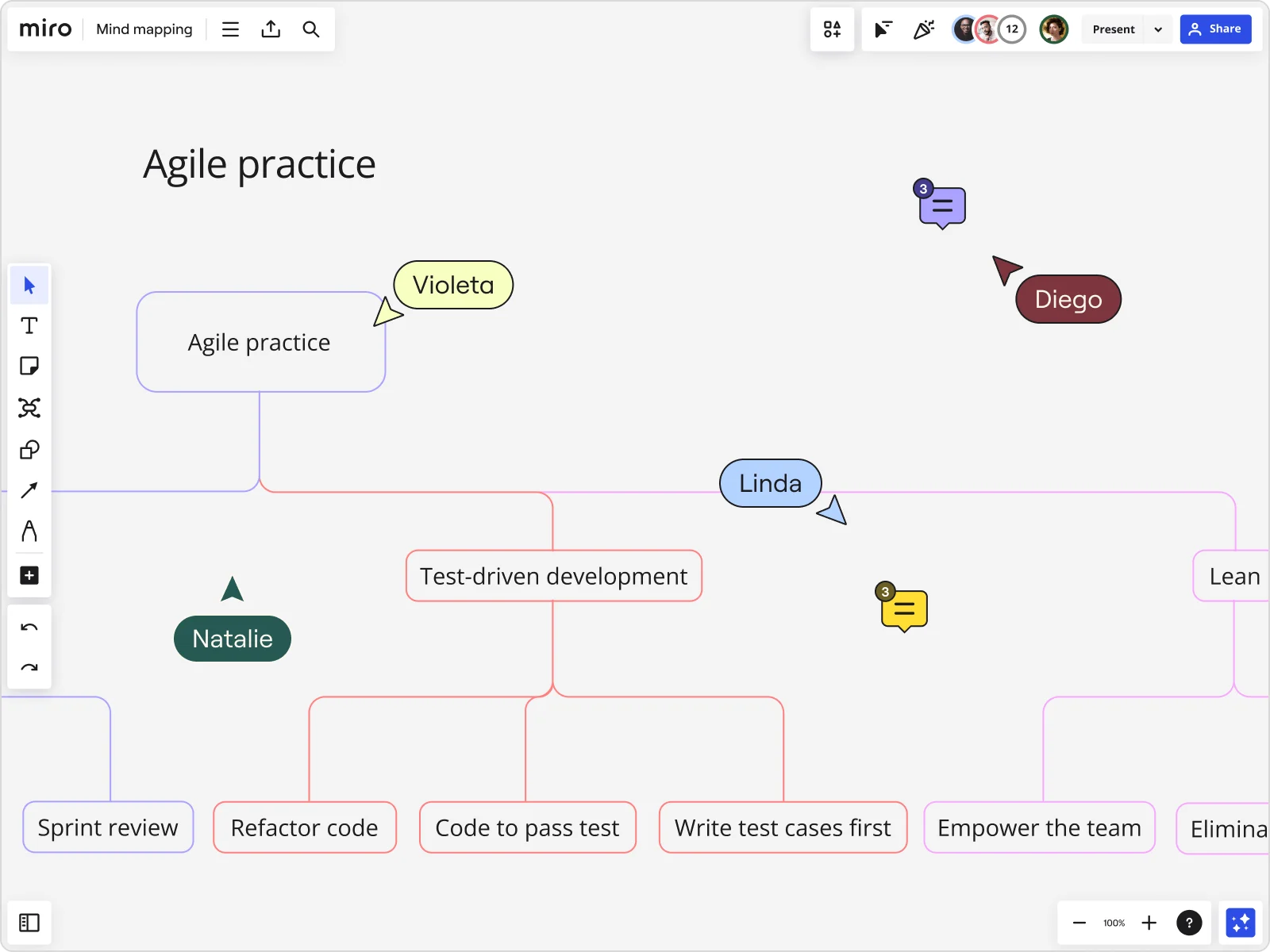
Miro board showing a collaborative mind map titled 'Agile practice' with branches including Test-driven development, Sprint review, Refactor code, Code to pass test, Write test cases first, Empower the team, and Lean, with multiple live collaborator cursors (Violeta, Linda, Natalie, Diego) and comment bubbles visible.

What experts say

  • We use Miro for brainstorming and workshops. One of the more interesting examples included a team member who took apart a strategy and put pieces in Miro to get feedback, helping him focus in on the specific questions he wanted to get answered

    Megan Cooke

    Head of Product for Jira Software · Atlassian

    Miro Customer
  • Icebreakers bring everyone into the room faster. Icebreakers for agile teams help the group shift into a collaborative mindset.

    Centercode Team

    Speaker's title and organization: Product Innovation Experts · Centercode

    Industry Expert

The research on brainstorming

  • 31%

    Structured design thinking retrospectives improved team outcomes by 31% across 800 agile teams

    Source: McKinsey & Company

  • 30%

    30% improvement in team collaboration and alignment when wireframing was integrated into agile processes

    Source: IRJIET

See brainstorming in action

Related templates for agile teams

We have 193 templates in our library for Brainstorming.

Why agile teams love brainstorming in Miro

  • From scattered sprint ideas to a prioritized backlog

    Sprint planning brainstorms generate dozens of ideas across feature squads, platform, and infra - then someone has to sort it all manually before the retro ends. Miro automatically clusters related sticky notes by theme so your sprint leads walk away with grouped, prioritized concepts ready to groom.
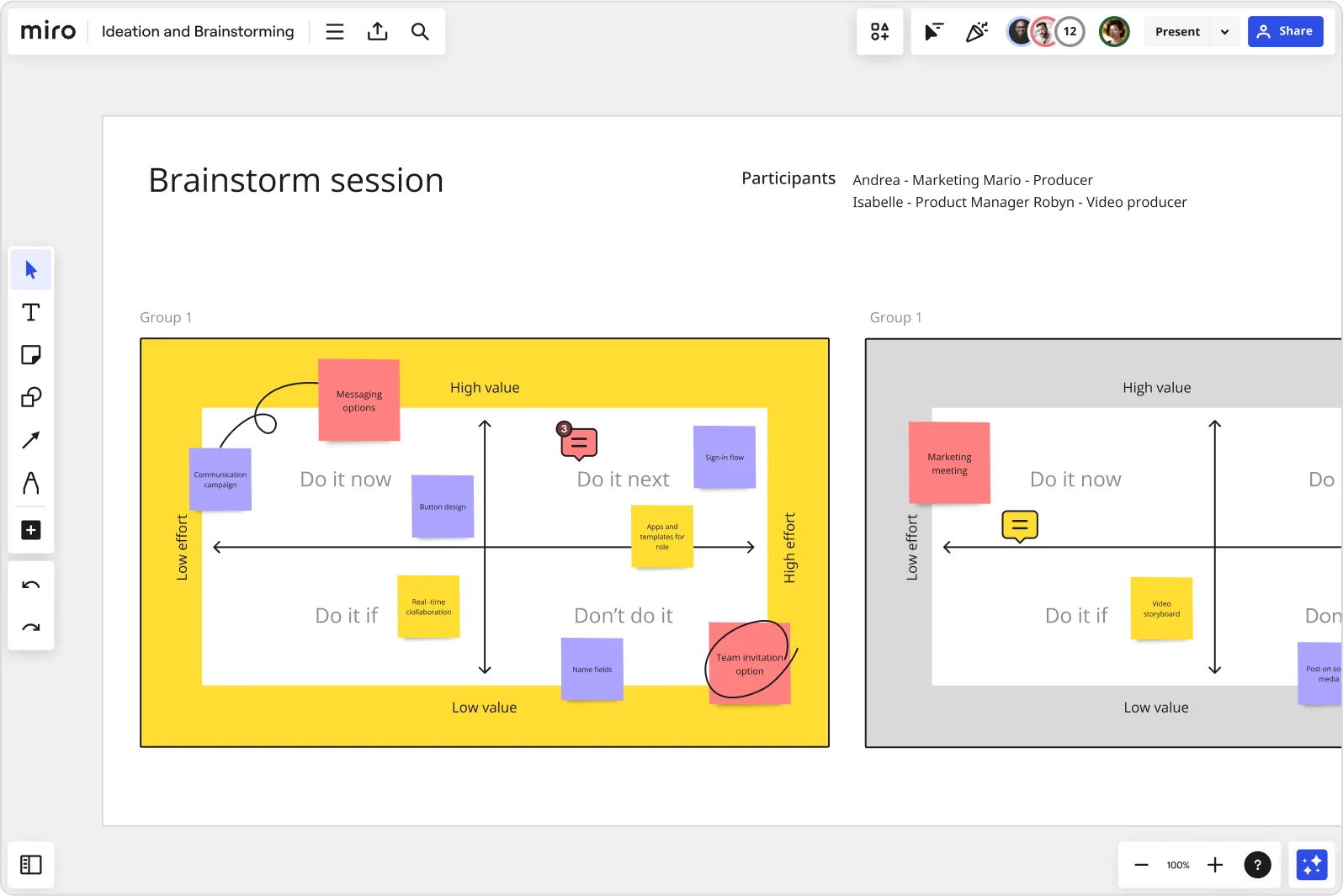
    Miro brainstorm session board displaying an impact-effort matrix divided into four quadrants (Do it now, Do it next, Do it if, Don't do it) populated with color-coded sticky notes for features like messaging options, sign-in flow, button design, and team invitation option, with two group views visible side by side.
  • Are your retrospectives still producing the same three action items?

    When the same blockers surface every sprint, it's a signal your retro format isn't surfacing honest input. Use anonymous voting to let every engineer and scrum master rank pain points without deferring to the loudest voice in the room.

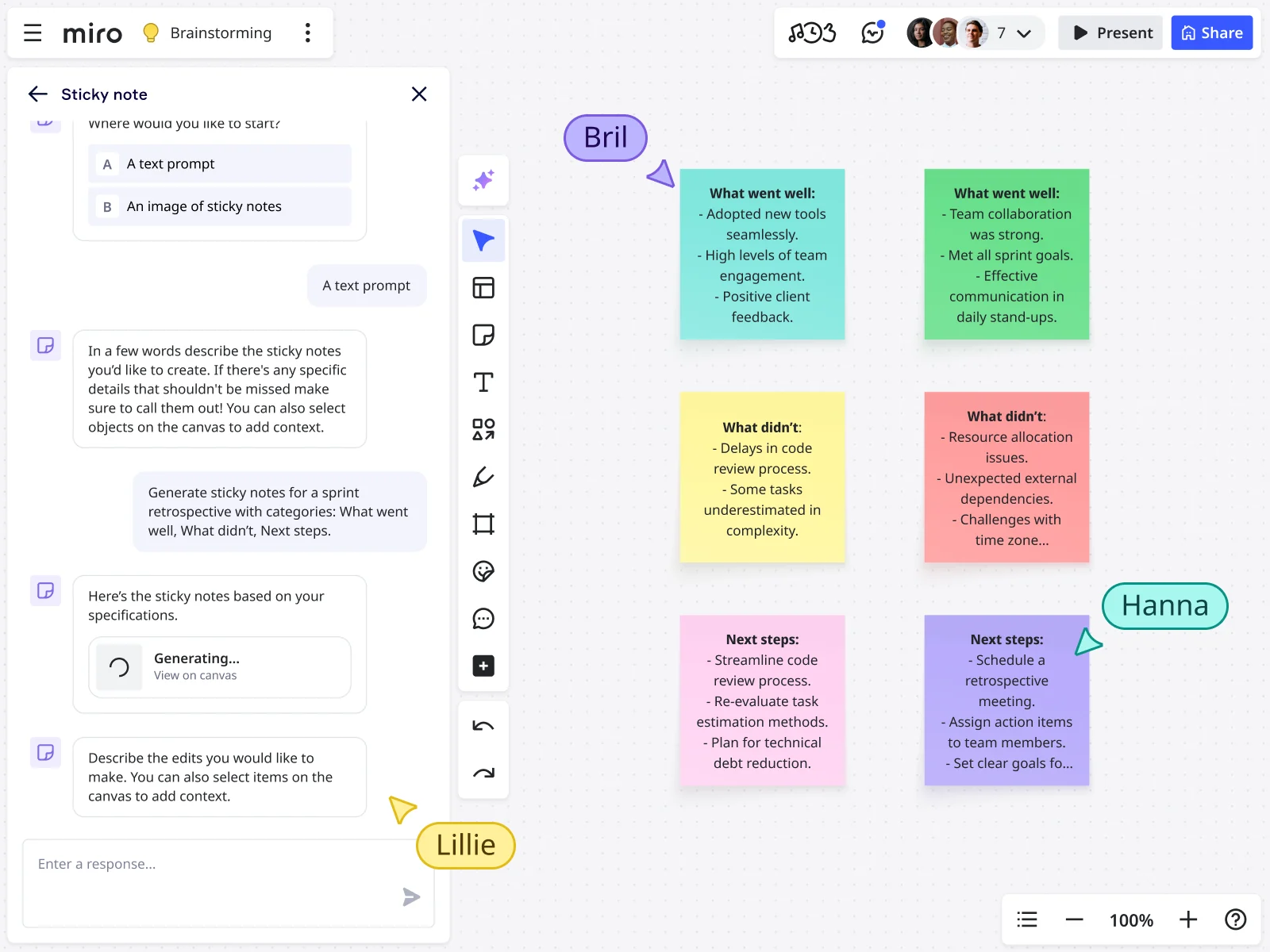
    Miro board displaying an AI-generated sprint retrospective with six color-coded sticky notes organized in a 2x3 grid covering 'What went well,' 'What didn't,' and 'Next steps' categories, alongside an open AI chat panel on the left where a user prompted the generation using a text description, with three collaborator cursors (Bril, Hanna, Lillie) visible on the canvas.
  • When demo day prep eats the whole sprint

    Building the leadership readout after a brainstorm means manually copying ideas into slides - every time. Miro's AI Slides generates the deck directly from your brainstorm board, with Brand Center colors applied automatically, so your team skips the rebuild.

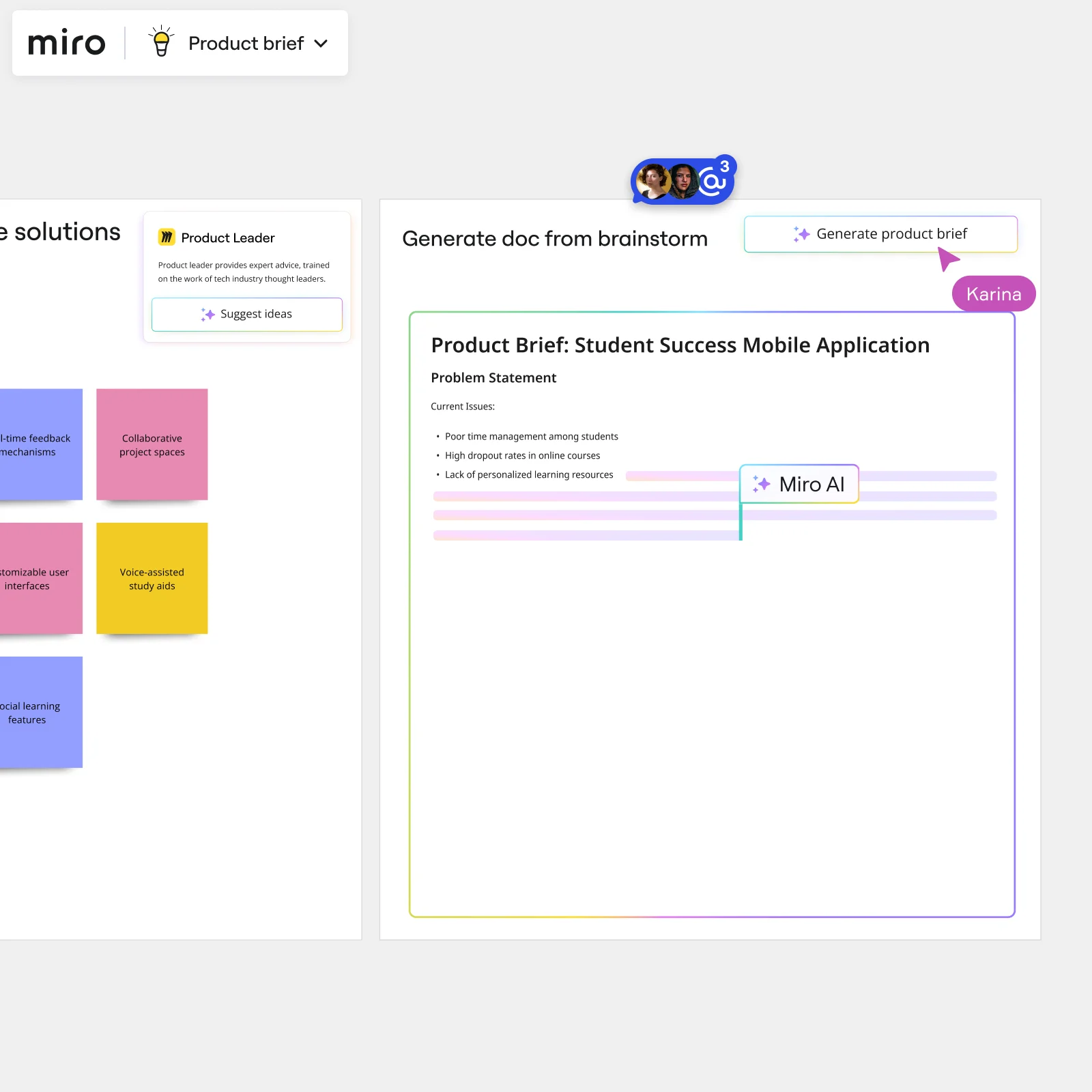
    Miro board showing AI-powered document generation from a brainstorming session, with a Product Leader AI sidekick panel on the left, colorful sticky notes listing solution ideas (collaborative project spaces, voice-assisted study aids, social learning features), and an AI-generated Product Brief document for a Student Success Mobile Application being created in real time by Miro AI.
  • Your Jira backlog, without the post-session scramble

    A five-person startup running weekly ideation and a 200-person product org grooming a quarterly roadmap both hit the same wall: translating sticky notes into tickets. Drop the People Widget onto your board to assign owners, and round-trip directly to Jira-synced cards without leaving the canvas.

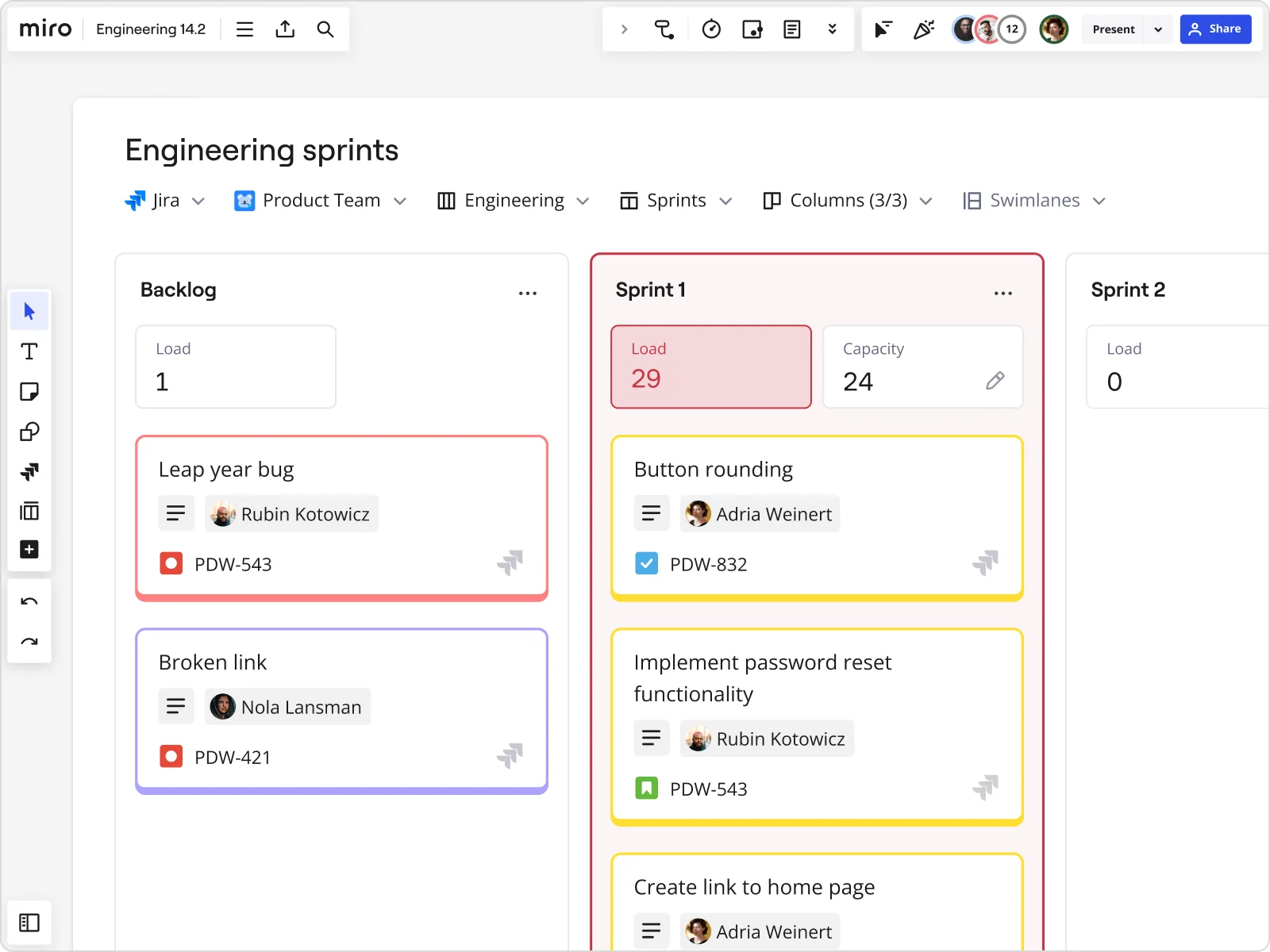
    Miro engineering sprints board integrated with Jira, showing a Backlog column and Sprint 1 column with task cards including assignees (Rubin Kotowicz, Nola Lansman, Adria Weinert), Jira ticket IDs, load/capacity indicators (Sprint 1 load of 29 exceeding capacity of 24), and color-coded priority borders on cards like 'Leap year bug', 'Broken link', 'Button rounding', and 'Implement password reset functionality'.
  • Stop rebuilding the same brainstorm board every quarter

    Whether you're a solo facilitator setting up a session for a two-pizza team or a delivery lead coordinating Breakout Frames across eight product squads, starting from scratch wastes real prep time. Miro's brainstorming template library - including Brainwriting, Reverse Brainstorm, and SCAMPER - gives sprint teams a running start every session.

    Miro Sprint Planning board displaying a Kanban-style layout with Backlog, Current Sprint, and Next Sprint columns containing color-coded task cards (Picture Gallery, Video Tools, Bug Reporting Form Design, Footer, User Dashboard Redesign, Video Gallery, etc.) with assignees, story points, and ticket IDs, alongside a left panel showing Capacity (21), Points Remaining (3), Current Points (18), Story Points legend, and a People list with team member avatars. Multiple user cursors (Sandra, Jimmy,…

How agile teams get started with Brainstorming in Miro

  • Frame your sprint gap, not a blank prompt

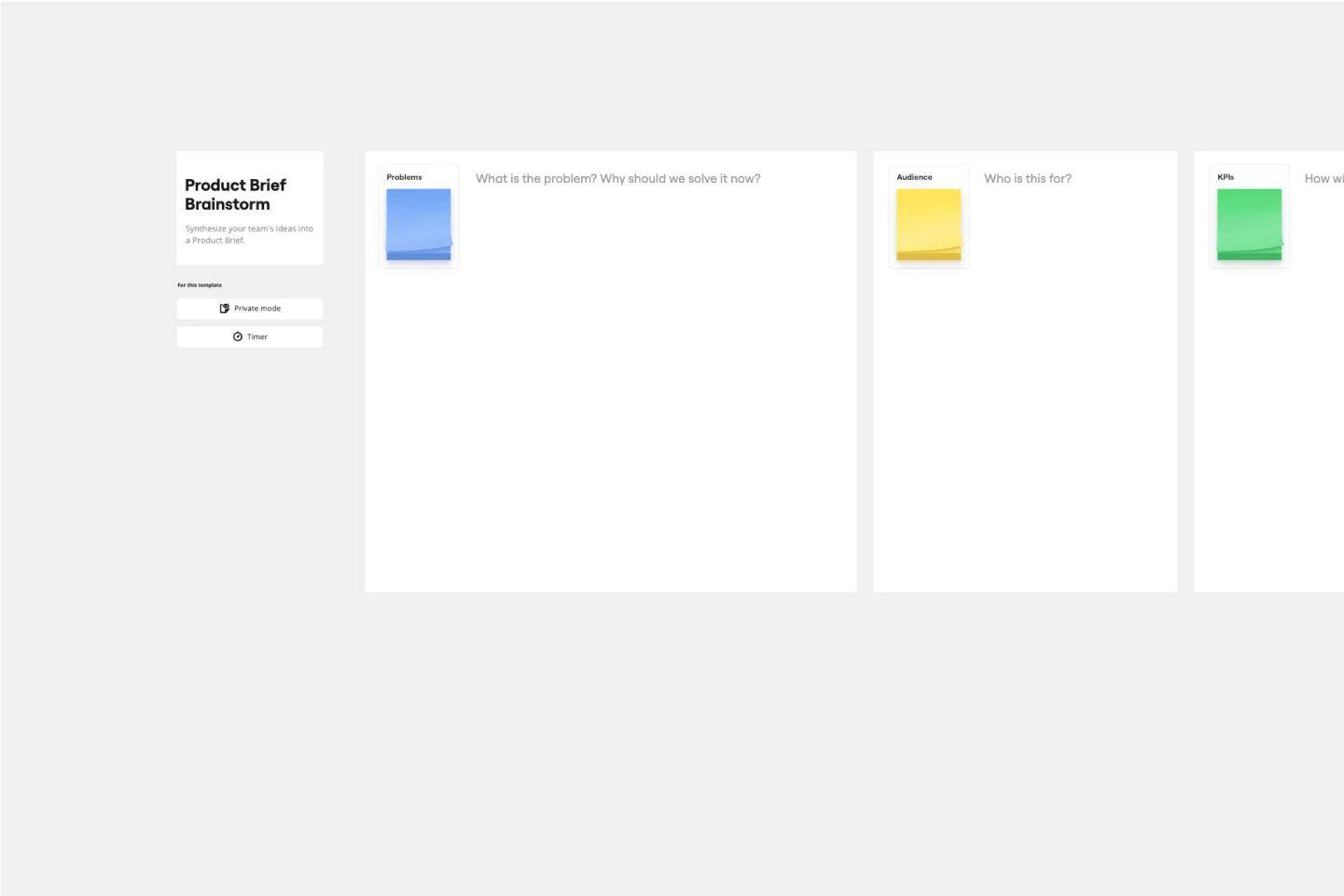
    Open the Product Brief Brainstorm Intelligent Template and drop your stale epic or retrospective blocker into the problem statement Frame so every sprint owner enters the session already oriented around a refineable artifact, not an abstract question.

  • Run timed ideation rounds by ticket theme

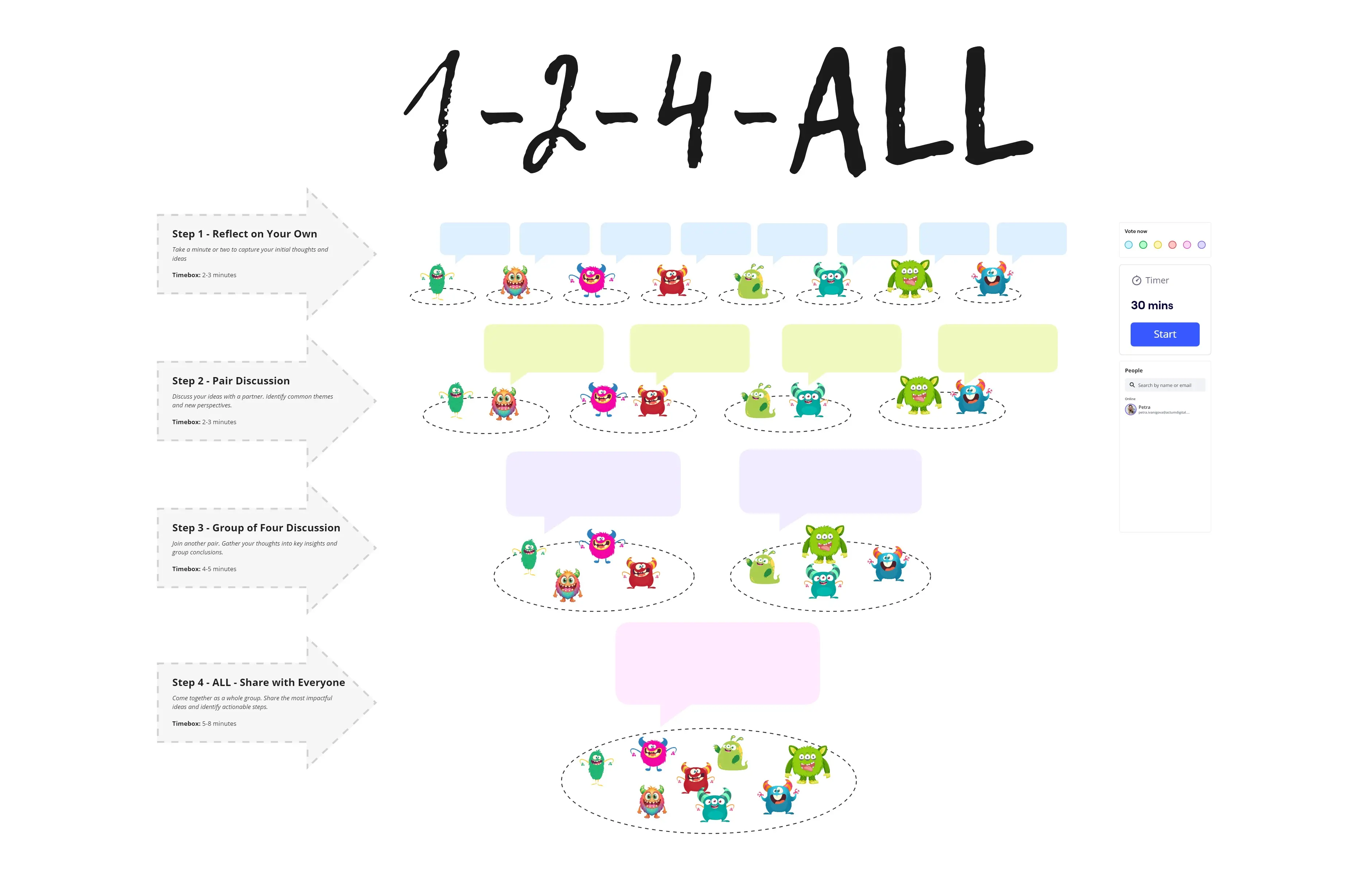
    Set the Timer to 5 minutes per user story, have everyone add Sticky Notes in Bulk Mode (one idea per line), and color-code by feasibility signal so the engineering lead can eyeball technical risk before the round even closes.

  • Cluster and vote before the timebox runs out

    Use Clustering to auto-group stickies by keyword, then run Dot Voting with three votes per person so the product owner leaves with a stack-ranked shortlist ready to convert into acceptance criteria and story points, not a wall of unprocessed ideas.

  • Push commitments straight into Jira

    Assign story owners via the People Widget, then use the Jira integration to sync prioritized ideas directly to your backlog so nothing needs to be re-entered, re-described, or argued over in a follow-up Slack thread.

Brainstorming tips for agile teams

  • Sprint owners running PI planning across multiple squads: use Breakout Frames to split by feature area, then merge clusters into a single prioritized board before the convergence ceremony starts.

  • If async debate is already happening in Slack before the session, drop a board link into the thread and use Comments with @mentions to pull unresolved arguments onto the canvas where they can be decided with Dot Voting, not buried in a 200-message thread.

  • After the session, lock the Clustering output, export the prioritized frame to Confluence via /miro, and set the focus-mode start view to your summary Frame so the Scrum Master reviewing ceremony notes lands on decisions, not the raw working canvas.

Understand how agile teams transform their work

  • Best tool for brainstorming and workshops across teams

    Team Lead in Other at Consumer Goods

    TrustRadius
    TrustRadius
    Verified user
    Read review
  • Collaborative brainstorming tool for research and development teams

    Consultant in Professional Services at International Trade & Development

    TrustRadius
    TrustRadius
    Verified user
    Read review

Brainstorming essential guide for agile teams

CategoryKey insights
  • Common mistakes to avoid

    Jumping straight into ideation without a warm-up is the fastest way to get a canvas full of ideas from the same three voices while everyone else lurks. Lock your board objects before the session starts, too - one accidental sticky note deletion mid-sprint can derail the whole timebox. For larger sprint teams especially, cap votes during Dot Voting so you get actual signal, not a popularity spread that leaves the product owner with nothing to bring to refinement.

  • Key integrations for agile teams

    Jira and Confluence are the ones that matter most here - ideas that can't map back to tickets and documentation by end of day are just noise against the sprint clock. Slack and Microsoft Teams keep async contributors in the loop between ceremonies, and Zoom or Google Meet let the Scrum Master run a tight, time-boxed session without switching tabs.

  • When to use it

    Reach for Miro when a half-baked epic needs to be broken into refineable solutions before the next sprint kickoff and the backlog conversation has already stalled in a Slack thread. Set up Breakout Frames for sub-teams, run silent brainwriting rounds with Timer, then use Clustering and Voting to hand the product owner a prioritized shortlist that's ready for story point estimation - all within the same session. It's also the right call when distributed sprint team members across time zones need to contribute asynchronously without losing their ideas before the next standup.

  • Security & Compliance

    SOC2 Type II certification covers the baseline that engineering leads and security reviewers expect before approving a new tool. For larger organizations, data residency controls and granular sharing permissions mean IT can govern who sees what across boards without slowing down sprint ceremonies. Private Mode is worth knowing about for retrospectives or early-stage discovery sessions where psychological safety matters as much as output quality.

Frequently asked questions for agile teams

Last updated: Friday, September 04, 2026