Why to use?
Use the Data & AI Business Catalyst to turn vague data & AI ambitions into structured data & AI strategy, use cases, and products.
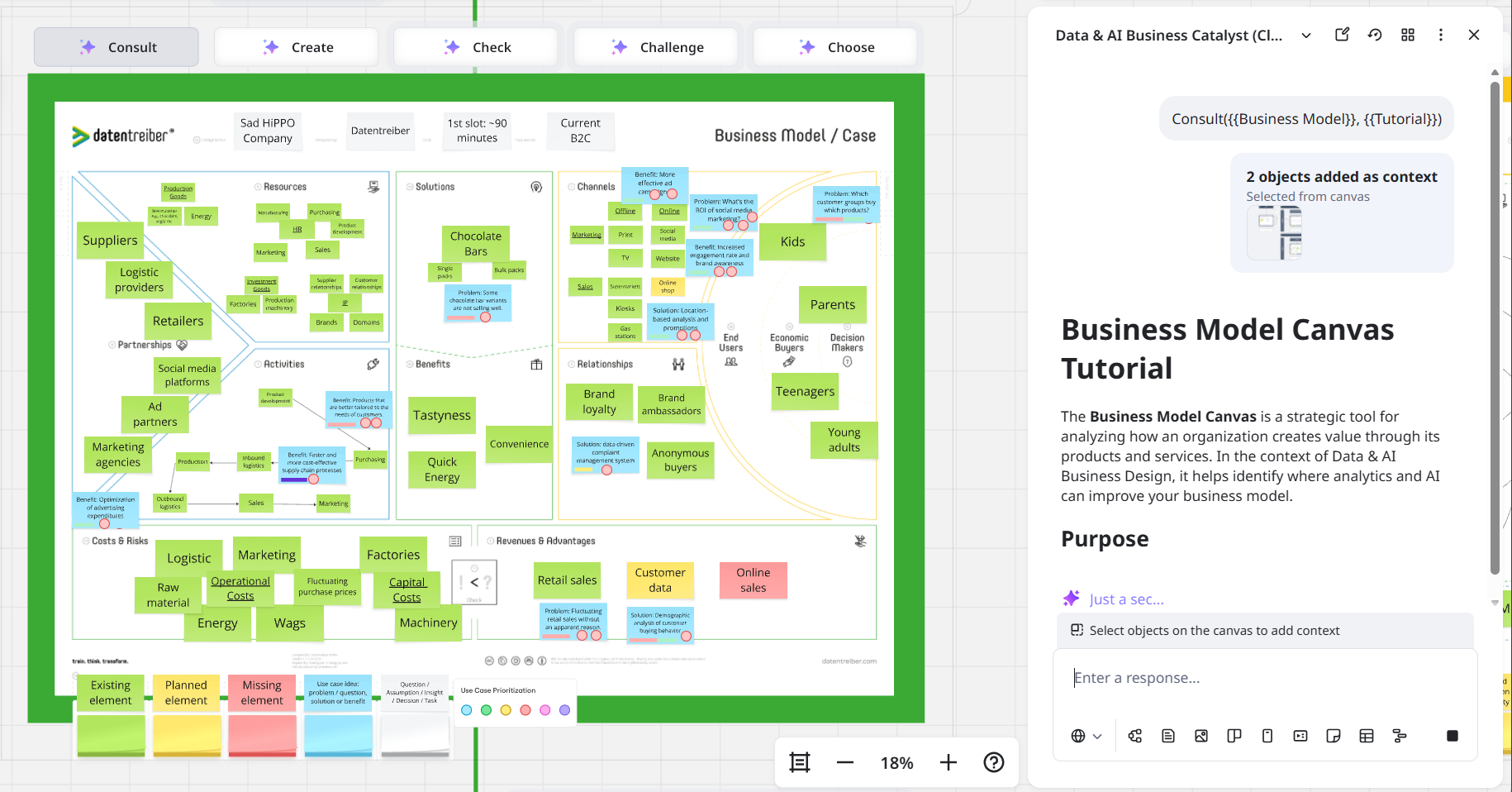
The Catalyst is designed as the Sidekick for Datentreiber’s Data & AI Business Design method and works especially well with Datentreiber canvases, workshop templates, and workflow tools available on Miroverse.
Who to use?
Designers, strategists, consultants, facilitators, product owners, and project managers can use this Sidekick to discover, design, develop and deliver data & AI strategies and solutions.
When to use?
Use the Data & AI Business Catalyst when you want to prepare, run, or follow up a Data & AI Design Thinking Workshop on the Miro canvas.
It is useful when you want to:
start from a vague Data & AI ambition or a blank Miro board,
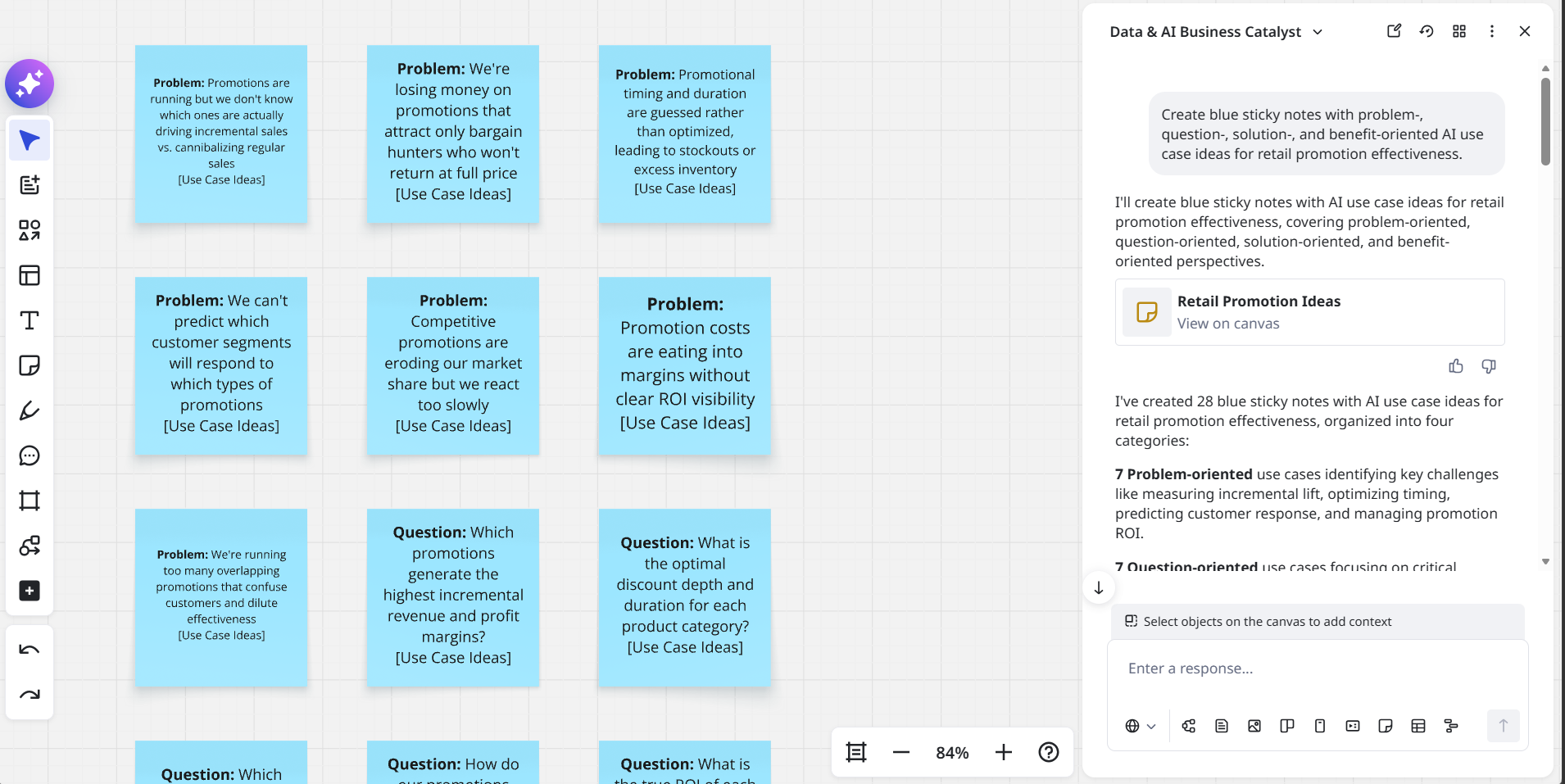
explore and structure analytics and AI use case ideas,
design user-centric solution concepts or data and AI product ideas,
check, challenge, choose, and turn workshop results into follow-up actions.
If you already work with a Datentreiber canvas or workshop template, the Catalyst uses this context directly. If you start without a Datentreiber template, it helps you create a first structure and points you to the most useful next canvas or workshop step.
What to use?
The Data & AI Business Catalyst supports five core ways of working:
Consult: understand how to use a canvas, workshop step, or workflow tool.
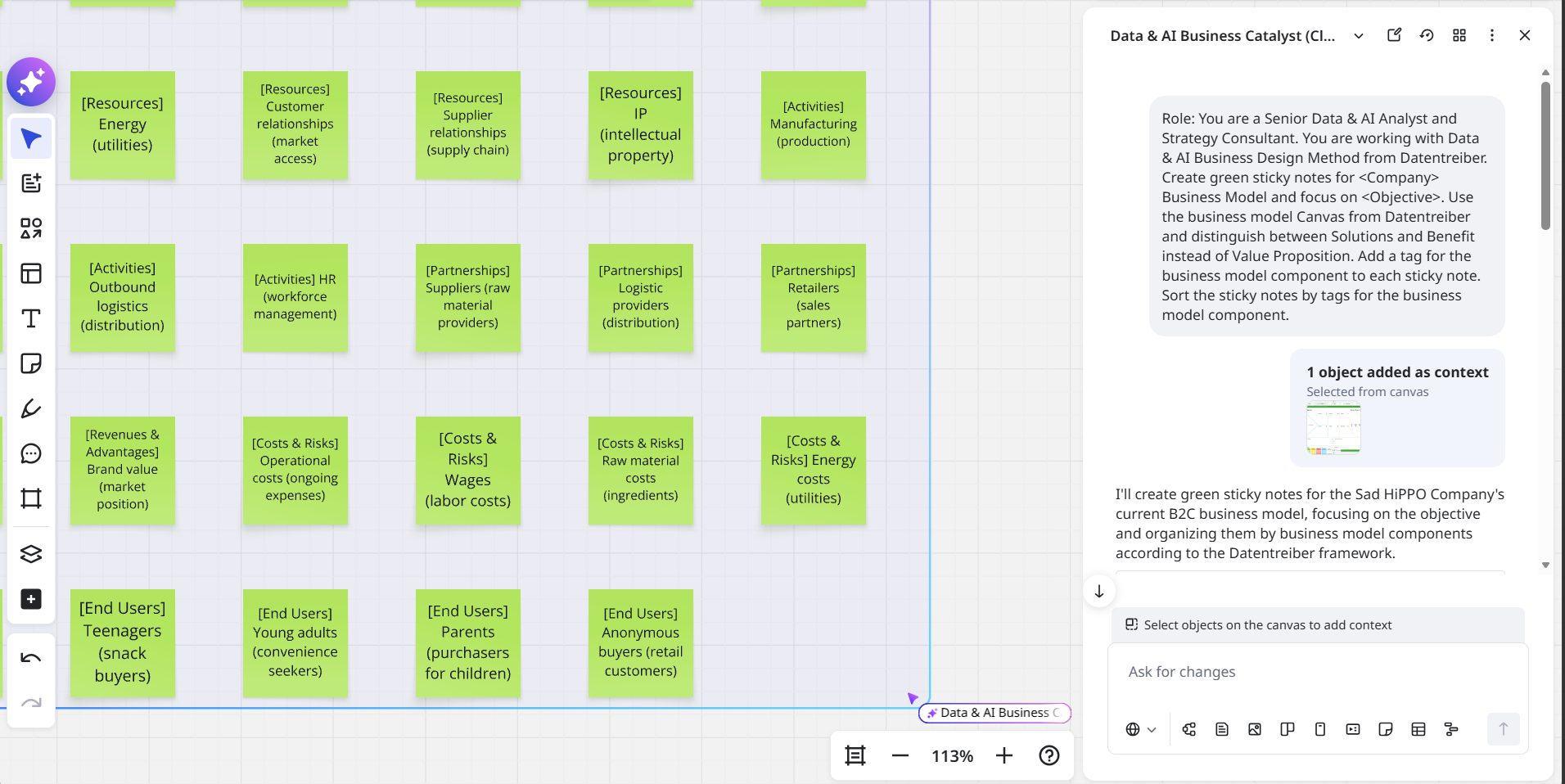
Create: generate canvas-ready sticky notes, structures, briefings, mindmaps, or first working frames.
Check: review content for completeness, consistency, and correctness.
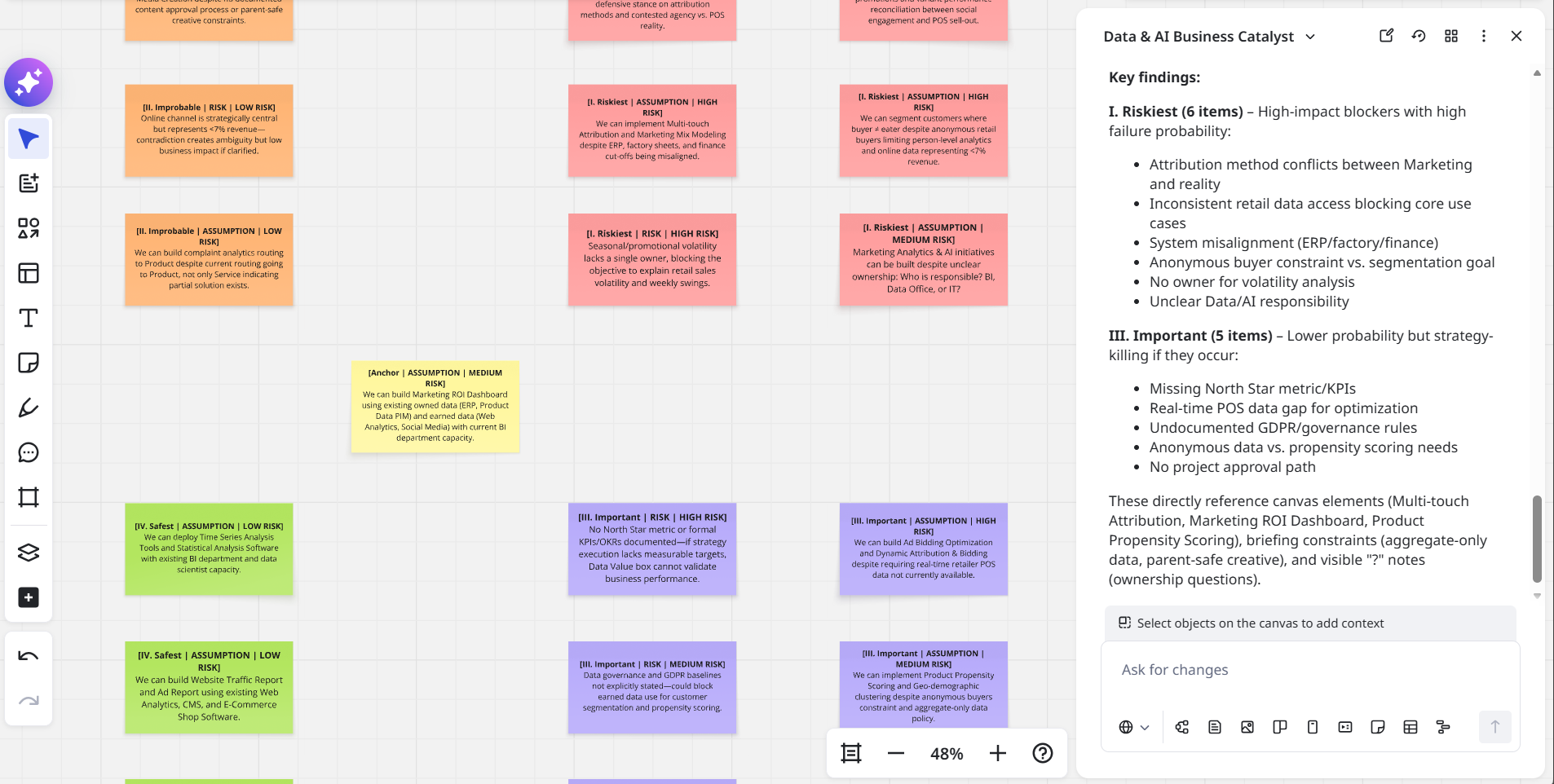
Challenge: identify open questions, riskiest assumptions, missed alternatives, and possible blind spots.
Choose: compare options and help the team focus on the next-best direction.
The Catalyst can work with generic Miro boards. Its strongest use case, however, is working inside the Datentreiber ecosystem of Data & AI Business Design canvases and workshop templates, such as the Data & AI Strategy Framework Canvas, Business Model / Case Canvas, Analytics & AI Use Case Canvas, Data Monetization Canvas, Data Landscape Canvas, Analytics & AI Maturity Canvas, and Priority Matrix Canvas.
How to use?
Start with a short business context, a workshop objective, a use case idea, a selected canvas, or a frame with sticky notes.
On a blank board, ask the Catalyst to create a first working structure. Depending on your request, it can create a briefing, sticky notes, a mindmap, or another suitable board structure.
On an existing board, select a Datentreiber canvas, workshop frame, or group of sticky notes and ask the Catalyst to consult, create, check, challenge, or choose. The more Datentreiber context you provide on the board, the more specific and method-aligned the output becomes.
Use the Catalyst as a thinking partner during the workshop, not only after it. It can help the team stay focused, make assumptions visible, and move from discussion to decisions.
For a more guided next step, continue with the recommended Datentreiber canvas or workshop template on Miroverse.
Where to find more?
Datentreiber offers you not only this Miroverse template, but also:
If you are interested or have any questions or feedback, please contact us at: info@datentreiber.de.
Copyright: All rights reserved by Datentreiber GmbH.