





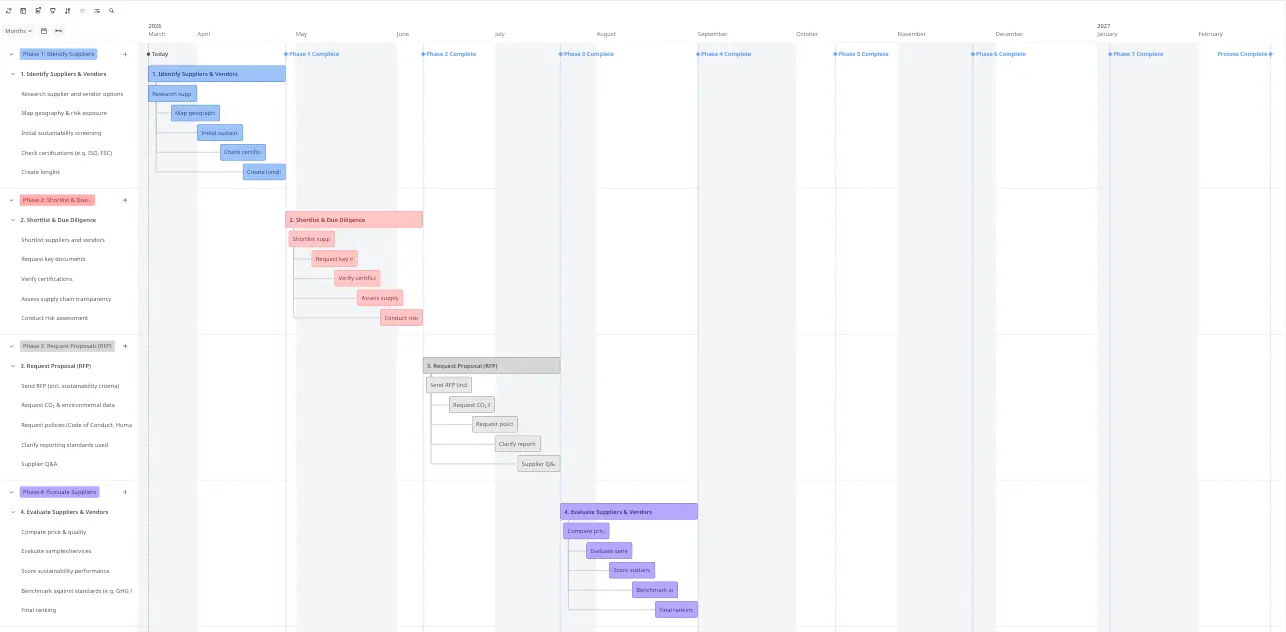
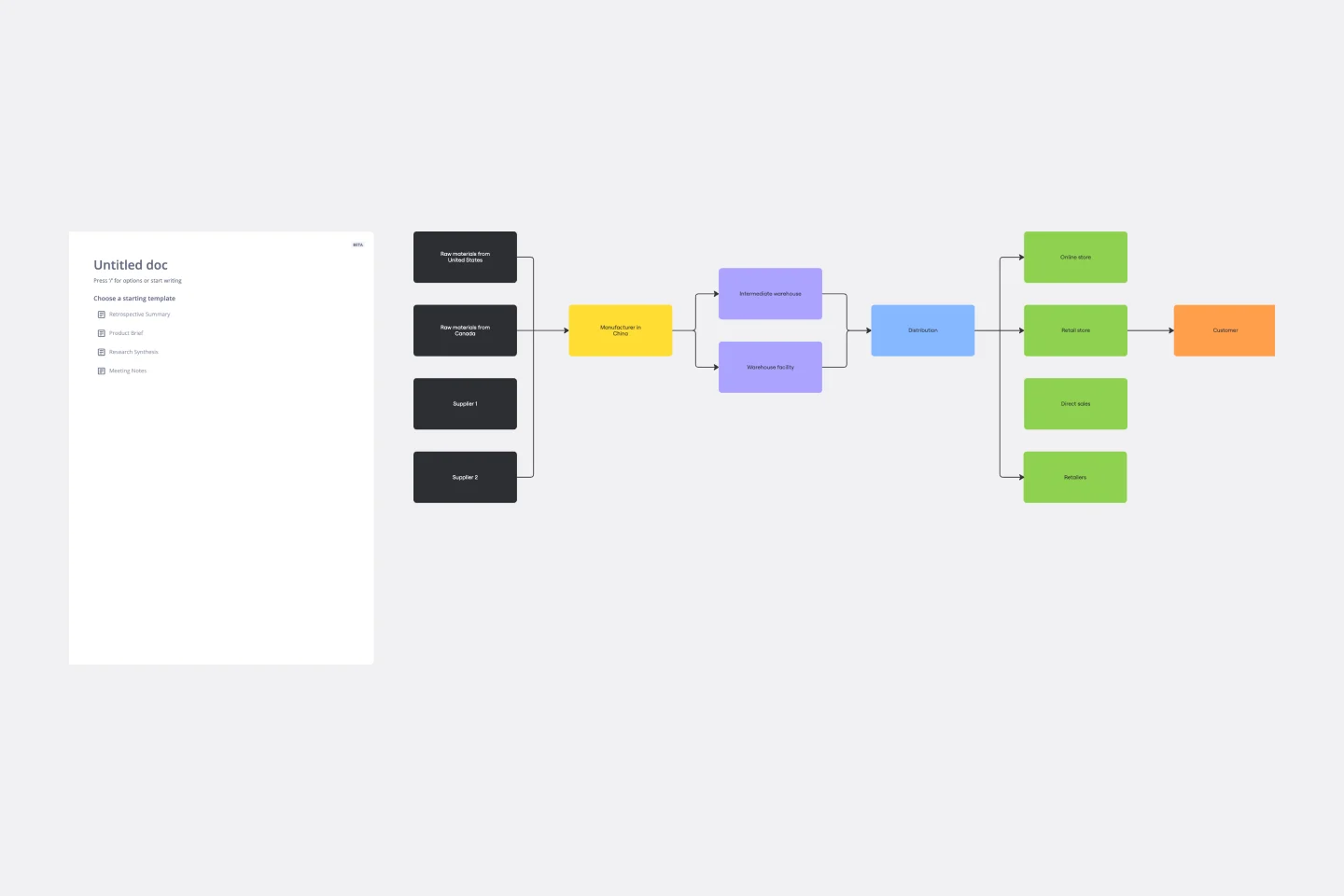
Presentations for supply chain operations teams

Turn vendor reviews and S&OP outputs into live decks. No rebuilding, no tool-switching.

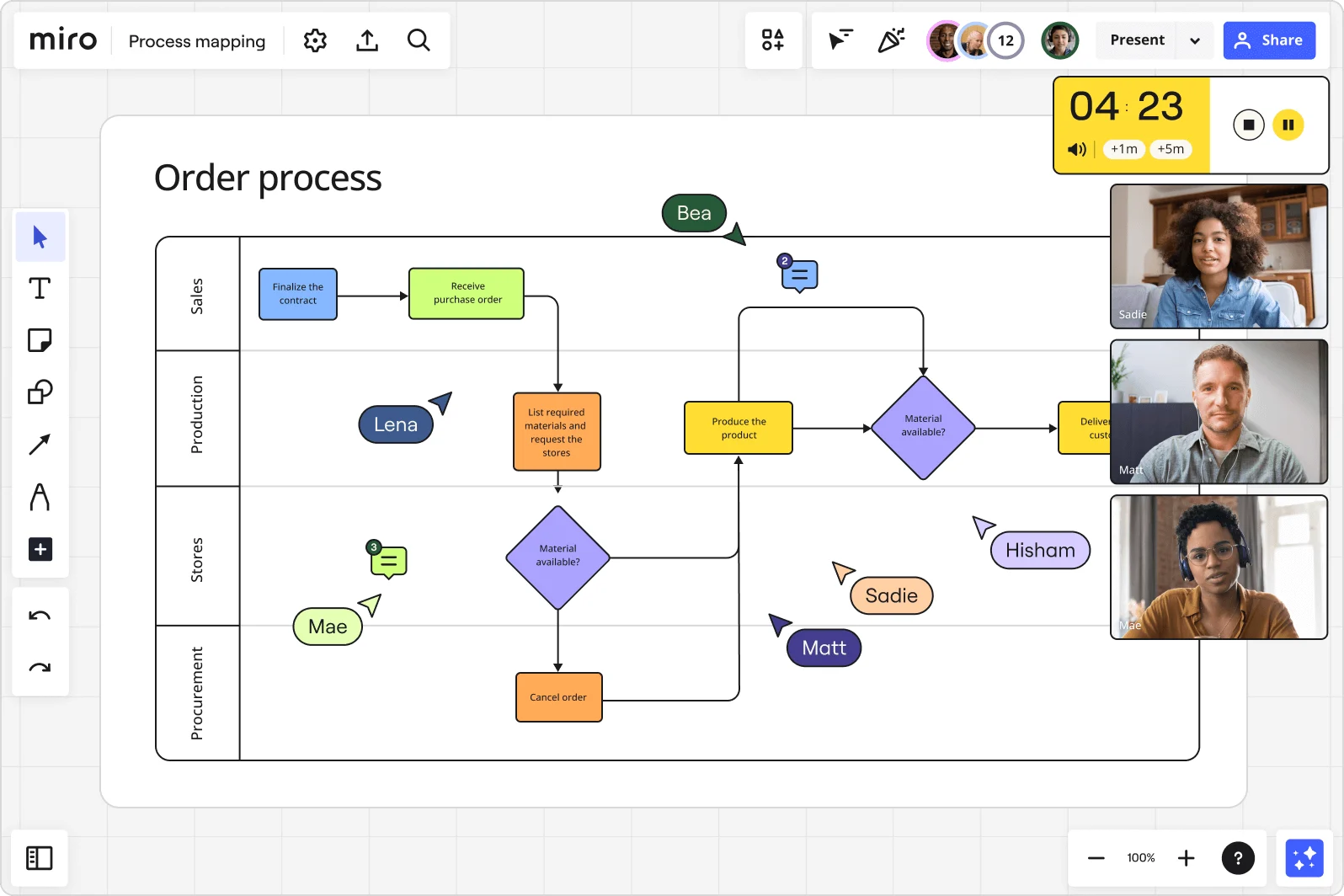
Miro board displaying an 'Order process' swimlane flowchart with four lanes (Sales, Production, Stores, Procurement) showing decision diamonds, process boxes, and flow arrows, with multiple collaborators' cursors visible, live video call panels for three participants (Sadie, Matt, Mae), a countdown timer showing 4:23, and comment indicators on the board.

What experts say

  • The way we present information and tell stories using slides has a massive impact on how well our ideas are understood and remembered.

    Nancy Duarte

    Speaker and CEO · Duarte

    Industry Expert
  • Miro is a good tool for program roadmaps and diagrams. We are doing data mapping flows and building roadmaps for programs. We are currently running Data and Analytics. We can collaborate, provide visibility to different stakeholders, and we’re in a huge canvas that other tools like PowerPoint can't support

    Rodrigo Gonzalez Rea

    Sr. Manager, Supply Chain IT Lead · PepsiCo

    Miro Customer

The research on presentations and slides

  • Business strategies presented with visual diagrams received higher attention, agreement, and recall compared to text-based presentations, benefiting consulting deliverables

    Source: University of Lugano / SIOP-SHRM

See presentations and slides in action

Related templates for supply chain operations teams

We have 22 templates in our library for Presentations and Slides.

Why supply chain operations teams love creating presentations with Miro Slides

  • From S&OP outputs to executive-ready slides in minutes

    After every sales and operations planning session, someone manually rebuilds the board content in PowerPoint - copying supplier scorecards, demand forecasts, and inventory snapshots slide by slide. Use Miro's AI to turn selected board content directly into a structured deck, skipping the rebuild entirely.
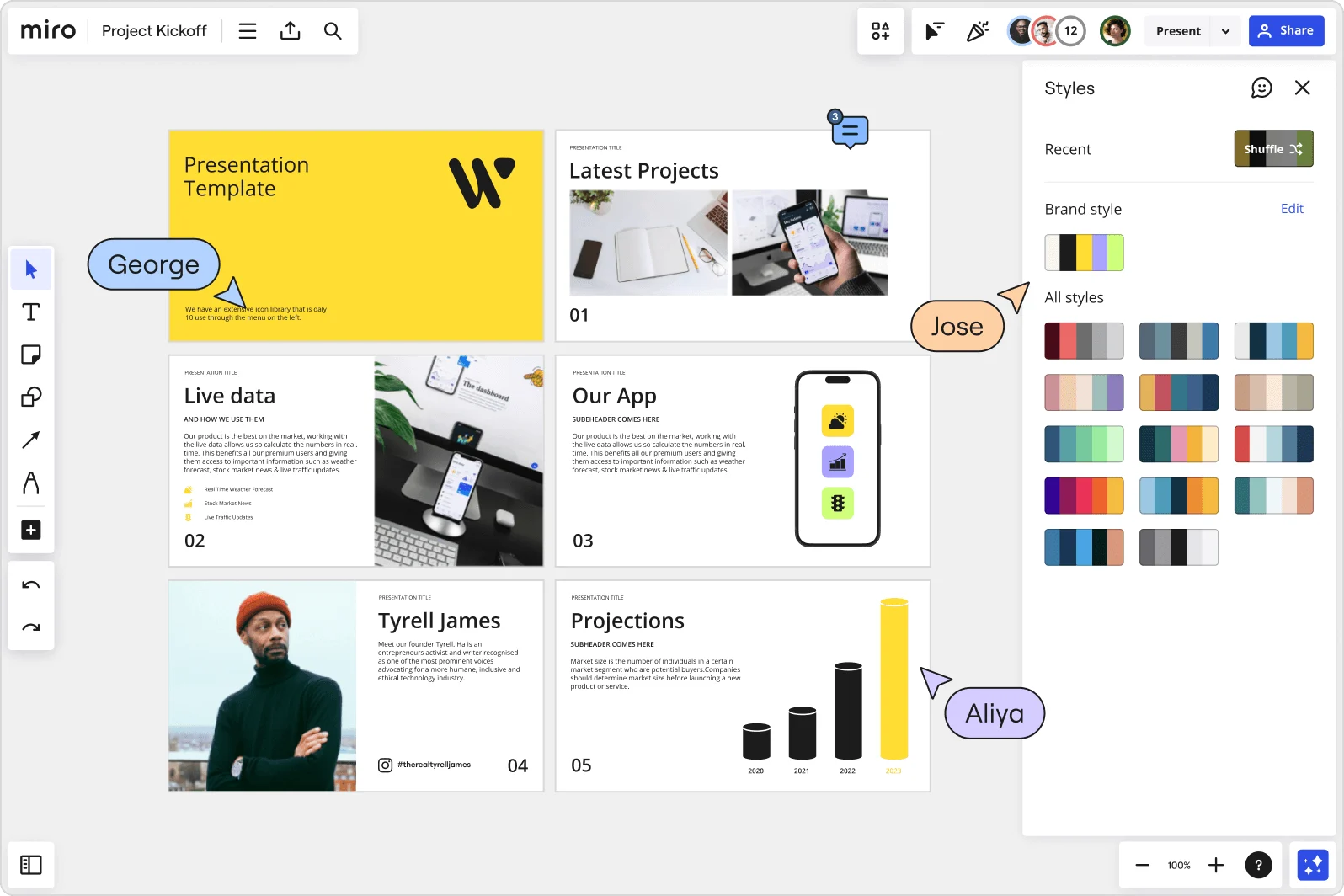
    Miro board showing a Project Kickoff presentation template with five slides including a title slide, Latest Projects, Live Data, Our App, a founder profile for Tyrell James, and Projections with bar charts. A Styles panel is open on the right showing brand color palettes and a Shuffle option, with three collaborator cursors visible (George, Jose, and Aliya).
  • When your supplier review needs to run across three time zones

    Not every logistics lead or procurement director can join the live briefing. Record a Talktrack walkthrough - narrated audio synced to each slide - so your supply base and regional ops managers can replay the full presentation on their own schedule, with every caveat and context note intact.

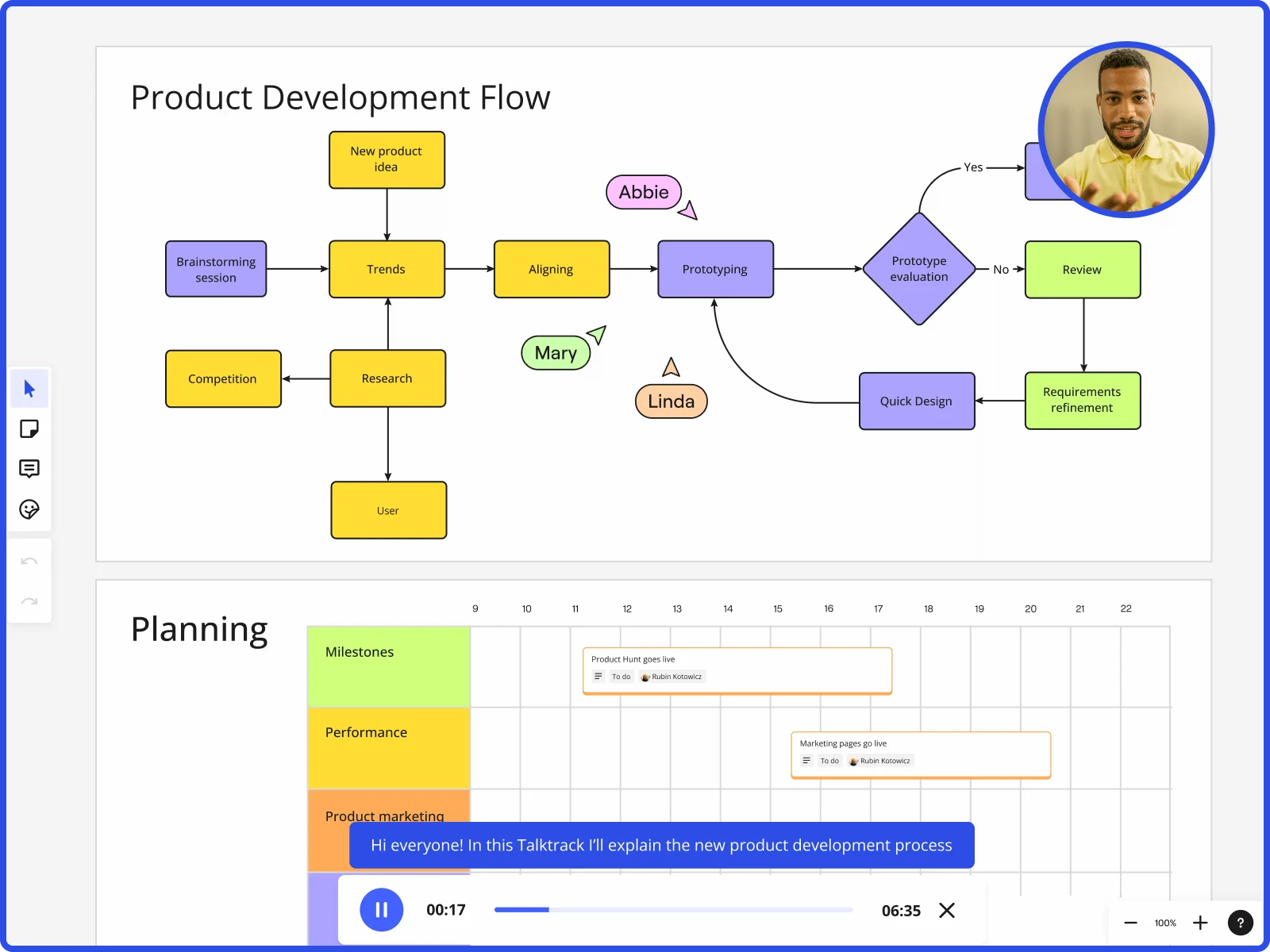
    Miro board showing product development flow with brainstorming, research, prototyping stages and planning timeline with Talktrack presentation
  • Stop rebuilding your quarterly inventory briefing from scratch

    Operations teams running monthly demand reviews or quarterly inventory briefings spend more time formatting than thinking. Save your deck structure as a reusable Blueprint: the title slide, supplier scorecard frames, and risk summary are pre-loaded each cycle, whether you're a 4-person procurement team or a 50-country distribution network.

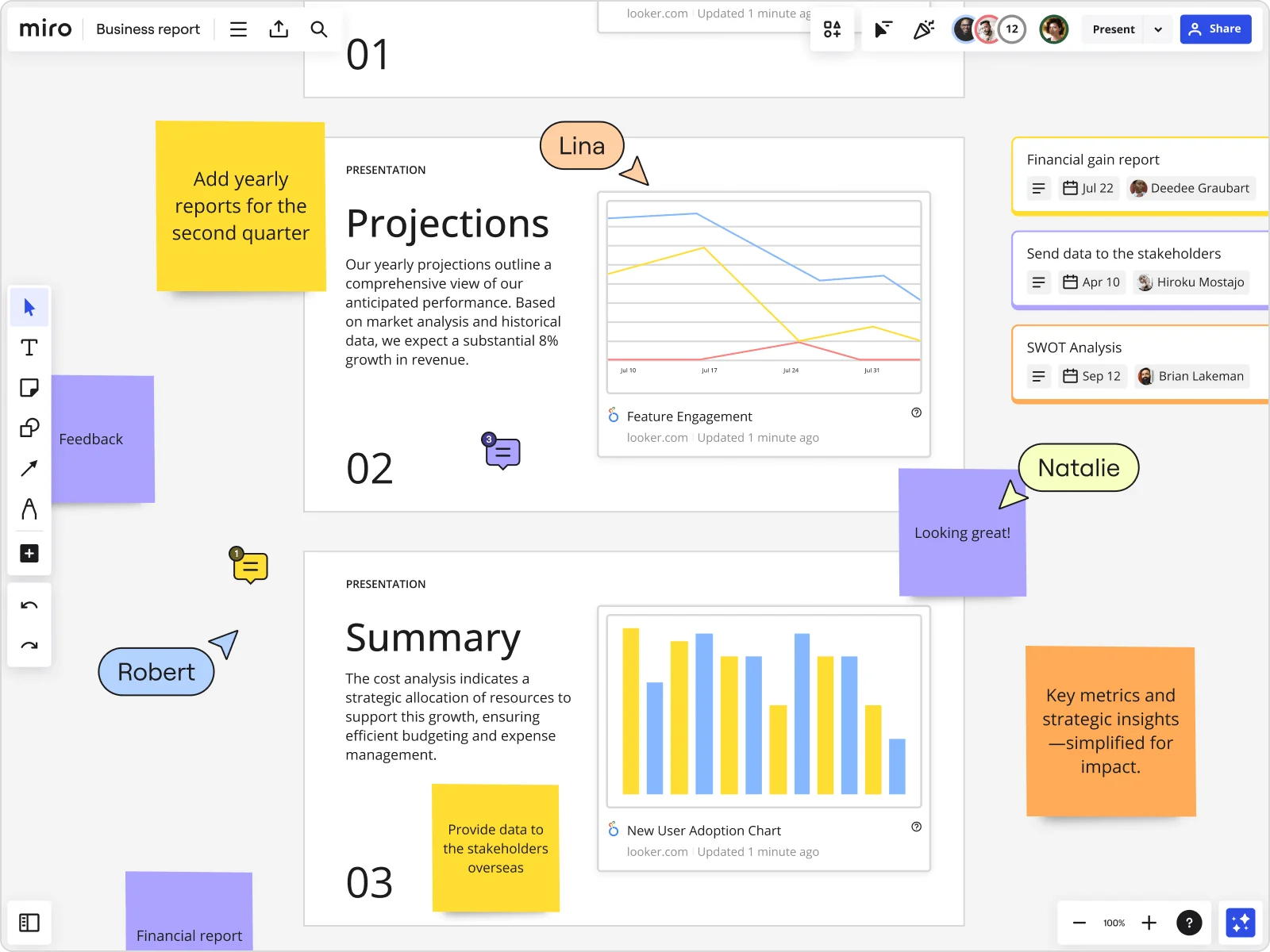
    Miro board showing a Business Report with two presentation slides (Projections and Summary) containing embedded Looker charts for Feature Engagement and New User Adoption, alongside sticky notes with tasks, three task cards for Financial gain report, Send data to stakeholders, and SWOT Analysis, and collaborative cursors from users named Lina, Natalie, and Robert.
  • Your live supplier scorecard, embedded in the deck

    Presenting off a static screenshot of your SAP or Power BI dashboard means your data is already stale by the time the meeting starts. Embed live Looker or Power BI charts directly into slide frames so your sourcing leads and supply planners are always looking at current numbers, not last week's export.

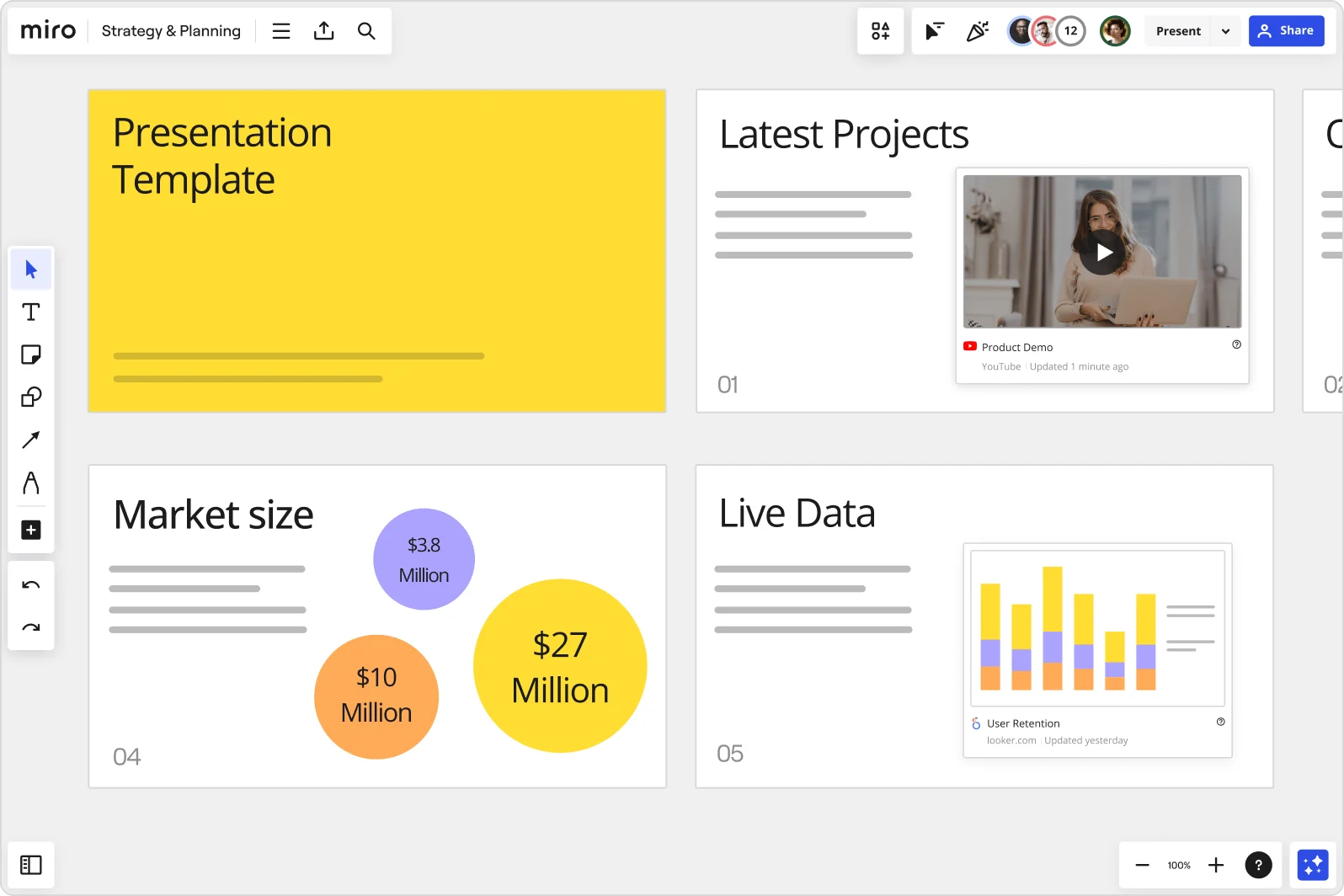
    Miro board showing a Strategy & Planning presentation workspace with four slides visible: a yellow title slide labeled 'Presentation Template', a 'Latest Projects' slide with an embedded YouTube Product Demo video, a 'Market size' slide with bubble charts showing $3.8M, $10M, and $27M values, and a 'Live Data' slide featuring an embedded Looker.com User Retention bar chart.
  • How to get real decisions out of a vendor selection meeting

    Vendor selection calls often end without a clear call - everyone has an opinion, nobody commits. Run Miro's Voting and Word Cloud activities inside the presentation itself: procurement managers and warehouse ops leads respond on their phones via QR code, responses visualize live, and the export drops straight back onto the board as sticky notes for follow-up.

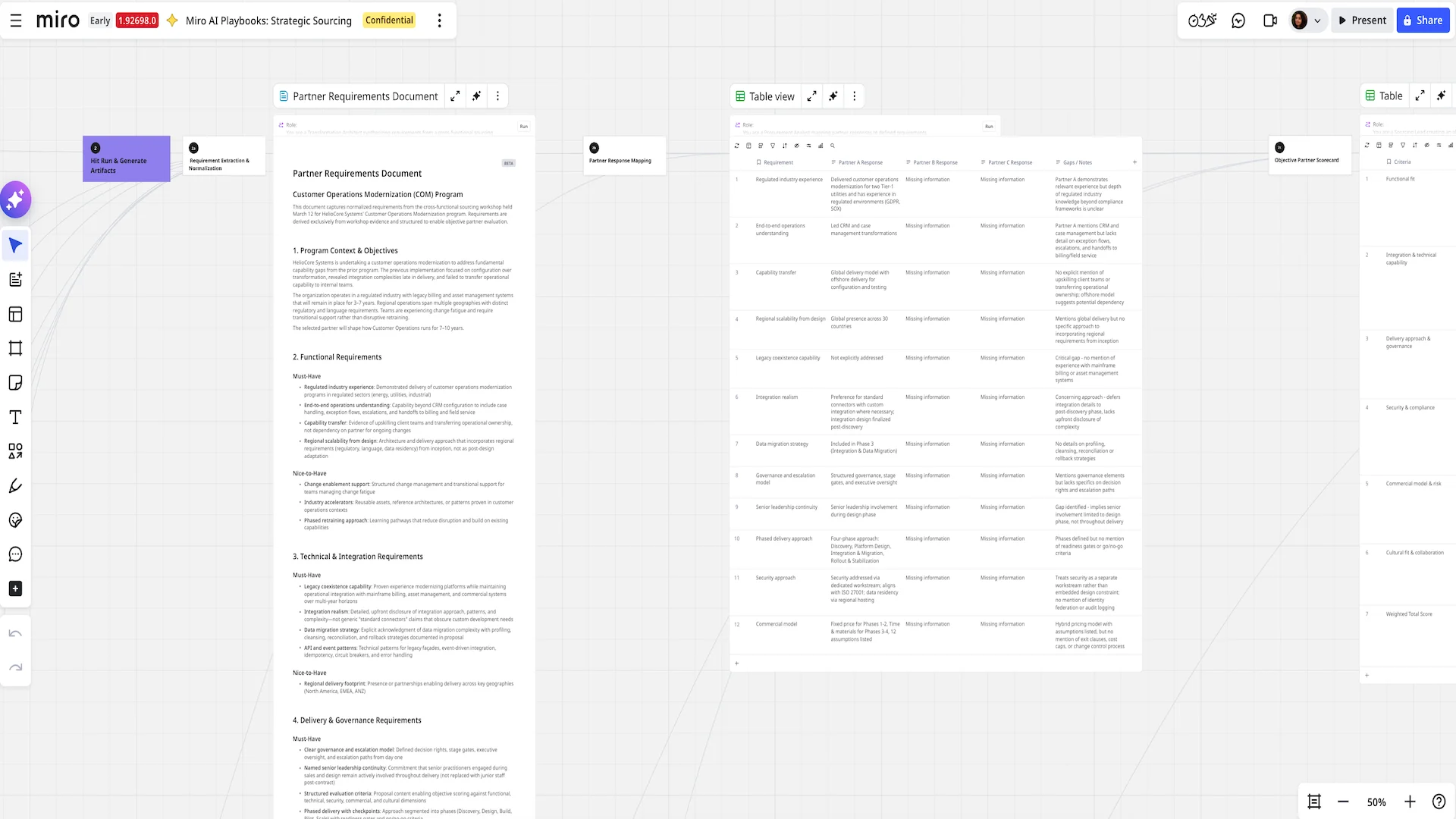
    Miro AI Playbooks board for Strategic Sourcing showing three panels: an AI-generated Partner Requirements Document with structured sections on functional, technical, and delivery requirements; a Partner Response Mapping table comparing Partner A, B, and C responses against 12 requirements with gap analysis notes; and a partially visible Objective Partner Scorecard table on the right.

How supply chain teams get started with presentations and slides in Miro

  • Frame your S&OP deck around decisions, not data

    Open a new Miro board and use Frames to build one slide per decision point in your S&OP cycle - supplier escalation, expedite call, safety stock rebalance - so procurement, planning, and commercial leads each land on the slide that requires their input, not a wall of OTIF tables.

  • Pull live ERP and carrier data into your deck

    Use External Embeds to drop live Power BI or Looker charts - inbound freight cost per unit, days of supply, fill rate vs. plan - directly into your slide frames so the numbers your CFO sees at the gate meeting reflect the same data pull your ops team ran that morning, not a screenshot from Tuesday.

  • Record a Talktrack before the S&OP gate meeting

    Narrate through your tier-review deck with Talktrack so the CPO and commercial leadership can replay your demand variability walkthrough and supplier risk framing on their own time, arriving at the meeting ready to decide rather than asking you to re-explain lead time variance from slide three.

  • Lock a Presentation Blueprint for every recurring cycle

    Save your S&OP deck structure as a reusable Template - with frames pre-named for OTIF review, DOS/WOS snapshot, expedite recommendations, and next-cycle assumptions - so ops analysts spend their prep time updating the numbers, not rebuilding the deck from last month's board.

Slides tips for supply chain operations teams

  • Before your gate meeting, use Comments on individual frames to get async sign-off from planning and procurement on the expedite recommendation slide - unresolved threads are a live checklist of what still needs a decision before you go live.

  • When your S&OP deck serves audiences across regions or business units with different landed-cost baselines, use Presentation Mode's Hand Off Control to let each regional ops lead walk their own network throughput frames without you navigating for them.

  • If your supplier escalation framing shifts between the draft and the final gate meeting, use AI Generate Slides with audience and tone specified ("3-slide escalation summary for CPO, financial framing, decision-ready") to regenerate that section fast rather than manually reworking slide copy at 11pm before the morning close.

Understand how supply chain operations teams transform their work

  • Currently, I'm working on a presentation. I was asked to put it in PowerPoint, but I insisted that I put it in Miro. PowerPoint only has so much room. With Miro, I can go on forever and all I have to do is zoom in and out to show the big picture and to show the details

    Verified User

    G2
  • The entire concept is great. Its convenient as a web based technology, its collaborative for internal teams as well as sharing content externally, It has nice features like layers, ability to remove backgrounds, templates. Really great for presentations and the ability to receive live feedback in various ways like polls.

    Verified User

    G2

Presentations and slides essential guide for supply chain operations teams

CategoryKey insights
  • Common mistakes to avoid

    The biggest trap for operations teams is cramming a full tier-review's worth of data - OTIF rates, DOS, lead time variance, the works - into a single frame. Treat each frame like a slide your CPO can absorb in 30 seconds, not a dashboard they need to decode. For large orgs running S&OP across time zones, skipping Talktrack is the other costly habit: a narrated walkthrough means your procurement and planning counterparts in different regions get the full context, not just a static deck with no explanation of what the numbers mean.

  • Key integrations for supply chain operations teams

    Zoom and Microsoft Teams connect directly to Miro so you can run your S&OP gate meeting without bouncing between tabs, keeping the operational review live and interactive for every function in the room. For ops leads already living in Confluence, embedding your board means your tier-review deck and the working content behind it stay in one place rather than drifting apart across SharePoint folders and email threads. At enterprise scale, Google Slides and PowerPoint export options cover the CFO who still wants a file, while Jira integration keeps any action items - expedite decisions, supplier escalations - traceable after the meeting closes.

  • When to use it

    Use this when your S&OP cycle closes and you need to walk procurement, planning, and commercial leadership through demand signals and inventory positions without rebuilding the whole story in a separate slide tool. If your ops team tracked buffer stock scenarios and supplier risk directly on a Miro board during the week, you can frame that content up and present straight from it - no copy-paste into PowerPoint, no version drift. For distributed teams where the head of procurement is in one time zone and your 3PL lead is in another, record a Talktrack walkthrough so every stakeholder gets the same narrated context on their own schedule before the replenishment decision locks.

  • Security & Compliance

    Miro is SOC 2 Type II certified, which covers the baseline trust requirement when you're presenting working capital exposure, supplier risk data, or open purchase order detail to finance and commercial leadership. For larger organizations with data residency requirements - common when supply chain operations span multiple regions or involve third-party logistics contracts - Miro's data residency controls let your IT and legal teams specify where content is stored. Granular sharing permissions mean you can share a curated presentation link for the S&OP meeting without accidentally exposing the full board, including any confidential supplier negotiation content sitting elsewhere on the canvas.

Frequently asked questions for supply chain operations teams

Last updated: Thursday, July 30, 2026