Presentations for pharmaceutical regulatory teams

Your dossiers and compliance reviews are already in Miro. Now turn them into submission-ready decks without touching PowerPoint.

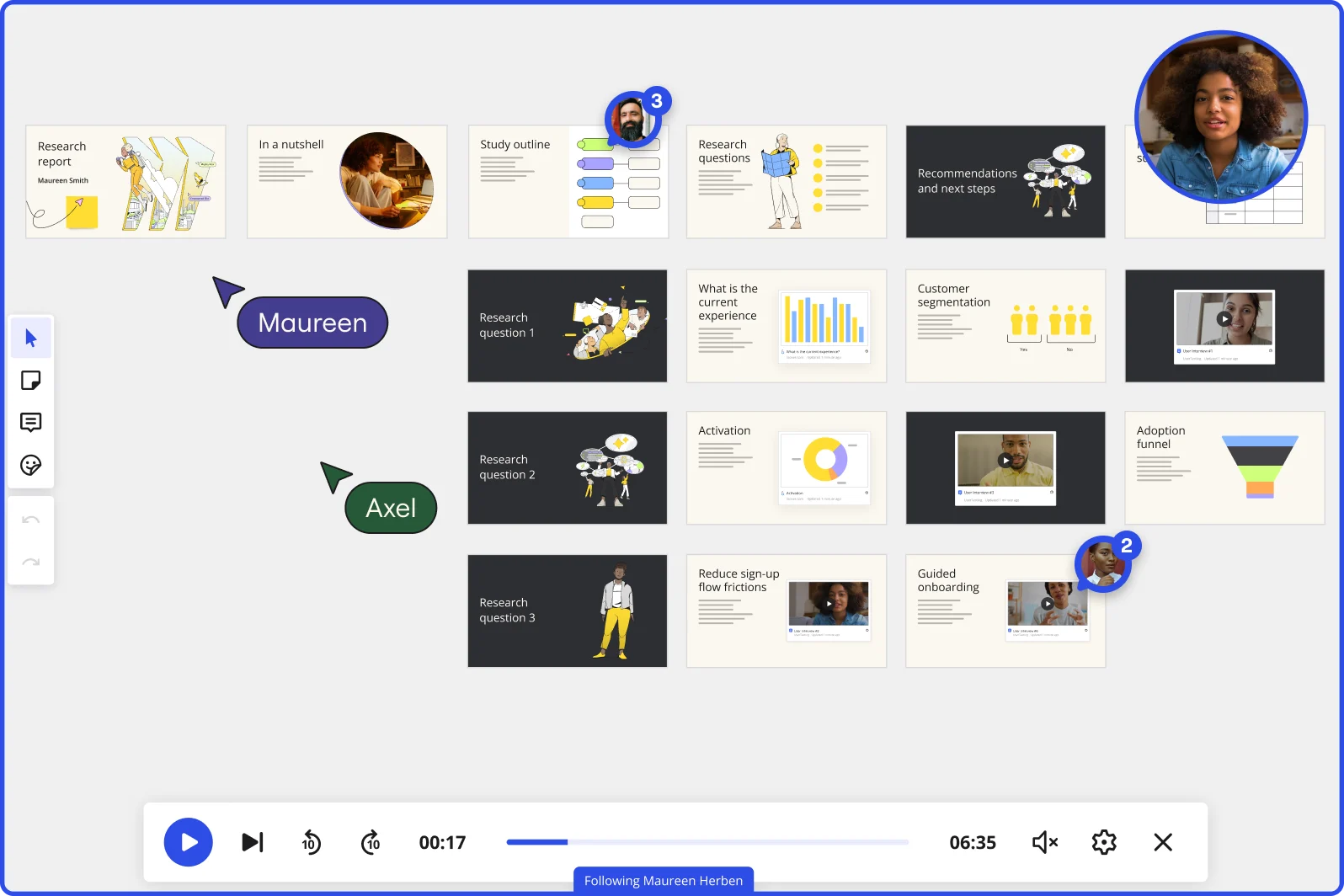
Miro board in Interactive Presentation Mode displaying a research report presentation with multiple slides organized in rows, covering topics including research questions, customer segmentation charts, adoption funnel, and guided onboarding, with two collaborators (Maureen and Axel) visible as cursors, video playback controls at the bottom showing 00:17 of 06:35, and a live webcam feed of a presenter in the top right corner.

What experts say

  • The way we present information and tell stories using slides has a massive impact on how well our ideas are understood and remembered.

    Nancy Duarte

    Speaker and CEO · Duarte

    Industry Expert
  • A well-crafted SOP offers clear direction and instruction specifically designed to avoid deviations—an absolute necessity for maintaining compliance and delivering quality products.

    The FDA Group

    Regulatory Consultants · The FDA Group

    Practitioner

The research on presentations and slides

  • 66%

    Visual presentations with graphs and diagrams increased audience conviction from 50% (verbal only) to over 66%, demonstrating the persuasive power of diagramming in consulting presentations

    Source: Cornell University / Wharton School of Business

  • 40%

    Visual requirements techniques improved stakeholder alignment by 40% in regulated industry projects

    Source: Forrester

See presentations and slides in action

Related templates for pharmaceutical regulatory teams

We have 22 templates in our library for Presentations and Slides.

Why pharmaceutical regulatory teams love creating presentations with Miro Slides

  • From gap analysis to agency-ready deck in minutes

    You've finished your CTD module review. Now you need a briefing deck before Friday's submission deadline. Use AI slide generation to turn your completed board content into a structured deck, with outline, evidence slides, and recommendations, in your brand colors, without touching PowerPoint.

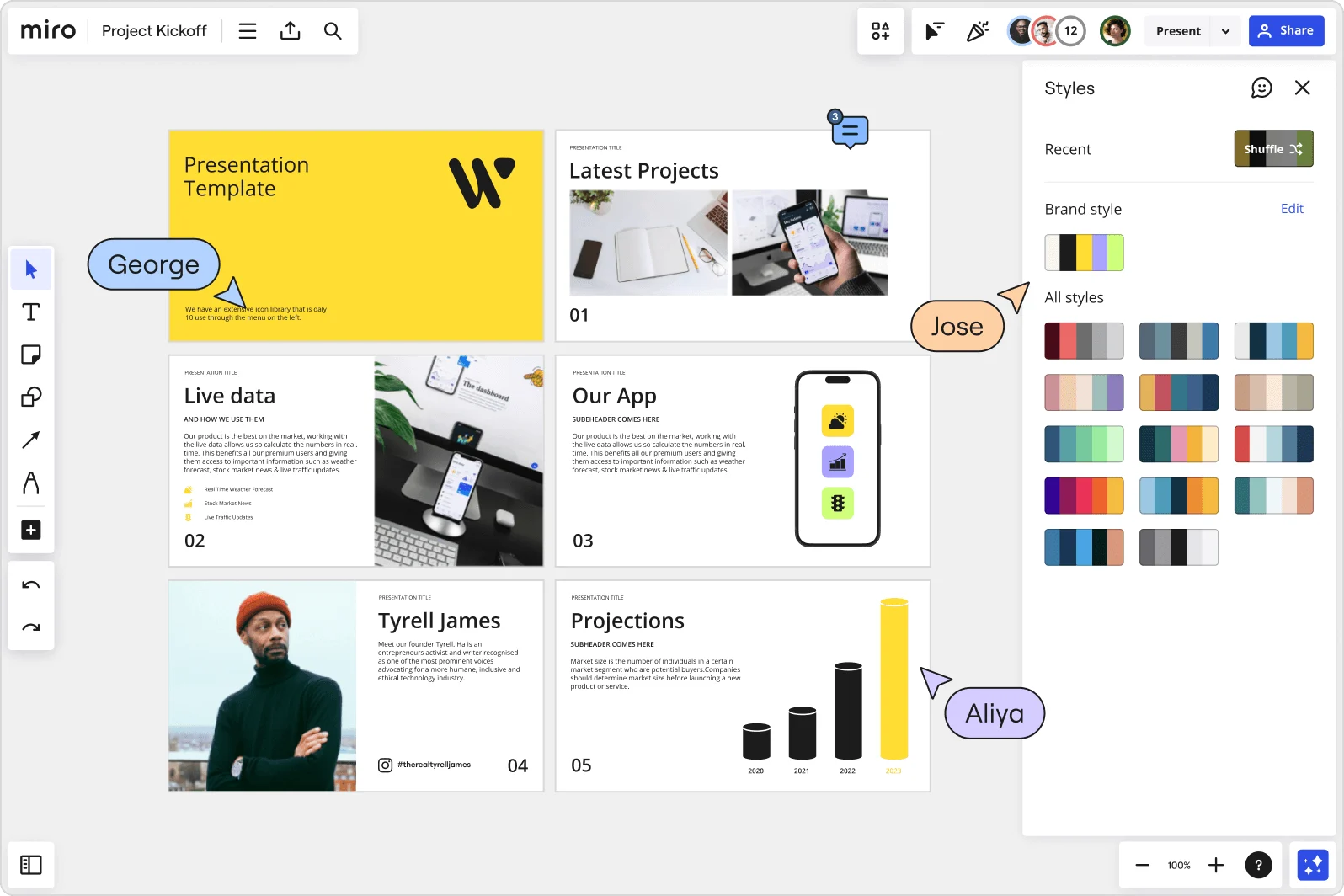
    Miro board showing a Project Kickoff presentation template with five slides including a title slide, Latest Projects, Live Data, Our App, a founder profile for Tyrell James, and Projections with bar charts. A Styles panel is open on the right showing brand color palettes and a Shuffle option, with three collaborator cursors visible (George, Jose, and Aliya).
  • Async prep across three time zones

    Medical affairs in Boston, regulatory strategy in Zurich, labeling reviewers in Tokyo. Record a narrated Talktrack of your pre-meeting deck so every reviewer gets the full walkthrough, with synchronized audio and slide navigation, on their own schedule.

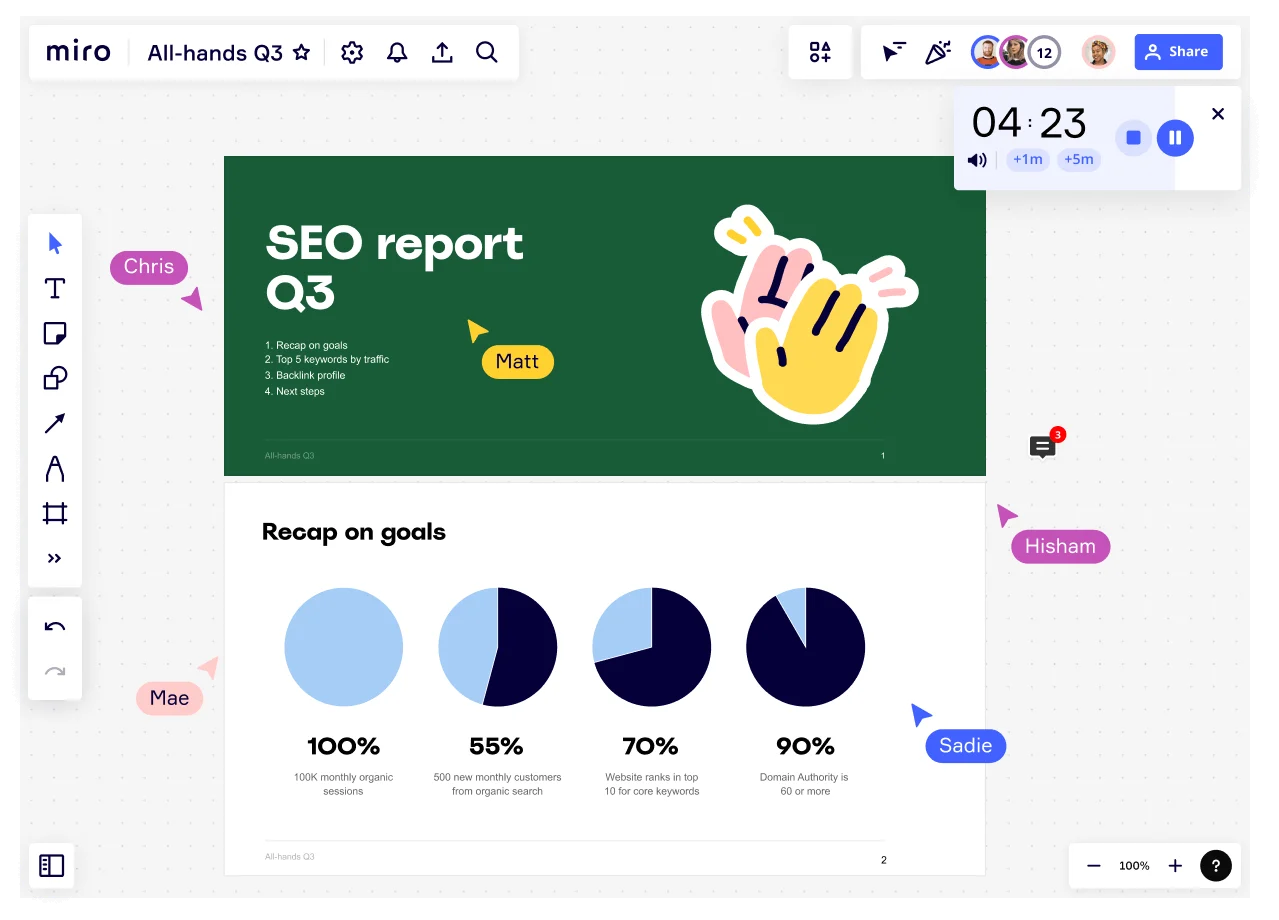
    Miro board showing an All-Hands Q3 presentation in progress with multiple collaborators (Chris, Matt, Mae, Hisham, Sadie) visible via cursor labels, featuring an SEO Report Q3 title slide and a 'Recap on goals' slide with four pie charts showing KPIs: 100% monthly organic sessions, 55% new customers, 70% keyword rankings, and 90% domain authority, with a countdown timer showing 4:23.
  • Slide-level feedback, not email chains

    Reviewers comment directly on the specific frame they're referencing. Threaded discussions stay anchored to each slide, so nothing gets buried between drafts.

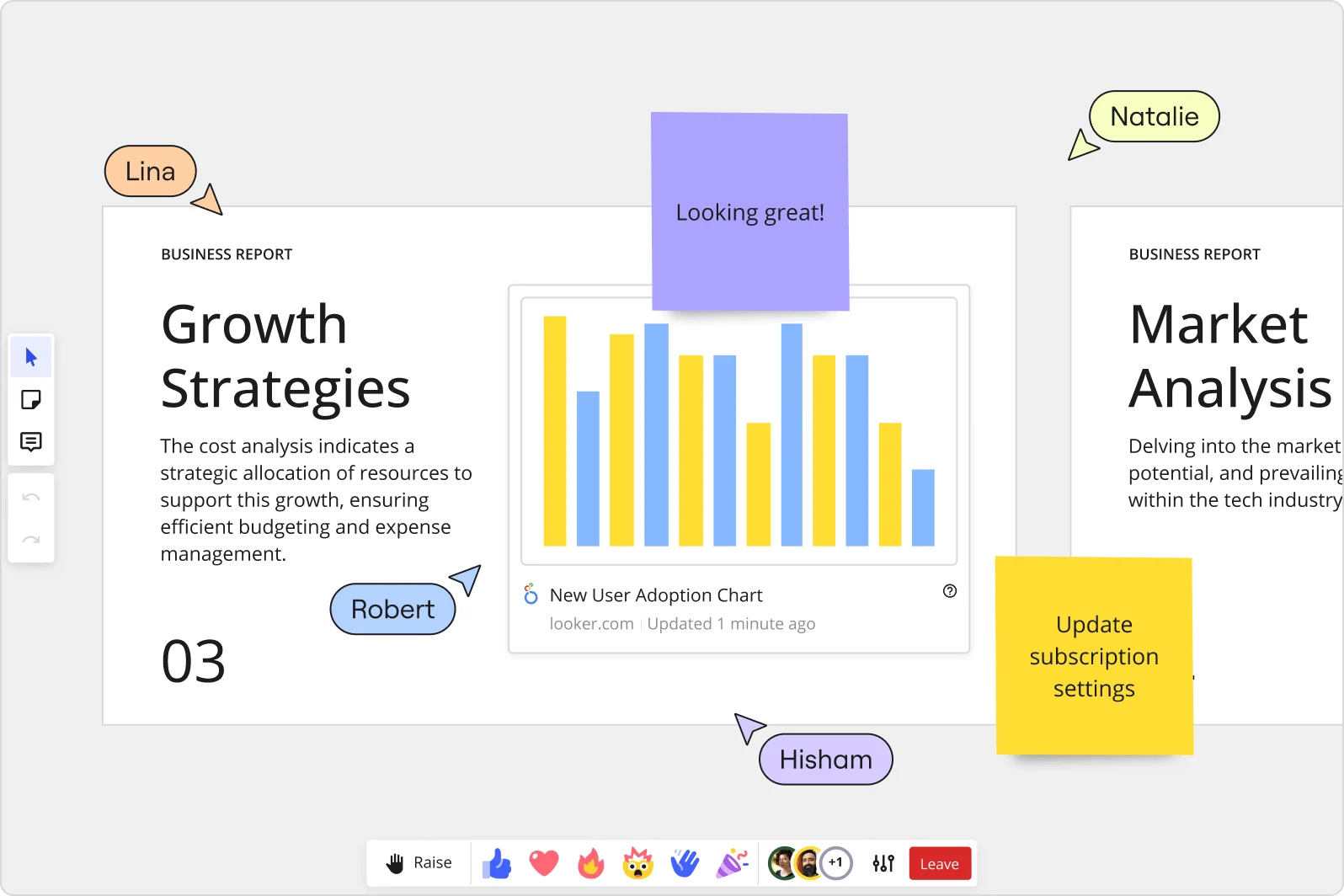
    Miro collaborative presentation workspace showing two business report slides ('Growth Strategies' and 'Market Analysis') with an embedded Looker 'New User Adoption Chart' bar chart, purple and yellow sticky notes with comments, and four named collaborator cursors (Lina, Robert, Natalie, Hisham) visible simultaneously.
  • Reuse your regulatory cadence, don't rebuild it

    Quarterly health authority updates, annual product reviews, pre-submission meeting packs. Miro Blueprints package your full deck cycle so it resets cleanly each time, whether you're a 4-person RA team or a 400-person global function.

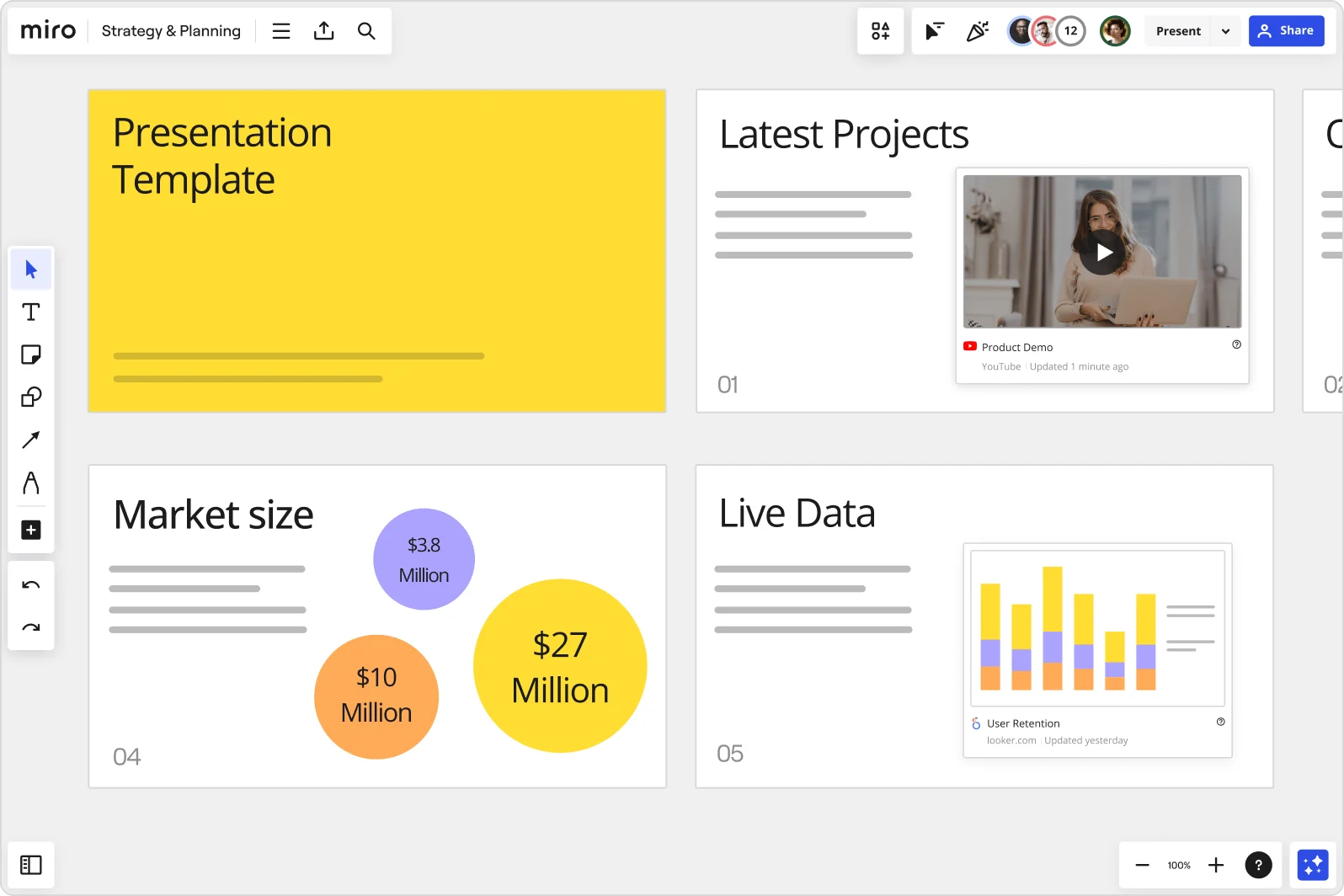
    Miro board showing a Strategy & Planning presentation workspace with four slides visible: a yellow title slide labeled 'Presentation Template', a 'Latest Projects' slide with an embedded YouTube Product Demo video, a 'Market size' slide with bubble charts showing $3.8M, $10M, and $27M values, and a 'Live Data' slide featuring an embedded Looker.com User Retention bar chart.
  • Live data on your slides, right when it matters

    Embed Veeva Vault, Power BI safety dashboards, or your Smartsheet submission tracker directly into slide frames. Your data is current when you present to the health authority, no tab-switching, no stale screenshots.

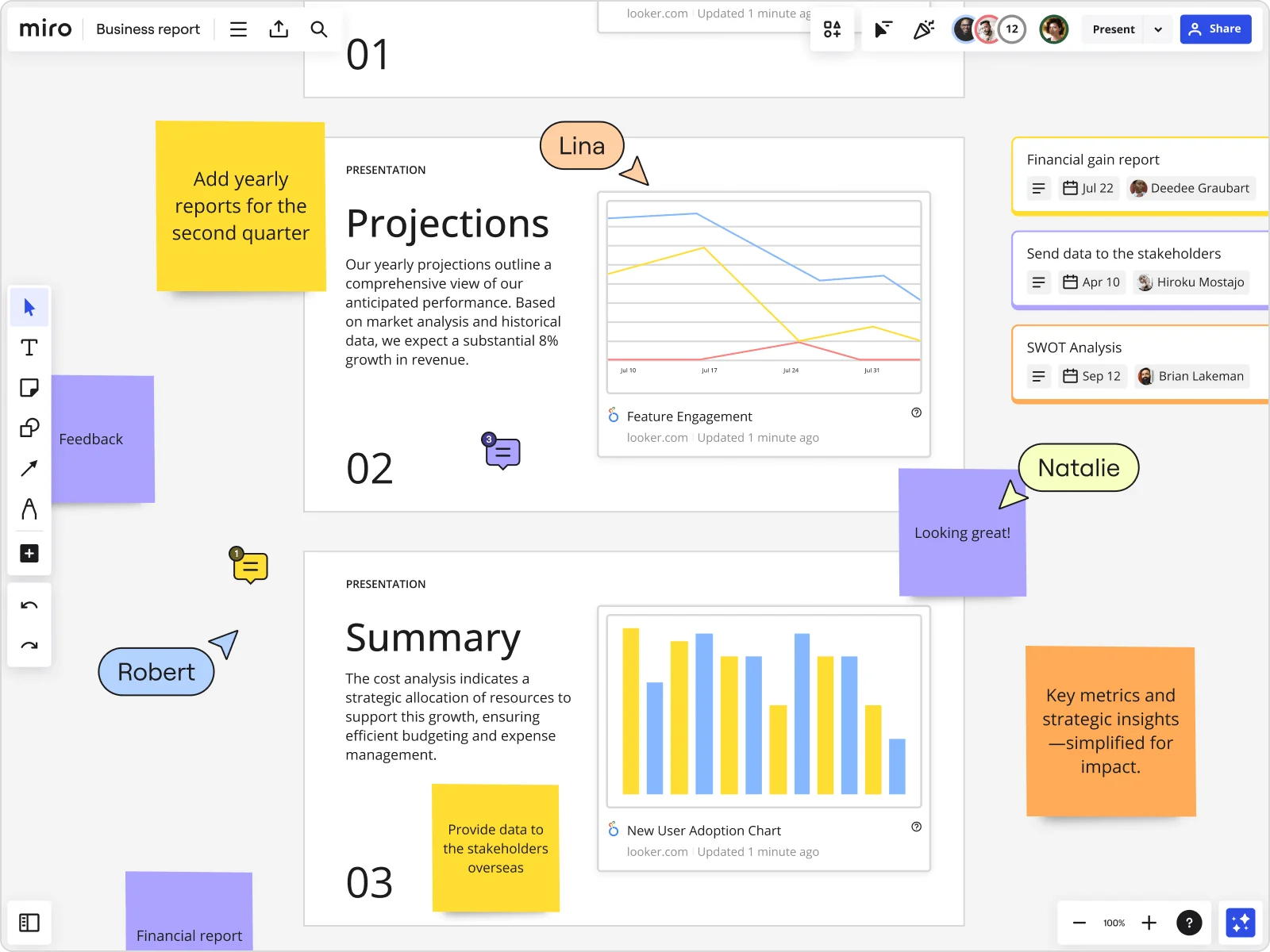
    Miro board showing a Business Report with two presentation slides (Projections and Summary) containing embedded Looker charts for Feature Engagement and New User Adoption, alongside sticky notes with tasks, three task cards for Financial gain report, Send data to stakeholders, and SWOT Analysis, and collaborative cursors from users named Lina, Natalie, and Robert.

How pharmaceutical regulatory teams get started with presentations and slides in Miro

  • Frame your briefing deck around the dossier structure

    Open a new Miro board and use Frames to mirror your eCTD module sequence - one frame per benefit-risk argument, clinical summary, or labeling rationale point - so the slide order maps directly to the submission your Health Authority reviewers already hold.

  • Lock your source annotations into each slide

    Add Comments with threaded citations (module, section, study reference) directly onto each frame so Medical Affairs, Biostatistics, and Legal reviewers can verify traceability without leaving the deck during pre-meeting co-editing.

  • Record your briefing narrative before the meeting

    Use Talktrack to narrate the benefit-risk walkthrough with synchronized audio - so regulatory directors and cross-functional sign-off stakeholders who can't join the Sunday-night finalization session can replay the full pre-BLA briefing with full context intact.

  • Build a reusable blueprint for recurring agency meetings

    Deploy a Blueprint structured around your standard Type B meeting or Day 120 response format so each new Health Authority briefing cycle starts with the pre-approved frame sequence, embedded Presenter Notes, and review checkpoints - not a duplicated last-cycle board that carries forward stale source references.

Presentations tips for pharmaceutical regulatory professionals

  • When preparing advisory committee background documents, use Export to PDF with frame-based export so each slide becomes a paginated page that matches the format external agency reviewers expect - no reformatting required before submission to the record.

  • For global regulatory submissions requiring parallel Health Authority meetings (FDA and EMA in the same review cycle), run Miro AI Translate on slide text and your Miro Docs speaker notes to produce language-specific versions without duplicating the source-annotated master deck.

  • Regulatory Strategy Committee gates move fast: set the published board's Default View to the Slides format and toggle Lock default view so senior leadership lands directly on the briefing deck, not a sprawling canvas they have to navigate under time pressure.

Understand how pharmaceutical regulatory teams transform their work

  • Miro - An Antidote to Messy Visual Presentations

    Verified User

    TrustRadius
  • Currently, I'm working on a presentation. I was asked to put it in PowerPoint, but I insisted that I put it in Miro. PowerPoint only has so much room. With Miro, I can go on forever and all I have to do is zoom in and out to show the big picture and to show the details

    Verified User

    G2

Presentations and slides essential guide for pharmaceutical regulatory analysts

CategoryKey insights
  • Common mistakes to avoid

    Regulatory affairs professionals often pack slides with the density of a dossier module, but a briefing deck shown in a Health Authority meeting needs to guide reviewers through the benefit-risk narrative clearly, not bury them in annotated tables. Don't skip reordering your Frames before presenting - the default creation order rarely matches the logical flow of a pre-BLA meeting agenda or a responses-to-questions sequence. For small regulatory teams working against a clock-stop deadline with Legal and Biostatistics reviewing async, skipping the Talktrack recording means your cross-functional contributors miss the full context, and for larger organizations sharing decks externally, always verify access permissions so reviewers see only the curated slide sequence, not the full working board.

  • Key integrations for pharmaceutical regulatory teams

    Microsoft Teams and Zoom connect directly to Miro so regulatory directors can present pre-meeting briefing decks to Health Authority counterparts without leaving their existing meeting infrastructure. Confluence is particularly useful for regulatory affairs groups that maintain submission-aligned documentation alongside their slide work, while the Microsoft PowerPoint integration covers the reality that final deliverables often need to live in a format acceptable to Regulatory Strategy Committee governance gates. For larger organizations with SSO requirements, Miro's enterprise admin controls sit alongside these integrations to keep access tightly governed.

  • When to use it

    Use this when a Health Authority meeting is approaching and your briefing deck needs to reflect work that already lives across a Miro board, whether that's a benefit-risk framework, a labeling rationale map, or a structured summary of major objections and proposed responses. Instead of rebuilding that content in a separate slide tool, create Frames around the sections that matter, use AI slide generation to produce an executive summary, and share a Talktrack recording with Medical Affairs or Biostatistics colleagues in different time zones who couldn't attend the live review session. It's the right choice whenever the presentation itself is collaborative work, not just the final output of it.

  • Security & Compliance

    Miro is SOC2 Type II certified and HIPAA compliant, which matters for regulatory affairs groups handling clinical data summaries and benefit-risk documentation that carry strict confidentiality obligations. Data residency controls let enterprise organizations determine where board content is stored, an important consideration when cross-border submissions involve Health Authorities in multiple jurisdictions. Private Mode keeps individual input confidential during live review sessions, and granular sharing permissions mean you can expose only the finalized slide sequence to external reviewers without opening access to the underlying working board.

Frequently asked questions for pharmaceutical regulatory teams

Last updated: Thursday, July 30, 2026