




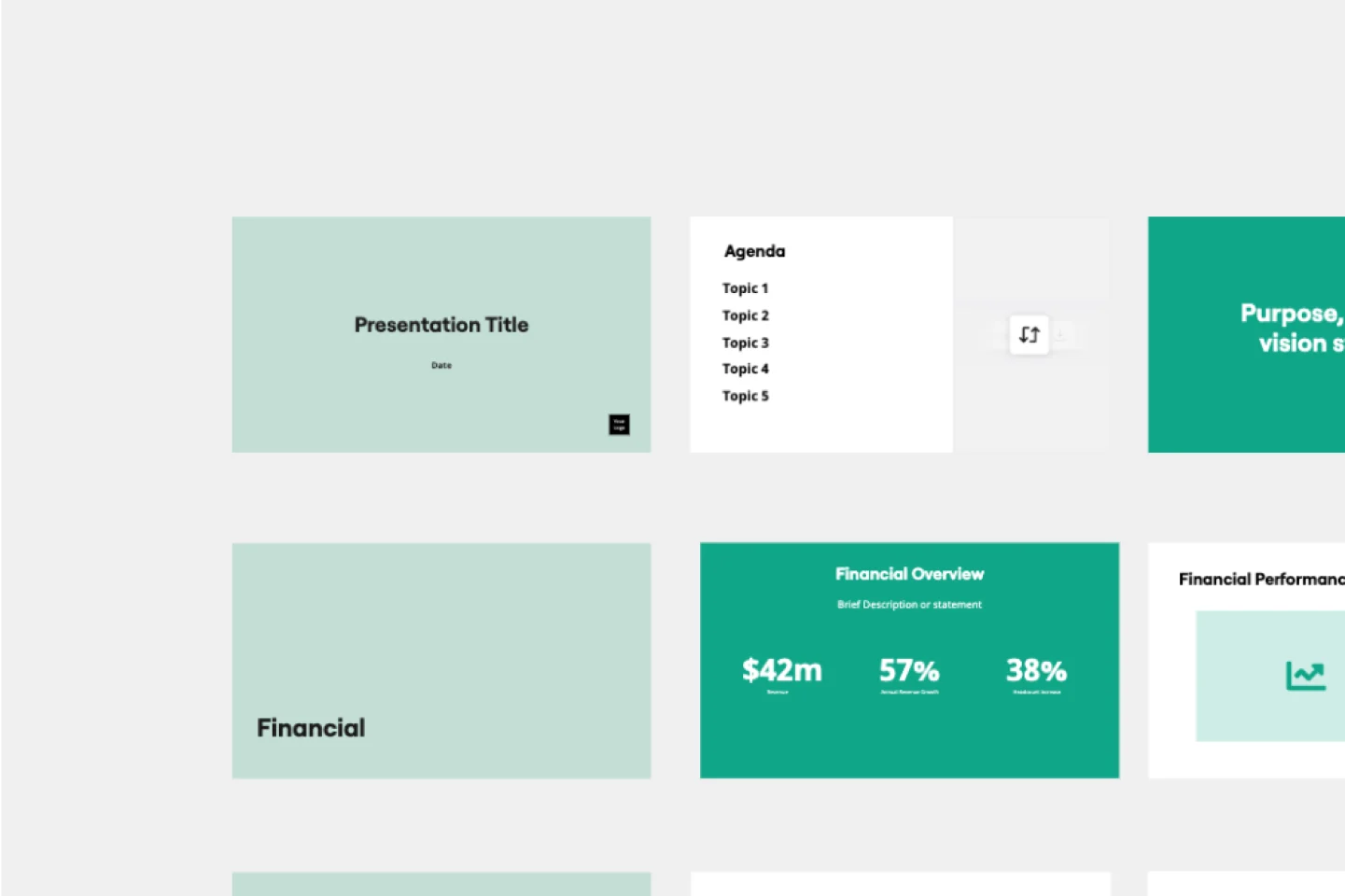
Presentations for legal compliance teams

Turn policy reviews and audit findings into board-ready decks. No rebuild, no tool-switching, no lost context.

A composite marketing image showing a team meeting where a woman named 'Mae' presents using Miro on a large display showing a flowchart/process diagram, overlaid with a blue shield graphic containing security and compliance certification badges including TISAX, AICPA SOC 2, SOC 3, ISO/IEC 27001, GDPR ready, CCPA ready, and CSA Cloud Security Alliance.

What experts say

  • The way we present information and tell stories using slides has a massive impact on how well our ideas are understood and remembered.

    Nancy Duarte

    Speaker and CEO · Duarte

    Industry Expert

The research on presentations and slides

  • 66%

    Visual presentations with graphs and diagrams increased audience conviction from 50% (verbal only) to over 66%, demonstrating the persuasive power of diagramming in consulting presentations

    Source: Cornell University / Wharton School of Business

  • 95%

    Organizations achieve compliance training completion rates of 95% (950 out of 1,000 employees) when tied to effective documentation

    Source: EOXS

See presentations and slides in action

Related templates for legal compliance teams

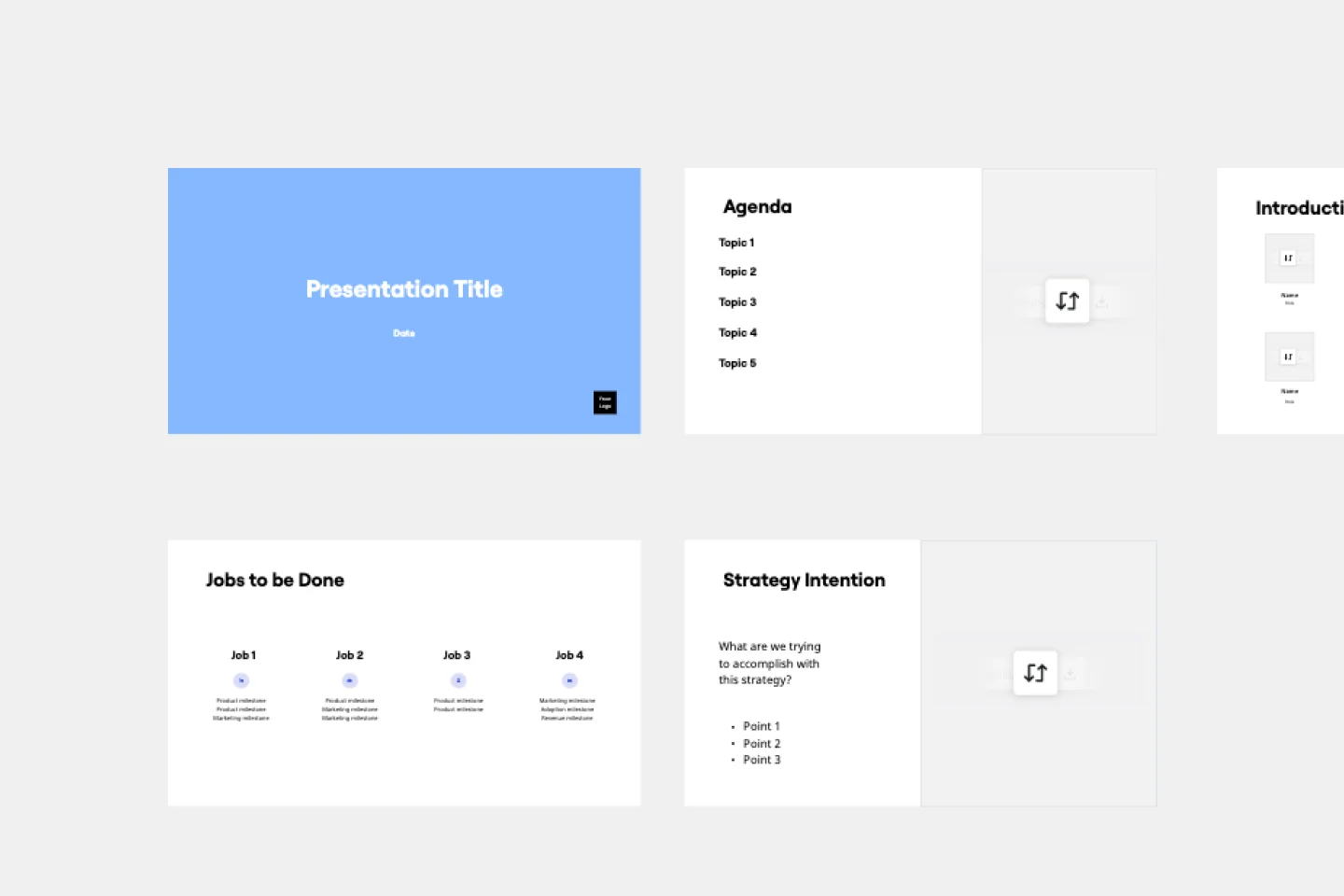
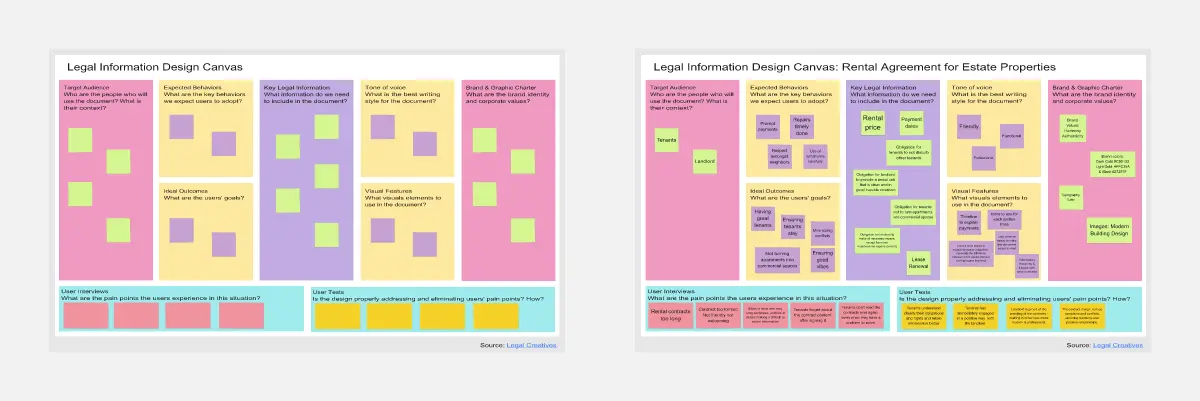
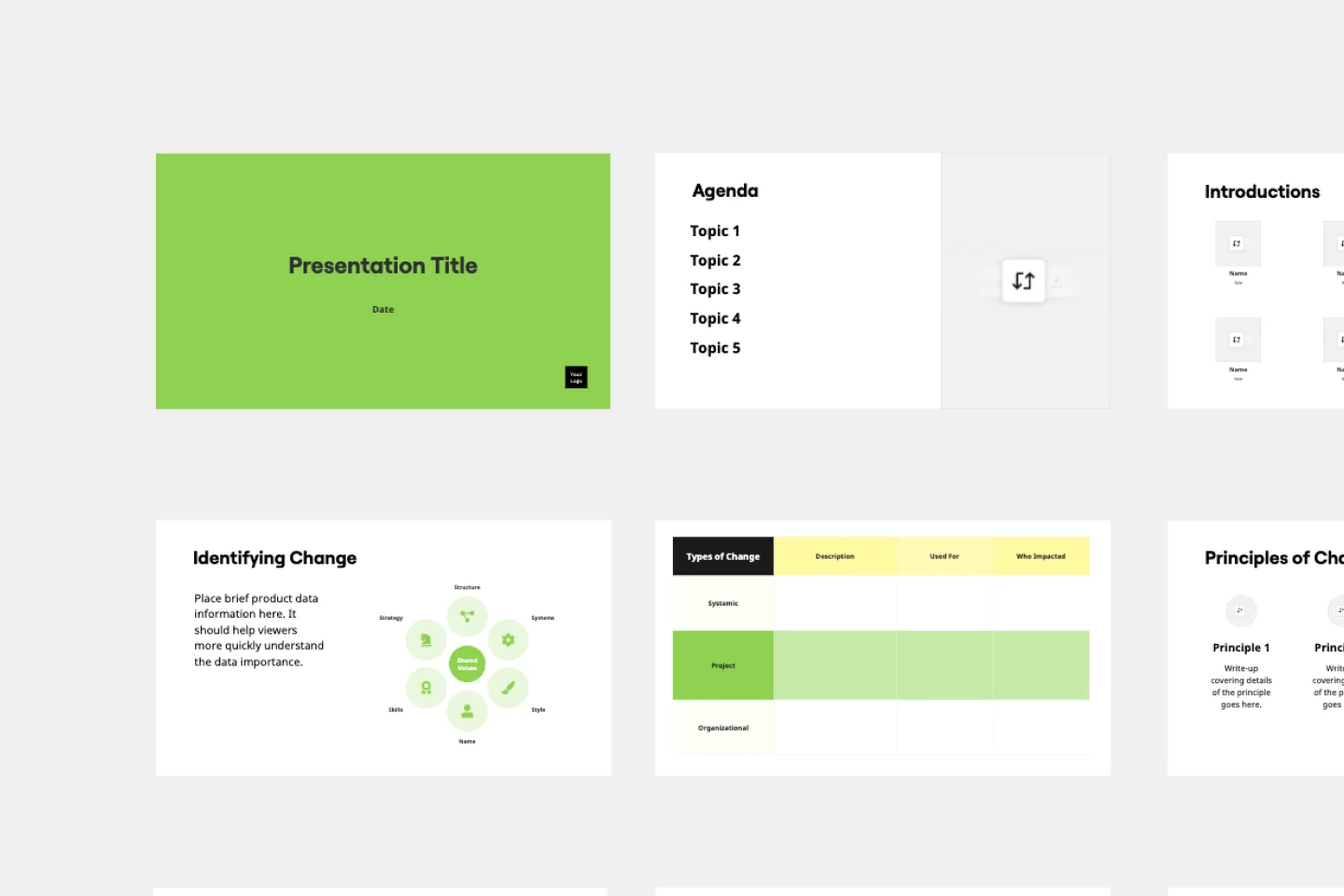
We have 22 templates in our library for Presentations and Slides.

Why legal compliance teams love creating presentations with Miro Slides

  • Stop rebuilding audit findings from scratch

    Compliance officers spend hours translating risk matrices, control gap analyses, and regulatory findings from working boards into PowerPoint - losing traceability in the process. Use Miro's Frames as individual slides and turn your existing compliance canvas directly into a presentation, no copy-paste required.
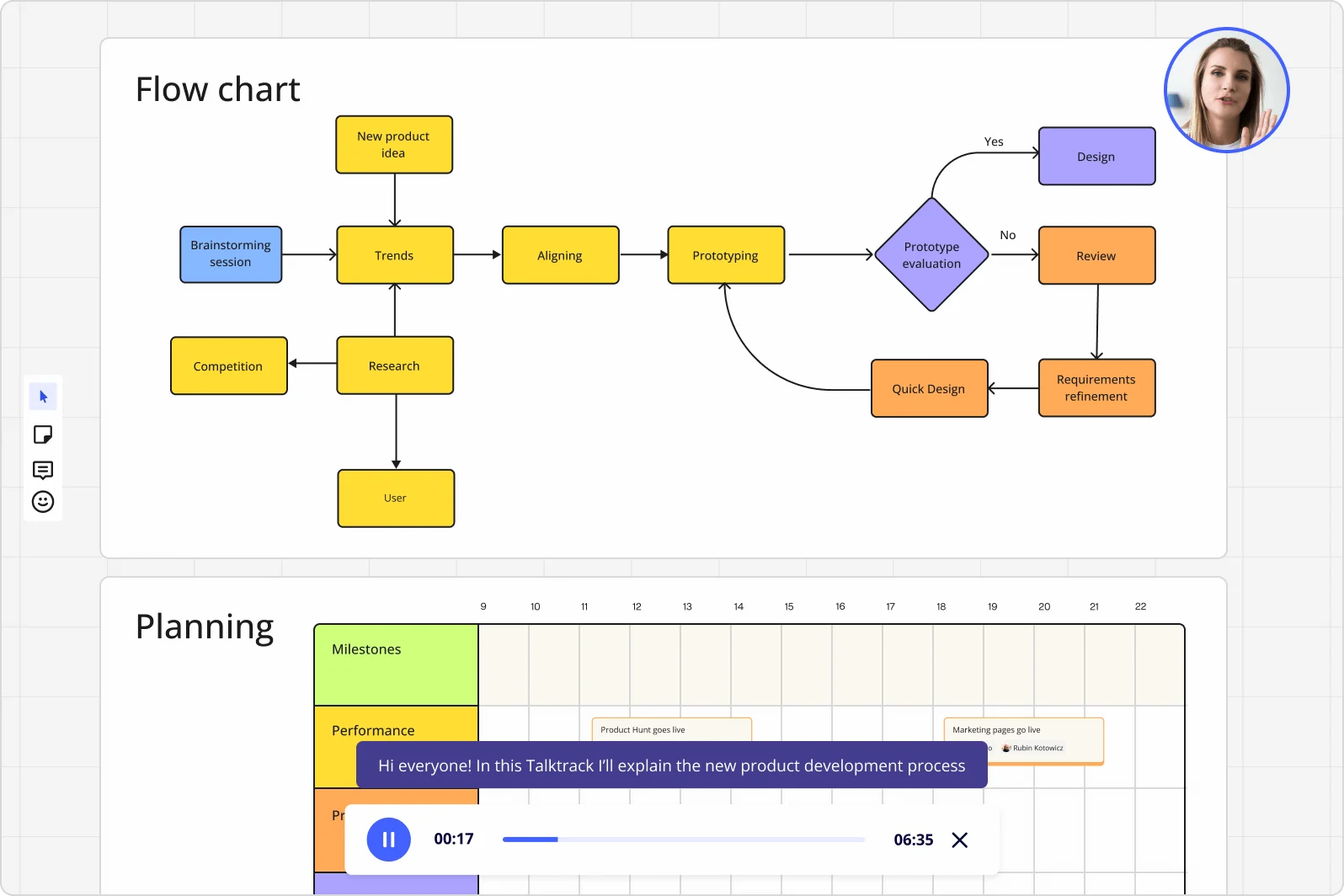
    Miro board displaying a product development flowchart with color-coded nodes (yellow process steps, orange review/design steps, purple decision diamond) showing the full workflow from brainstorming to prototype evaluation, alongside a Talktrack audio narration feature playing at 00:17 of a 6:35 recording with a presenter visible in the top-right corner.
  • From scattered reviewer comments to a signed-off compliance brief

    When legal, risk, and internal audit all weigh in on the same deck, feedback lands in email threads and chat messages with no clear owner. Threaded Comments sit directly on each frame, so counsel and control owners resolve specific slides without scheduling a separate review call.

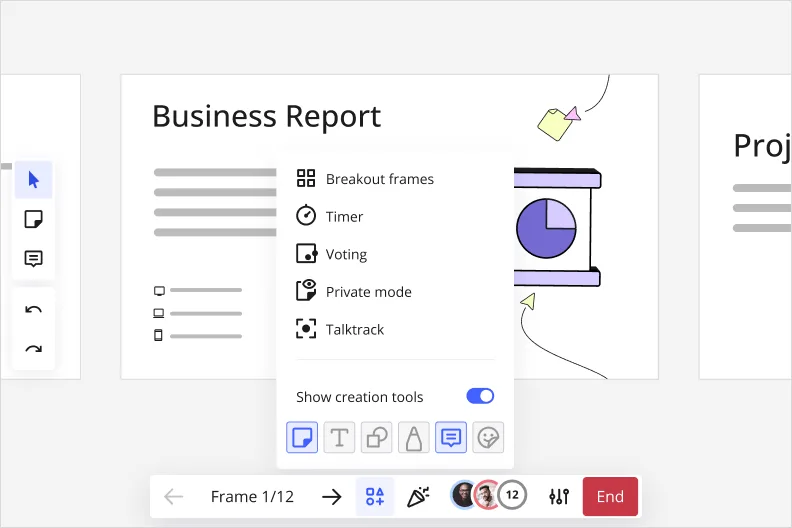
    Miro presentation mode showing a 'Business Report' frame with an open facilitation tools dropdown menu displaying options for Breakout frames, Timer, Voting, Private mode, and Talktrack, along with a 'Show creation tools' toggle that is enabled.
  • Your recurring regulatory cadence, without the setup tax

    Whether you're a 3-person compliance function or a 300-person GRC department, you're running the same quarterly control reviews, board risk reports, and policy attestation cycles every period. Presentation Blueprints carry your standardized frame structure, embedded review gates, and Engage activity slots forward each cycle - open the Blueprint, update the data, present.

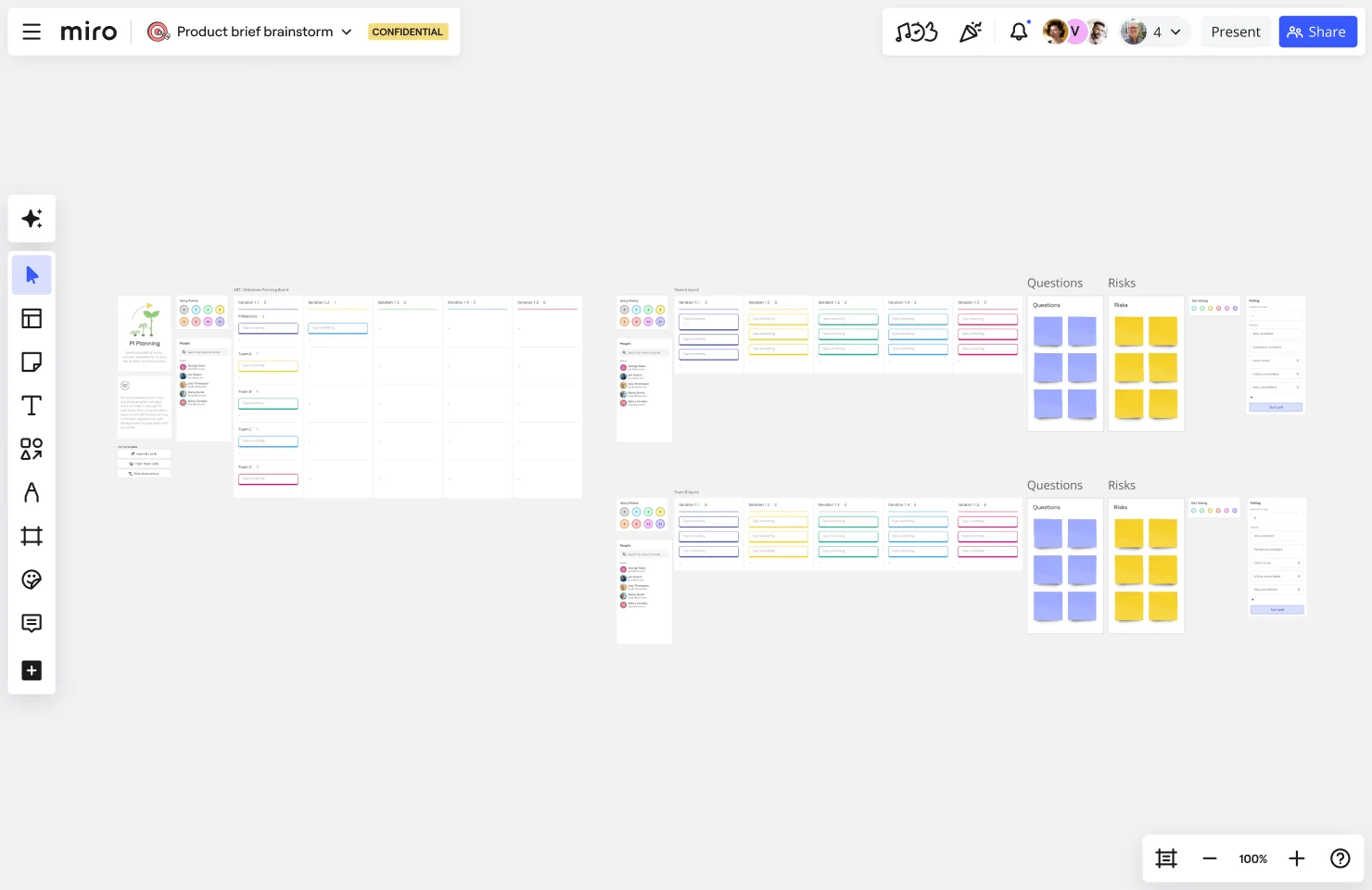
    Miro board showing a PI (Program Increment) Planning layout with multiple team boards displaying sprint iterations/variations, people sections with avatar icons, and separate Questions and Risks sections populated with purple and yellow sticky notes arranged in a grid format.
  • When regulators and auditors can't join the live session

    External auditors in different time zones and board members with packed calendars rarely attend compliance briefings live. Record a Talktrack walkthrough with narrated audio synchronized to each frame, so they replay your full control assessment with context intact.

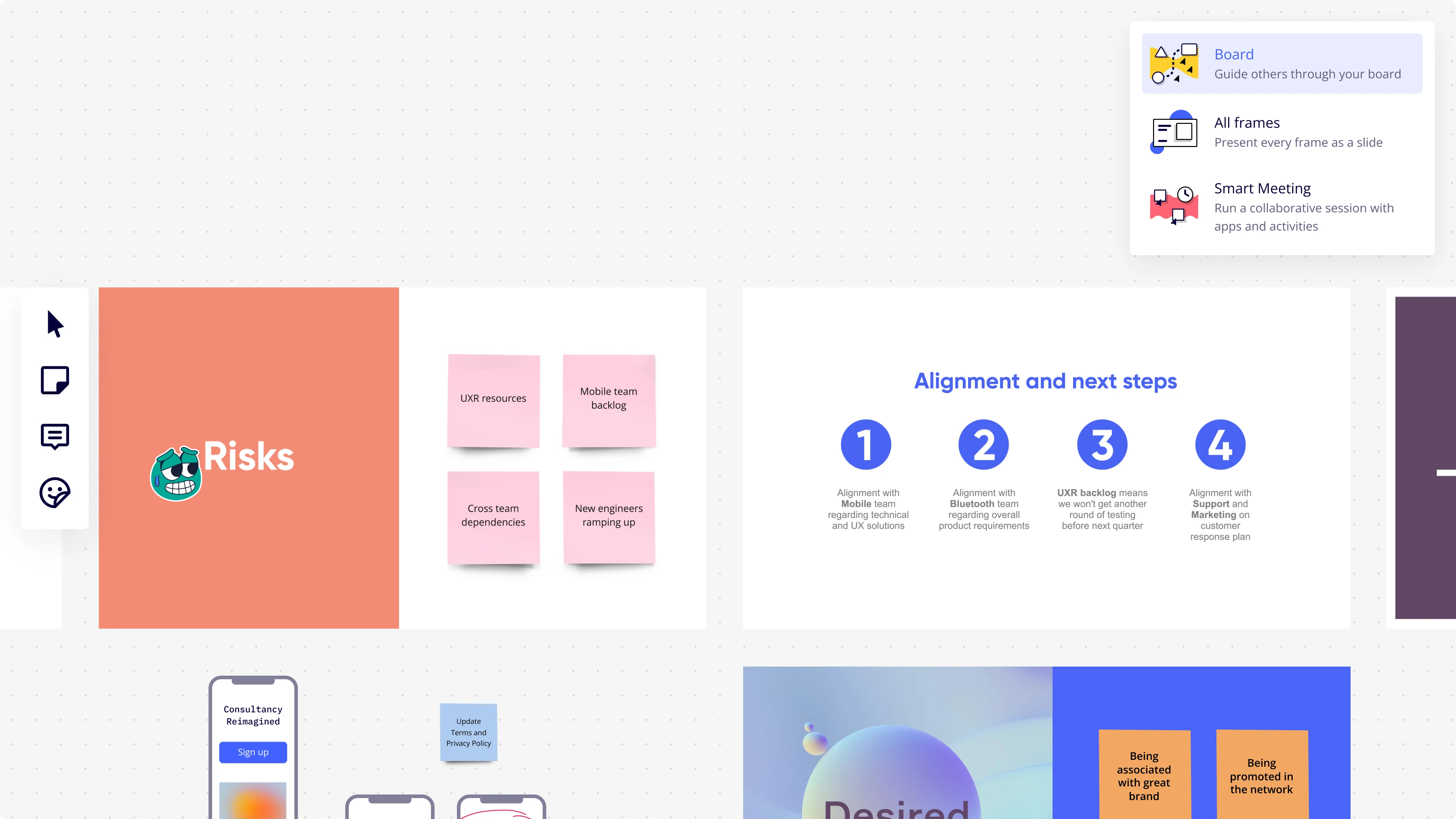
    Miro presentation mode interface showing a dropdown menu with three presentation options (Board, All Frames, Smart Meeting), alongside visible board frames including a 'Risks' slide with pink sticky notes (UXR resources, Mobile team backlog, Cross team dependencies, New engineers ramping up) and an 'Alignment and next steps' slide with four numbered circular icons detailing team alignment actions.
  • Embed live compliance dashboards directly in your deck

    Building a board risk update that references data from your GRC platform or BI tools means constant tab-switching mid-presentation. External Embeds pull live charts from Looker or Power BI directly onto your slide frames, so the numbers are current at present time without a manual refresh.

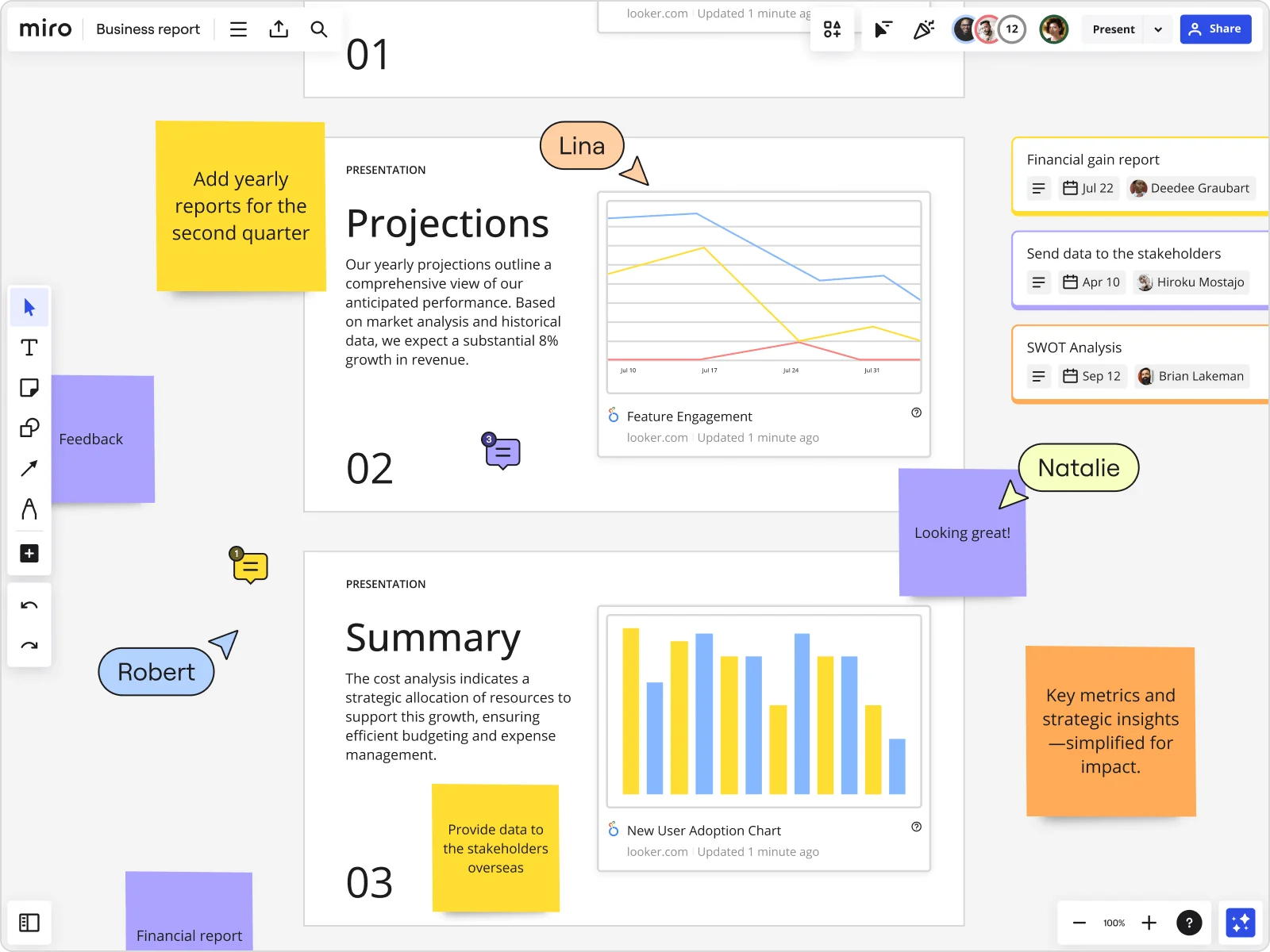
    Miro board showing a Business Report with two presentation slides (Projections and Summary) containing embedded Looker charts for Feature Engagement and New User Adoption, alongside sticky notes with tasks, three task cards for Financial gain report, Send data to stakeholders, and SWOT Analysis, and collaborative cursors from users named Lina, Natalie, and Robert.

How legal compliance teams get started with presentations and slides in Miro

  • Frame your compliance brief structure

    Open a new board and build one Frame per key message - control gap, remediation owner, attestation deadline, finding status - so your compliance update has a defensible, navigable structure from minute one.

  • Draft your regulatory deck with AI, then lock it down

    Use AI Slides to generate a first-draft sequence from your GRC findings (think: SOC 2 gap summary, ISO 27001 control status, GDPR exposure overview), then refine each frame to match the precise, liability-aware language your legal counsel and audit committee expect.

  • Run a versioned review before board sign-off

    Share the board with legal counsel and the Chief Compliance Officer via Comments, collecting threaded, slide-specific feedback on residual risk language and remediation timelines - so every change is traceable and nothing slips through unsigned-off.

  • Publish your compliance deck as a repeatable blueprint

    Save your board as a Blueprint - complete with the control framework structure, Presenter Notes, and Export to PDF settings - so every quarterly compliance update or annual training cycle starts from the same audit-ready foundation, not a copied deck from last period.

Slides tips for legal compliance teams

  • When presenting findings to an audit committee, use Presentation Mode's built-in Hand Off Control so the remediation owner can take the presenter role for their specific control area without breaking the flow of the session.

  • For mandatory annual training decks that go to multiple business units, use Miro AI Translate to localize slide content across the 18 supported languages - one source deck, no manual rework, no version drift across regions.

  • Before any board meeting or regulatory submission window, export the finalized deck via Export to PDF and store it alongside the source board - external auditors who can't access Miro get a clean, frame-by-frame record of exactly what was presented and when.

Understand how legal compliance teams transform their work

  • Currently, I'm working on a presentation. I was asked to put it in PowerPoint, but I insisted that I put it in Miro. PowerPoint only has so much room. With Miro, I can go on forever and all I have to do is zoom in and out to show the big picture and to show the details

    Verified User

    G2
  • Presentations and meetings become dynamic and collaborative. It's a new way of including all types of profiles in a session.

    Verified User

    G2

Presentations and slides essential guide for legal compliance teams

CategoryKey insights
  • Common mistakes to avoid

    The biggest trap for compliance officers is treating Frames like document pages, cramming control gap summaries and remediation timelines onto a single slide until it reads like an audit log, not a board briefing. For legal and compliance reviewers presenting to general counsel or an audit committee, ignoring access settings is a serious risk: sharing a presentation link without checking permissions could expose the full working board, including draft findings or legal counsel notes that weren't meant for that audience. On the production side, if your deck contains hyperlinks to policy repositories or GRC platform records, export at the higher quality setting or those links won't survive the PDF.

  • Key integrations for legal compliance teams

    Compliance professionals pulling source material from GRC platforms can embed Confluence policy repositories and Jira remediation trackers directly into Miro, keeping audit findings and accountability owners visible inside the same board where the presentation lives. For distributed legal and compliance functions presenting across time zones, Zoom, Microsoft Teams, and Webex integrations cover the live delivery side, while Talktrack handles async walkthroughs for stakeholders who couldn't attend the board meeting or regulatory briefing. Google Slides and Microsoft PowerPoint export options are there when external counsel or regulators require a traditional file format.

  • When to use it

    Reach for Miro presentations when a regulatory deadline is forcing a board-level compliance update and your source material, control gap analysis, open findings, remediation owners, already lives on a Miro board. Instead of rebuilding everything in a separate slide tool, create Frames around the content that's already been reviewed, use AI slide generation to draft the executive summary, and present directly from the board where the work happened. It's equally well-suited when your chief compliance officer or audit committee members are remote: record a narrated Talktrack walkthrough so they get the full context of a remediation status report on their own schedule, not a stripped-down PDF.

  • Security & Compliance

    Miro is SOC 2 Type II certified, which covers the baseline that most legal and compliance functions will need to clear before putting policy documentation or audit findings on a shared canvas. For larger organizations operating under data residency requirements, whether that's GDPR, sector-specific regulation, or enterprise data governance policy, Miro's data residency controls and granular sharing permissions let admins decide exactly what's visible and to whom. Private Mode adds another layer for in-session confidentiality, useful when walking the audit committee through open findings that shouldn't be visible to the broader room.

Frequently asked questions for legal compliance teams

Last updated: Thursday, July 30, 2026