




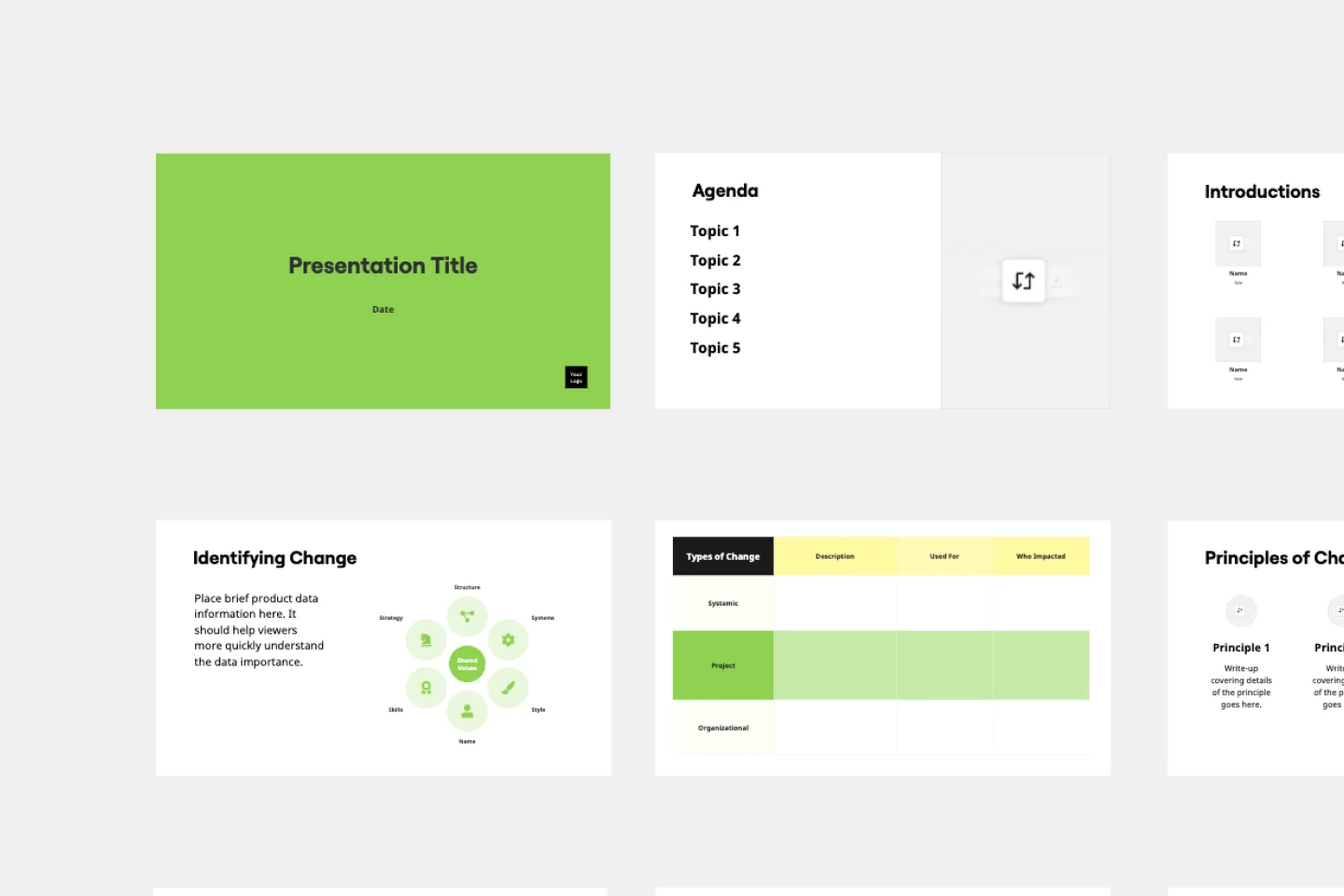
Presentations for internal communications teams

Turn your all-hands notes and town hall content into polished decks. No rebuilding, no tab-switching - just one canvas from draft to delivery.

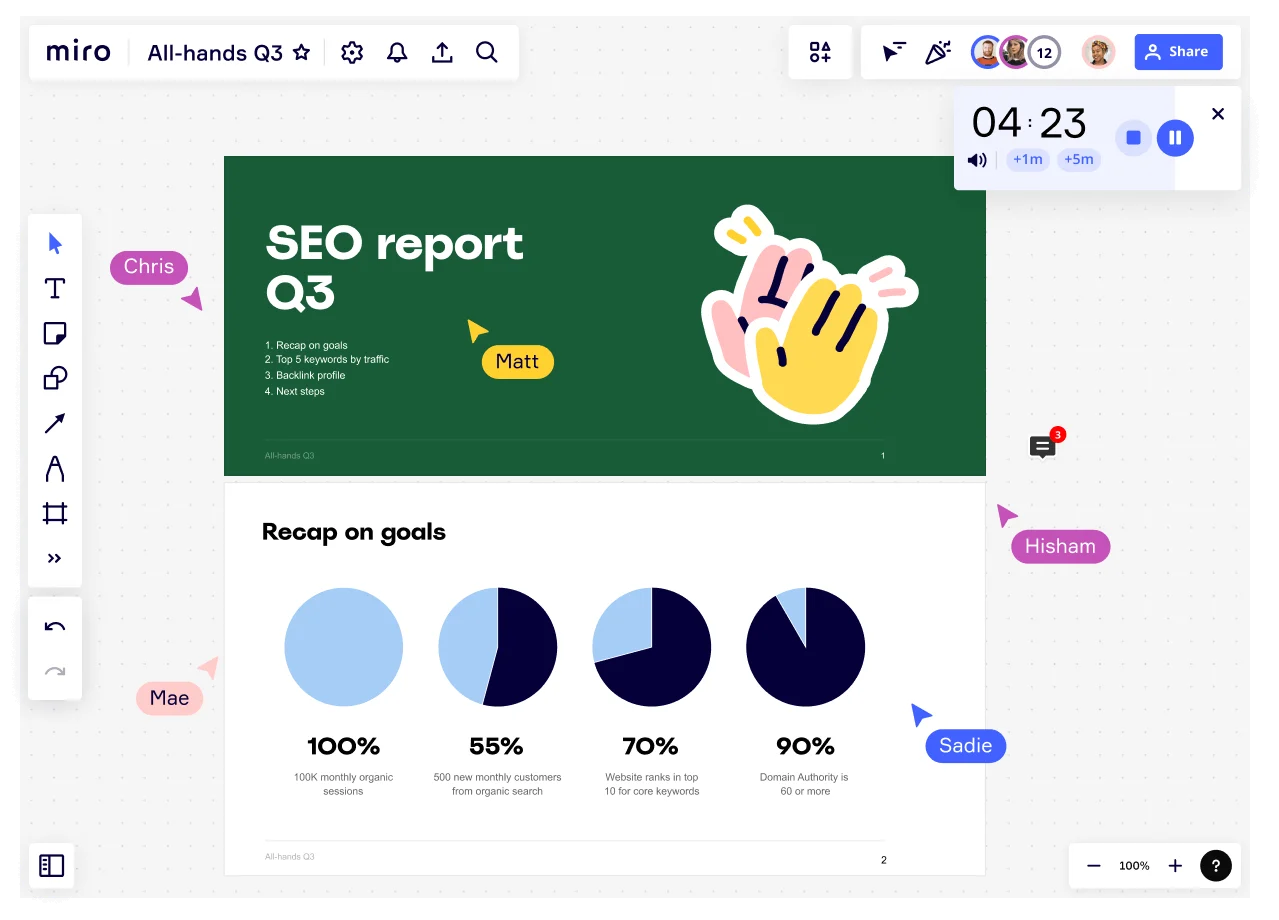
Miro board showing an All-Hands Q3 presentation in progress with multiple collaborators (Chris, Matt, Mae, Hisham, Sadie) visible via cursor labels, featuring an SEO Report Q3 title slide and a 'Recap on goals' slide with four pie charts showing KPIs: 100% monthly organic sessions, 55% new customers, 70% keyword rankings, and 90% domain authority, with a countdown timer showing 4:23.

What experts say

  • The way we present information and tell stories using slides has a massive impact on how well our ideas are understood and remembered.

    Nancy Duarte

    Speaker and CEO · Duarte

    Industry Expert
  • Designing a presentation without an audience in mind is like writing a love letter and addressing it: To Whom It May Concern.

    Ken Haemer

    VP · Marketing and Corporate Communications, Federal Express

    Industry Expert

The research on presentations and slides

  • 66%

    Visual presentations with graphs and diagrams increased audience conviction from 50% (verbal only) to over 66%, demonstrating the persuasive power of diagramming in consulting presentations

    Source: Cornell University / Wharton School of Business

  • 50% to 66%

    Visual presentations increased audience conviction from 50% (verbal only) to over 66%

    Source: Cornell University / Wharton School of Business

See presentations and slides in action

Related templates for internal communications managers

We have 22 templates in our library for Presentations and Slides.

Why internal communications managers love creating presentations with Miro Slides

  • From town hall brief to signed-off deck, without the rebuild

    You write the messaging brief, gather leadership input, and then spend hours manually recreating everything in a separate slide tool. With Miro's AI slide generation, you describe the deck structure - agenda, key messages, call to action - and get a formatted draft in minutes, brand colors included via Brand Center auto-apply.
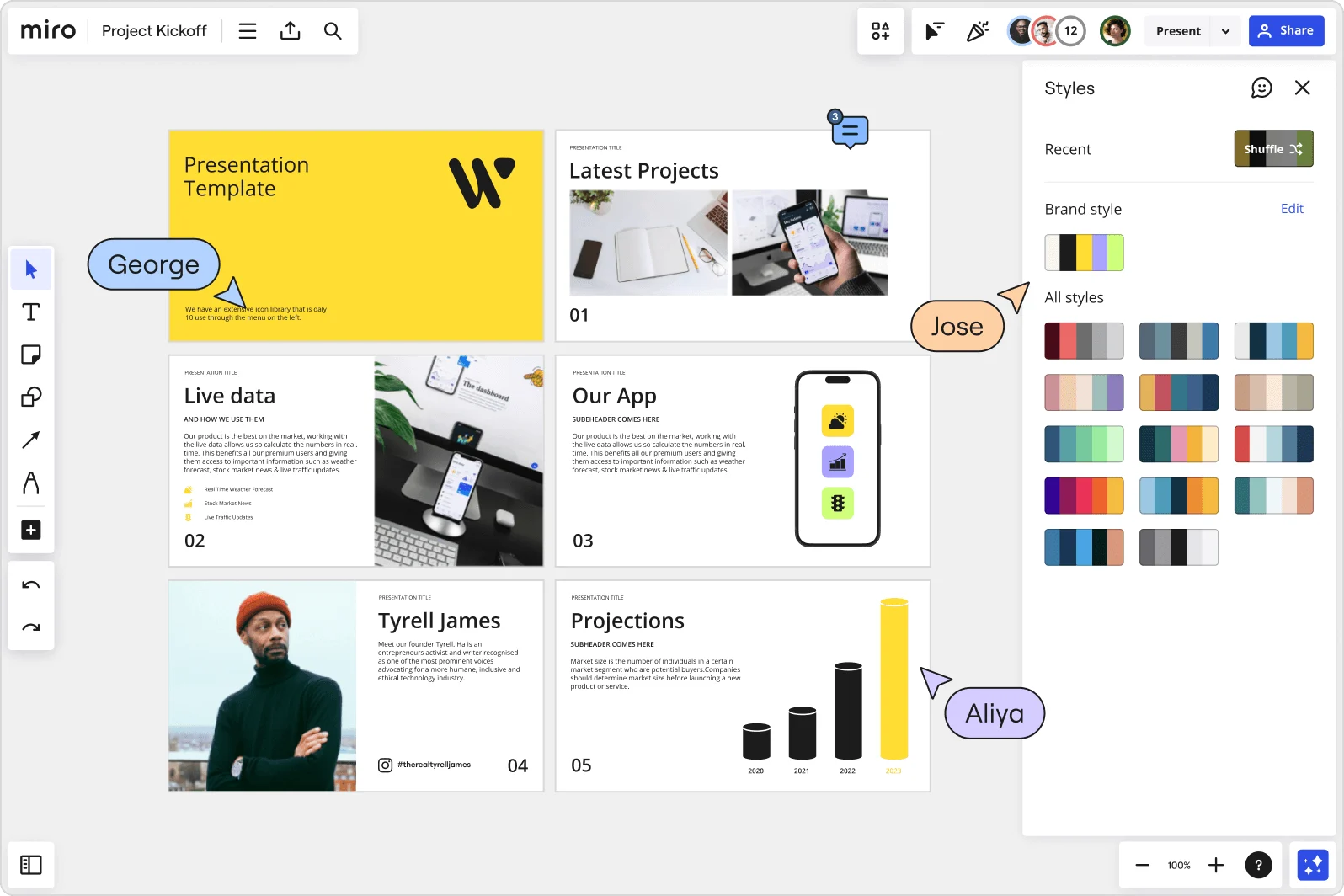
    Miro board showing a Project Kickoff presentation template with five slides including a title slide, Latest Projects, Live Data, Our App, a founder profile for Tyrell James, and Projections with bar charts. A Styles panel is open on the right showing brand color palettes and a Shuffle option, with three collaborator cursors visible (George, Jose, and Aliya).
  • When your CEO asks for changes two hours before the all-hands

    Last-minute edits on a presentation shared across comms, HR, and the exec team usually means version chaos and frantic email threads. Miro's threaded Comments pin feedback directly to individual slides, so you - not a flood of reply-alls - control the final deck.

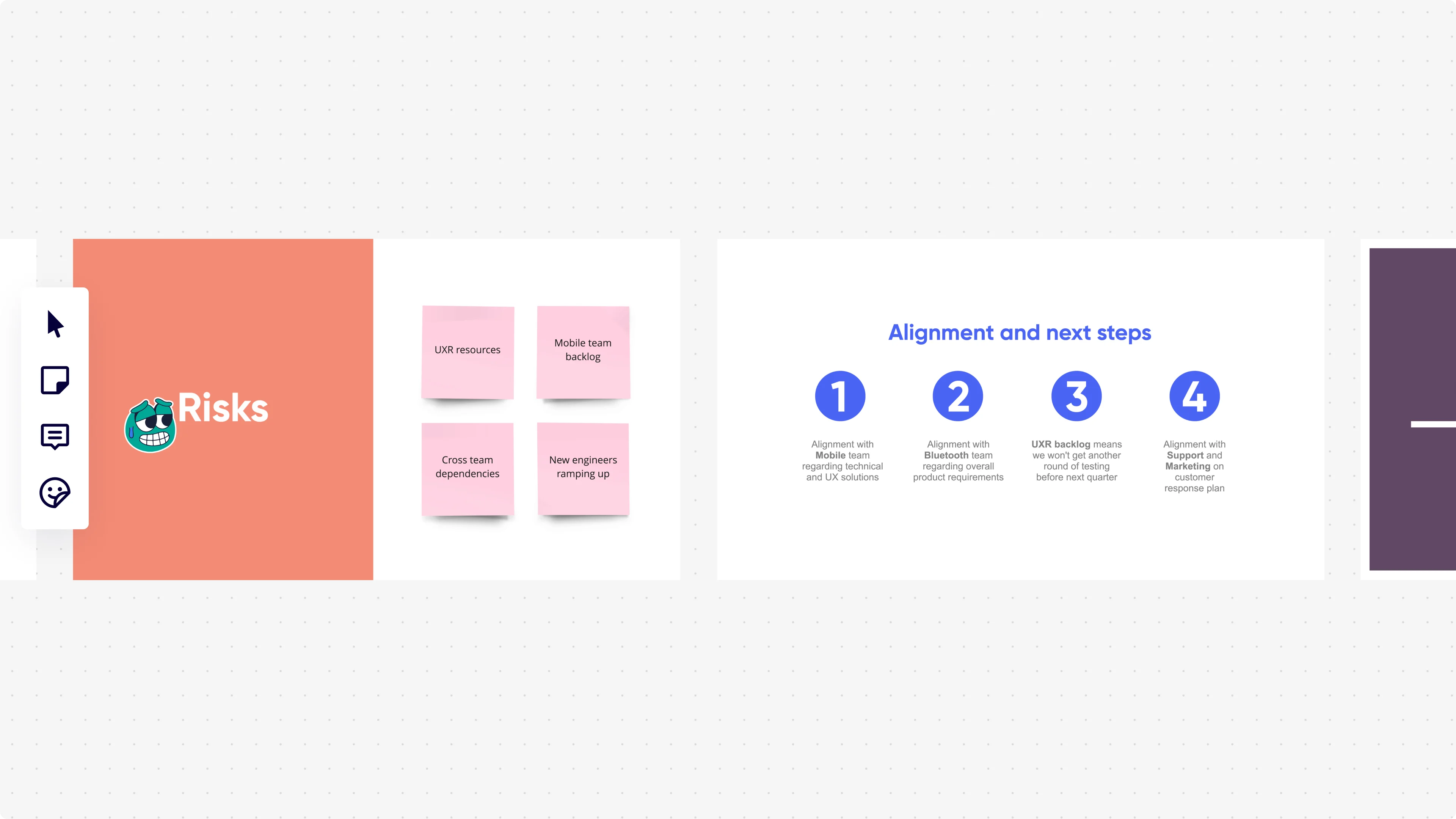
    Miro presentation mode displaying two slides side by side: a 'Risks' slide with an orange background showing four pink sticky notes (UXR resources, Mobile team backlog, Cross team dependencies, New engineers ramping up), and an 'Alignment and next steps' slide with four numbered blue circle icons listing team alignment actions with Mobile, Bluetooth, UXR backlog, and Support/Marketing teams.
  • Your recurring cadence, ready before Monday morning

    Whether you run a 10-person leadership sync or a company-wide quarterly update for thousands, Miro's Presentation Blueprints package your entire workflow - brief board, draft deck, review stage, final slides - into a reusable Space you reset each cycle instead of rebuilding from scratch.

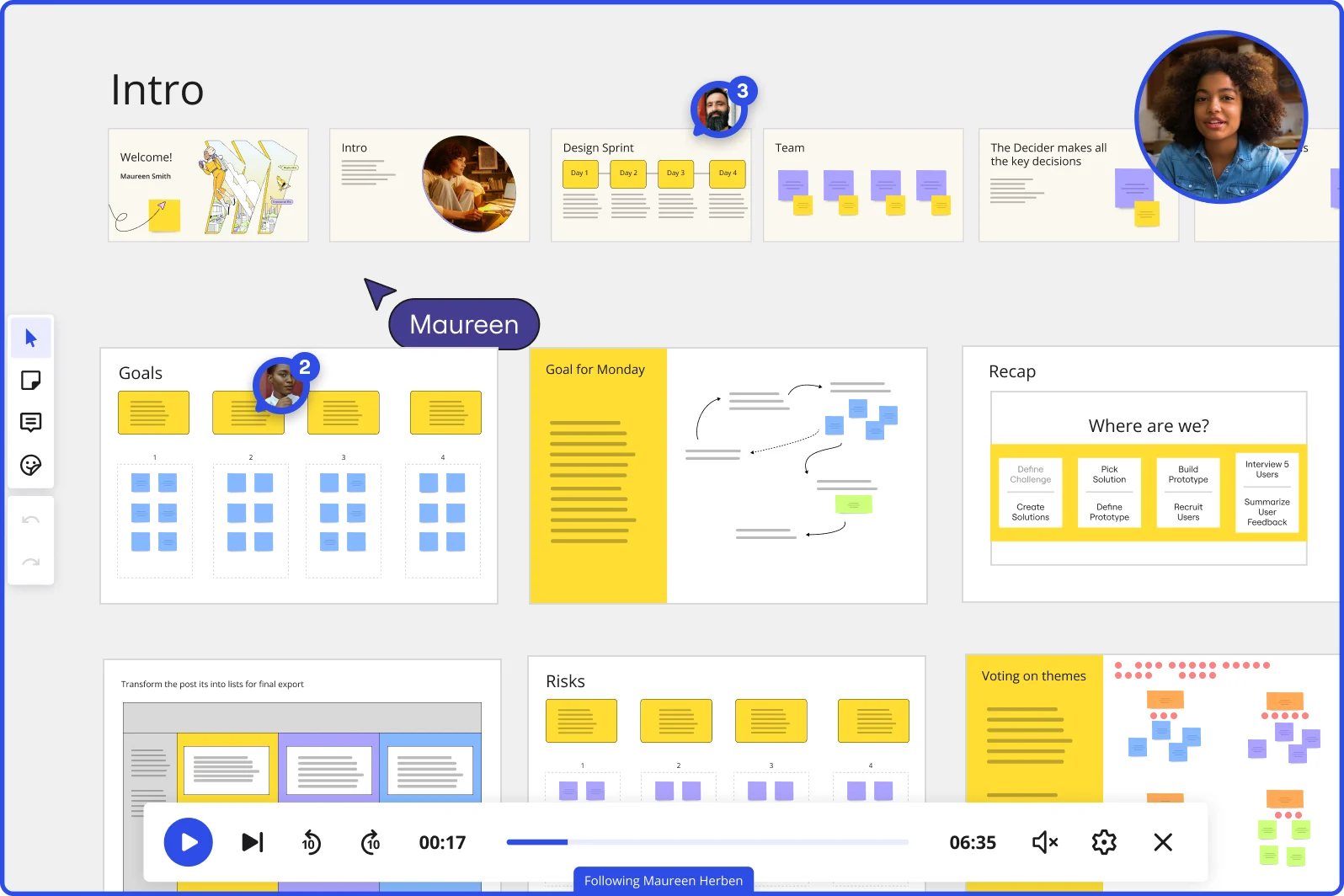
    Miro board showing a Design Sprint presentation in facilitation mode, with slide thumbnails across the top (Welcome, Intro, Design Sprint days, Team, Decider), and active frames including Goals with yellow sticky notes, Goal for Monday with a flow diagram, Recap with a 'Where are we?' process tracker, Risks section, and Voting on themes — with a video player bar at the bottom showing 'Following Maureen Herben' and two visible participant avatars.
  • Stop losing remote employees in a static PDF

    A PDF export strips your narrative, your emphasis, and every bit of context that makes internal messaging land. Record a Talktrack walkthrough instead - your voice, synced to each slide - so colleagues across time zones replay the full message on their own schedule.

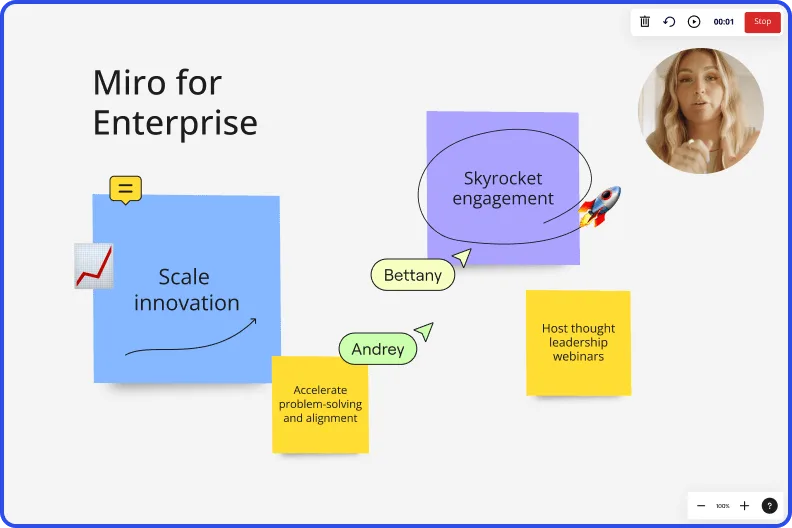
    Miro board recording showing Miro for Enterprise presentation with sticky notes about scaling innovation and skyrocketing engagement
  • Live audience input directly inside your leadership slides

    Verbally asking 300 people for feedback during a town hall gets you three hands and awkward silence. Embed Miro's live polls, word clouds, and anonymous Q&A directly into your slides - employees join from their phones via QR code, no account required, and responses export straight to sticky notes for follow-up.

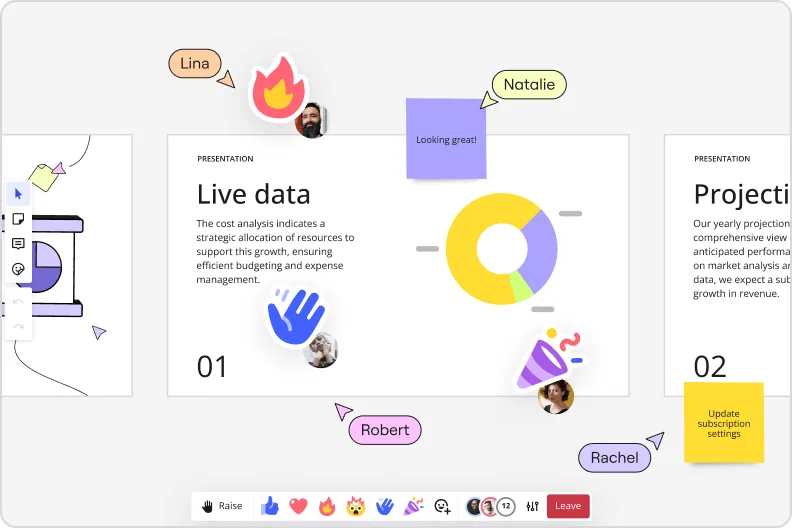
    Miro presentation mode showing live data slide with donut charts and collaborator reactions and emoji feedback

How internal communications teams get started with Presentations in Miro

  • Draft your all-hands narrative first

    Open a new Miro board and use AI Generate Slides to turn your all-hands brief or town hall talking points into a structured first draft - specify audience ("frontline managers and employees") and tone ("direct, reassuring") in the prompt so the deck reflects the message cascade, not just the agenda.

  • Build regional versions without rebuilding

    Use Synced Copies to maintain one master deck across audience-specific versions, then run Miro AI Translate on slide text and your speaker-notes Doc to localize for regional communications leads - all before the global version has cleared final review.

  • Record the narrative your slides can't carry alone

    After legal sign-off, record a Talktrack walkthrough of the finalized deck so the CEO's exact tone, emphasis, and context travels with the slides to every manager who needs to cascade the message to their team.

  • Run live sentiment checks during the broadcast

    Embed Miro Engage Scales or Multiple Choice activities directly into the deck so all-hands attendees respond via QR on their phones - responses visualize live and export to Sticky notes for comms follow-up, replacing the silence that usually passes for engagement.

Slides tips for internal communications managers

  • Set up Brand Center before you generate a single slide so AI automatically applies org-approved colors and fonts - critical when legal and the CEO's EA are both scrutinizing the deck.

  • Use Presenter Notes in Presentation Mode to give regional communications leads the full message rationale behind each slide, so localized versions don't lose the narrative intent when you hand off control.

  • Save your town hall and all-hands structures as Custom Templates so the next 72-hour turnaround starts from a fully framed deck, not a blank board.

Understand how internal communications managers transform their work

  • At my job, we use Miro to make our presentations more interactive. After creating presentations within various software, we upload to Miro and add sticky notes to each slide in the deck. These sticky notes allow live notetaking during meetings. While recently implemented, we have it for at least five presentations over the last few weeks.

    Verified User

    G2
  • I use Miro as a substitute for PowerPoint slides when I want a more interactive discussion.

    Verified User

    TrustRadius

Presentations and slides essential guide for internal communications managers

CategoryKey insights
  • Common mistakes to avoid

    The biggest trap for internal comms managers is treating each frame like a SharePoint document page - pack in too much text and the cascade narrative you've carefully crafted disappears into visual noise before it reaches your frontline audience. Just as dangerous: forgetting to reorder frames before your CEO all-hands goes live, or sharing a board link without checking permissions first, which can expose the full workspace to everyone on the company-wide invite. If you're generating slides with AI, give it the full brief: the audience level, the tone, whether this is a town hall opener or a change management announcement, and how many slides you need.

  • Key integrations for internal communications managers

    Microsoft Teams and Zoom plug directly into Miro so comms leads can run a live town hall or leadership cascade from the same board where the content was built, without a last-minute PowerPoint export. Google Slides and Microsoft PowerPoint integrations cover the handoff moments when the CEO's executive assistant or legal review team needs a traditional file. For comms functions inside larger organizations, Confluence keeps supporting documentation connected, and Miro AI Translate helps regional leads localize versions without waiting for the global deck to be finalized.

  • When to use it

    Reach for this when a leadership announcement lands on Tuesday for a Friday all-hands and you have no time to rebuild the brief in a separate slide tool. Pull up the Miro board where the narrative was already drafted, drop content into Frames, use AI slide generation to turn executive talking points into polished slides, and record a Talktrack so shift workers and time-zone-shifted colleagues get the full narrated message, not just a PDF. When the presentation calls for real participation, Interactive Presentation Mode with Voting and Breakout Frames turns a passive broadcast into a two-way conversation that gives managers the context they need to follow up with their own teams.

  • Security & Compliance

    Miro is SOC 2 Type II certified, which covers the baseline assurance most legal and HR stakeholders will ask for when sensitive org changes, headcount announcements, or earnings-related messaging live on the board. For enterprise organizations running global comms programs, data residency controls and granular sharing permissions mean the CHRO's draft slides stay visible only to the people who are supposed to see them, not the whole company ahead of the announcement. Private Mode adds another layer for sessions where leadership is workshopping sensitive messaging before it's ready to cascade.

Frequently asked questions for internal communications managers

Last updated: Thursday, July 30, 2026