






Presentations for nonprofit program directors

Turn your grant reporting canvas into a board-ready presentation. No rebuilding in PowerPoint.

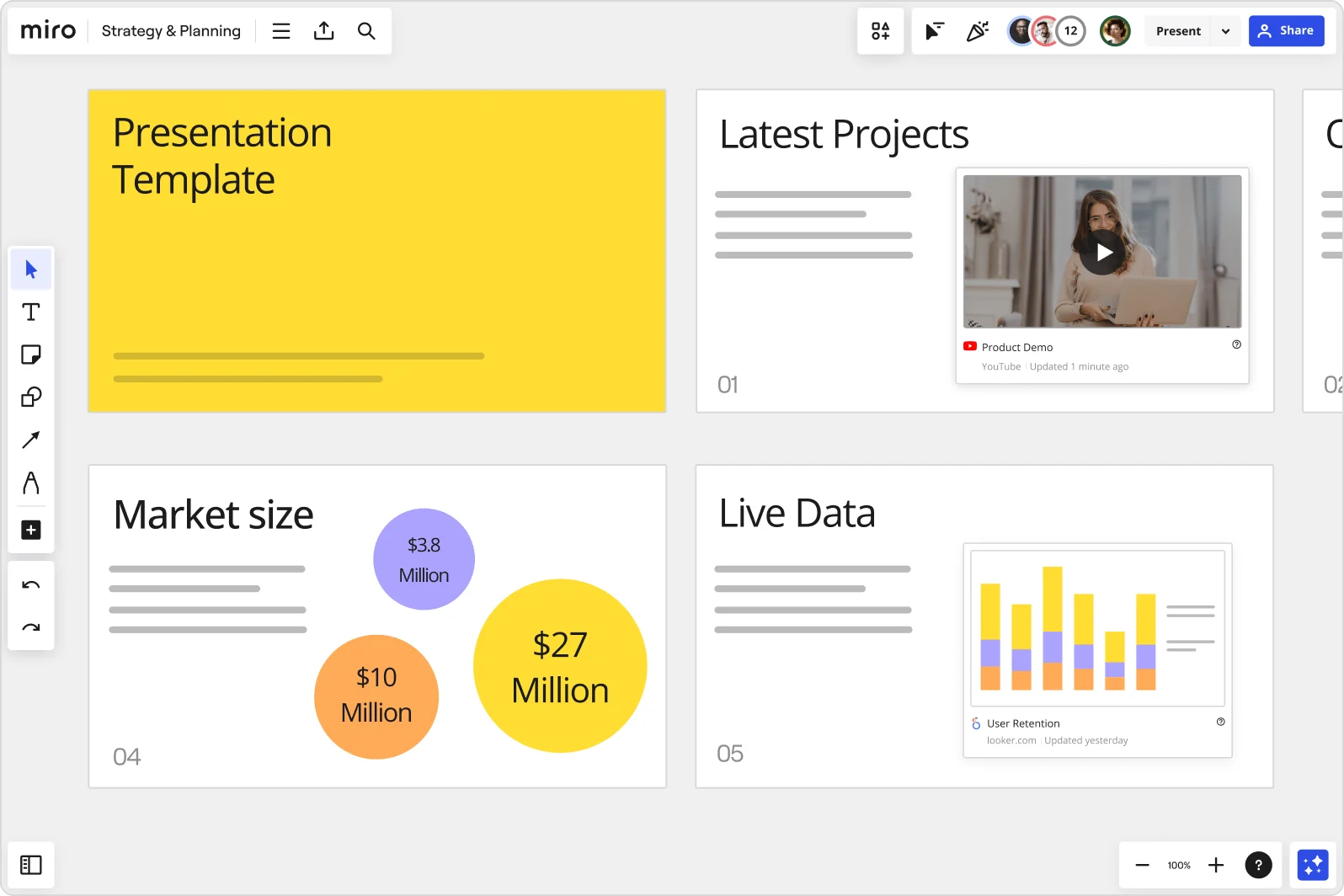
Miro board showing a Strategy & Planning presentation workspace with four slides visible: a yellow title slide labeled 'Presentation Template', a 'Latest Projects' slide with an embedded YouTube Product Demo video, a 'Market size' slide with bubble charts showing $3.8M, $10M, and $27M values, and a 'Live Data' slide featuring an embedded Looker.com User Retention bar chart.

What experts say

  • The way we present information and tell stories using slides has a massive impact on how well our ideas are understood and remembered.

    Nancy Duarte

    Speaker and CEO · Duarte

    Industry Expert
  • Designing a presentation without an audience in mind is like writing a love letter and addressing it: To Whom It May Concern.

    Ken Haemer

    VP · Marketing and Corporate Communications, Federal Express

    Industry Expert

The research on presentations and slides

  • 66%

    Visual presentations with graphs and diagrams increased audience conviction from 50% (verbal only) to over 66%, demonstrating the persuasive power of diagramming in consulting presentations

    Source: Cornell University / Wharton School of Business

See presentations and slides in action

Related templates for nonprofit program directors

We have 22 templates in our library for Presentations and Slides.

Why nonprofit program directors love creating presentations with Miro Slides

  • From program data to funder-ready slides

    Every grant cycle, program directors pull outcomes from case management logs, volunteer reports, and impact trackers - then spend hours rebuilding that story in PowerPoint. Miro's AI slide generation turns your existing board content into a structured deck in minutes, applying your brand colors automatically.
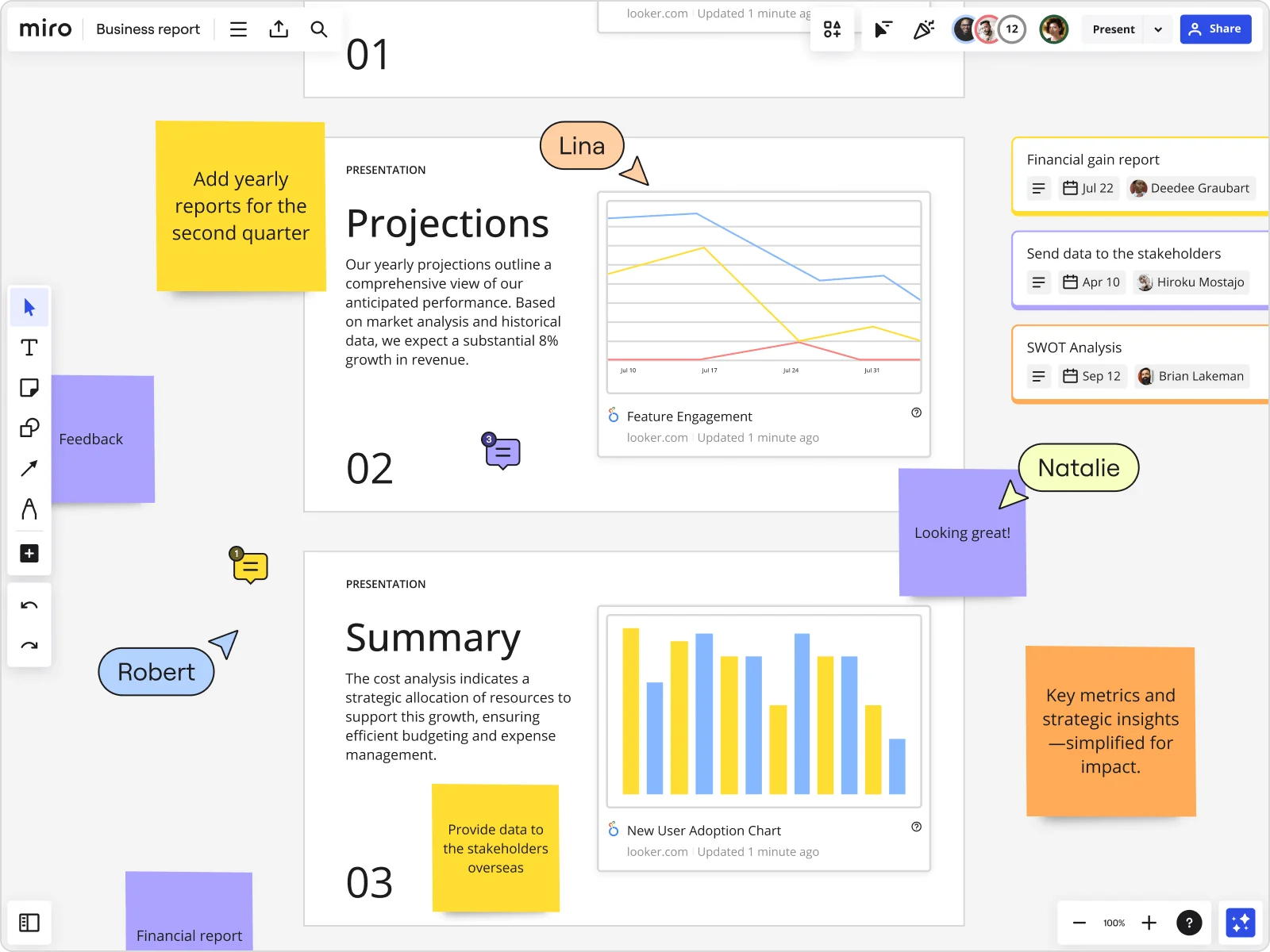
    Miro board showing a Business Report with two presentation slides (Projections and Summary) containing embedded Looker charts for Feature Engagement and New User Adoption, alongside sticky notes with tasks, three task cards for Financial gain report, Send data to stakeholders, and SWOT Analysis, and collaborative cursors from users named Lina, Natalie, and Robert.
  • When your board members can't make the live session

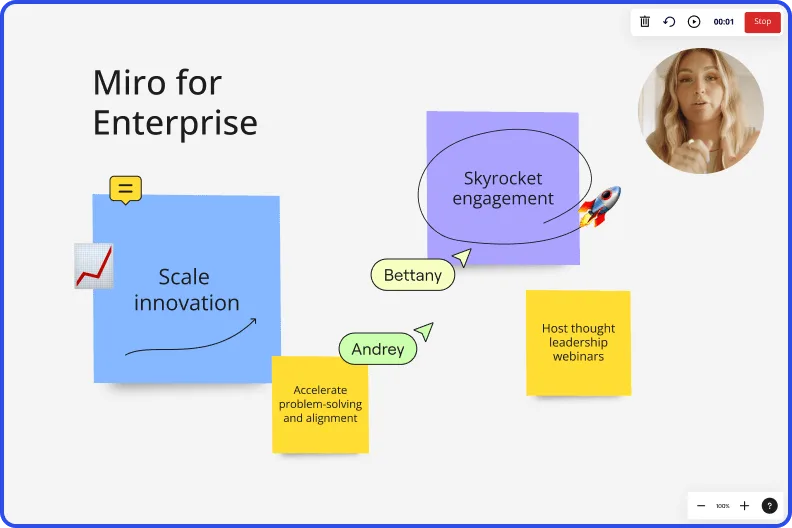
    Absent trustees and out-of-state advisory members miss the context behind your quarterly impact review. Record a narrated Talktrack walkthrough so they can replay the full presentation - with synchronized audio and board navigation - on their own schedule.

    Miro board recording showing Miro for Enterprise presentation with sticky notes about scaling innovation and skyrocketing engagement
  • Give funders a voice, not just a view

    Small community organizations and large federated nonprofits alike need real buy-in, not passive nodding. During live presentations, embed Multiple Choice polls or a Word Cloud directly in your slides - funders and program leads join via QR code on their phones, no account required, and their responses export to your board as sticky notes for follow-up.

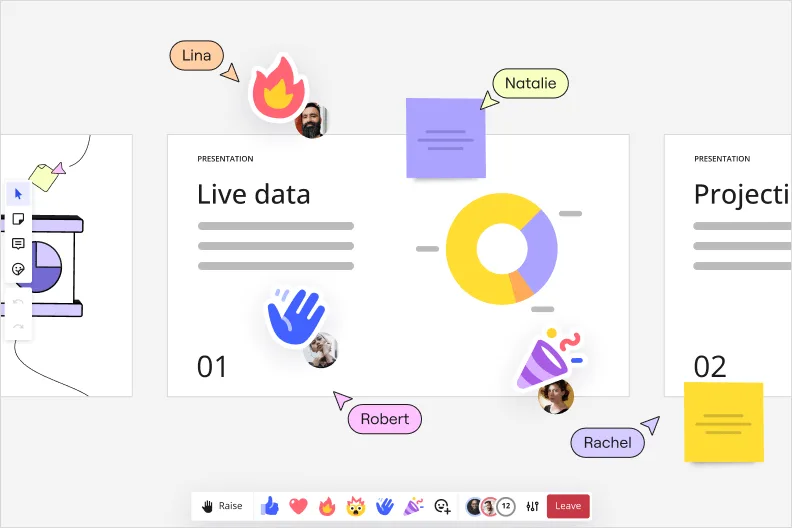
    Miro interactive presentation mode showing a 'Live data' slide with a donut chart, multiple collaborator cursors with name labels (Lina, Natalie, Robert, Rachel), emoji reactions including a waving hand, and sticky notes overlaid on the presentation canvas.
  • One presentation template, every program team

    Whether you're a 3-person shop or a 300-person organization running programs across regions, inconsistent slide decks undermine credibility with institutional funders. Save your branded slide layout as a custom template and push it to every program lead's board in seconds using Synced Copies.

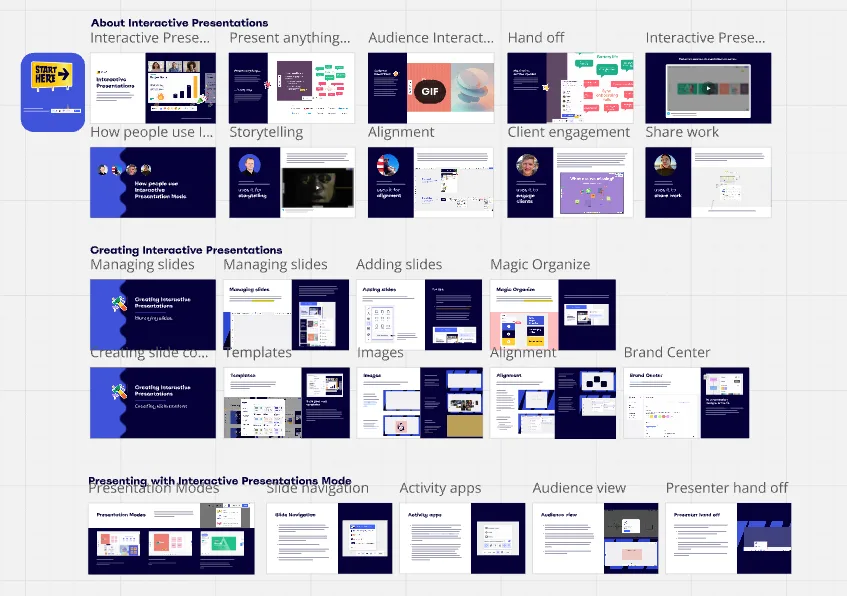
    A grid-style overview of Miro's Interactive Presentations feature, organized into three sections — 'About Interactive Presentations,' 'Creating Interactive Presentations,' and 'Presenting with Interactive Presentations Mode' — showing thumbnail previews of slides covering topics like audience interaction, storytelling, alignment, templates, magic organize, brand center, slide navigation, activity apps, and presenter hand-off.
  • Your annual report deck, without the async black hole

    Collecting feedback from development officers, evaluation leads, and executive directors usually means chasing scattered email replies. Reviewers add threaded comments directly on each slide frame, so revision notes stay anchored to the content they reference - no separate meeting needed.

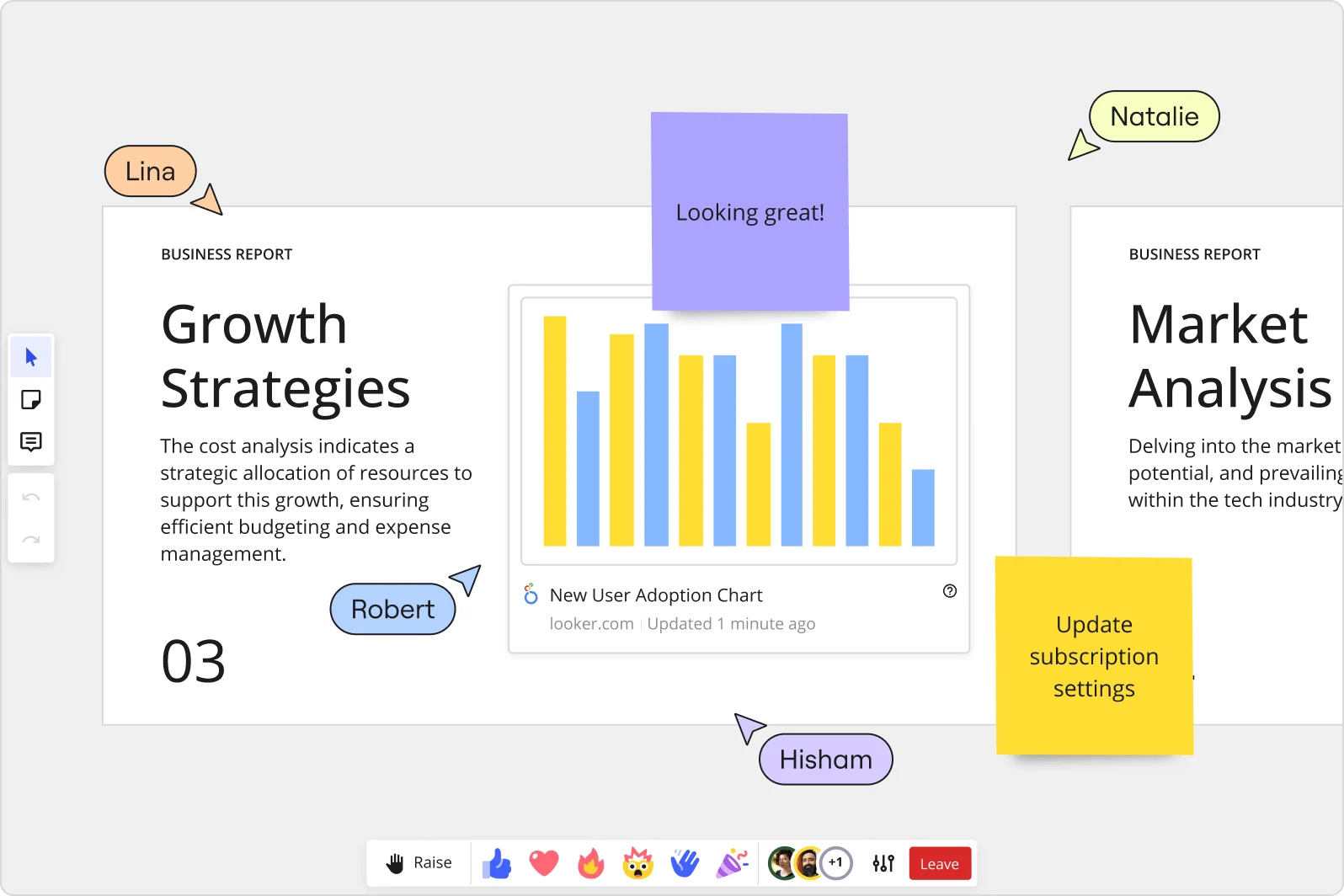
    Miro collaborative presentation workspace showing two business report slides ('Growth Strategies' and 'Market Analysis') with an embedded Looker 'New User Adoption Chart' bar chart, purple and yellow sticky notes with comments, and four named collaborator cursors (Lina, Robert, Natalie, Hisham) visible simultaneously.

How nonprofit program directors get started with presentations and slides in Miro

  • Build your funder report board

    Open a new Miro board and drop in your raw impact data, participant outcome numbers, and any existing logic model or theory of change visuals so everything you need to build the grant narrative lives in one place before you touch a single slide.

  • Generate your impact deck with AI

    Select your outcome data, photos, and program milestones, then use AI Generate Slides to draft an initial deck structured around your funder's priorities - specify the audience and narrative arc in the prompt (e.g., "6-slide mid-grant report for a foundation program officer: context, outputs, outcomes, cost per beneficiary, story, next steps") so the first draft reflects your logic model, not a generic business template.

  • Run a live poll during your board meeting

    Embed Miro Engage Activities - a Scales sentiment check or Ranking poll - directly into your slides so board members can weigh in on strategic priorities in real time via QR code on their phones, with responses exporting straight to sticky notes for follow-up discussion.

  • Record a Talktrack for the program officer

    Narrate through your final deck using Talktrack so the foundation contact gets your full explanatory context - the "why this number matters" behind every outcome slide - asynchronously, without scheduling a separate call they may not have time for before the grant deadline.

Slides tips for nonprofit program directors

  • Save your org's branded funder-report layout (title slide, outputs page, outcomes page, cost-per-beneficiary summary, story slide) as a Custom Template so next cycle's exhausted-program-director-at-midnight starts from your structure, not a blank canvas.

  • Use Frames to separate outputs from outcomes - one frame per key message - and name each frame after the funder's reporting category (e.g., "Unduplicated participants Q3", "Goal 2 outcomes") so the sidebar doubles as a navigable table of contents during a board Q&A.

  • Before sending the shareable presentation link to a government contract monitor or foundation officer, test it with a colleague first to confirm they see only the intended slides and not the full working board with your internal notes and raw data still scattered across the canvas.

Understand how nonprofit program directors transform their work

  • Currently, I'm working on a presentation. I was asked to put it in PowerPoint, but I insisted that I put it in Miro. PowerPoint only has so much room. With Miro, I can go on forever and all I have to do is zoom in and out to show the big picture and to show the details

    Dahlia Hamamcy

    G2
    G2
    G2 reviewer
    Read review
  • Presentations and meetings become dynamic and collaborative. It's a new way of including all types of profiles in a session.

    Verified User in Management Consulting

    G2

Presentations and slides essential guide for nonprofit program directors

CategoryKey insights
  • Common mistakes to avoid

    The biggest trap for program directors is cramming a full funder narrative onto one frame - a slide stuffed with outputs, outcomes, budget notes, and participant quotes tells no story at all. For smaller organizations where one person builds the deck the night before a board meeting, skipping the Talktrack recording is a real risk: a foundation officer who couldn't attend the live session has no way to absorb the context you worked so hard to provide. Larger organizations often waste hours exporting Miro content into PowerPoint, losing all the interactivity, when presenting directly from the board is already an option.

  • Key integrations for nonprofit program directors

    Google Slides and Microsoft PowerPoint connect directly so program directors can export polished deliverables when a funder or government contract monitor specifically requires a traditional slide file. Zoom and Microsoft Teams let you run a live impact presentation without switching tools mid-session, which matters when your board or a foundation officer joins remotely. For organizations using Confluence to document program logic models or grant agreements, embedding Miro boards keeps your source of truth and your presentation in the same orbit.

  • When to use it

    Use this when a funder report deadline or board meeting is bearing down and your supporting data already lives somewhere on a Miro board - Frames let you pull together participant outcome visuals, budget snapshots, and theory-of-change diagrams into a presentation without rebuilding anything from scratch. It's also the right call when a program officer or government contract monitor couldn't attend live: record a Talktrack narration and they get the full story, including the context behind your numbers, on their own schedule. When a board session calls for more than a passive readout - say, trustees voting on program priorities or discussing capacity building trade-offs - Interactive Presentation Mode turns your impact deck into a working session rather than a one-way broadcast.

  • Security & Compliance

    Miro is SOC 2 Type II certified, which matters when your slides contain participant data, grant financials, or anything your fiscal sponsor or auditor might one day ask about. For program directors at organizations handling sensitive client information, HIPAA compliance and granular sharing permissions mean you control exactly who sees the full board versus just the curated slide sequence you intended to share. Enterprise-scale nonprofits and those working under government contracts can use data residency controls and admin-level access settings to meet the compliance requirements their funders or oversight bodies expect.

Frequently asked questions for nonprofit program directors

Last updated: Friday, July 17, 2026