



Presentations for change management professionals

Turn your transformation roadmaps into executive-ready decks without rebuilding from scratch. Present directly from the change canvas where the work happened.

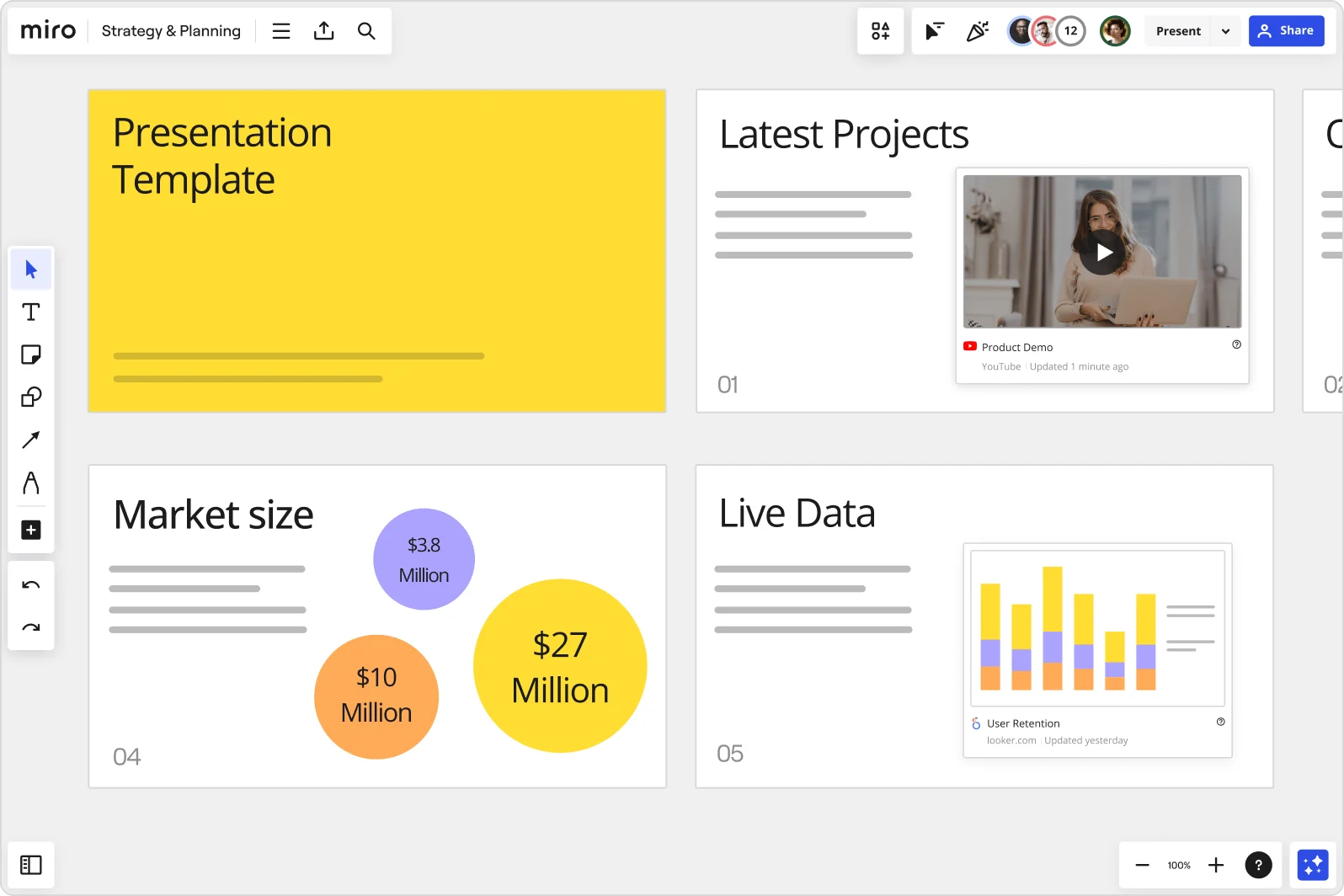
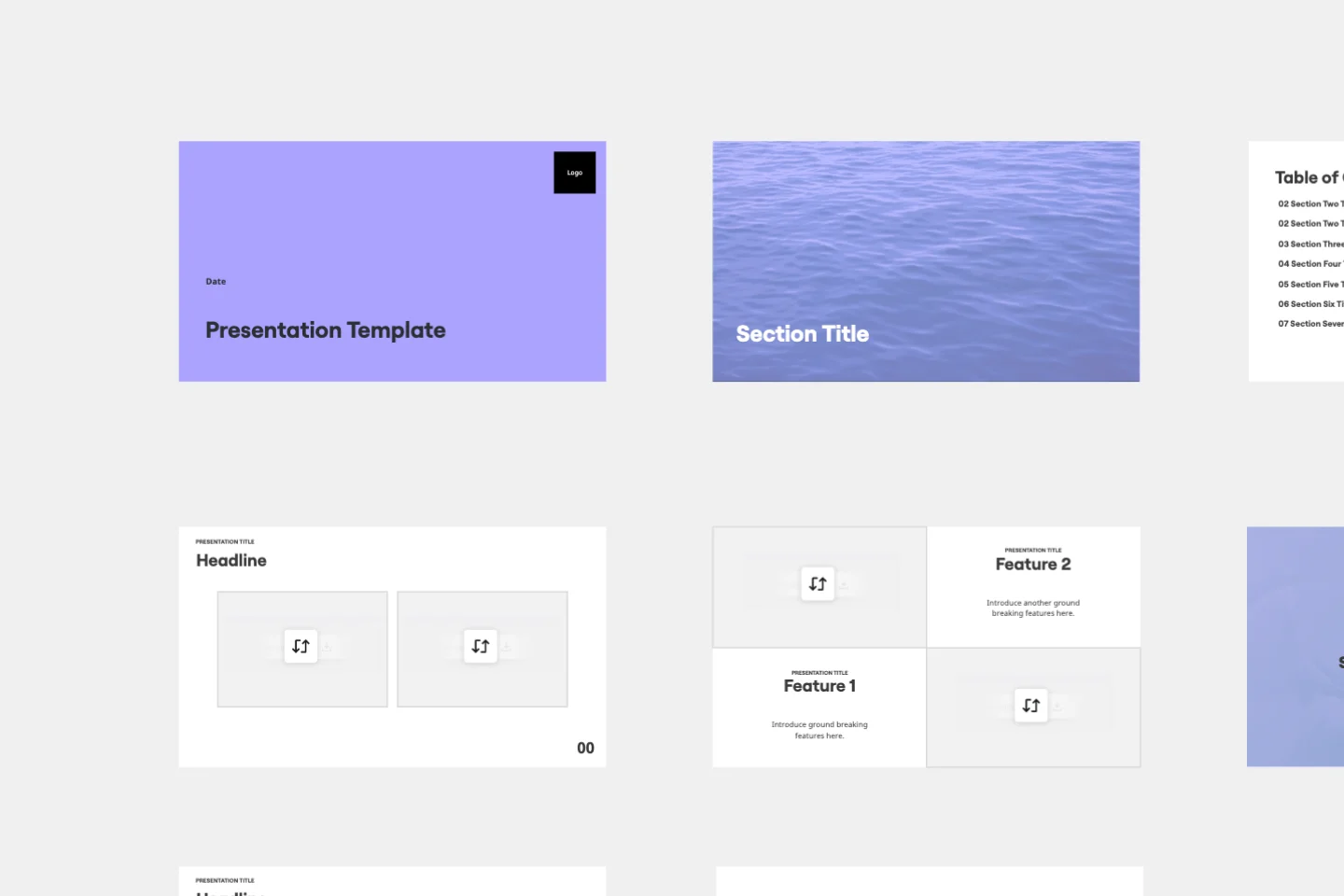
Miro board showing a Strategy & Planning presentation workspace with four slides visible: a yellow title slide labeled 'Presentation Template', a 'Latest Projects' slide with an embedded YouTube Product Demo video, a 'Market size' slide with bubble charts showing $3.8M, $10M, and $27M values, and a 'Live Data' slide featuring an embedded Looker.com User Retention bar chart.

What experts say

  • The way we present information and tell stories using slides has a massive impact on how well our ideas are understood and remembered.

    Nancy Duarte

    Speaker and CEO · Duarte

    Industry Expert
  • Professionals who flip their workflow - thinking first, slides last - create presentations in half the time with dramatically better results.

    Mary Beth Hazeldine

    Author · Winning Presentations

    Industry Expert

The research on presentations and slides

  • 66%

    Visual presentations with graphs and diagrams increased audience conviction from 50% (verbal only) to over 66%, demonstrating the persuasive power of diagramming in consulting presentations

    Source: Cornell University / Wharton School of Business

  • Business strategies presented with visual diagrams received higher attention, agreement, and recall compared to text-based presentations, benefiting consulting deliverables

    Source: University of Lugano / SIOP-SHRM

See presentations and slides in action

Related templates for change management consultants

We have 22 templates in our library.

Why change management teams love creating presentations with Miro Slides

  • From change impact assessment to board-ready slides

    Change management consultants spend days translating stakeholder maps, current-state/future-state diagrams, and resistance analysis into PowerPoint - losing interactivity every time. Use Frames to turn your existing change canvas into a polished deck instantly, with AI slide generation filling narrative gaps from a single text prompt.
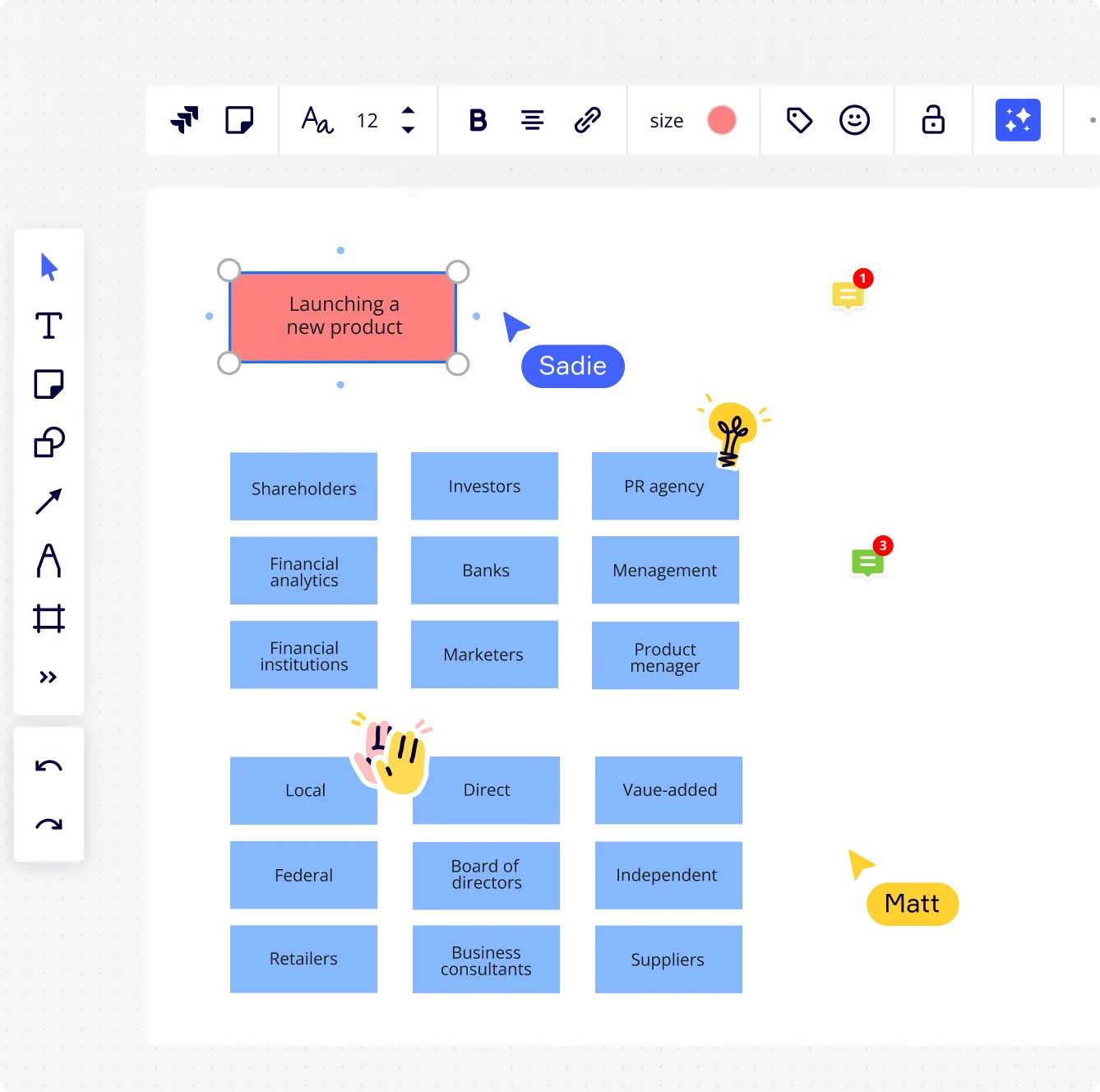
    Miro board showing a stakeholder mapping exercise titled 'Launching a new product' with a grid of blue rectangular cards organized into three columns listing stakeholders such as Shareholders, Investors, PR agency, Financial analytics, Banks, Marketers, Local, Federal, Retailers, Direct, Board of directors, Business consultants, Value-added, Independent, and Suppliers, with two collaborator cursors (Sadie and Matt) visible on the canvas.
  • When sponsors need a pre-read before the steering committee

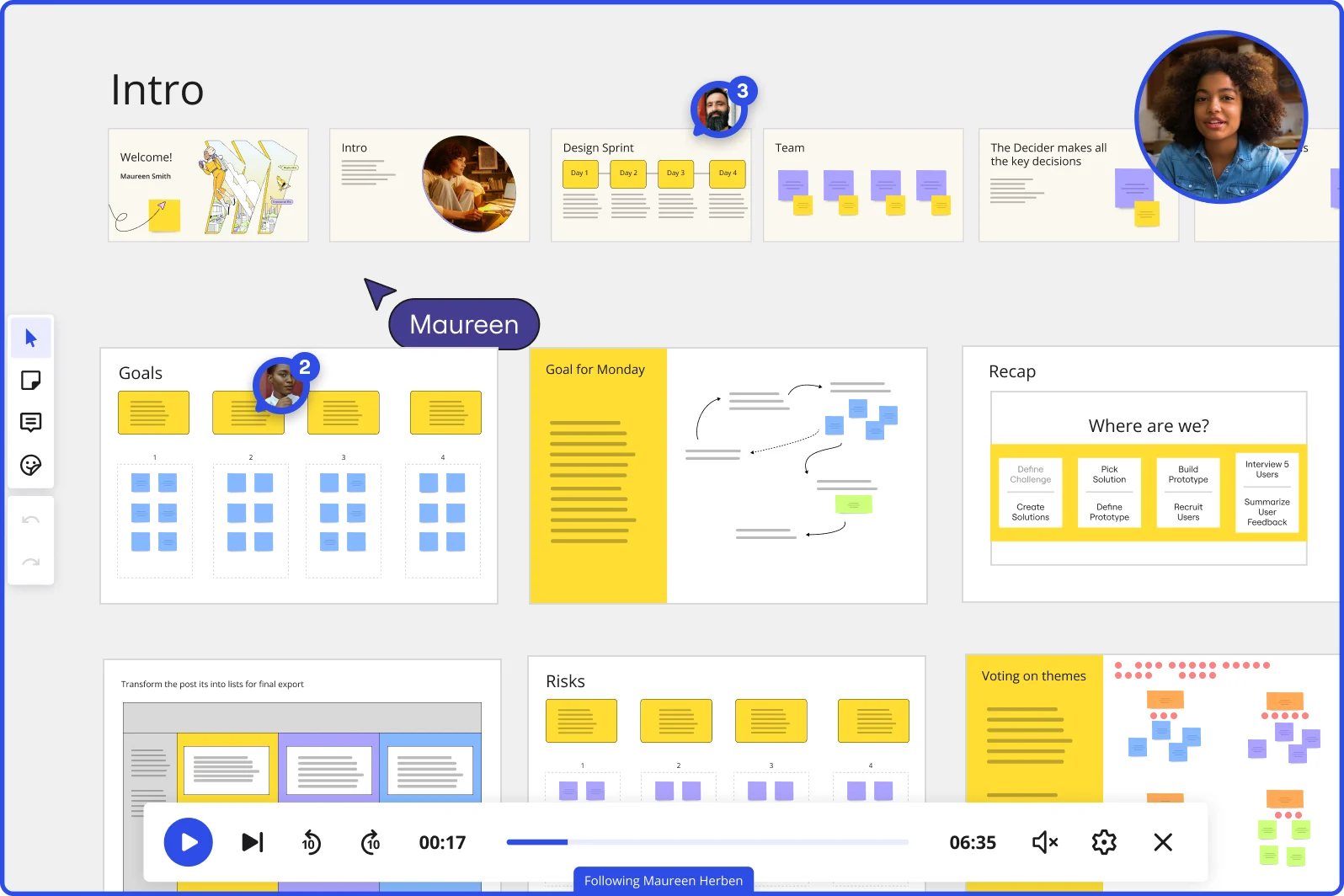
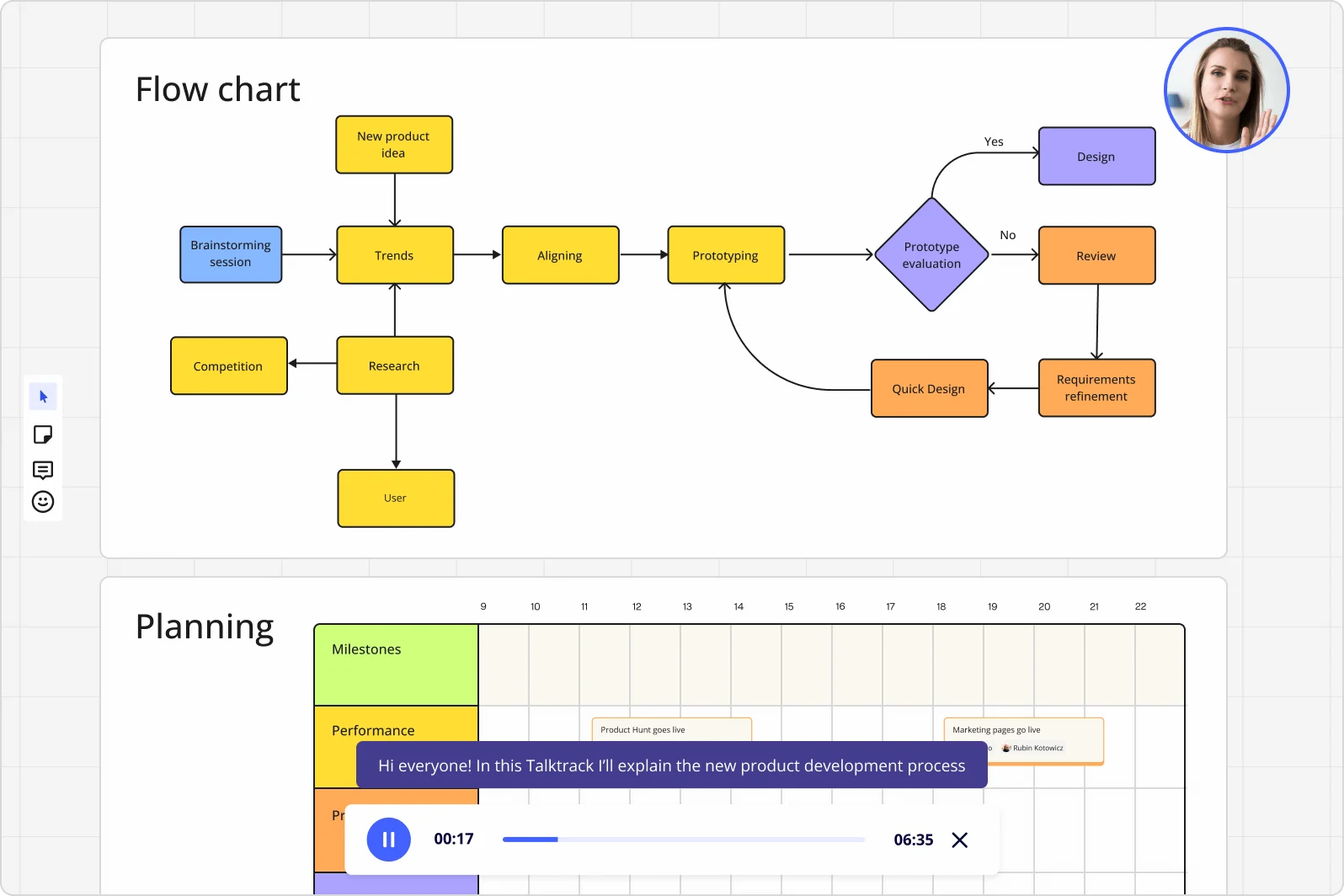
    Change advisory boards and executive sponsors rarely have time to attend live sessions, especially across a 50-country rollout. Record a Talktrack walkthrough - your audio narration stays synced to each Frame so sponsors in different time zones replay the full change case with your emphasis intact.

    Miro board displaying a product development flowchart with color-coded nodes (yellow process steps, orange review/design steps, purple decision diamond) showing the full workflow from brainstorming to prototype evaluation, alongside a Talktrack audio narration feature playing at 00:17 of a 6:35 recording with a presenter visible in the top-right corner.
  • Get live buy-in during the town hall, not after

    Passive decks kill momentum when you're presenting a major transformation to 300 skeptical employees or a 12-person leadership team. Embed Miro Engage polls, word clouds, and open-ended Q&A directly into your slide flow - attendees join via QR code, no Miro account needed, and their responses export straight to sticky notes for follow-up.

    Miro board showing a Design Sprint presentation in facilitation mode, with slide thumbnails across the top (Welcome, Intro, Design Sprint days, Team, Decider), and active frames including Goals with yellow sticky notes, Goal for Monday with a flow diagram, Recap with a 'Where are we?' process tracker, Risks section, and Voting on themes — with a video player bar at the bottom showing 'Following Maureen Herben' and two visible participant avatars.
  • Your recurring change update, without the setup tax

    Sprint-style change reviews, weekly steering updates, and monthly adoption dashboards all follow the same structure - but consultants rebuild the deck every cycle. Save your change reporting framework as a Blueprint so every update cycle opens with the same agenda frames, Engage slots, and embedded Sidekick, ready for this week's content.

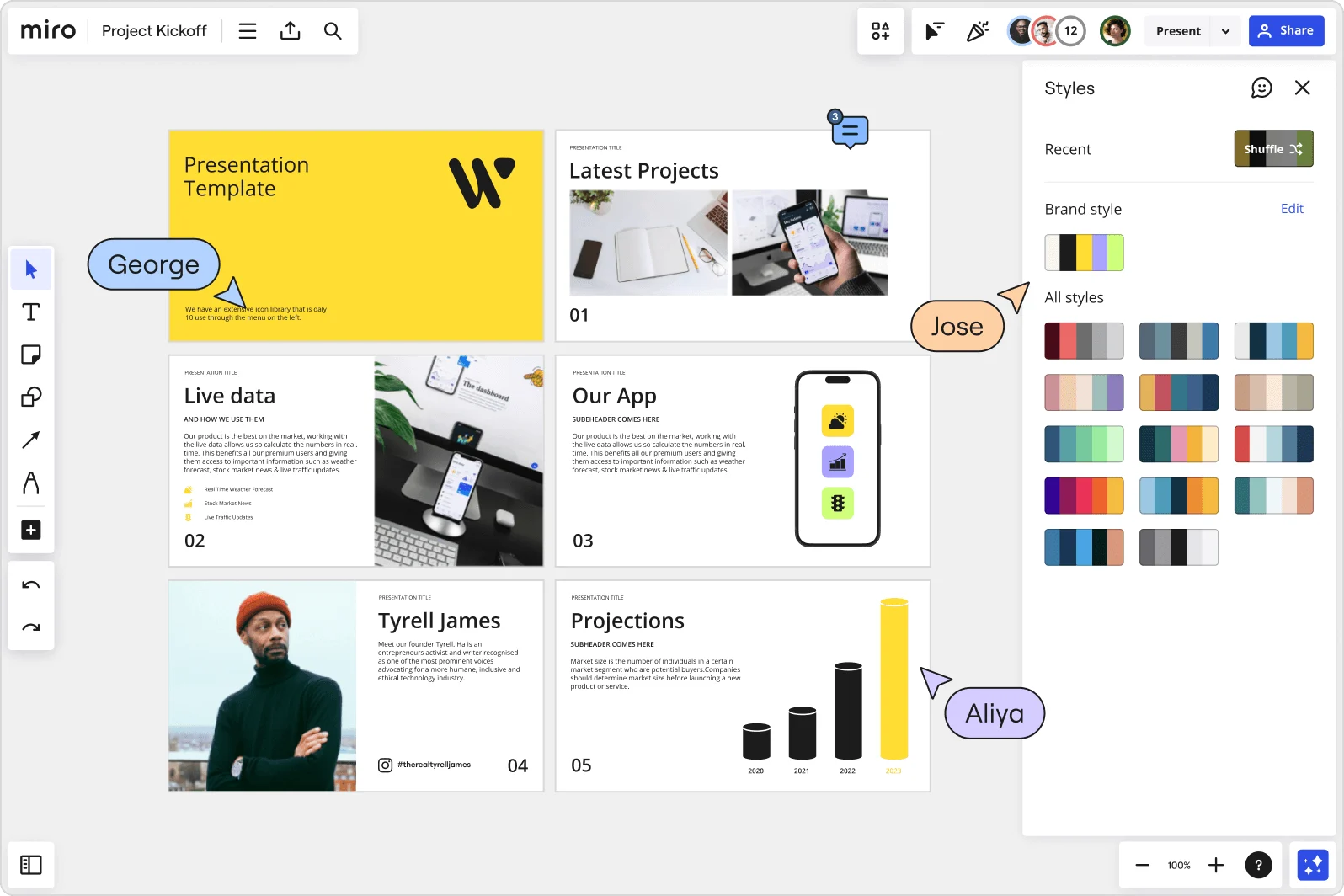
    Miro board showing a Project Kickoff presentation template with five slides including a title slide, Latest Projects, Live Data, Our App, a founder profile for Tyrell James, and Projections with bar charts. A Styles panel is open on the right showing brand color palettes and a Shuffle option, with three collaborator cursors visible (George, Jose, and Aliya).
  • Stop chasing reviewers across email threads before a leadership readout

    Feedback on change decks arrives in scattered inboxes, marked-up PDFs, and hallway conversations - never anchored to the slide that needs fixing. Threaded Comments let communication leads, HR business partners, and program sponsors leave contextual input directly on each frame, with AI-powered summaries keeping long review threads manageable.

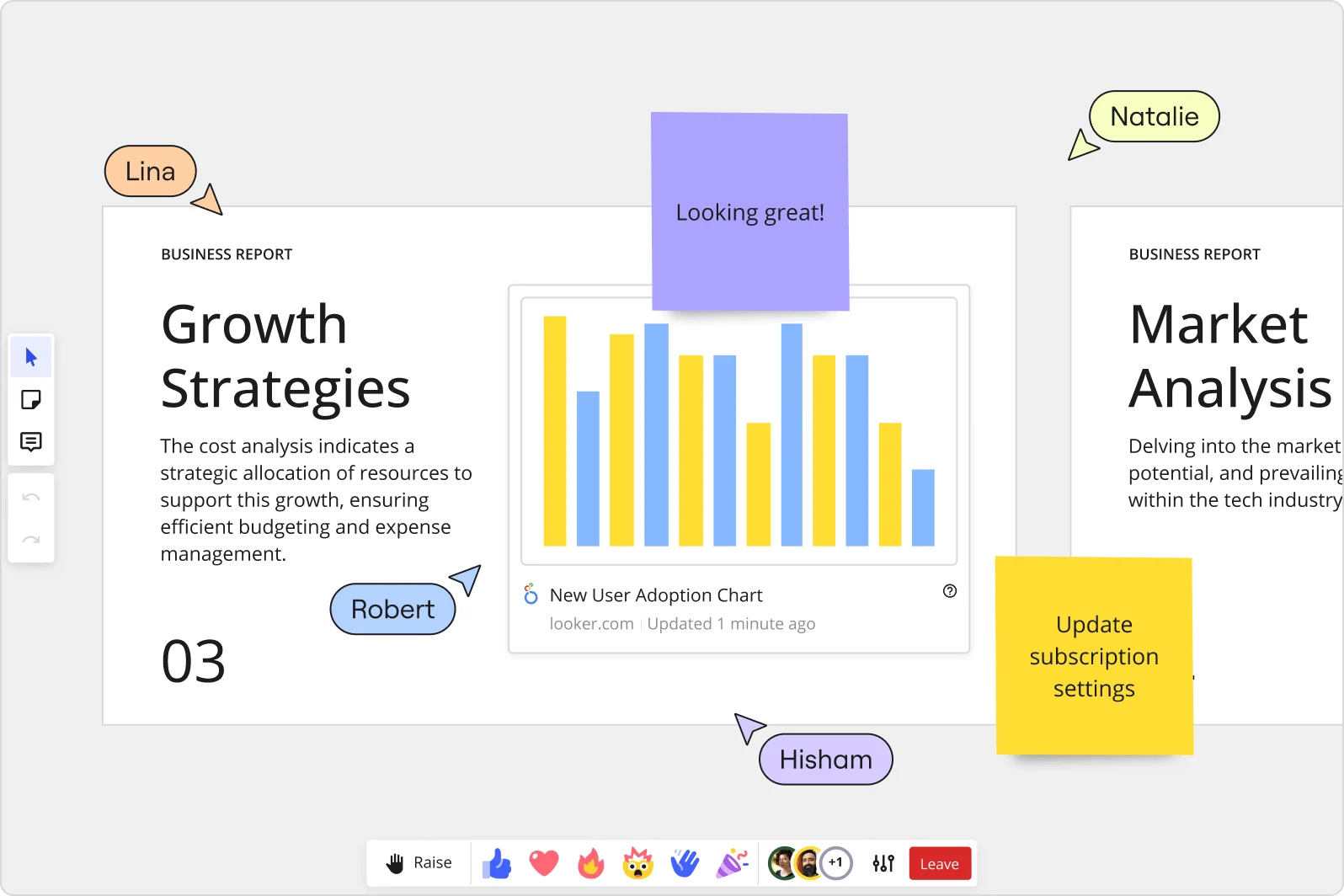
    Miro collaborative presentation workspace showing two business report slides ('Growth Strategies' and 'Market Analysis') with an embedded Looker 'New User Adoption Chart' bar chart, purple and yellow sticky notes with comments, and four named collaborator cursors (Lina, Robert, Natalie, Hisham) visible simultaneously.

How change management consultants get started with Miro Slides

  • Pull your change impact data onto one board

    Open a Miro board and drag in your ADKAR assessment outputs, readiness survey results, and stakeholder heat maps so Frames can organize each into a discrete slide without you rebuilding the narrative from scratch.

  • Generate your steering committee deck from a prompt

    Use AI Generate Slides to turn your case for change narrative into a structured draft - specify audience and tone (e.g., "8-slide executive sponsor readout, resistance heat map through to reinforcement plan, formal tone") so the first draft reflects your change story arc, not a generic outline.

  • Lock in one source of truth before the governance checkpoint

    Use Talktrack to record a narrated walkthrough of the readiness report so the HR lead, internal comms team, and program manager can review asynchronously and leave Sticky Notes feedback directly on individual frames before you walk into the room with one reconciled version.

  • Run live Engage activities during the sponsor meeting

    Embed Miro Engage Activities like Scales or Multiple Choice into the change impact frames so steering committee members respond via QR on their phones, responses visualize in real time, and exported results drop back onto your board as documented evidence of sponsor alignment.

Slides tips for change management consultants

  • Build a Blueprints template from your first change readiness deck so every subsequent biweekly governance update starts with the same frame structure - sponsorship coalition, impacted population, training completion, next reinforcement actions - and you're editing content, not rebuilding scaffolding.

  • Use Voting in anonymous mode when presenting resistance heat maps to a mixed room - sponsors and program managers will score change saturation more honestly when their individual ratings aren't visible to the group in real time.

  • Set your published board's default view to Frames and lock it so when you share the post-meeting link with the client's internal team, they land on the deck readout, not the full working canvas with your half-finished ADKAR spreadsheet imports still visible.

Understand how change management consultants transform their work

  • Currently, I'm working on a presentation. I was asked to put it in PowerPoint, but I insisted that I put it in Miro. PowerPoint only has so much room. With Miro, I can go on forever and all I have to do is zoom in and out to show the big picture and to show the details

    Verified User

    G2
  • The zoomability of all features is amazing. Zoom in, zoom out, repeat, it' s always clear. The tools are intuitive and flexible. I love utilizing templates and sticky notes, and making the end results "my own." I often convert my work into quick frames or presentations that can be shared with my clients in seconds.

    Verified User

    G2

Presentations and slides essential guide for change management consultants

CategoryKey insights
  • Common mistakes to avoid

    The biggest trap for change management consultants is rebuilding their Miro board content in PowerPoint or Google Slides before a steering committee meeting - you can present the case for change deck or resistance heat map directly from the board and keep every interactive element intact. Watch your frame order before you go live: frames default to creation order, so a missequenced change impact narrative in front of an executive sponsor is a credibility problem you can't walk back. And if your governance checkpoint has stakeholders in three time zones who can't make the live session, skipping a Talktrack recording means your sponsorship coalition gets the deck without the story - which is rarely enough to move them to a decision.

  • Key integrations for change management consultants

    Connect Miro to Microsoft Teams or Zoom so you can run your steering committee readouts without switching tools, and use the PowerPoint and Google Slides integrations when a client's internal comms team insists on a file they can edit in their own environment. Pull your Smartsheet or SharePoint timelines in via iFrame embeds so the program schedule lives inside the same board as your change narrative, and use Confluence to keep the broader program documentation in sync with the slides you're leaving behind as reference artifacts.

  • When to use it

    Reach for Miro Presentations when you've just run a change readiness workshop and your steering committee checkpoint is in 48 hours - instead of rebuilding outputs into a new slide deck, create Frames directly on the working board and use AI slide generation to shape your executive summary in minutes. It's also the right call when your impacted population spans multiple sites or time zones: record a Talktrack narration of your ADKAR readout so resistors and sponsors who missed the live session still get the full change story with your voice behind it.

  • Security & Compliance

    Miro is SOC 2 Type II certified, which covers the audit trail expectations most enterprise program sponsors and procurement teams will ask about when you're working inside a regulated client environment. For consulting engagements where client data sensitivity is high - workforce restructuring, leadership transition plans, or anything touching HR records - granular sharing permissions and Private Mode let you control exactly who sees which frames, so you're not accidentally exposing the full board when you share a presentation link with a broader stakeholder group. Larger client organizations with strict data governance requirements can lean on Miro's data residency controls, which satisfy the regional compliance obligations that frequently come up in financial services and healthcare transformation programs.

Frequently asked questions for change management consultants

Last updated: Thursday, July 30, 2026