About the Huddle Board Template
The huddle board template offers a visual and interactive approach to team collaboration. This template harnesses the power of visualization to provide an intuitive platform for seamless communication, project tracking, and real-time feedback.
What's a huddle board template?
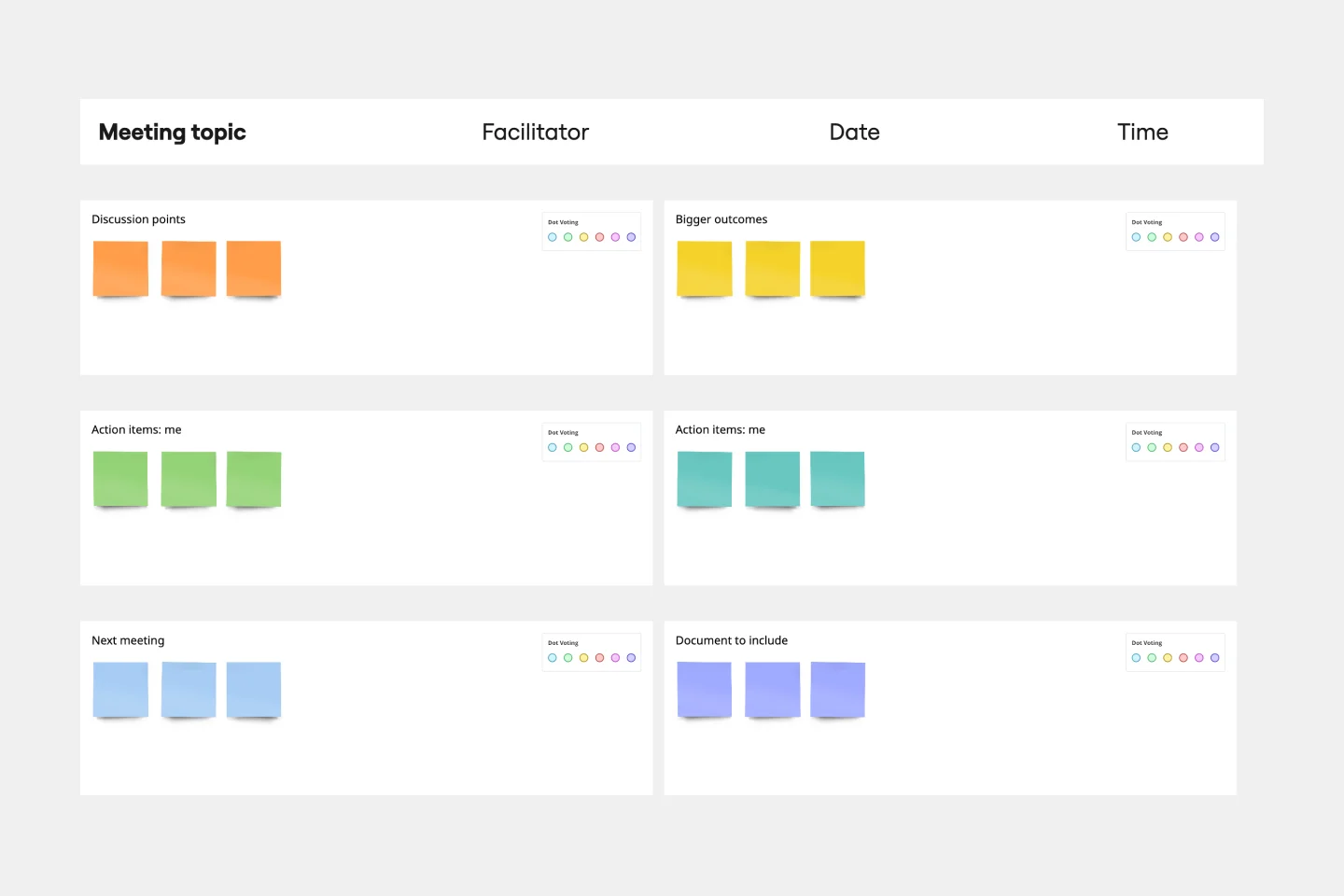
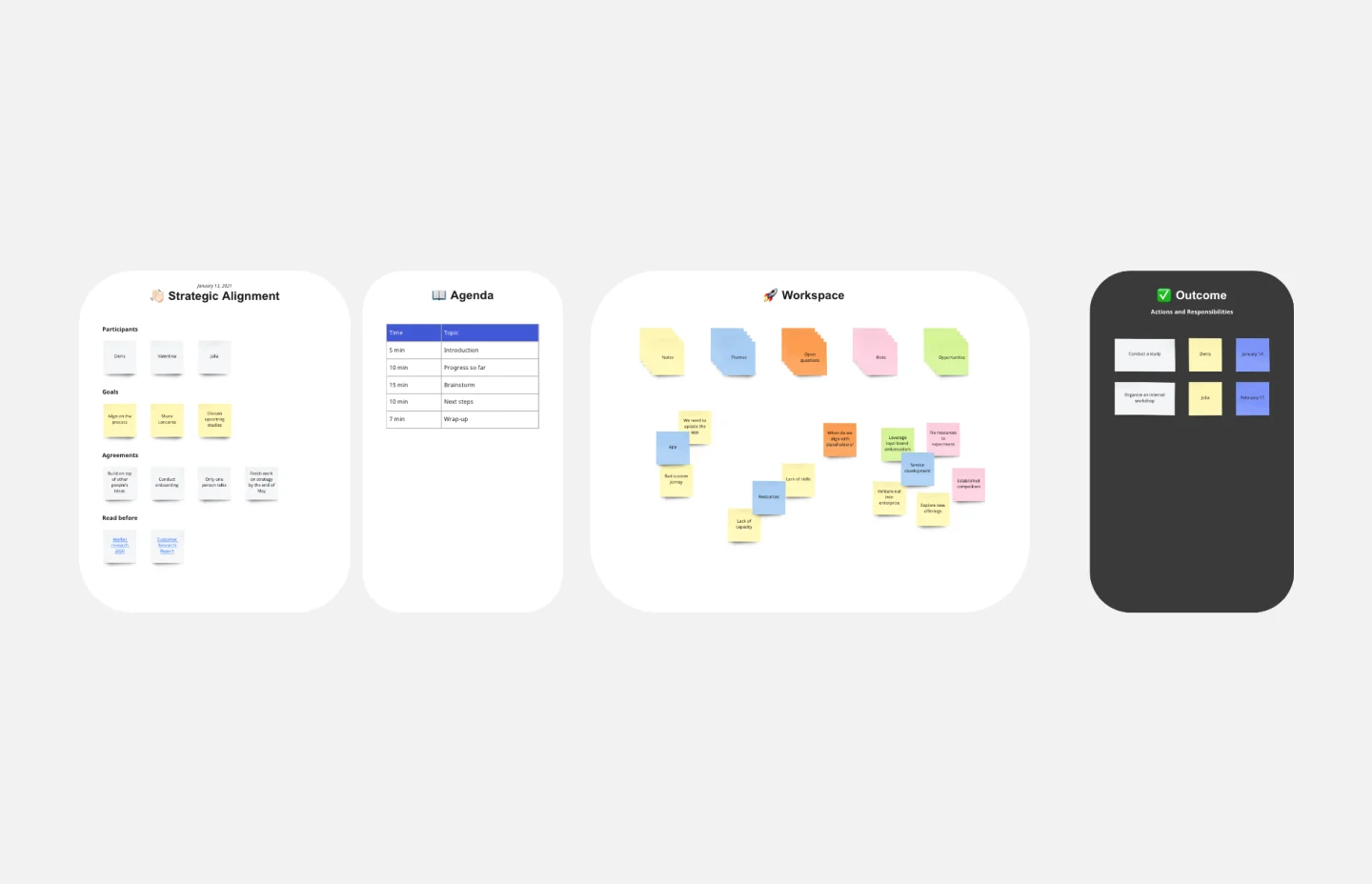
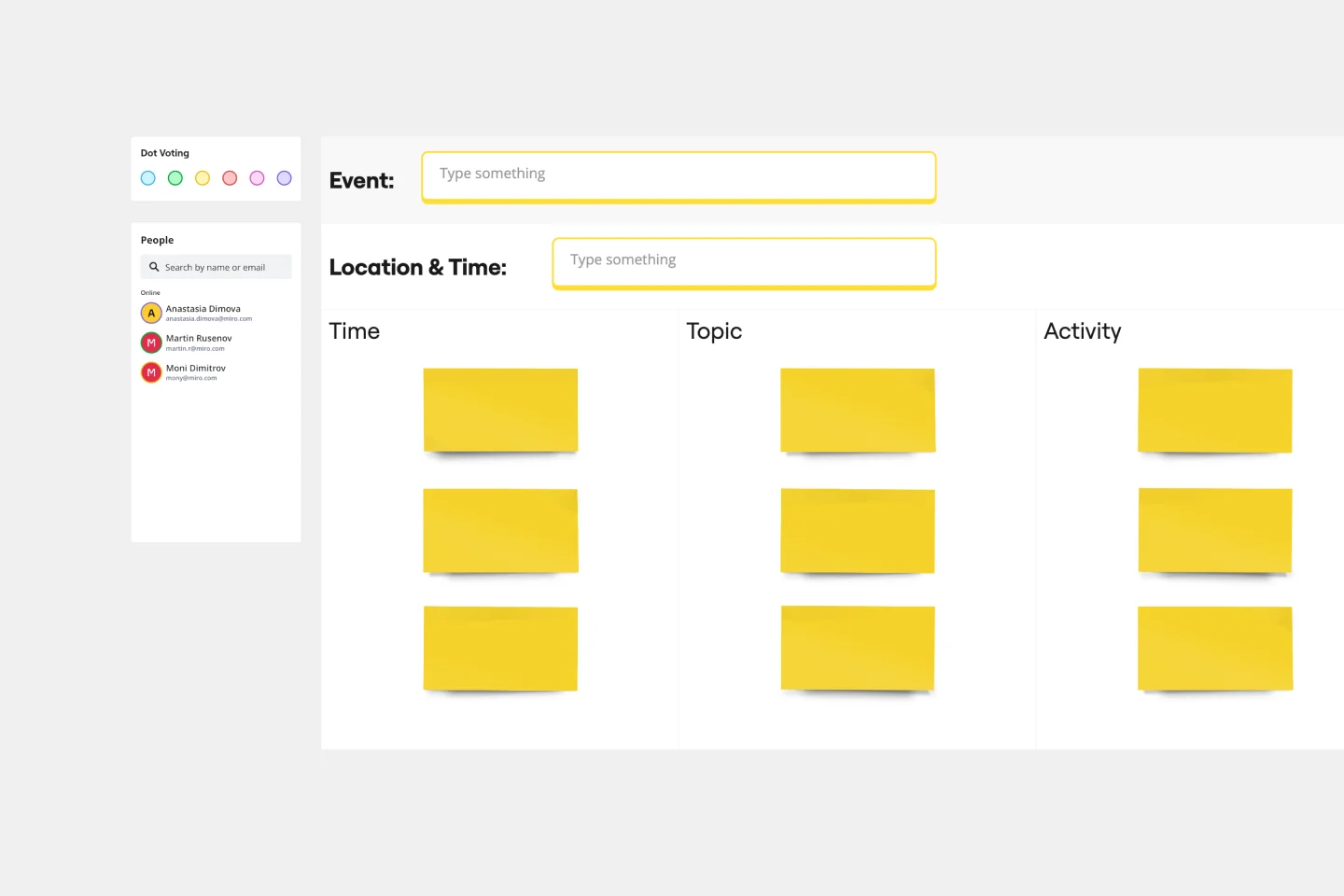
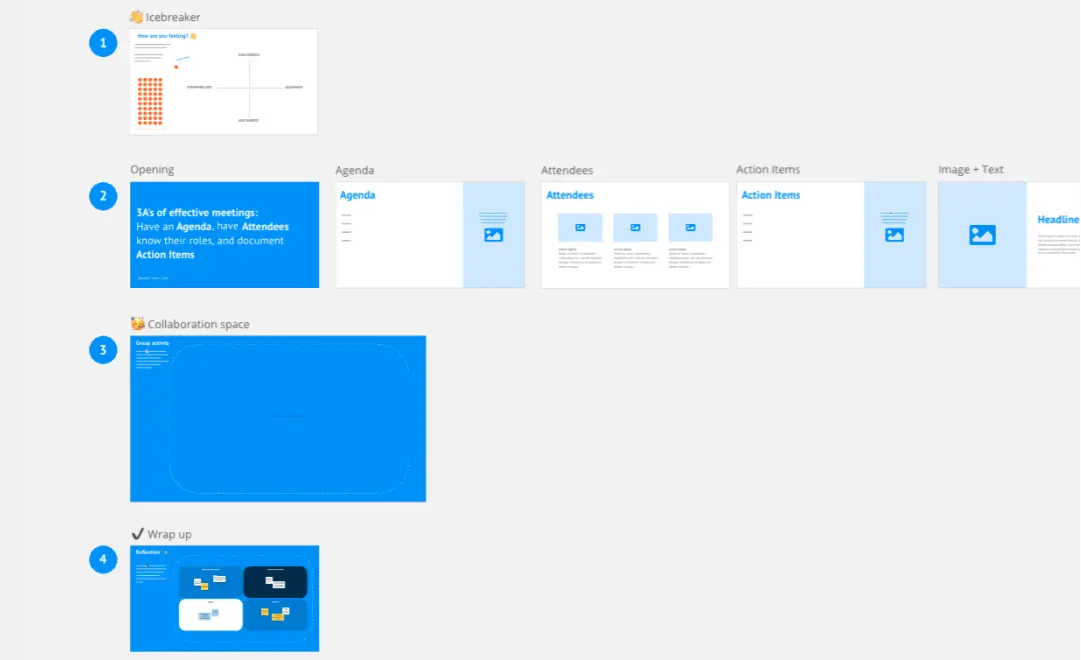
A huddle board template is a visual space for teams to organize tasks, track progress, share updates, and facilitate communication. It is designed to mimic the physical boards often found in office settings but with the added flexibility and functionality that digital platforms provide. This template is typically structured with cards or sticky notes that can be moved around, representing different tasks or updates.
How to use the huddle board template
Getting started with the template is straightforward. It's designed to be effortlessly editable with just a few clicks. Team members can quickly move, add, or remove elements to suit their unique project requirements.
Here is a step-by-step guide:
Customize layout
Adjust the board's layout depending on your project's size and requirements. You can expand or reduce sections as needed.
Edit with ease
Click on any element on the board to edit its details. This could be task names, descriptions, due dates, or other pertinent information.
Add artifacts
Enhance your board by attaching relevant documents, videos, links, or images. Drag and drop or upload these artifacts onto the board.
Collaborate in real time
Invite team members to join the board. They can simultaneously add, remove, or adjust tasks, ensuring a dynamic and inclusive collaboration environment.
Regularly update
Ensure the board is updated regularly for best efficiency. Move tasks based on priority or progress, and keep the team informed of changes.
Review and refine
Periodically, take a moment to review the board's overall structure and content. Ensure it remains organized and remove any obsolete tasks or information to keep it up-to-date.
Why use a huddle board template?
Enhanced collaboration: The template facilitates real-time interactions, allowing team members to instantly share updates and feedback or ask questions.
Visibility: It provides a clear snapshot of a project's status, ensuring everyone is aligned on progress and priorities.
Flexibility: Adaptable to various projects, from marketing campaigns to software development, the huddle board template caters to diverse team requirements and is easily customizable.
Efficiency: With all information consolidated in one place, teams can rapidly identify bottlenecks, allocate resources, and adapt to changes.
Engagement: As a visual and interactive tool, a shared huddle board engages team members, promoting active participation and ownership of tasks.
Huddle board template FAQs
How customizable is the template?
Extremely. Every aspect of the board, from card colors to layout, can be tailored to fit the specific needs of your project or team.
Can multiple team members edit the board simultaneously?
Yes, the digital nature of the board allows for real-time collaboration, ensuring that all team members can contribute and interact together.
Is there a limit to how much content can be added to the board?
While the board is designed to handle a substantial amount of data, it's essential to remain organized and navigable. Regular maintenance and pruning help maintain clarity.
Is the board accessible on various devices?
Absolutely. The board can be accessed and edited on different devices, ensuring that team members can collaborate regardless of their location or device preference.

Miro
Your virtual workspace for innovation
Miro is an innovation workspace designed for teams of every size, everywhere, to dream, design, and build the future together. Our mission? To empower these teams to create the next big thing, powered by AI at every step of the way. Over 90 million users around the world rely on Miro to untangle complex ideas, put customer needs first, and deliver products and services faster. All supported by best-in-class security, compliance, and scalability.
Categories
Similar templates
Meeting Minutes Template

Meeting Minutes Template
With Miro's Meeting Minutes Template, capturing the essence of your meetings has never been more efficient and engaging. Stay on top of your projects, foster collaboration, and drive action with this user-friendly tool.
Meeting Agenda Template
A detailed, clear agenda — that’s what separates meetings that go completely off the rails from those where goals are met and things get done. So grab this template and set a meeting agenda that lays out expectations for before, during, and after the meeting. It’ll enable participants to get prepared beforehand and empower you to stay on-task and identify when the discussion is complete. (Tip: Plan ahead to send out your meeting agenda at least 24 hours before the meeting.)
Meeting Organizer Template

Meeting Organizer Template
When it comes to ideas generated during a meeting, you want quantity AND quality. So why choose? Our meeting organizer template will maximize your meeting’s chances of yielding lots of great ideas. It will give you a simple, efficient way to design any activity (including meetings and daily planning) and make sure remote teammates know just what the meeting aims to accomplish. And you can give your meeting organizer power by connecting Miro to your favorite apps and services: Atlassian’s JIRA, Google Drive, Slack, Trello, DropBox and OneDrive.
Effective Meetings

Effective Meetings
Run effective meetings and keep everyone focused with Zoom’s Effective Meeting Template. Bring structure and creativity to every online meeting.
One-on-one Meeting Template

One-on-one Meeting Template
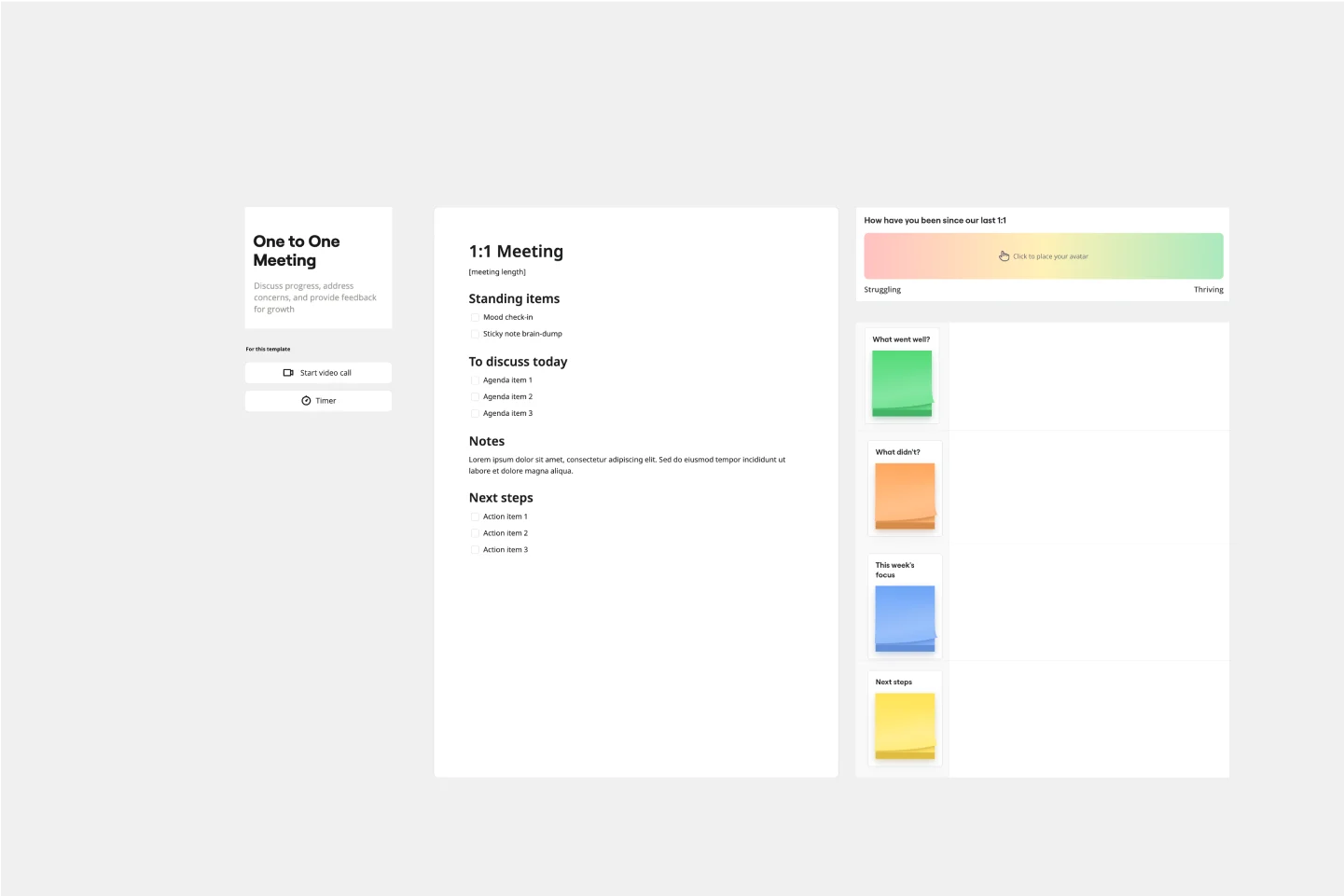
Ensure your meetings are productive by using a one-on-one meeting template. Create and stick to your agenda items, understand what’s going well, what isn’t working, and how to improve. Discuss what’s been accomplished and what’s still in progress.
Meeting Minutes Template

Meeting Minutes Template
With Miro's Meeting Minutes Template, capturing the essence of your meetings has never been more efficient and engaging. Stay on top of your projects, foster collaboration, and drive action with this user-friendly tool.
Meeting Agenda Template
A detailed, clear agenda — that’s what separates meetings that go completely off the rails from those where goals are met and things get done. So grab this template and set a meeting agenda that lays out expectations for before, during, and after the meeting. It’ll enable participants to get prepared beforehand and empower you to stay on-task and identify when the discussion is complete. (Tip: Plan ahead to send out your meeting agenda at least 24 hours before the meeting.)
Meeting Organizer Template

Meeting Organizer Template
When it comes to ideas generated during a meeting, you want quantity AND quality. So why choose? Our meeting organizer template will maximize your meeting’s chances of yielding lots of great ideas. It will give you a simple, efficient way to design any activity (including meetings and daily planning) and make sure remote teammates know just what the meeting aims to accomplish. And you can give your meeting organizer power by connecting Miro to your favorite apps and services: Atlassian’s JIRA, Google Drive, Slack, Trello, DropBox and OneDrive.
Effective Meetings

Effective Meetings
Run effective meetings and keep everyone focused with Zoom’s Effective Meeting Template. Bring structure and creativity to every online meeting.
One-on-one Meeting Template

One-on-one Meeting Template
Ensure your meetings are productive by using a one-on-one meeting template. Create and stick to your agenda items, understand what’s going well, what isn’t working, and how to improve. Discuss what’s been accomplished and what’s still in progress.