





Brainstorming for sales enablement teams

Turn pitch kickoffs and QBR prep into decisions, not debate. Build your messaging, prioritize plays, and walk out with a plan.

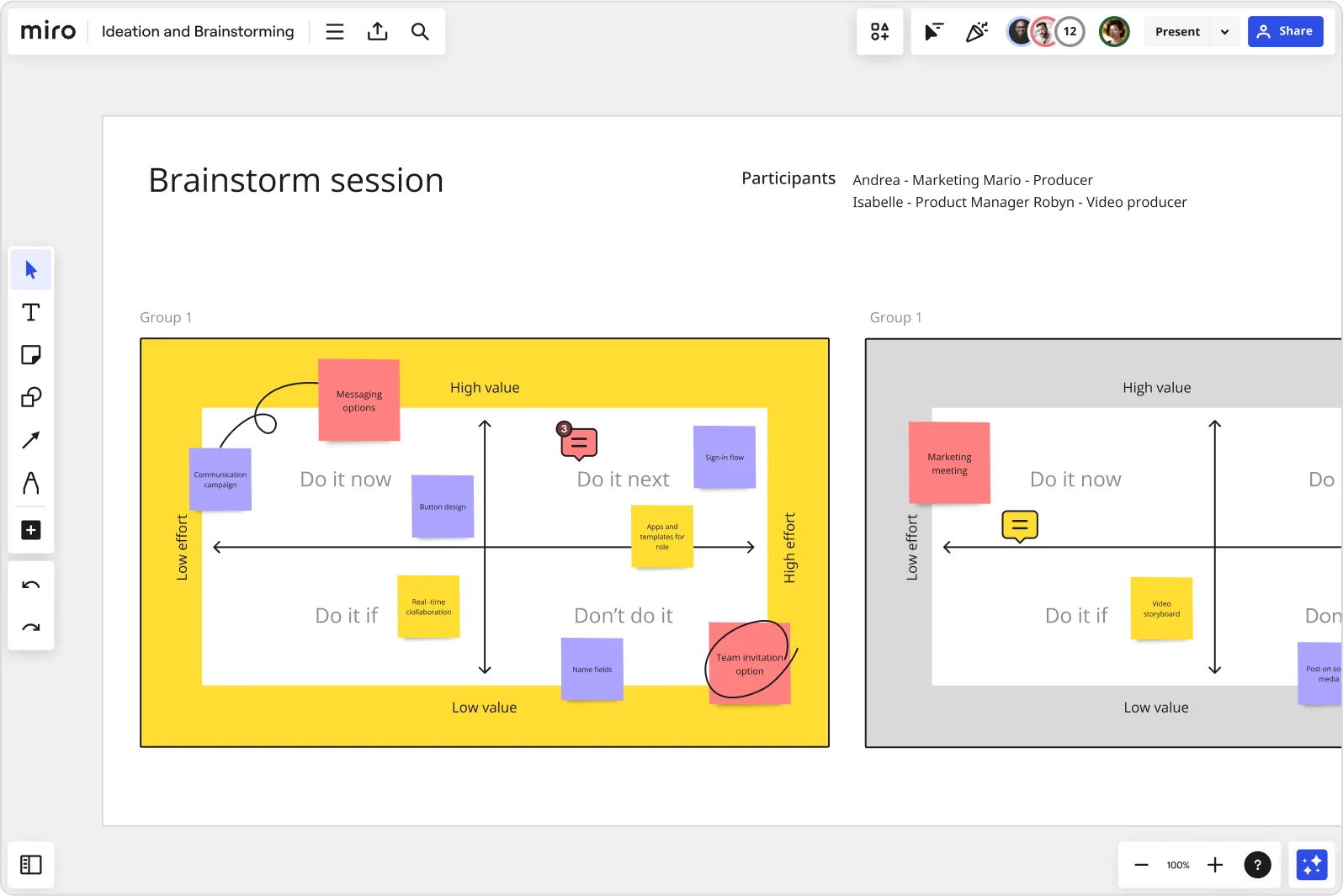
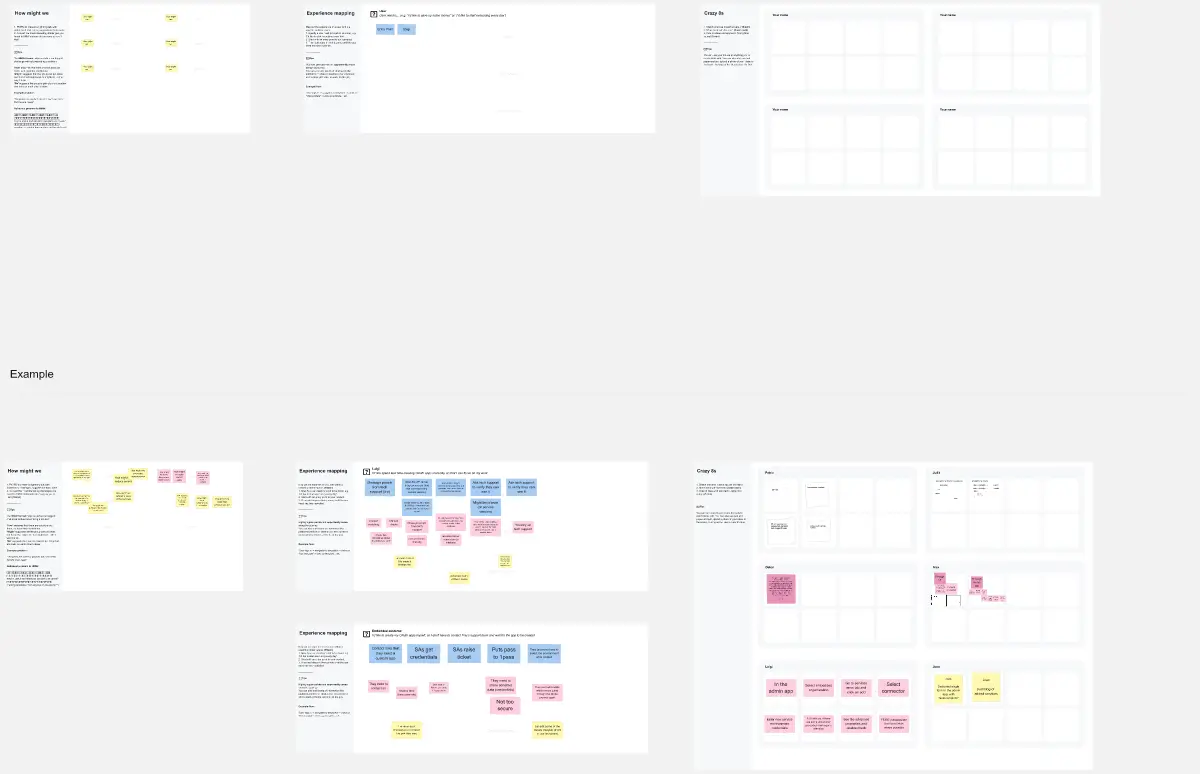
Miro brainstorm session board displaying an impact-effort matrix divided into four quadrants (Do it now, Do it next, Do it if, Don't do it) populated with color-coded sticky notes for features like messaging options, sign-in flow, button design, and team invitation option, with two group views visible side by side.

The research on brainstorming

  • 30%

    Collaborative go-to-market planning sessions achieved a 30% increase in daily leads from high-impact campaigns by aligning sales and marketing teams

    Source: McKinsey & Company

  • 10%

    Go-to-market workshops that replace MQLs with buyer readiness metrics and combine sales-marketing teams delivered 10% higher conversion rates and 5% revenue growth

    Source: McKinsey & Company

See brainstorming in action

Related templates for sales enablement teams

We have 193 templates in our library for Brainstorming.

Why sales enablement teams love brainstorming in Miro

  • From scattered pitch ideas to a prioritized messaging brief

    Every launch cycle, your reps surface conflicting objection-handling angles, and resolving them eats hours of Slack threads. Miro's AI automatically clusters related ideas by theme, so your enablement team moves from a wall of sticky notes to a structured messaging brief - before the next sales kickoff.
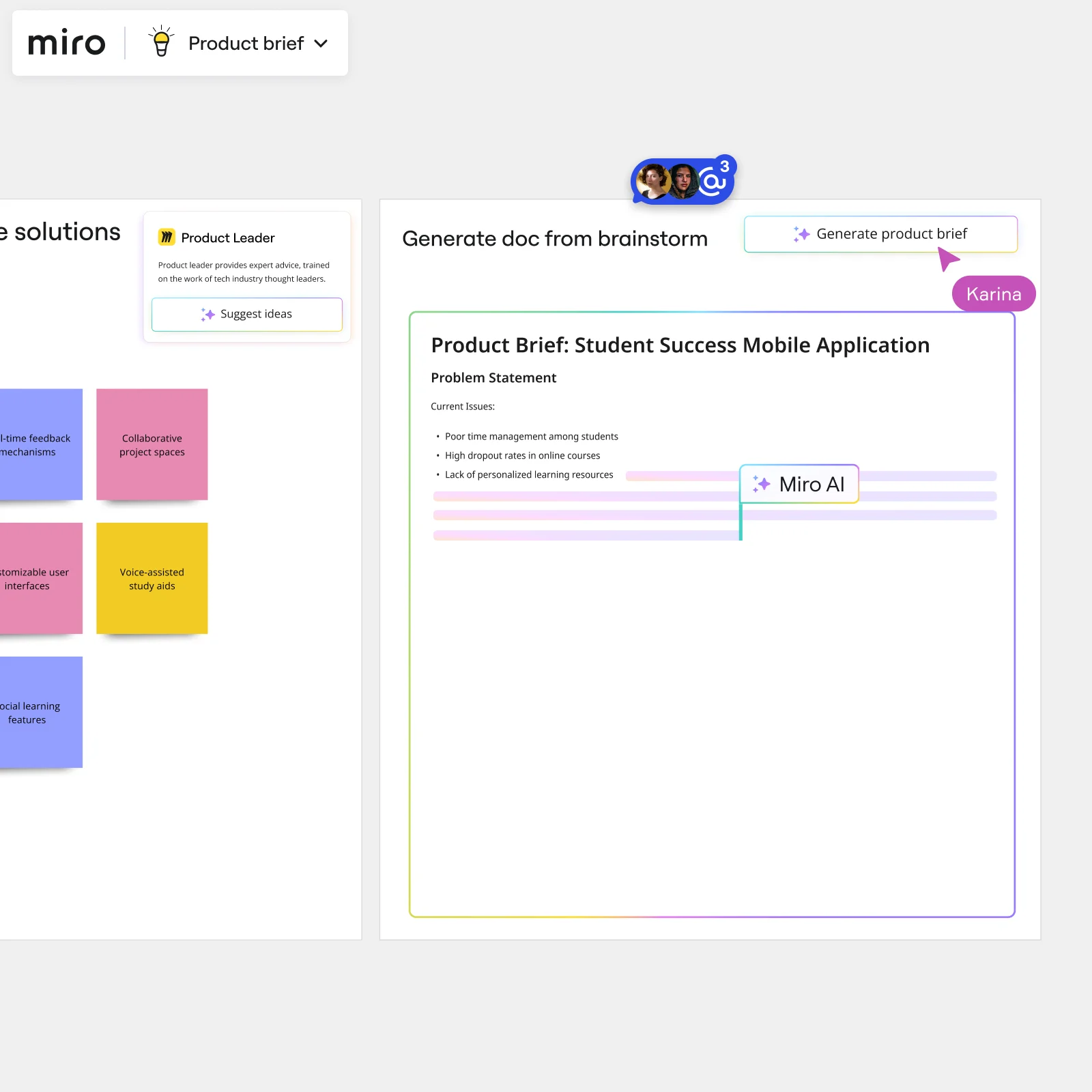
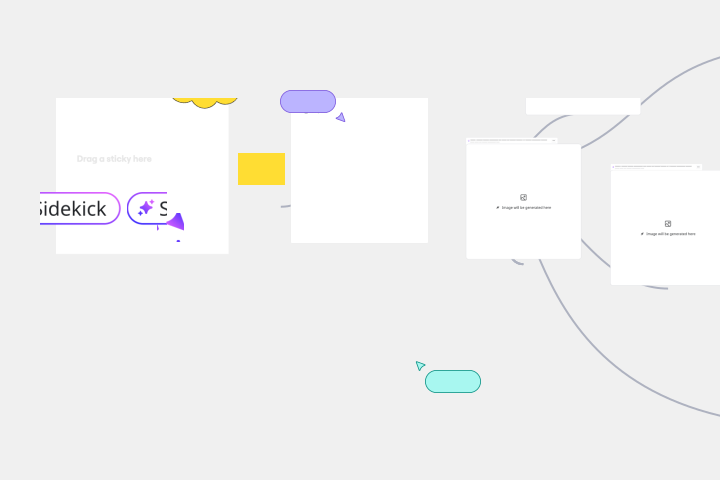
    Miro board showing AI-powered document generation from a brainstorming session, with a Product Leader AI sidekick panel on the left, colorful sticky notes listing solution ideas (collaborative project spaces, voice-assisted study aids, social learning features), and an AI-generated Product Brief document for a Student Success Mobile Application being created in real time by Miro AI.
  • Stop rebuilding your QBR deck from raw session notes

    After a brainstorm on competitive positioning or territory strategy, the real work usually starts: someone has to turn 80 sticky notes into a slide deck leadership will actually read. AI Slides generates that leadership readout directly from your brainstorm frames, with your brand colors applied automatically.

    Miro board split view showing colorful brainstorming sticky notes on the left (blue, pink, yellow) alongside an AI-powered document generation panel on the right, with a 'Generate product brief' button and Miro AI label actively generating content from the brainstorm.
  • Where your rep onboarding content gets built, not buried

    Small enablement teams of three need speed without extra tooling. Large orgs with dozens of reps across regions need consistency without losing nuance. Both get a shared canvas where content authors, product marketers, and sales managers build, react to, and refine onboarding plays side by side - using anonymous voting to cut through hierarchy and surface what reps actually need.

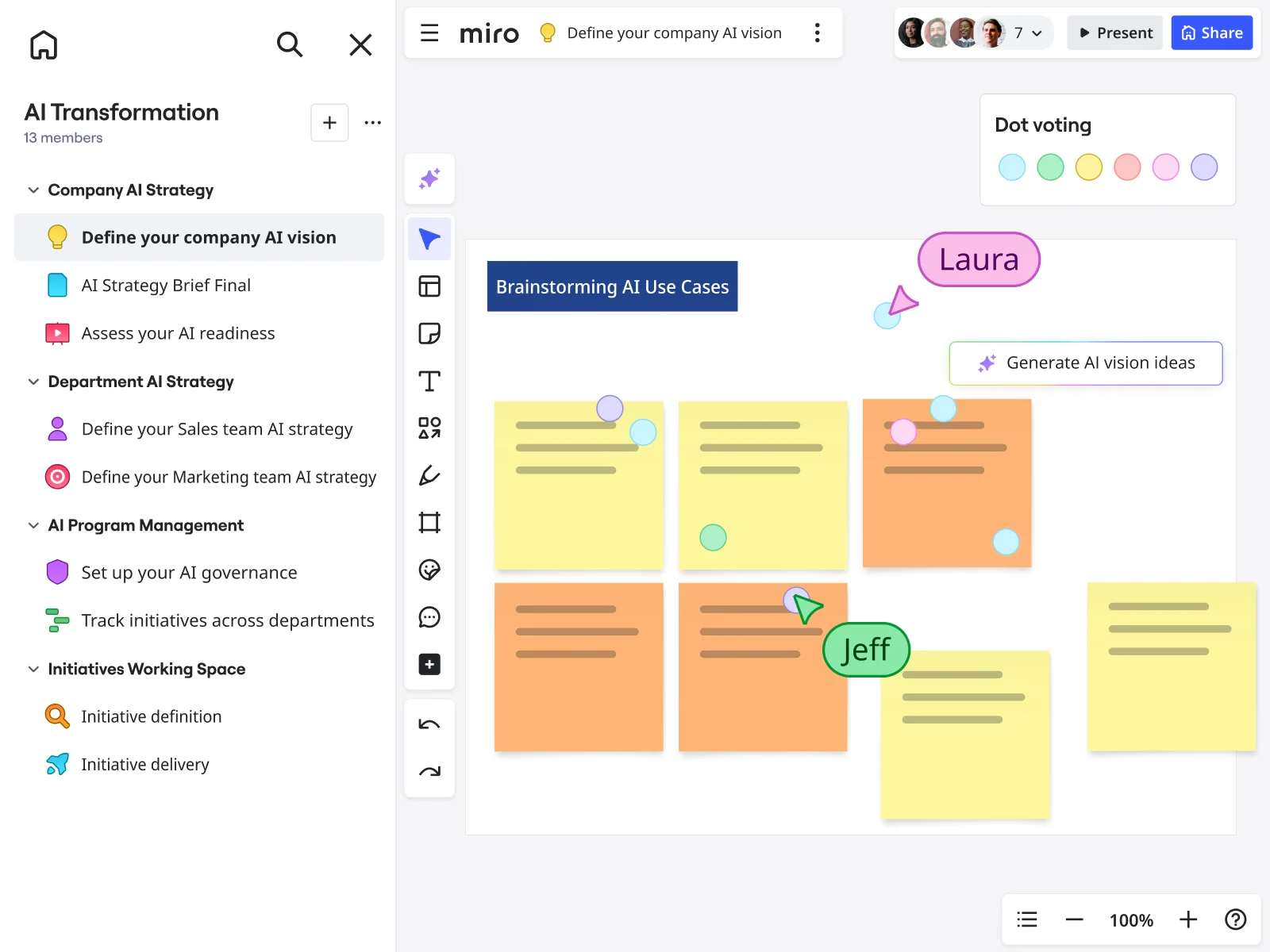
    Miro board showing a 'Brainstorming AI Use Cases' session with multiple yellow and orange sticky notes arranged in a grid, featuring dot voting dots in various colors, two visible collaborator cursors (Laura and Jeff), and a 'Generate AI vision ideas' AI button, within an AI Transformation workspace that has a structured left-panel navigation covering Company AI Strategy, Department AI Strategy, AI Program Management, and Initiatives Working Space sections.
  • When your Salesforce data and your messaging strategy finally meet

    Your team pulls deal-loss patterns from Salesforce, then has to manually translate those insights into training content - that handoff breaks constantly. Paste findings directly into Miro, use structured voting to prioritize the gaps that matter most, and push action items to Confluence or Slack without leaving the board.

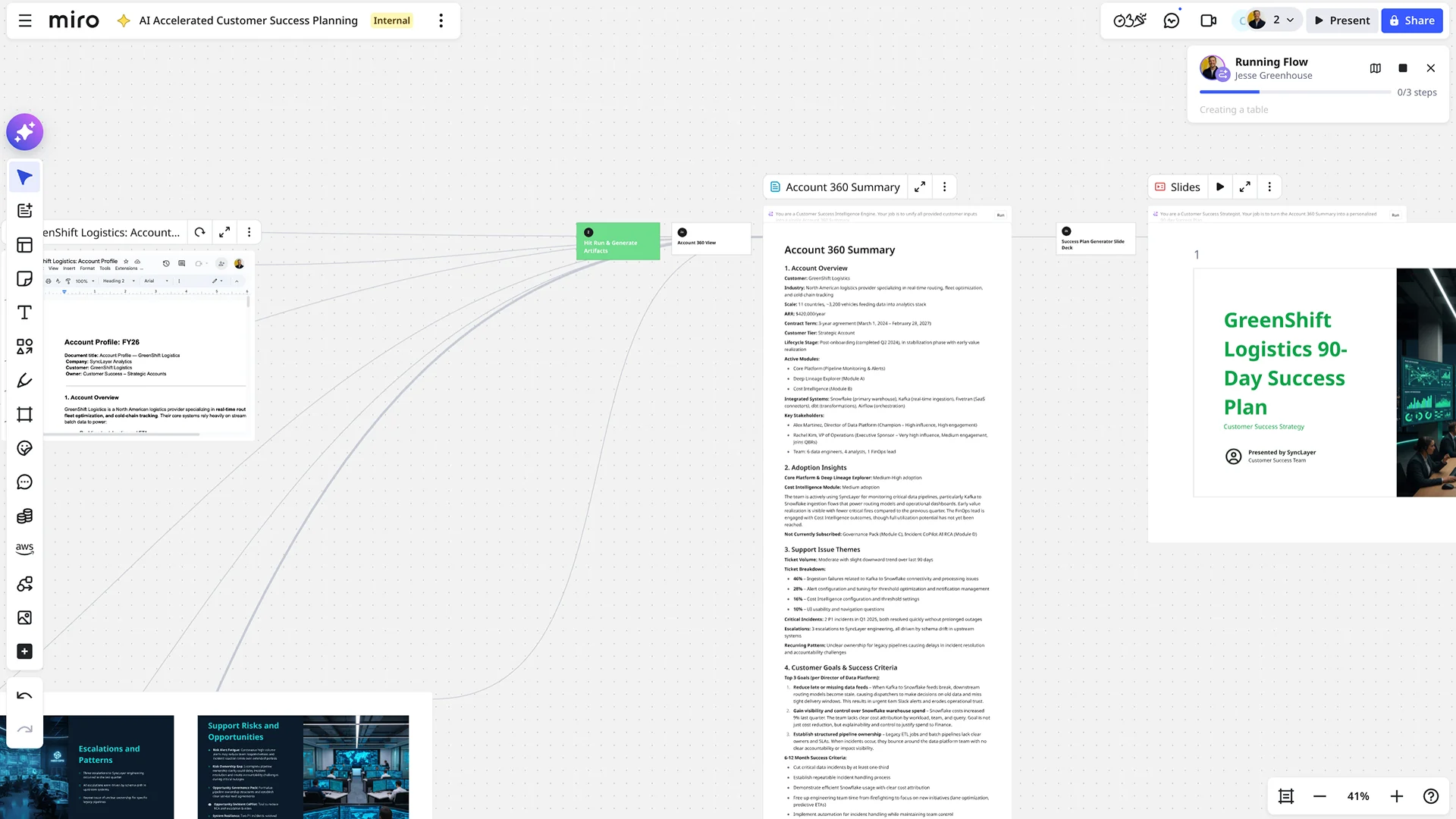
    Miro board showing an AI-accelerated customer success planning workflow, featuring an Account 360 Summary document for GreenShift Logistics with sections on adoption insights, support issues, and customer goals, alongside an AI-generated slide deck titled 'GreenShift Logistics 90-Day Success Plan' and a running AI flow panel showing automated document generation steps.
  • Build your competitive battlecard, start to finish, in one session

    Whether you're a solo enablement manager or a team supporting 500 reps, battlecard brainstorms follow the same painful pattern: ideas in one tool, drafts in another, final version in a third. Miro's Breakout Frames split your group by competitor or product line for parallel ideation, then merge everything back into one prioritized brief you can embed directly into your Confluence playbook.

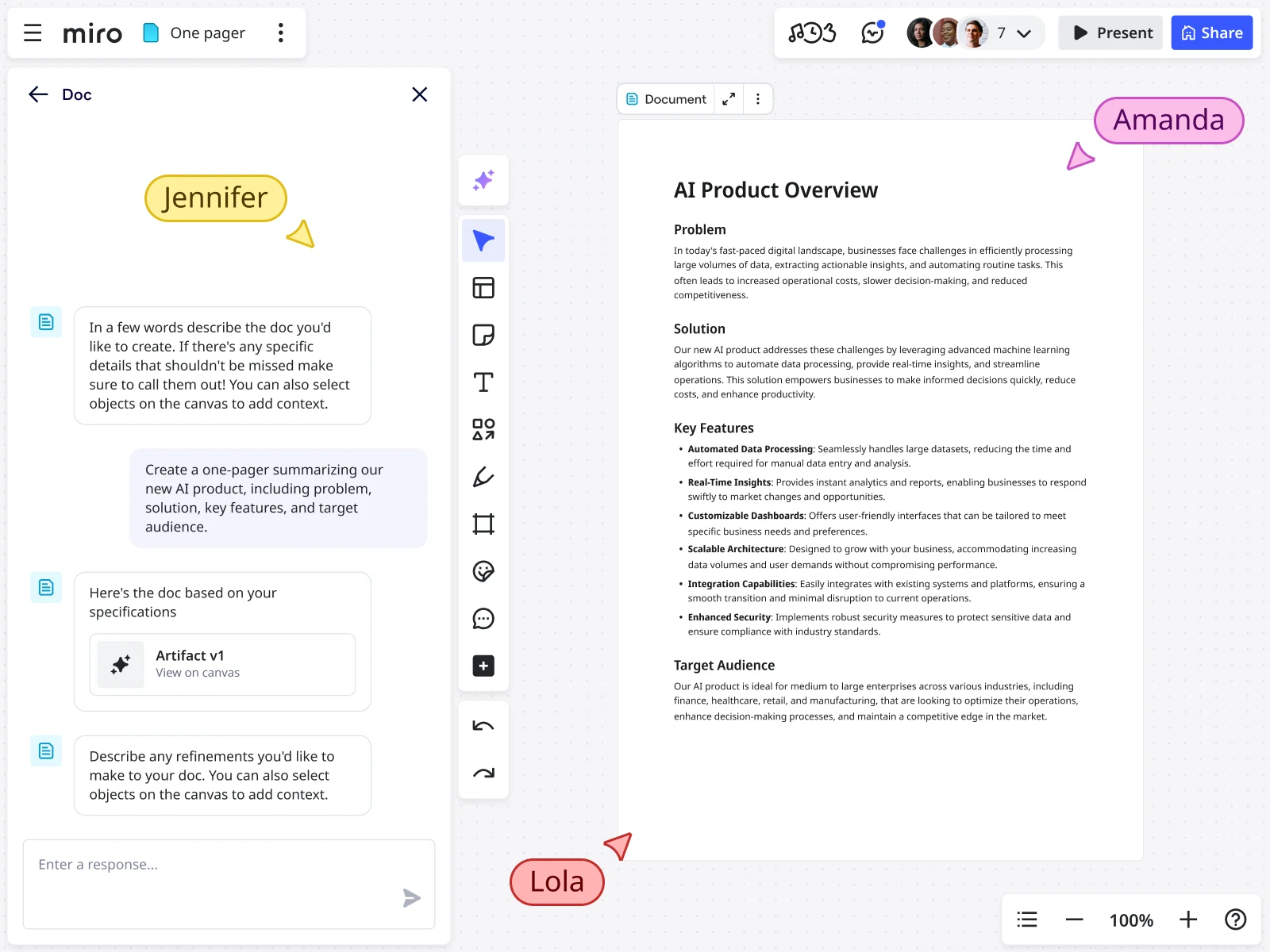
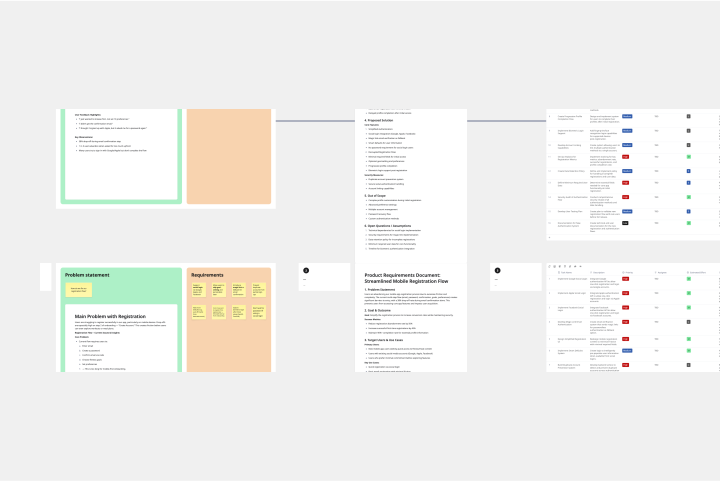
    Miro board showing an AI Doc sidebar chat interface where a user prompted the generation of a one-pager, and the resulting document titled 'AI Product Overview' was created with structured sections including Problem, Solution, Key Features (with six bullet points), and Target Audience, with multiple collaborators visible on the canvas.

How sales enablement teams get started with Brainstorming in Miro

  • Build your enablement brief board

    Open a brainstorming template from Miro's Template Library and use Frames to carve out three zones: one for the product launch context (drop in the latest positioning doc, Gong call clips, and rep feedback from Slack), one for content gaps, and one for asset priorities - so enablement managers and product marketers are literally looking at the same picture before a single sticky note goes up.

  • Surface content gaps with the field

    Set a Timer for two focused 6-minute rounds and have reps, regional managers, and product marketers simultaneously drop Sticky Notes in Bulk Mode - one gap, objection, or missing asset per line - then use Clustering to automatically group raw input into themes like "competitive objection handling," "discovery call messaging," and "demo leave-behinds," so the content priorities reveal themselves instead of getting argued over.

  • Vote on asset priorities before the meeting ends

    Use Dot Voting with a three-vote limit per person to force genuine choices between competing asset requests, then capture decisions with Comments - assign a content owner and deadline to each top-voted item directly on the board so the session produces a handoff-ready content brief, not a wall of unprocessed stickies.

  • Turn the brief into a shareable readout

    Drag your prioritized clusters and ownership assignments into a Miro Doc, use Doc-level AI actions to rewrite the top priorities in crisp, leadership-ready language, then generate a AI Slides deck with the prompt "for VP of Sales, 3 slides: content gaps, prioritized asset list, owners and timelines" - so enablement leads walk into the next QBR with a deck that didn't take an extra afternoon to build.

Brainstorming tips for sales enablement teams

  • Before your session, color-code Sticky Notes by source - one color for Gong call insights, another for rep Slack feedback, another for product marketing input - so when Clustering runs, you can instantly see whether a content gap is field-driven or PMM-driven, which changes who owns the fix.

  • Embed the final Miro Doc summary into your Confluence or Highspot page via /miro and lock the default view to the brief recap frame, so reps and writers always find the current asset list without hunting through a working canvas full of half-finished stickies.

  • If your launch involves multiple regions with different messaging needs, use Breakout Frames to run parallel gap-analysis rounds by region, then consolidate into a single prioritized list - it stops regional managers from customizing messaging on their own before you've agreed on a core narrative.

Understand how sales enablement teams transform their work

  • Productive Group Brainstorming Environment

    Verified User

    G2
  • Collaborative brainstorming tool for research and development teams

    Verified User

    G2

Brainstorming essential guide for sales enablement teams

CategoryKey insights
  • Common mistakes to avoid

    The biggest session-killer for enablement managers is skipping a warm-up and jumping straight into messaging ideation - introverted team members go quiet, the VP of Sales dominates the whiteboard, and you end up with his talking points instead of the field's real objections. Lock your board objects before you invite reps in, run time-boxed rounds with Timer, and always close with Clustering and Dot Voting so the session ends with a ranked content priority list and a named owner for every asset - not a canvas full of sticky notes nobody will touch again. For larger orgs running sessions across regions, watch out for giving everyone unlimited votes: without a cap, prioritization gets muddy and your content calendar stays just as unclear as before the meeting.

  • Key integrations for sales enablement teams

    Slack and Confluence keep the brainstorm connected to wherever your existing knowledge lives, so reps can pull context from past call notes or product docs without leaving the session. Gong recordings and Confluence pages are where the signal lives before an enablement brainstorm; pairing those with Miro's AI Search and Miro Docs means the output is already structured for the content writer or designer picking it up next. At scale, Jira helps larger enablement orgs track which content assets are in flight, so the handoff from brainstorm to finished playbook doesn't fall apart in a Slack thread.

  • When to use it

    Use this when a product launch is three to four weeks out and the gap between what product marketing has handed over and what reps need for discovery calls is still wide open. That's the moment to get your product marketer, a few regional sales managers, and your best-performing reps into a Miro board together: run brainwriting rounds with Timer, break into Breakout Frames by region or segment, then use Clustering and Dot Voting to surface the three to five messages that actually resonate in the field. You leave with a prioritized content brief that can go straight to a writer the same day, rather than a Slack thread full of opinions that never turns into a battlecard.

  • Security & Compliance

    For enablement teams at larger organizations handling proprietary pricing, competitive intelligence, or unreleased product positioning, Miro's SOC 2 Type II certification and data residency controls mean sensitive brainstorm sessions don't become a compliance conversation with legal. Private Mode lets reps contribute candid objection-handling ideas without anchoring each other, and granular sharing permissions let you open a board to a specific regional team without exposing content meant for a different segment. Smaller teams get the same security foundation out of the box, so you're not trading safety for speed regardless of how big your org is.

Frequently asked questions for sales enablement teams

Last updated: Monday, September 14, 2026