All templates

AI Product Requirements Prioritization

Miro

1.1K views
30 uses
3 likes

Report

How to use the AI Accelerated Product Requirements Prioritization template

  • Brainstorm your requirements. Get all the potential features, fixes, and ideas out of your team’s heads and onto the board. This is where you capture everything you could do for your product.

  • Plot each requirement on the matrix. This is the core of the exercise. For each idea, discuss with your team where it falls on the grid based on its potential impact for the user and the effort required to build it.

  • Generate a priority table. With your priorities visualized on the matrix, you can now create a clear, prioritized list of requirements. This creates a clear input for your product roadmap or backlog, backed by a shared understanding across the team.

Miro

The AI Innovation Workspace

Miro brings teams and AI together to plan, co-create, and build the next big thing, faster. Miro empowers 100M+ product managers, designers, engineers, and more, to flow from early discovery through final delivery on a shared, AI-first canvas. By embedding AI where teamwork happens, Miro breaks down silos, improves alignment, and accelerates innovation. With the canvas as the prompt, Miro's collaborative AI workflows keep teams in the flow of work, scale shifts in ways of working, and drive organization-wide transformation.


Categories

Similar templates

0 likes
7 uses
PI Planning Wrap up & Tracker SAFe Template
1 likes
13 uses
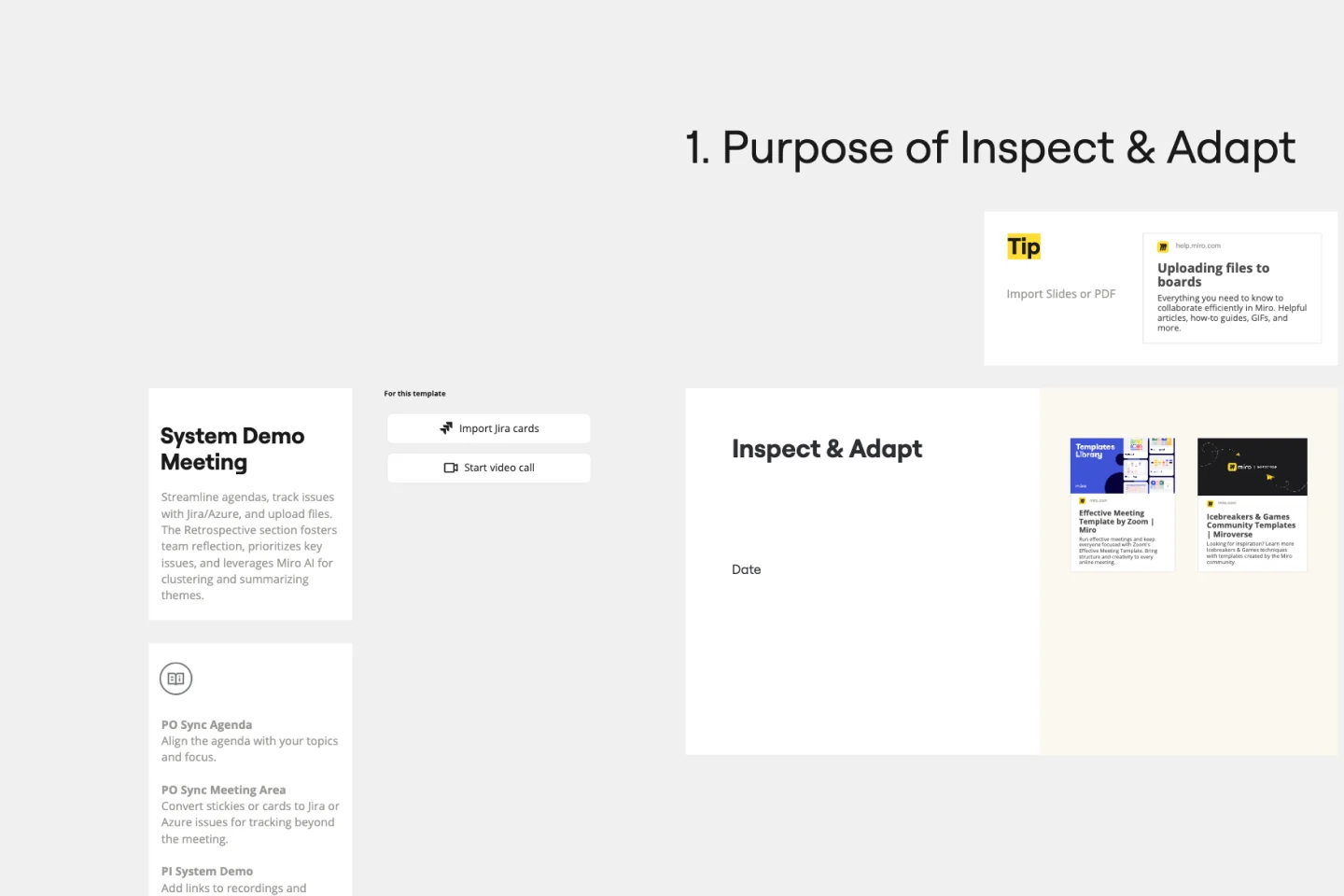
Inspect & Adapt Meeting SAFe Template
0 likes
4 uses
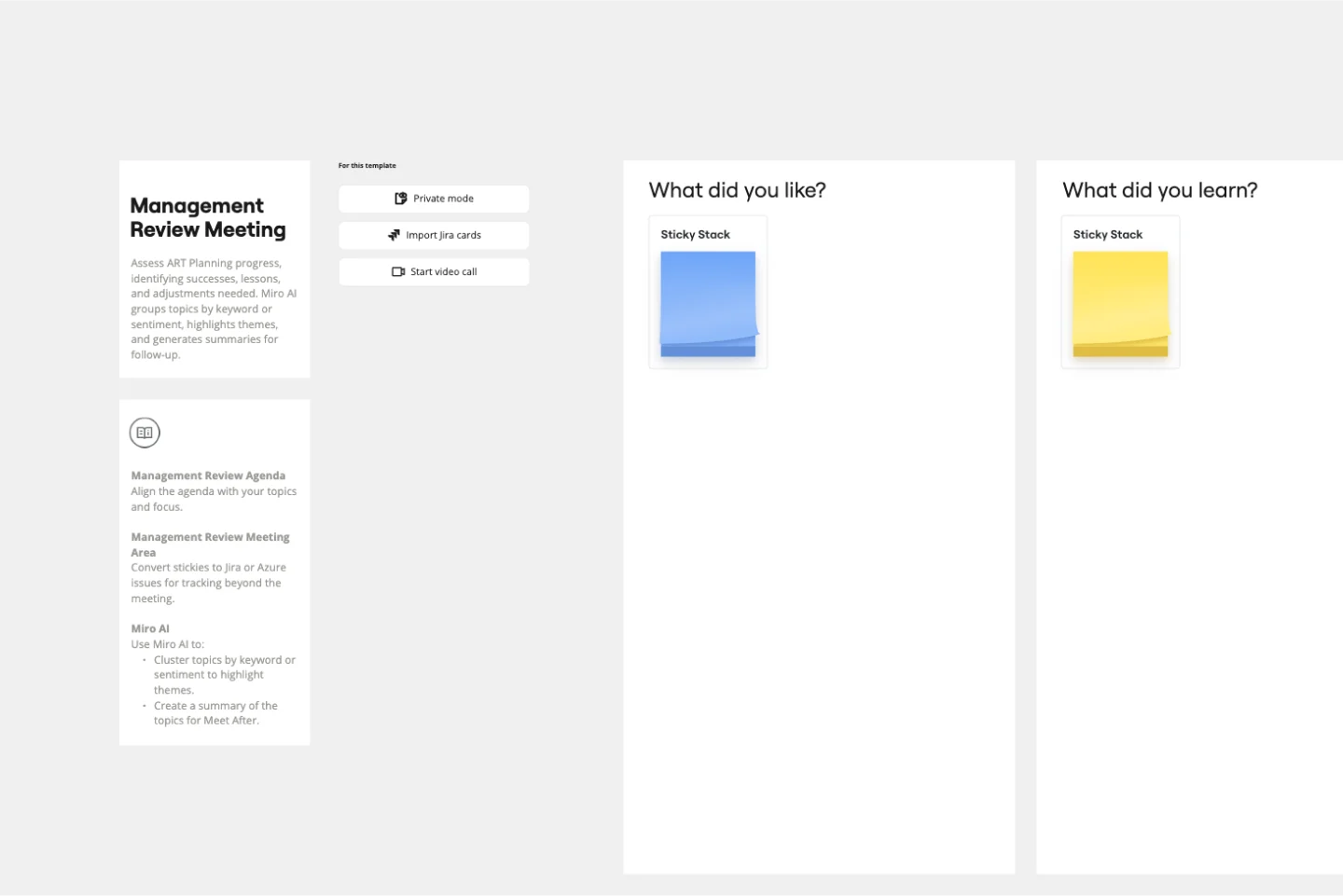
Management Review Meeting SAFe Template
0 likes
14 uses
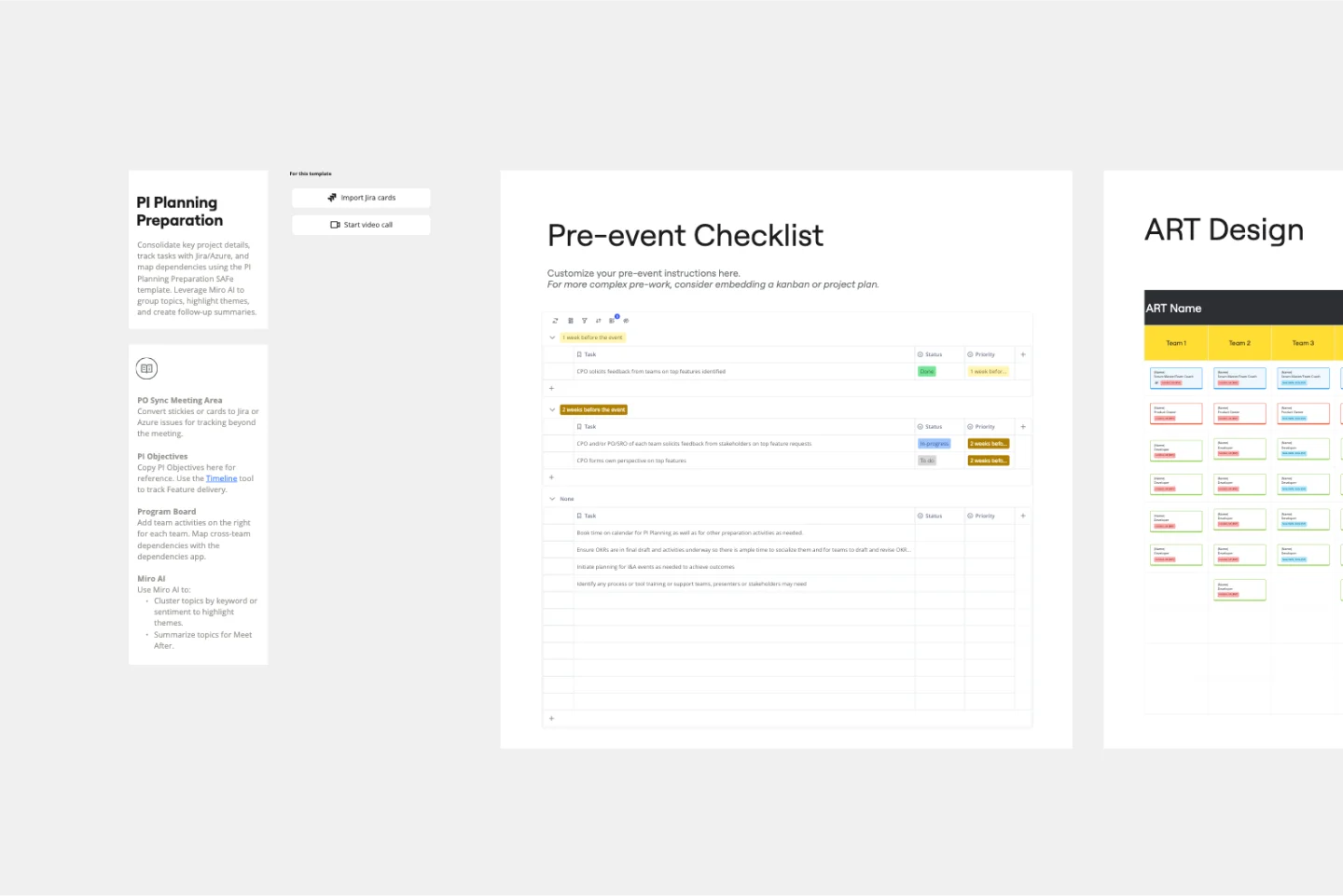
PI Planning Preparation SAFe Template
0 likes
42 uses
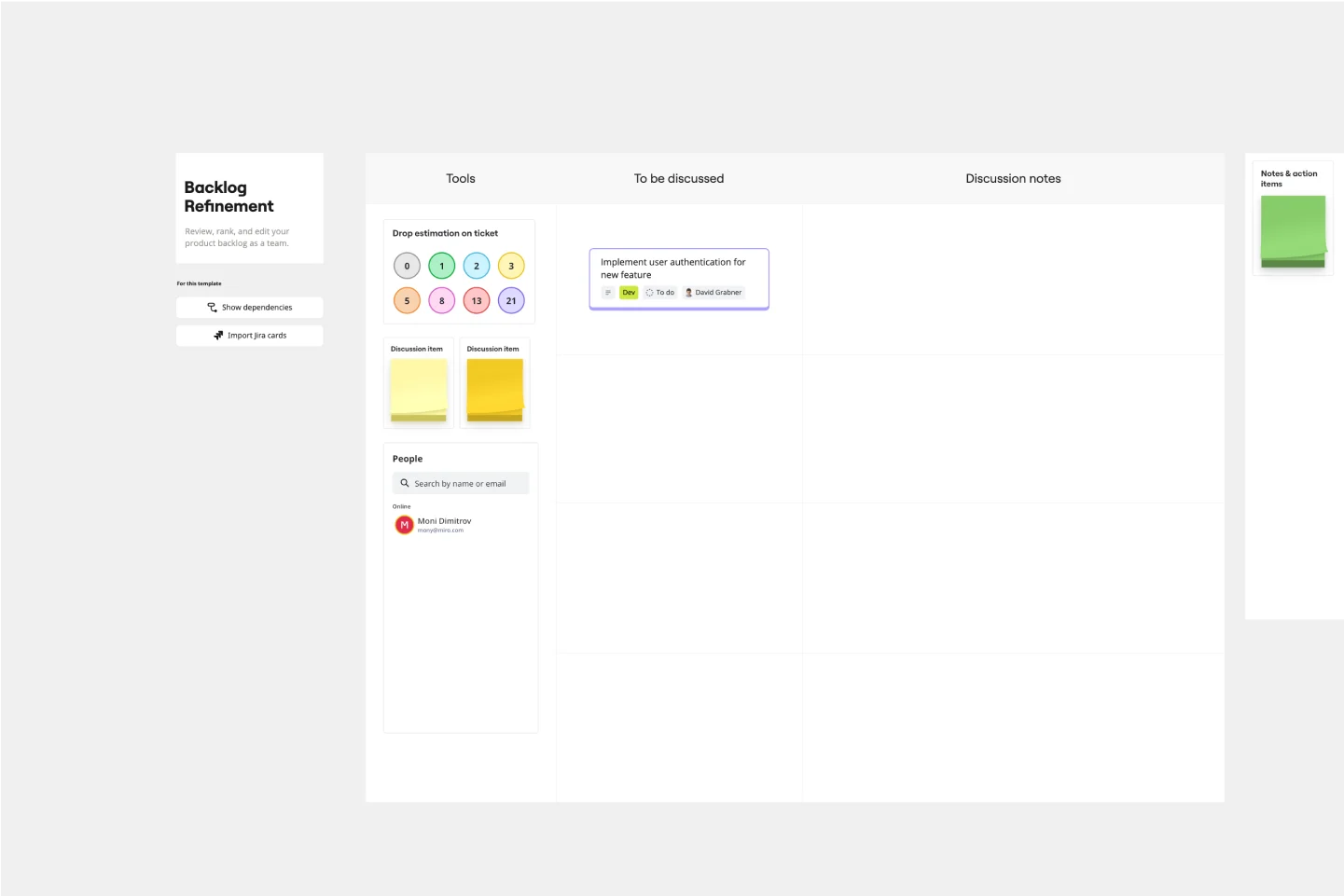
Backlog Refinement Template
0 likes
2 uses
LACE Agenda and Backlog SAFe Template