






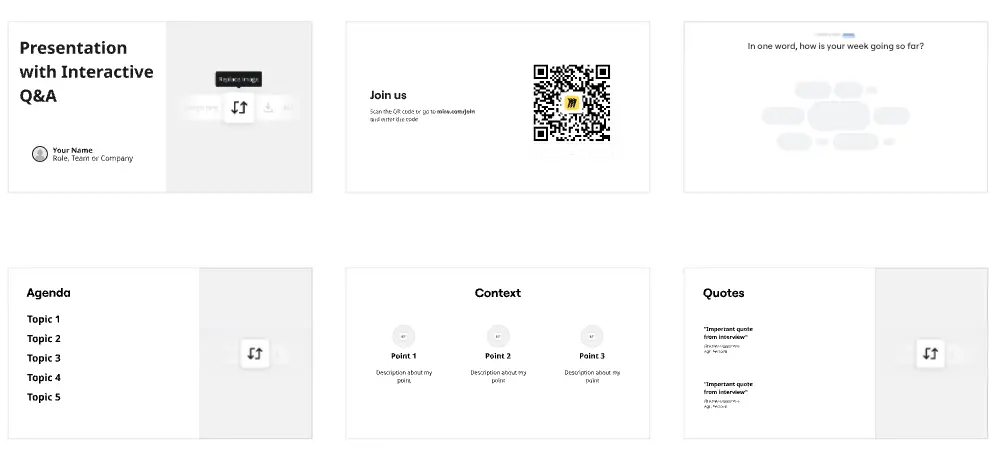
Presentations for sales managers

Turn your sales content into decks your reps actually use. Build, present, and share from one canvas.

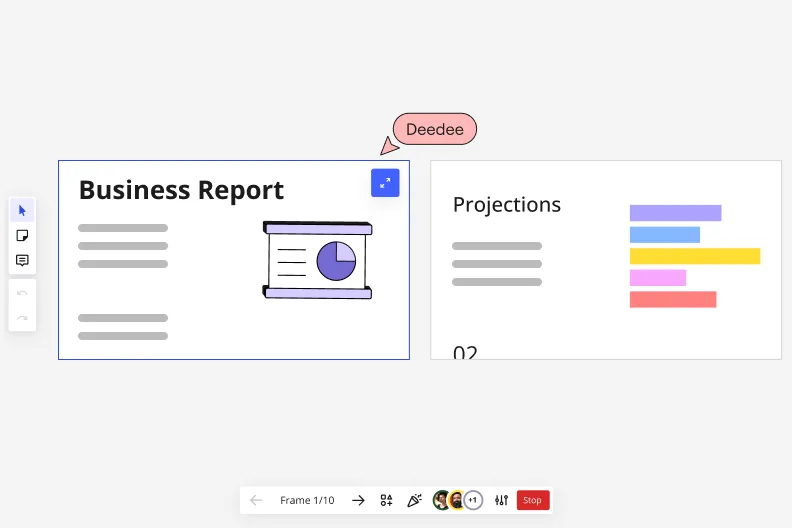
Miro's presentation mode showing Frame 1/10 with a 'Business Report' slide featuring a pie chart illustration on the left, and a 'Projections' slide with a horizontal bar chart on the right, with a collaborative cursor labeled 'Deedee' and playback navigation controls at the bottom.

What experts say

  • The way we present information and tell stories using slides has a massive impact on how well our ideas are understood and remembered.

    Nancy Duarte

    Speaker and CEO · Duarte

    Industry Expert
  • Professionals who flip their workflow - thinking first, slides last - create presentations in half the time with dramatically better results.

    Mary Beth Hazeldine

    Author · Winning Presentations

    Industry Expert

The research on presentations and slides

  • 50%

    Interactive whiteboard conversations lead to 50% higher lead conversion rate compared to static presentations

    Source: Corporate Visions

  • 66%

    Visual presentations with graphs and diagrams increased audience conviction from 50% (verbal only) to over 66%, demonstrating the persuasive power of diagramming in consulting presentations

    Source: Cornell University / Wharton School of Business

See presentations and slides in action

Related templates for sales enablement managers

We have 22 templates in our library for Presentations and Slides.

Why sales teams love creating presentations with Miro Slides

  • From battle cards to boardroom-ready slides

    Your enablement content lives across Miro boards, Google Docs, and shared drives. Instead of rebuilding it in PowerPoint every quarter, use Frames as individual slides and turn existing board content into a polished deck in minutes. Miro's AI slide generation fills structural gaps from a text prompt, no blank-slide panic required.
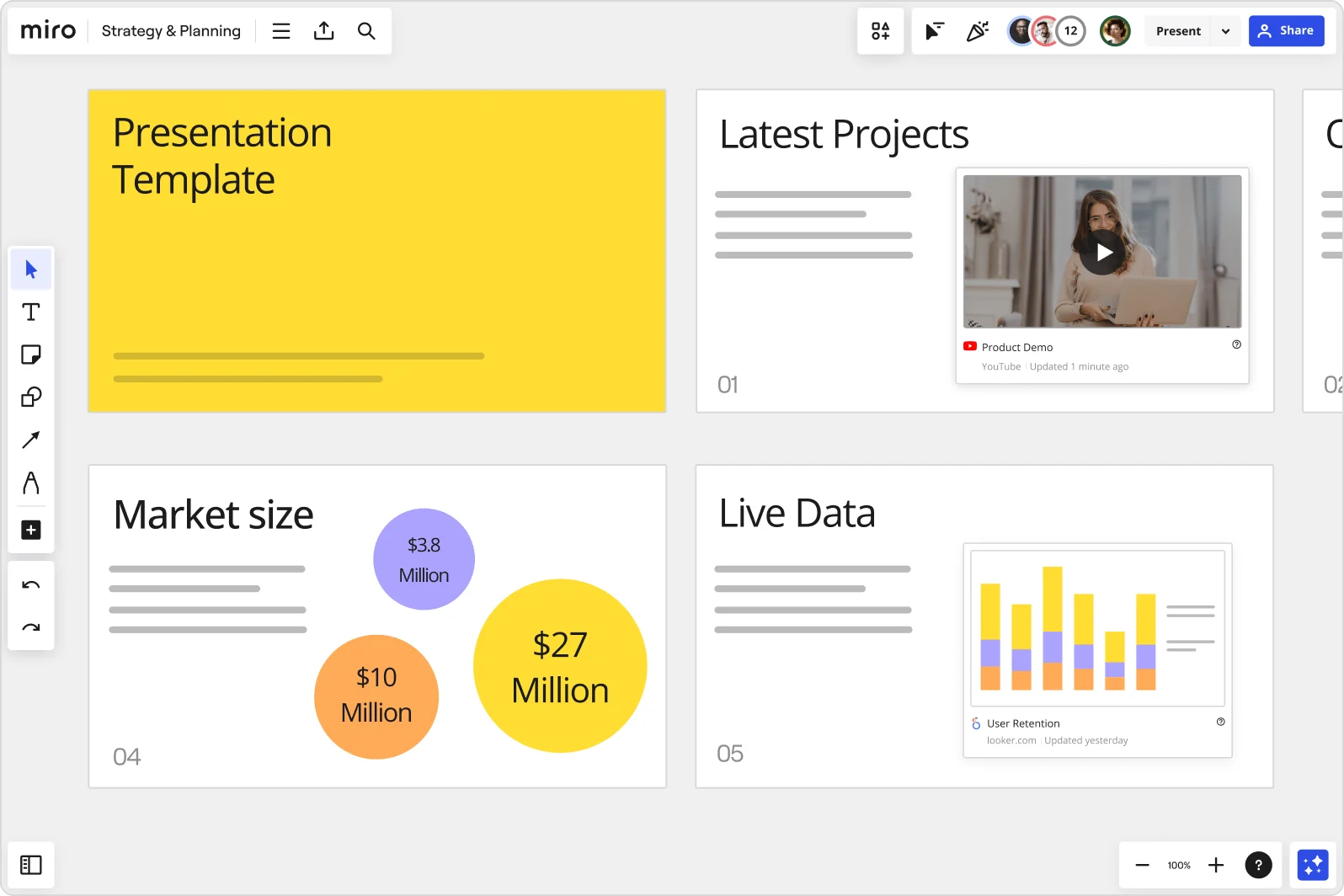
    Miro board showing a Strategy & Planning presentation workspace with four slides visible: a yellow title slide labeled 'Presentation Template', a 'Latest Projects' slide with an embedded YouTube Product Demo video, a 'Market size' slide with bubble charts showing $3.8M, $10M, and $27M values, and a 'Live Data' slide featuring an embedded Looker.com User Retention bar chart.
  • When reps in three time zones miss the live session

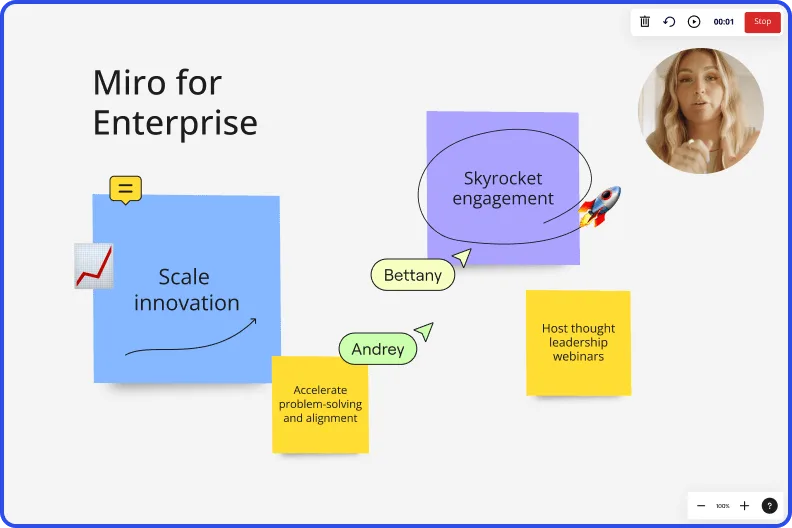
    Not every seller joins your live kickoff or QBR training. Record a Talktrack walkthrough with synchronized audio and board navigation so distributed sales teams replay the full deck on their own schedule, with your emphasis and context intact.

    Miro board recording showing Miro for Enterprise presentation with sticky notes about scaling innovation and skyrocketing engagement
  • Your pipeline-review deck, without the weekly rebuild

    Recurring sales reviews share the same structure, just different numbers. Save your standard deck as a Presentation Blueprint and reset it each cycle rather than duplicating last quarter's board. Small enablement teams skip the setup tax; large orgs get a consistent format across every region and segment.

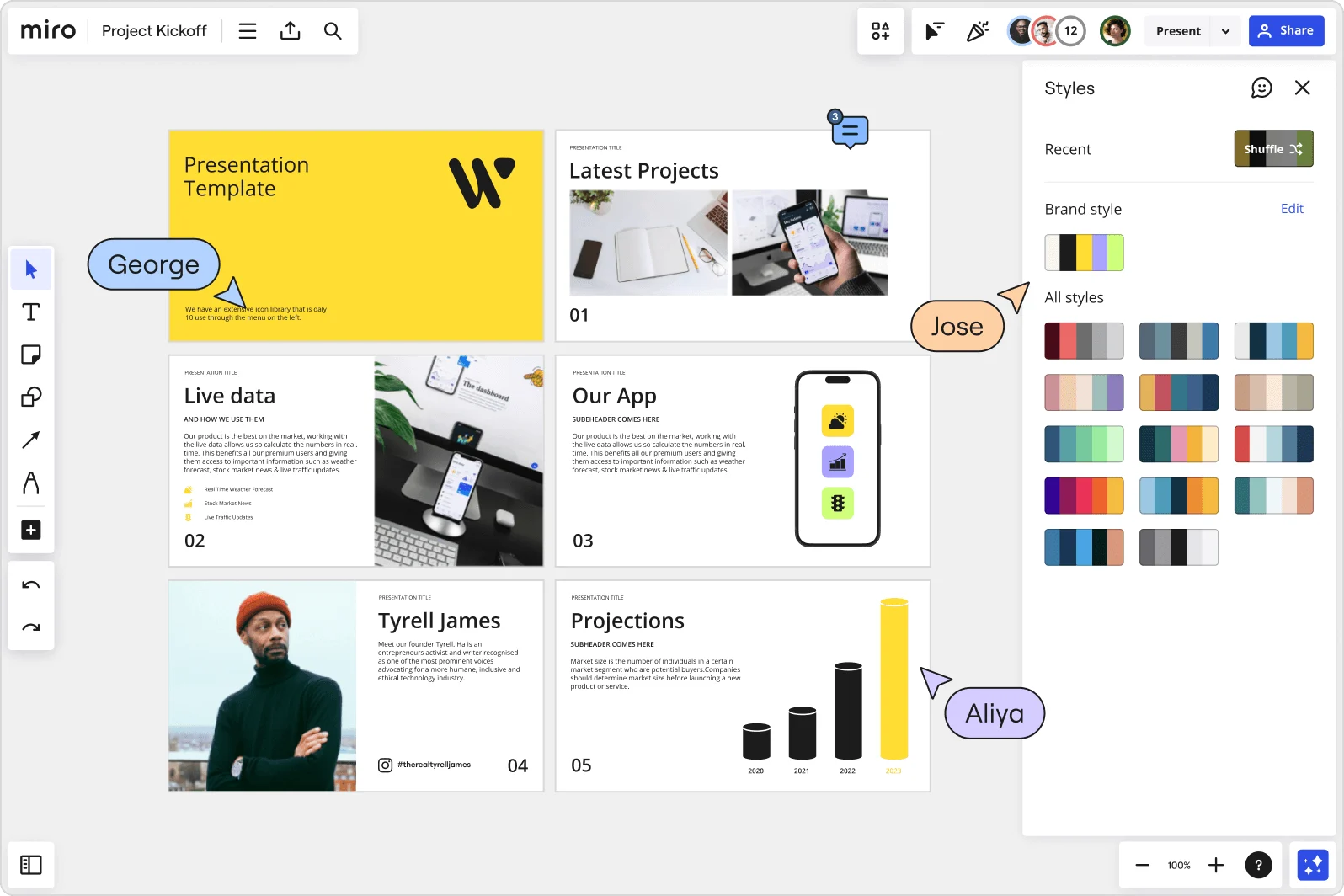
    Miro board showing a Project Kickoff presentation template with five slides including a title slide, Latest Projects, Live Data, Our App, a founder profile for Tyrell James, and Projections with bar charts. A Styles panel is open on the right showing brand color palettes and a Shuffle option, with three collaborator cursors visible (George, Jose, and Aliya).
  • Get live buy-in during your sales kickoff, not just applause

    Passive decks don't tell you if reps understood the message. Run Miro Engage polls and word clouds inside your slides so reps vote on objection-handling priorities or surface knowledge gaps in real time. Responses export directly to sticky notes for immediate follow-up, whether your kickoff has 8 reps or 800.

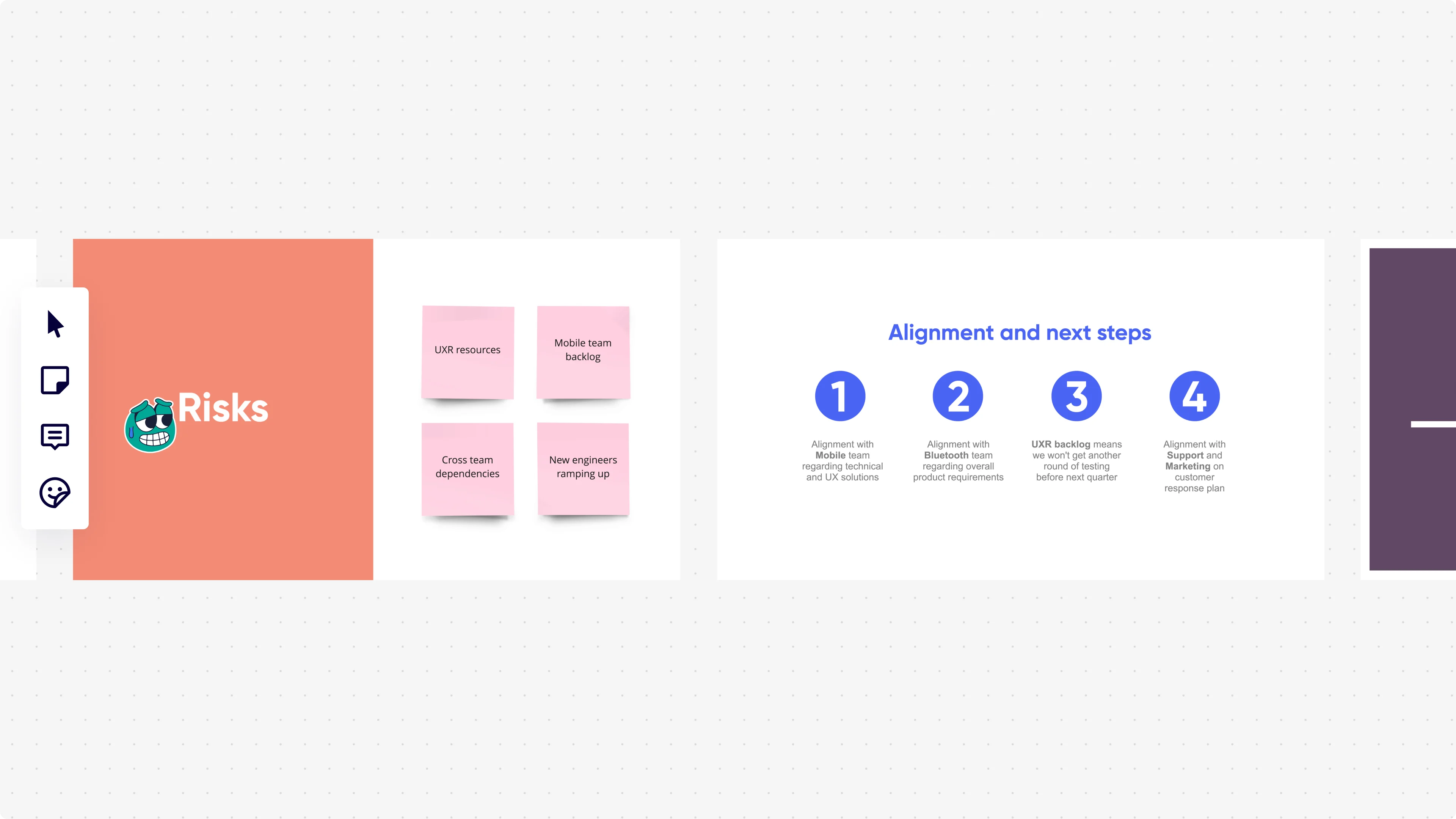
    Miro presentation mode displaying two slides side by side: a 'Risks' slide with an orange background showing four pink sticky notes (UXR resources, Mobile team backlog, Cross team dependencies, New engineers ramping up), and an 'Alignment and next steps' slide with four numbered blue circle icons listing team alignment actions with Mobile, Bluetooth, UXR backlog, and Support/Marketing teams.
  • Where Salesforce data and Figma assets meet your slides

    Switching tabs mid-presentation kills momentum. Embed live dashboards, PowerPoint reference decks, and Figma design frames directly onto slide frames using External Embeds, so your revenue numbers and product visuals are always current when you present to sales leadership.

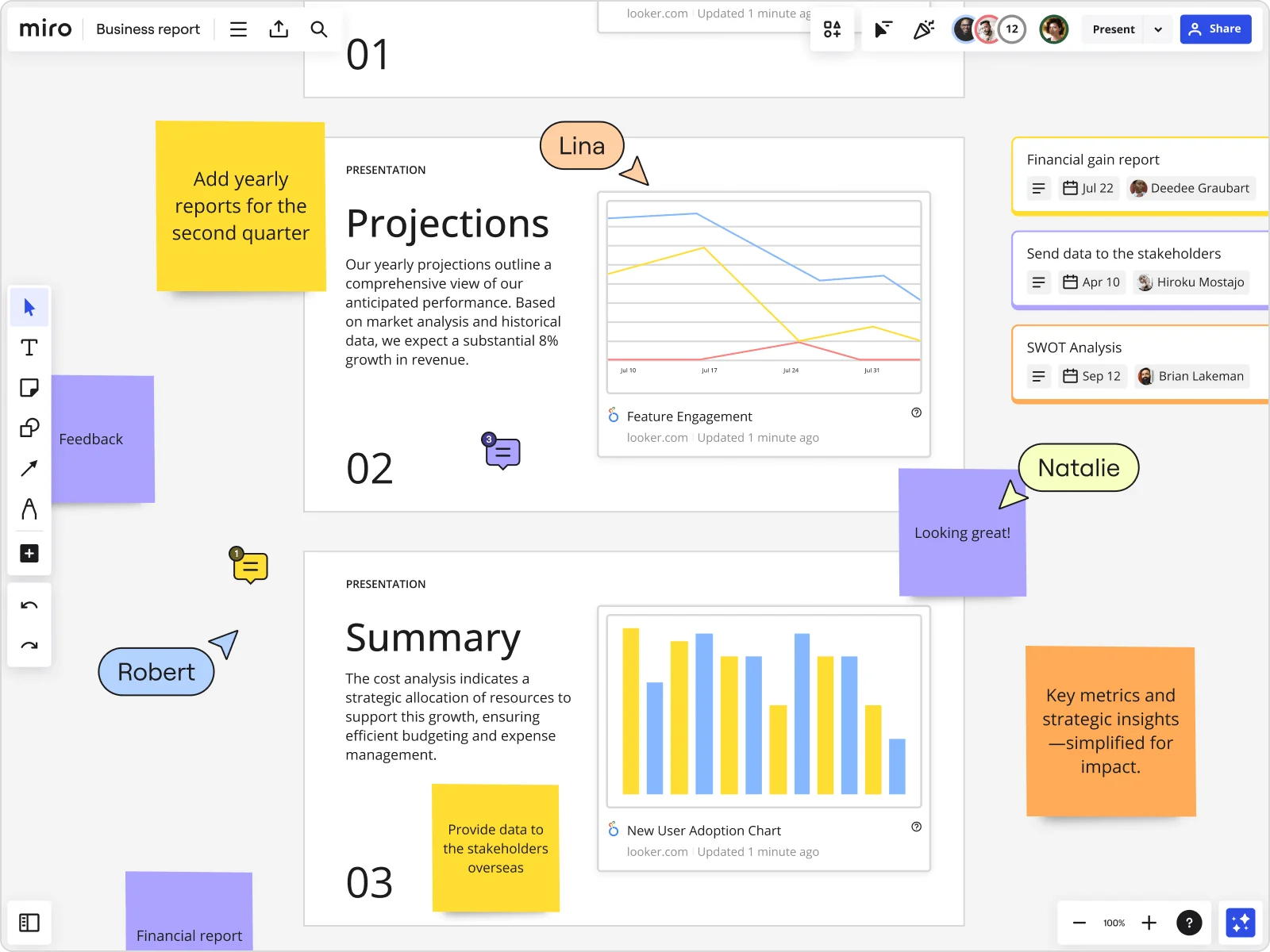
    Miro board showing a Business Report with two presentation slides (Projections and Summary) containing embedded Looker charts for Feature Engagement and New User Adoption, alongside sticky notes with tasks, three task cards for Financial gain report, Send data to stakeholders, and SWOT Analysis, and collaborative cursors from users named Lina, Natalie, and Robert.

How sales managers get started with presentations and slides in Miro

  • Build your canonical pitch deck board

    Open a new Miro board and pull in your latest product marketing brief, Gong call insights, and objection-handling frameworks, then use AI Generate Slides to draft your full sales deck from a single prompt like "10-slide discovery deck for mid-market SaaS buyers: problem, solution, proof points, objection handling, next steps."

  • Lock in rep-ready slide structure

    Use Frames to give each talk track section its own slide, name frames by deal stage ("Discovery," "Objection: pricing," "Close") so the sidebar doubles as a navigation guide reps can jump to mid-call without fumbling.

  • Record a Talktrack for every SKO-critical slide

    Narrate through your pitch with Talktrack so new reps ramping before Monday's onboarding cohort can replay your delivery, tone, and emphasis on demand - no live trainer required for the first pass.

  • Standardize across the field with Blueprints

    Set up an Executive Presentation Blueprint as the single source of truth for the org's pitch deck structure, then use Synced Copies so regional sales managers pull the latest messaging without accidentally running last quarter's competitive slides in a live deal.

Slides tips for sales enablement managers

  • Before your next SKO, configure Brand Center so AI Generate Slides auto-applies your brand palette - reps won't need to manually reformat a single slide before they take it live.

  • Use Voting inside Presentation Mode during rep certification sessions to instantly gauge whether your new talk track is landing, then address weak spots before they cost a deal.

  • For small enablement teams updating decks on a tight launch deadline, use AI Flows with a human-in-the-loop approval gate so product marketing signs off on messaging before slides go rep-ready - no more version chaos in a shared Drive folder.

Understand how sales enablement managers transform their work

  • A great tool for interactive workshops in the AI & digital marketing field to map up the needs of my clients. I also appreciate Miro in my sales funnel to present things in a more engaging way than PowerPoint.

    Verified User

    G2
  • At my job, we use Miro to make our presentations more interactive. After creating presentations within various software, we upload to Miro and add sticky notes to each slide in the deck. These sticky notes allow live notetaking during meetings. While recently implemented, we have it for at least five presentations over the last few weeks.

    Verified User

    G2

Presentations and slides essential guide for sales managers

CategoryKey insights
  • Common mistakes to avoid

    The biggest trap sales managers fall into is treating Miro frames like document pages, cramming in talk tracks, objection-handling notes, and proof points until every slide looks like a Salesforce report nobody asked to read. Set your frame order before you go live, because the default creation order will scramble your narrative right when a VP is watching. And if your reps are still copy-pasting Miro content into PowerPoint to send the deck out, you're doing double the work for half the result.

  • Key integrations for sales enablement managers

    Connect Miro to Google Slides or PowerPoint so your team can move assets between tools without losing the source of truth when field reps want a file they can email. Zoom and Microsoft Teams integrations mean you can run a live discovery call training or SKO session directly from the board without switching tabs mid-presentation. For larger sales orgs managing content libraries in Highspot or Seismic, Confluence keeps your enablement documentation in sync with the decks your reps are actually using.

  • When to use it

    Use this when a product launch, pricing change, or competitive shift means you need to rebuild the canonical pitch deck before Monday's pipeline call and you can't afford to start from scratch in a separate tool. For example, an enablement manager spinning up a new rep cohort can pull Gong-informed talk tracks and objection frameworks from the existing Miro board, use AI slide generation to turn that content into a polished, sequenced deck, and share a Talktrack recording so reps in different time zones can walk through it on their own schedule before the kickoff. When you need live participation during a sales training, Interactive Presentation Mode with Voting and Breakout Frames turns a passive slide deck into a working session where reps actually practice the messaging.

  • Security & Compliance

    Miro is SOC 2 Type II certified, which covers the baseline security bar most sales leadership and procurement teams will ask about during an internal tool review. For enterprise sales orgs handling sensitive deal data or operating under strict IT governance, data residency controls and granular sharing permissions mean you can share a curated presentation with prospects or partners without accidentally exposing the full board. Private Mode keeps confidential pricing discussions or competitive positioning work locked down during collaborative build sessions.

Frequently asked questions for sales teams

Last updated: Thursday, July 30, 2026