




Presentations for HR and people ops teams

Turn onboarding flows and headcount plans into live, participatory decks. No rebuilding. No switching tools.

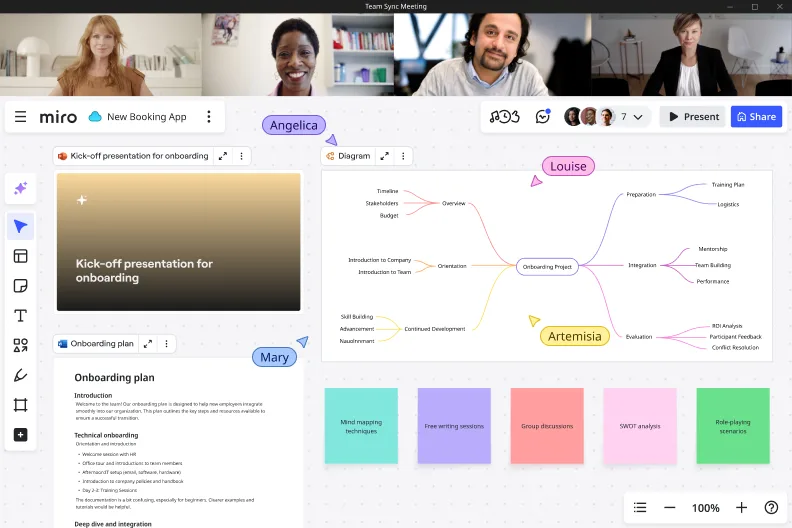
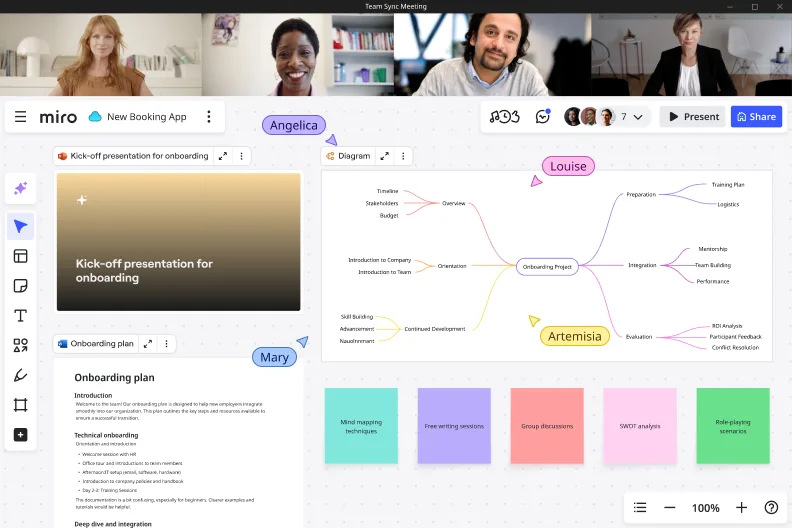
Miro board shown during a video call with four participants, displaying an onboarding project mind map with branches covering Preparation, Orientation, Integration, Continued Development, and Evaluation, alongside an onboarding plan document and a kick-off presentation slide.

What experts say

  • The way we present information and tell stories using slides has a massive impact on how well our ideas are understood and remembered.

    Nancy Duarte

    Speaker and CEO · Duarte

    Industry Expert
  • One of the biggest challenges with all-hands meetings is providing value, especially since a large group of employees may have different needs. To make a meeting productive for everyone, it is important to consider all audience members and to plan carefully.

    Saray Ben Simhon

    Head of Human Resources · Connecteam

    Industry Expert

The research on presentations and slides

  • 50%

    Hybrid teams with ongoing collaboration discussions show 50% higher employee engagement

    Source: Gallup

  • 35%

    Diagrams sped up employee onboarding by 35% and improved process understanding accuracy by 29% (n=900 managers)

    Source: Harvard Business Review

See presentations and slides in action

Related templates for HR and people ops teams

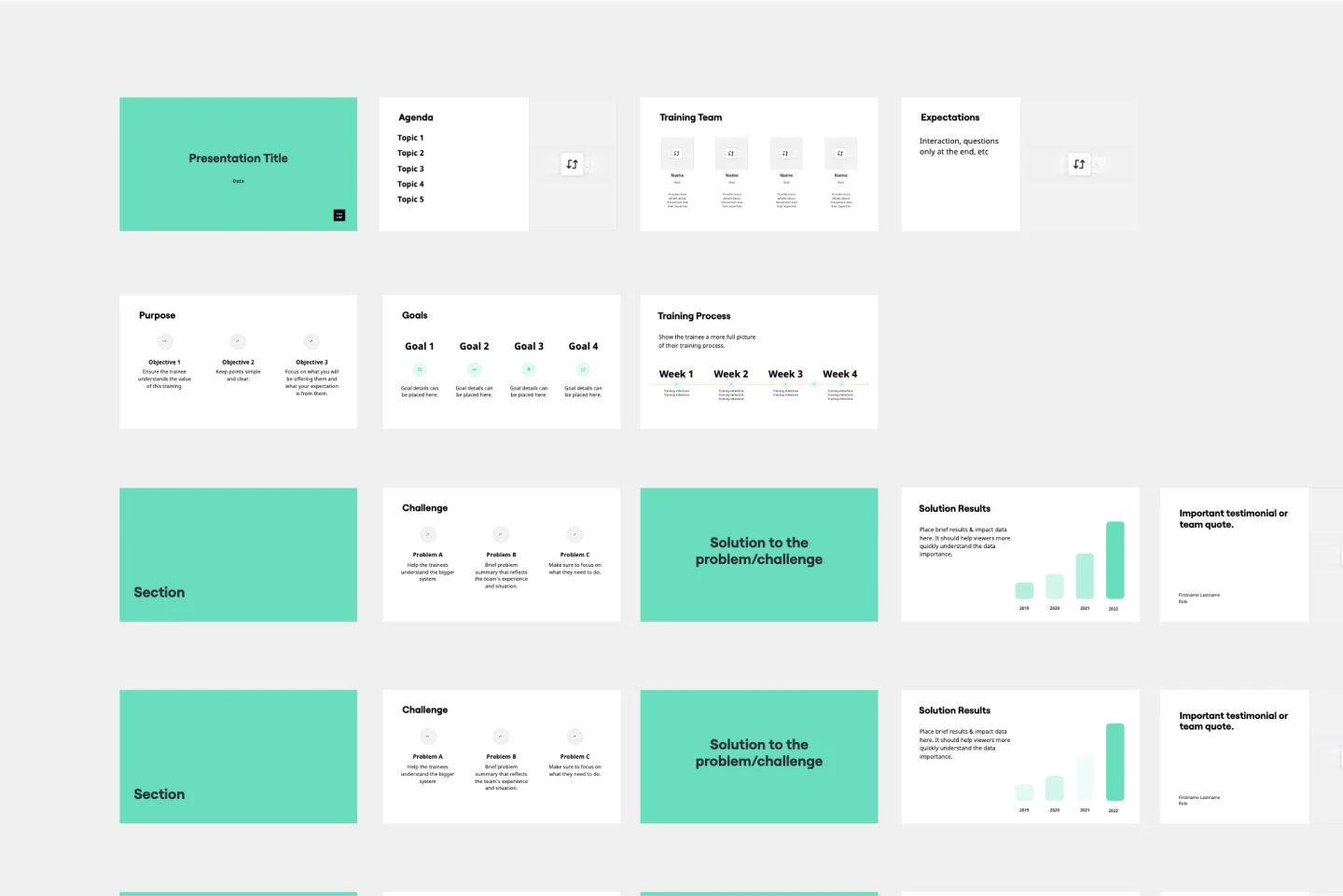
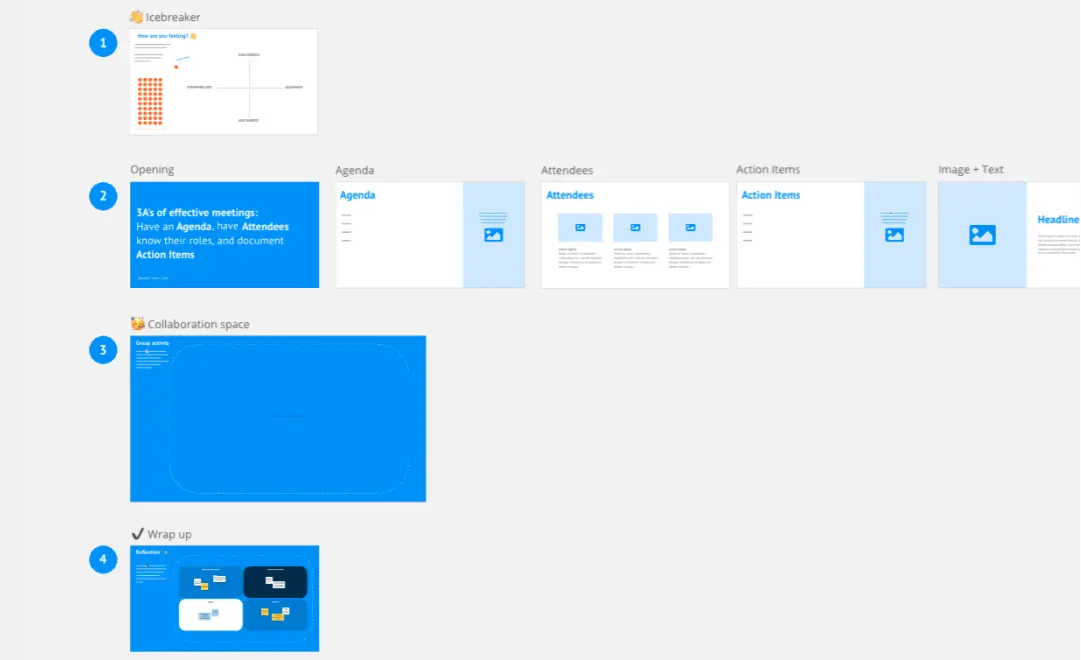
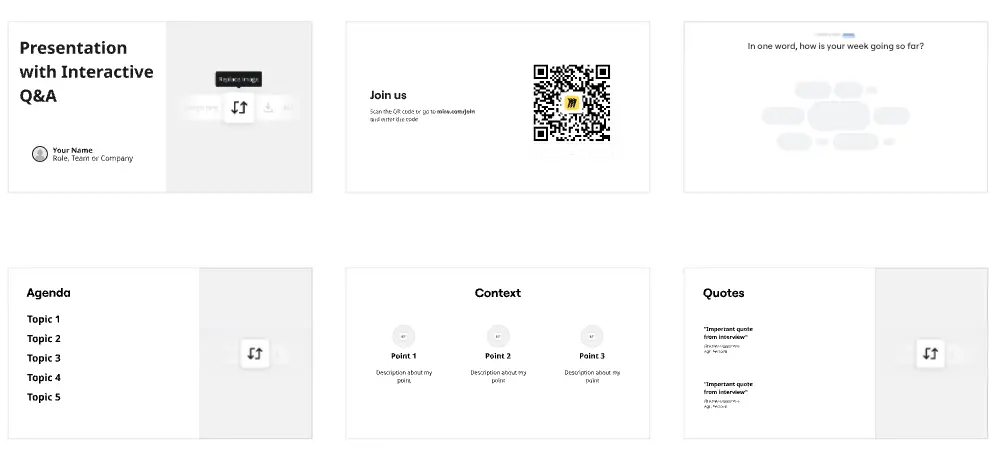
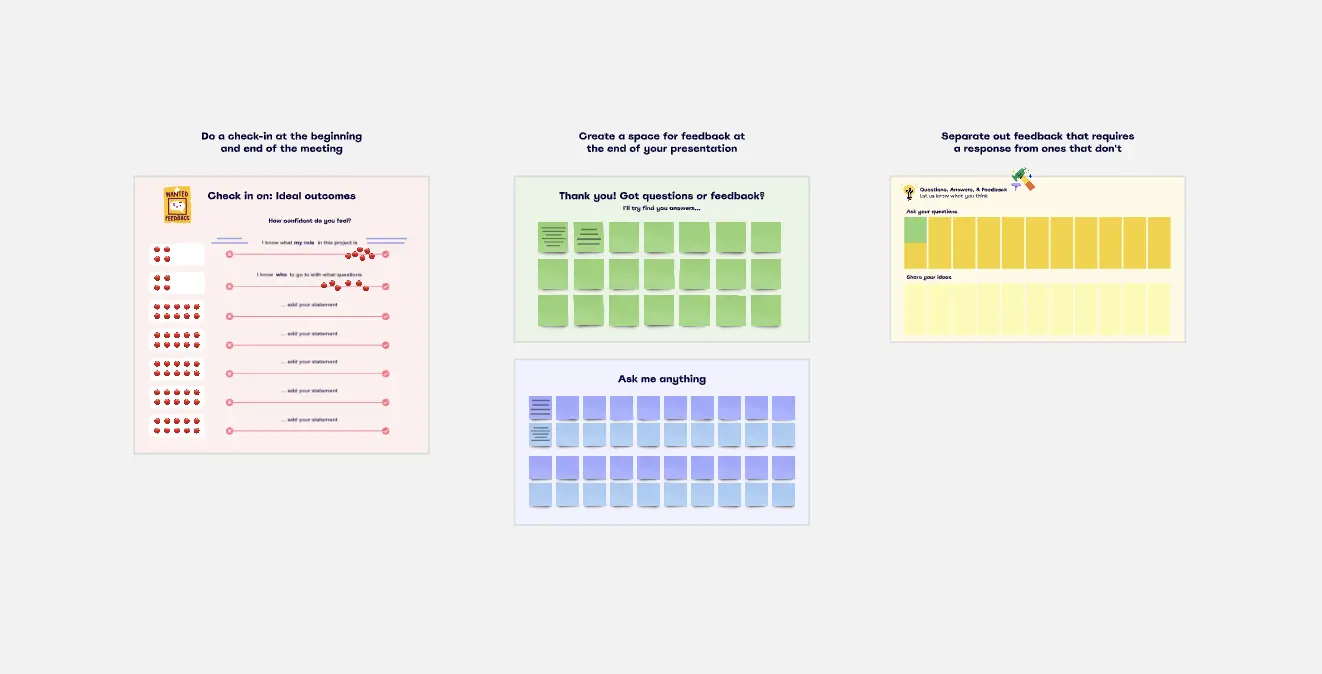
We have 22 templates in our library for Presentations and Slides.

Why HR and people ops teams love creating presentations with Miro Slides

  • From hiring pipeline to board-ready deck, without the rebuild

    HR and people ops leaders spend hours copying data from their ATS, HRIS, and headcount trackers into PowerPoint just to present it. With Miro, your existing boards - org charts, headcount plans, hiring pipelines - become the slides, no duplication needed. Use AI slide generation to produce a structured deck from your board content in minutes.
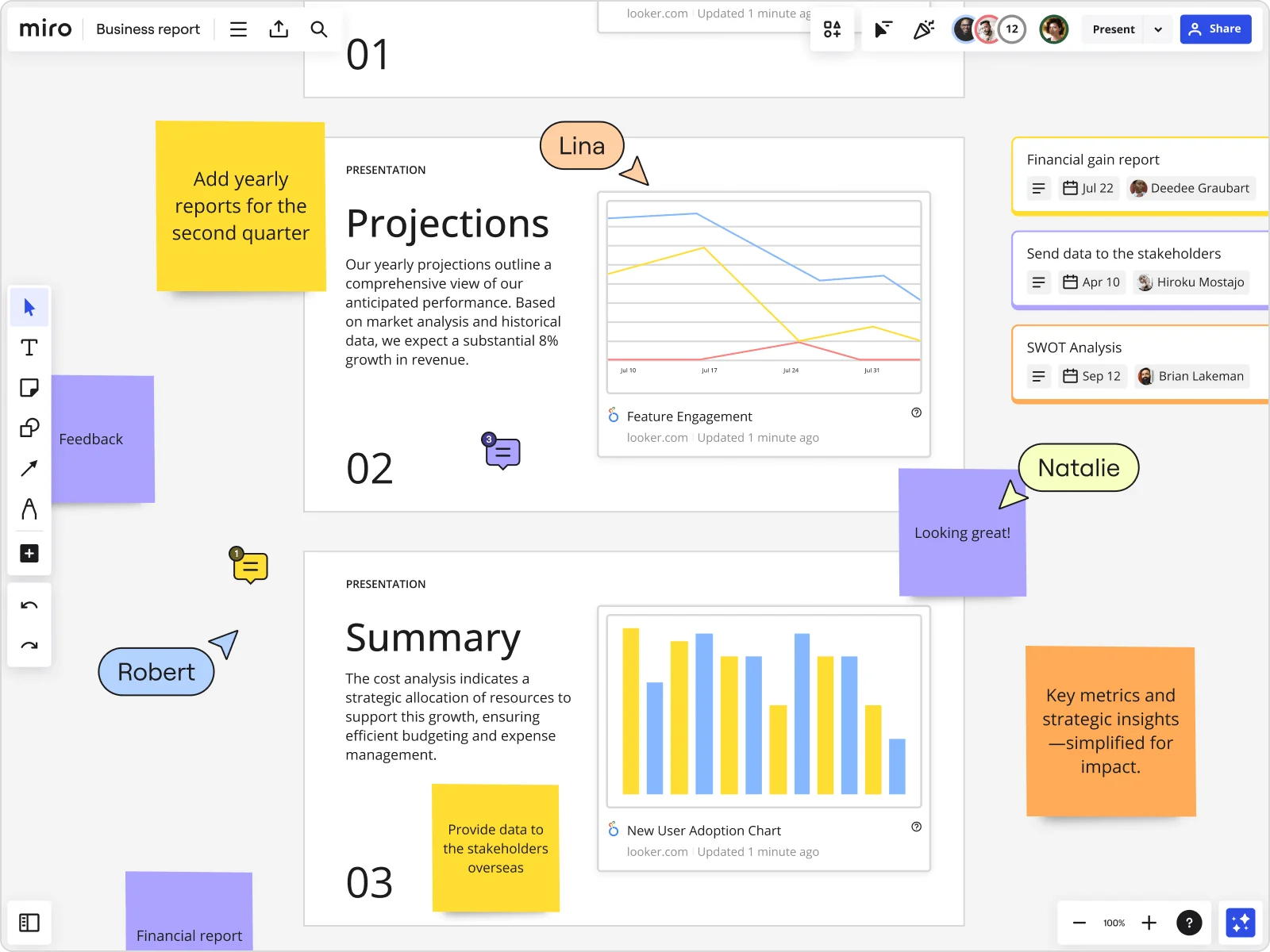
    Miro board showing a Business Report with two presentation slides (Projections and Summary) containing embedded Looker charts for Feature Engagement and New User Adoption, alongside sticky notes with tasks, three task cards for Financial gain report, Send data to stakeholders, and SWOT Analysis, and collaborative cursors from users named Lina, Natalie, and Robert.
  • When your performance review cycle needs more than a PDF

    Building the quarterly performance narrative means pulling from multiple sources: compensation data, goal-tracking sheets, pulse survey results. People ops teams can embed live data from tools like Looker or Power BI directly onto slide frames, so the numbers are always current when you present to leadership.

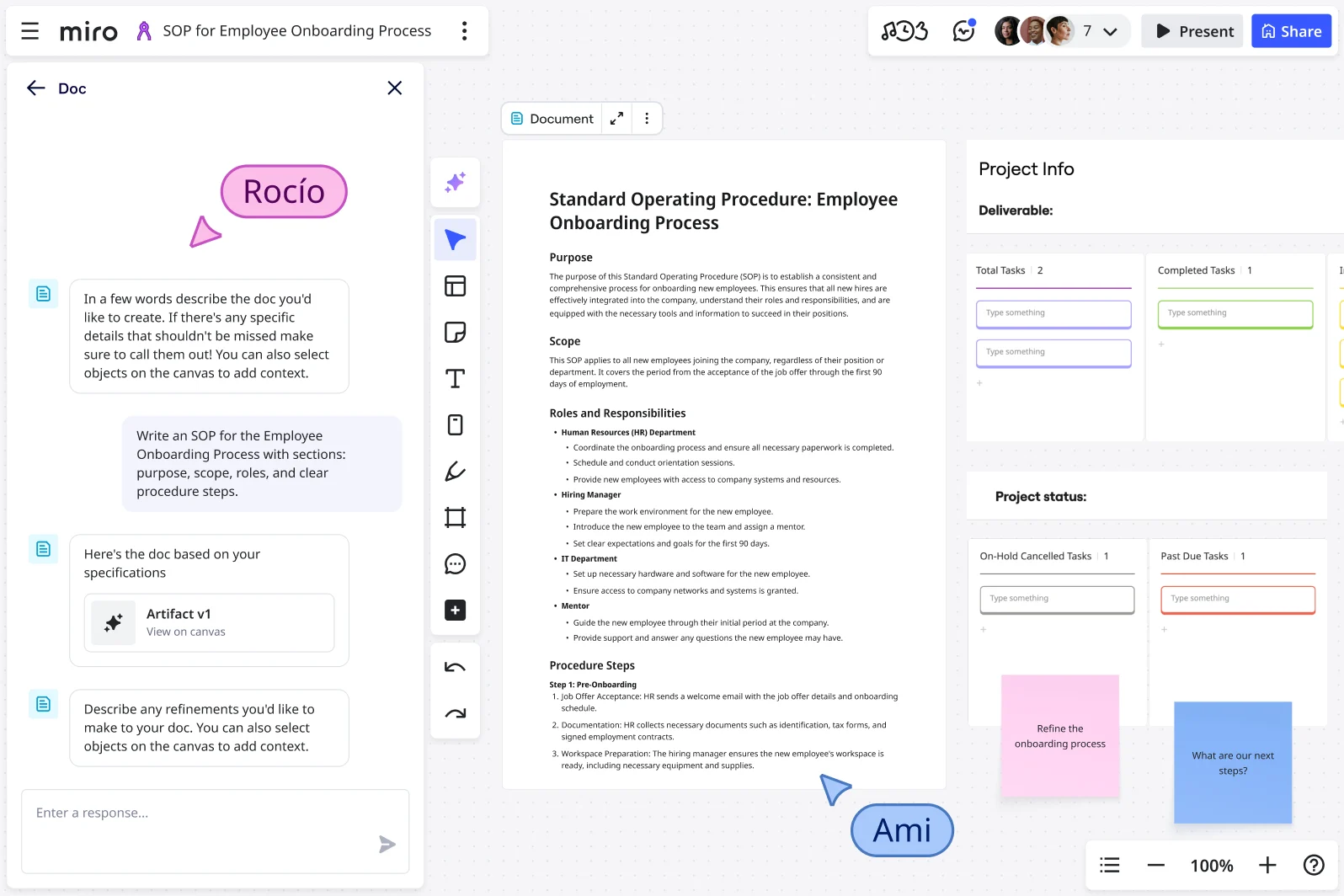
    Miro board showing an AI Doc sidebar generating a Standard Operating Procedure for Employee Onboarding Process, with the generated document visible on the canvas containing sections for Purpose, Scope, Roles and Responsibilities, and Procedure Steps, alongside project info cards showing task counts and status, and two collaborator cursors labeled RocĂ­o and Ami.
  • Stop chasing reviewers before your all-hands

    Feedback on culture decks and employer brand presentations usually arrives late, in scattered email threads. Miro's threaded comments let HR reviewers annotate directly on each slide, so feedback stays tied to the frame it's about - whether you're a 3-person people team or a 300-person global HR function.

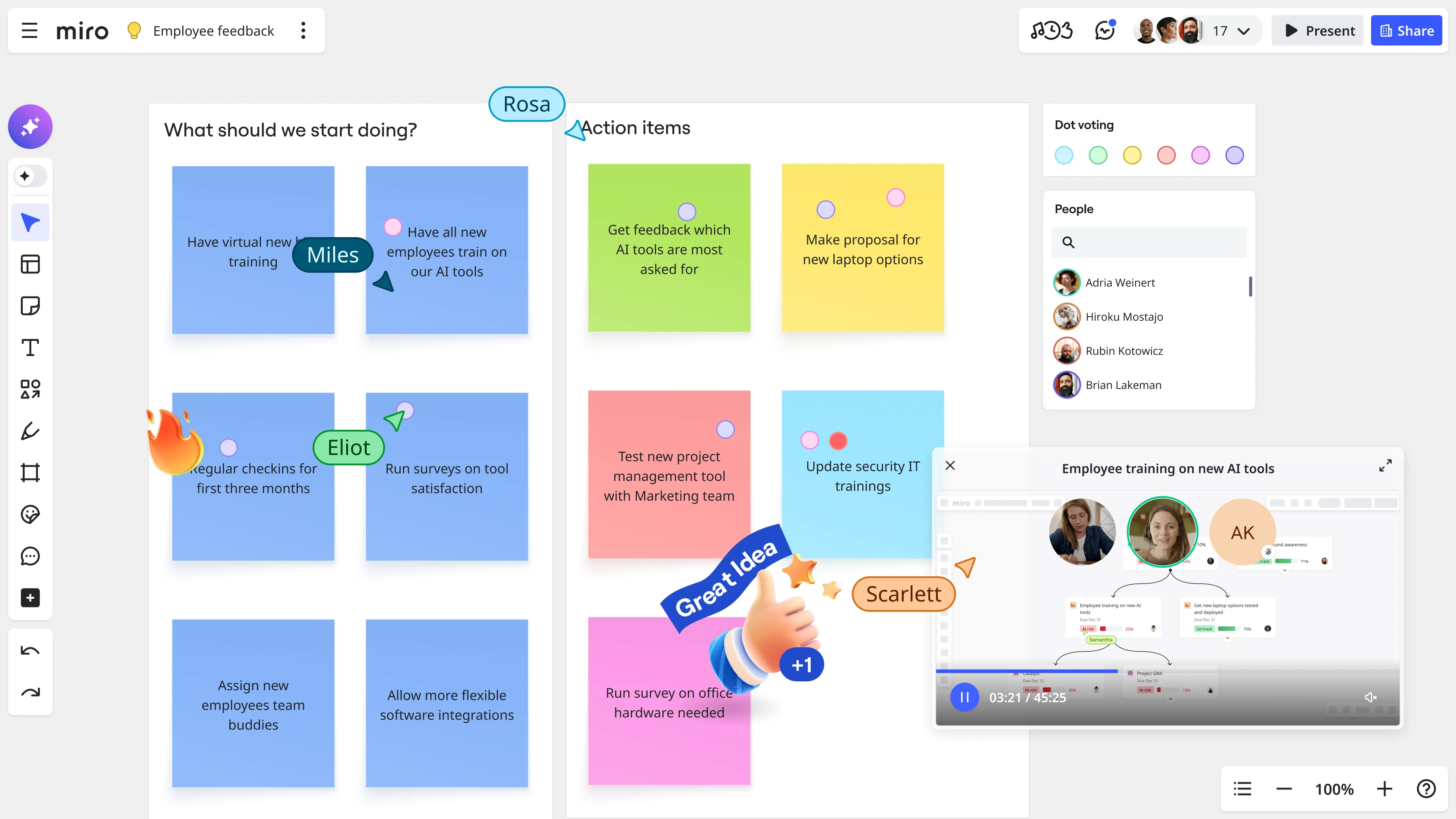
    Miro board showing an employee feedback session with sticky notes organized under 'What should we start doing?' and 'Action items' columns, featuring dot voting, named collaborator cursors (Miles, Eliot, Rosa, Scarlett), a people panel with participant list, and an embedded video call widget for 'Employee training on new AI tools'.
  • Your onboarding program, presented and replayed by every new hire

    Not every new hire joins on the same day. Record a Talktrack walkthrough of your onboarding presentation - narrated audio synchronized to each frame - so new employees in any time zone replay the full experience on their schedule, with no context lost.

    Miro board shown during a video call with four participants, featuring a mind map centered on 'Onboarding Project' with branches covering Preparation, Integration, Evaluation, Orientation, and Continued Development, alongside an onboarding plan document and a kick-off presentation slide, with colored activity cards at the bottom including mind mapping techniques, free writing sessions, group discussions, SWOT analysis, and role-playing scenarios.
  • Run a live culture survey inside your all-hands deck

    Verbal Q&A during all-hands meetings captures the loudest voices, not the full room. Embed Miro's polling and word cloud activities directly into your slides so employees respond via QR code on their phones, no Miro account required. Responses export to sticky notes on your board, ready for follow-up.

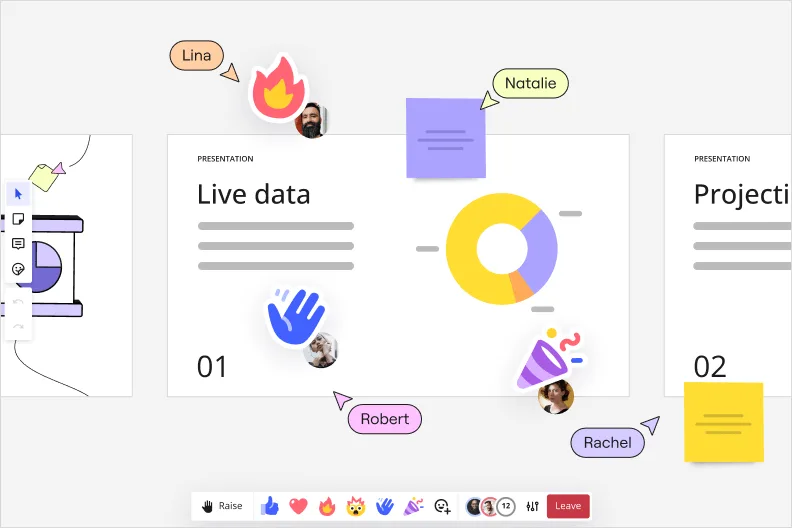
    Miro presentation mode displaying a slide titled 'Live data' with a donut chart, showing real-time collaboration with four user cursors (Lina, Natalie, Robert, Rachel) and emoji reactions including a fire icon and waving hand, plus sticky notes overlaid on the canvas.

How HR and people ops teams get started with presentations in Miro

  • Build your first people analytics deck

    Open a new Miro board, pull in your turnover rate, time-to-fill, and eNPS data, then use AI Generate Slides to draft an initial layout from a text prompt like "6-slide headcount and attrition update for the CHRO and business unit leaders."

  • Tailor each frame for a mixed audience

    Use Frames to separate your CHRO-level narrative from the manager-specific breakdowns, naming each frame descriptively ("Regrettable attrition by region," "Days to productivity by cohort") so the sidebar doubles as a navigable agenda for any stakeholder jumping straight to their slice.

  • Record a Talktrack for async policy rollouts

    Once your benefits or performance review deck is finalized, use Talktrack to narrate through each frame so every people manager across every location hears the same explanation, context, and emphasis without HR scheduling 12 identical live sessions.

  • Standardize recurring HR cadences with Blueprints

    Save your open enrollment deck structure, your quarterly people analytics template, and your engagement readout format as Blueprints so each new cycle starts with the right frames, embedded Miro Engage Activities, and pre-configured Voting already in place rather than rebuilt from scratch.

Slides tips for HR and people ops teams

  • Before your next all-hands culture update, drop a Miro Engage Word Cloud or Scales activity into the deck so employees join via QR on their phones and respond anonymously - you'll surface sentiment that a raise-your-hand moment never would, and responses export directly to Sticky Notes for follow-up.

  • When building a benefits rollout deck that managers must deliver consistently across locations, use Presenter Notes In-Mode to script the key talking points per frame, so the message stays accurate whether it's delivered by a seasoned HRBP or a first-time manager.

  • For small people ops teams spinning up fast, start with a Presentation Template from the Template Library and swap in your brand colors via Brand Center - you'll have a credible first draft in under 10 minutes instead of staring at a blank canvas the morning the CHRO asks for the update.

Understand how HR and people ops teams transform their work

  • Currently, I'm working on a presentation. I was asked to put it in PowerPoint, but I insisted that I put it in Miro. PowerPoint only has so much room. With Miro, I can go on forever and all I have to do is zoom in and out to show the big picture and to show the details

    Verified User

    G2
  • Presentations and meetings become dynamic and collaborative. It's a new way of including all types of profiles in a session.

    Verified User

    G2

Presentations: Essential Guide for HR and people ops teams

CategoryKey insights
  • Common mistakes to avoid

    The biggest trap for people ops practitioners is cramming a policy rollout or benefits summary into overloaded frames, turning what should be a clear visual narrative into a wall of text that loses managers before the first talking point lands. For async distribution across time zones or remote offices, skipping a Talktrack recording means the nuance behind your eNPS trends or attrition data never reaches the stakeholders who couldn't join live. And if you're still copy-pasting Workday exports into a separate PowerPoint just to share with the CHRO, you're doubling your work and losing the interactivity that makes the conversation useful.

  • Key integrations for HR and people ops teams

    Google Slides and Microsoft PowerPoint are the handoff formats your business unit leaders and legal teams will ask for, so Miro's export compatibility keeps you from getting stuck in a format argument. Zoom and Microsoft Teams mean you can run your open enrollment kickoff or performance calibration session directly from the board without switching apps mid-meeting. For people ops functions managing documentation at scale, Confluence keeps policy context and presentation content in one connected place rather than scattered across shared drives.

  • When to use it

    Use this when the calendar forces a deliverable and the source material already lives in Miro: your headcount planning canvas, your engagement survey synthesis, or your culture initiative workshop outputs. Instead of rebuilding everything in a separate tool, create Frames directly on the board, use AI slide generation to draft your executive summary, and run the live session in Interactive Presentation Mode so your CHRO can vote on priorities and BU leaders can react in real time. When key stakeholders can't attend, a Talktrack recording carries the full narrative context so your attrition story or benefits rollout lands with the same clarity it would have in the room.

  • Security & Compliance

    HR and people ops work sits close to some of the most sensitive data in the business, so Miro's SOC 2 Type II certification and HIPAA compliance give both small HR teams and enterprise people functions the baseline assurance they need when building decks around compensation data, performance outcomes, or health benefits. Private Mode keeps draft slides confidential during review cycles before broader distribution, and granular sharing permissions mean you can share a curated presentation sequence with managers without accidentally exposing the full board, including any headcount reconciliation or offer acceptance rate analysis still in progress. Larger organizations can add data residency controls to meet regional compliance requirements, which matters when your people data spans multiple countries or is subject to GDPR alongside US privacy obligations.

Frequently asked questions for hr and people ops teams

Last updated: Thursday, July 30, 2026