





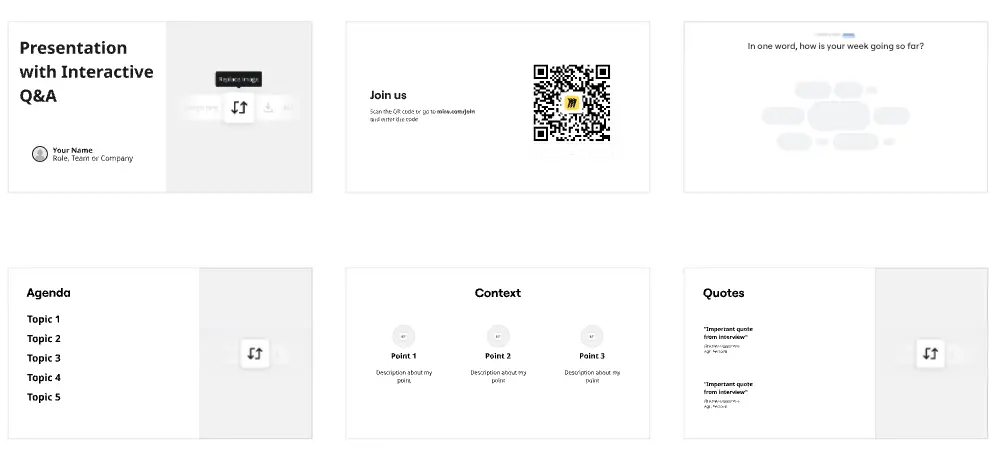
Presentations for healthcare administrators

Turn care pathway reviews and compliance briefings into live, interactive sessions. No rebuilding content. No switching tools.

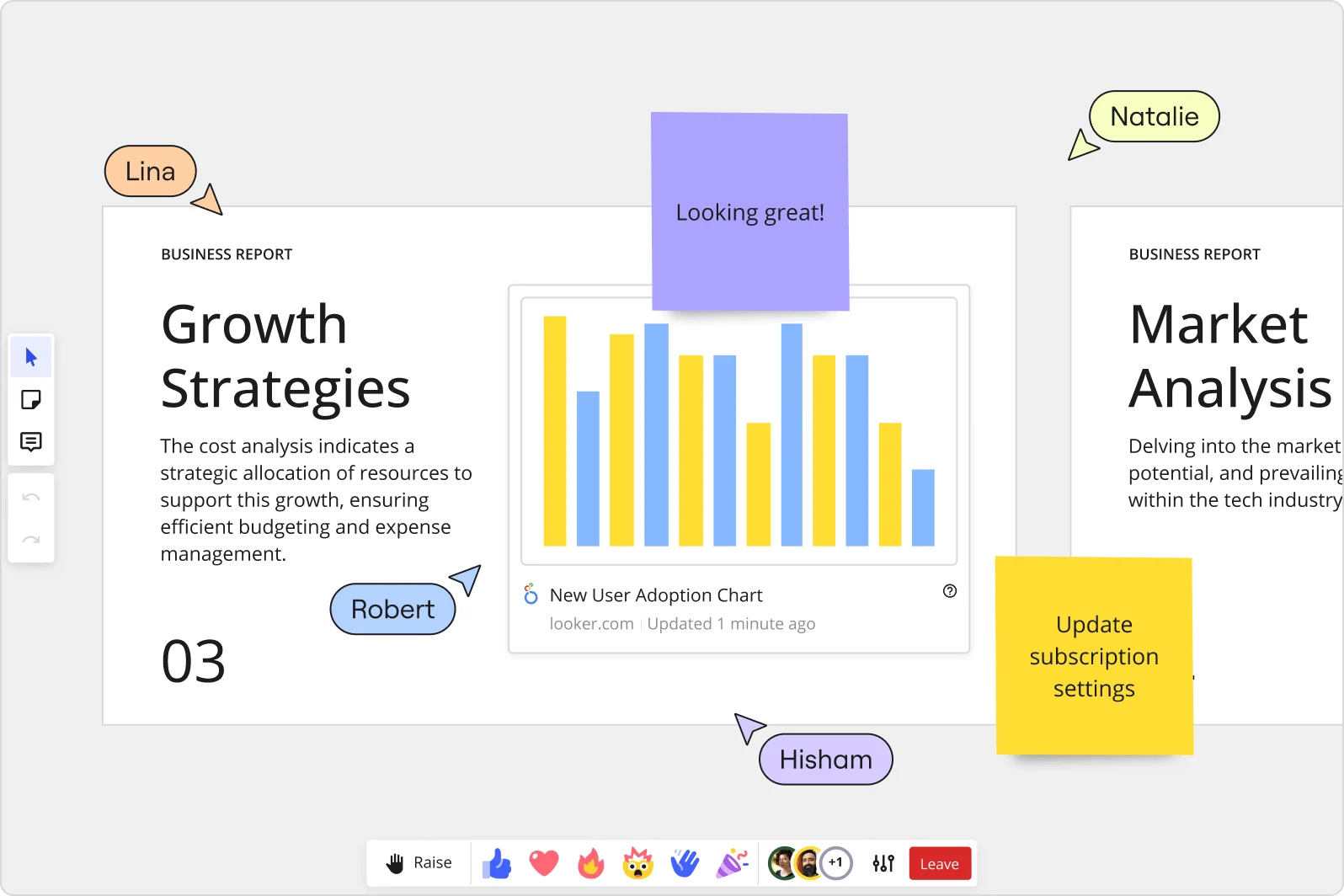
Miro collaborative presentation workspace showing two business report slides ('Growth Strategies' and 'Market Analysis') with an embedded Looker 'New User Adoption Chart' bar chart, purple and yellow sticky notes with comments, and four named collaborator cursors (Lina, Robert, Natalie, Hisham) visible simultaneously.

What experts say

  • The way we present information and tell stories using slides has a massive impact on how well our ideas are understood and remembered.

    Nancy Duarte

    Speaker and CEO · Duarte

    Industry Expert
  • I especially like Miro’s new ability to embed Google Slides and then capture comments and votes alongside the presentation right in the Miro board

    Mark Hirst

    User Research Officer · NHS BSA

    Miro Customer

The research on presentations and slides

  • 66%

    Visual presentations with graphs and diagrams increased audience conviction from 50% (verbal only) to over 66%, demonstrating the persuasive power of diagramming in consulting presentations

    Source: Cornell University / Wharton School of Business

  • Business strategies presented with visual diagrams received higher attention, agreement, and recall compared to text-based presentations, benefiting consulting deliverables

    Source: University of Lugano / SIOP-SHRM

See presentations and slides in action

Related templates for healthcare administrators

We have 22 templates in our library for Presentations and Slides.

Why healthcare administrators love creating presentations with Miro Slides

  • From care pathway documentation to executive-ready slides

    Your department reviews - utilization reports, patient flow audits, policy rollouts - live across a dozen documents before anyone sees a slide. Drag those outputs into Miro's frames, and your board becomes the presentation. Small clinical ops teams skip the rebuild step entirely. Large health systems maintain one branded template that every administrator pulls from.
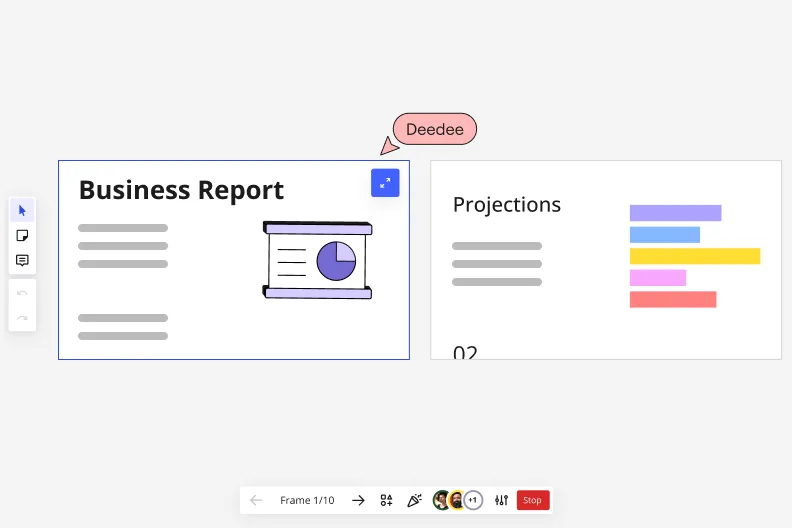
    Miro's presentation mode showing Frame 1/10 with a 'Business Report' slide featuring a pie chart illustration on the left, and a 'Projections' slide with a horizontal bar chart on the right, with a collaborative cursor labeled 'Deedee' and playback navigation controls at the bottom.
  • When the CMO needs a 10-slide budget summary by Friday

    Quarterly planning decks for medical leadership don't write themselves, and a blank slide is a real time drain when you're also managing bed capacity and staffing ratios. Describe the deck you need - scope, audience, tone - and Miro's AI generates a structured slide sequence in minutes, with Brand Center colors already applied.

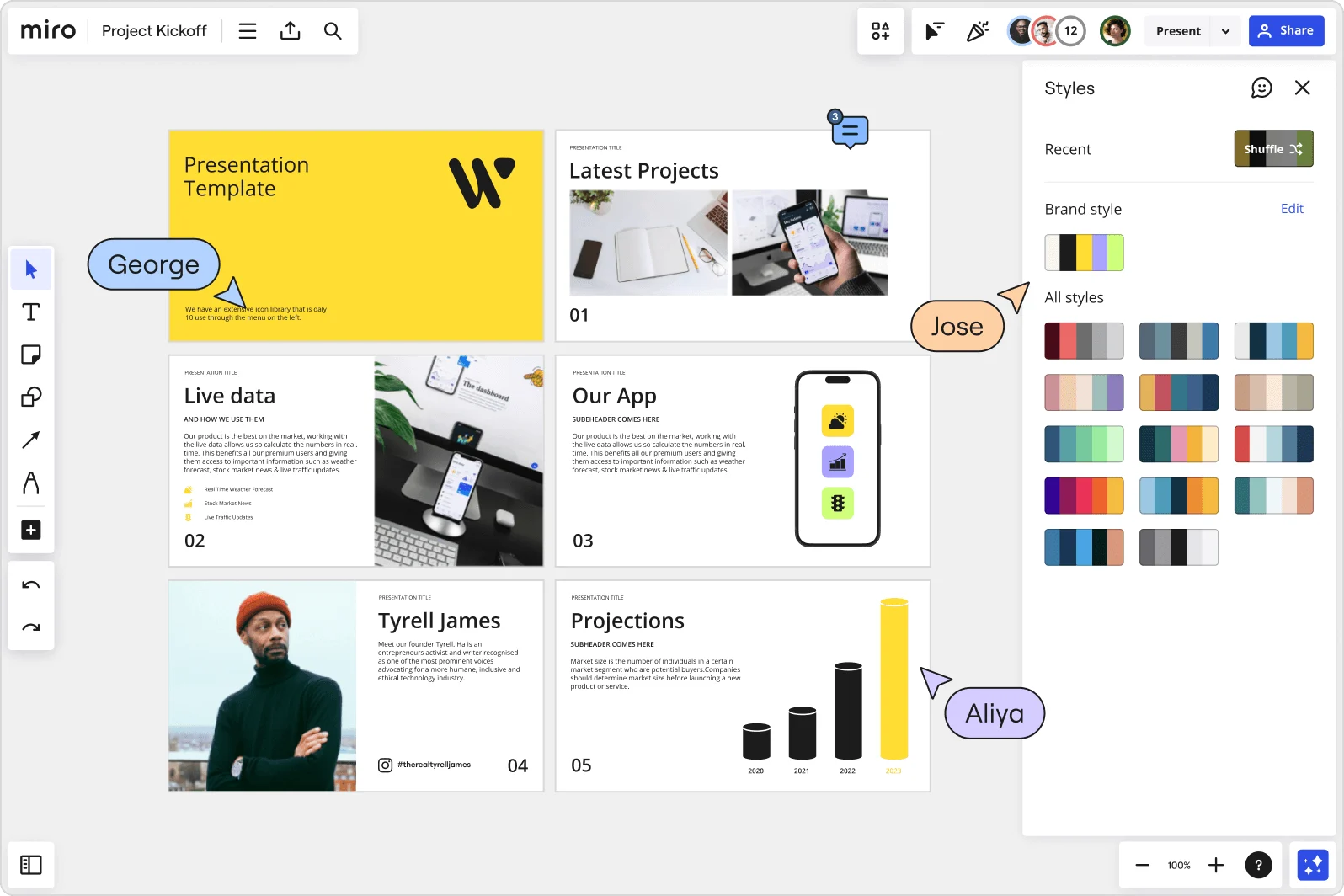
    Miro board showing a Project Kickoff presentation template with five slides including a title slide, Latest Projects, Live Data, Our App, a founder profile for Tyrell James, and Projections with bar charts. A Styles panel is open on the right showing brand color palettes and a Shuffle option, with three collaborator cursors visible (George, Jose, and Aliya).
  • Stop chasing reviewers before a compliance sign-off

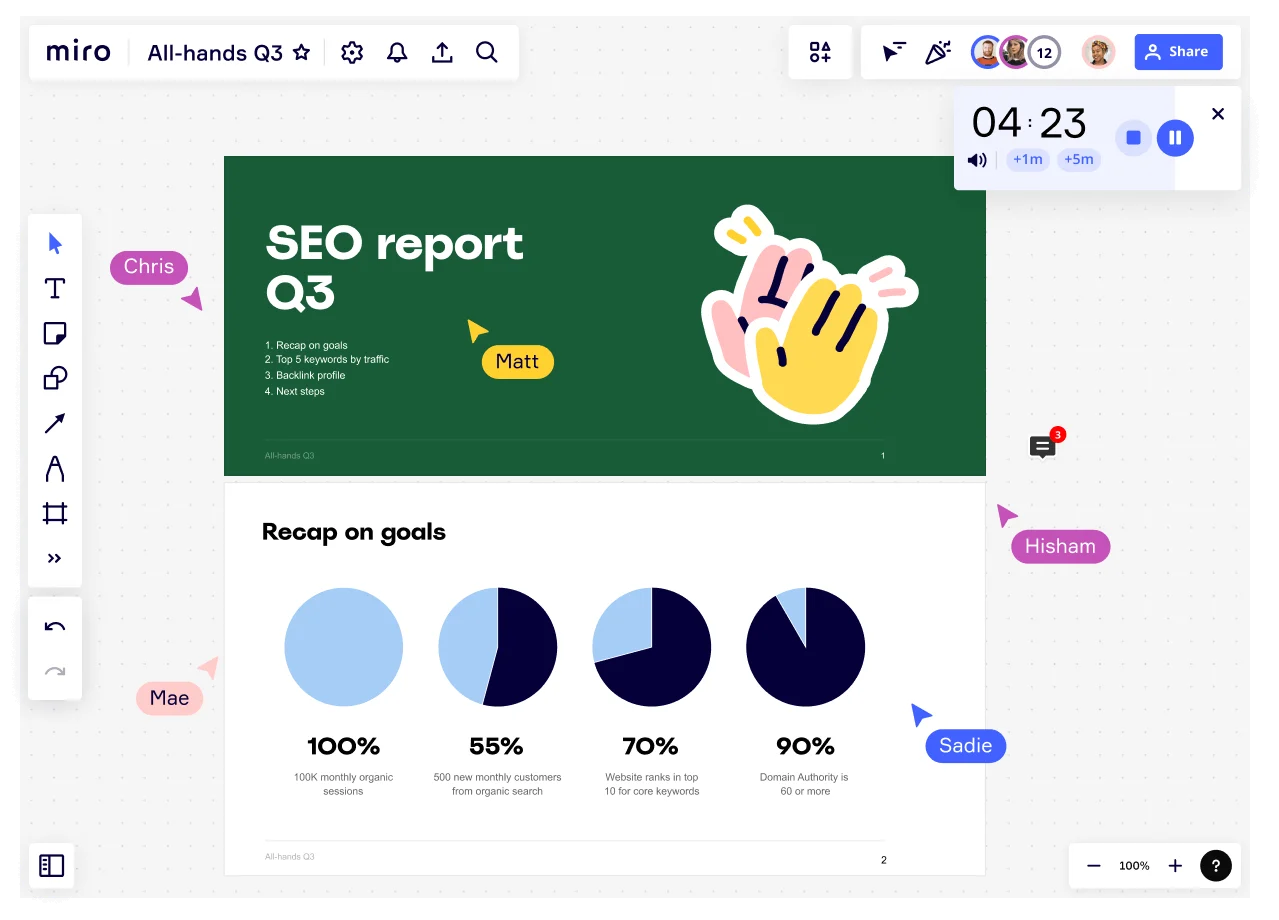
    Policy update decks move through infection control leads, legal, and department directors before anyone approves them. Instead of scattered email threads, reviewers leave threaded comments directly on the frame they're questioning - no separate meeting required. Whether you're a 3-person admin team or a 300-person health network, every comment stays anchored to the exact slide it references.

    Miro board showing an All-Hands Q3 presentation in progress with multiple collaborators (Chris, Matt, Mae, Hisham, Sadie) visible via cursor labels, featuring an SEO Report Q3 title slide and a 'Recap on goals' slide with four pie charts showing KPIs: 100% monthly organic sessions, 55% new customers, 70% keyword rankings, and 90% domain authority, with a countdown timer showing 4:23.
  • Your shift-change briefing, ready for the team that missed it

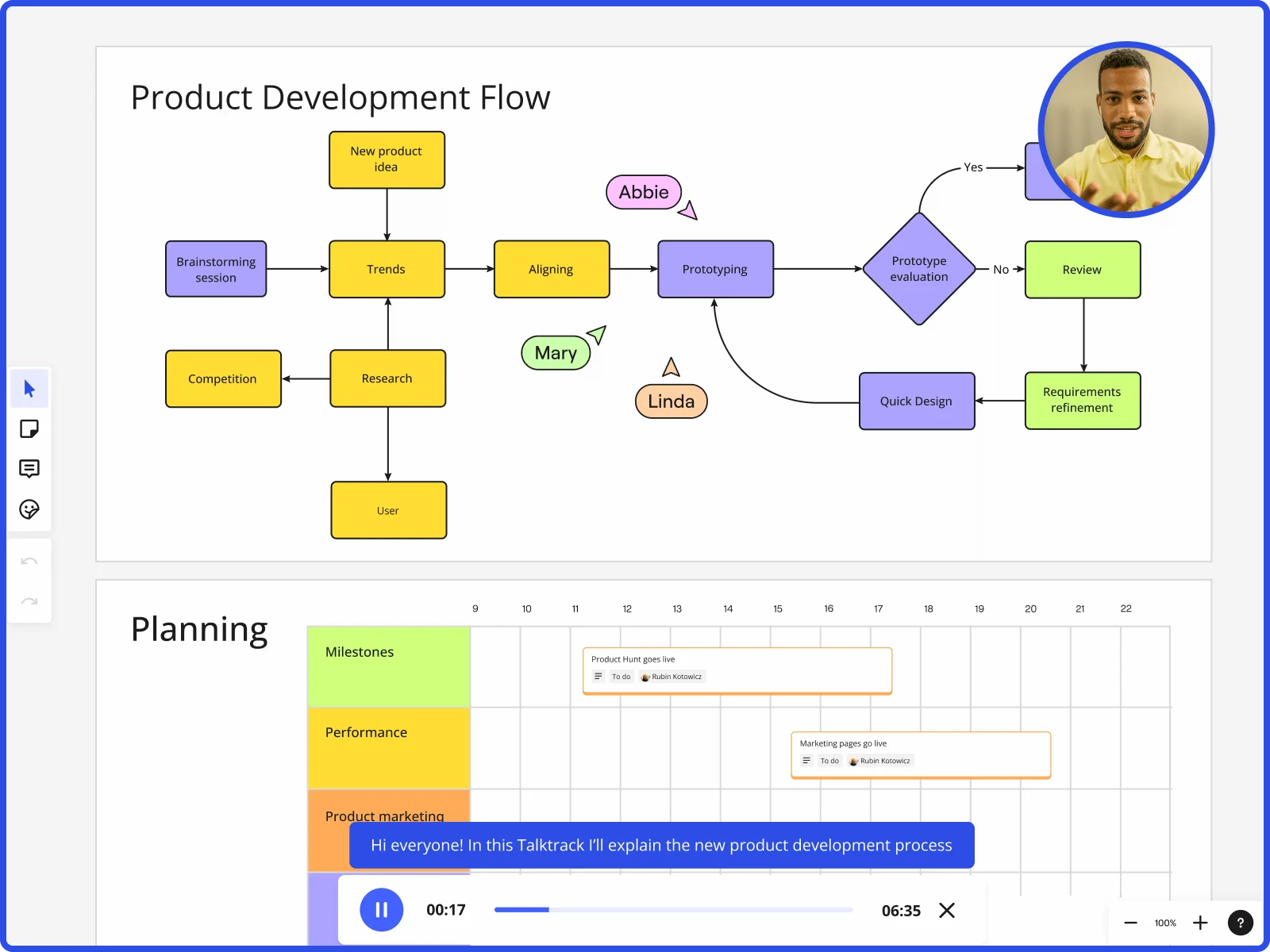
    Night staff and time-zone-distributed site leads can't always attend the live update session. Record a Talktrack walkthrough after finalizing your slides - your narration, cursor movement, and frame transitions are all captured - so the team replays the full briefing on their own schedule, with captions included.

    Miro board showing product development flow with brainstorming, research, prototyping stages and planning timeline with Talktrack presentation
  • Recurring credentialing and accreditation decks without the setup tax

    Joint Commission prep, CMS reporting cycles, and annual staff training reviews follow the same structure every time. Save your presentation framework as a Miro Blueprint and reset it each cycle - the title slide, agenda frames, and embedded review steps reload intact, so administrators focus on updating content, not rebuilding the scaffolding.

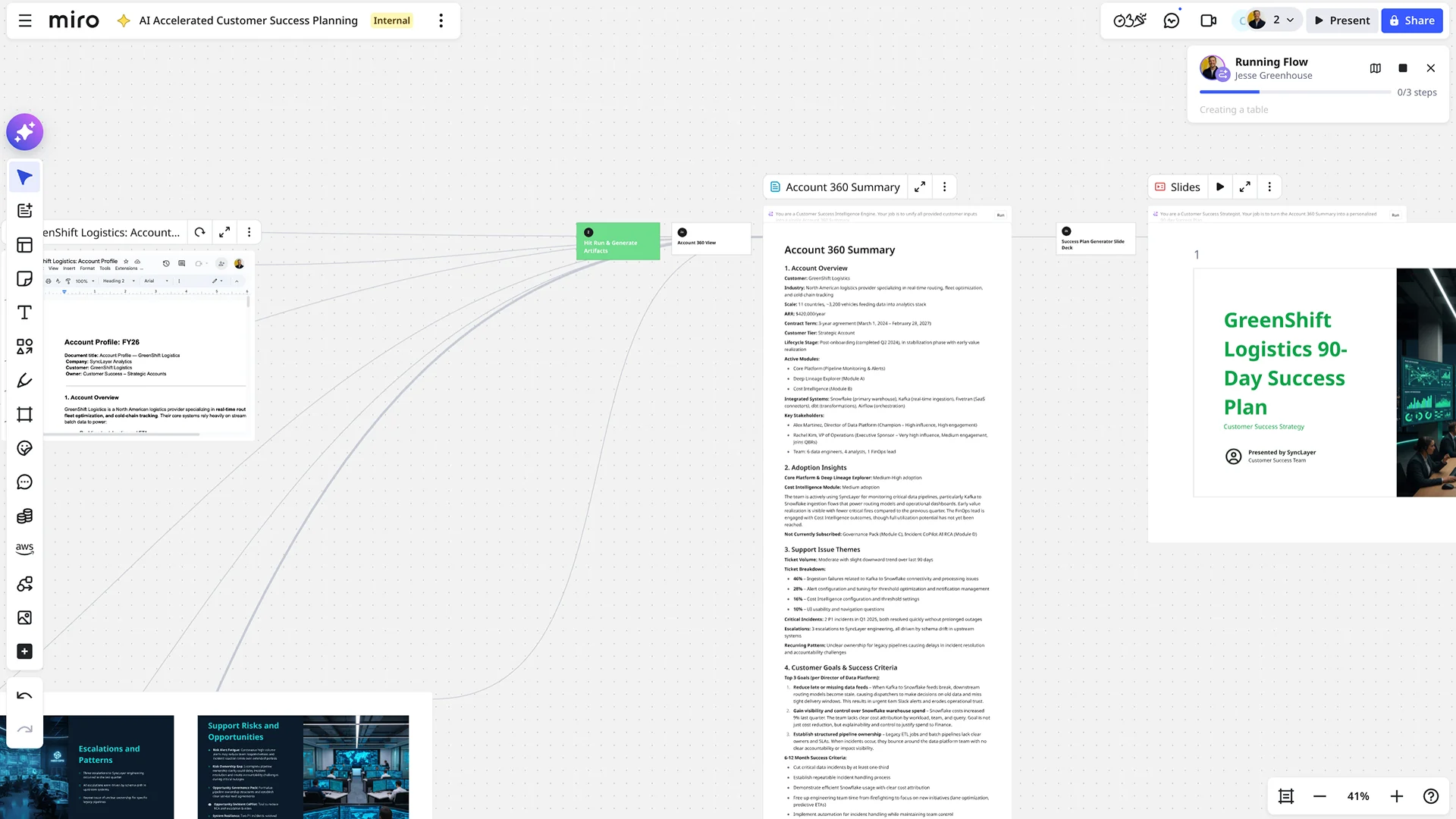
    Miro board showing an AI-accelerated customer success planning workflow, featuring an Account 360 Summary document for GreenShift Logistics with sections on adoption insights, support issues, and customer goals, alongside an AI-generated slide deck titled 'GreenShift Logistics 90-Day Success Plan' and a running AI flow panel showing automated document generation steps.

How healthcare companies get started with presentations in Miro

  • Pull your operational data into a board

    Open a new Miro board and import your EHR exports, revenue cycle reports, or analytics dashboard screenshots directly onto the canvas so your throughput metrics, payer mix breakdowns, and variance-to-budget figures are in one place before you touch a single slide.

  • Generate your board deck with AI

    Select your raw data and use AI Generate Slides to draft a structured sequence - specify the audience and purpose in your prompt (for example, "8-slide capital expenditure request for a hospital board of trustees, with executive summary, census trends, cost variance, and recommendation") so the output matches governance expectations, not a generic layout.

  • Build one frame per metric that must stand alone

    Use Frames to give each clinical or financial indicator - HCAHPS scores, readmission rates, CMS core measure progress - its own dedicated slide, then name every frame descriptively so the Frames Sidebar doubles as a navigable agenda the CNO or committee chair can follow without verbal guidance.

  • Record a Talktrack for the pre-read package

    Use Talktrack to narrate through each frame - explaining the so-what behind length-of-stay variance or FTE-to-census ratios - so board members who review materials ahead of the meeting get the full context without waiting for the room, and the recording becomes a permanent record of the presentation rationale.

Slides tips for healthcare administrators

  • Before your next board cycle, save your approved deck structure as a Custom Template so every quarterly update - same frame order, same metric categories, same governance format - starts from a consistent baseline instead of last quarter's copy-pasted board.

  • Use Voting or an Alignment Scale during live committee presentations to capture trustee or clinical leadership sentiment on a proposed capital expenditure or quality initiative in real time, so you leave the room with documented input rather than meeting-minutes guesswork.

  • If your organization submits Joint Commission documentation or presents to regional or system-level leadership in multiple languages, run Miro AI Translate on slide text and your speaker notes to localize the deck without rebuilding it from scratch.

Understand how healthcare administrators transform their work

  • The ability to present complex topics in an organized, clear, and easy-to-read manner is impressive and makes the experience enjoyable. It's very easy to learn haow to use it.

    Andrea Cardellini

    G2
    G2
    Verified user
    Read review
  • Currently, I'm working on a presentation. I was asked to put it in PowerPoint, but I insisted that I put it in Miro. PowerPoint only has so much room. With Miro, I can go on forever and all I have to do is zoom in and out to show the big picture and to show the details

    Verified User

    G2

Presentations and slides essential guide for healthcare administrators

CategoryKey insights
  • Common mistakes to avoid

    The biggest trap for hospital administrators is cramming EHR export data and variance-to-budget tables onto a single frame as if it were a report page - a board of trustees with fifteen minutes per agenda item needs one clear so-what per slide, not a spreadsheet with a title. Before your next governance calendar deadline hits, reorder your Frames in the sidebar so the narrative flows from census trends to capital ask to CMS benchmark progress, not in the order you built them. If your CNO or committee chair can't attend live, record a Talktrack narration - assuming everyone will dial in is how critical quality improvement context gets lost between the Miro board and the boardroom.

  • Key integrations for healthcare administrators

    Microsoft Teams and Zoom keep board prep collaborative when your clinical leadership is spread across campuses, while PowerPoint export covers the trustees who still expect a .pptx in their inbox before the meeting. For administrators who document accreditation progress in Confluence or track operational initiatives in Jira, embedding that content directly into Miro means your Joint Commission readiness deck and your source-of-truth stay in sync rather than drifting apart.

  • When to use it

    Reach for Presentations and Slides in Miro when a board meeting or budget review is approaching and your HCAHPS results, readmission rate trends, or capital expenditure request already live on a Miro board - presenting directly from that board means you're not rebuilding everything in PowerPoint the night before a governance deadline. For example, a healthcare administrator preparing a quarterly quality improvement report can frame up throughput metrics, drag in completed initiative timelines, and use AI slide generation to produce an executive summary, then share a Talktrack recording with the CMO or any committee members who couldn't attend live.

  • Security & Compliance

    HIPAA compliance is non-negotiable when your slides reference patient throughput data, payer mix, or any operationally sensitive metrics, and Miro's HIPAA-compliant platform means administrators at both community hospitals and large health systems can work without routing around their compliance team. Private Mode keeps confidential budget figures or board-sensitive quality data off shared screens during collaborative review sessions, while data residency controls and granular sharing permissions give enterprise health systems the administrative oversight their IT and legal teams require.

Frequently asked questions for healthcare administrators

Last updated: Thursday, July 30, 2026