




Presentations for government affairs specialists

Turn policy briefings into stakeholder-ready decks without rebuilding from scratch. Present directly from the board where your advocacy work lives.

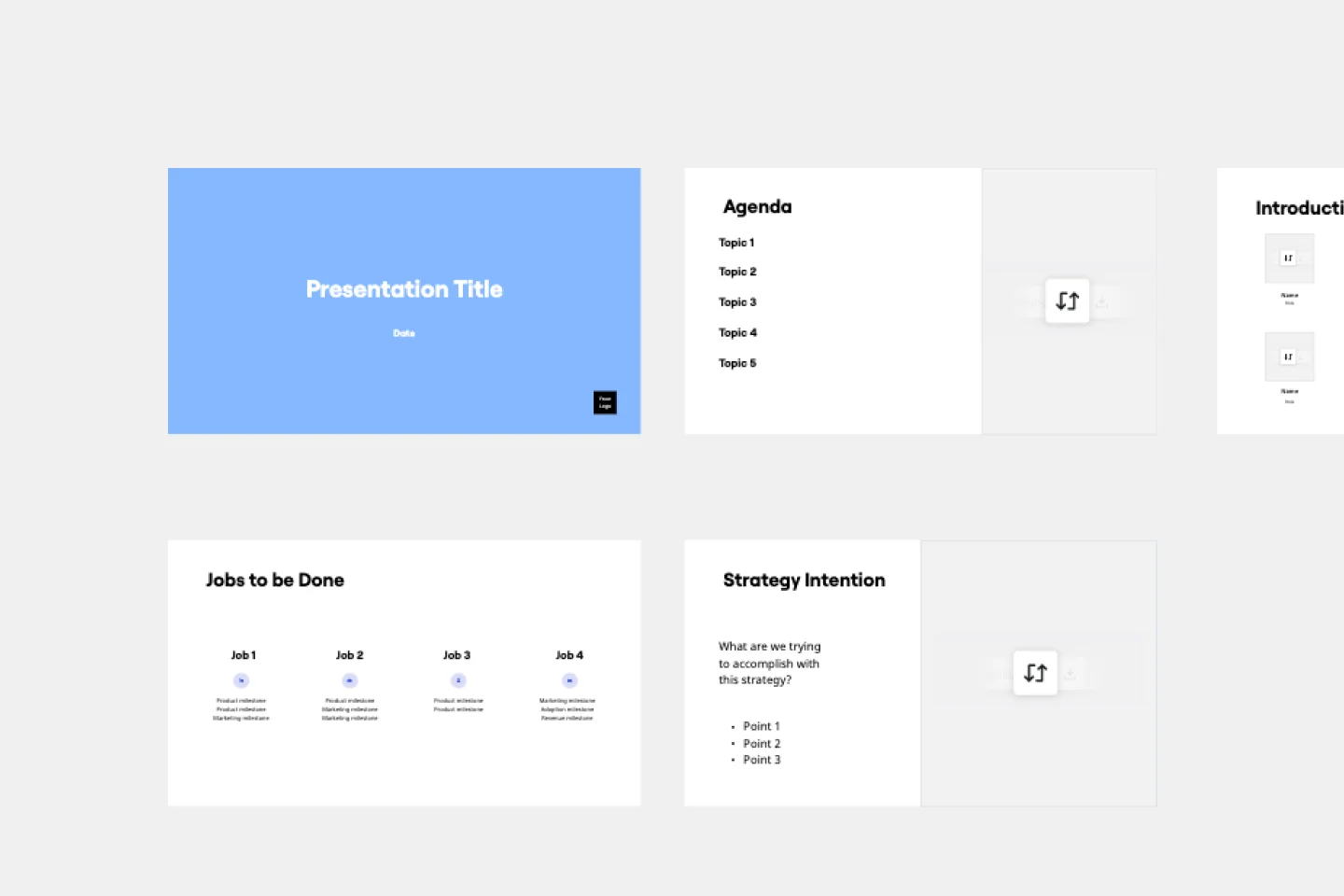
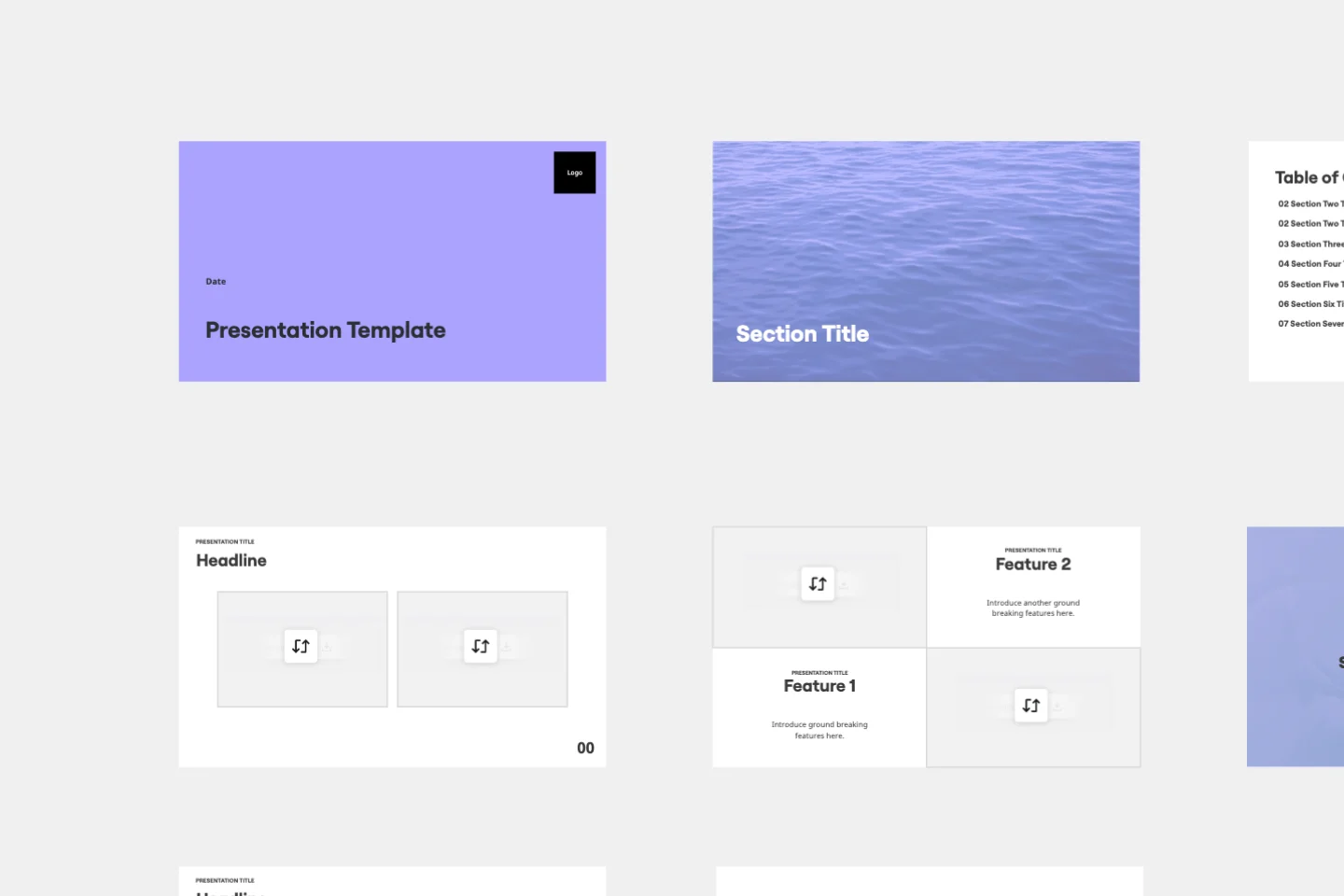
Miro board displaying a presentation template with multiple slides including a pink title slide, Agenda, Introductions, Context, Research Findings & Feedback, Background Data, Goals, Feature Scope & Success, and Dependencies sections arranged in a grid layout.

What experts say

  • The way we present information and tell stories using slides has a massive impact on how well our ideas are understood and remembered.

    Nancy Duarte

    Speaker and CEO · Duarte

    Industry Expert
  • Professionals who flip their workflow - thinking first, slides last - create presentations in half the time with dramatically better results.

    Mary Beth Hazeldine

    Author · Winning Presentations

The research on presentations and slides

  • 66%

    Visual presentations with graphs and diagrams increased audience conviction from 50% (verbal only) to over 66%, demonstrating the persuasive power of diagramming in consulting presentations

    Source: Cornell University / Wharton School of Business

  • Business strategies presented visually received higher attention, agreement, and recall.

    Source: University of Lugano / SIOP-SHRM

See presentations and slides in action

Related templates for government affairs specialists

We have 22 slides templates in our library.

Why government affairs teams love creating presentations with Miro Slides

  • From legislative brief to executive-ready deck, without the rebuild

    Government affairs teams spend hours manually copying policy research, regulatory timelines, and stakeholder maps into PowerPoint before every briefing cycle. Miro's AI slide generation turns your existing board content into a structured deck in minutes - frames organize your position papers, talking points, and coalition data into slides ready for the C-suite or Capitol Hill.
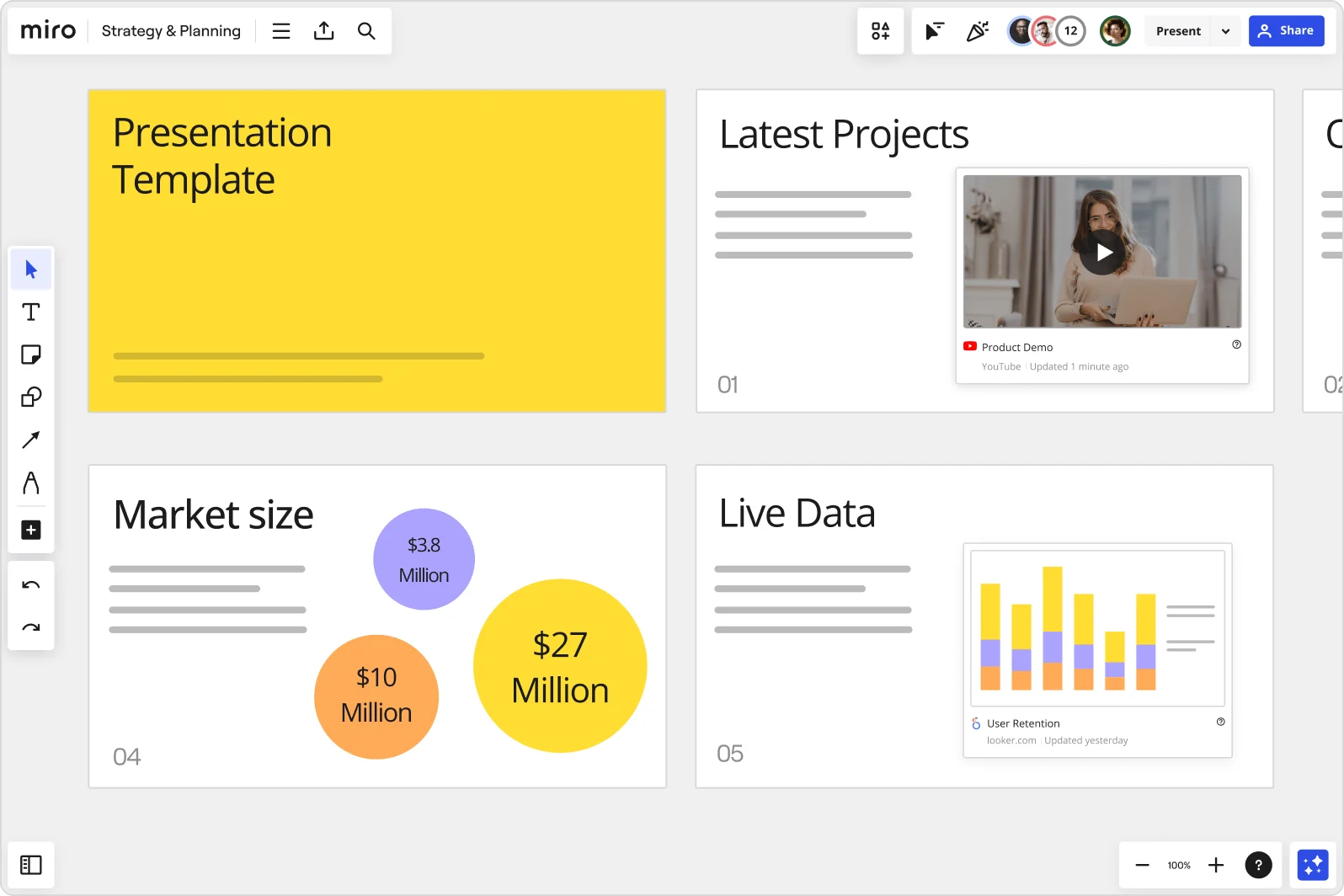
    Miro board showing a Strategy & Planning presentation workspace with four slides visible: a yellow title slide labeled 'Presentation Template', a 'Latest Projects' slide with an embedded YouTube Product Demo video, a 'Market size' slide with bubble charts showing $3.8M, $10M, and $27M values, and a 'Live Data' slide featuring an embedded Looker.com User Retention bar chart.
  • When the same briefing needs to speak to five different audiences

    A solo advocacy lead and a 200-person government relations department face the same challenge: the CEO wants a 5-slide summary, the legal team wants the full regulatory breakdown, and external coalition partners need a version stripped of internal strategy. Miro's Synced Copies push your master deck into audience-specific versions in seconds, so each audience gets the right level of detail without manual copy-paste drift.

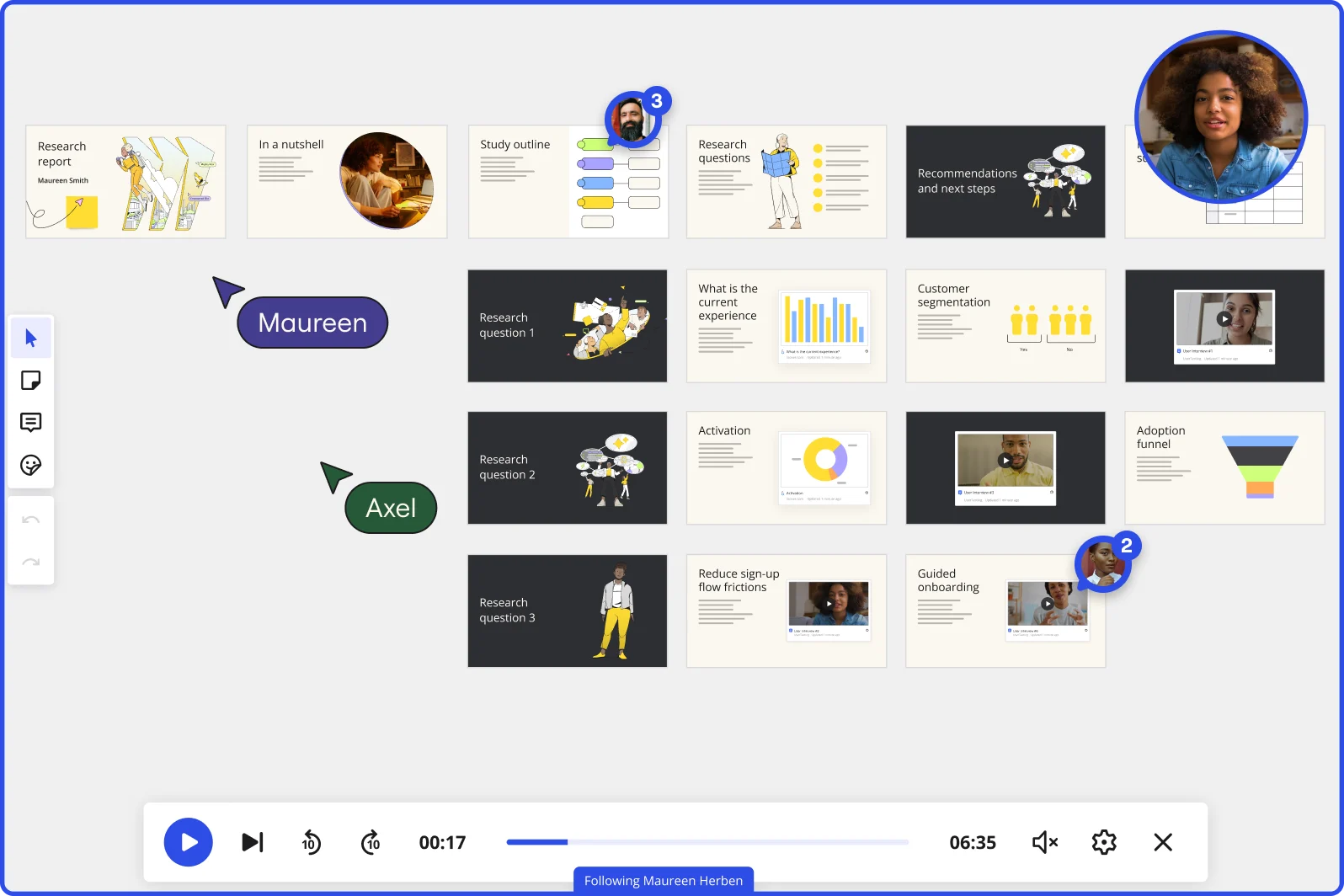
    Miro board in Interactive Presentation Mode displaying a research report presentation with multiple slides organized in rows, covering topics including research questions, customer segmentation charts, adoption funnel, and guided onboarding, with two collaborators (Maureen and Axel) visible as cursors, video playback controls at the bottom showing 00:17 of 06:35, and a live webcam feed of a presenter in the top right corner.
  • Your policy position, on the record for legislators who missed the room

    Time-zone gaps and packed legislative calendars mean key decision-makers often miss live briefings. Record a narrated Talktrack walkthrough tied to each frame - regulators, senior counsel, and agency contacts replay your full presentation with synchronized audio and slide navigation on their own schedule, with nothing lost in translation.

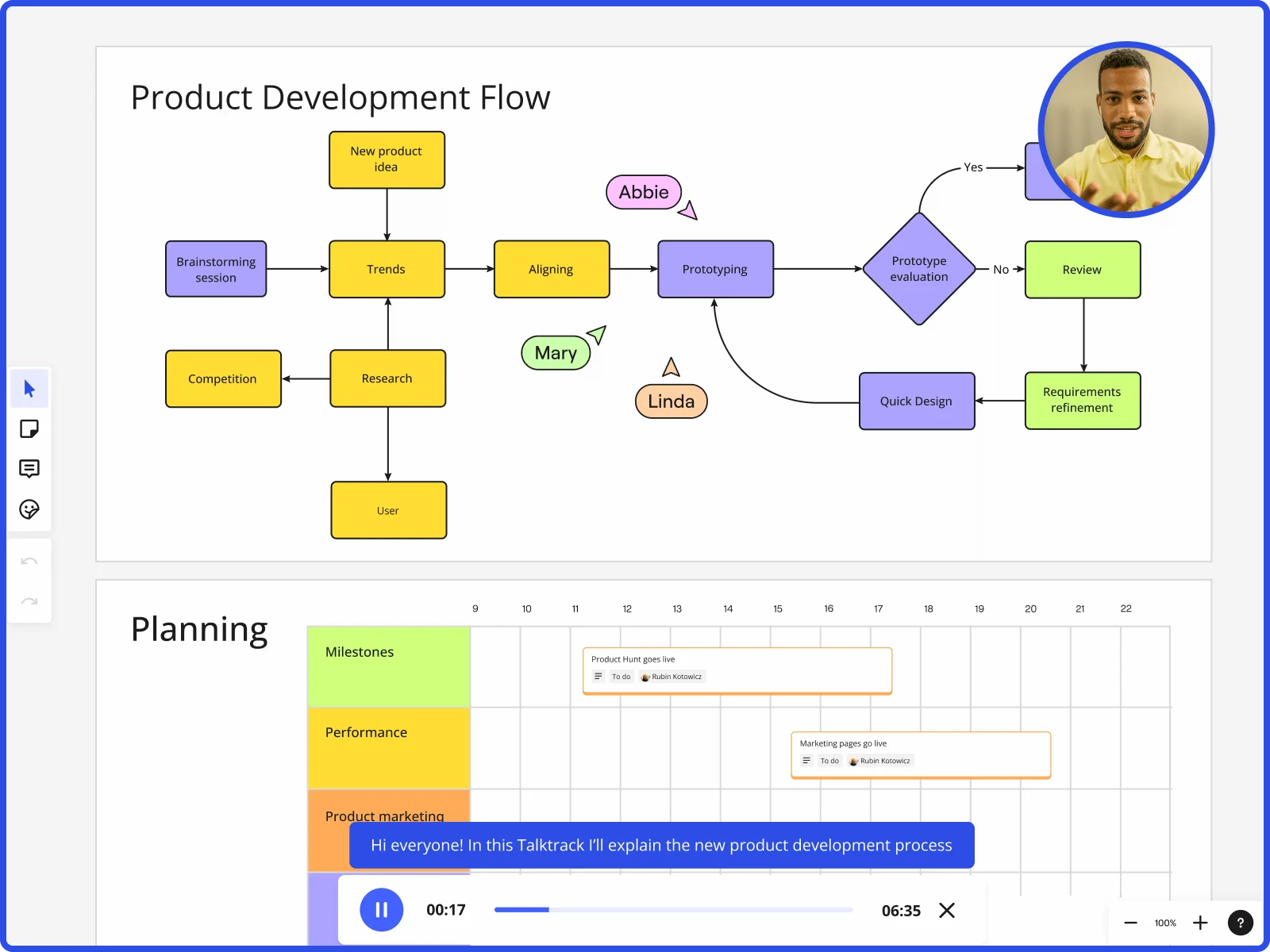
    Miro board showing product development flow with brainstorming, research, prototyping stages and planning timeline with Talktrack presentation
  • Are remote advocacy teams losing the thread between breakout discussions and the final deck?

    After a coalition session, notes scatter across email threads, chat messages, and personal documents. Miro's Breakout Frames let you split participants into focused working groups mid-presentation, then pull every group's output back onto the same board - feeding directly into your final briefing deck without a separate consolidation step.

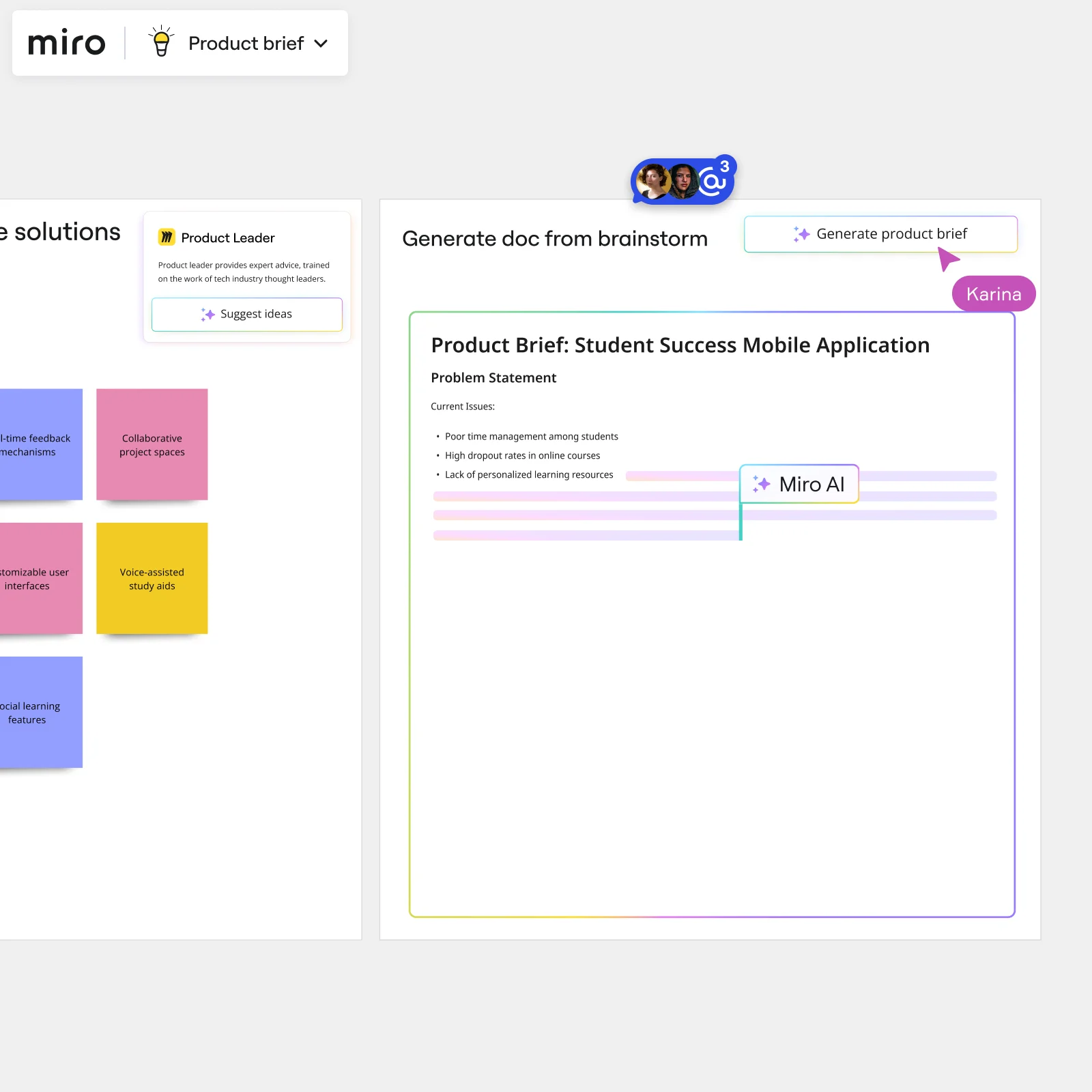
    Miro board showing AI-powered document generation from a brainstorming session, with a Product Leader AI sidekick panel on the left, colorful sticky notes listing solution ideas (collaborative project spaces, voice-assisted study aids, social learning features), and an AI-generated Product Brief document for a Student Success Mobile Application being created in real time by Miro AI.
  • One presentation framework, reused across every regulatory cycle

    Whether you're a three-person team managing a single issue campaign or a global government affairs function running lobbying efforts across 15 markets, rebuilding the same briefing structure each quarter wastes time your work doesn't have. Save your approved deck structure as a custom Presentation Blueprint - stakeholder context, agenda frames, and engagement activities load ready on day one of every new cycle.

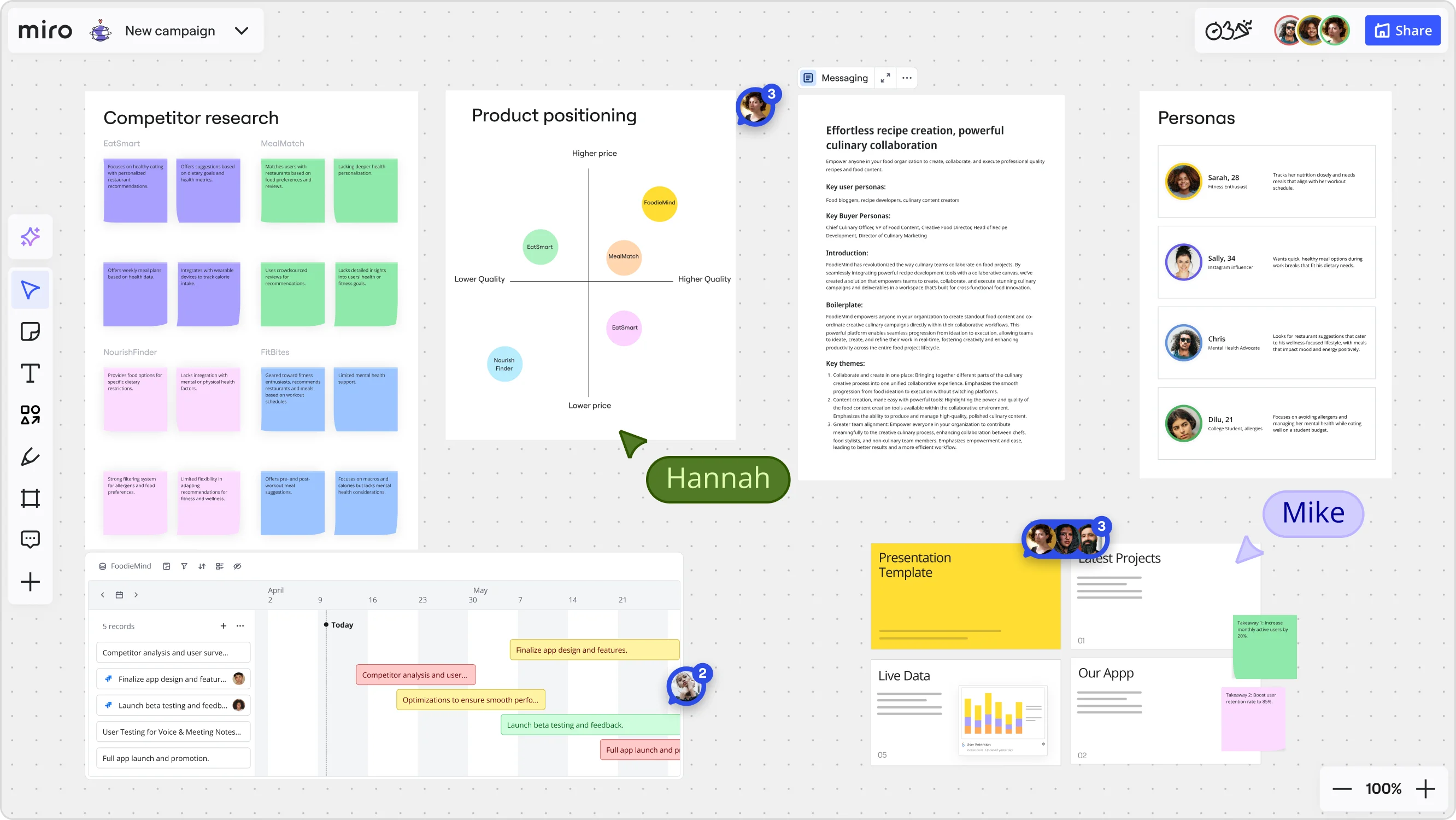
    Miro board for a 'FoodieMind' campaign featuring multiple frames including a competitor research grid with sticky notes, a product positioning matrix with competitor bubbles plotted on price/quality axes, a messaging document, a personas section with four user profiles, a Gantt-style timeline with project tasks, and a presentation template panel — with two collaborators (Hannah and Mike) visible via cursors.

How government affairs teams get started with presentations in Miro

  • Build your policy brief board

    Open a Miro board and pull your source material together in one place: paste in bill text from LegiScan, drop your internal policy memos, and use Frames to carve out one frame per key regulatory position you need to brief on.

  • Draft your leave-behind deck fast

    Use AI Generate Slides with a prompt like "6-slide deck: legislative context, our position, opposing arguments, coalition support, recommended amendment language, next steps, for a congressional chief of staff" so you have a credible first draft before legal review opens.

  • Lock in compliance sign-off before the Hill

    Share the board with in-house counsel and use Comments to collect threaded, slide-by-slide redlines directly on each frame, so disputed language gets flagged and resolved in context rather than in a chaotic email thread.

  • Deliver async when the hallway window closes

    Record a Talktrack narrating your regulatory position and amendment rationale, so a subcommittee counsel who missed your five-minute slot can replay the full brief with your spoken context intact and share it with the member's office.

Presentations and slides tips for government affairs managers

  • Before a markup session, use Voting with anonymous mode inside your deck to get a quick read on whether coalition partners agree on the amendment language you're planning to lead with.

  • When a bill jumps to the floor schedule overnight, use AI Search on your Home dashboard to find last session's leave-behind and update only the frames that changed rather than rebuilding the whole deck.

  • If a briefing goes to a multilingual agency contact or a foreign-government counterpart, run Miro AI Translate on your slide text and speaker notes Doc so the deck holds up without a separate localization pass.

Understand how government affairs specialists transform their work

  • Great for online presentations and collaborations

    Project Manager in Information Technology at Government Administration

    TrustRadius
    TrustRadius
    Verified user
    Read review
  • At my job, we use Miro to make our presentations more interactive. After creating presentations within various software, we upload to Miro and add sticky notes to each slide in the deck. These sticky notes allow live notetaking during meetings. While recently implemented, we have it for at least five presentations over the last few weeks.

    Brendan Mott

    G2
    G2
    G2 reviewer
    Read review

Presentation essential guide for government affairs teams

CategoryKey insights
  • Common mistakes to avoid

    The biggest trap for government affairs specialists is cramming a frame with everything legal approved, as if the slide were a policy memo rather than a leave-behind a chief of staff will absorb in 90 seconds. Before any briefing on the Hill or before a commission, reorder your Frames in the sidebar so your narrative tracks the conversation you planned, not the order you built the board. For teams of any size, always export at the higher quality setting when your deck contains linked citations or docket references, because the compressed export silently strips those links and your credibility with it.

  • Key integrations for government affairs specialists

    Microsoft PowerPoint and Google Slides connect directly so advocacy staff can hand off a polished deck to coalition partners or agency contacts who live entirely in those tools. Microsoft Teams and Zoom keep the workflow intact for the distributed government affairs shop juggling state capitals and DC offices at once, while Confluence handles the internal policy documentation that legal and compliance must sign off before anything goes external. For larger offices managing enterprise SSO requirements, Miro's admin controls sit on top of all of this, so IT can govern access without slowing down a specialist racing a 48-hour markup deadline.

  • When to use it

    Reach for Presentations and Slides in Miro the moment a bill lands on the floor schedule and you need to convert your existing board of policy research, coalition sign-on lists, and amendment language into a leave-behind deck without starting over in a separate tool. It's the right call when a congressional office or agency contact needs an async walkthrough and can't attend a live briefing: record a Talktrack narration over your frames and they get the full context at their own pace, which matters when you're briefing staffers across multiple time zones or committees simultaneously. If the session itself needs to be interactive, say a coalition partners call where you want to capture consensus on amendment priorities, Interactive Presentation Mode with Voting turns a passive deck into a working session.

  • Security & Compliance

    Miro is SOC 2 Type II certified, which meets the baseline expectation for government affairs work involving pre-decisional policy positions or legally reviewed advocacy materials that can't be exposed before an agency comment period closes. For specialists at larger organizations managing sensitive coalition correspondence or internal compliance sign-offs, data residency controls and granular sharing permissions let IT limit exactly who can view or interact with a board, so you're not accidentally surfacing a full working board to an external contact when you only intended to share a curated slide sequence. Private Mode adds another layer when a session involves confidential negotiating positions that legal would not want visible to the full room before the right moment.

Frequently asked questions for government affairs specialists

Last updated: Friday, July 24, 2026