A collaborative UX design tool for teams
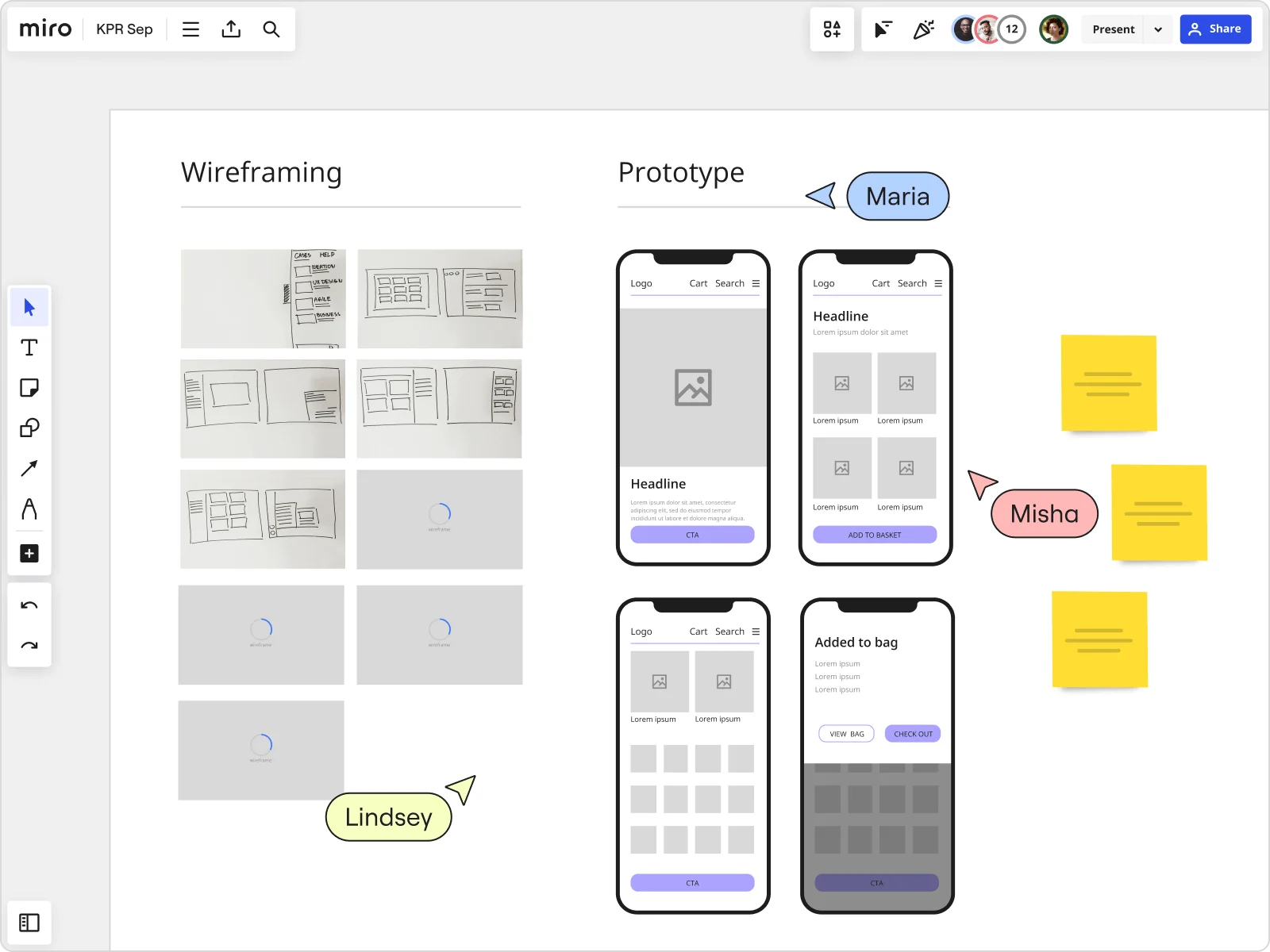

















Introduce your team to design collaboration
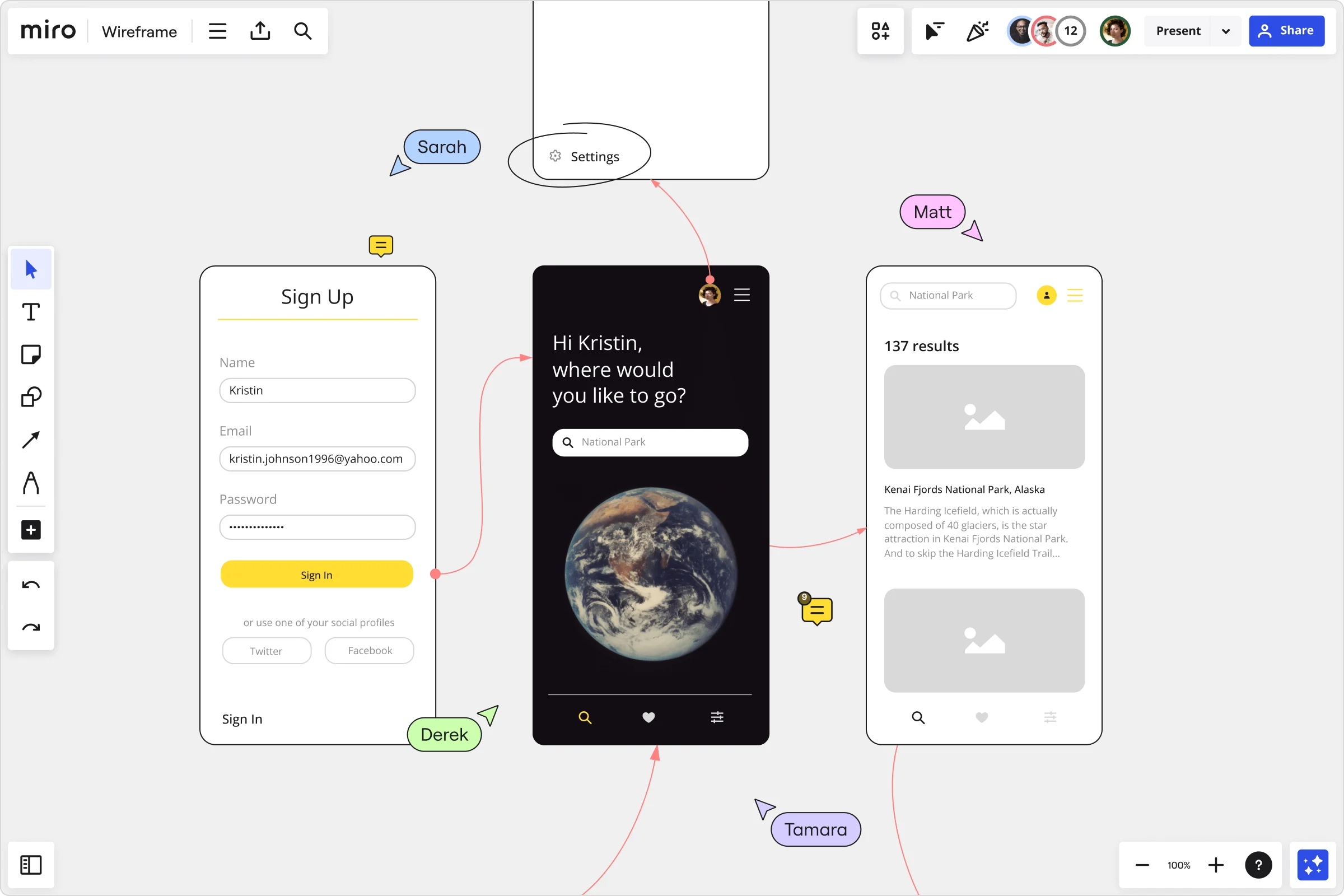
Leverage your UX design tools with Miro
For every design process
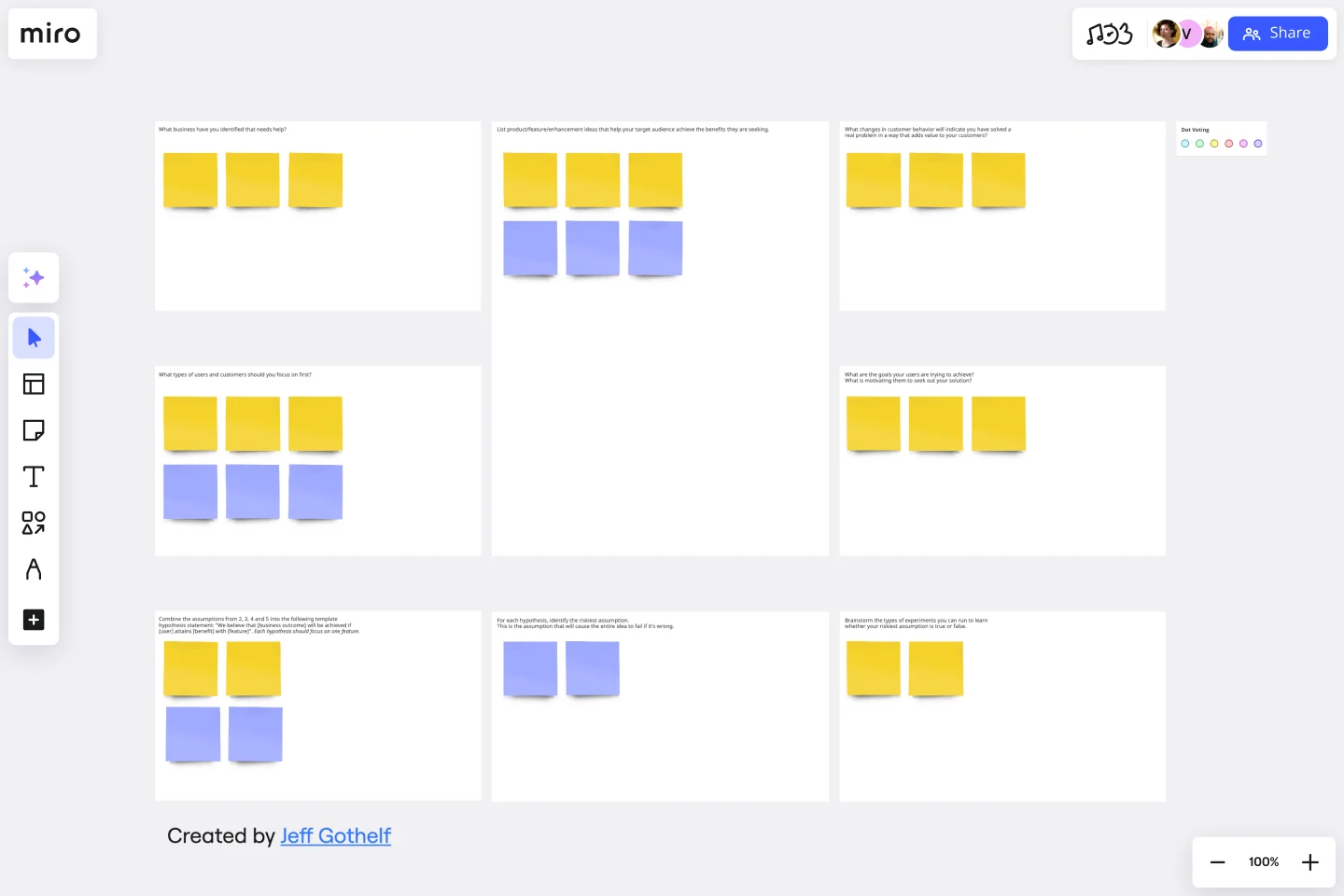
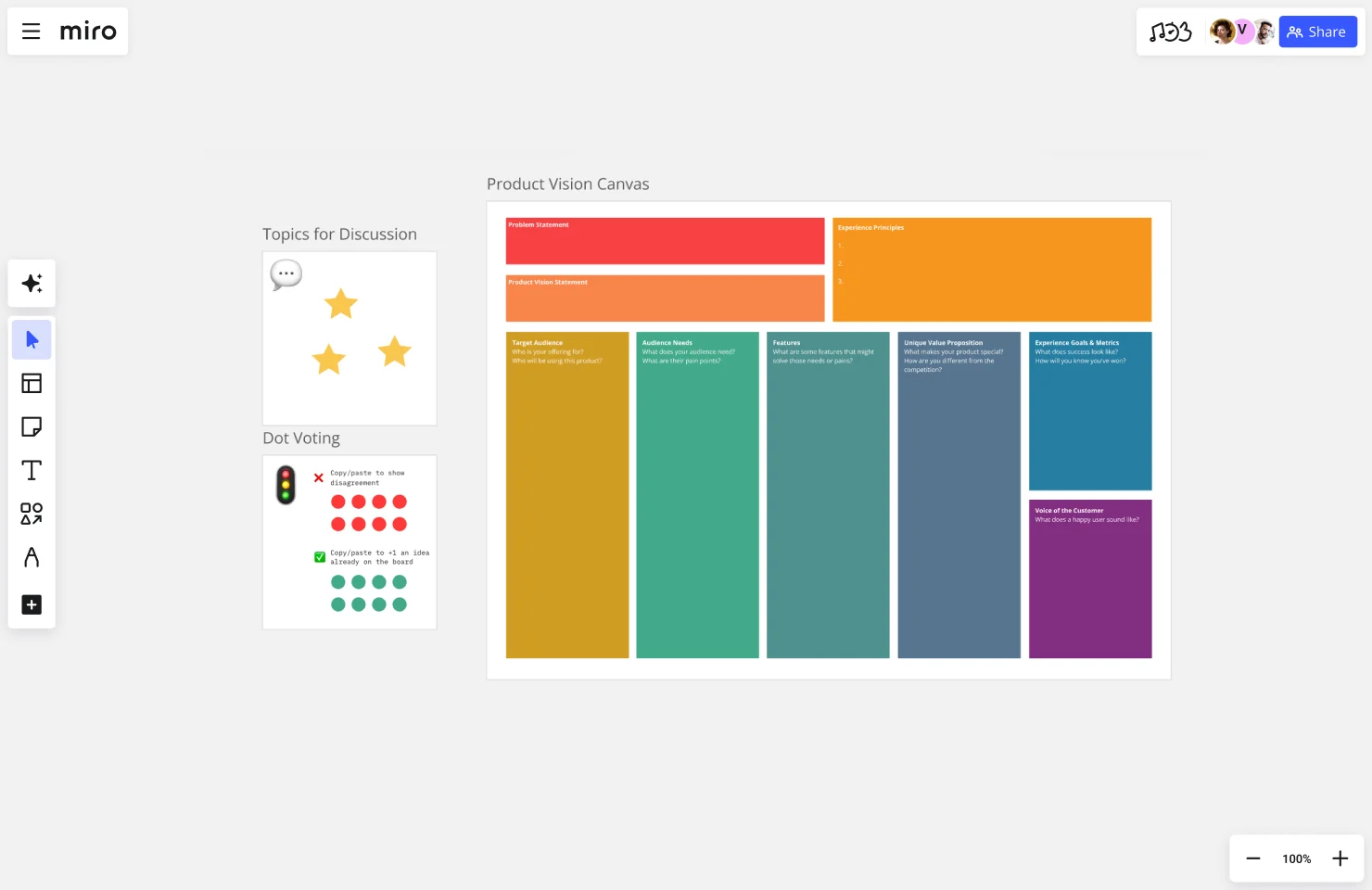
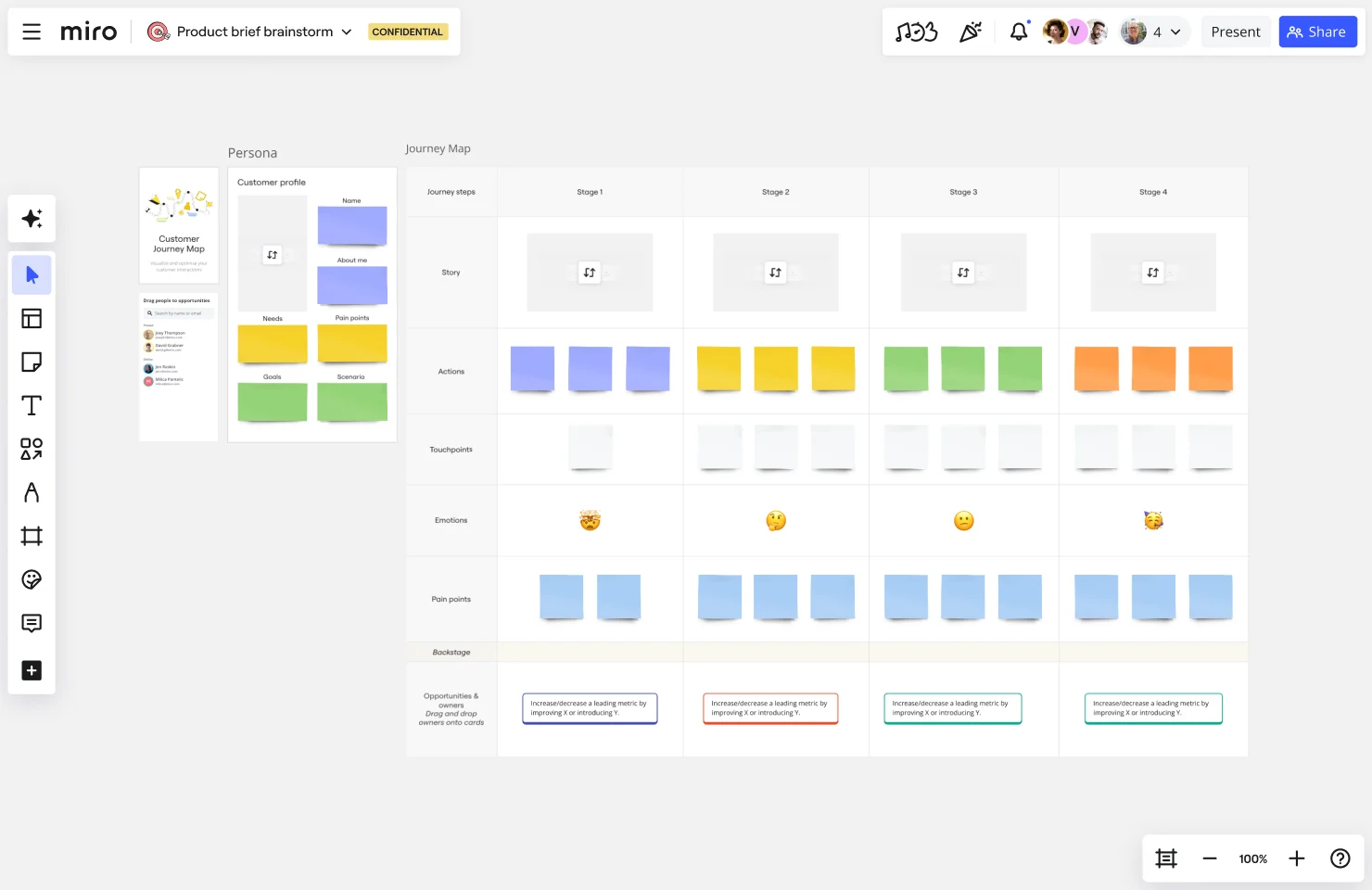
Create empathy maps, customer journeys, service design blueprints, and more from scratch — or, choose from our built-in template library.
Draft ideas, power creativity
Use smart drawing mode on tablets and touchscreens to capture ideas whenever inspiration strikes. Improve collaboration with tools like voting and timer to make your design sprints more efficient.
Capture insights
Ideate on an infinite canvas and visualize ideas the way you want. Brainstorm and organize your thoughts with our intuitive mind mapping tool, and use our UX research template to save your findings.
Share it
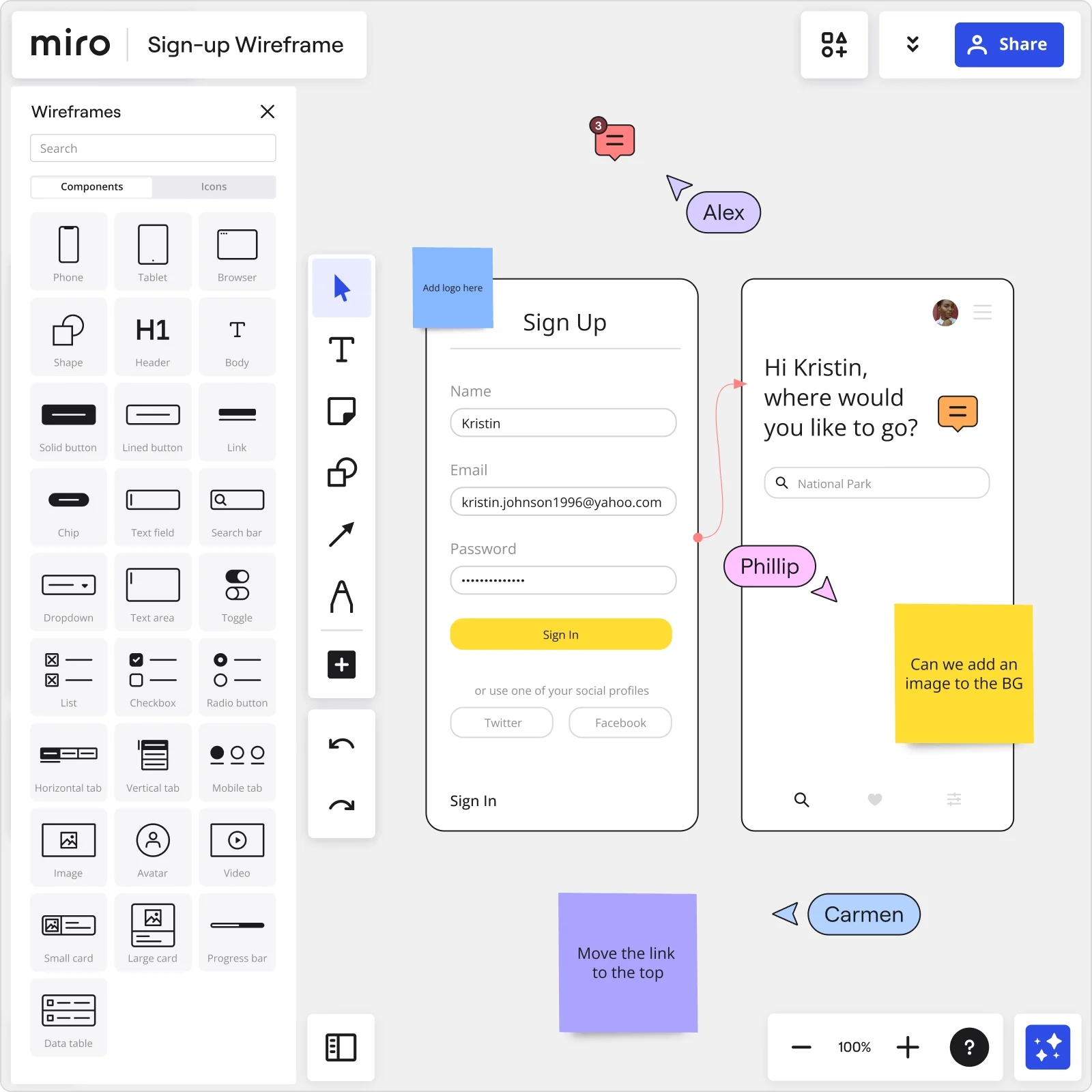
Share mockups, get feedback, and gather approvals all in one place. Or share your work through presentation mode and high resolution exports of board content.
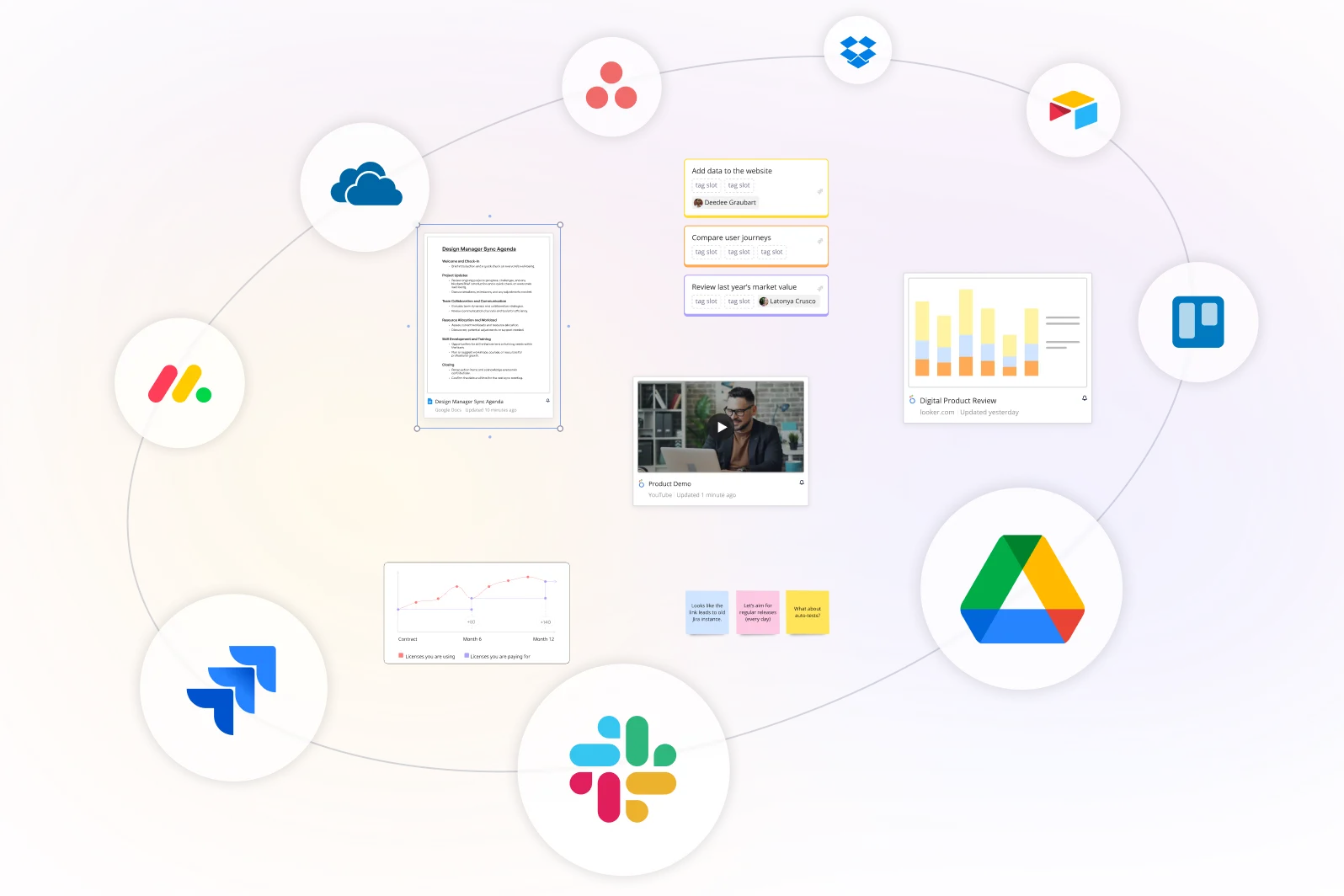
Integrated with your favorite tools
Related templates

How to use Miro for UX
Discover Miro's capabilities

The world's most innovative companies are collaborating in Miro, everyday
“With Miro, we went from project brief to in-market launch in 10 months. That usually takes 3 years at PepsiCo.”
Caroline de Diego
Senior Manager, Global Design & Marketing Innovation at PepsiCo


“Bringing everyone together to plan in Miro means the most impactful initiatives will happen at the right time.”
Lucy Starling
Product Operations Lead at Asos


“The team onboarded in 10 minutes to use Miro for workshops. Getting our organization to adopt this product was a no-brainer.”
Konrad Grzegory
Agile Transformation Lead at CD PROJEKT RED


“Miro templates helped us go from scratch to a full-fledged plan where we mapped activities, ideas, and dependencies.”
Marc Zukerman
Senior Director of Project Management at Hearst


“Miro allows all our teams to align themselves with certain tools and models: they work independently and create products that really meet our customers' needs.”
Luke Pittar
Sustainability Innovation & Design Coach at The Warehouse Group


“To be truly innovative, everyone needs to have a voice, and everyone needs to be able to iterate on each other’s ideas. Miro has made that possible for us.”
Brian Chiccotelli
Learning Experience Designer at HP


Users love Miro for end-to-end innovation. We're the G2 leader in visual collaboration platforms and are rated in the top 50 enterprise tools. Miro helps large companies get meaningful work done.
Top 50 Products for Enterprise
G2 reviews


FAQs about Miro’s UX design tools
Is the UX tool free to use?
Miro operates on a freemium model, which means it does offer a free version with limited functionality. This version can be a good starting point for small teams or individual designers. For more advanced features and greater collaboration potential, Miro offers several paid plans. These include the Team, Business, and Enterprise plans, each offering a progressively larger set of features and UX tools.
What does the UX design process typically look like?
Most UX design processes follow a discover-define-design-test loop. Discovery involves user research (interviews, surveys, and behavioural analysis) to understand who users are and what problems they face. Define involves syntheszing that research into personas, journey maps, and problem statements. Design involves creating wireframes and prototypes. Test involves validating those designs with real users through usability testing and iterating based on findings. The loop is not linear, insights from testing often send the team back to the discovery or define phase.
How can AI prompts support UX design workflows in Miro?
Miro AI accelerates UX design at every stage of the process. In discovery, it clusters user research notes and interview transcripts into themes automatically. In ideation, it generates sitemaps, user flows, and wireframe descriptions from plain-language prompts. In testing, it analyses usability findings and surfaces patterns. The most effective prompts reference the actual content on your Miro board, so the AI output is grounded in your specific project rather than generic best practices.