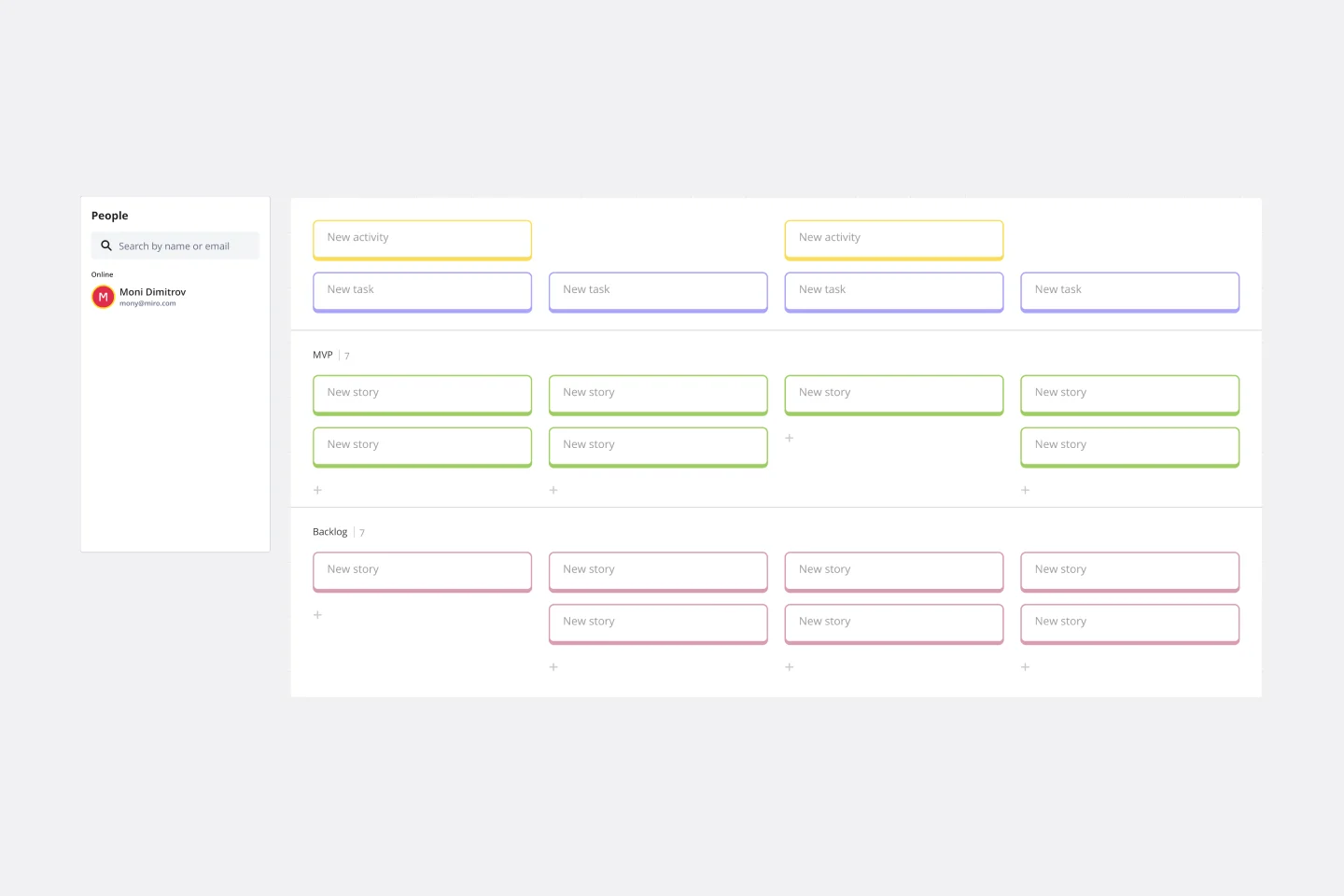
Thanks to some truly inspirational collaboration with colleagues recently, we've figured out a way to create a user story map from a table.
Best of all, the story map and the table are synced. So if you update one, the other updates at the same time. No need to maintain two artefacts, or copy/paste anything. Two views. One underlying reality.
As you do your research, compile a table of the needs you discover. You can add as many columns, of whatever type, as you need.
Record which persona/user(s), and which stage in the journey it occurs.
The table of needs is synced with another view, which represents the data as a user story map. There, you can drag and drop each need into the release lane you want to tackle it in.
This will automatically populate the Release field both here and in the source table.
You can add, edit, delete new requirements in either place. All the data is synced in real time.