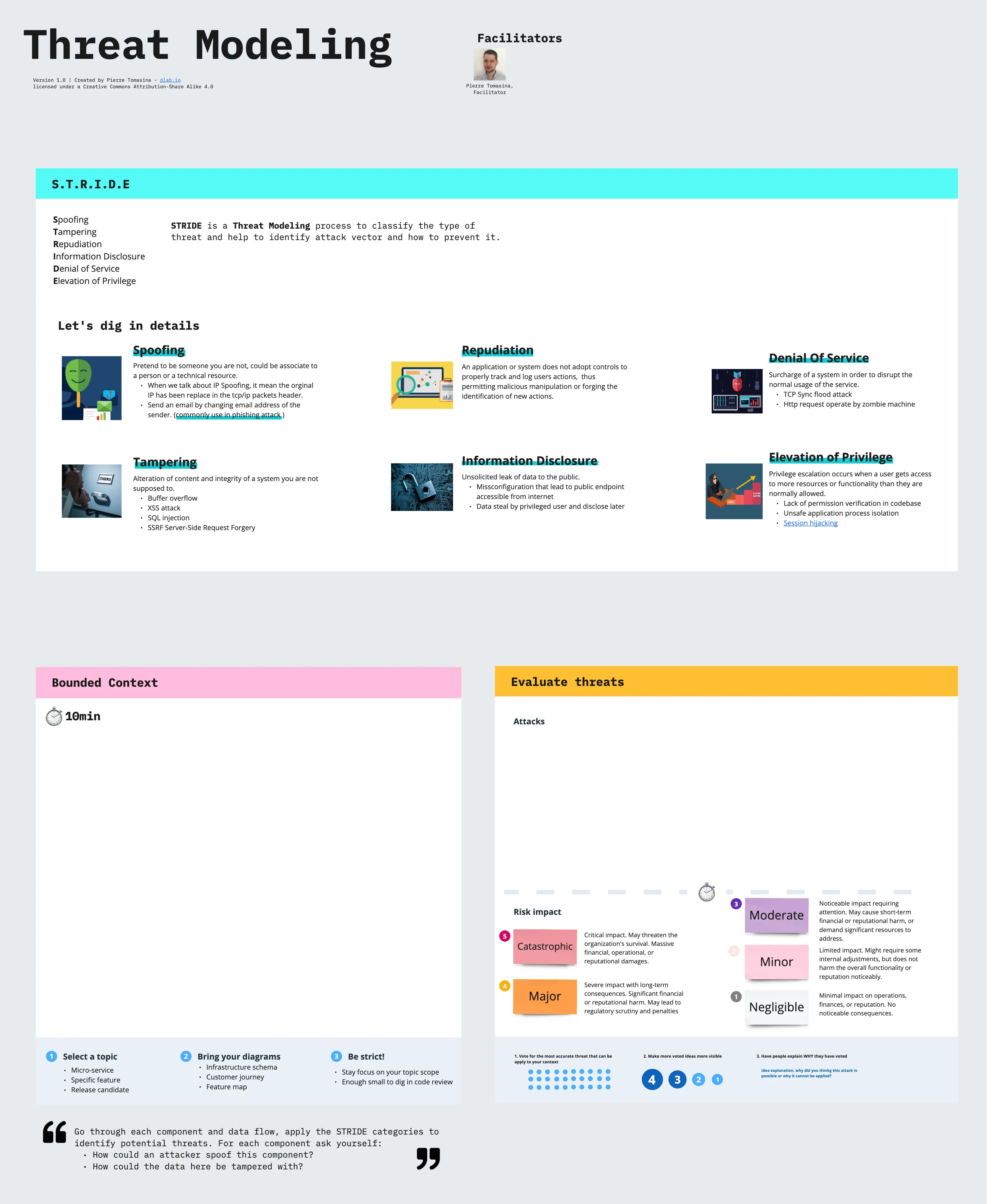
What is a Threat Modeling Template?
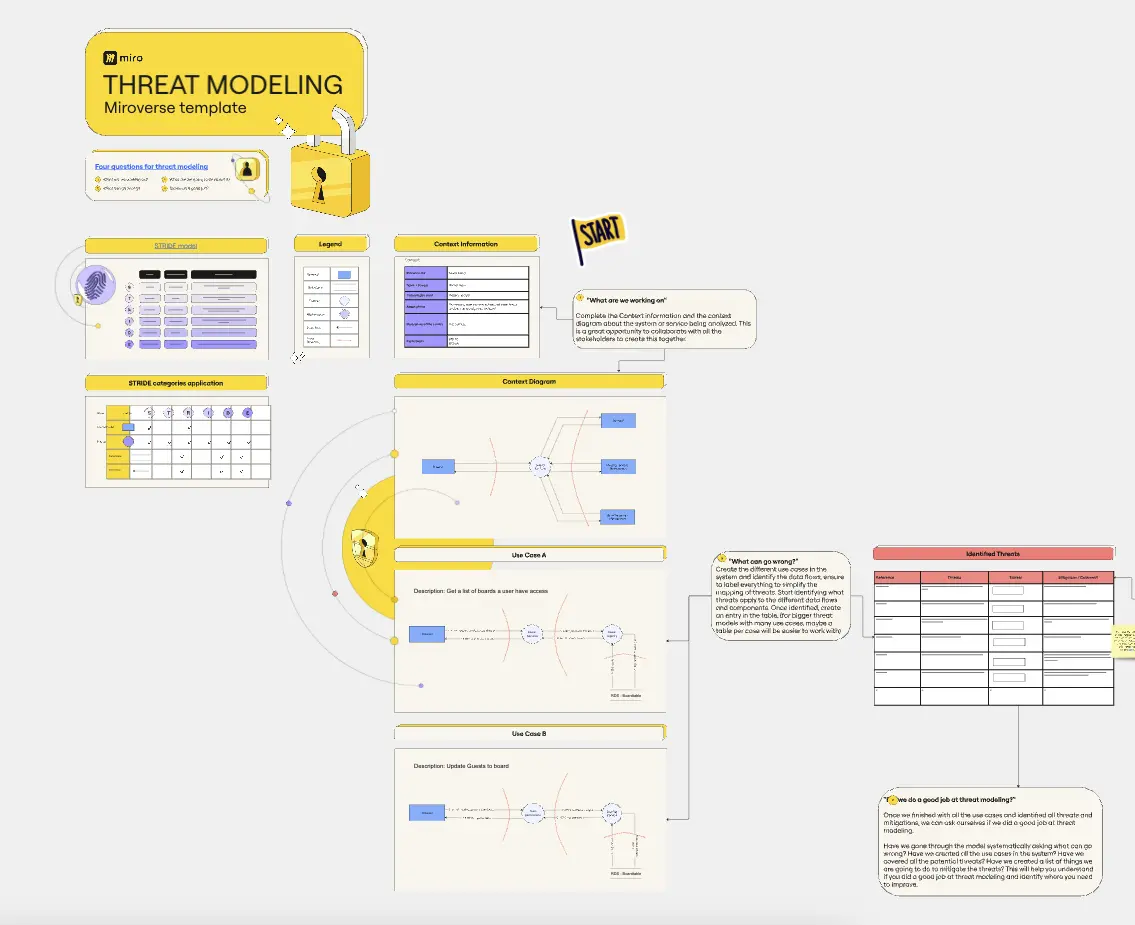
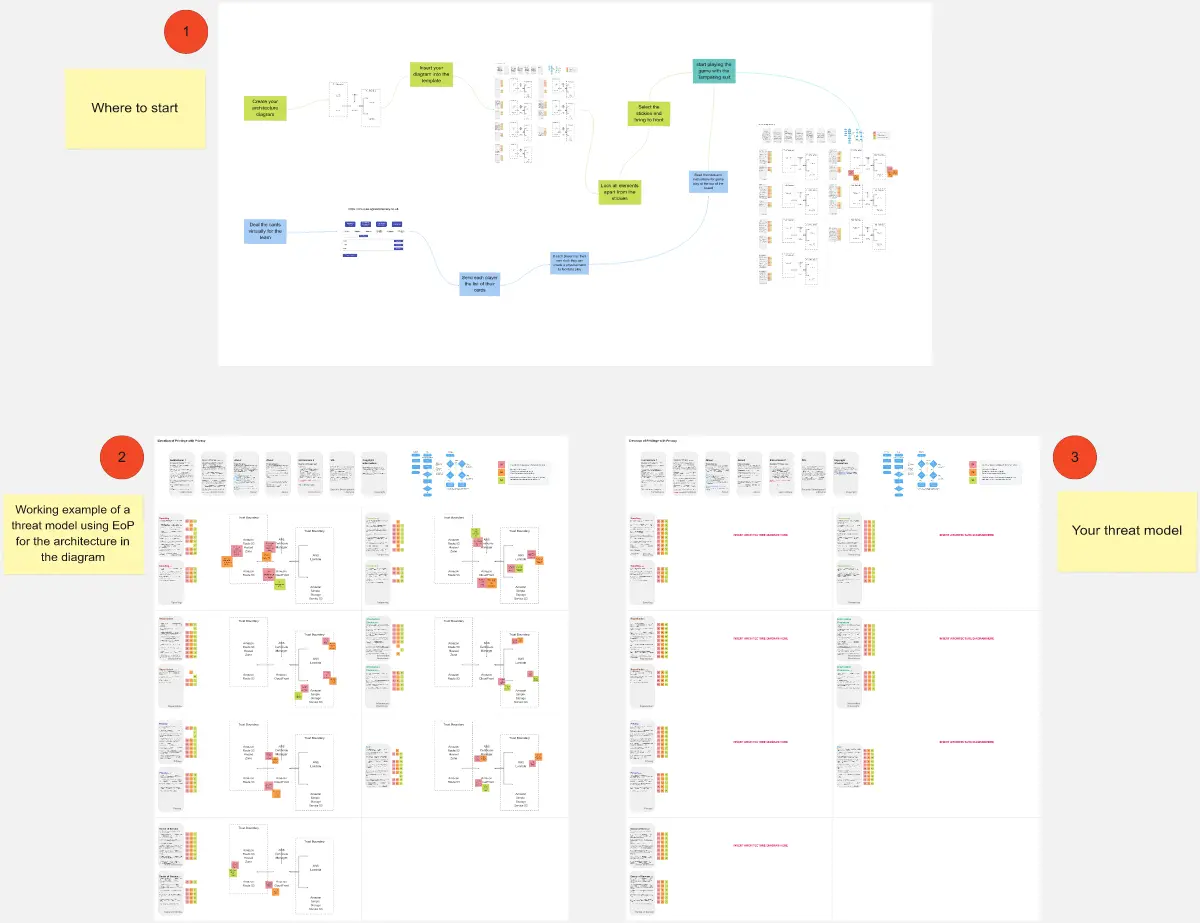
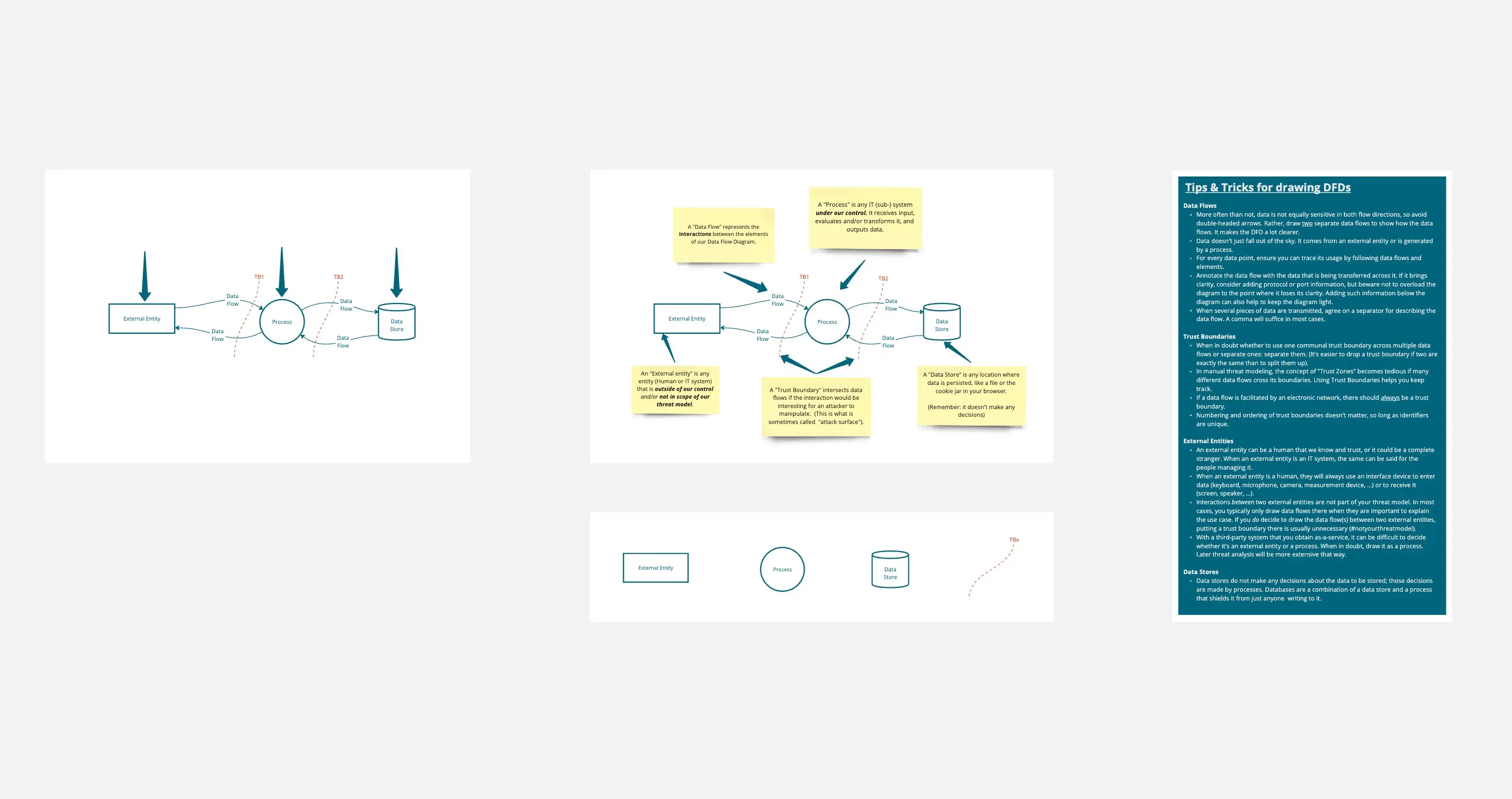
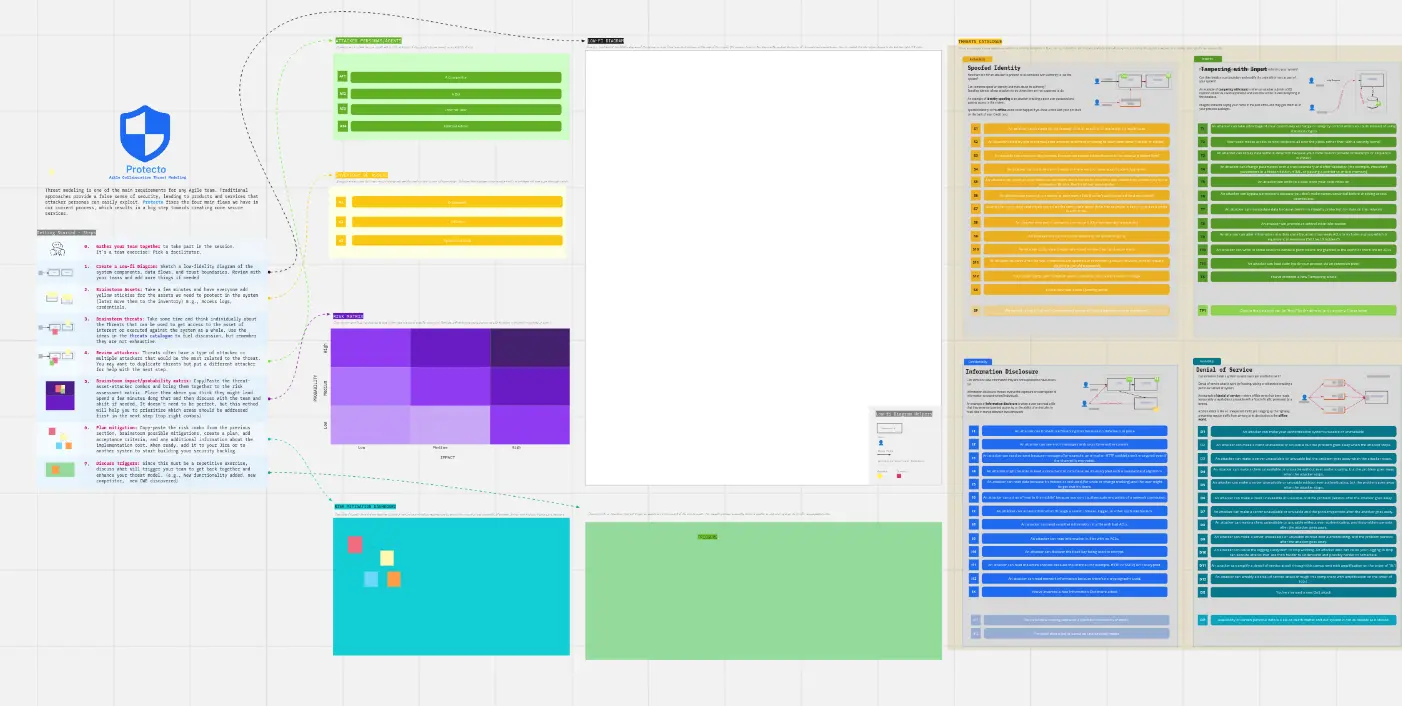
A threat modeling template is a structured framework used by security engineers and developers to visualize a system's architecture and identify where it is vulnerable to attack. It uses methodologies like STRIDE or PASTA to systematically hunt for threats like data leaks, unauthorized access, or service outages. By using a Data Flow Diagram (DFD) as the foundation, these templates ensure that "Security by Design" is a reality, not just a buzzword.
The "Adversary" Audit: 3 Ways to Find Hidden Flaws
Threat modeling is only effective if you can think like an attacker. Before finalizing your model on Miro or an Excel sheet, apply these three expert "health checks":
1. The "Trust Boundary" Audit
The Audit: Is your diagram one big cloud without clear lines between "Public" and "Internal" data? The Fix: Audit for Segmentation. A professional threat model must define Trust Boundaries. Any point where data crosses from an untrusted source (like a User’s Browser) to a trusted one (like your Database) is a high-risk entry point. If your template doesn't highlight these "Crossings," you are missing where 90% of attacks happen.
2. The "STRIDE" Categorization Test
The Audit: Are your threats vague (e.g., "Someone might hack us")? The Fix: Audit for Taxonomy. Use the STRIDE framework to categorize every potential threat:
Spoofing: Can someone pretend to be a valid user?
Tampering: Can someone modify data in transit or at rest?
Repudiation: Can a user deny they performed an action?
Information Disclosure: Can sensitive data be leaked?
Denial of Service: Can the system be crashed?
Elevation of Privilege: Can a regular user become an Admin?
3. The "Mitigation" Accountability
The Audit: Is your threat model just a "Scary List" with no solutions? The Fix: Audit for Remediation. Every identified threat in your template must be linked to a specific Security Control. If you identify a "Tampering" risk, the mitigation might be "Digital Signatures" or "TLS 1.3." A threat model is a "Living Document"—it only closes when the risk is accepted, mitigated, or transferred.
Strategic Frameworks: Which Threat Model Do You Need?
Select the methodology that matches your team’s technical depth:
Key Components of a Threat Modeling Template
A high-performance Threat Modeling Board requires these five core elements:
System Architecture / DFD: A visual map of Processes, Data Stores, Interactors (Users), and Data Flows.
Asset Inventory: A list of the "Crown Jewels" you are protecting (e.g., PII, Credit Card Info, Admin Credentials).
Threat Traceability Matrix: A table connecting the Threat, the Impact, the Probability, and the Risk Score.
Attack Trees: A branching diagram showing the different paths an attacker could take to reach a specific goal.
Validation Checklist: A final section to ensure that the mitigations were actually implemented in the code.