What is an Eisenhower Matrix Template?
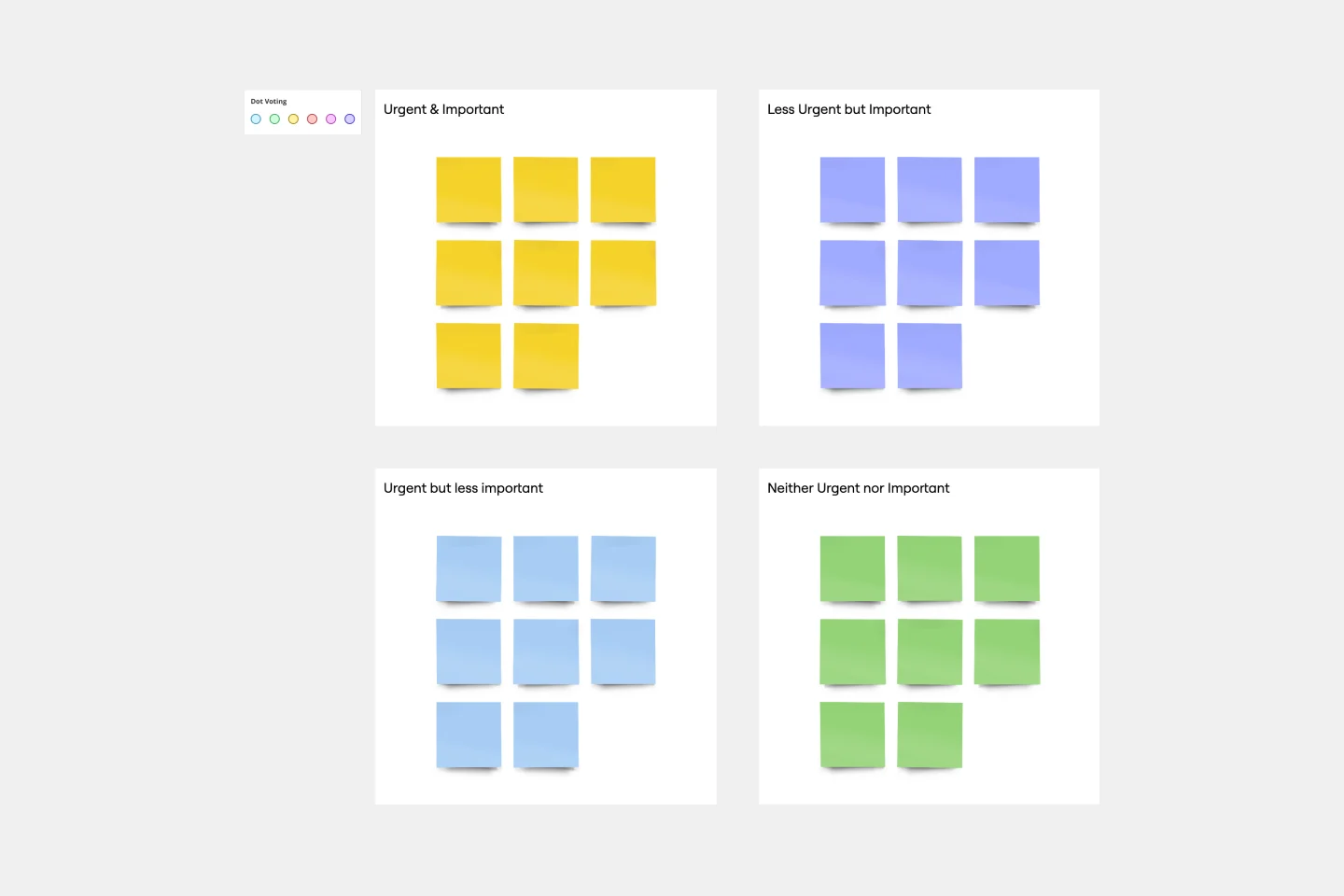
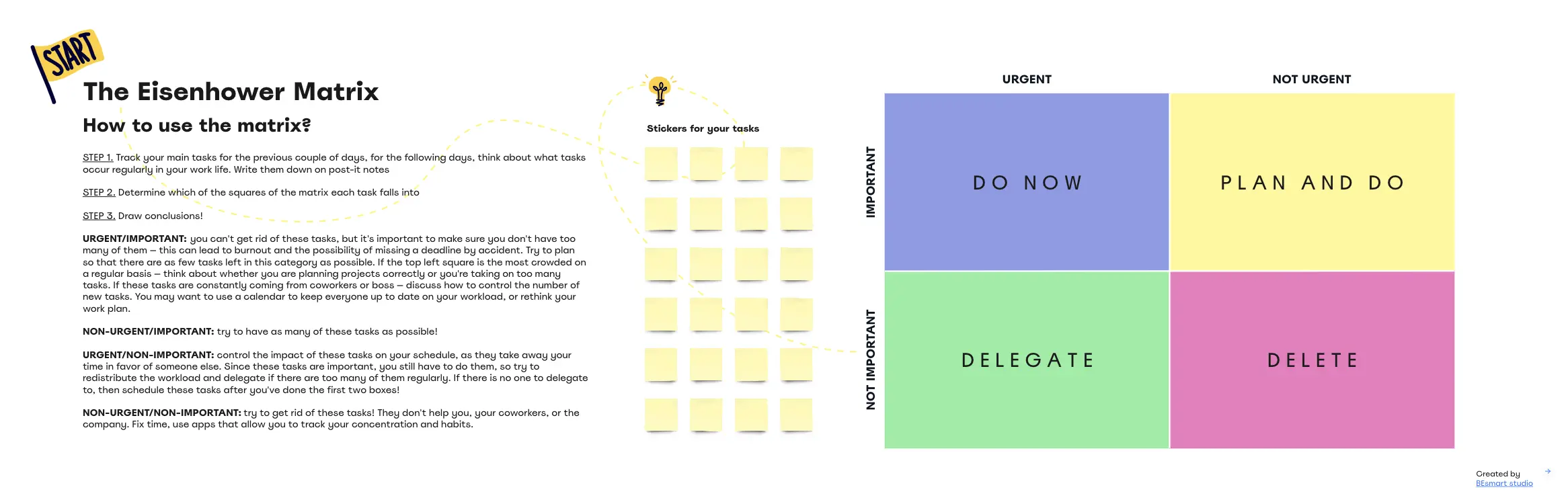
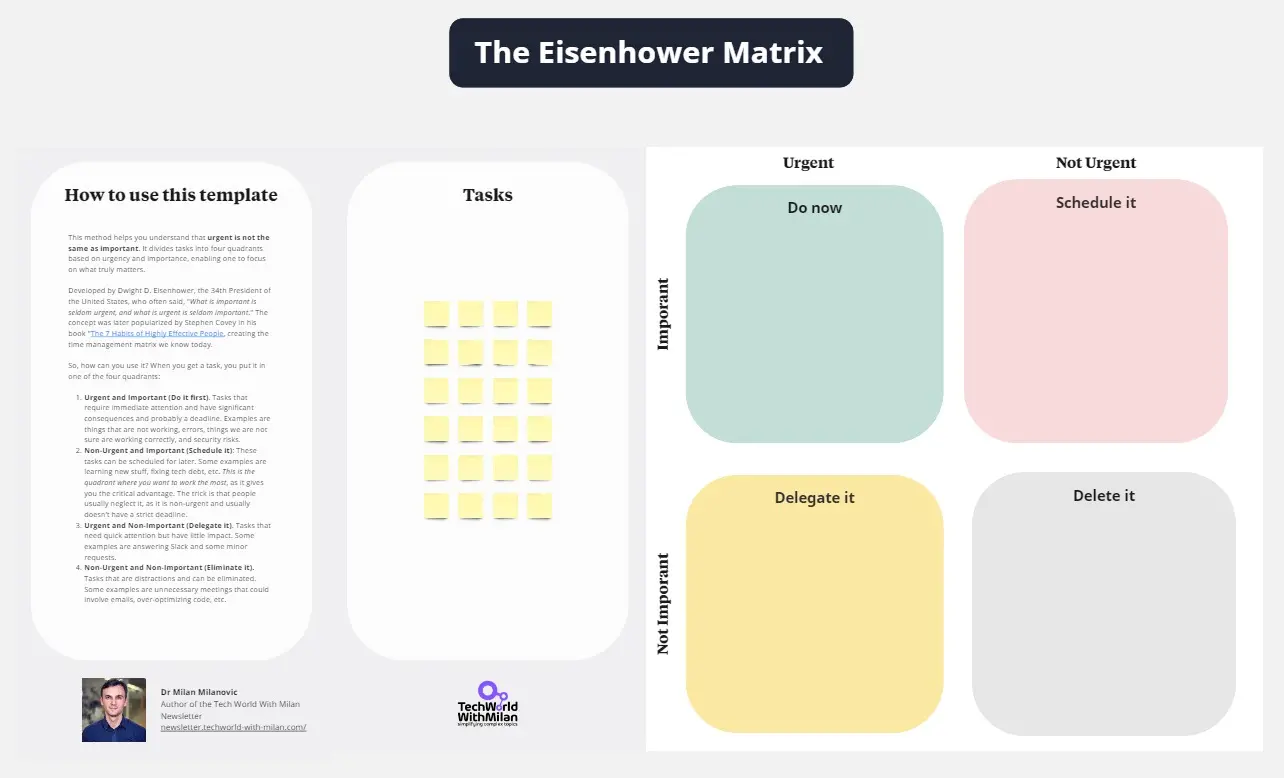
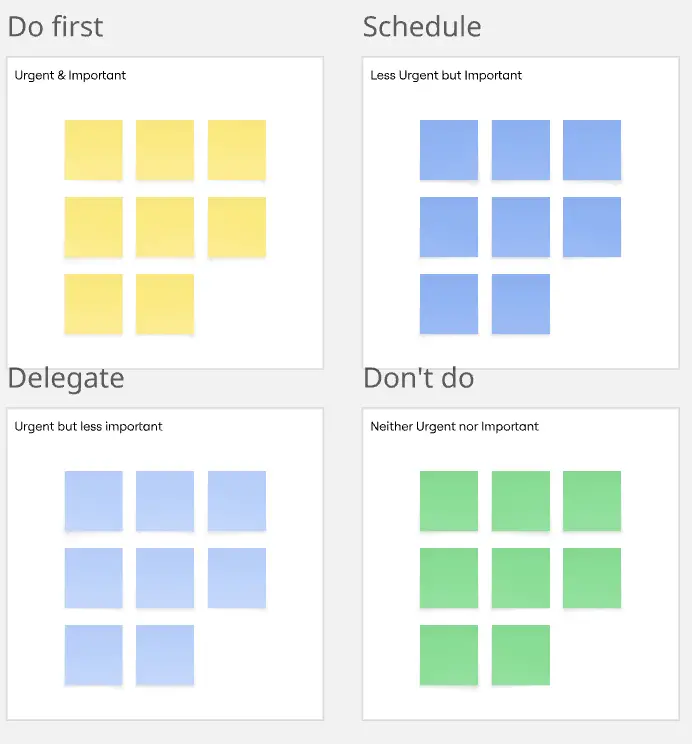
An Eisenhower Matrix template is a 2x2 productivity framework used to categorize tasks based on two criteria: Urgency (how soon it needs to be done) and Importance (how much it contributes to long-term goals). It forces a distinction between "Reactive" tasks (responding to others) and "Proactive" tasks (driving your own mission), allowing you to prioritize high-value output over low-value activity.
The "Urgency Trap" Audit: 3 Ways to Reclaim Your Schedule
A matrix is only effective if you can tell the difference between a "Fire" and a "Flicker." Before sorting your stickies on Miro, apply these three expert "health checks":
1. The "False Urgency" Audit
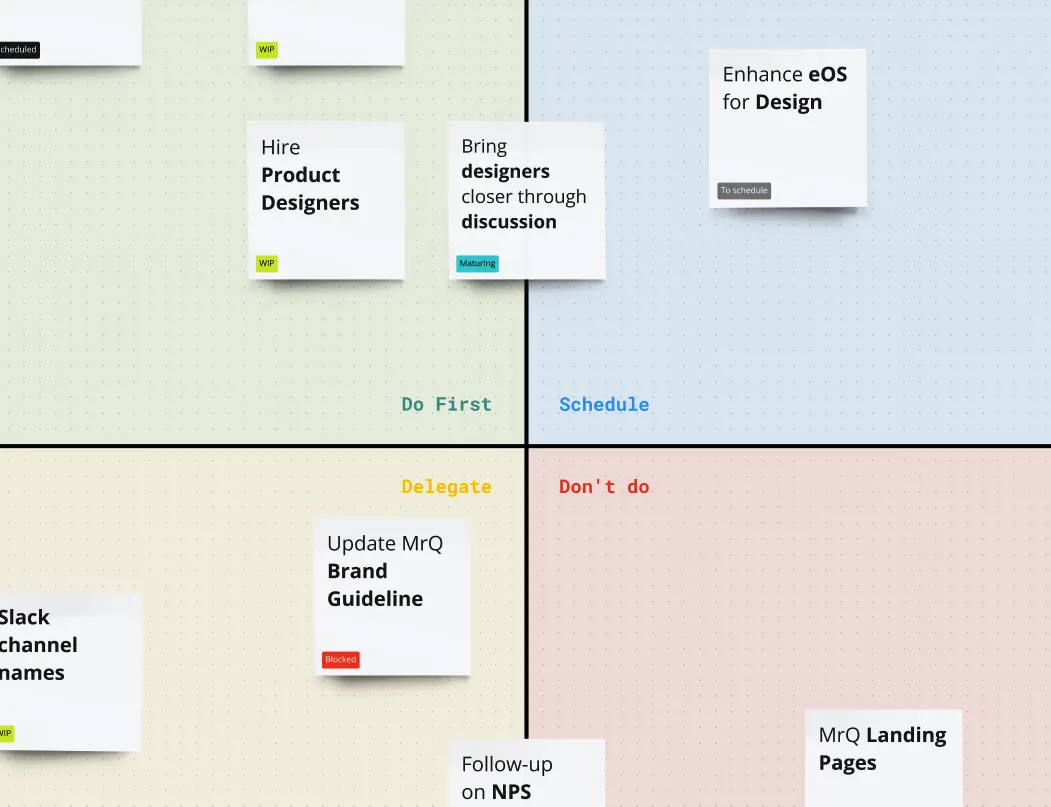
The Audit: Are your "Urgent" tasks actually important to your goals, or just someone else’s convenience? The Fix: Audit for Source of Pressure. If a task is "Urgent" but has low "Importance" (Quadrant 3), it is likely a distraction—an email that could be a Slack message, or a meeting you don't need to lead. Move these to the Delegate quadrant. If you can't delegate it, question if it needs to be done at all.
2. The "Quadrant 2" Protection Test
The Audit: Is your "Important / Not Urgent" quadrant empty while your "Important / Urgent" quadrant is overflowing? The Fix: Audit for Proactive Planning. Quadrant 2 is where "Deep Work" happens—strategy, skill-building, and relationship management. If you spend all your time in Quadrant 1 (Crisis Management), you are "living in the burn." Your template should force you to schedule at least 20% of your week for Quadrant 2 items to prevent them from becoming Quadrant 1 crises later.
3. The "Delete" Integrity Audit
The Audit: Are you "Scheduling" low-value tasks instead of "Deleting" them? The Fix: Audit for Ruthless Prioritization. Quadrant 4 (Not Urgent / Not Important) is the "Waste Zone." This includes mindless scrolling, excessive sorting, or low-impact administrative "polishing." A professional Eisenhower template isn't a "Later" list; it’s a filter. If a task provides zero ROI, delete it to clear your mental bandwidth.
The Four Quadrants: How to Execute the Matrix
A professional Eisenhower Matrix dictates a specific action for every task:
Quadrant 1: DO (Urgent & Important)
Quadrant 2: SCHEDULE (Not Urgent & Important)
Quadrant 3: DELEGATE (Urgent & Not Important)
Quadrant 4: DELETE (Not Urgent & Not Important)
Key Components of an Eisenhower Matrix Template
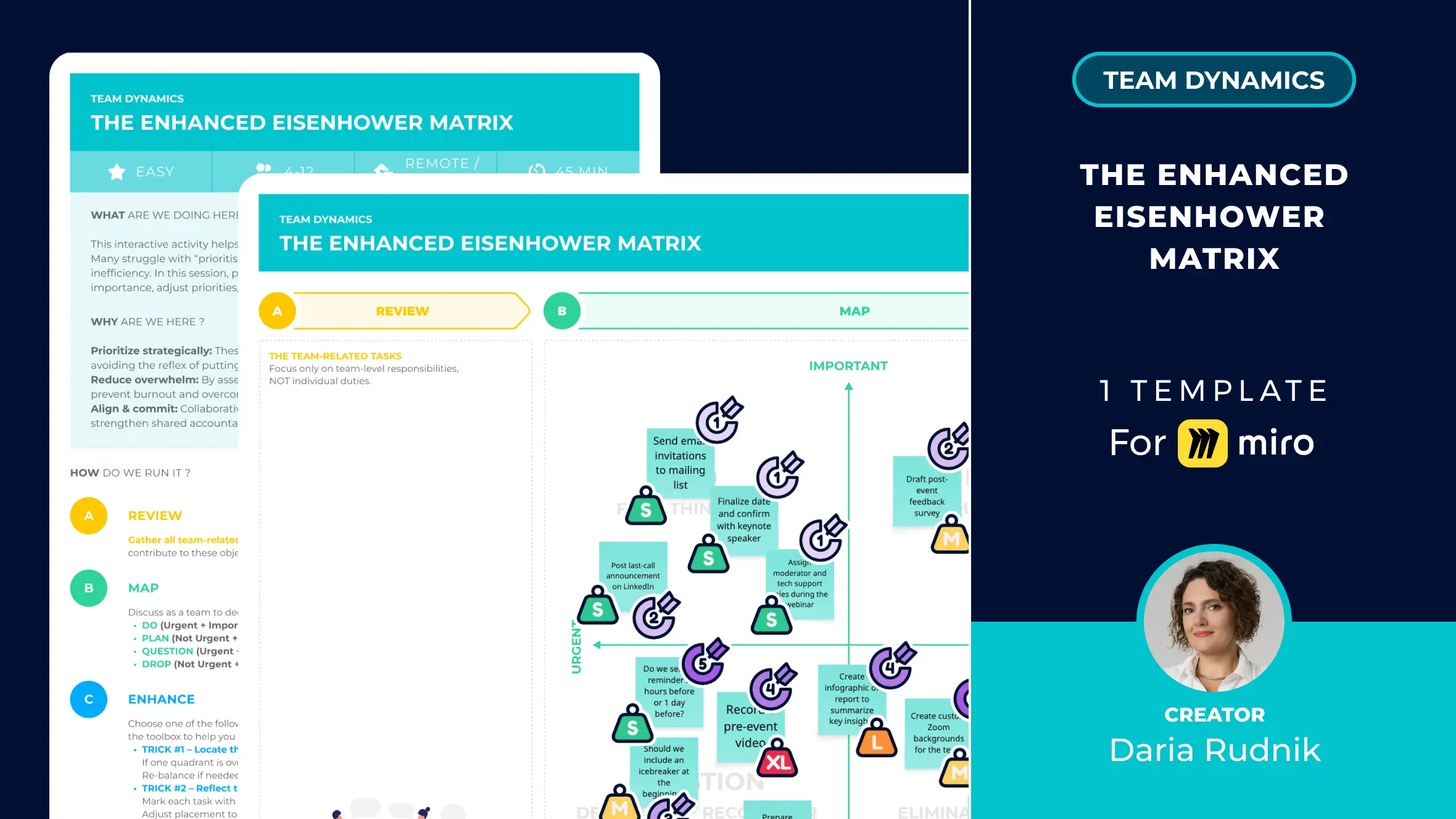
A high-performance Miro board for the Eisenhower Matrix requires these five core elements:
The 2x2 Grid: With "Importance" on the Y-axis and "Urgency" on the X-axis.
The "Brainstorming Bucket": A space to dump every task before you begin the sorting process.
Defined Action Icons: Visual cues like a Clock (Schedule), a Person (Delegate), or a Trash Can (Delete).
Weekly Focus Goal: A pinned note at the top reminding you of your #1 objective for the week to guide your "Importance" rating.
The "Delegate" Log: A space to track who you've assigned tasks to and when they are due back.
Common Pitfalls in Task Prioritization