planning
2044 templates
- 2 likes28 uses

Customer Insights Tracker Template
Imagine having every piece of customer feedback, research finding, and behavioral insight organized in one visual space where your entire team can spot trends, prioritize pain points, and make confident product decisions. That's exactly what Miro's customer insights tracker template delivers – a structured approach to capturing, organizing, and acting on the voice of your customers.
- 13 likes933 uses

Quick Retrospective Template
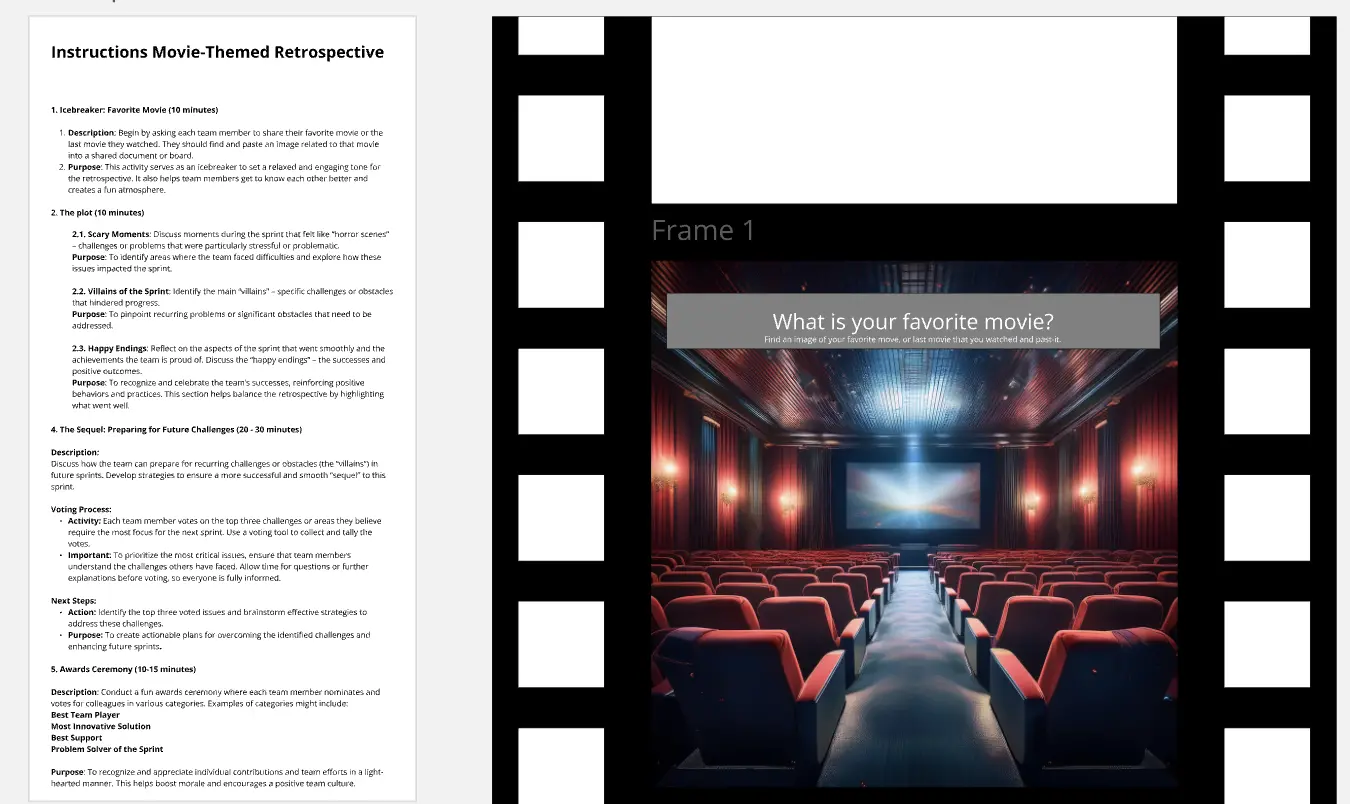
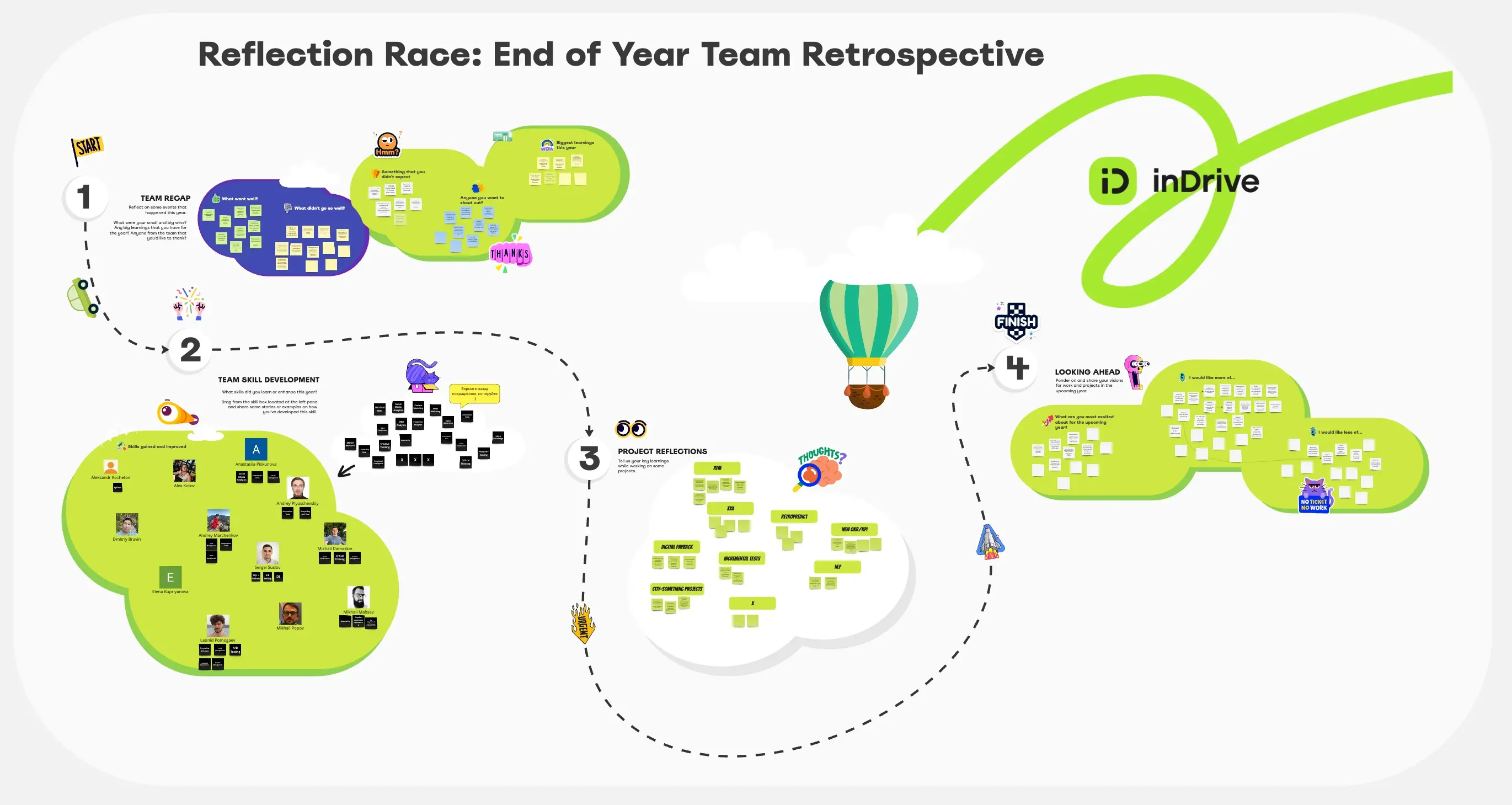
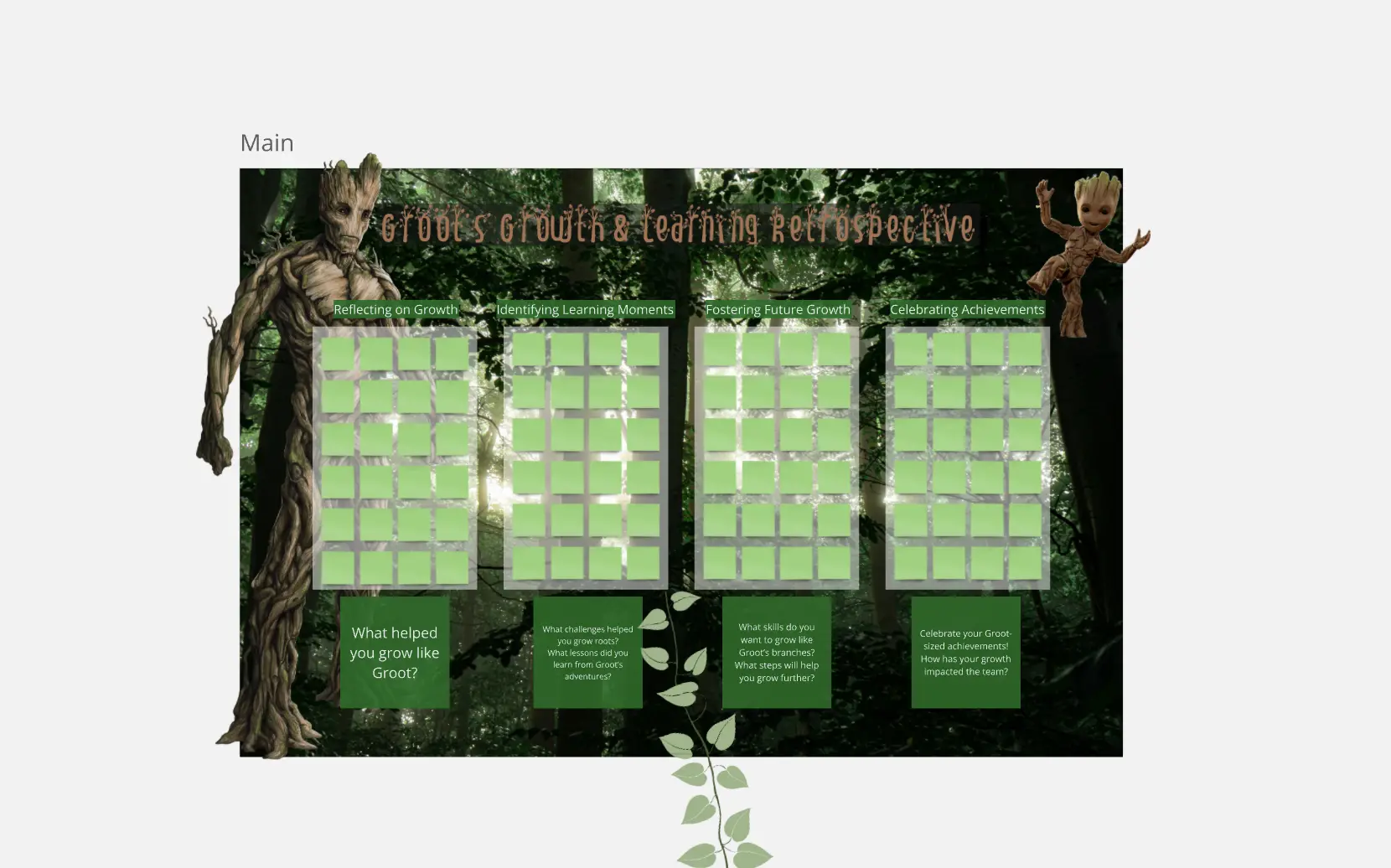
A retrospective template empowers you to run insightful meetings, take stock of your work, and iterate effectively. The term “retrospective” has gained popularity over the more common “debriefing” and “post-mortem,” since it’s more value-neutral than the other terms. Some teams refer to these meetings as “sprint retrospectives” or “iteration retrospectives,” “agile retrospectives” or “iteration retrospectives.” Whether you are a scrum team, using the agile methodology, or doing a specific type of retrospective (e.g. a mad, sad, glad retrospective), the goals are generally the same: discovering what went well, identifying the root cause of problems you had, and finding ways to do better in the next iteration.
- 0 likes80 uses

Demo Presentation Template
Present your ideas confidently and professionally with this Demo Presentation Template. Use it to show potential and existing customers how your product or service works so they can fully appreciate its value.
- 2 likes492 uses

Spaghetti Diagram Template
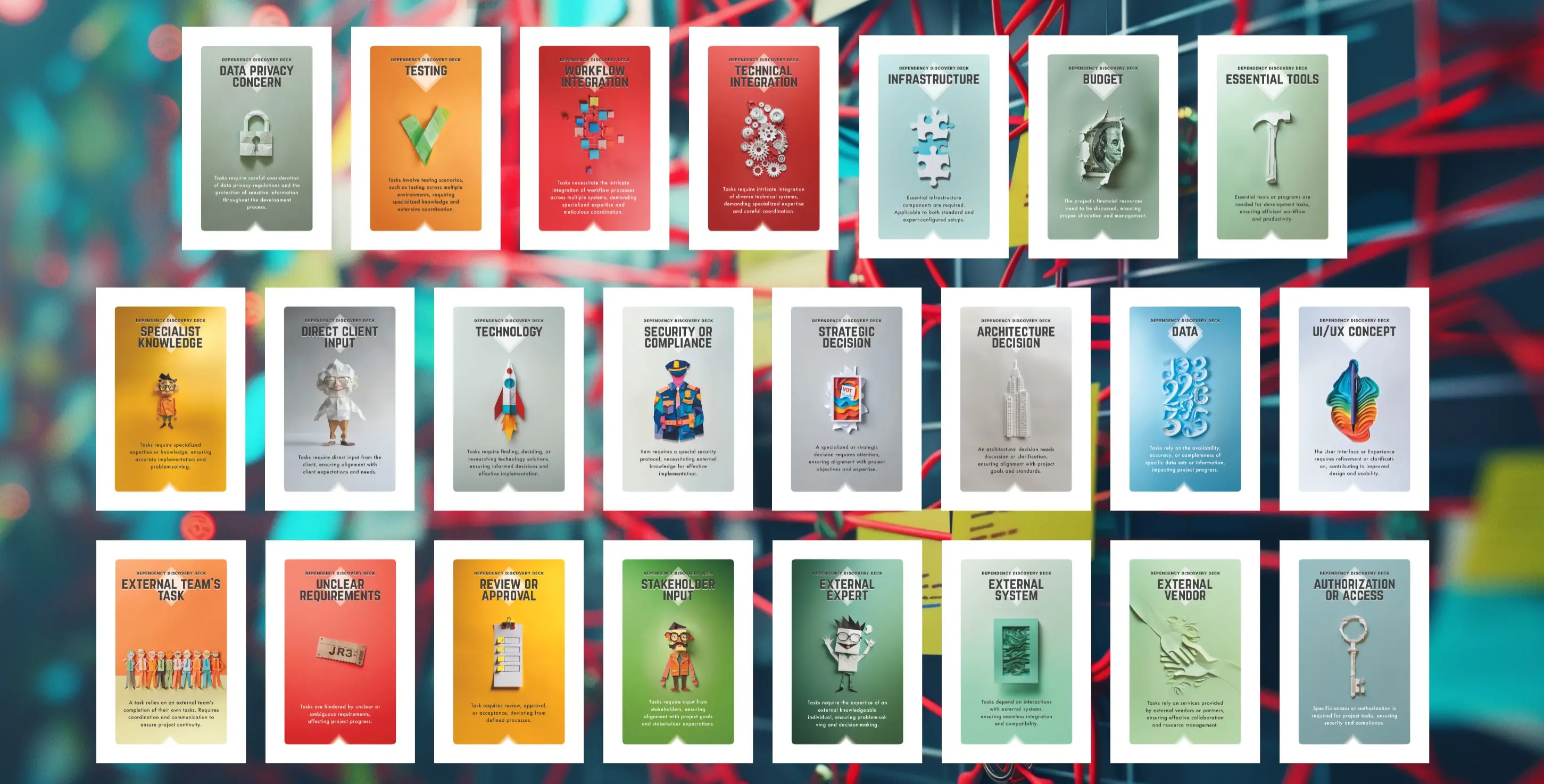
Spaghetti diagrams are valuable for finding connections between assets, services, and products, as well as identifying dependencies in a visual way. Use this template to get an overview of a process and quickly find areas of improvement.
- 12 likes118 uses
- 30 likes168 uses
- 0 likes12 uses

Retrospective Summaries Template
Ever walked out of a retrospective feeling energized about the team's insights, only to realize weeks later that nothing actually changed? You're not alone. Most retrospective conversations disappear into the void, leaving teams to repeat the same mistakes sprint after sprint. This retrospective summaries template captures your team's valuable insights in a structured format that ensures action items get tracked, wins get celebrated, and improvements actually happen. Created with Miro Docs, it seamlessly integrates with your existing boards and workflows.
- 2 likes23 uses

Design Research Template
A design research map is a grid framework showing the relationship between two key intersections in research methodologies: mindset and approach. Design research maps encourage your team or clients to develop new business strategies using generative design thinking. Originally designed by academic Liz Sanders, the framework is meant to resolve confusion or overlap between research and design methods. Whether your team is in problem-solving or problem space definition mode, using a research design template can help you consider the collective value of many unrelated practices.
- 8 likes651 uses

Low-Fidelity Prototype Template
Low fidelity prototypes serve as practical early visions of your product or service. These simple prototypes share only a few features with the final product. They are best for testing broad concepts and validating ideas. Low fidelity prototypes help product and UX teams study product or service functionality by focusing on rapid iteration and user testing to inform future designs. The focus on sketching and mapping out content, menus, and user flow allows both designers and non-designers to participate in the design and ideation process. Instead of producing linked interactive screens, low fidelity prototypes focus on insights about user needs, designer vision, and alignment of stakeholder goals.
- 0 likes80 uses

Meeting Agenda Template
A detailed, clear agenda — that’s what separates meetings that go completely off the rails from those where goals are met and things get done. So grab this template and set a meeting agenda that lays out expectations for before, during, and after the meeting. It’ll enable participants to get prepared beforehand and empower you to stay on-task and identify when the discussion is complete. (Tip: Plan ahead to send out your meeting agenda at least 24 hours before the meeting.)
- 6 likes369 uses

Infographic Template
As we bet you’ve experienced, data can get pretty dense and dry. But you need it to be compelling, memorable, and understandable. The solution? Infographics. These are tools that let you present information in a visually striking way and turn quantitative or qualitative data into stories that engage and resonate. Whoever you’ll be presenting to — customers, donors, or your own internal teams — our template will let you design an infographic that combines text and visuals to break down even the most complicated data.
- 0 likes14 uses

On-Call Incident Log Template
Are critical system outages turning your team into firefighters scrambling through Slack threads, email chains, and hastily scribbled notes? When incidents strike, the last thing you need is hunting through scattered logs while your users wait for answers. Without a centralized way to track incident details, response times, and root causes, even your best engineering teams struggle to spot the patterns that could prevent future outages. This disconnect between incident response and learning means you're likely repeating the same mistakes, missing early warning signs, and burning out your on-call engineers. But there's a better way to handle the inevitable chaos of system incidents.
- 1 likes21 uses

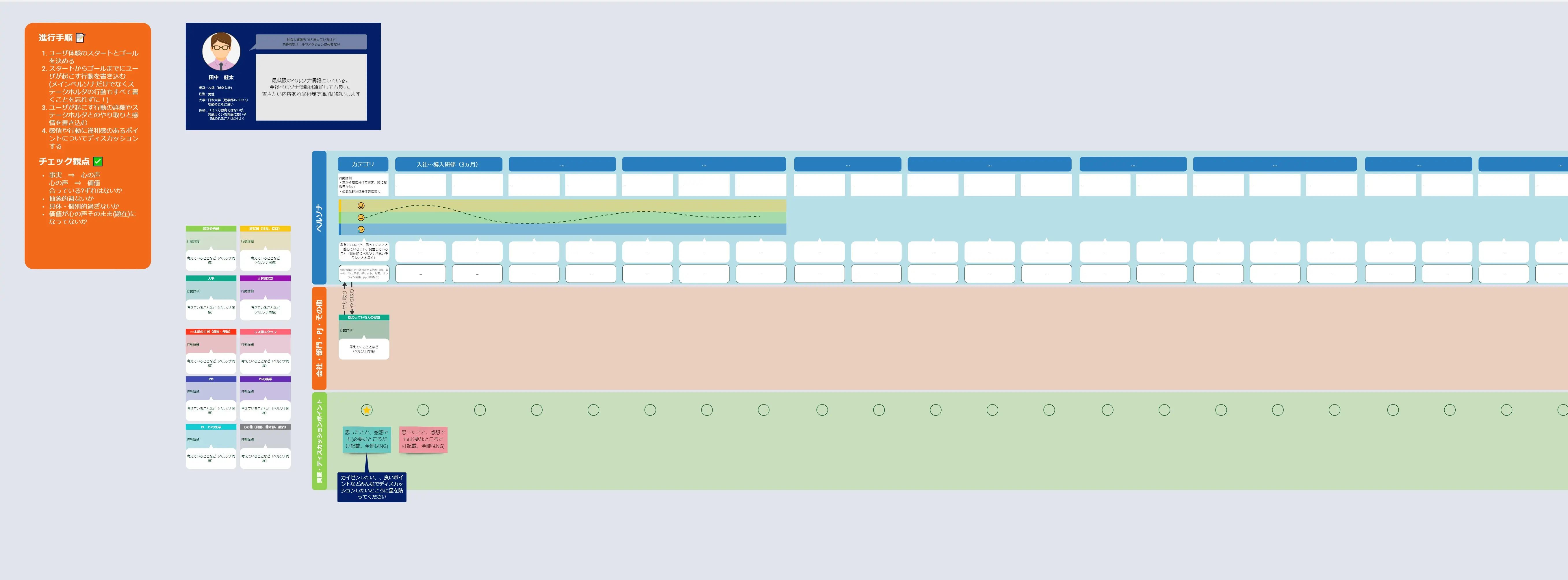
Cynefin Framework Template
Companies face a range of complex problems. At times, these problems leave the decision makers unsure where to even begin or what questions to ask. The Cynefin Framework, developed by Dave Snowden at IBM in 1999, can help you navigate those problems and find the appropriate response. Many organizations use this powerful, flexible framework to aid them during product development, marketing plans, and organizational strategy, or when faced with a crisis. This template is also ideal for training new hires on how to react to such an event.
- 4 likes83 uses

BPMN Process Flow Template
A BPMN (Business Process Model and Notation) process flow template provides a standardized way to visualize, document, and optimize your business processes. Whether you're mapping customer journeys, approval workflows, or operational procedures, BPMN diagrams help teams understand complex processes at a glance. Use this template to create clear, collaborative process documentation that keeps everyone aligned and drives continuous improvement across your organization.
- 2 likes117 uses

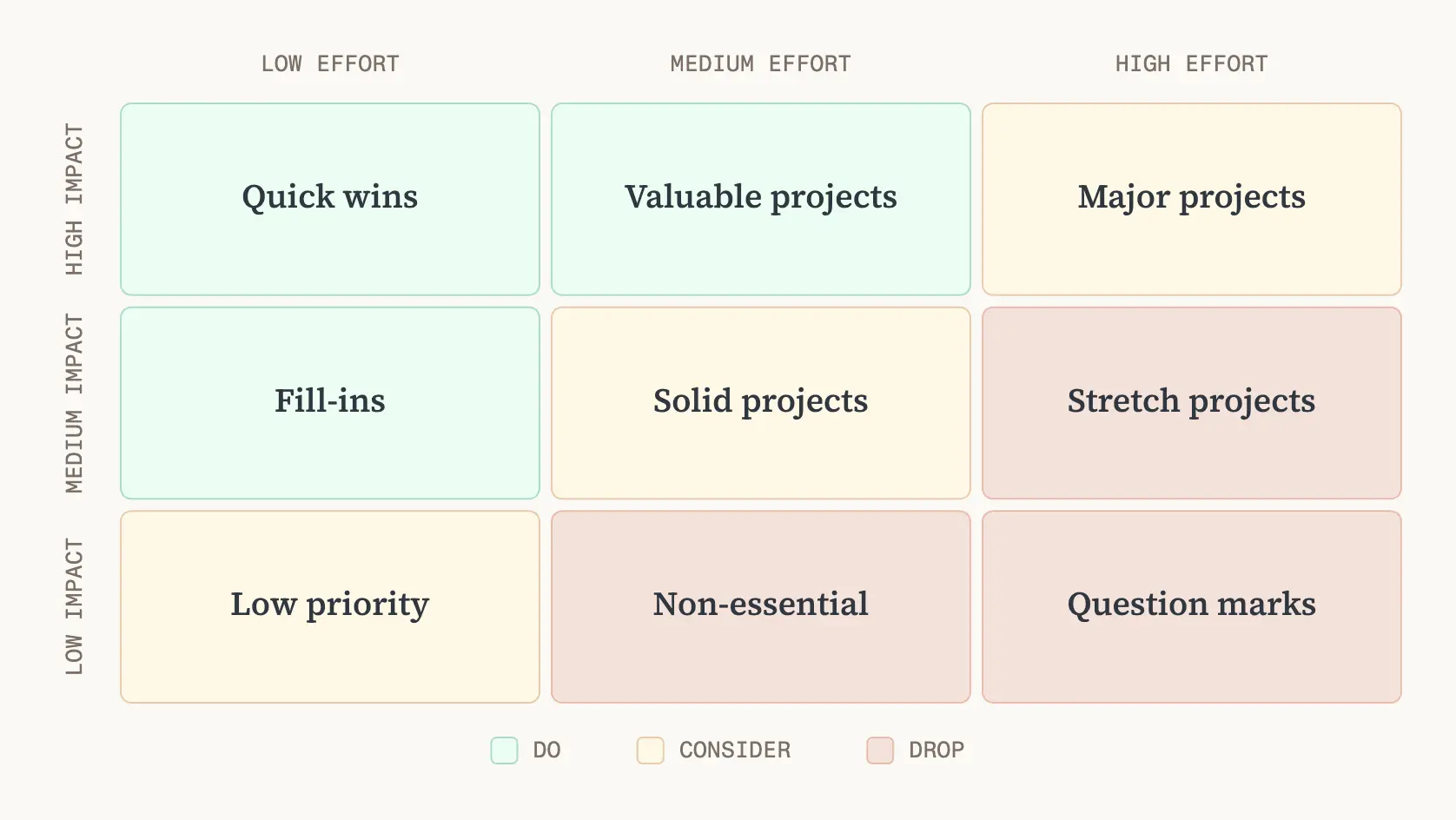
RICE Prioritization Template
Teams use the RICE framework to prioritize the best course of action for their business. Using the model, you assign a RICE score to different ideas and tasks. This score tells you whether that item is something to prioritize. As a result, you make better-informed decisions about growing your business.
- 14 likes42 uses
- 9 likes93 uses
- 2 likes77 uses

PRD Template
The PRD Template by Miro is a blueprint designed to streamline the product development process. Acting as a central hub for all essential details, this template ensures team alignment by laying out clear project objectives, use cases, and design specifics. The primary benefit? Seamless communication and clarity, reducing the likelihood of missteps and fostering a smooth transition from idea conception to product launch.
- 3 likes59 uses

Data Flow Template
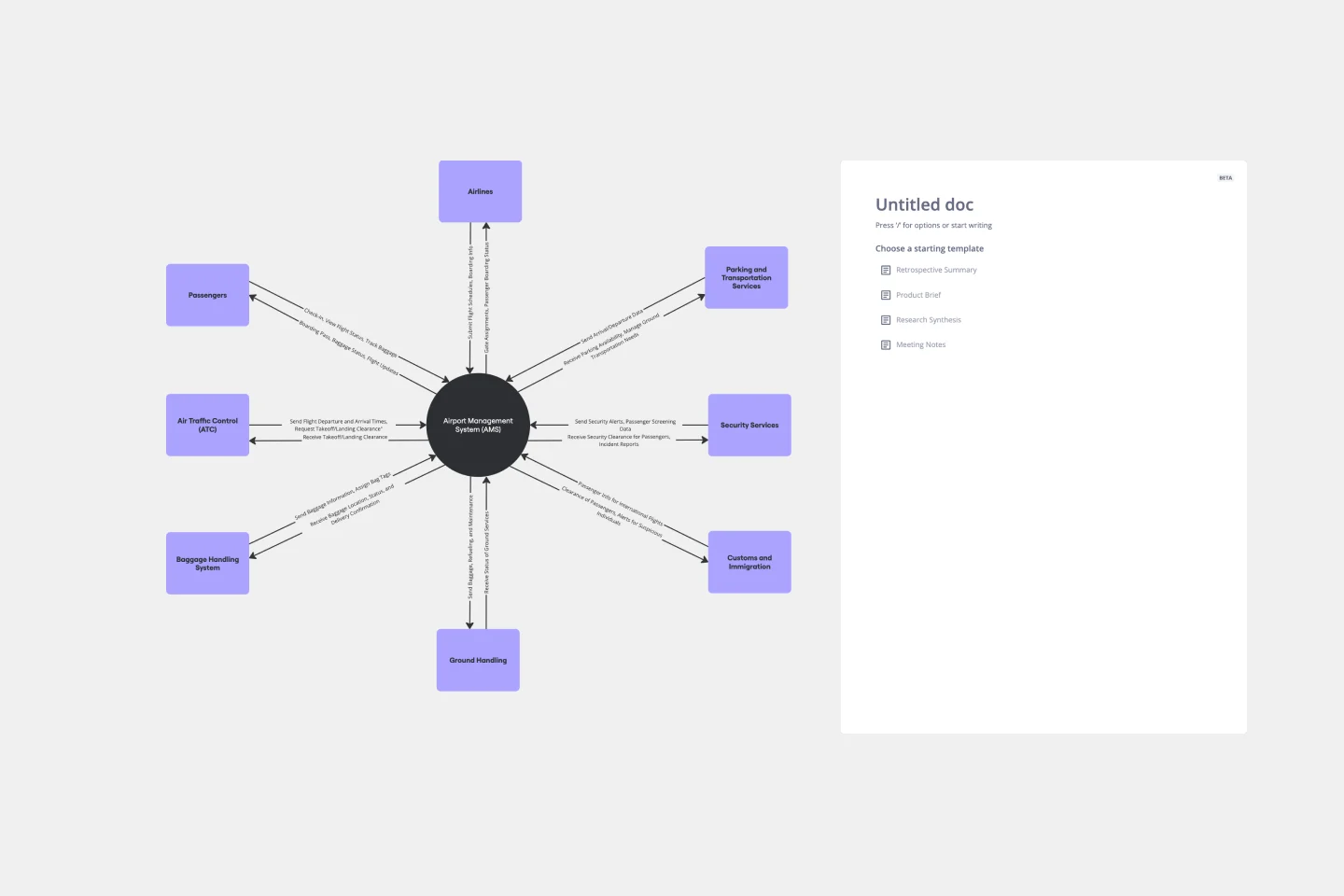
Ever tried explaining how data moves through your software system without getting lost in technical jargon? A data flow diagram (DFD) shows exactly how information travels from input to output, making complex systems crystal clear for your entire development team. This template helps you visualize data processes, identify bottlenecks, and communicate system architecture effectively. Create professional data flow diagrams in minutes with Miro's automated diagramming features.
- 3 likes58 uses

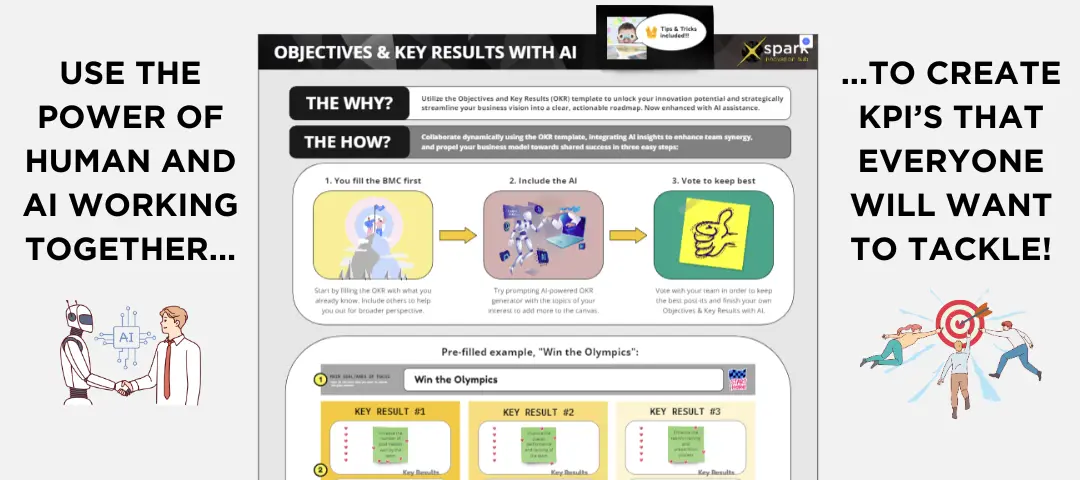
OKR Timeline Template
An OKR timeline template helps leadership teams visualize and track Objectives and Key Results across quarters and departments. Instead of buried spreadsheets and disconnected check-ins, you get a dynamic timeline that shows how individual key results connect to bigger objectives, when milestones are due, and where dependencies might derail progress. Use this template to create transparent OKR tracking that keeps strategic initiatives on course and teams aligned on what matters most.
- 3 likes101 uses

One-on-one Meeting Template
Ensure your meetings are productive by using a one-on-one meeting template. Create and stick to your agenda items, understand what’s going well, what isn’t working, and how to improve. Discuss what’s been accomplished and what’s still in progress.
- 3 likes42 uses
- 7 likes54 uses
- 1 likes12 uses

Research Synthesis/Summary
A research synthesis template is a structured framework that helps UX researchers and product teams organize, analyze, and distill user research findings into meaningful patterns and actionable recommendations. Instead of letting valuable insights get buried in interview transcripts, usability testing notes, and survey data, this template creates a visual workspace for identifying key themes, prioritizing user needs, and aligning cross-functional teams on what users actually need. Use this template to transform raw user research into strategic product direction that moves your roadmap forward.
- 12 likes638 uses

User Persona Template
A user persona is a tool for representing and summarizing a target audience for your product or service that you have researched or observed. Whether you’re in content marketing, product marketing, design, or sales, you operate with a target in mind. Maybe it’s your customer or prospect. Maybe it’s someone who will benefit from your product or service. Usually, it’s a whole collection of personalities and needs that intersect in interesting ways. By distilling your knowledge about a user, you create a model for the person you hope to target: this is a persona.
- 7 likes1.1K uses

User Flow Template
User flows are diagrams that help UX and product teams map out the logical path a user should take when interacting with a system. As a visual tool, the user flow shows the relationship between a website or app’s functionality, potential actions a user could take, and the outcome of what the user decides to do. User flows help you understand what a user does to finish a task or complete a goal through your product or experience.