About the Liberating Structures Templates Collection
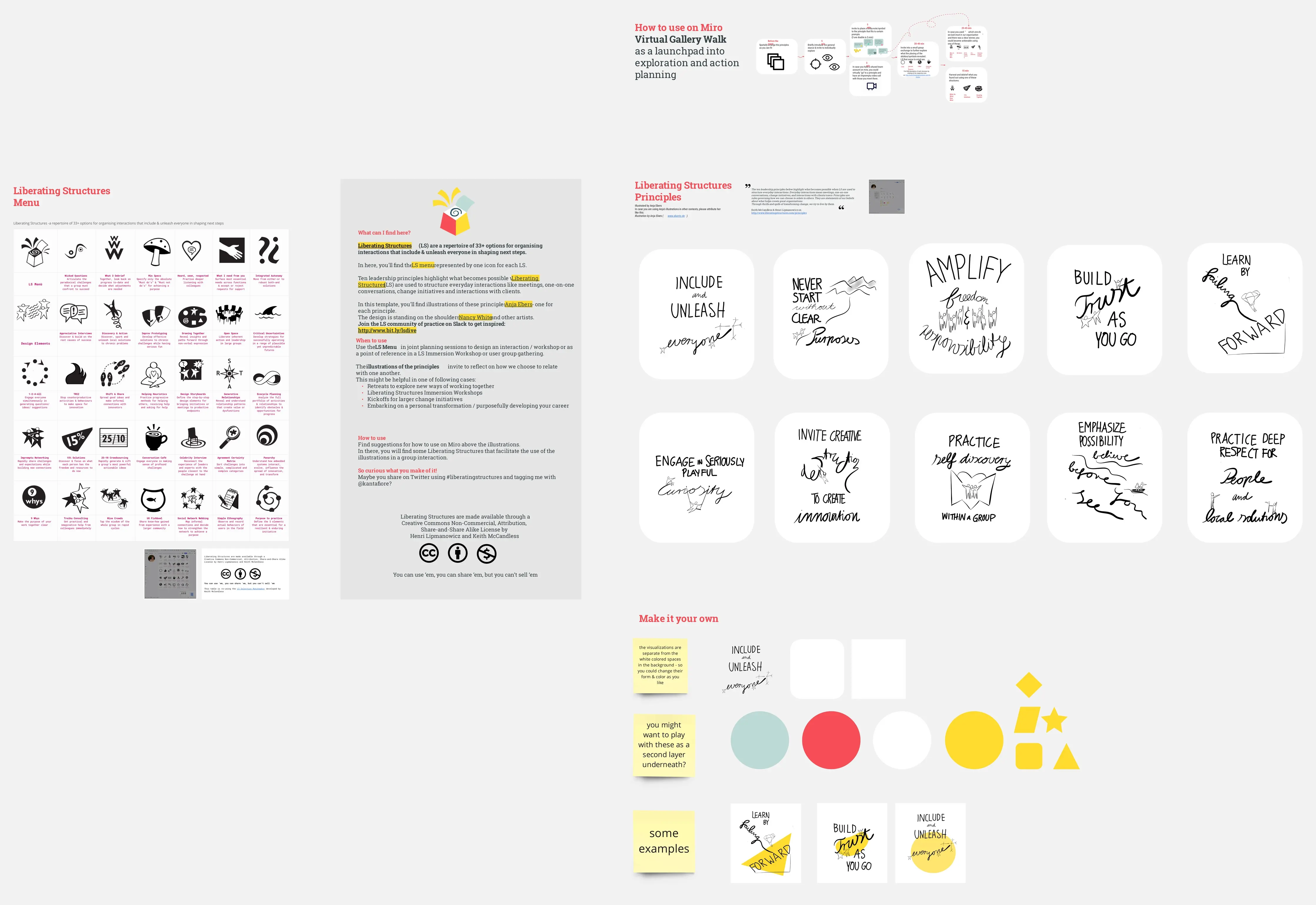
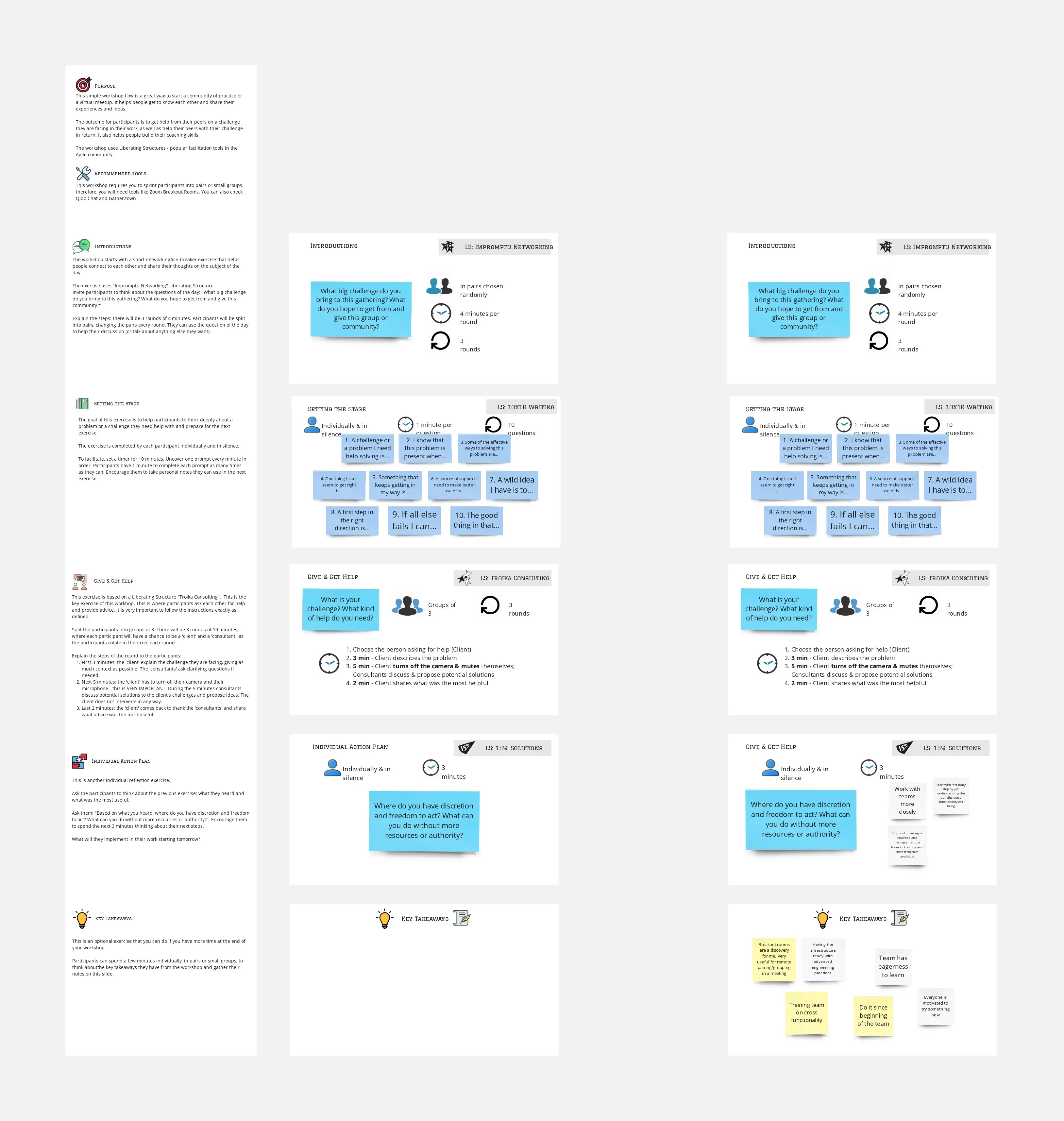
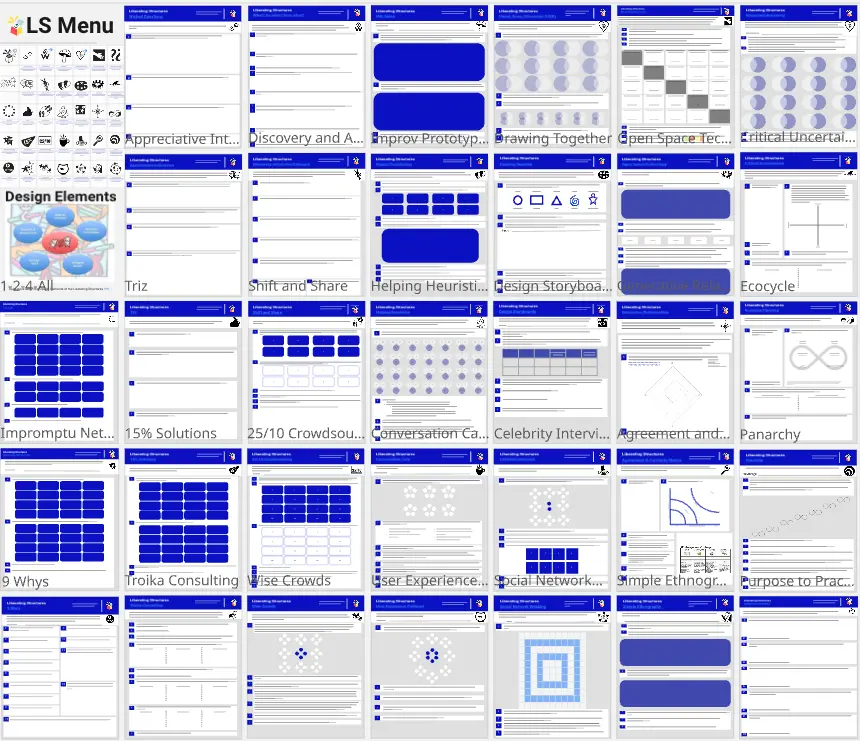
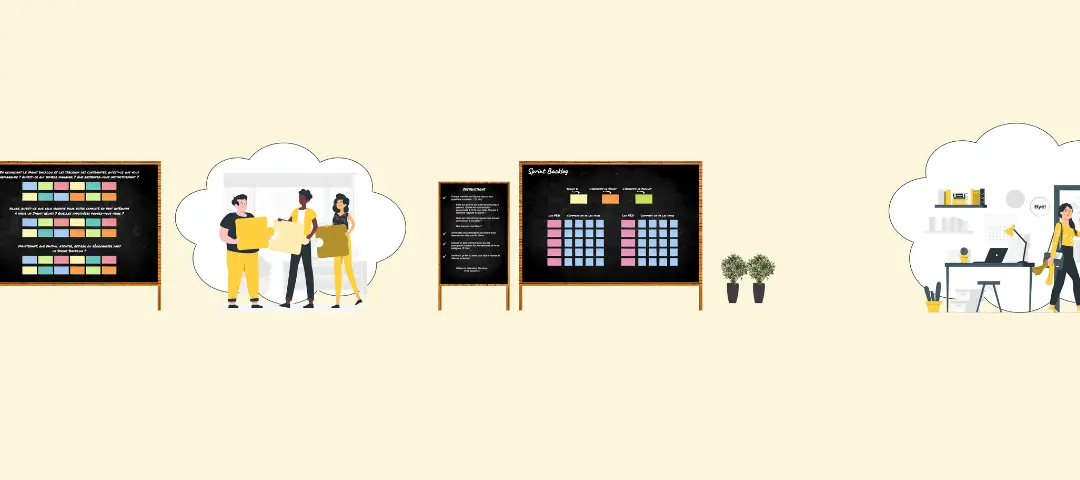
A Liberating Structures (LS) template is an interactive visual workspace designed to completely redesign how teams talk, collaborate, and make decisions together. Traditional workplace interactions are often trapped in two extremes: overly structured presentations where one person talks to many, or loose, unstructured brainstorms where the loudest voices dominate. Liberating Structures introduce 33 micro-structures that democratize participation, ensuring that 100% of a group's collective intelligence is unlocked simultaneously. By utilizing a standardized Miro template, facilitators can seamlessly guide groups through these formats, turning passive onlookers into active co-creators.
Key Components of a Liberating Structures Template
Because Liberating Structures rely on precise timing, clear prompts, and rapid group shifts, a high-performance Miro LS board requires specific visual scaffolding. Every actionable template should include these five core elements:
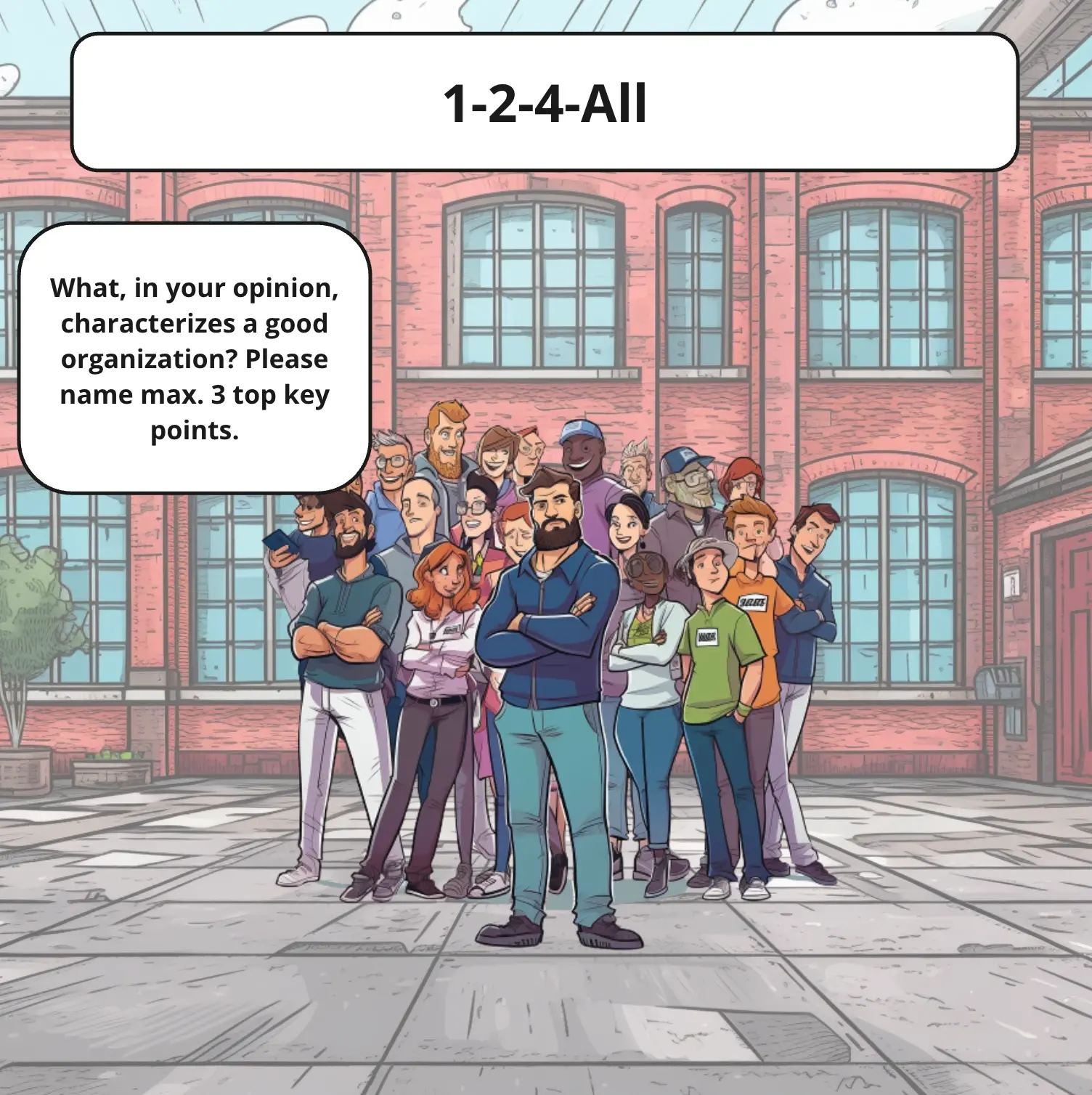
The Explicit Prompt Matrix: Dedicated, highly visible text fields displaying the exact question or challenge the group is answering, keeping discussions tightly focused.
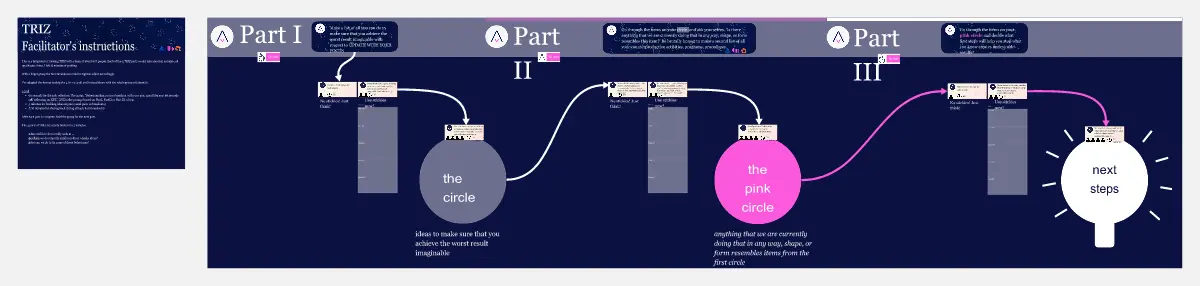
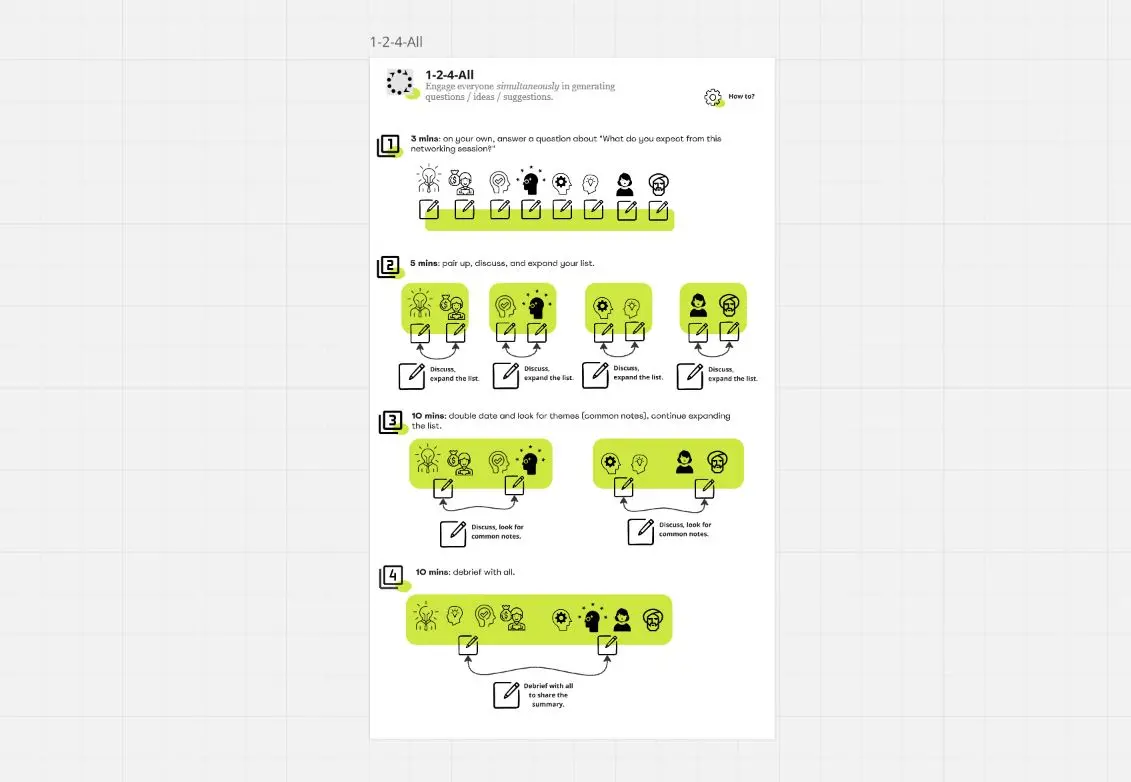
The Visual Progression Runway: A step-by-step layout that mirrors the natural expansion of the group (e.g., separating spaces for individual work, pairs, quartets, and the full room).
Integrated Timeboxes: Highly visible countdown timers or structured progress markers painted directly onto the canvas to reinforce the rapid, fast-paced nature of the micro-structures.
Synchronous Voting Zones: Digital polling areas or dot-voting spaces where teams can instantly prioritize ideas generated during the breakout sessions.
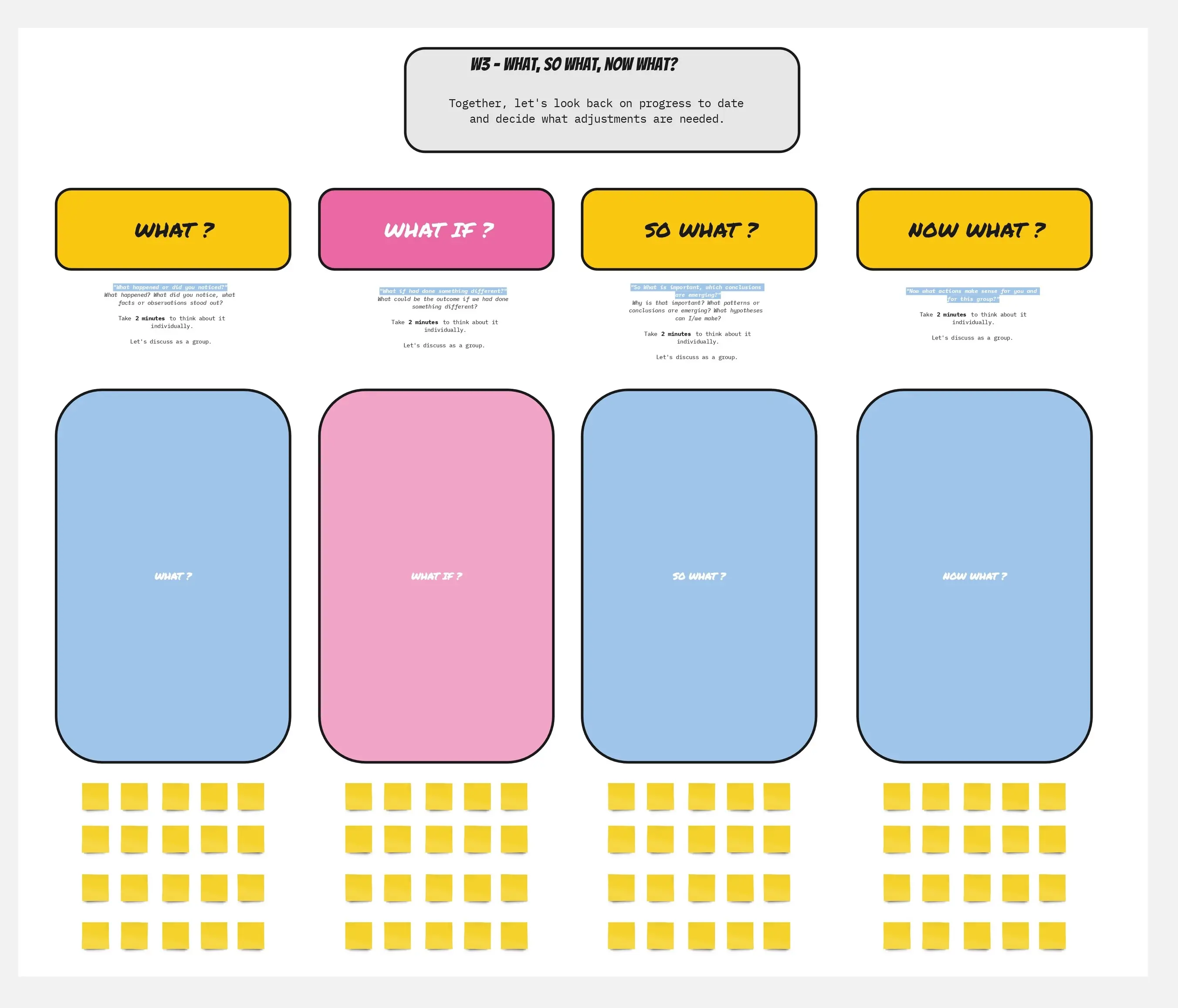
The "What, So What, Now What" Action Ledger: A closing canvas framework designed to capture immediate, low-stakes next steps, ensuring the session's insights convert into practical momentum.
How to Use Liberating Structures Templates in Miro
1. Anchor Your Prompts and Lock the Architecture Before the session begins, fill out the central prompts and challenge statements in the designated header blocks. Lock the underlying grids, group circles, and step-by-step numbers to prevent participants from accidentally dragging the workshop infrastructure across the canvas.
2. Run the Silent Reflection (The "1" Phase) Instruct participants to zoom in on their own numbered workspace or color-coded square. Set a Miro timer for 1–2 minutes and have everyone write down their initial thoughts in complete silence. This protects the session from early biased opinions and allows deeper ideas to surface.
3. Move to Collaborative Breakouts (The "2" and "4" Phases) Send participants into digital breakout rooms (or physical tables if in a hybrid setup). Direct them to move their sticky notes into the shared "Pair" or "Quartet" circles on the Miro board. Use connector arrows to group overlapping themes and combine duplicate concepts.
4. Harvest the Breakthrough Insights Bring the entire group back to the main canvas view. Have a representative from each quartet drag their single most impactful, validated sticky note into the central "All" arena. This creates a clean, concise summary board of high-leverage concepts, avoiding a messy wall of repetitive notes.
5. Drive Immediate Action with 15% Solutions To wrap up the Liberating Structure, have everyone brainstorm their "15% Solutions"—discrete, low-stakes actions that individuals have the absolute authority and capability to launch right now without seeking corporate budget or upper-management approval.
6. Commit, Assign Owners, and Document Have participants sign their names or attach their digital icons next to their chosen 15% Solution sticky notes on the Action Ledger. Export the finalized Miro frame as a quick-reference graphic, drop it into your team's project hub, and use it as a tangible checklist to review progress during your next tactical sync.