What is the Wireframe Sketching Board?
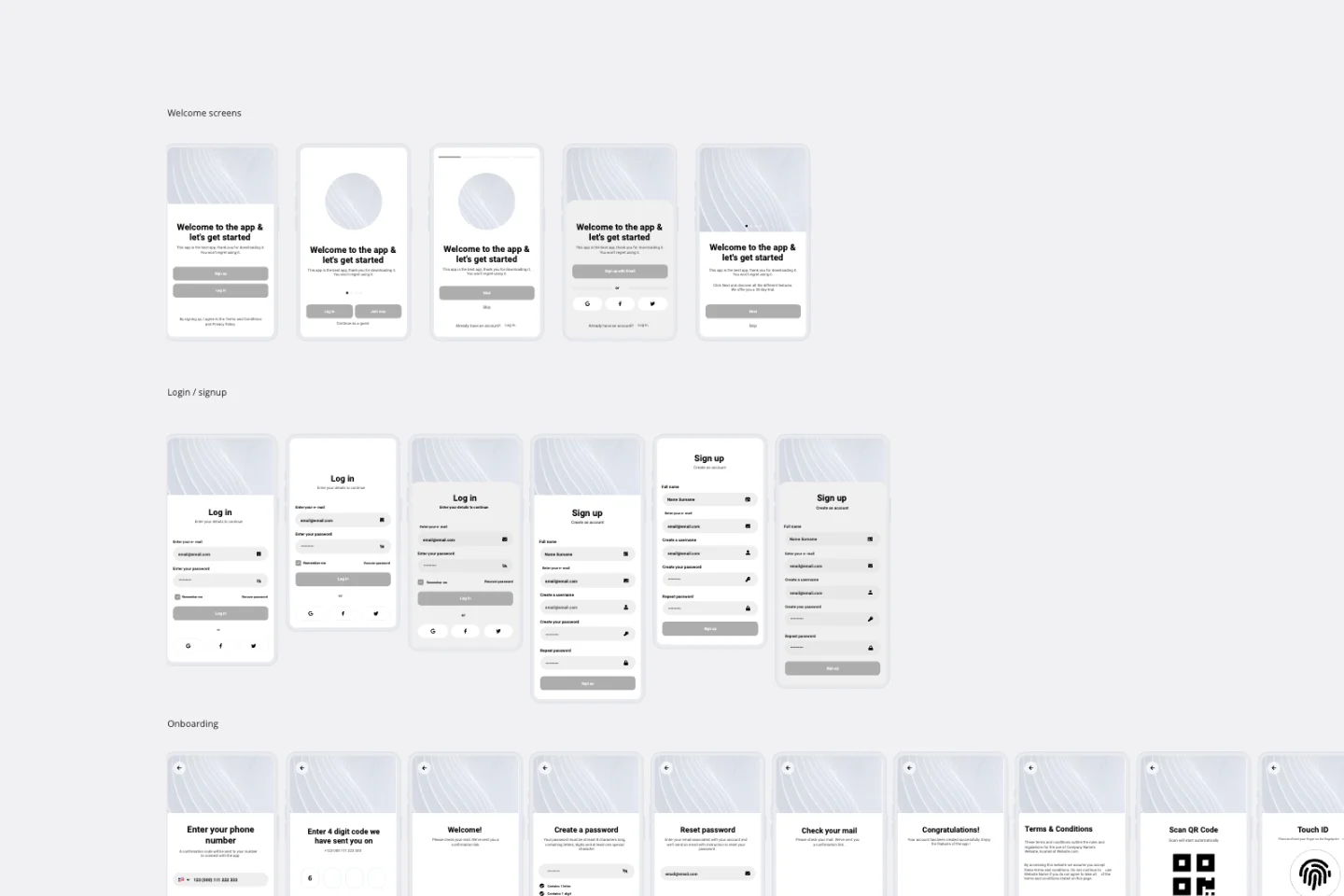
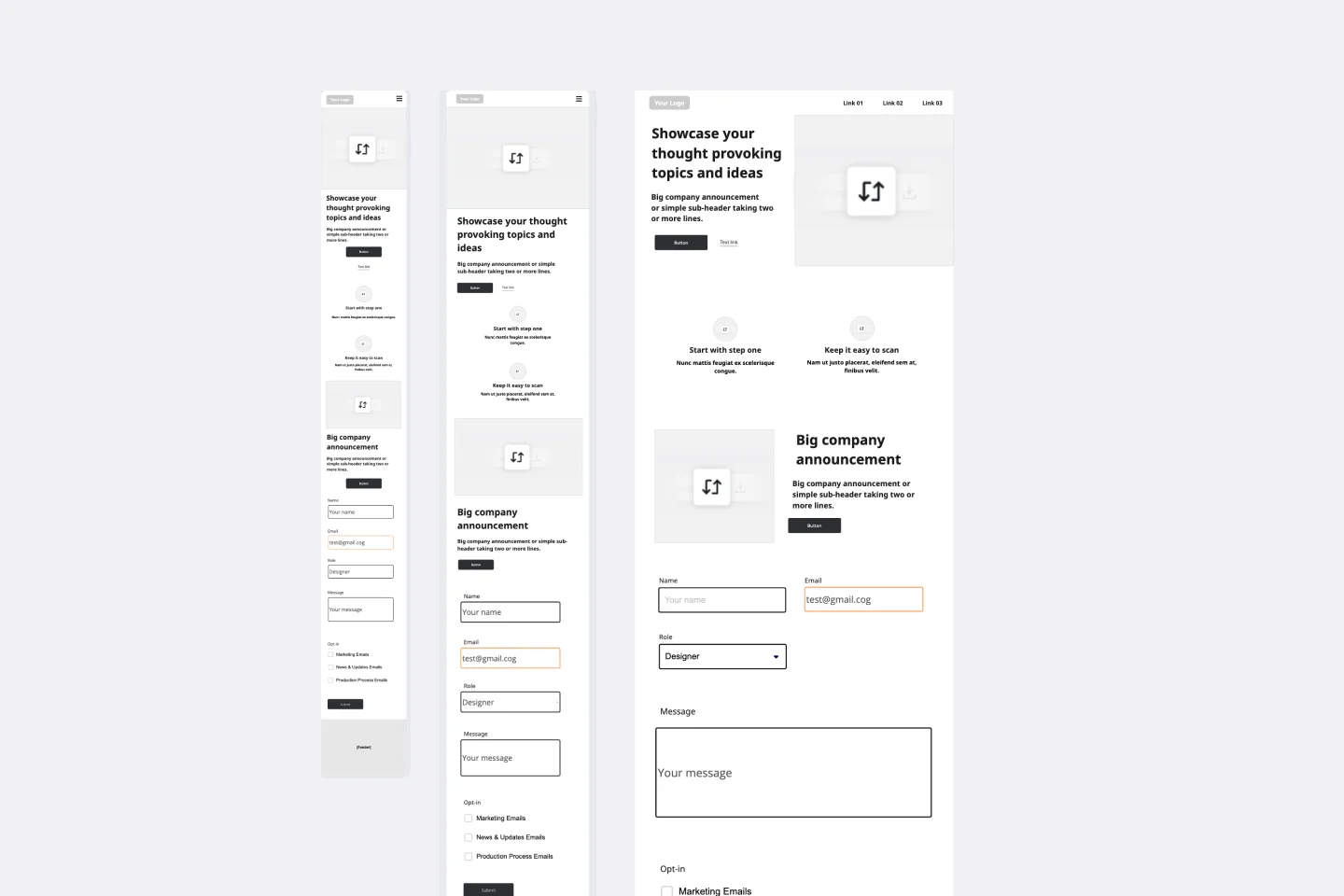
A flexible working board for sketching product ideas across mobile, tablet, and web layouts. It includes ready-to-use page templates, description areas for each screen, and space to build low-fidelity concepts using Miro wireframing tools.
What problem does this solve?
Ideas stay stuck in conversations instead of becoming visible screens
Teams sketch in different formats with no shared structure
Early product thinking lacks enough context around page purpose and flow
It is harder to compare mobile, tablet, and web experiences side by side
How to use
Choose the device template you want to work in: mobile, tablet, or web
Add or duplicate pages for each screen in the flow
Use the description areas to capture the page goal, core actions, and key content
Sketch layouts with Miro wireframing tools, shapes, text, and placeholders
Review the screens as a connected experience and refine the structure
Use the board for ideation, collaboration, feedback, or early product planning
Common pitfalls
Adding too much visual detail too early, skipping page purpose, mixing multiple flows on one screen set, and designing screens without thinking about the full user journey.
Ways to avoid mistakes
Start with simple low-fidelity layouts, write a short description for each page before sketching, map one flow at a time, and focus on structure and user actions before visual polish.
Miro Features You Can Use
Wireframing libraries for quick UI elements, Shapes for layout blocks, Sticky Notes for ideas and feedback, Text boxes for page descriptions, Connectors to show user flow, Comments for review notes, Frames to organize screen sets by device or journey.
FAQs
Q: Who can benefit from this template?
A: Product teams, founders, designers, developers, workshop facilitators, and anyone who wants a fast way to sketch screens and discuss product ideas.
Q: Does it work for virtual and in-person sessions?
A: Yes. Teams can sketch directly in Miro during remote sessions, or project the board in a room and build wireframes together live.
Q: What do I leave with?
A: A set of low-fidelity wireframes for mobile, tablet, or web, page descriptions for each screen, and a clearer structure for the product flow or concept you are exploring.