





Brainstorming for C-suite executives

Turn your next board offsite or strategy session into a clear plan. Run the whole room, capture every idea, and walk out with priorities your org can act on.

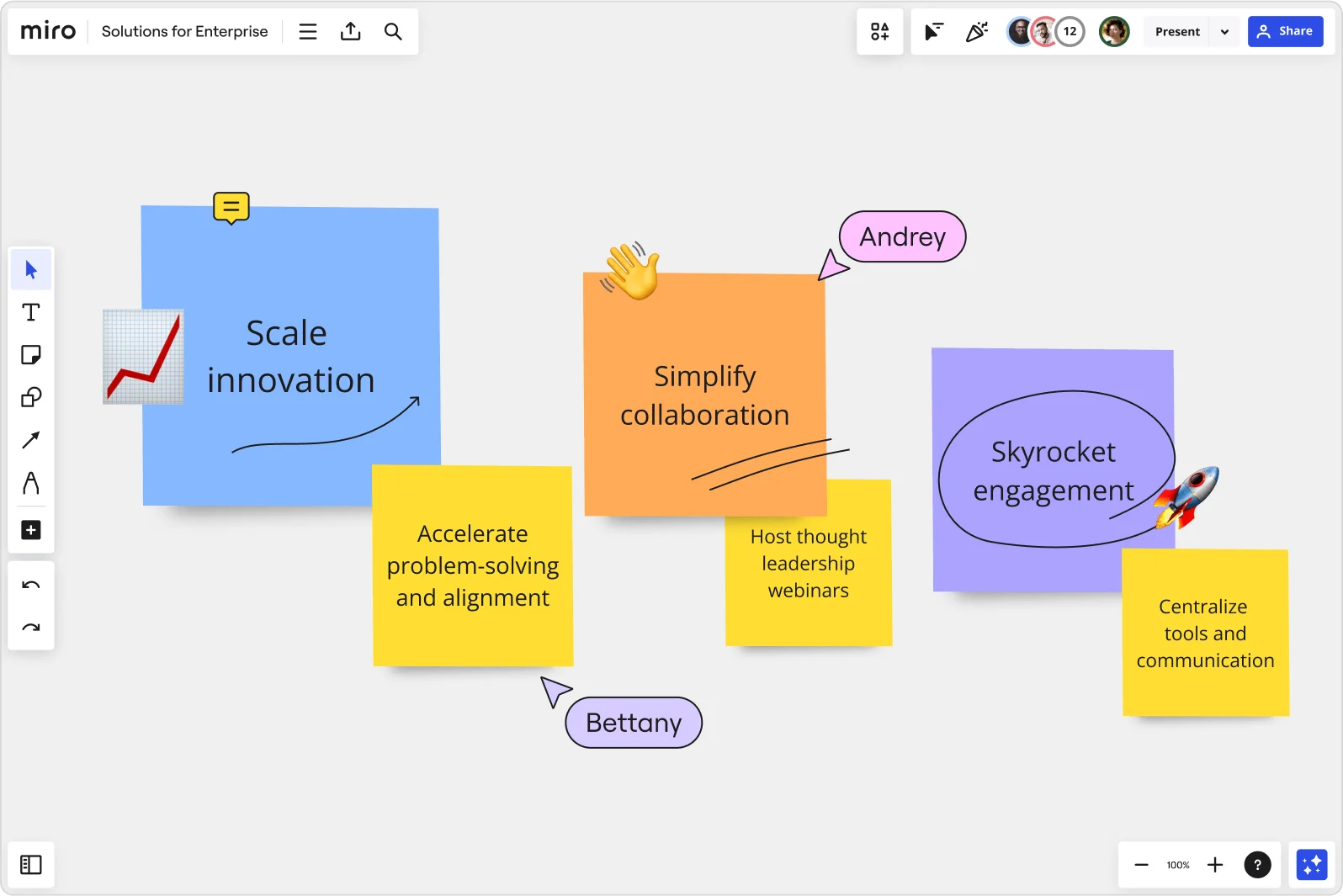
Miro board displaying a collaborative session with three large sticky notes labeled 'Scale innovation' (blue), 'Simplify collaboration' (orange), and 'Skyrocket engagement' (purple), each accompanied by smaller yellow sticky notes with supporting action items like 'Accelerate problem-solving and alignment', 'Host thought leadership webinars', and 'Centralize tools and communication', with two named user cursors (Andrey and Bettany) visible on the board.

What experts say

  • Great workshops don't happen by accident. In the connected, collaborative enterprise, workshop design and facilitation grows beyond skills held by an intrinsically motivated few to a core collaboration capability cultivated intentionally at scale .

    Forrester

    Research source · Forrester

    Industry Expert
  • Well suited: brainstorming, visual discussions with colleagues in different locations and time zones. I think of it as a whiteboard in a room where people from different locations can come in and look, ask questions, and make their own contributions

    Stanley Wong

    Chief Engineer · Philips

    Miro Customer

The research on brainstorming

  • 45%

    C-suite and manager use of digital dashboards and collaboration tools boosts cross-functional collaboration from 30-40% benchmark to 45%+ in top-quartile organizations

    Source: Worklytics

  • 25-40%

    68% of teams reported 25-40% ideation speed gains when using digital whiteboards for remote brainstorming sessions

    Source: Harvard Business Review

See brainstorming in action

Related templates for C-suite executives

We have 193 templates in our library for Brainstorming.

Why managers and directors love brainstorming in Miro

  • From scattered board input to a signed-off strategic brief

    Offsite brainstorms generate energy but rarely produce decisions. When your CFO, CRO, and CPO are all in the room, you can't afford to walk out with a wall of sticky notes and no clear direction. Miro's AI automatically groups ideas by theme and surfaces the top concepts, so your leadership team leaves with a structured brief, not a pile of unresolved tension.
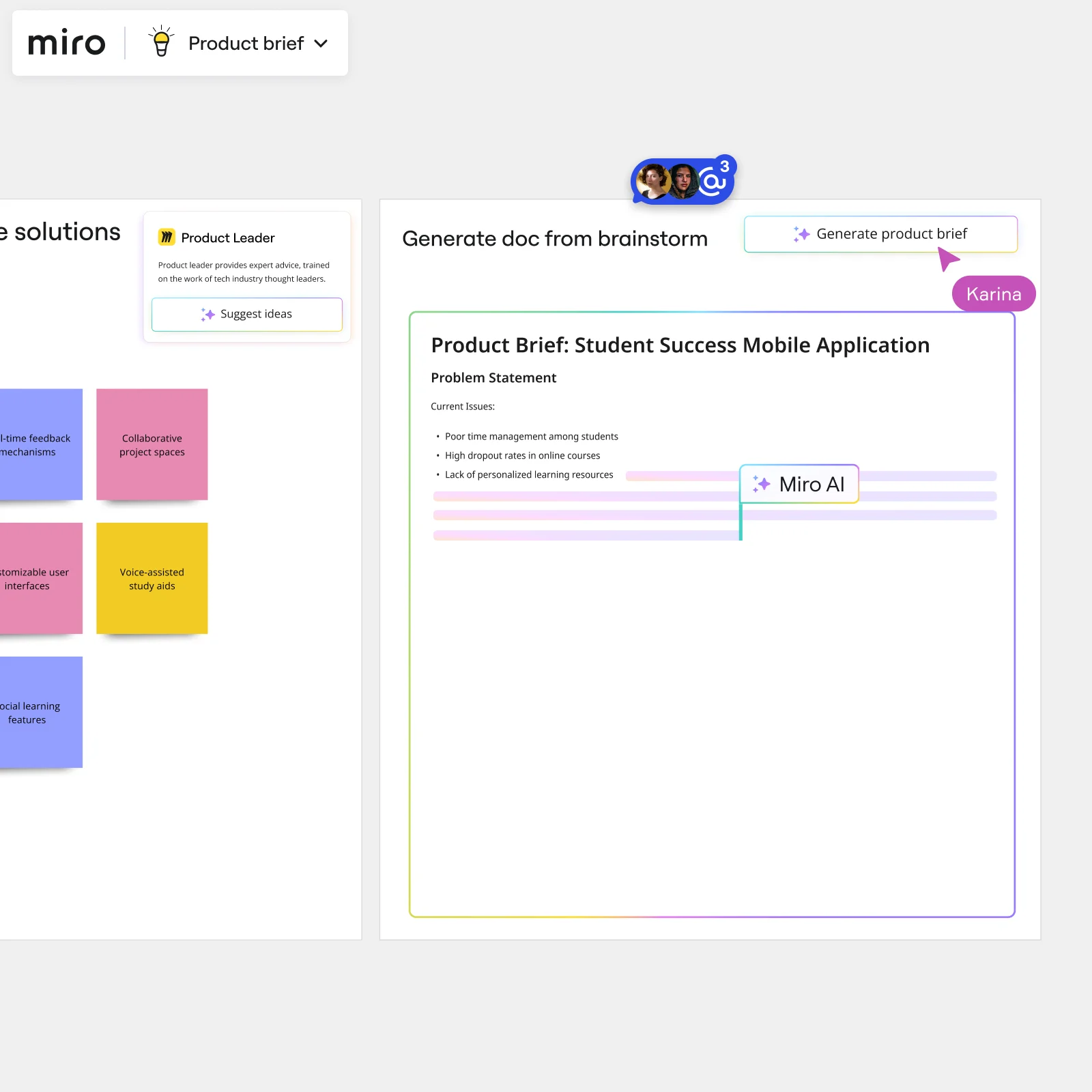
    Miro board showing AI-powered document generation from a brainstorming session, with a Product Leader AI sidekick panel on the left, colorful sticky notes listing solution ideas (collaborative project spaces, voice-assisted study aids, social learning features), and an AI-generated Product Brief document for a Student Success Mobile Application being created in real time by Miro AI.
  • Stop the QBR prep from eating your whole week

    Building the executive readout after a strategy brainstorm means manually stitching together scattered notes, then rebuilding the whole thing in PowerPoint. Miro generates your leadership deck directly from the brainstorm - Brand Center colors applied, audience tone set - so you're editing slides, not building from scratch.

    Miro board split view showing colorful brainstorming sticky notes on the left (blue, pink, yellow) alongside an AI-powered document generation panel on the right, with a 'Generate product brief' button and Miro AI label actively generating content from the brainstorm.
  • When your global leadership team can't be in the same room

    Your CEO is in New York, your COO is in Singapore, and your board advisors are async. Miro's shared canvas lets every executive contribute simultaneously, while anonymous voting surfaces honest priorities - not whoever spoke last. Small leadership teams and large enterprise orgs both get equal voice, regardless of time zone.

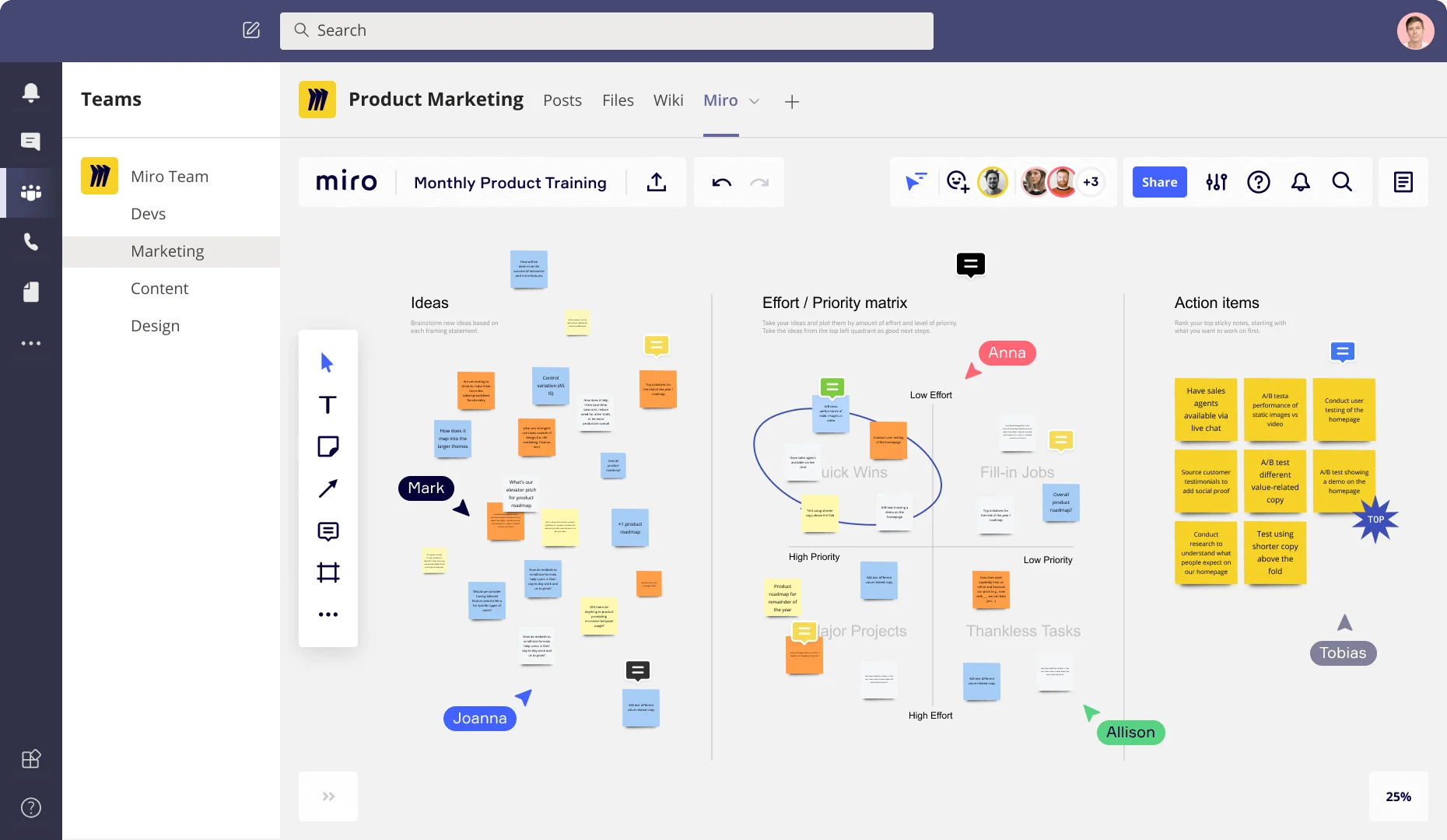
    Miro board embedded in Microsoft Teams showing a Product Marketing workspace with three frames: an Ideas section with colorful sticky notes, an Effort/Priority matrix with quadrants (Quick Wins, Fill-in Jobs, Major Projects, Thankless Tasks), and an Action Items frame listing prioritized tasks like A/B testing and user testing, with multiple collaborators (Anna, Mark, Joanna, Allison, Tobias) visible as cursors.
  • Your strategy session, without six tools open at once

    Most C-suite ideation lives across a whiteboard, a slide deck, an email thread, and someone's personal notes. Miro keeps the brainstorm, the prioritization vote, and the final executive summary in one place. Whether you're a founding team of five or a 5,000-person enterprise, your CXOs, board members, and functional heads all read from the same live source.

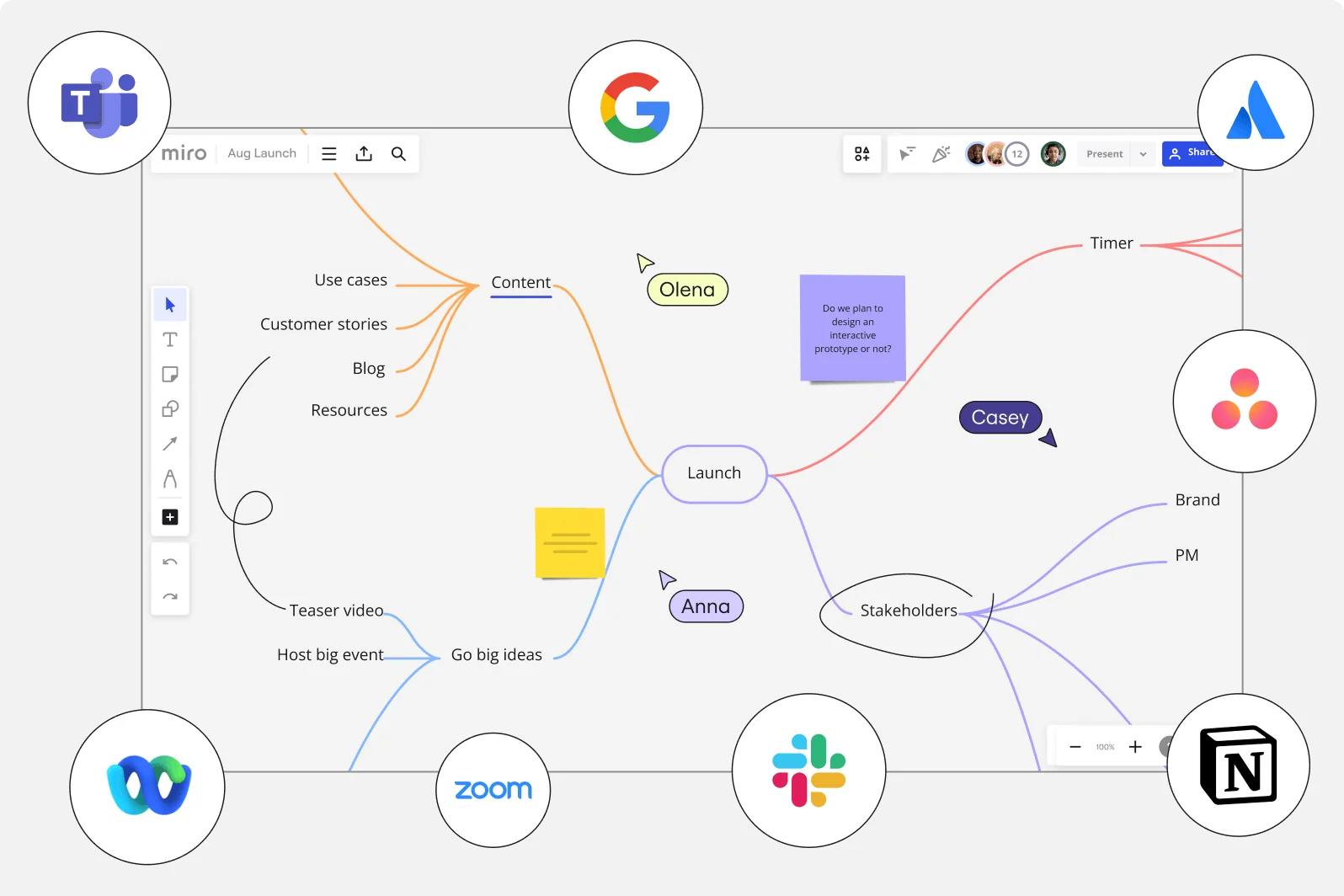
    Miro board showing a mind map centered on 'Launch' with branches for Content (use cases, customer stories, blog, resources), Go big ideas (teaser video, host big event), and Stakeholders (brand, PM), with collaborator cursors labeled Olena, Anna, and Casey visible, a purple sticky note posing a design question, and integration tool icons (Microsoft Teams, Google, Atlassian, Zoom, Slack, Notion, Webex) surrounding the board.
  • How to turn 200 ideas into three bets your investors will back

    After a big ideation session, the hardest job isn't generating ideas - it's defending the ones you picked. Miro's voting tools let your leadership team prioritize anonymously, then an AI-generated summary captures the rationale. You walk into the investor meeting with a clear story, not a board of colorful stickies.

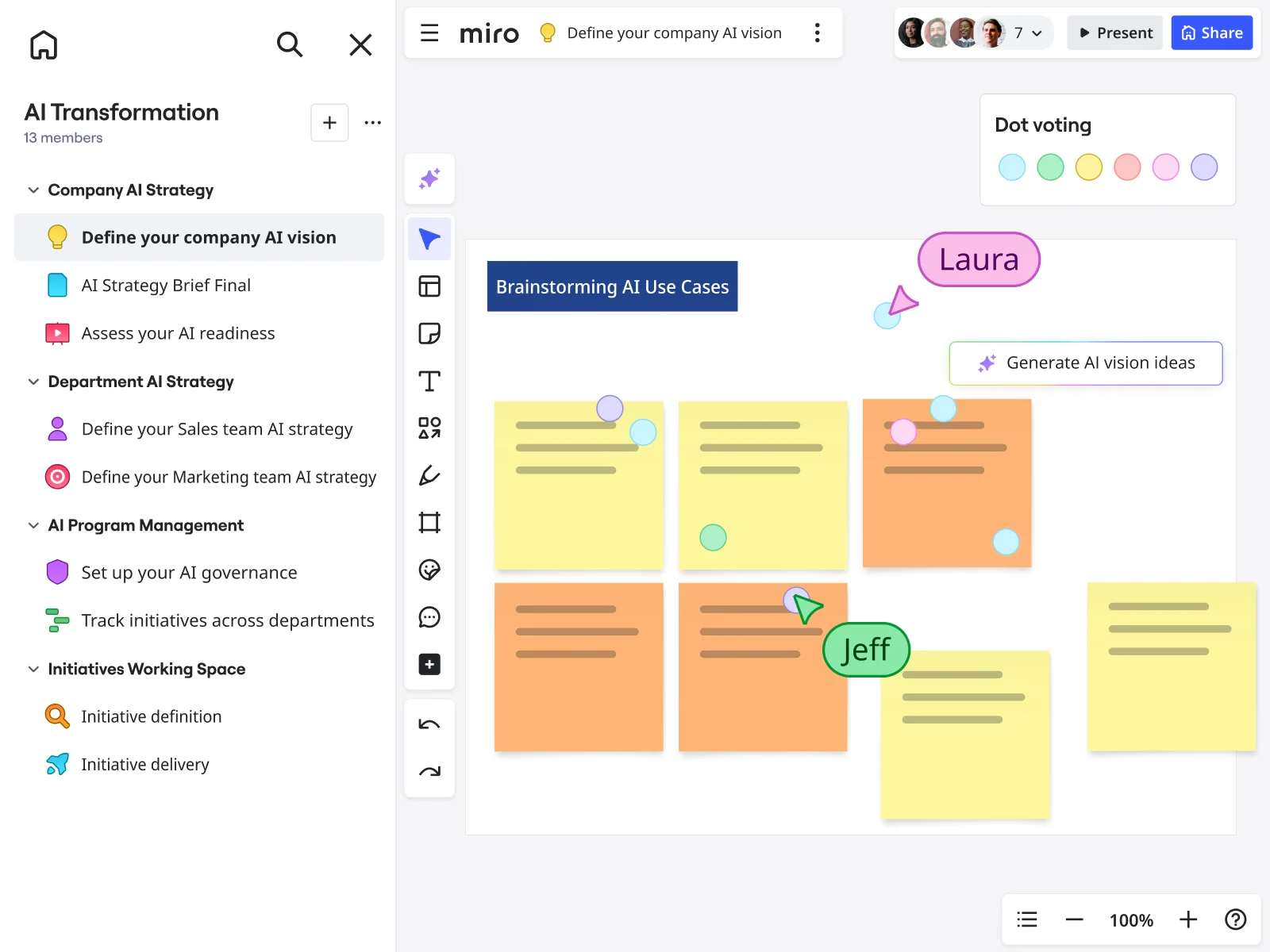
    Miro board showing a 'Brainstorming AI Use Cases' session with multiple yellow and orange sticky notes arranged in a grid, featuring dot voting dots in various colors, two visible collaborator cursors (Laura and Jeff), and a 'Generate AI vision ideas' AI button, within an AI Transformation workspace that has a structured left-panel navigation covering Company AI Strategy, Department AI Strategy, AI Program Management, and Initiatives Working Space sections.

How C-suite executives get started with Brainstorming in Miro

  • Frame the strategic question first

    Open a board from the Template Library - the Brainstorming or Research Synthesis template works well - then dedicate the top Frame to the exact decision on the table: the growth thesis, market entry rationale, or portfolio bet your board is expecting you to defend.

  • Run a focused ideation sprint

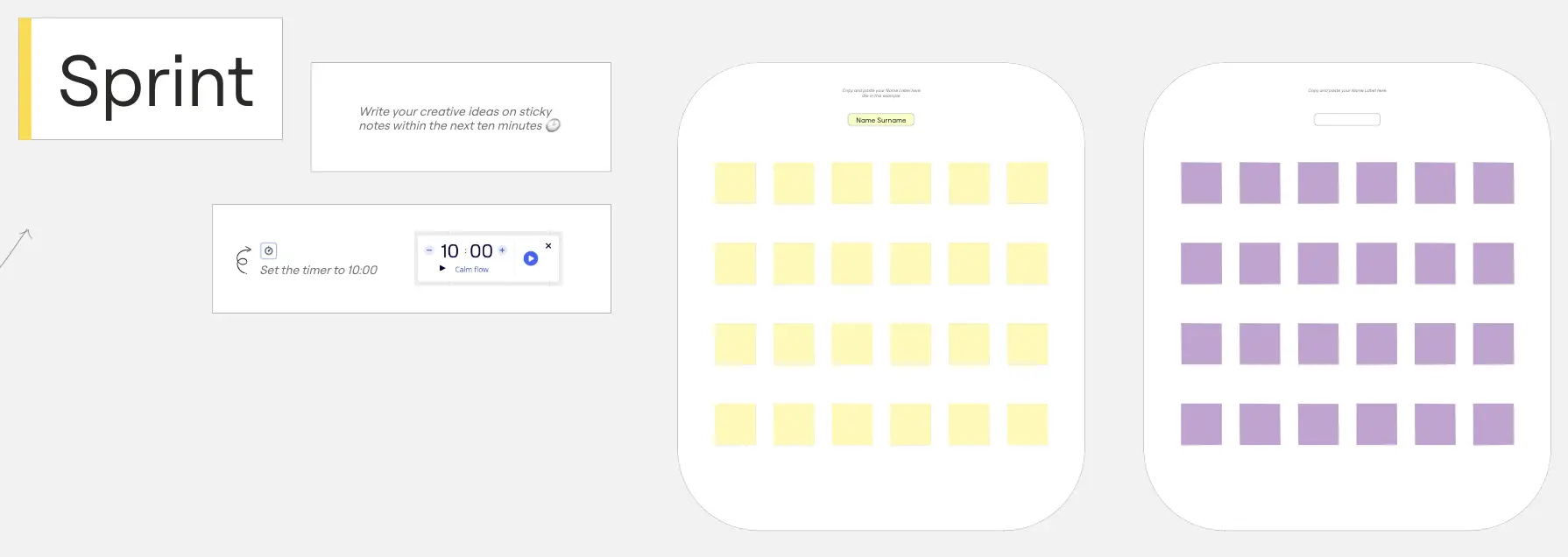
    Set the Timer to a tight 5-7 minute round, have your direct reports and strategy lead add ideas simultaneously via Sticky Notes in Bulk Mode, then use AI Generate Sticky Notes to surface strategic angles the room may not have named aloud - especially useful when competitive intelligence or financial constraints are narrowing everyone's thinking before the session even starts.

  • Cluster themes, then force conviction

    Let Clustering group the raw output by keyword or theme, then run Dot Voting with a strict three-vote cap so the room has to commit to a hierarchy, not hedge across a long list - because the deliverable here is a ranked point of view, not an inventory of options.

  • Turn the session into a board-ready readout

    Drag the prioritized clusters and shortlisted ideas into a Miro Doc, use its inline AI actions to reframe the top ideas in the language of capital allocation and strategic rationale, then generate a four-slide leadership deck via AI Slides - with Brand Center colors applied automatically - so what the room decided at 2pm is ready to defend by 5pm.

Brainstorming tips for C-suite executives

  • If pre-reads arrive the night before as PowerPoint decks or Excel models, screenshot or embed the key slides into the board's context Frame before the session so CEOs and CFOs aren't narrating from memory while everyone else is two versions behind.

  • Use Anonymous Mode in Dot Voting when the room includes direct reports - it's the fastest way to get a chair or CFO's honest first-priority pick without the gravitational pull of the CEO's body language doing the deciding.

  • After the session, lock the Doc's Default View to the prioritized-idea summary and share a single link with your board liaison or chief of staff, so the strategic narrative stays tied to the working session rather than drifting in a separately-built deck.

Understand how C-suite executives transform their work

  • Best Brainstorming and Collaboration Tool in the Market

    Executive in Information Technology at Information Technology & Services

    TrustRadius
    TrustRadius
    Verified user
    Read review
  • Streamlines the brainstorming process for startups.

    Executive in Social Media at Education Management

    TrustRadius
    TrustRadius
    Verified user
    Read review

Brainstorming essential guide for C-suite executives

CategoryKey insights
  • Common mistakes to avoid

    The biggest trap for senior leaders: running a session that produces a long list instead of a clear hierarchy, often because everyone gets unlimited votes and the signal gets buried in the noise. Use Dot Voting with a fixed allocation so the room's collective conviction actually surfaces your top one or two bets. And don't skip locking your board objects before the session starts - nothing kills momentum in a high-stakes strategy room faster than someone accidentally moving the content you spent an hour arranging.

  • Key integrations for C-suite executives

    Slack and Microsoft Teams keep the pre-read memo and post-session decisions in the same thread where your direct reports already live, so nothing gets lost between the Miro board and the inbox. For organizations running strategy sessions inside existing enterprise infrastructure, Confluence captures the decisions as institutional record and Zoom or Google Meet keeps distributed leadership in the room without a separate setup.

  • When to use it

    Reach for Miro brainstorming when a hard external deadline - a board date, a regulatory filing window, a partner negotiation - forces your leadership team to compress weeks of back-channel alignment into a single working session. Picture your direct reports and strategy lead convening around a shared board the week before earnings, using Clustering to collapse a scattered set of strategic options into two or three defensible bets, then using Dot Voting to pressure-test where conviction actually sits before the narrative gets locked into the investor deck.

  • Security & Compliance

    For executives accountable to a board or an auditor, Miro's SOC 2 Type II certification and data residency controls mean your strategy sessions aren't a compliance gap waiting to happen. Private Mode keeps sensitive scenarios - portfolio bets, M&A hypotheses, restructuring options - off the shared canvas until you choose to reveal them, which matters when the room includes people at different clearance levels. Large organizations get granular sharing permissions and admin controls to govern who can access, edit, or even view boards across the company.

Frequently asked questions for c-suite executives

Last updated: Monday, September 14, 2026