All templates

AI Sprint Planning Template

Miro

1.8K Views
130 uses
16 likes

Report

How to use the AI Sprint Planning template

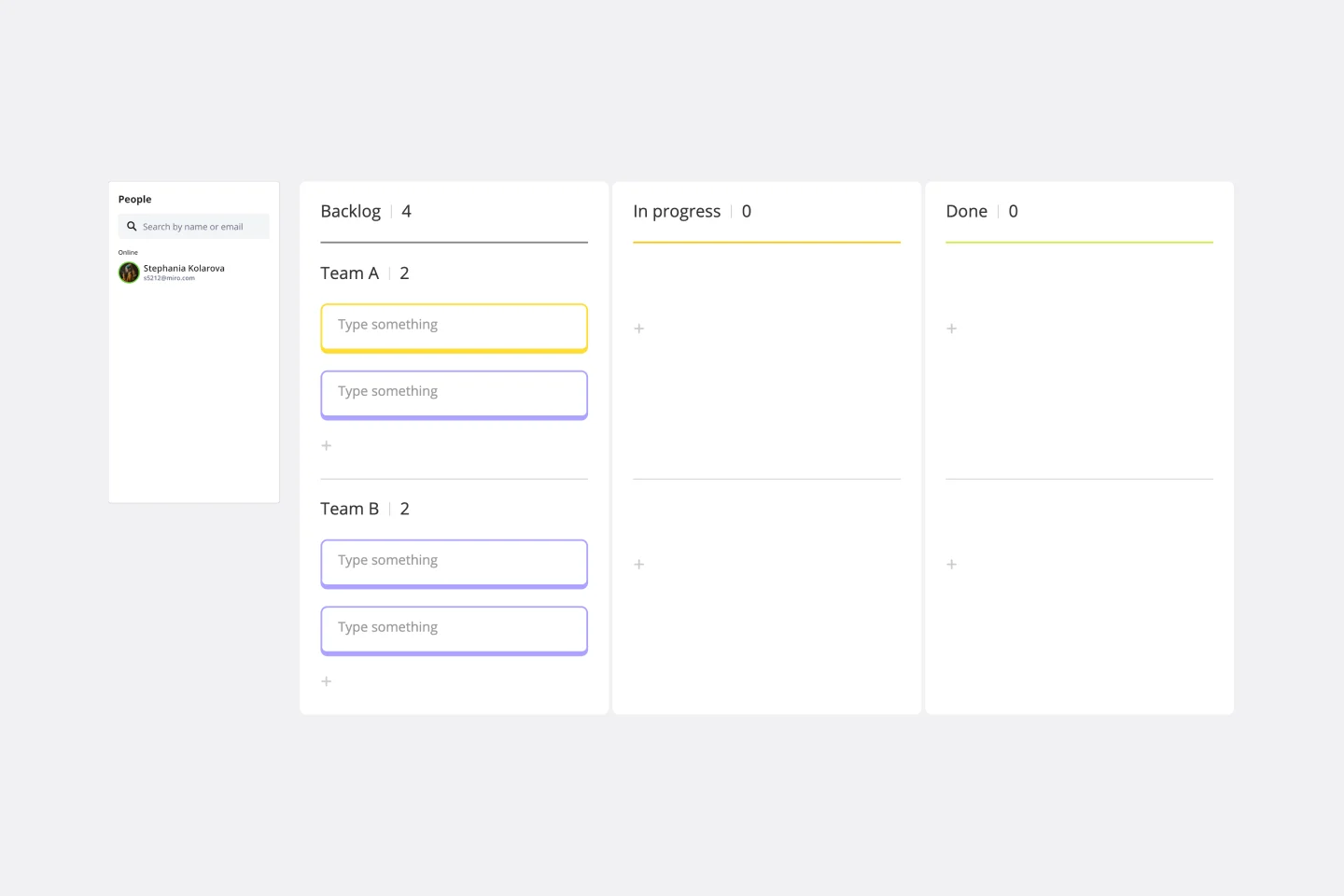
  • Review the sprint backlog. Begin by gathering your team to discuss items currently in progress and review the highest-priority items from your product backlog. You can import your Jira tickets directly onto the board to keep everything in one place.

  • Plan the sprint scope. As a team, decide which tasks to tackle in the next sprint. Drag cards from the backlog into the ‘Next Sprint’ column and use story points to discuss effort, complexity, and team capacity.

  • Define next steps. Once you’ve agreed on the sprint’s scope, identify any remaining actions the team needs to take. Use sticky notes to capture tasks like scheduling follow-up meetings or clarifying dependencies, ensuring nothing is missed.

Miro

The AI Innovation Workspace

Miro brings teams and AI together to plan, co-create, and build the next big thing, faster. Miro empowers 100M+ users to flow from early discovery through final delivery on a shared, AI-first canvas. By embedding AI where teamwork happens, Miro breaks down silos, improves alignment, and accelerates innovation. With the canvas as the prompt, Miro’s AI capabilities keep teams in the flow of work, scale shifts in ways of working, and, ultimately, drive organization-wide transformation


Categories

Similar templates

Gantt Chart Template

11 likes
712 uses