139 likes
856 uses
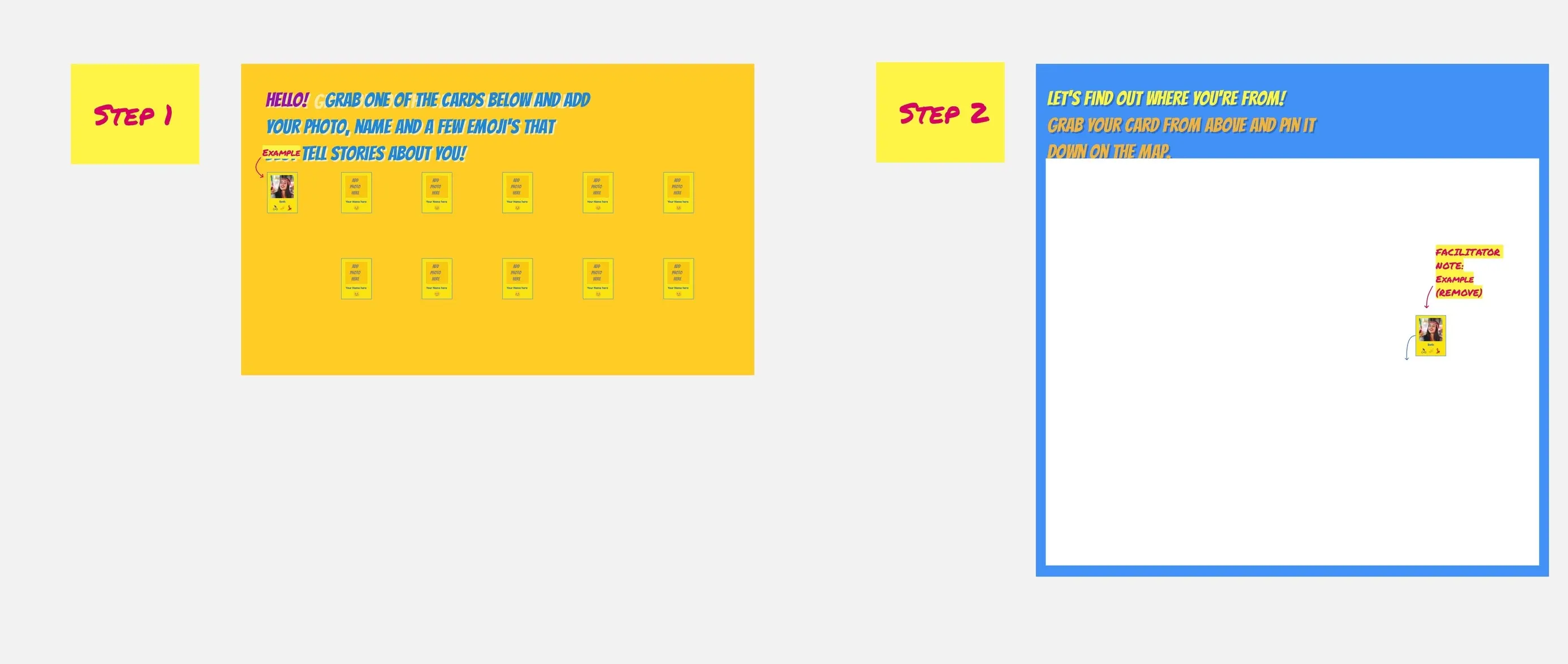
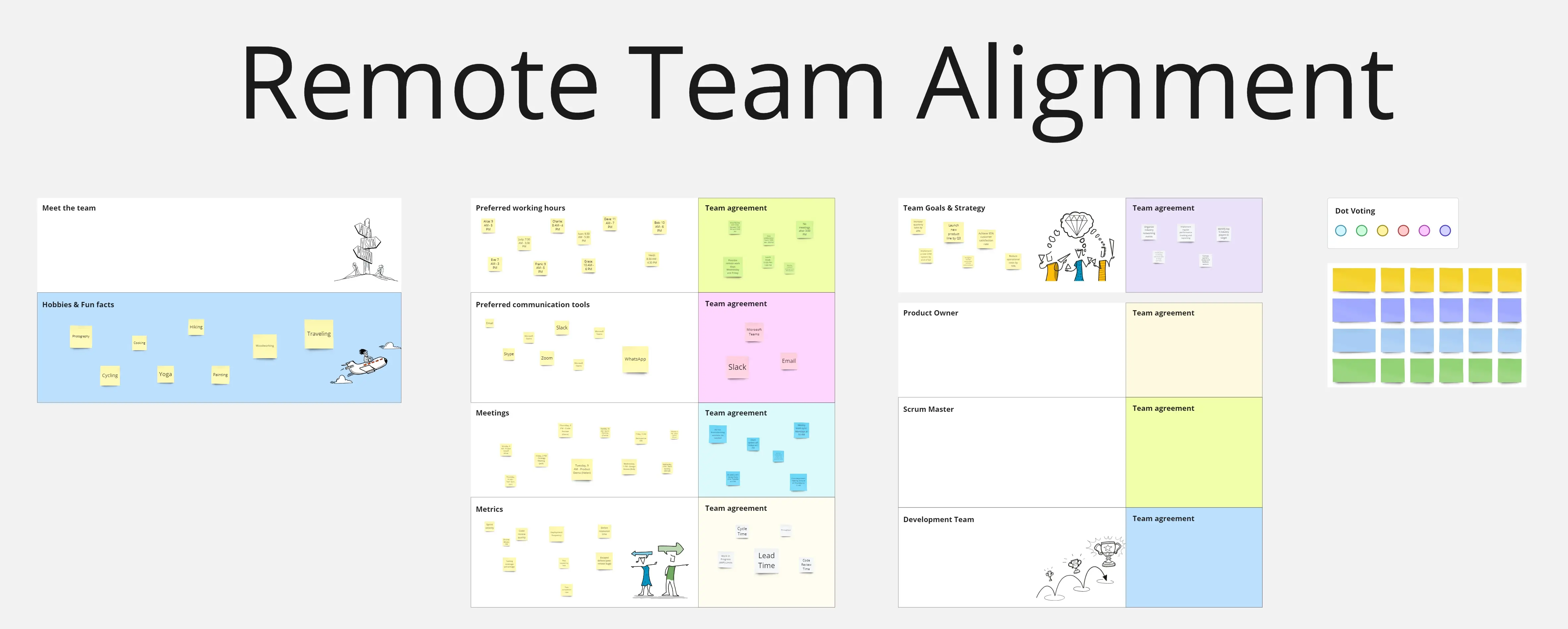
Bridge the physical gap with digital synergy. The Remote Teams toolkit provides the virtual space needed for asynchronous collaboration, social bonding, and seamless communication across any time zone.
7 templates
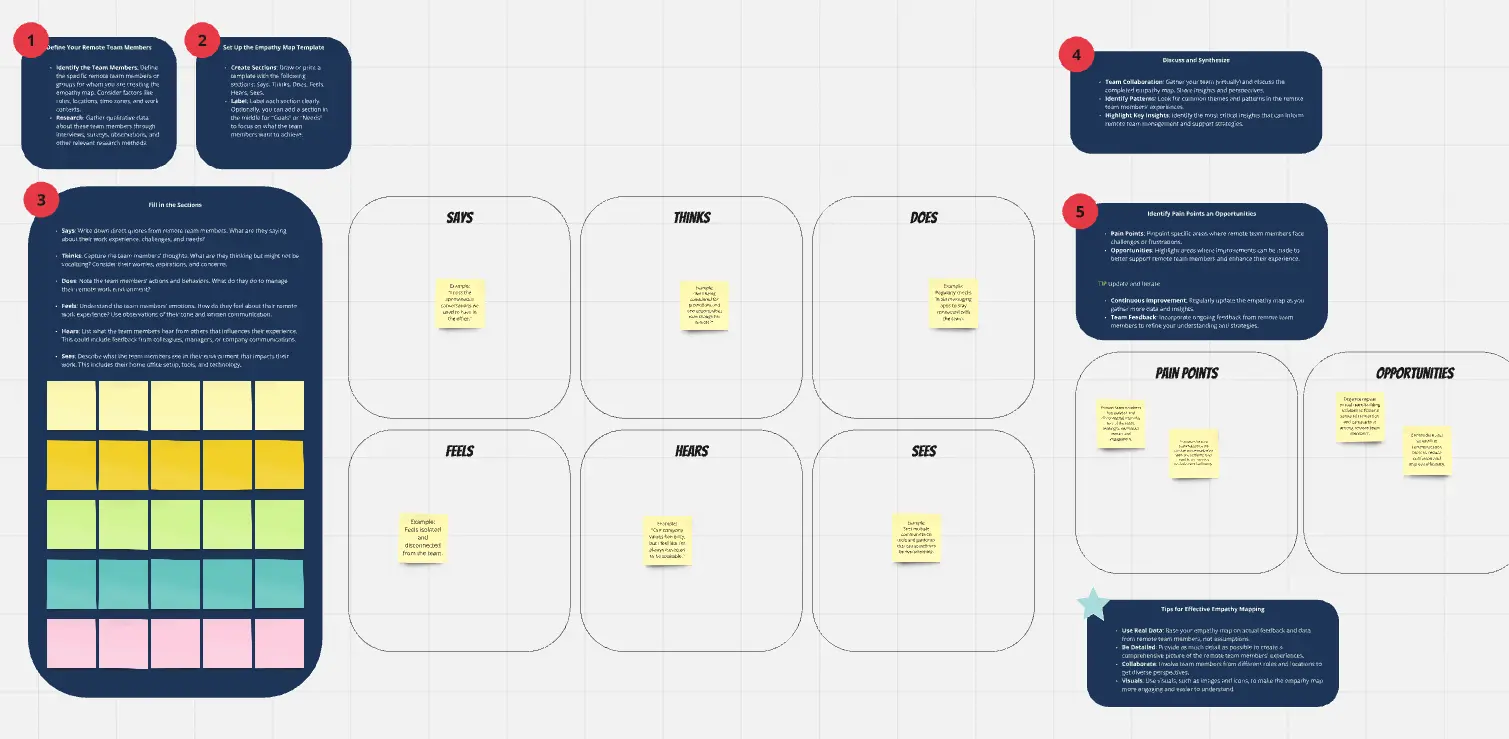
Empathy Map for Remote Teams
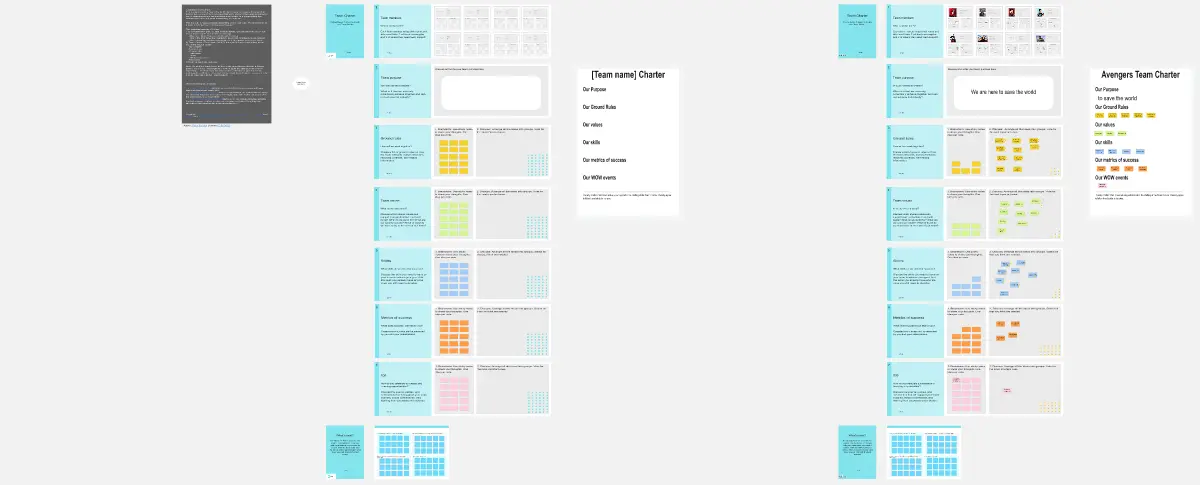
The Empathy Map for Remote Teams template helps teams understand the unique needs and experiences of remote team members. Capture insights about their challenges, emotions, and motivations to improve communication and collaboration. Ideal for managers aiming to enhance remote work culture, this tool supports empathy-driven strategies that boost team morale and productivity.
A remote team template is a structured, digital workspace designed to facilitate collaboration when participants are not in the same room. It solves the three biggest hurdles of distance: Information Silos, Time Zone Friction, and Isolation. By using centralized boards for everything from "Virtual Coffee" to "Sprint Planning," remote teams can maintain a high-context environment where "The Why" is always accessible.
Remote work fails when it tries to mimic an office. It succeeds when it embraces the "Digital-First" mindset. Before setting up your team's Miro or Notion board, apply these three expert "health checks":
1. The "Context Density" Audit
The Audit: Are your tasks vague (e.g., "Fix the login") because you assume you can just "explain it in a meeting"? The Fix: Audit for Self-Sufficiency. A professional remote template must be High-Context. Every task or project card should include the Goal, Loom/Video Walkthrough, Reference Links, and Definition of Done. If a teammate in a different time zone can't start the work without talking to you, your template is creating a bottleneck.
2. The "Passive Connection" Test
The Audit: Is the only time your team talks during "Status Updates"? The Fix: Audit for Social Friction. Remote teams need "Passive Watercooler" spaces. Use your template to include non-work zones:
The "Mood" Check-in: A simple 1-5 scale or emoji board for daily sentiment.
The Knowledge Swap: A space to share interesting articles or podcasts.
The "Kudos" Wall: A permanent area for public praise and recognition.
3. The "Meeting Sovereignty" Guardrail
The Audit: Is your calendar a solid block of "Synchronous" Zoom calls? The Fix: Audit for Asynchronous Flow. A high-performance remote template should define "Meeting-Light" protocols. Use a Decisions Log and Meeting-Free Wednesday blocks. If a topic can be resolved via a threaded discussion on the board, the template should discourage a meeting invitation.
A professional distributed team uses four distinct templates to stay aligned:
1. The Virtual Office "Home Base"
Goal: To serve as the "Start Page" for the team's day.
Key Components: Today's priorities, "Who is OOO" (Out of Office) tracker, and links to the most-used files.
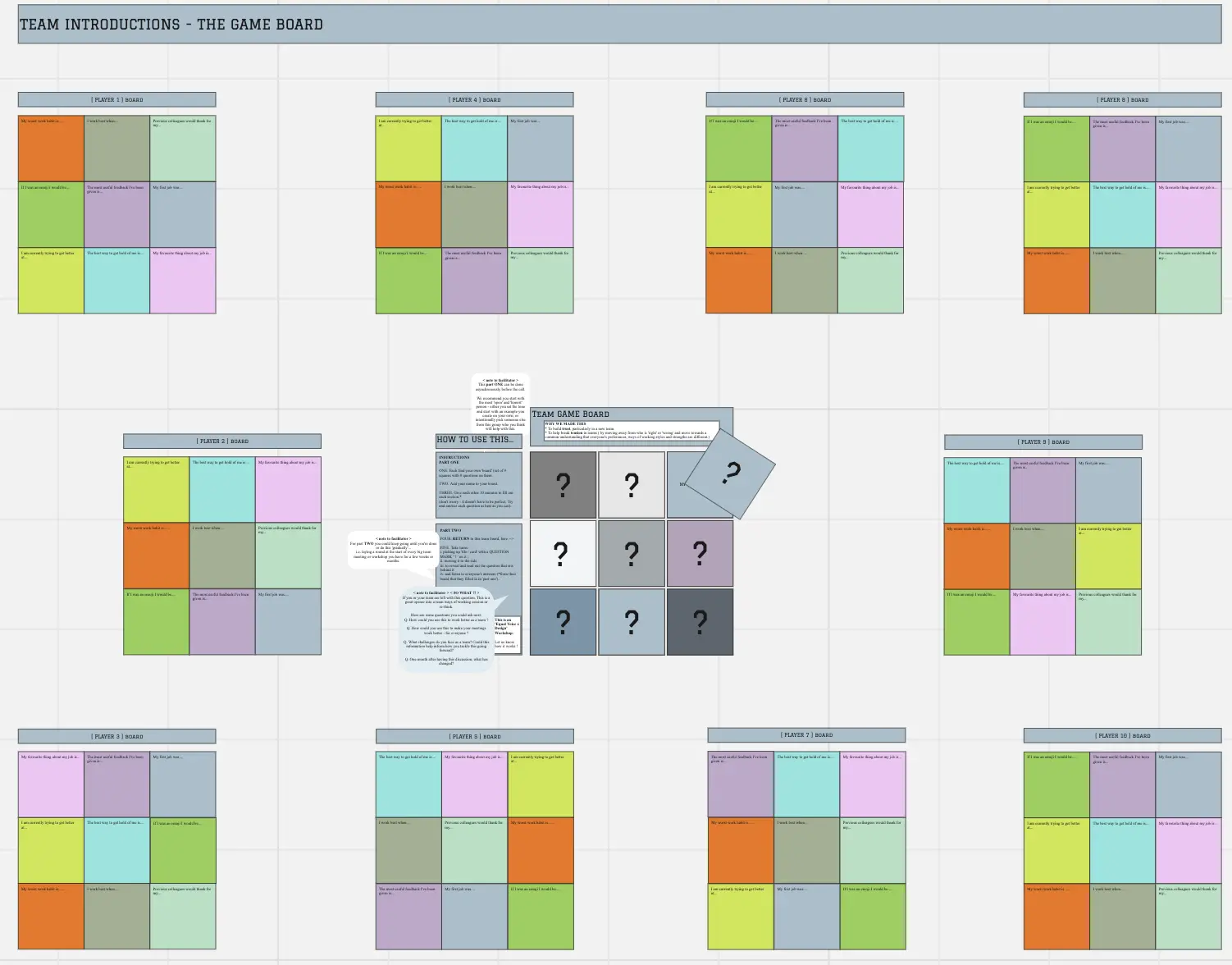
2. The Team "User Manual"
Goal: To document individual working styles and preferences.
Key Components: "When I'm online," "How I like to receive feedback," and "My pet peeves."
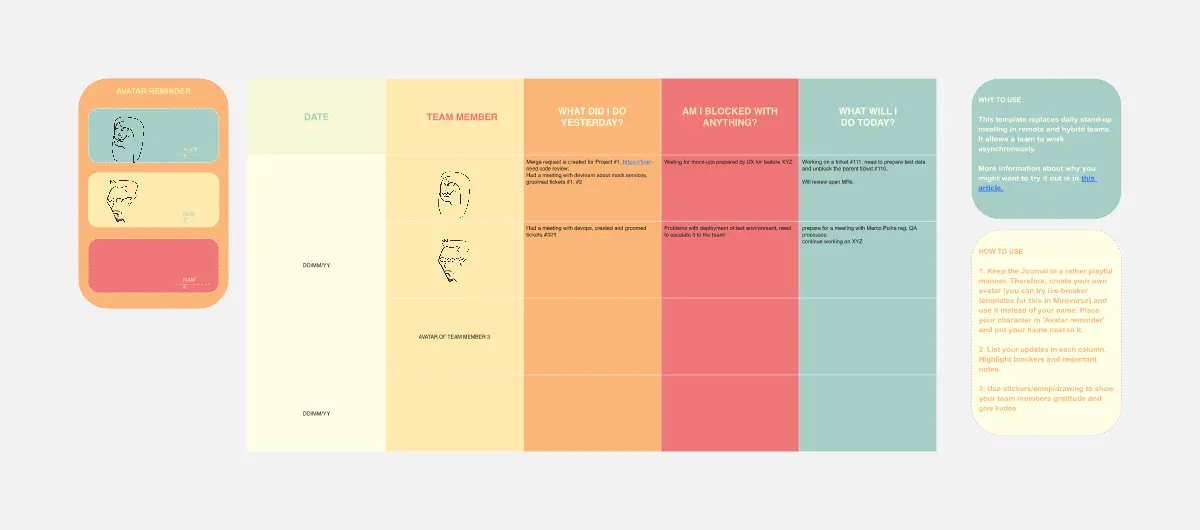
3. The Asynchronous Standup
Goal: To share updates without a 30-minute call.
Key Components: "What I did yesterday," "What I'm doing today," and "Blockers."
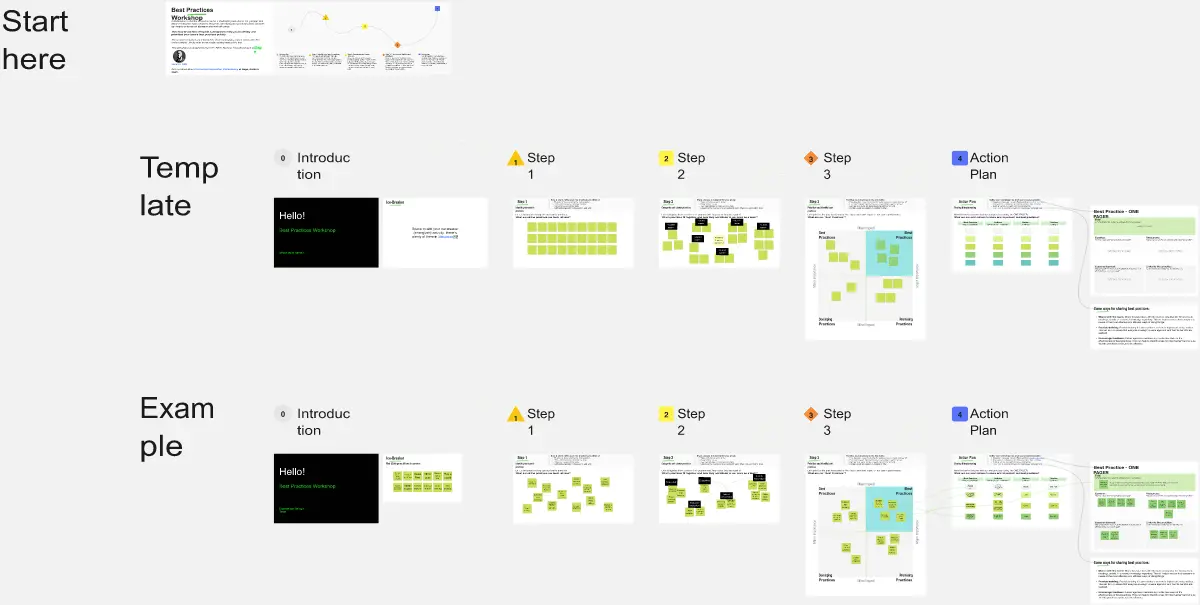
4. The Remote Retrospective
Goal: To improve team processes in a psychological safe space.
Key Components: Sections for "What's working," "What's frustrating," and "Action items for the next cycle."
A high-performance Remote Board requires these five core elements:
Avatar/Presence Area: A way to see who is currently active or "In Deep Work" mode.
Time Zone Map: A visual reference showing where everyone is located to simplify scheduling.
Resource Directory: A pinned list of standard operating procedures (SOPs) and tool logins.
The "Parking Lot": A space for ideas that come up during the day but don't need immediate attention.
Weekly Rituals Calendar: A clear view of recurring social and professional touchpoints.
The "Micromanagement" Trap: Using templates to track every minute of a teammate's time.
The Fix: Focus on Outcomes, Not Hours. If the work is being delivered at a high quality and on time, it doesn't matter if it was done at 10 AM or 10 PM.
Ignoring the "Silence": Assuming that because no one is complaining, everything is fine.
The Fix: Use Anonymous Health Checks. Remote isolation can hide burnout. A regular, private feedback loop is essential for team longevity.