What is a Product Launch Template?
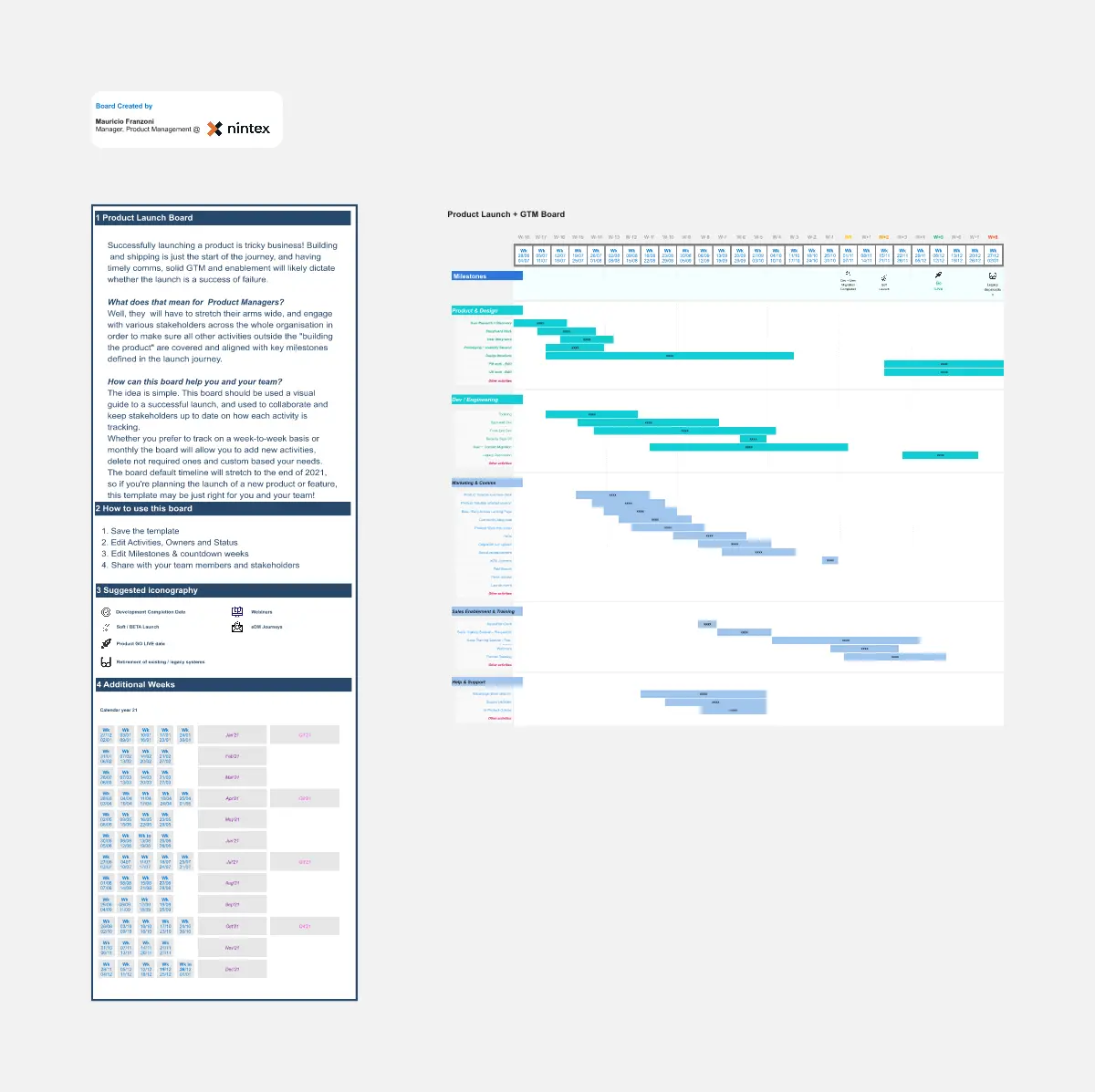
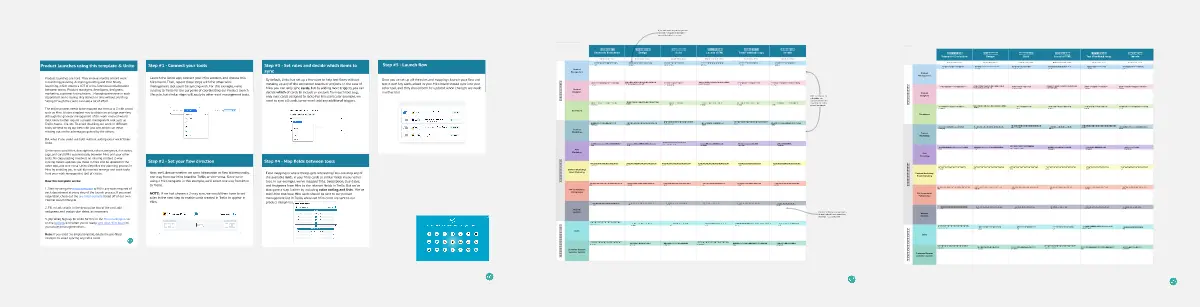
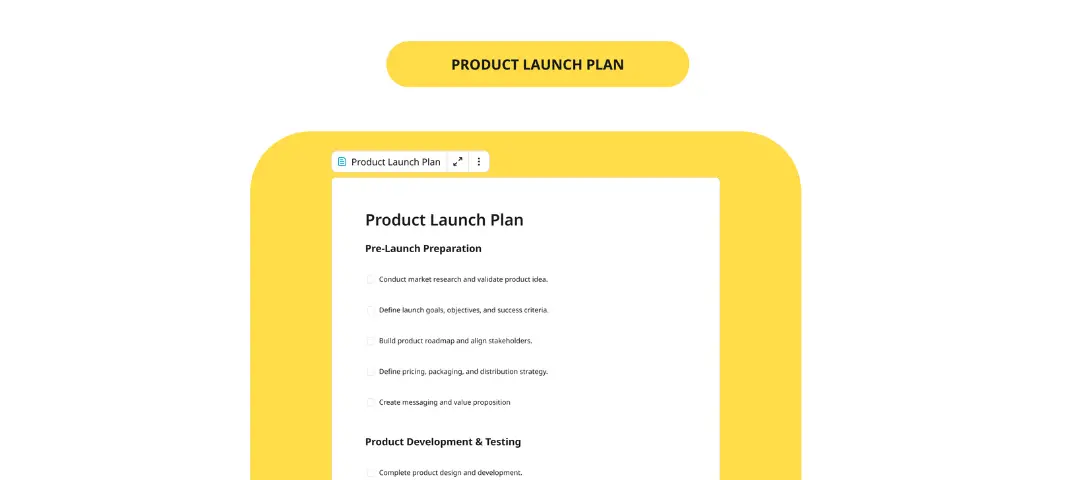
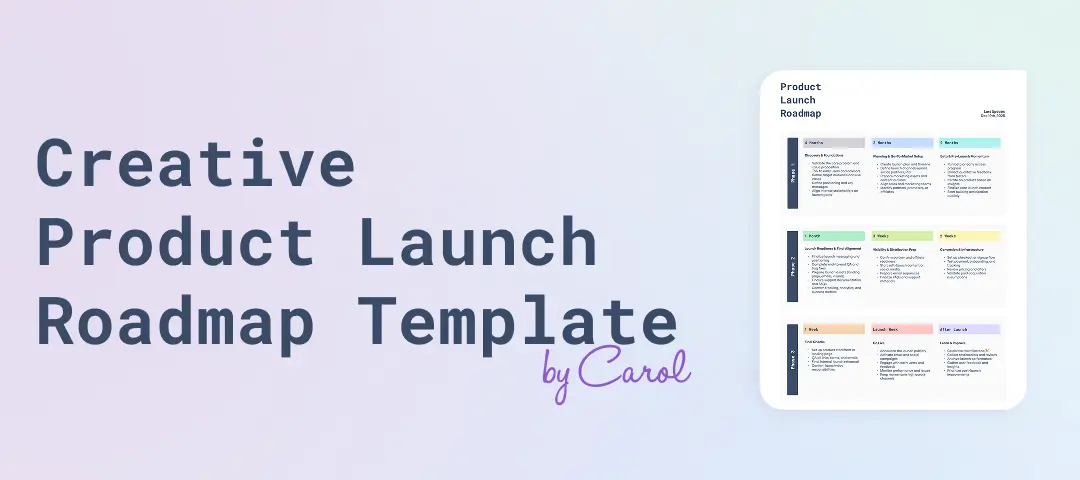
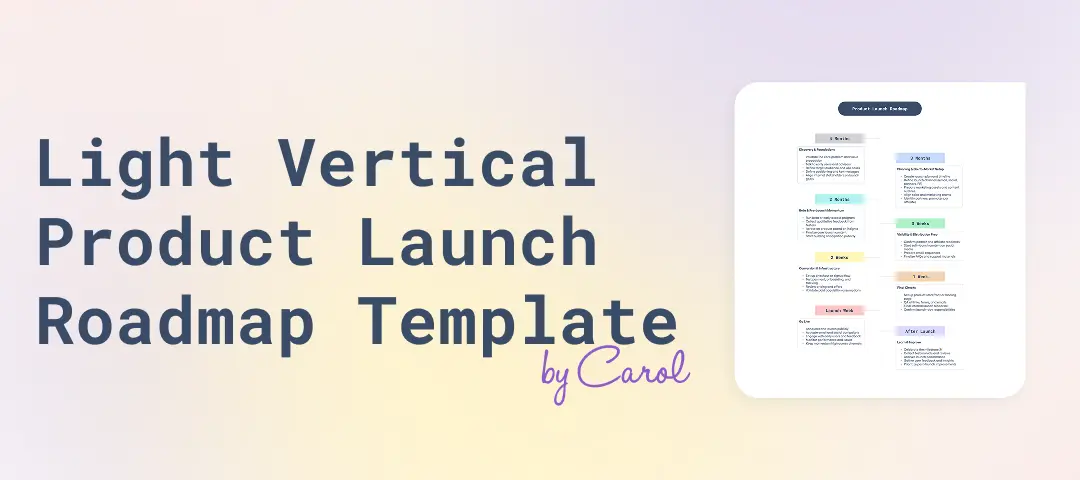
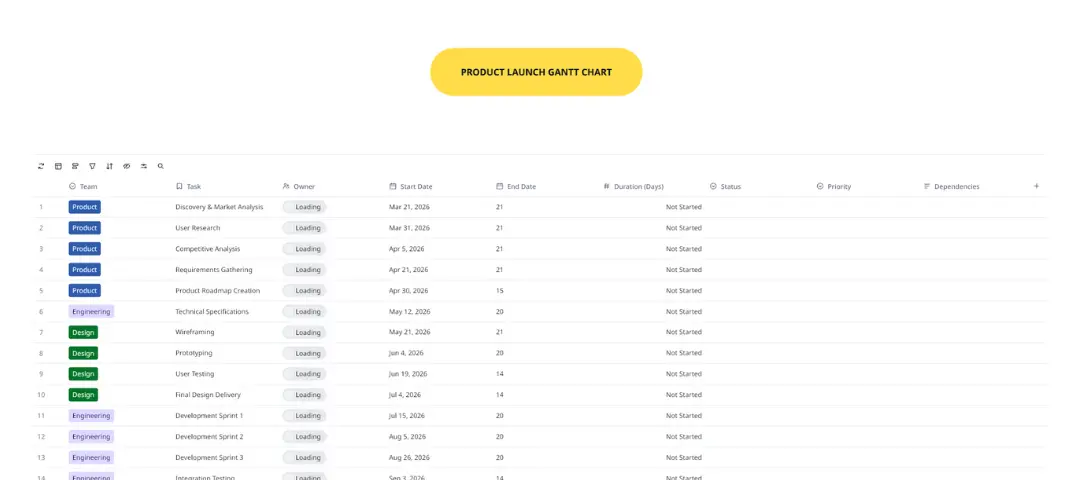
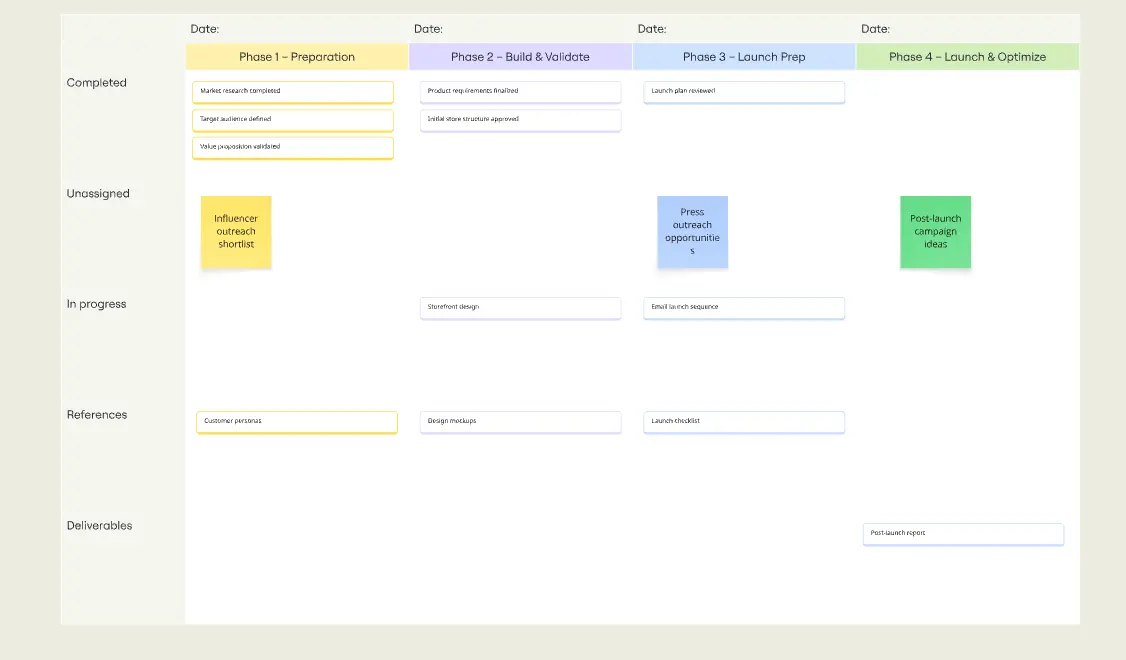
A product launch template is a strategic roadmap used to coordinate the efforts of Product, Marketing, Sales, and Customer Success teams. It breaks the launch into chronological phases Pre-launch, Launch Day, and Post-launch to ensure that every stakeholder knows exactly what to do and when. It serves as the "Command Center" for the product’s first impression on the market, turning a "Feature Update" into a "Revenue Driver."
The "Momentum" Audit: 3 Ways to Ensure a "Big Bang" Release
A launch is only as successful as the coordination behind it. Before setting your launch date on Miro, apply these three expert "health checks":
1. The "Internal Readiness" Audit
The Audit: Is your Sales and Support team "guessing" how the new product works? The Fix: Audit for Enablement. A professional launch template includes a "Team Readiness" phase. This involves training sales on the new pitch, giving Support a "FAQ Database," and ensuring Legal has approved the new terms. If your internal team isn't the product's #1 fan, your customers won't be either.
2. The "Channel Echo" Test
The Audit: Are you sending one email and hoping for the best? The Fix: Audit for Multi-Touch Synchronization. Use your template to map out an "Orchestration Schedule." This ensures that your Social Media, Email Marketing, PR, and Paid Ads all hit the market within a 48-hour window. This "Echo Effect" makes your launch feel much larger than it actually is, creating a sense of market dominance.
3. The "Success Metric" Guardrail
The Audit: Is your definition of success "We launched on time"? The Fix: Audit for Impact KPIs. A high-level launch template defines what "Winning" looks like 30 days after the launch. Use specific metrics: "1,000 New Signups,""15% Upsell Rate," or "Sub-2 hour Support Response Time." If you don't track the results, you can't prove the ROI of the launch.
Strategic Framework: The Three Phases of a Product Launch
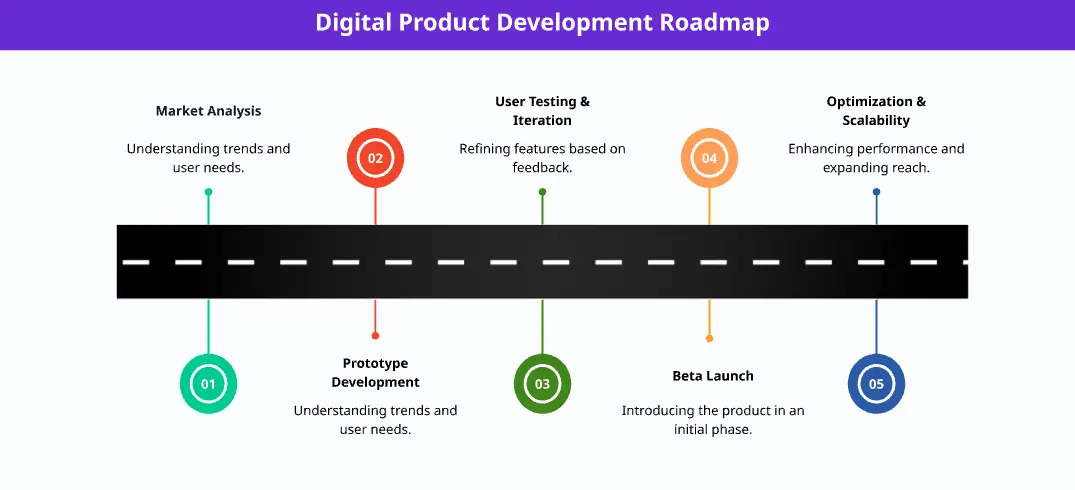
A professional launch is divided into three distinct workstreams:
Phase 1: Pre-Launch (The Build-Up)
Goal: To create "Internal Alignment" and "Market Anticipation."
Tasks: Beta testing, sales training, teaser campaigns, and press outreach.
Phase 2: Launch Day (The Execution)
Goal: To maximize "Reach" and "Conversion."
Tasks: Website updates, "Live" launch events, email blasts, and social media blitz.
Phase 3: Post-Launch (The Sustain)
Goal: To ensure "Retention" and "Learning."
Tasks: Customer feedback loops, bug fixing, case study development, and a "Post-Mortem" meeting.
Key Components of a Product Launch Template
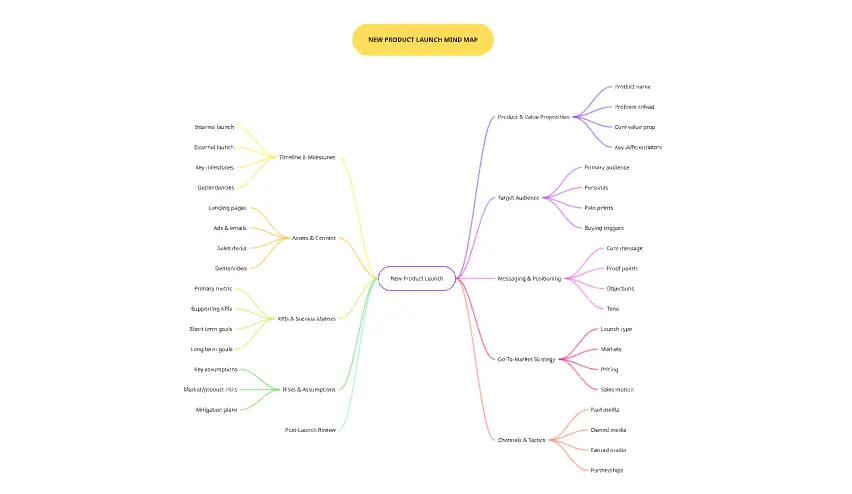
A high-performance Miro board for Product Launches requires these five core elements:
The GTM Strategy: A summary of the Target Audience, Value Proposition, and Pricing.
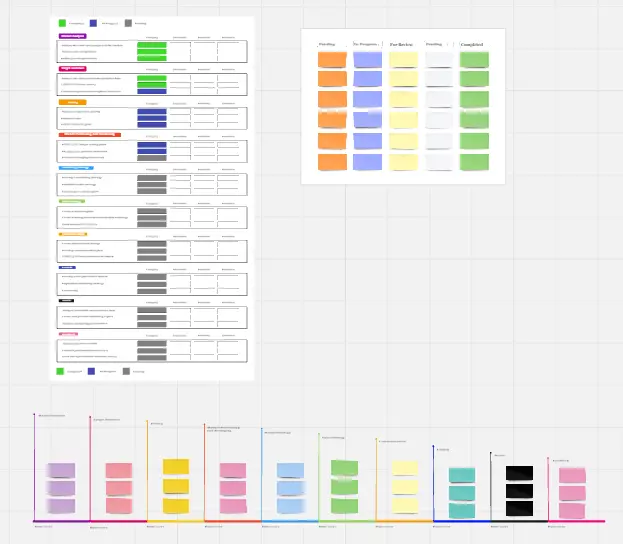
The Master Milestone Tracker: A high-level view of the key dates (e.g., Code Freeze, Press Embargo, Public Launch).
The Content Matrix: A list of every asset needed (e.g., Landing pages, Blog posts, Sales decks, Demo videos).
The "War Room" Channel: A dedicated space for real-time communication and "Emergency Response" on launch day.
The Post-Mortem Board: A section to record "What went well" and "What we would change next time."
Common Pitfalls in Product Launches
The "Silent" Launch: Spending months building a feature and then just "releasing" it without a story.
Ignoring the "Existing" Customer: Focusing 100% on new users and forgetting to tell your current fans about the update.