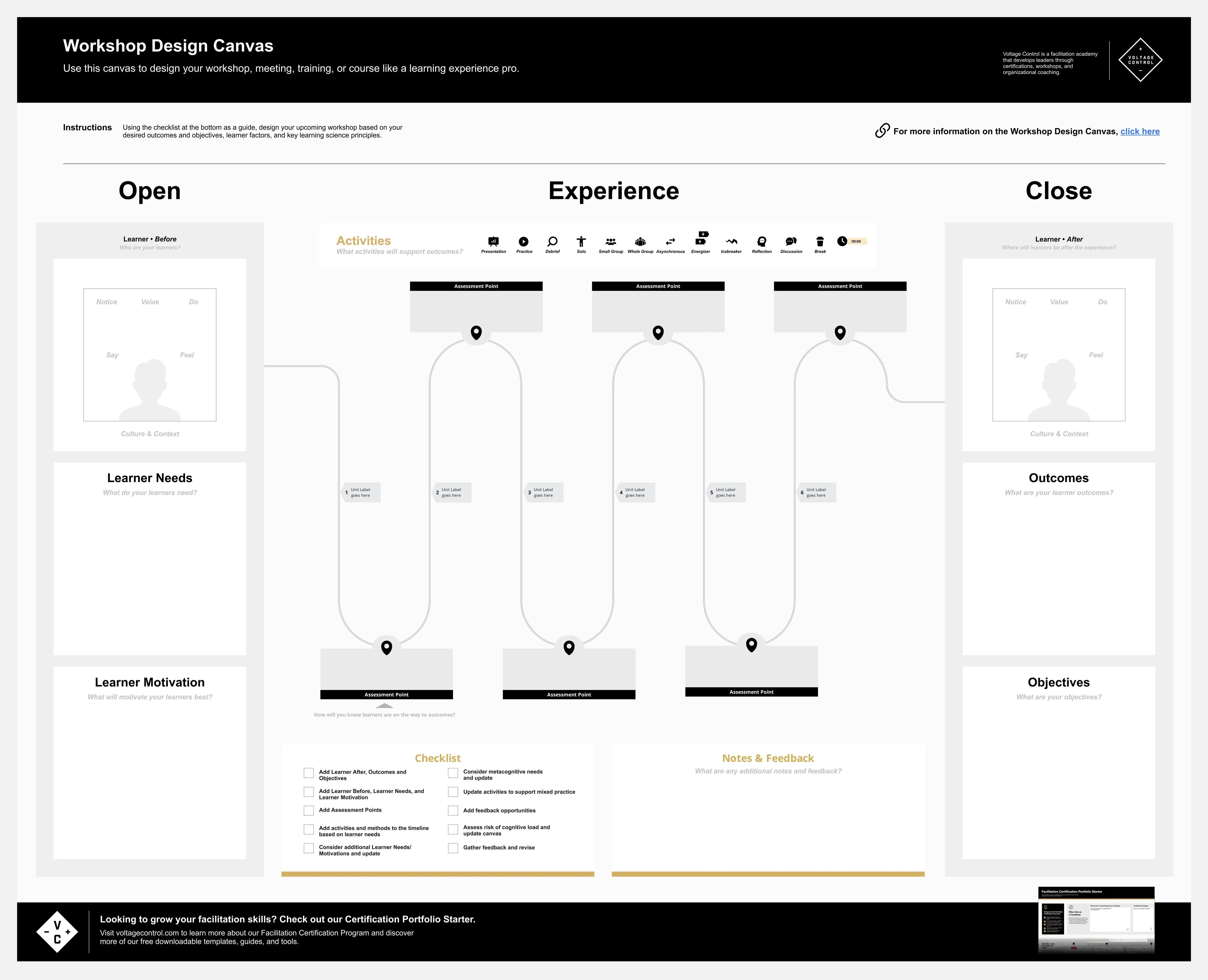
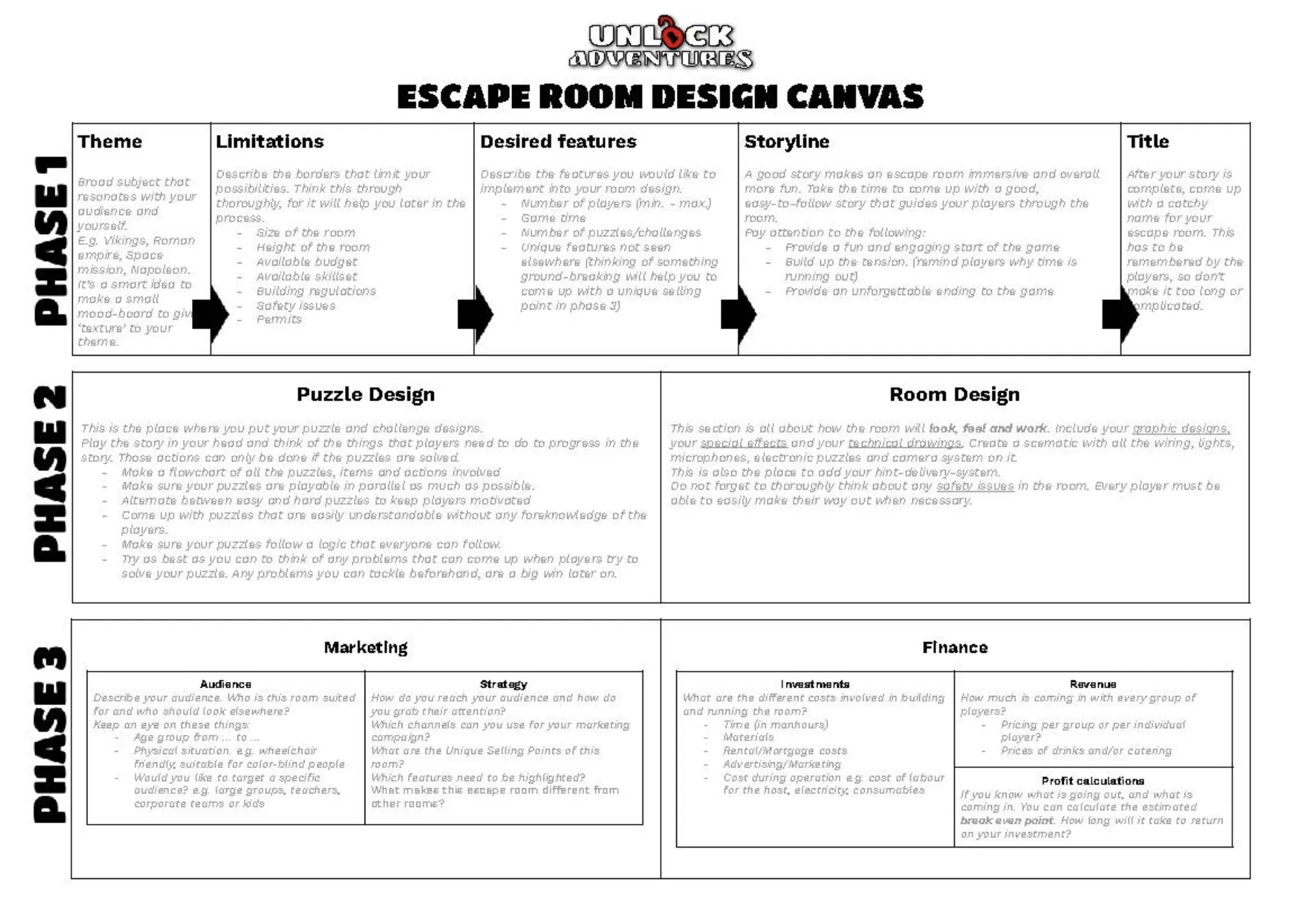
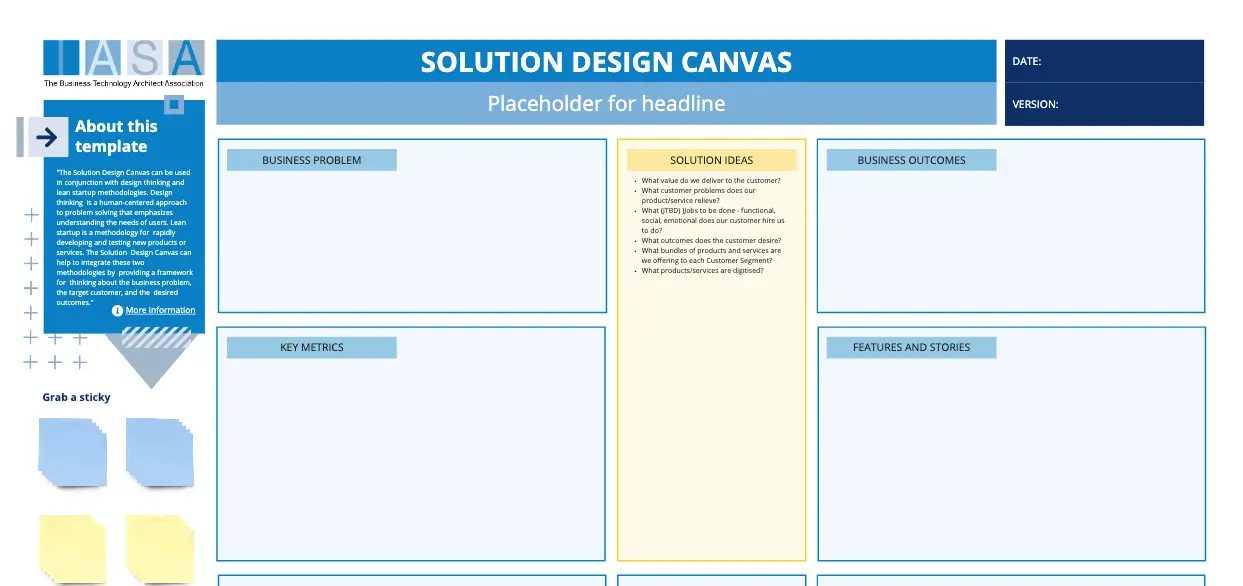
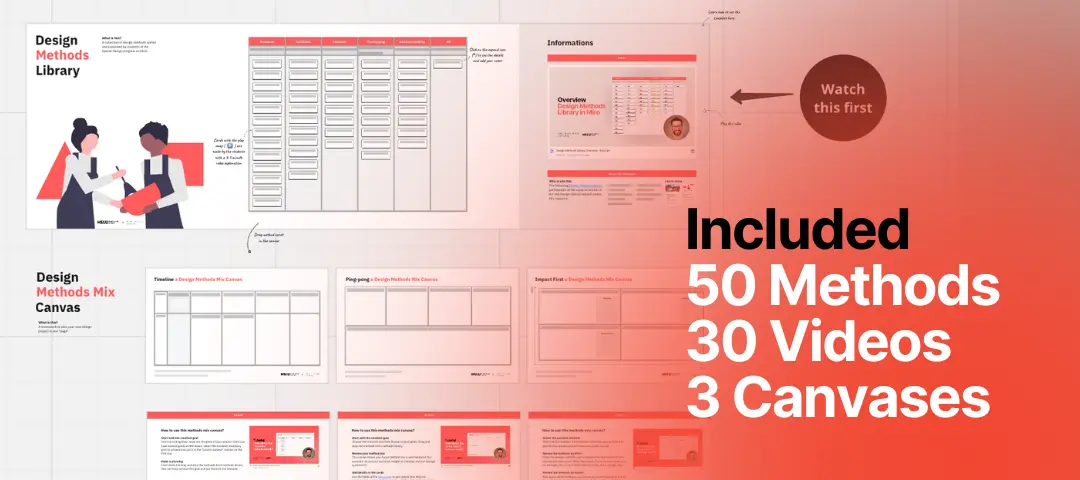
What is a Design Canvas Template?
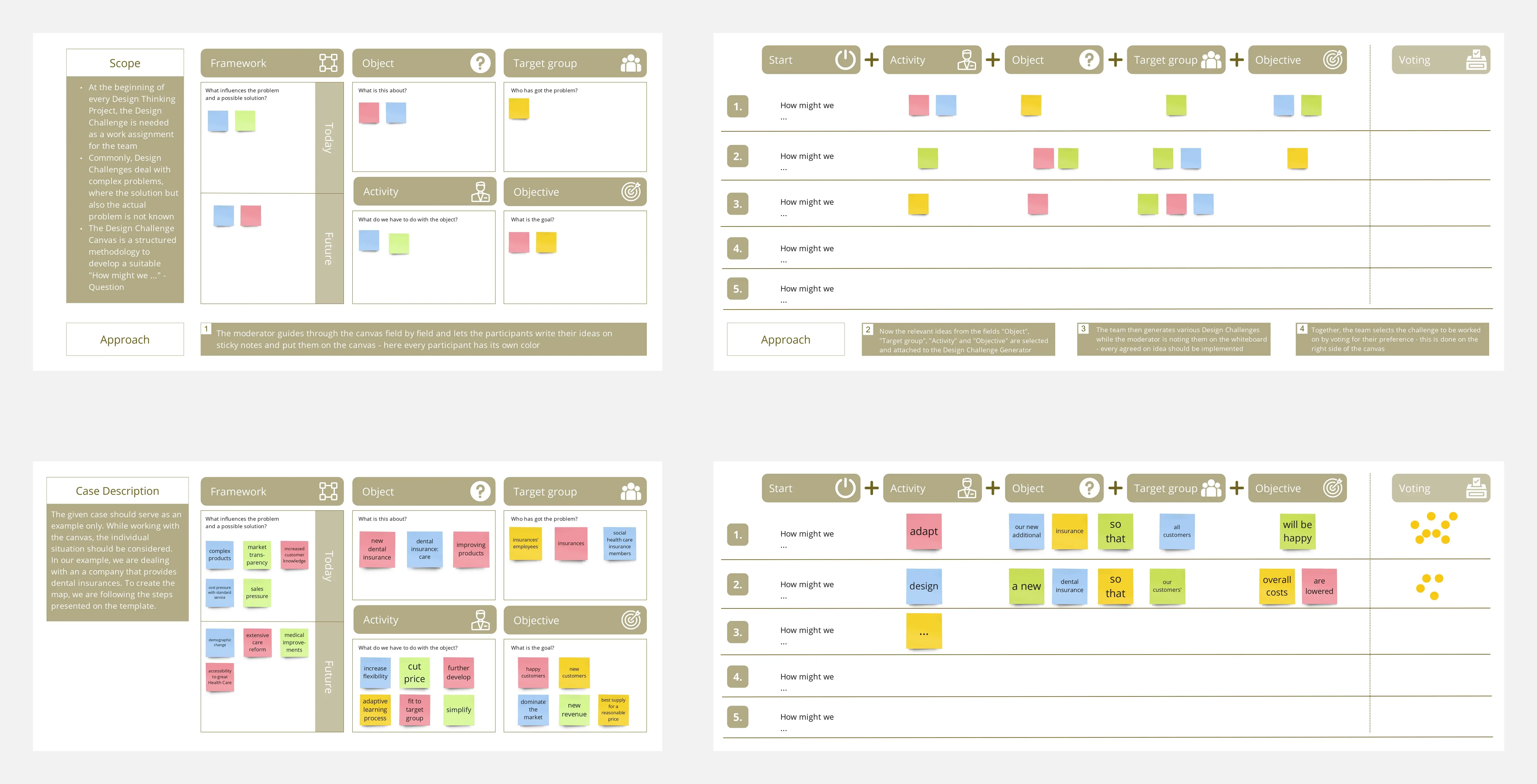
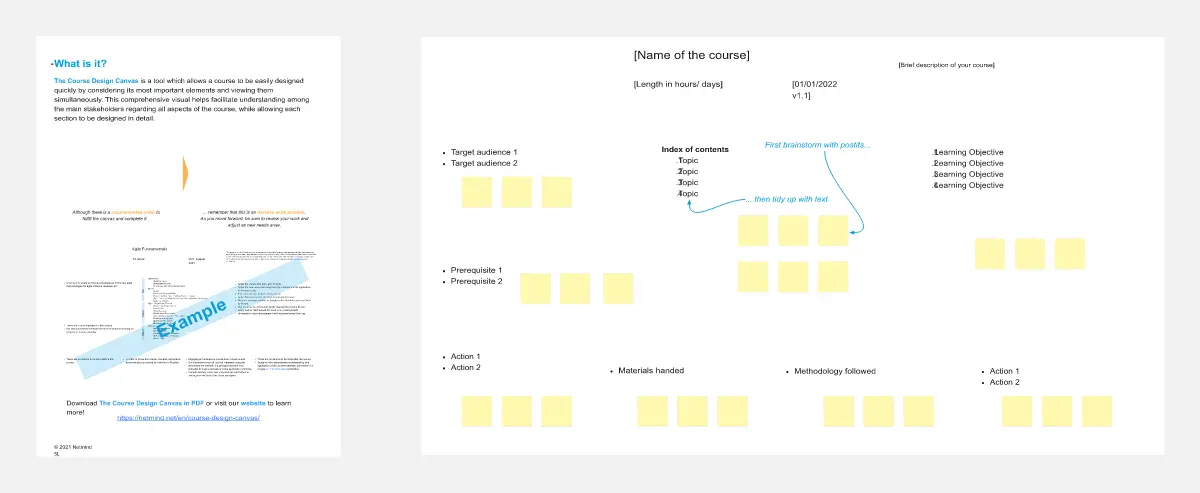
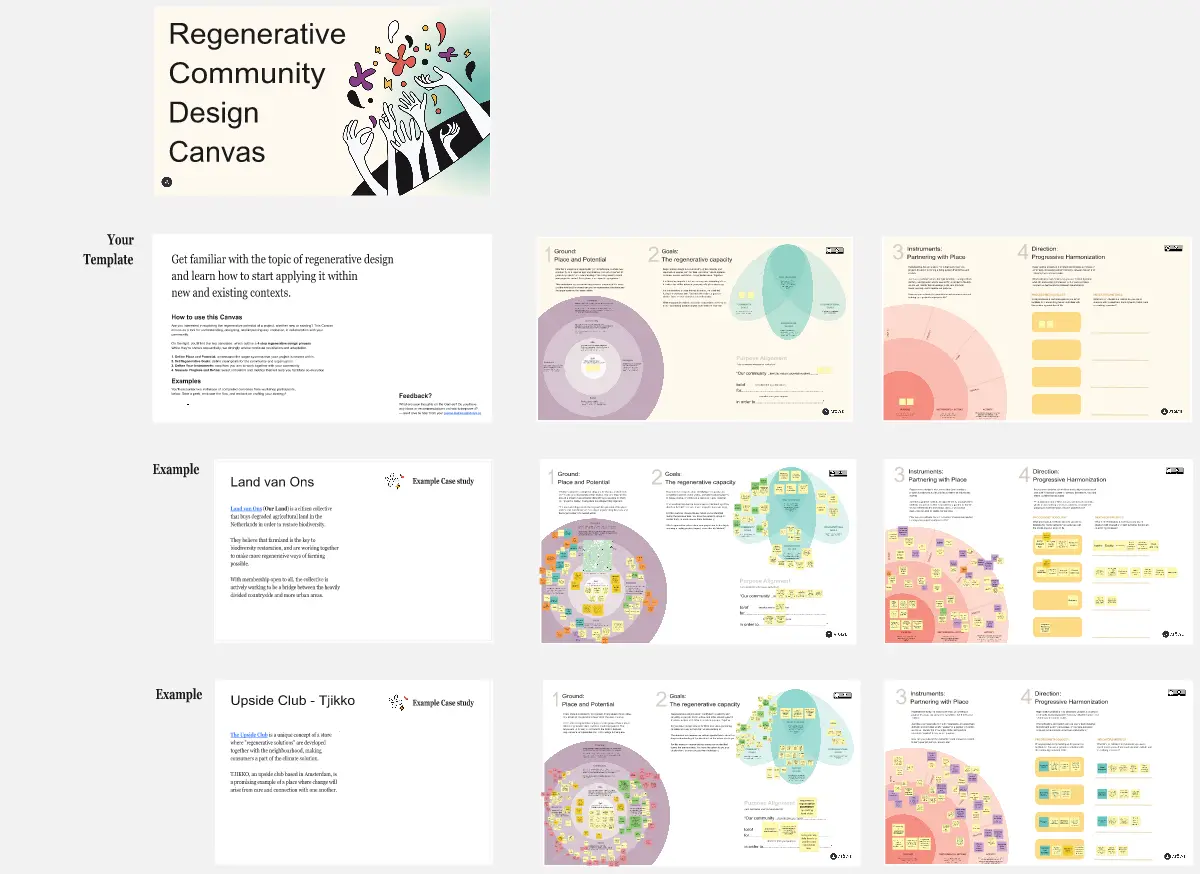
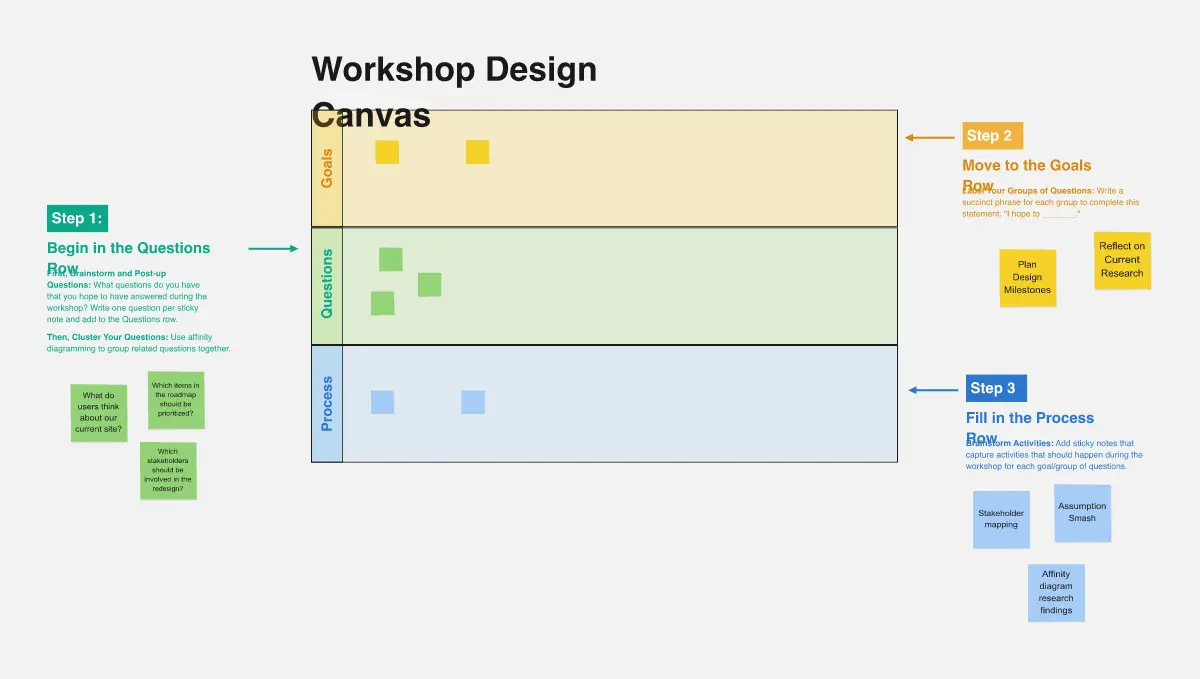
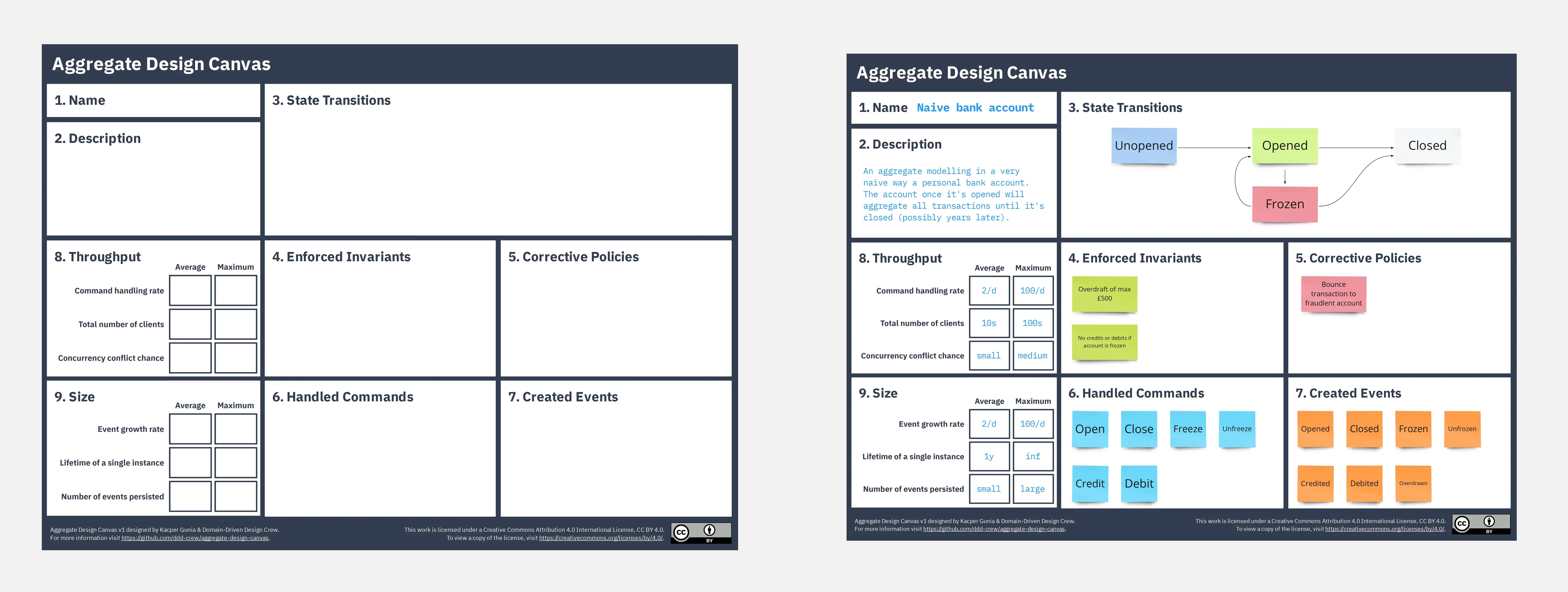
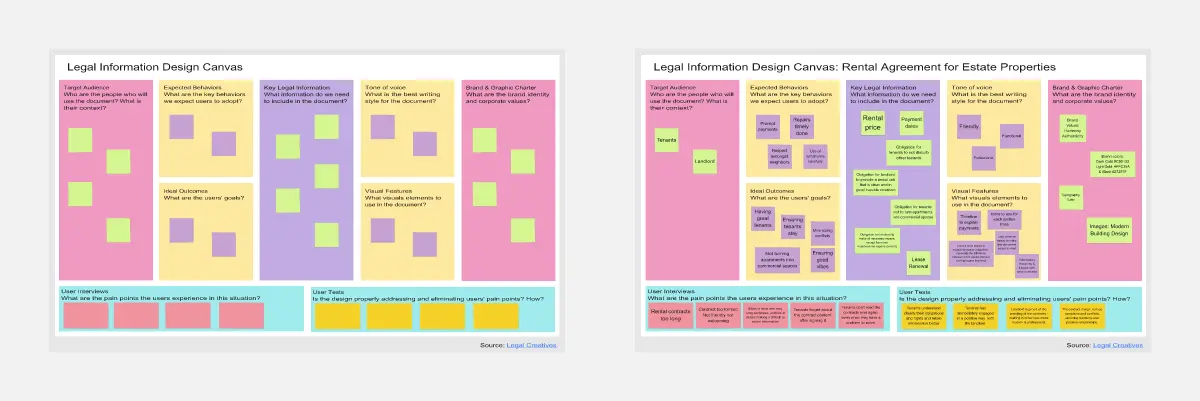
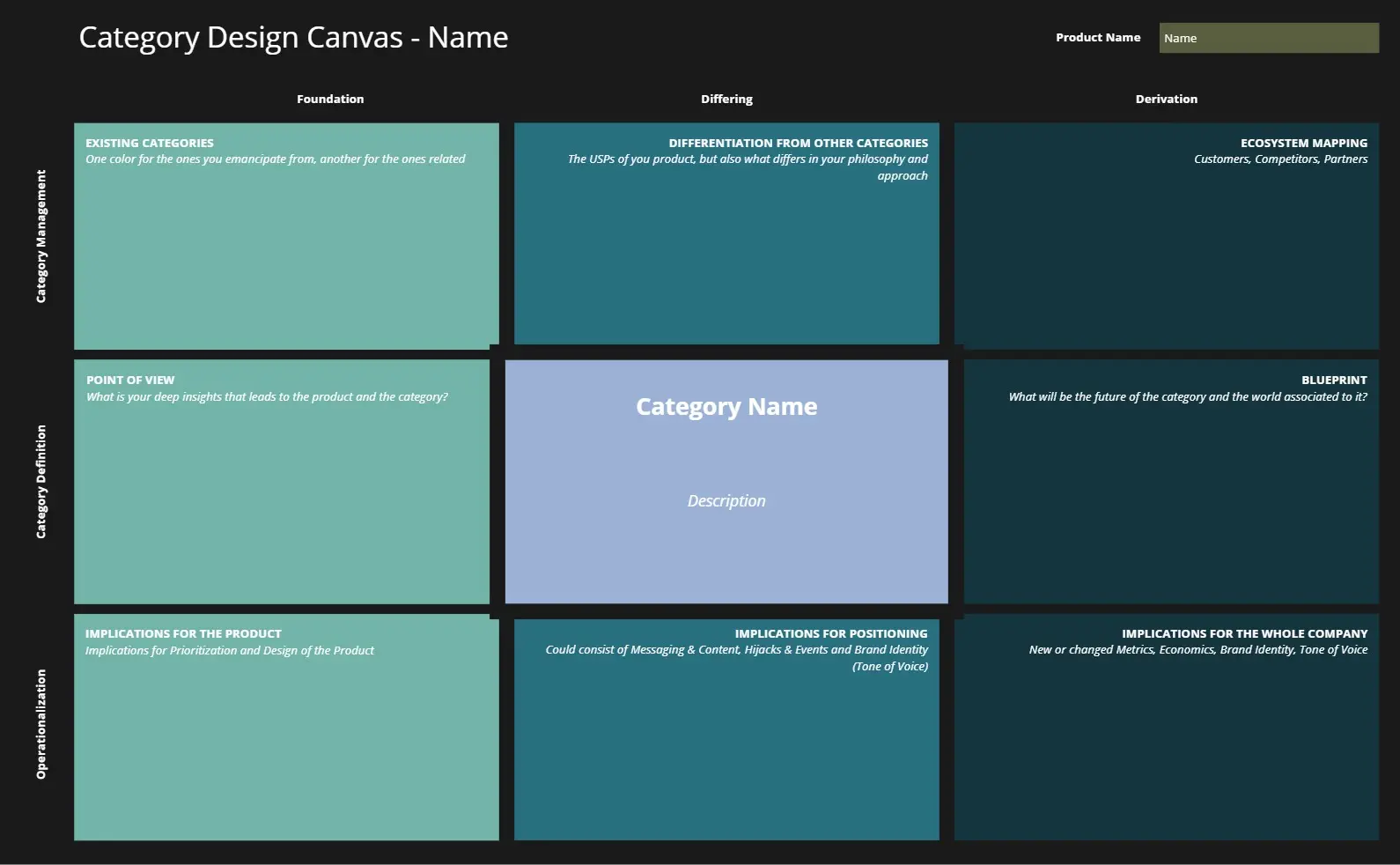
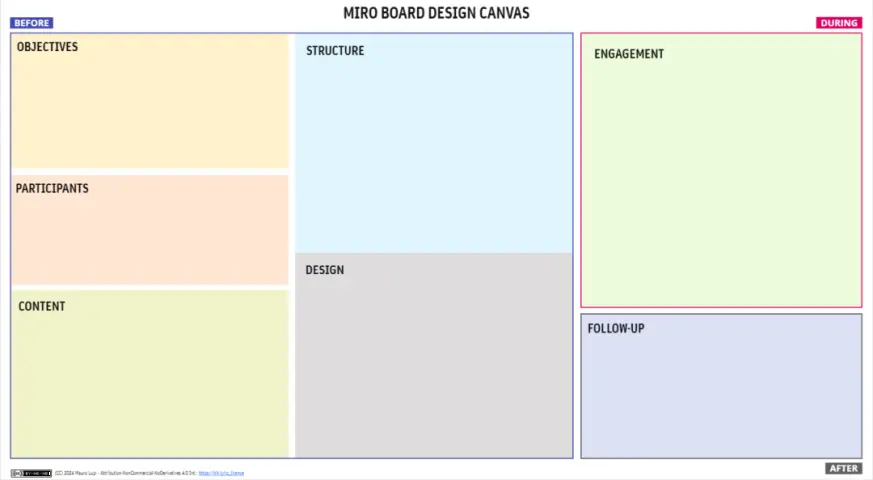
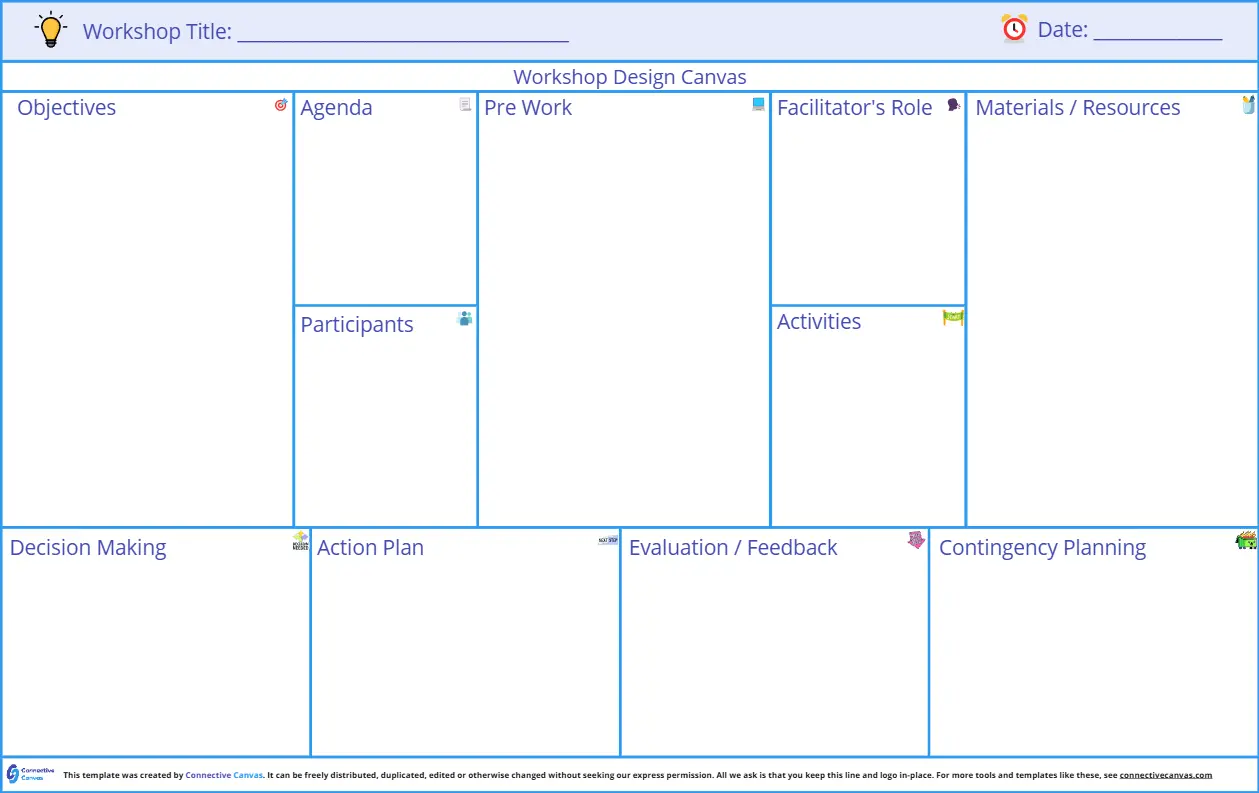
A Design Canvas template is a visual framework used by UX/UI designers and product teams to map out the core elements of a design solution. It acts as a "single pane of glass" that combines user empathy, business goals, and visual constraints. Unlike a full design system, a canvas is used at the start of a project to ensure the team isn't just "pushing pixels," but is solving a validated problem with a cohesive strategy.
The "Design Strategy" Audit: 3 Ways to Design for Impact
A design is only as good as the logic behind it. Before you open Figma or Miro, apply these three expert "health checks" to your canvas:
1. The "Cognitive Load" Audit
The Audit: Is your design canvas focused on "Features" instead of "Friction"? The Fix: Audit for Simplicity. A professional design canvas should identify the Primary User Action. If your canvas lists 10 "Equally Important" features, your design will be cluttered. Use your template to define the "One Thing" the user must accomplish. Anything that doesn't support that goal is "Cognitive Noise" and should be removed.
2. The "Atomic Alignment" Test
The Audit: Are you designing "Pages" instead of "Components"? The Fix: Audit for Scalability. Use your template to define the Core Design Principles (e.g., "Minimalist," "High-Density," or "Playful") and the Key UI Patterns. Designing with an "Atomic" mindset ensures that the buttons, inputs, and cards you design today will work across the entire app tomorrow.
3. The "Accessibility-First" Guardrail
The Audit: Is "Accessibility" a checkbox you hit at the end of the project? The Fix: Audit for Inclusivity. A high-level Design Canvas must include a section for A11y (Accessibility) Constraints. This defines the color contrast ratios, font sizes, and screen-reader logic before the first mockup is created. Designing for the "edges" makes the experience better for everyone.
Strategic Frameworks: Which Design Canvas Do You Need?
Select the Miro template that matches your current stage in the design process:
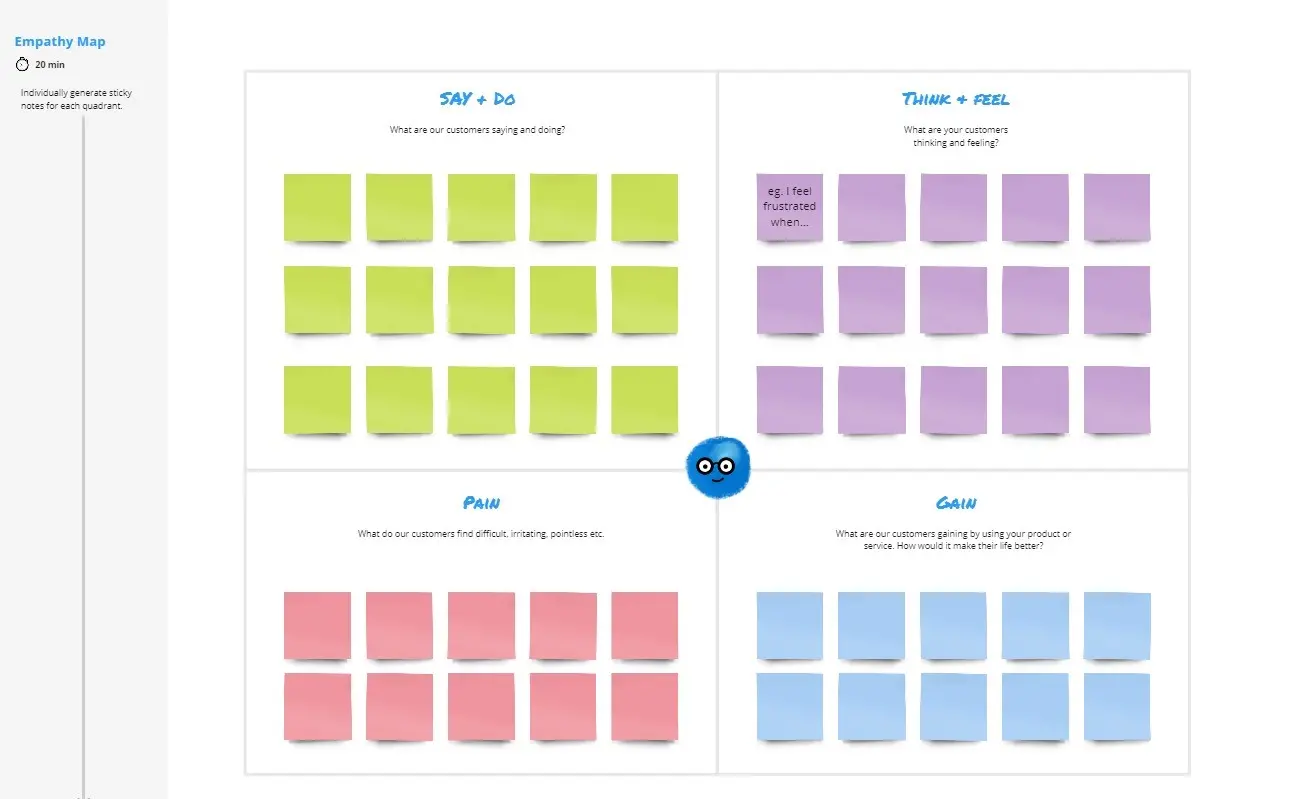
The Experience Design Canvas:
Best For: Early-stage UX mapping and user journey alignment.
The Goal: To define the User's Emotional State, their Touchpoints, and the Value Exchange.
The UI/Visual Identity Canvas:
Best For: Establishing the "Look and Feel" of a new brand or product.
The Goal: To map out Moodboards, Color Theory, Typography, and Iconography styles in one place.
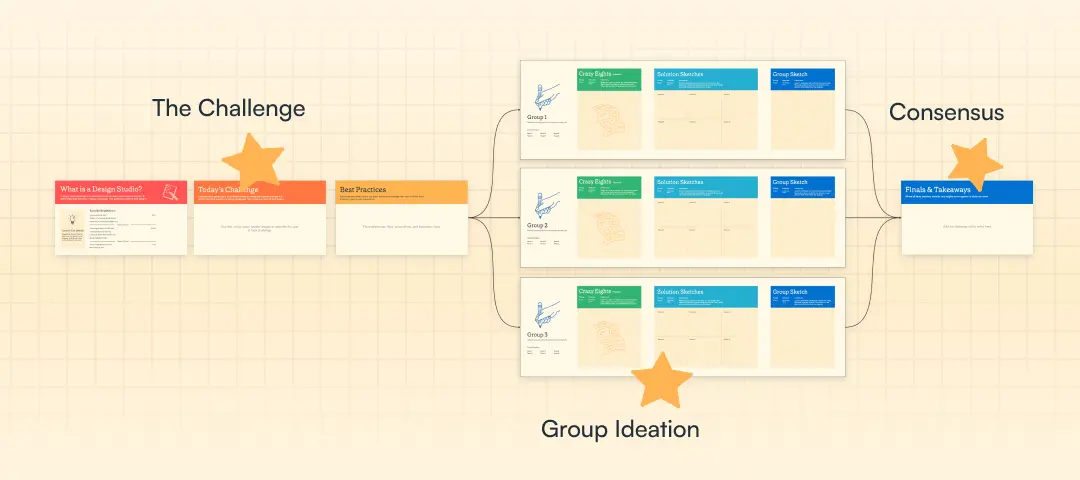
The Design Sprint Canvas:
Key Components of a Design Canvas Template
A high-performance Design Canvas requires these five core elements:
The Problem Frame: A 1-sentence description of the user struggle we are solving.
User Personas & Context: Who is using this, and are they "on the go" (mobile) or "at a desk" (desktop)?
The "Mood" Board: A collection of 3-5 images or keywords that define the visual direction.
Technical Constraints: A list of what the tech stack cannot do (to avoid over-designing).
Success Criteria: What visual or functional metric tells us the design worked? (e.g., "Reduced click-depth by 2").