Workshop Planning
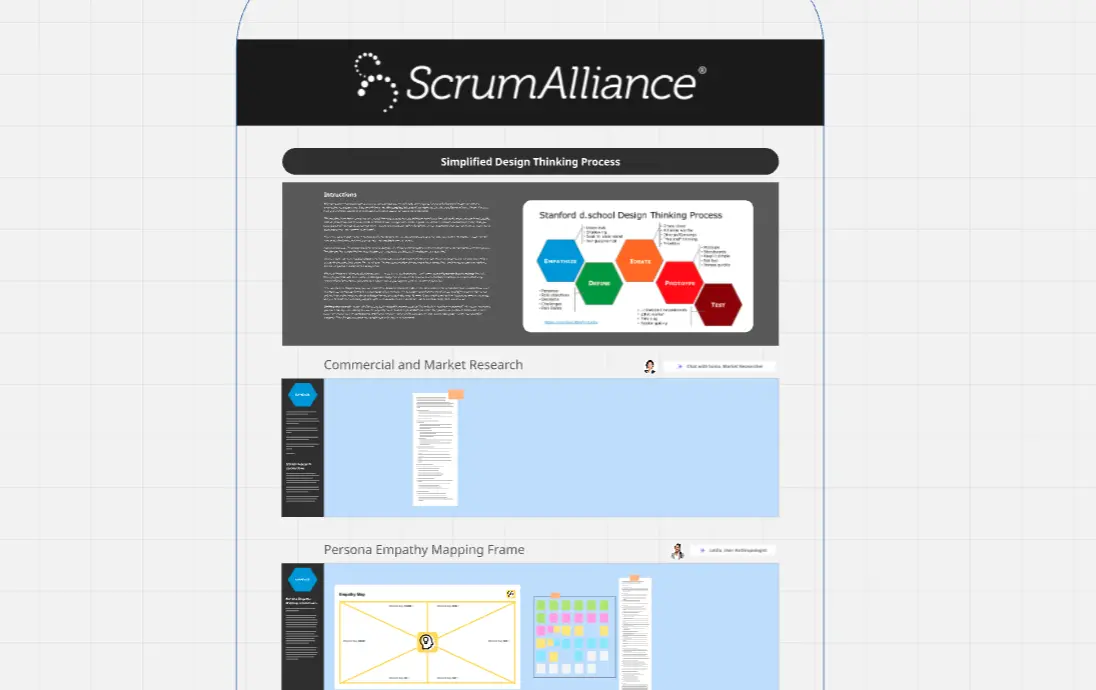
Create workshop boards customized to your client’s goals.

18 likes
879 uses
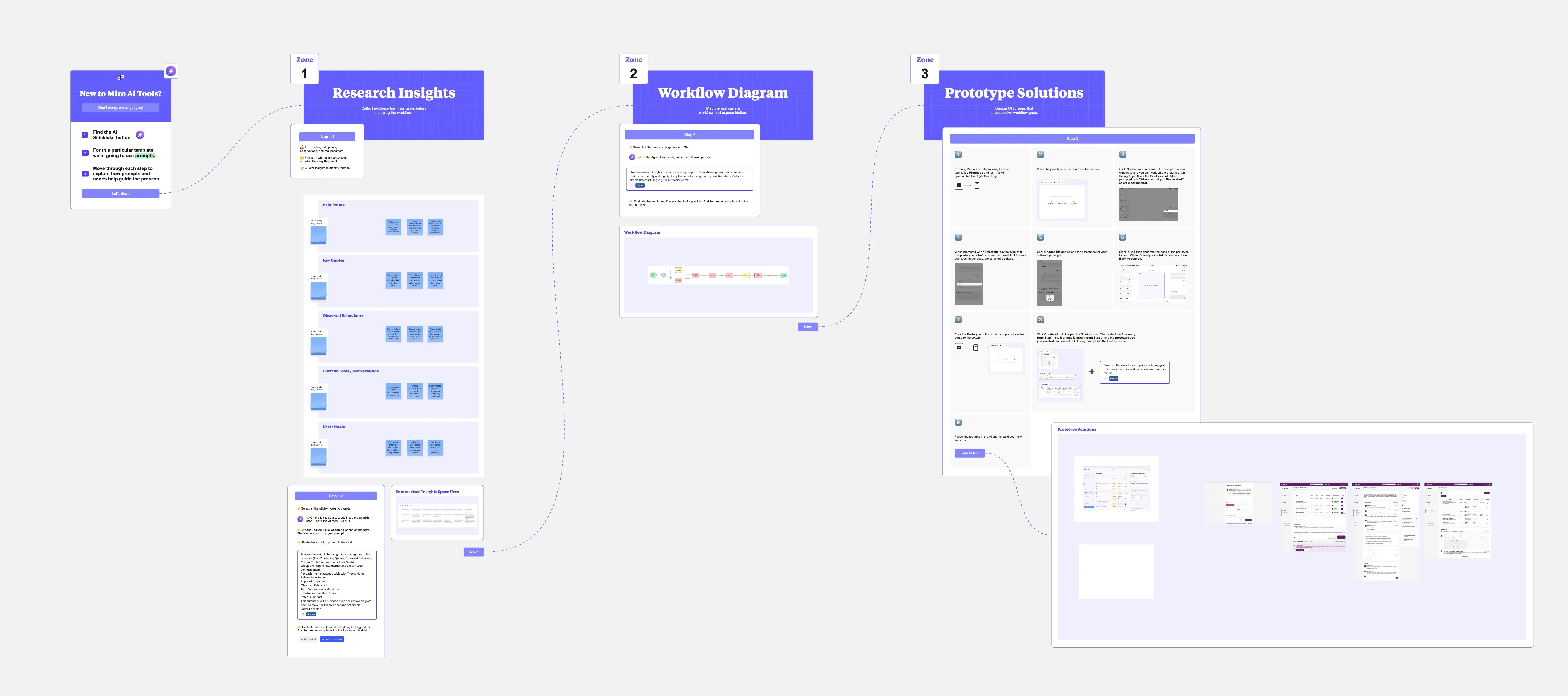
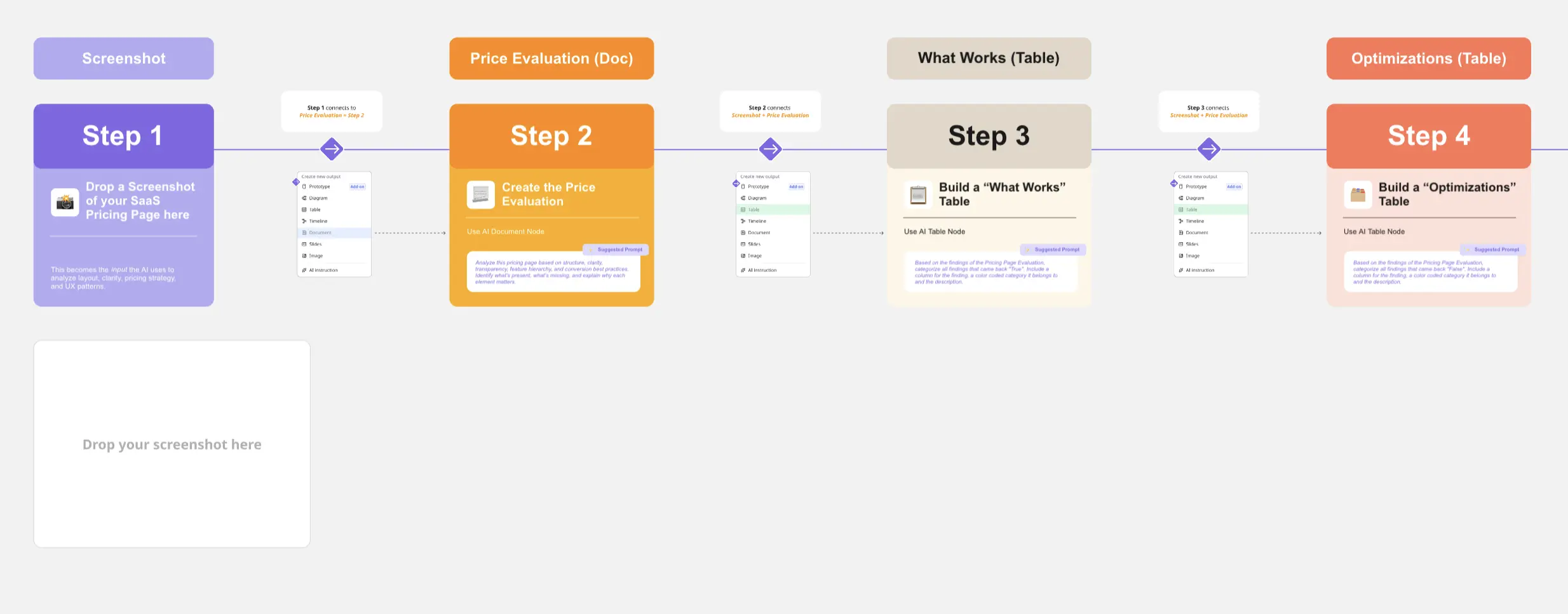
Speed through your team's biggest bottlenecks with AI-powered workflows that turn hours of manual work into minutes of smart collaboration.
AI Collaborators designed with specific skills like research, planning, or diagramming.
Create workshop boards customized to your client’s goals.

Create diagrams and docs for good software design.

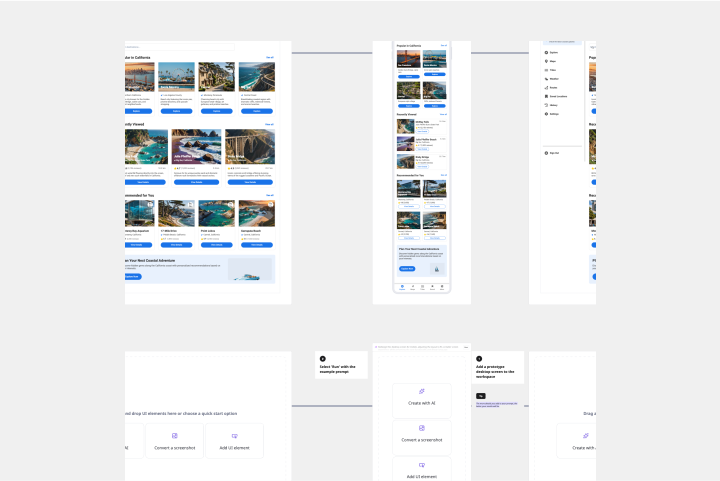
Build prototypes that match your look and feel.
126 templates
AI Accelerated
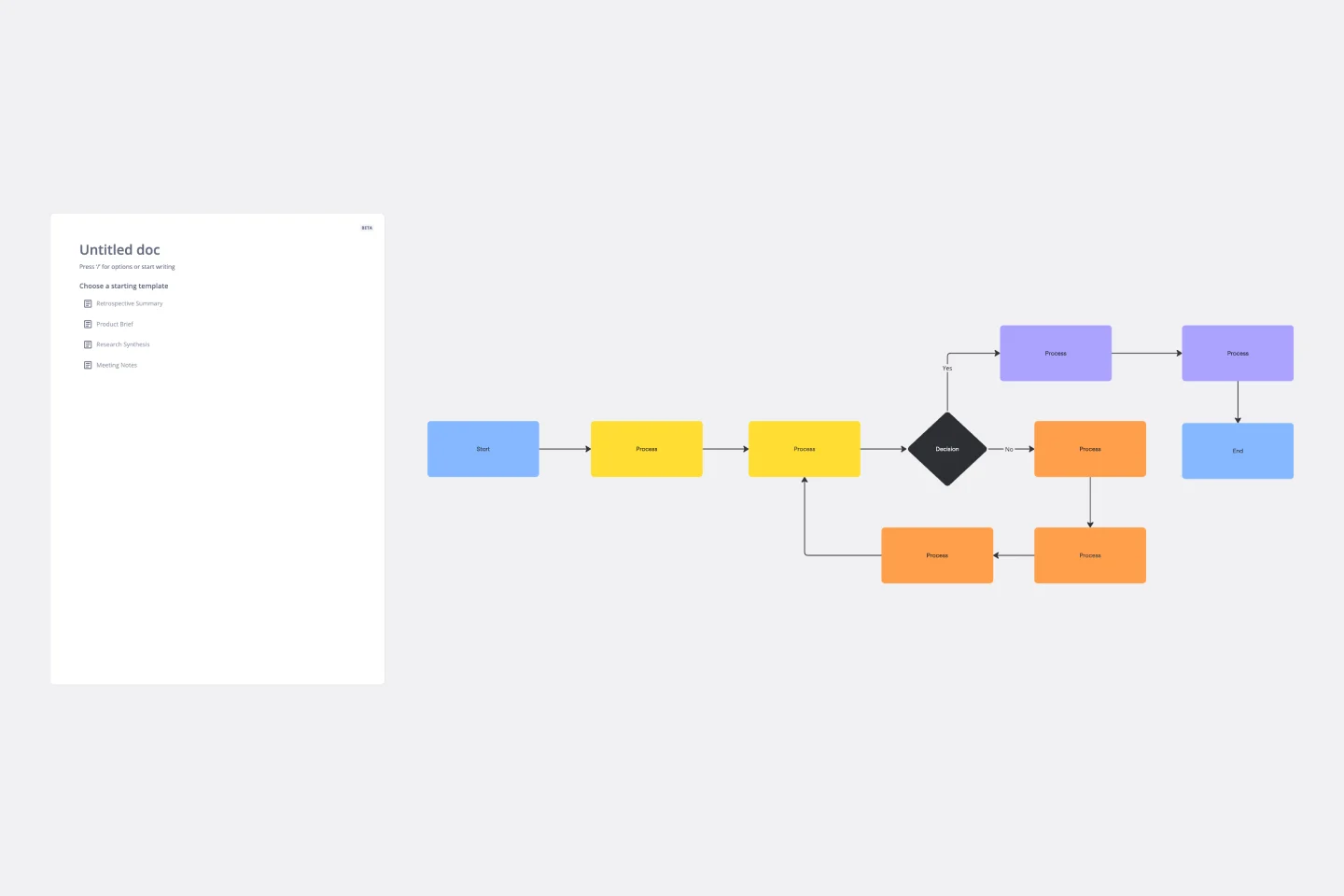
Flowchart AI Template
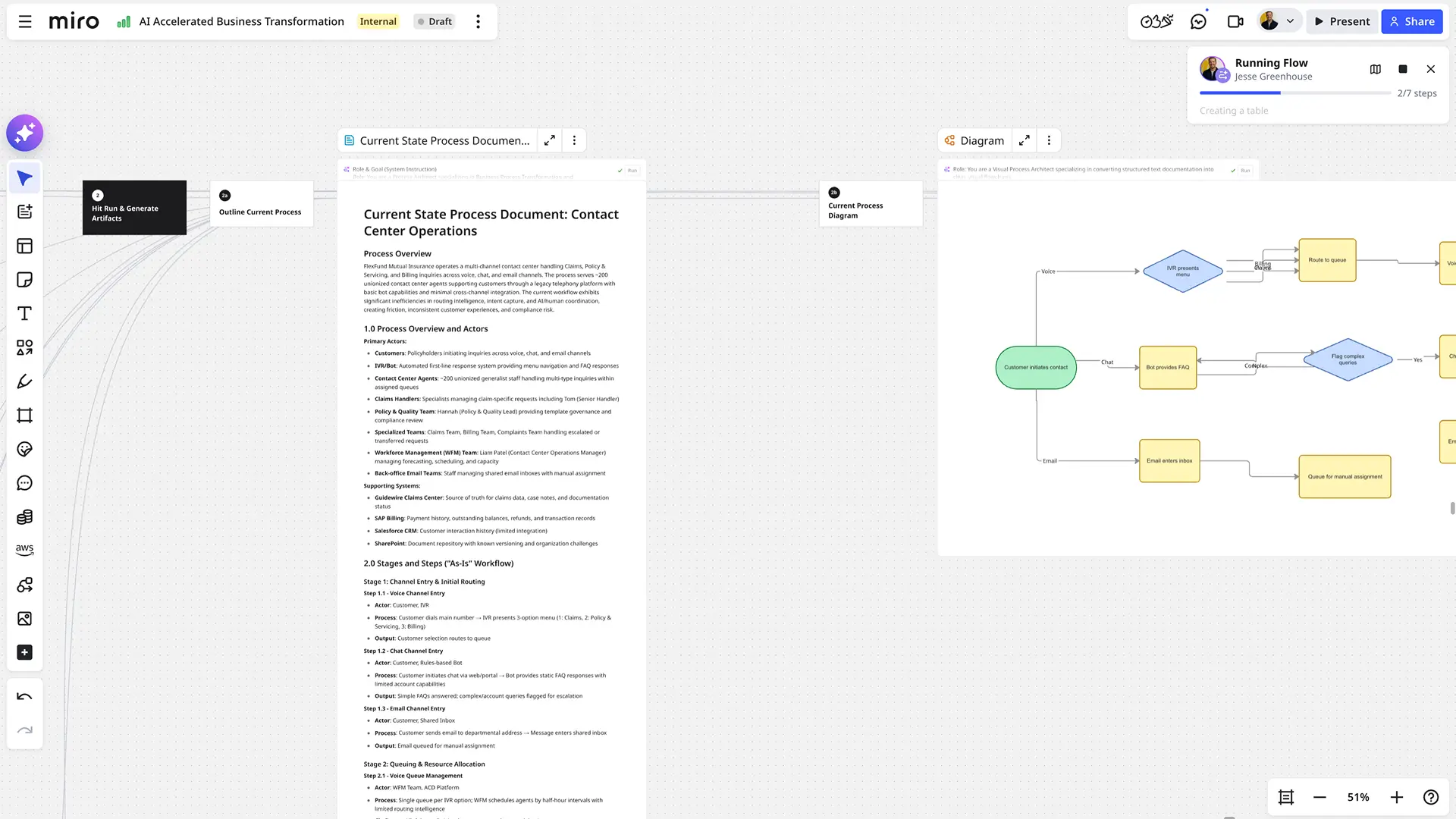
Trying to explain a process or workflow to your team — or just wrap your head around it yourself? Sometimes the best way is to see it, and that’s when you create a flowchart. Using common shapes (generally just ovals, rectangles, diamonds, and arrows), a flowchart shows you the direction a process or workflow goes and the order of steps. Beyond giving you a clear understanding, you’ll also be able to see potential flaws and bottlenecks, which helps you refine and improve your process and create a better product more efficiently.
AI Accelerated
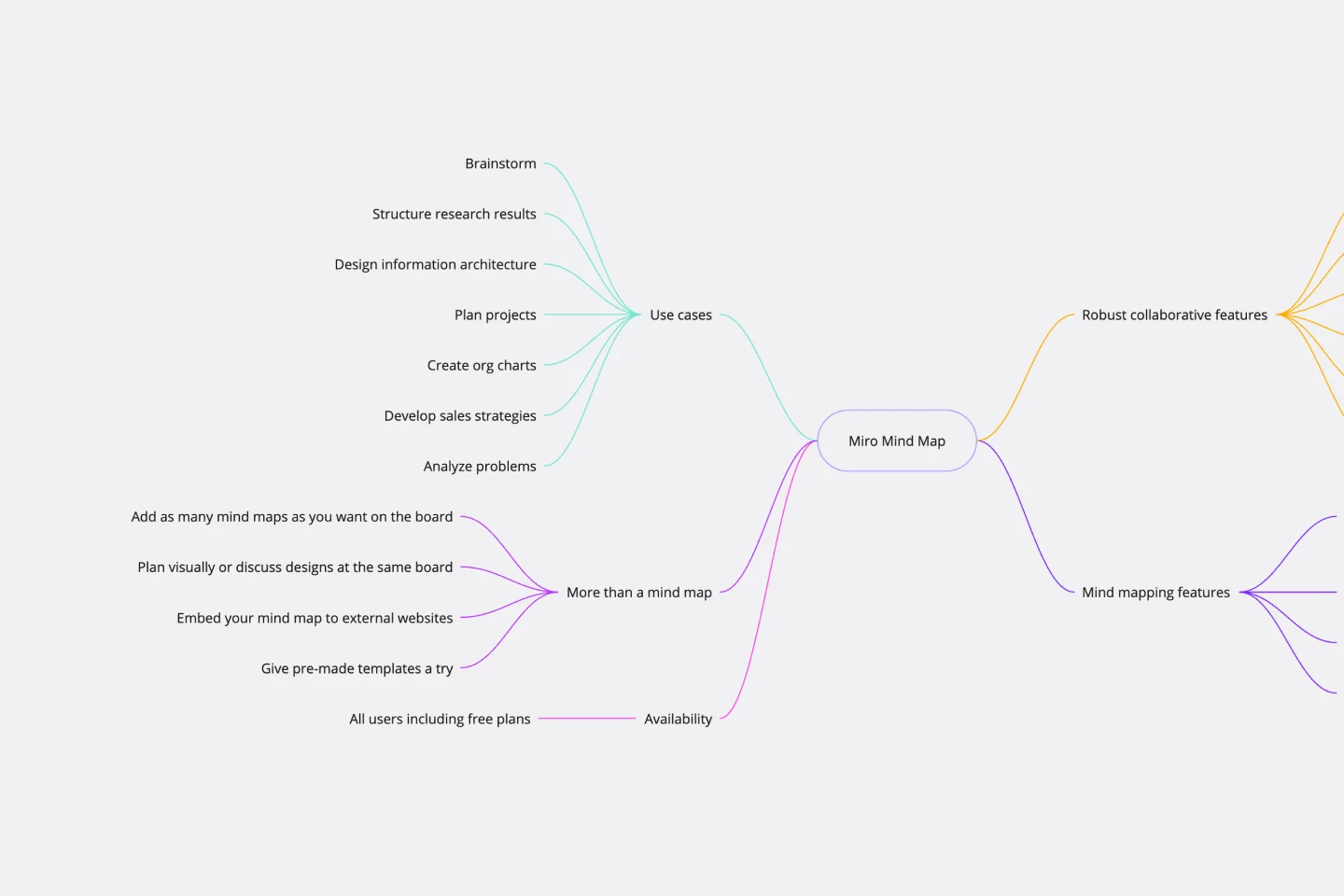
Mind Map AI Template
We see you, visual learners. You grasp concepts and understand data easier when they're presented in well-organized, memorable graphics. Mind mapping is perfect for you. This powerful brainstorming tool presents concepts or ideas as a tree — with the central subject as the trunk and your many ideas and subtopics as the branches. This template is a fast, effective way for you to start mind mapping, which can help you and your team become more creative, remember more, and solve problems more effectively.
AI Accelerated
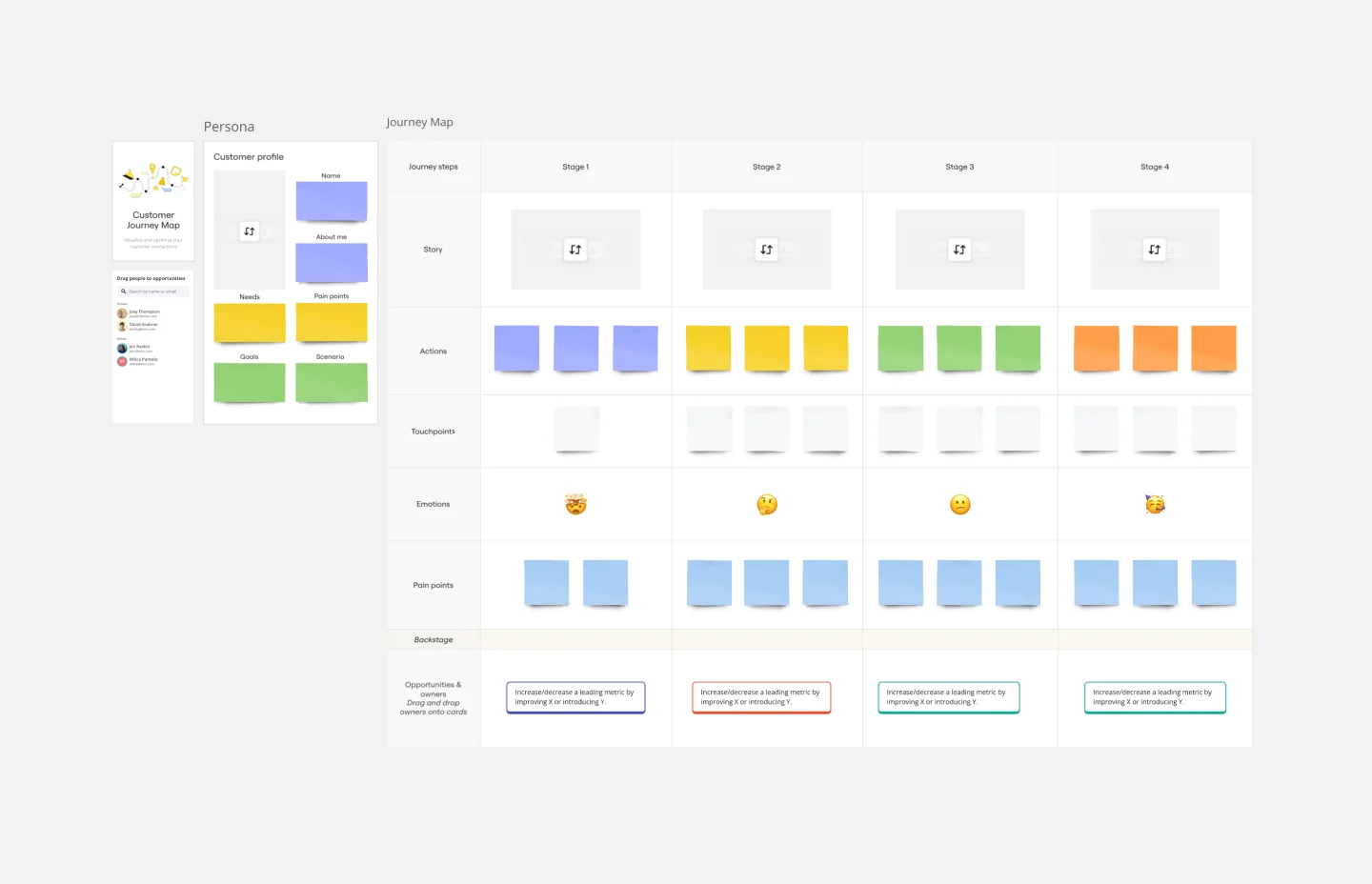
Customer Journey Map AI Template
A customer journey map (CJM) is a visual representation of your customer’s experience. It allows you to capture the path that a customer follows when they buy a product, sign up for a service, or otherwise interact with your site. Most maps include a specific persona, outlines their customer experience from beginning to end, and captures the potential emotional highs and lows of interacting with the product or service. Use this template to easily create customer journey maps for projects of all kinds.
AI Accelerated
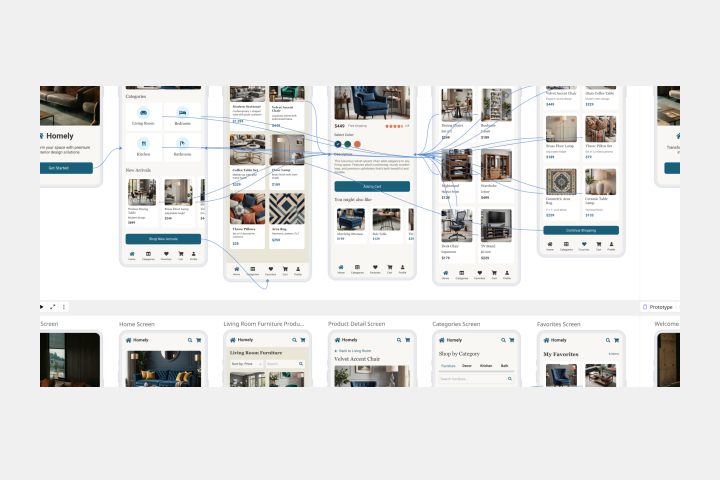
Mobile App Prototype AI Template
Miro's mobile app prototype template is your go-to solution for quickly and efficiently designing mobile apps, offering a collaborative and flexible framework to bring your ideas to life.
AI Accelerated
Roadmap Planning AI Template
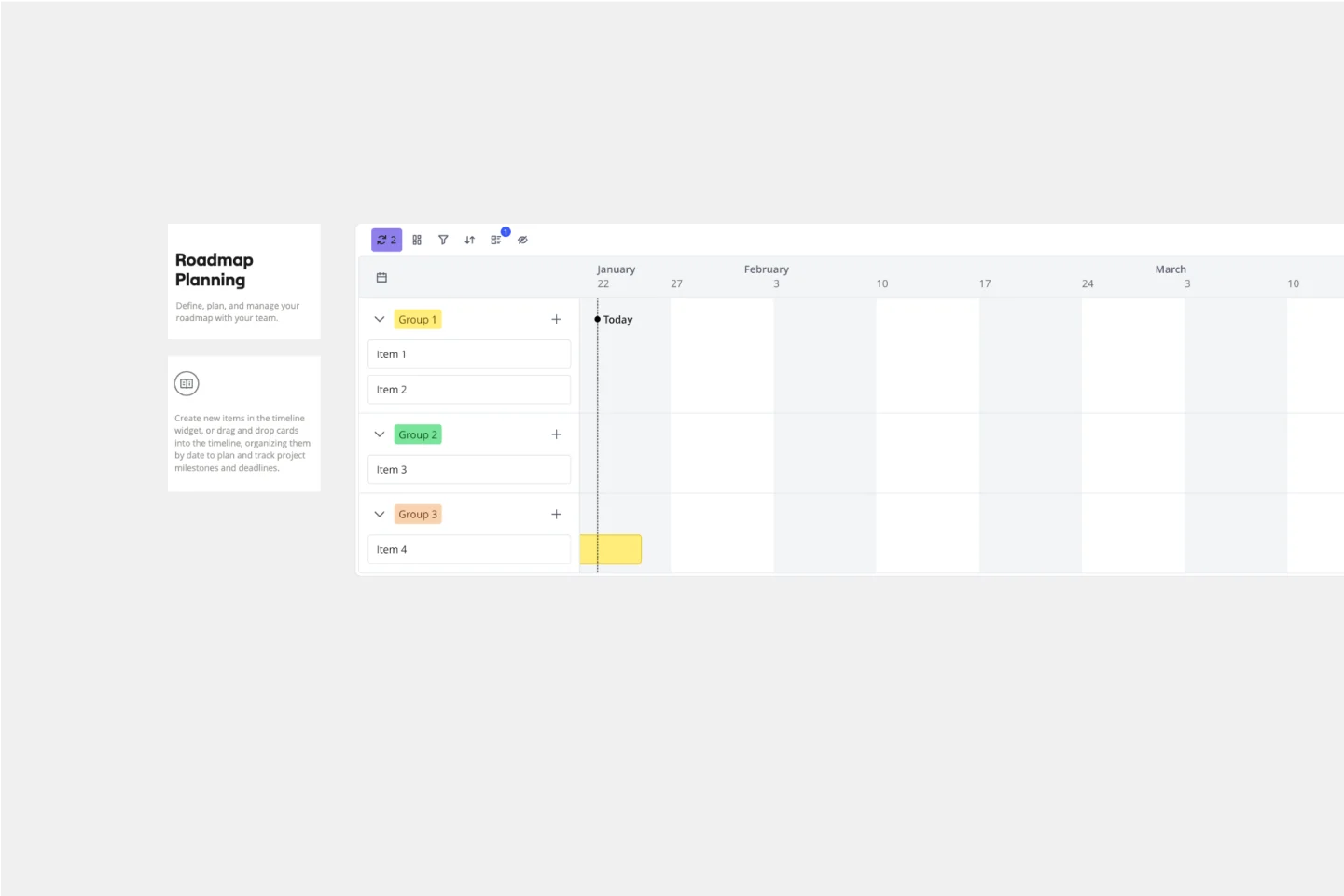
The Roadmap Planning Template in Miro is a dynamic tool designed to streamline the process of planning and tracking project milestones. This template is part of Miro's Intelligent Templates offering, which integrates AI, interactive widgets, and automation to enhance productivity. One key feature of this template is its real-time collaboration capability, allowing team members to work together seamlessly, regardless of their location. This feature ensures that everyone is on the same page, making it easier to assign tasks, set deadlines, and track progress effectively.
AI Accelerated
AI Sprint Planning Template
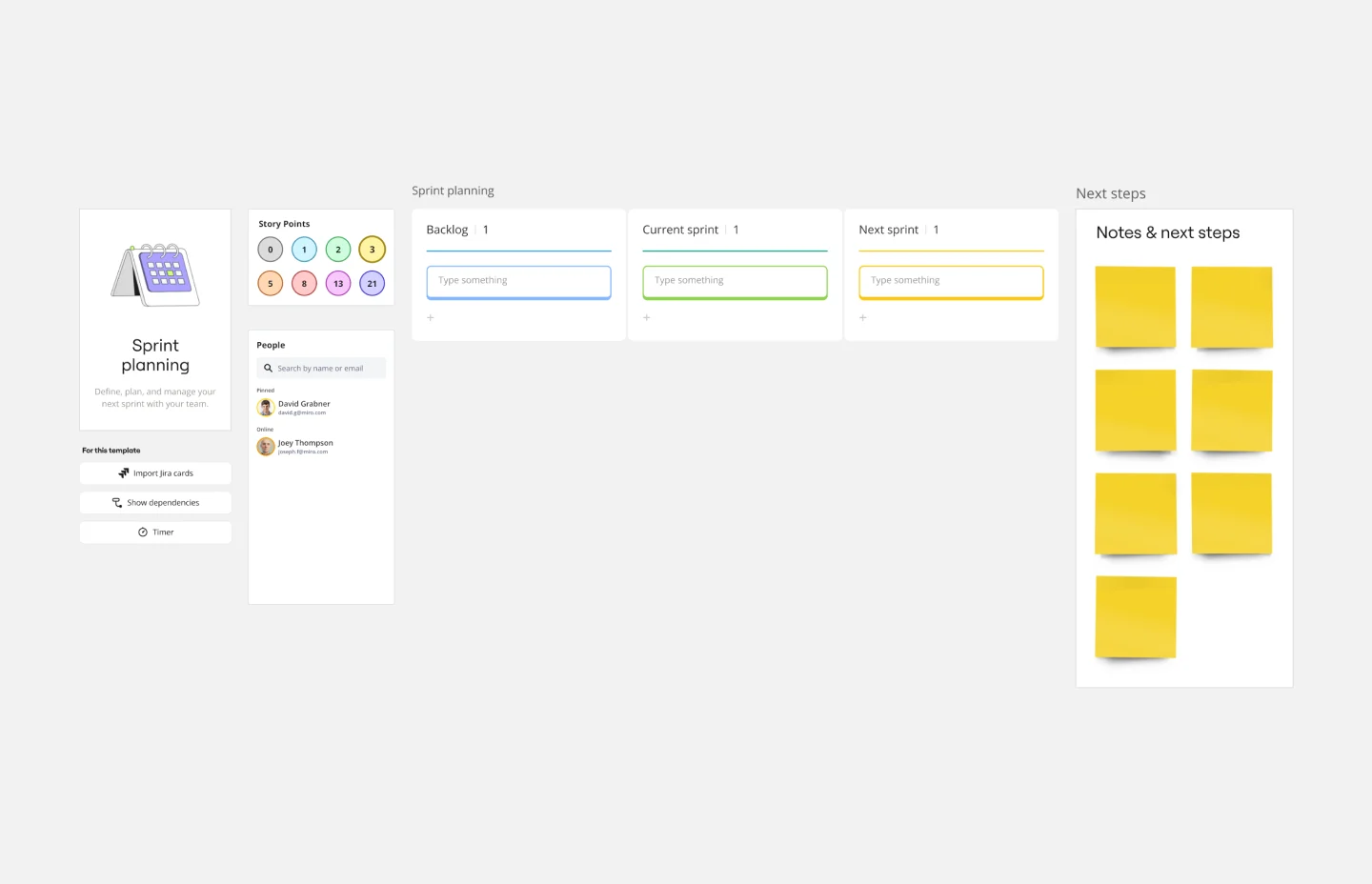
The Sprint Planning Template is a useful tool for agile teams to organize and conduct sprint planning sessions. It enhances team collaboration and communication by providing a clear visual layout of sprint goals, tasks, and timelines. The interactive design ensures team alignment toward sprint objectives, leading to effective teamwork. The template is a central hub for planning, discussion, and decision-making, creating a collaborative and productive environment.
AI Accelerated
Kanban Framework AI Template
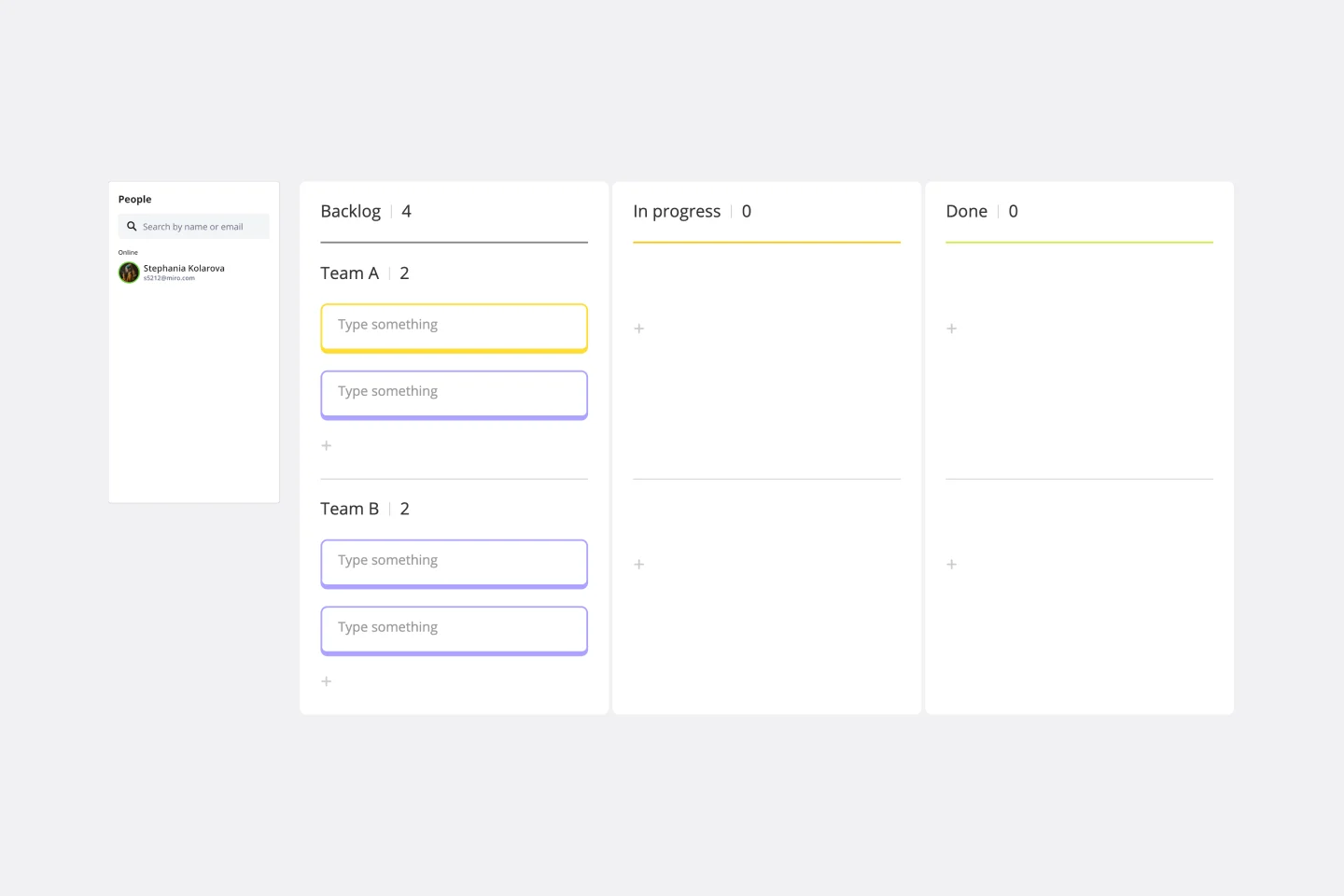
Optimized processes, improved flow, and increased value for your customers — that’s what the Kanban method can help you achieve. Based on a set of lean principles and practices (and created in the 1950s by a Toyota Automotive employee), Kanban helps your team reduce waste, address numerous other issues, and collaborate on fixing them together. You can use our simple Kanban template to both closely monitor the progress of all work and to display work to yourself and cross-functional partners, so that the behind-the-scenes nature of software is revealed.
AI Accelerated
Daily Stand-up Meeting AI Template
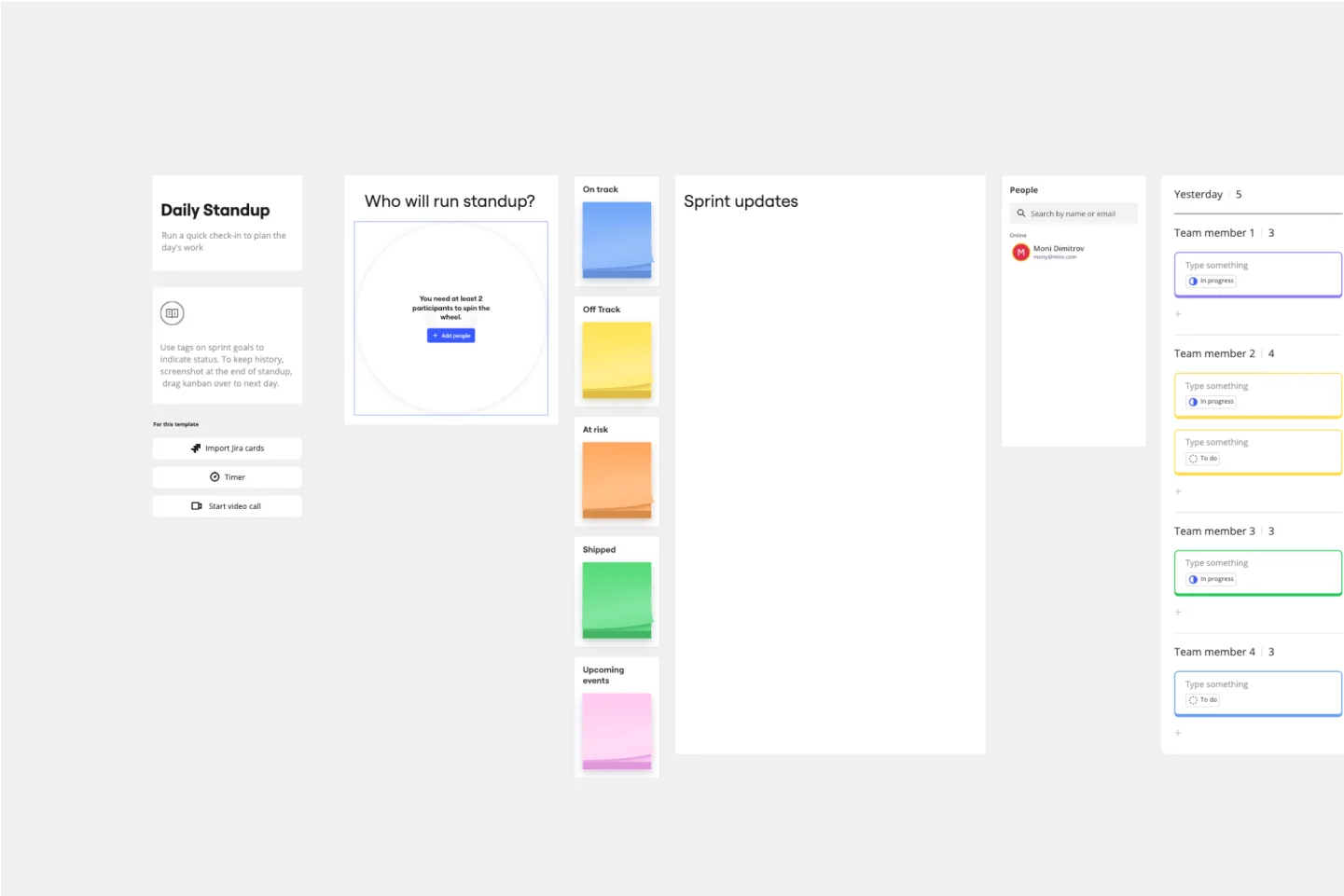
The entire team meets to review the day before and discuss the day ahead. These daily meetings, also known as “scrums,” are brief but powerful — they identify roadblocks, give each team member a voice, foster collaboration, keep progress on track, and ultimately keep teams working together effectively. This template makes it so easy for you to plan daily standups for your sprint team. It all starts with picking a date and time, creating an agenda, and sticking with the same format throughout the sprint.
AI Accelerated
Brainwriting AI Template
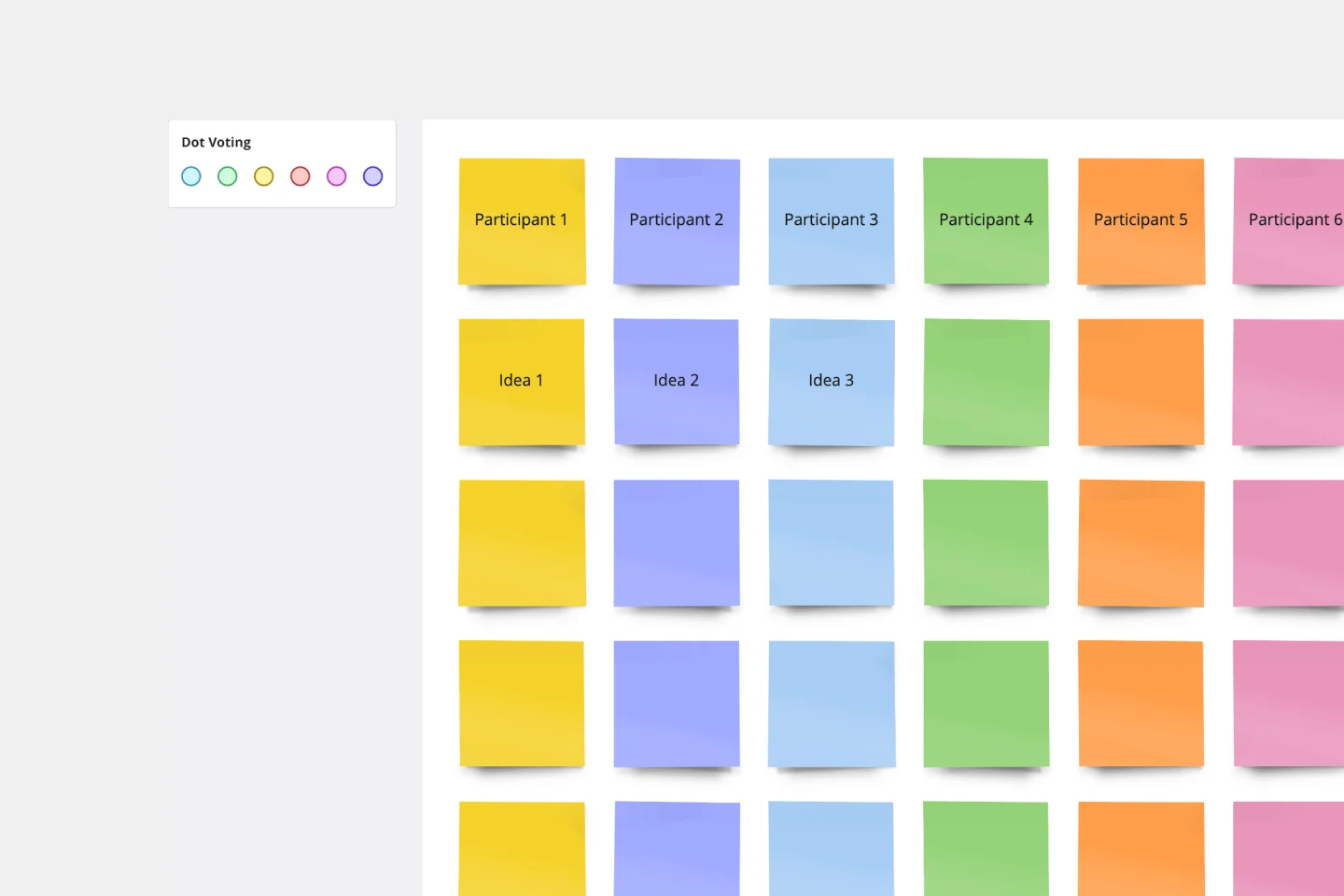
Brainstorming is such a big part of ideation. But not everyone does their best work out loud and on the spot, yelling out thoughts and building on others’ ideas. Brainwriting is a brilliant solution for them—creative thinkers who happen to be more introverted. This approach and template invites participants to reflect quietly and write out their ideas, and then pass them to someone else who will read the idea and add to it. So you’ll get creative ideas from everyone—not just the loudest few.
AI Accelerated
AI Prototype Template
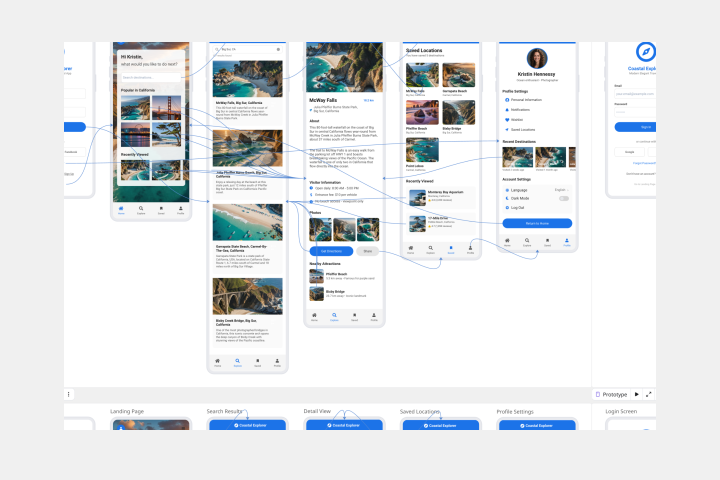
A prototype is a live mockup of your product that defines the product’s structure, user flow, and navigational details (such as buttons and menus) without committing to final details like visual design. Prototyping allows you to simulate how a user might experience your product or service, map out user contexts and task flows, create scenarios to understand personas, and collect feedback on your product. Using a prototype helps you save money by locating roadblocks early in the process. Prototypes can vary, but they generally contain a series of screens or artboards connected by arrows or links.
AI Accelerated
AI Entity Relationship Diagram Template
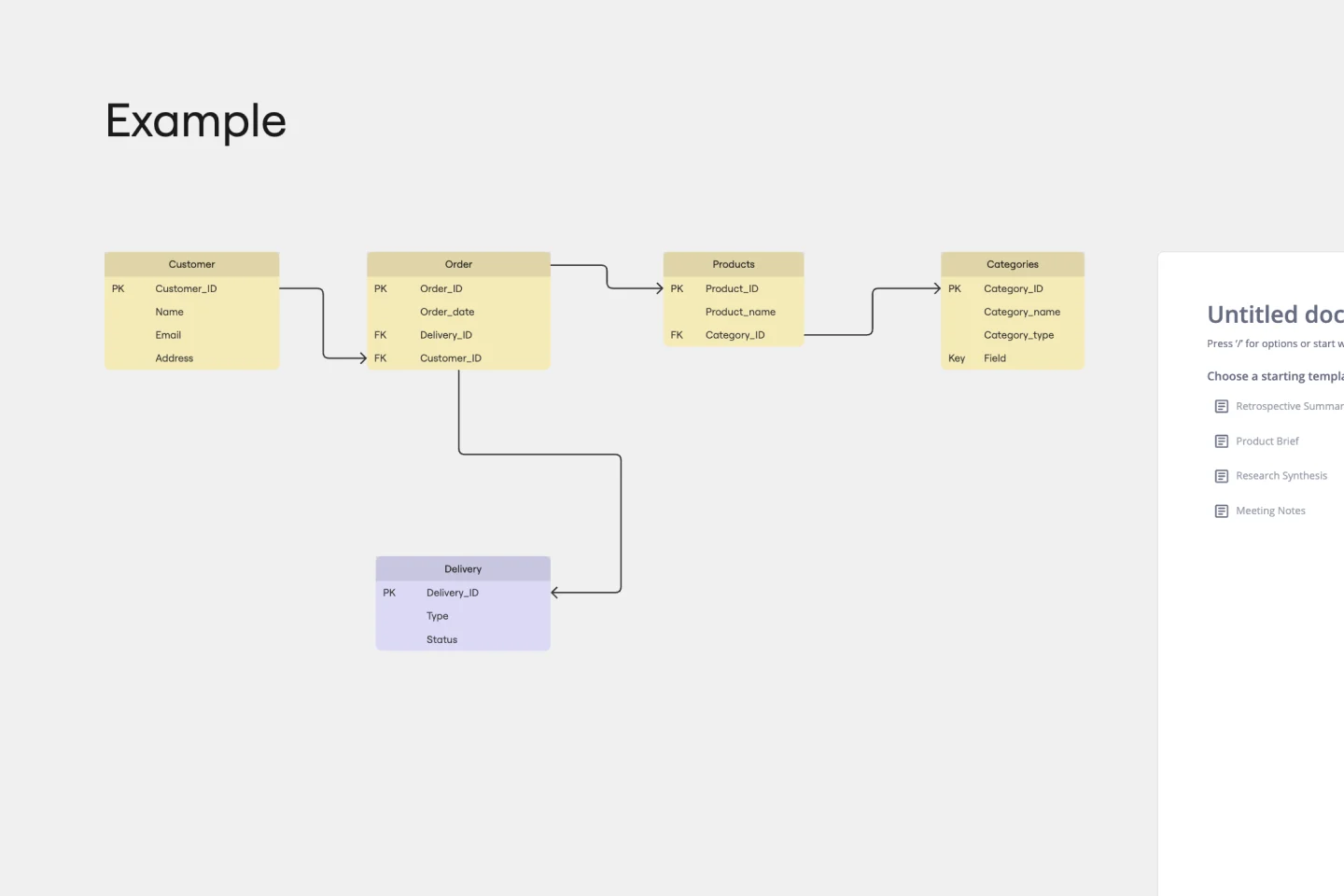
Sometimes the most important relationships in business are the internal ones—between the teams, entities, and actors within a system. An entity relationship diagram (ERD) is a structural diagram that will help you visualize and understand the many complex connections between different roles. When will an ERD come in handy? It’s a great tool to have for educating and onboarding new employees or members of a team, and our template makes it so easy to customize according to your unique needs.
AI Accelerated
AI 4 L's Retrospective Template
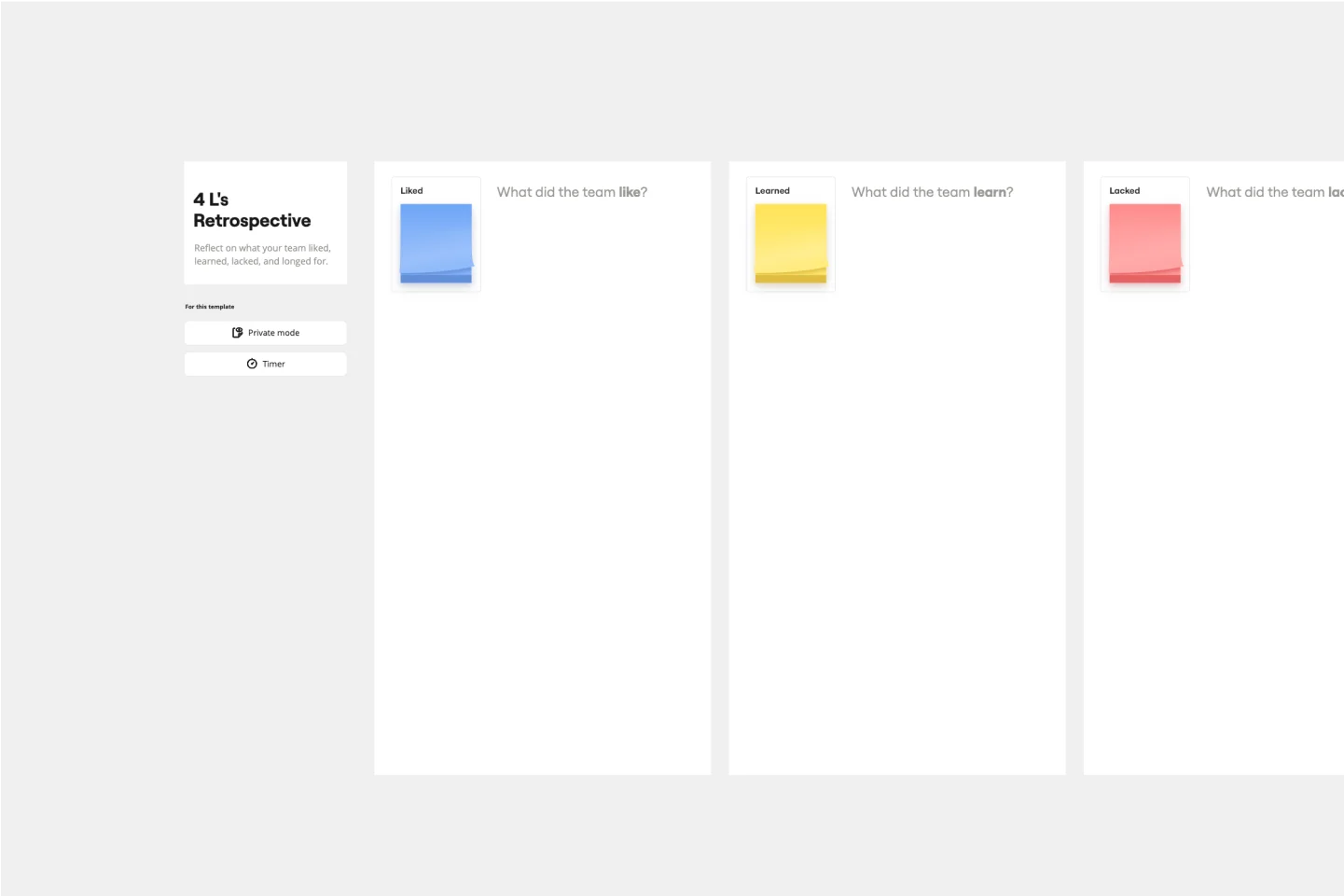
So you just completed a sprint. Teams busted their humps and emotions ran high. Now take a clear-eyed look back and grade the sprint honestly—what worked, what didn’t, and what can be improved. This approach (4Ls stand for liked, learned, lacked, and longed for) is an invaluable way to remove the emotion and look at the process critically. That’s how you can build trust, improve morale, and increase engagement—as well as make adjustments to be more productive and successful in the future.
AI Accelerated
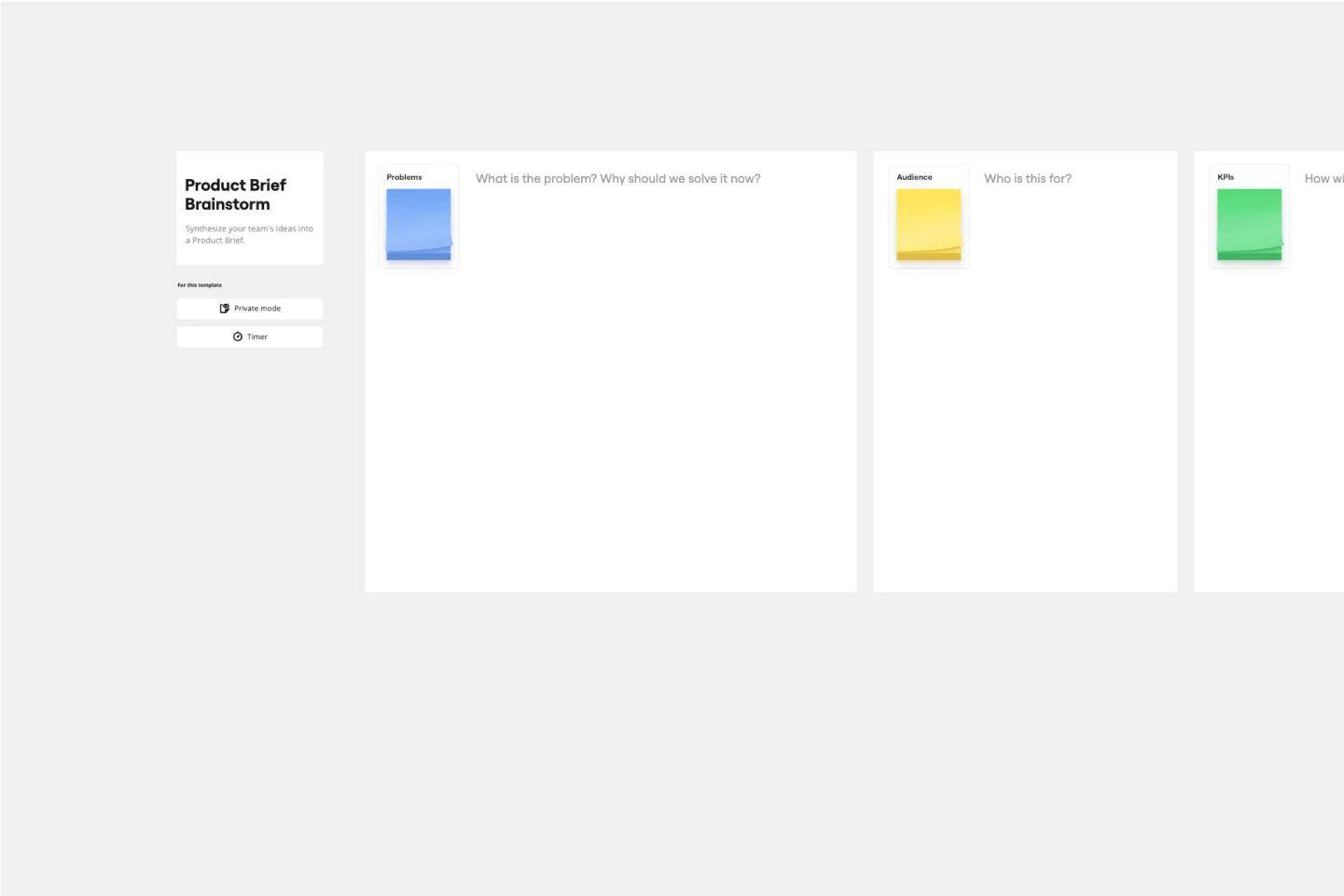
AI Product Brief Brainstorm Template
The Intelligent Product Brief Brainstorm template in Miro is crafted to supercharge your product development process. One standout benefit of this template is its AI-powered capabilities that elevate your brainstorming sessions. Not only does it help in organizing and capturing ideas, but it also provides additional insights and solutions, ensuring a thorough and innovative approach to problem-solving. This intelligent feature significantly cuts down the time spent on synthesizing information, allowing teams to concentrate on refining and implementing the best ideas, ultimately leading to more effective and efficient product development.
AI Accelerated
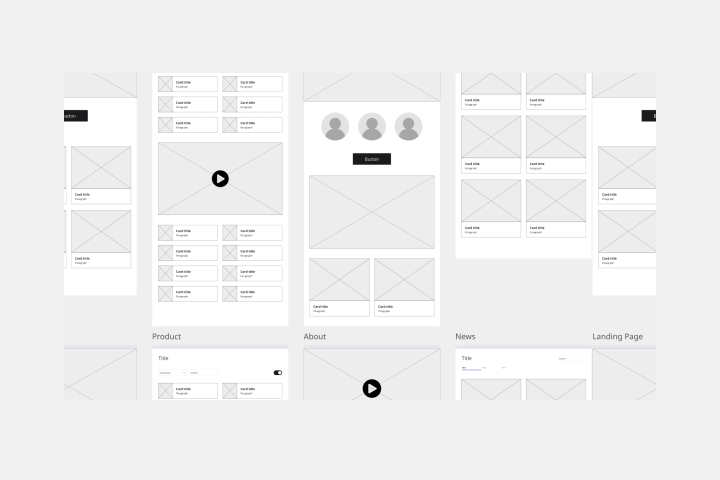
Low-Fidelity Wireframe AI Template
When you’re designing a site or building an app, the early stages should be BIG — seeing the big picture and communicating the big idea. Low fidelity wireframes empower you to see it and do it. These rough layouts (think of them as the digital version of a sketch on a napkin) help your teams and project stakeholders quickly determine if a design meeting meets your users’ needs. Our template lets you easily use wireframes during meetings or workshops, presentations, and critique sessions.
AI Accelerated
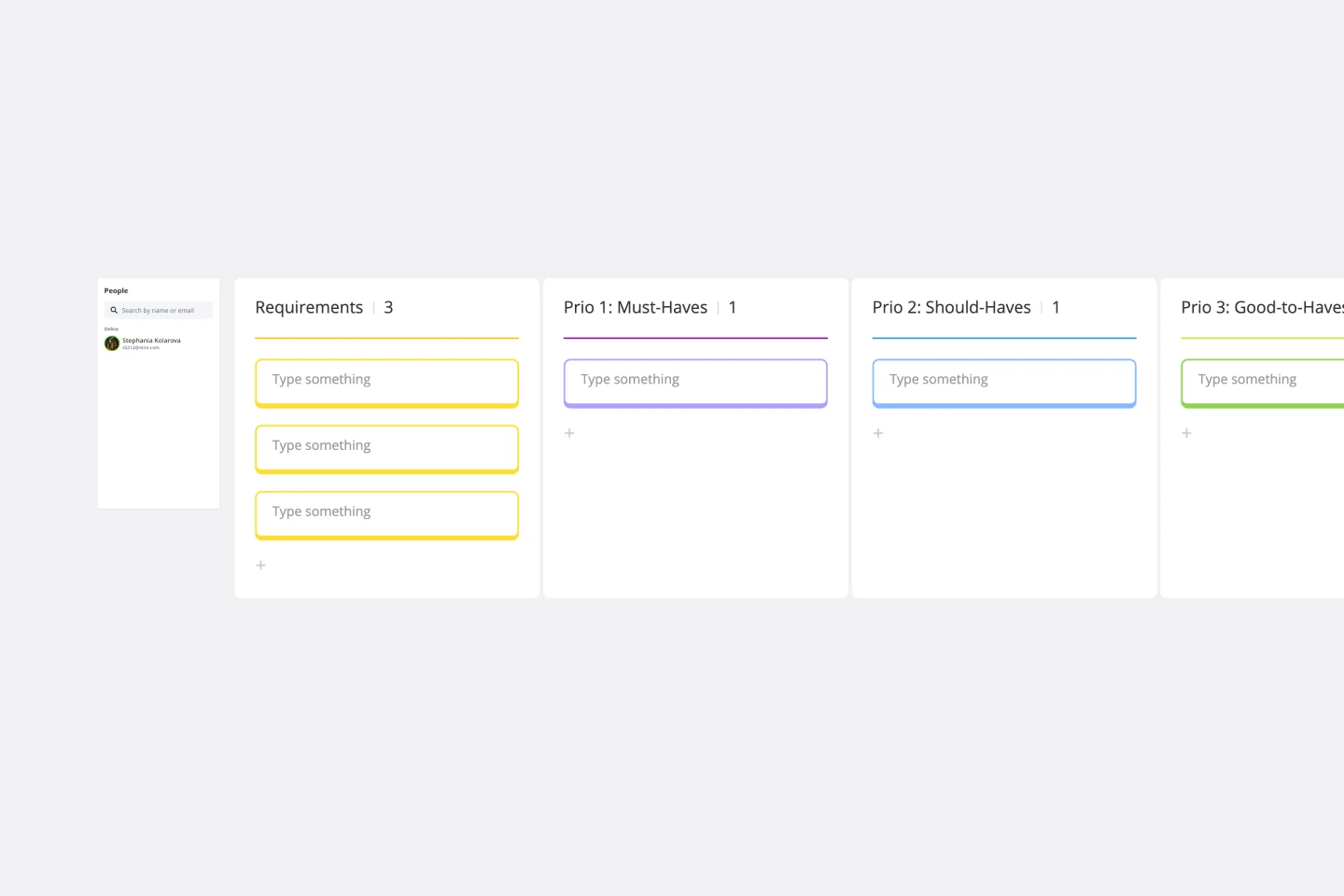
AI Requirements Gathering Template
The Requirements Gathering Template is an indispensable tool for project teams. It is the perfect solution for those who want to ensure their objectives are crystal clear and prioritize them efficiently. The three-category hierarchy created by this template - must-haves, should-haves, and good-to-haves - is an excellent way to streamline project requirements and allocate resources effectively. Any project team looking to optimize their workflow should consider this tool a must-have. It is a shining example of organized foresight, which is critical in today's world, where clarity is crucial.
AI Accelerated
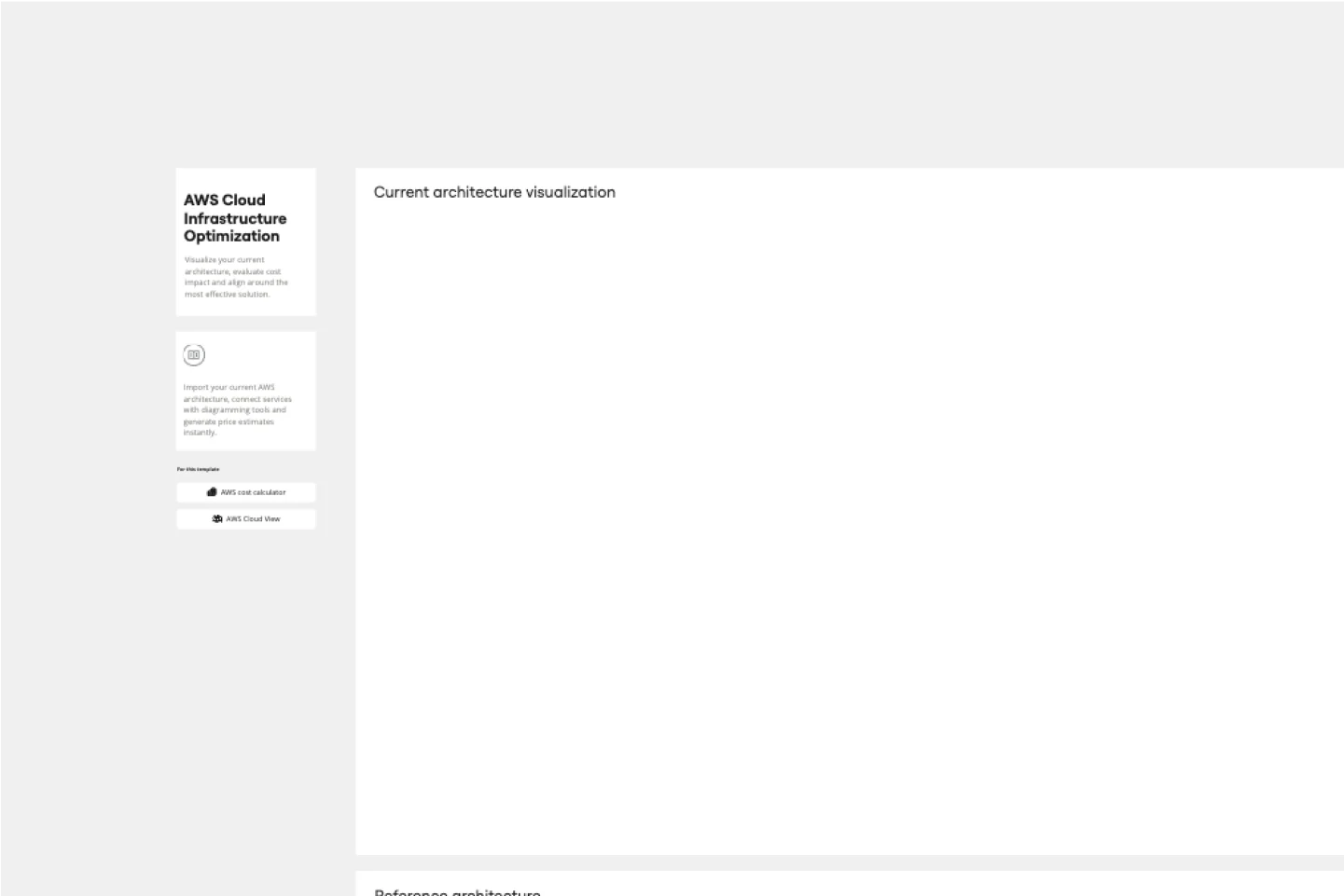
AI AWS Cloud Infrastructure Optimization Template
The AWS Cloud Infrastructure Optimization Template is part of Miro's Intelligent Templates collection, designed to streamline and enhance the management of your AWS cloud resources. This template leverages Miro's advanced diagramming tools and integrates seamlessly with AWS to provide real-time data visualization, cost analysis, and performance optimization. One key benefit of using this template is its ability to auto-generate detailed diagrams of your current AWS setup, providing a clear visual representation of your architecture. This feature saves time and reduces the manual effort required to visualize and optimize your AWS infrastructure, making it easier to manage and scale your cloud resources effectively.
AI Accelerated
Presentation AI Template
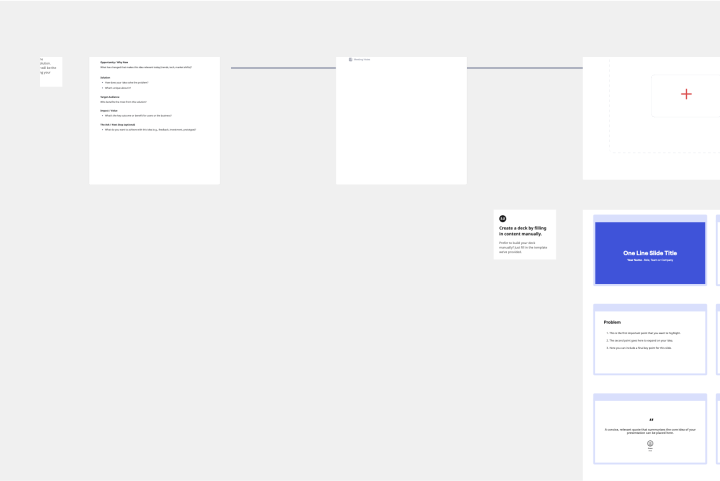
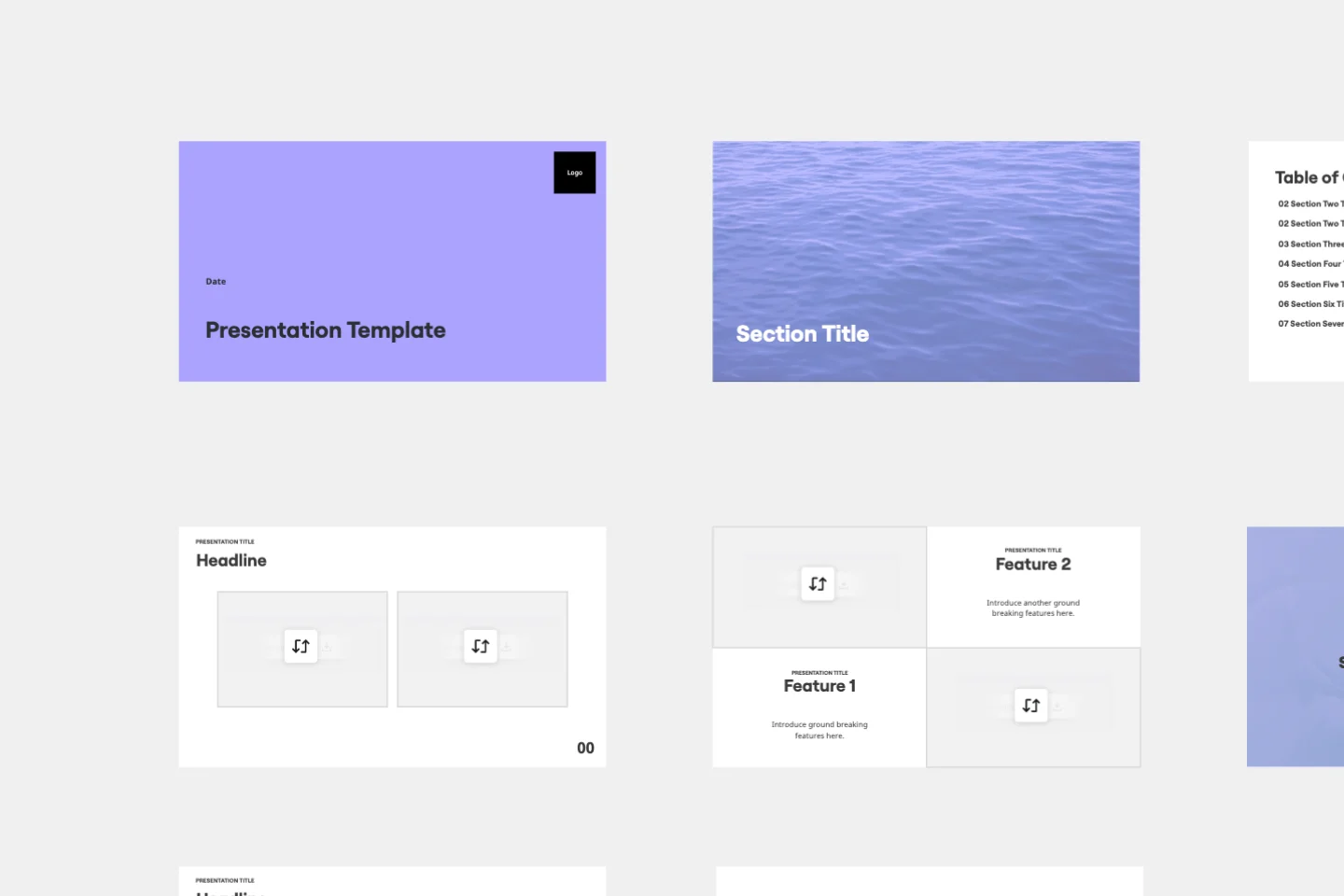
At some point during your career, you’ll probably have to give a presentation. Presentations typically involve speaking alongside an accompanying slide deck that contains visuals, texts, and graphics to illustrate your topic. Take the stress out of presentation planning by using this presentation template to easily create effective, visually appealing slides. The presentation template can take the pressure off by helping your audience stay focused and engaged. Using simple tools, customize a slide deck, share slides with your team, get feedback, and collaborate.
AI Accelerated
UML Sequence Diagram AI Template
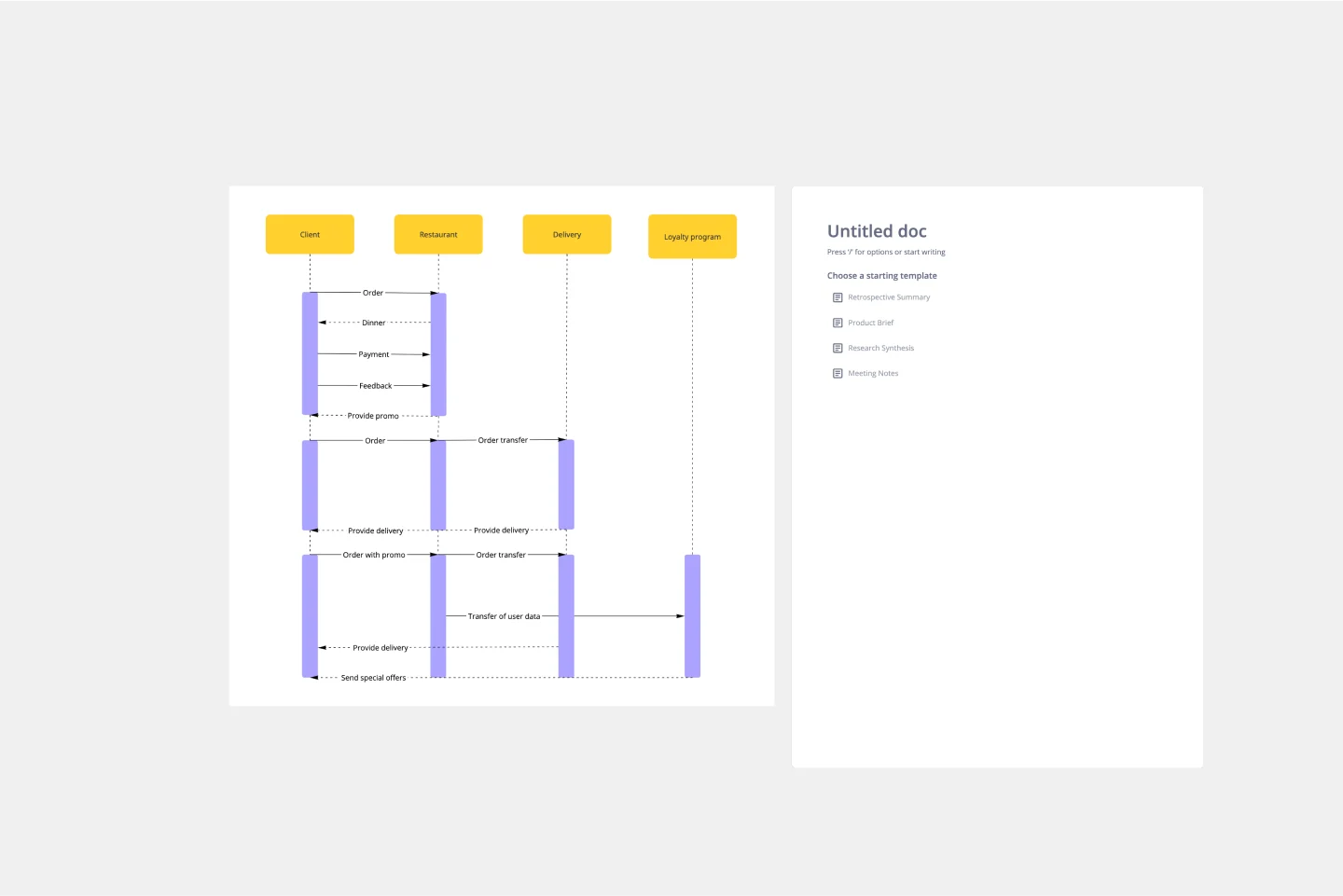
Analyze and showcase how external entities interact with your system using a sequence diagram. Get a bird’s-eye view of your work processes, business functions, and customer interactions using this diagram. Also, identify any potential problems early and solve them before implementation.
AI Accelerated
PI Planning AI Template
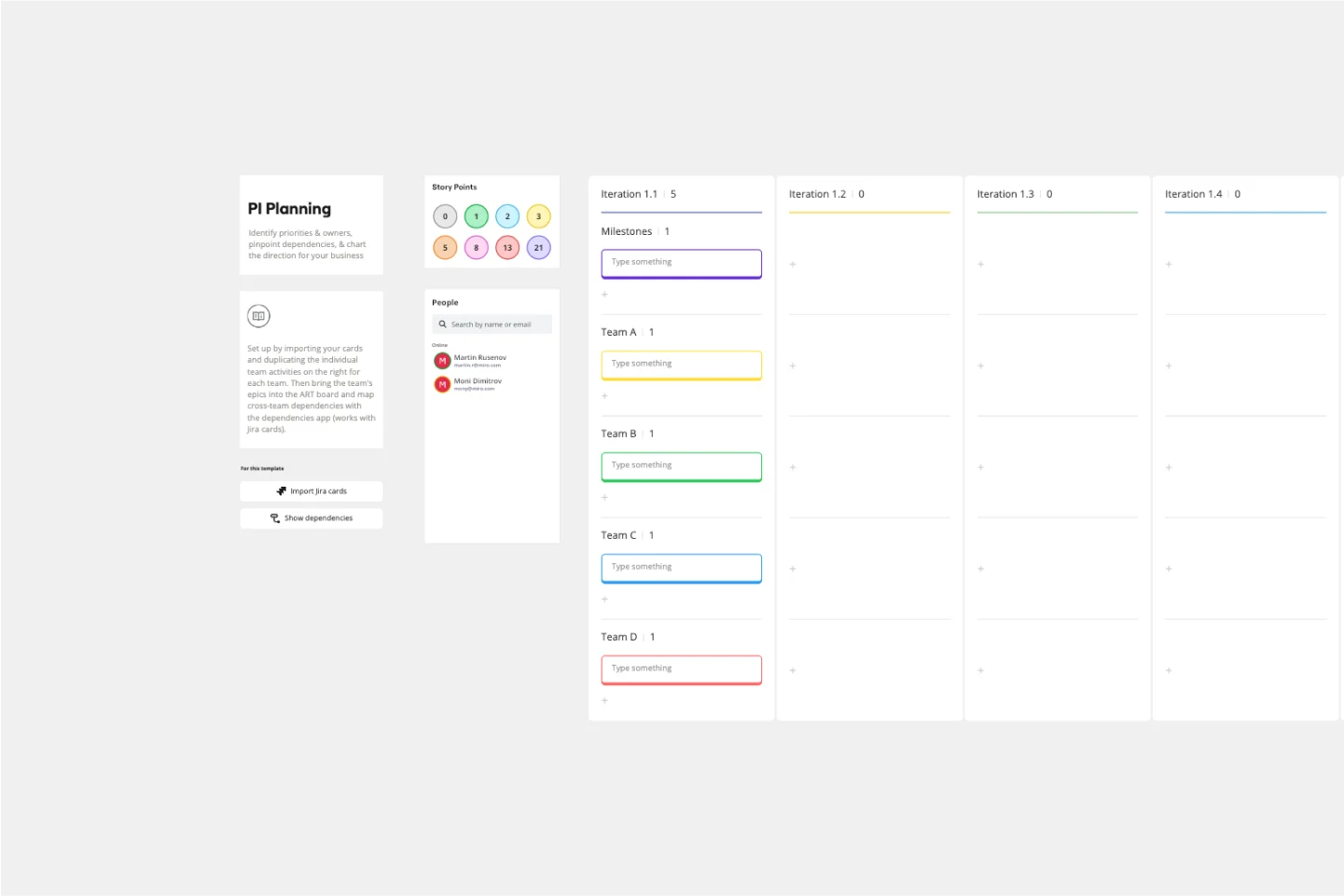
PI planning stands for “program increment planning.” Part of a Scaled Agile Framework (SAFe), PI Planning helps teams strategize toward a shared vision. In a typical PI planning session, teams get together to review a program backlog, align cross-functionally, and decide on the next steps. Many teams carry out a PI planning event every 8 to 12 weeks, but you can customize your planning schedule to fit your needs. Use PI planning to break down features, identify risks, find dependencies, and decide which stories you’re going to develop.

This collection serves teams who refuse to choose between speed and quality. These templates embed AI capabilities directly into your core workflows: brainstorming sessions that generate and cluster ideas automatically, retrospectives that surface themes from scattered feedback, strategy workshops that structure complex discussions in real-time.
You'll find AI-enhanced versions of your essential collaboration frameworks—sprint planning boards that auto-generate task breakdowns, customer journey maps that suggest touchpoints based on your inputs, SWOT analyses that identify patterns across team contributions. Each template combines Miro's collaborative canvas with intelligent automation that adapts to how your team actually works.
Your role demands both strategic thinking and execution speed. These templates give you the tools to deliver both, transforming time-consuming facilitation tasks into streamlined experiences where AI handles the grunt work and your team handles the breakthroughs.
Smart content generation eliminates blank canvas paralysis. Start typing a concept and watch AI expand it into structured frameworks, relevant examples, and actionable next steps. No more staring at empty boards wondering how to begin. Your team jumps straight into refinement mode, building on AI-generated foundations instead of constructing everything from scratch.
Automatic clustering turns messy input into clear patterns. Drop dozens of sticky notes onto your board during a brainstorm, then let AI organize them into meaningful themes. What used to take 20 minutes of manual sorting now happens instantly, revealing insights your team might have missed while they were busy color-coding and grouping.
Intelligent suggestions keep momentum flowing. Hit a creative wall mid-workshop? AI offers relevant prompts, alternative approaches, and unexplored angles based on your board's context. It's like having an expert facilitator who's always ready with the perfect question to unlock your team's next breakthrough.
Seamless collaboration meets smart automation. Your entire team contributes simultaneously while AI works in the background—summarizing discussions, highlighting action items, connecting related ideas across the board. Real-time collaboration gets supercharged with real-time intelligence, creating an innovation workspace where human creativity and AI efficiency amplify each other.
Step 1: Select your AI-enhanced workflow. Browse the collection and choose a template that matches your team's immediate challenge. Whether you need to facilitate a design sprint, conduct stakeholder interviews, or map out quarterly goals, pick the framework where AI acceleration will create the biggest impact.
Step 2: Let AI build your foundation. Activate Miro AI and provide initial context about your project or challenge. Watch as AI generates relevant sections, example content, and structural elements tailored to your specific needs. This foundation gives your team a running start instead of building everything manually.
Step 3: Collaborate and refine together. Invite your team to the board and start working simultaneously. As team members add ideas, feedback, and insights, AI continuously organizes contributions, suggests connections, and maintains structure without interrupting your creative flow.
Step 4: Use AI to unlock insights. When you need fresh perspective or spot patterns emerging, prompt AI to analyze your board's content. Ask it to summarize themes, identify gaps, suggest priorities, or generate additional ideas that complement your team's thinking.
Step 5: Transform output into action. Use AI to convert your collaborative work into deliverables—meeting summaries, action item lists, presentation outlines, or documentation. What used to require hours of post-session cleanup now happens in moments, letting you ship results while ideas are still fresh.
As your team discovers which AI features accelerate your specific workflows most effectively, you can customize these templates and save them as blueprints. This lets you standardize your AI-enhanced processes across projects, making every session progressively more efficient.
How does Miro AI actually work within these templates?
Miro AI integrates directly into your collaborative workspace, activating when you need it without disrupting your flow. You can prompt AI through natural language—just describe what you need and it responds contextually based on your board's content. It generates text, creates structured frameworks, organizes existing elements, and suggests ideas that build on your team's contributions. The AI understands your template's purpose, so its suggestions and automations align with your specific workflow, whether you're brainstorming, planning, or retrospecting.
Will AI replace the human creativity in our workshops?
Not even close. AI handles the scaffolding so your team can focus on the creative work that actually matters. Think of it as an incredibly efficient assistant who takes notes, organizes ideas, and suggests possibilities—but never makes the important decisions. Your team still drives the strategic thinking, applies domain expertise, makes judgment calls, and brings the creative insights that only humans can deliver. AI just ensures you spend your time on those high-value activities instead of manual organization and formatting.
Can we customize how AI works with our templates?
Absolutely. You control when and how AI engages with your board. Activate AI features as needed, customize prompts to match your team's specific context, and adjust AI-generated content to align with your standards. The AI learns from your board's content and adapts its suggestions accordingly. You can also save customized AI-enhanced templates as personal blueprints, creating standardized workflows where AI automation works exactly how your team needs it.
Do we need AI expertise to use these templates effectively?
Zero AI expertise required. These templates work like any other Miro board—you collaborate visually, add content, and facilitate discussions the same way you always have. AI features activate through simple, intuitive prompts that feel more like asking a teammate for help than operating complex technology. If you can type a question or describe what you need, you can leverage AI acceleration. The intelligence is built in; you just bring your team's challenges and goals.
Ready to stop spending hours on tasks AI can handle in minutes? Explore the AI-accelerated templates and discover how your team can work smarter, faster, and more creatively than ever before.