What is an Assumption Map Template?
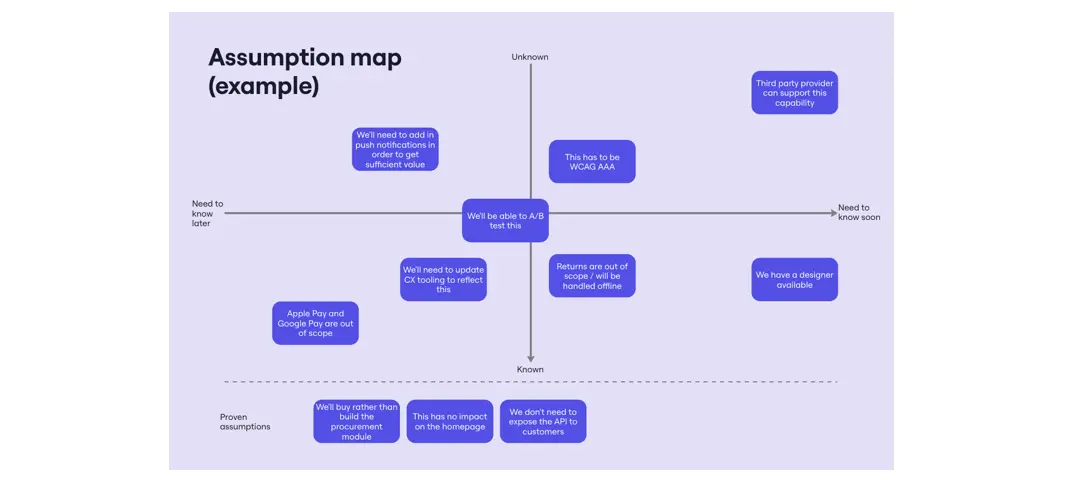
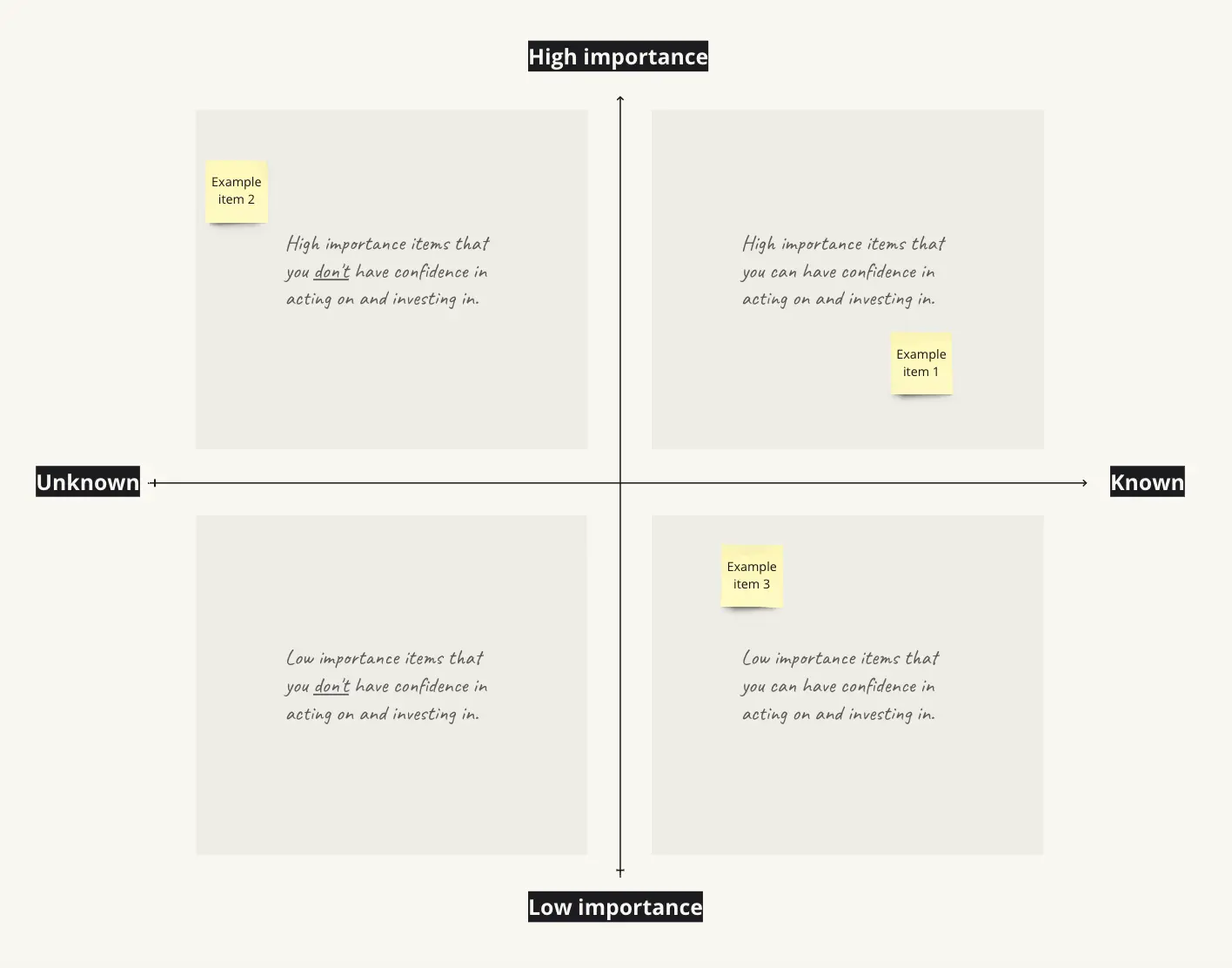
An assumption mapping template is a 2x2 collaborative grid used by product teams to identify and categorize the "Leaps of Faith" inherent in a new business idea or feature. By plotting assumptions on axes of Importance (how critical it is to success) and Certainty (how much evidence you already have), teams can visually identify which risks must be tested immediately and which can be ignored for now.
The "Risk" Audit: 3 Ways to Identify "Killer" Assumptions
A map is only useful if it exposes the truth. Before moving a sticky note on your Miro board, apply these three expert "health checks":
1. The "Criticality" Audit
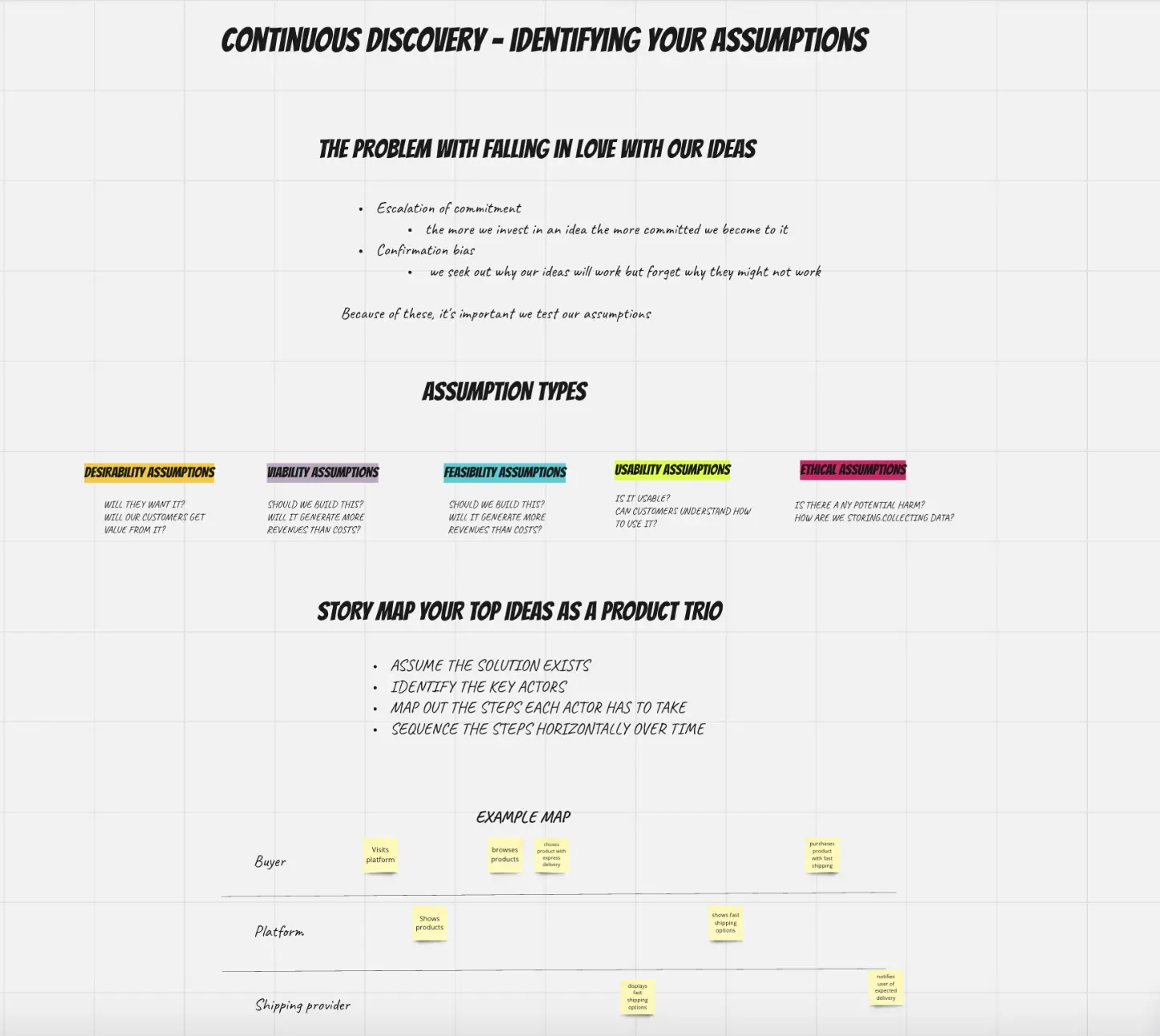
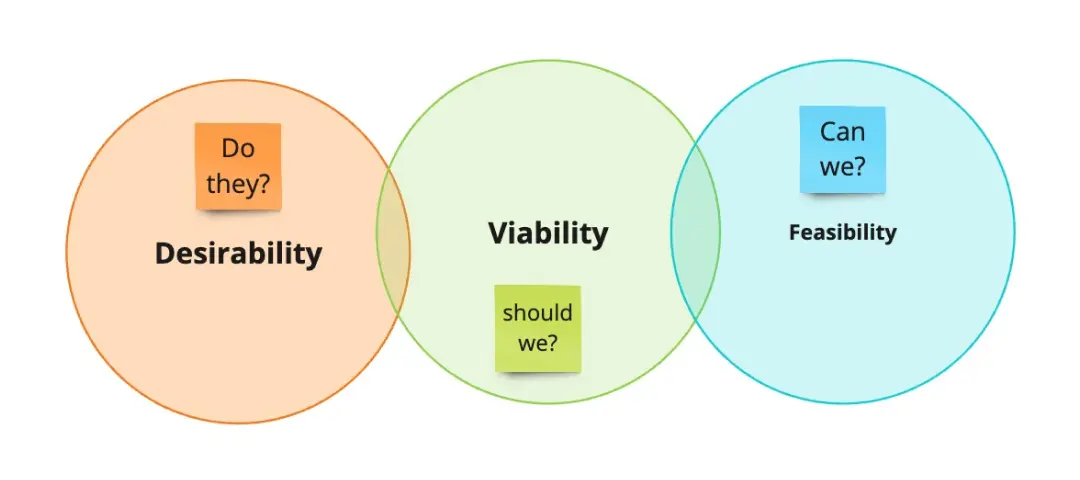
The Audit: Is your "High Importance" quadrant filled with trivial UI choices instead of existential business risks? The Fix: Audit for Desirability, Viability, and Feasibility. Categorize every assumption:
Desirability: Do they actually want this?
Viability: Should we do this (will it make money)?
Feasibility: Can we actually build this? If your map doesn't have at least one "Viability" assumption in the top-right, you aren't digging deep enough into the business model.
2. The "Evidence" Integrity Test
The Audit: Are you marking something as "Certain" just because a stakeholder said it's a good idea? The Fix: Audit for Hard Evidence. "Certainty" should only be granted if you have behavioral data (e.g., pre-orders, analytics, or successful prototypes). If your evidence is "Expert Opinion," it belongs on the Low Certainty side of the map, regardless of the person's job title.
3. The "Experiment" Extraction
The Audit: Does your board end with a pretty map but no next steps? The Fix: Audit your Backlog. Every item in the High Importance / Low Certainty quadrant (the top-right) must immediately generate an Experiment Card. If you aren't committing to a user interview, a landing page test, or a technical spike for those items, the mapping exercise was a waste of time.
Strategic Frameworks: Which Assumption Template Do You Need?
Different projects require different "Risk Lenses":
The Lean Startup Map:
The Technical Spike Map:
The UX Assumption Map:
Key Components of an Assumption Mapping Template
A high-performance Miro board for Assumption Mapping requires these five core elements:
The 2x2 Grid: Clearly labeled axes of Importance to Success (Vertical) and Level of Evidence (Horizontal).
Color-Coded Stickies: Different colors for Desirability, Viability, Feasibility, and Ethical assumptions.
The "Leap of Faith" Zone: A highlighted area in the top-right quadrant for immediate attention.
Evidence Scale: A reference legend defining what constitutes "Strong Evidence" vs. "Weak Evidence."
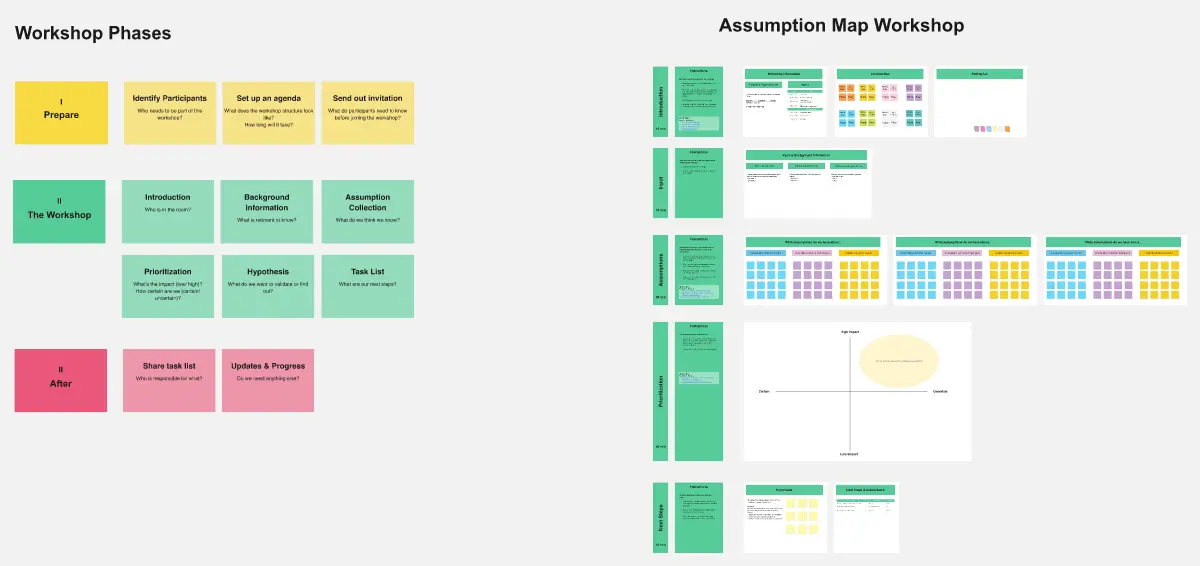
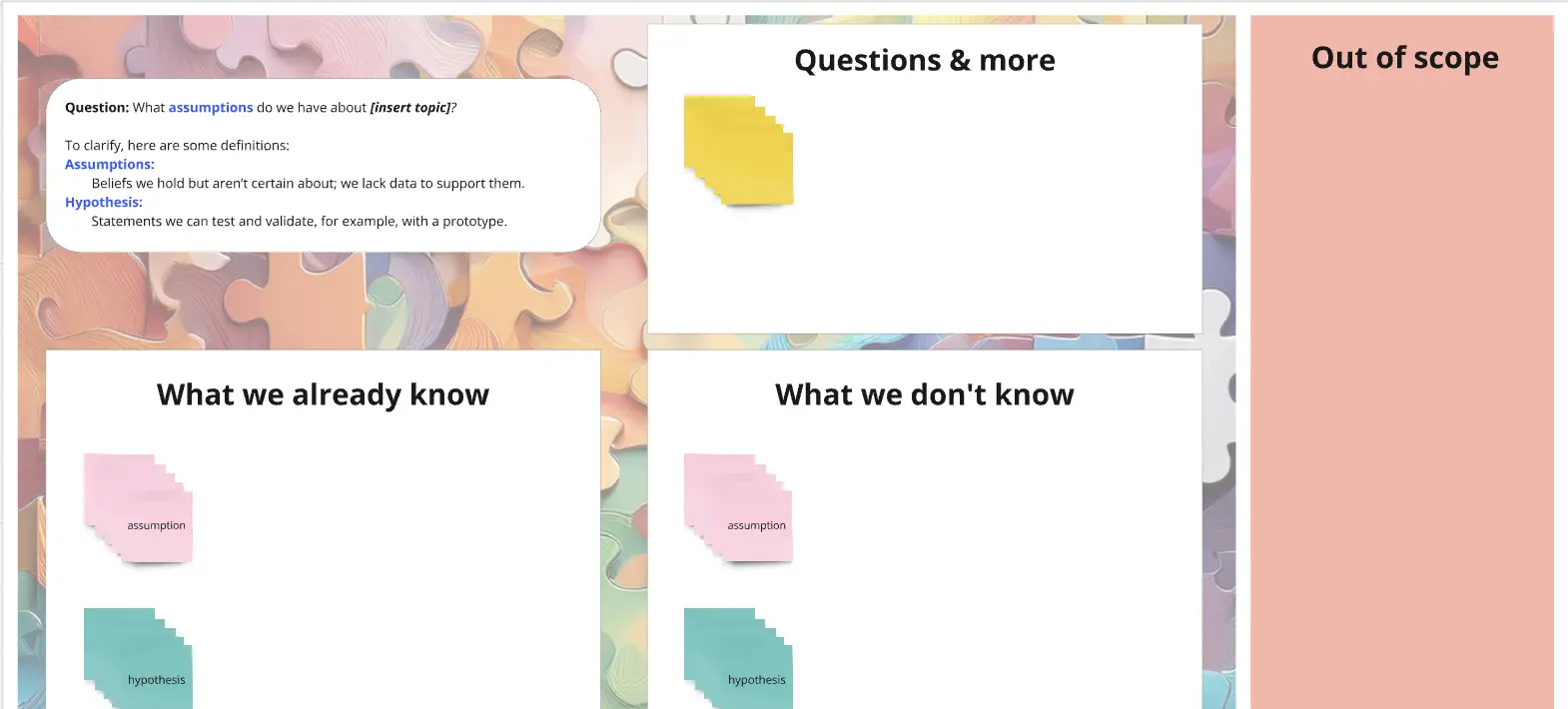
The Experiment Backlog: A dedicated space to the side of the map to convert risks into testable hypotheses.
Common Pitfalls in Assumption Mapping