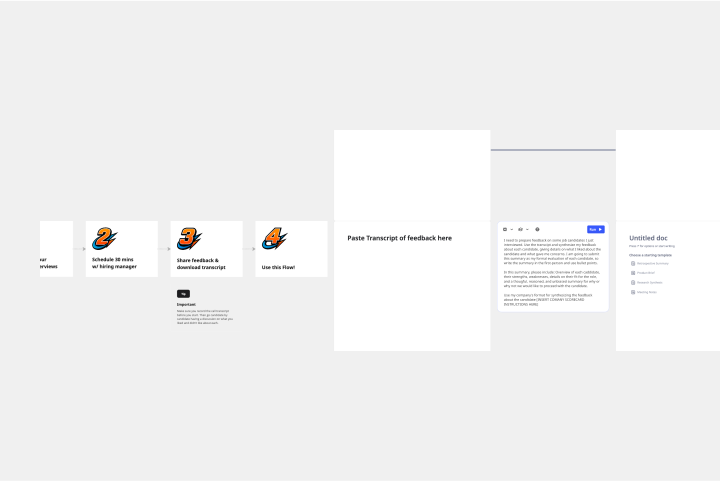
About the Interview Stage Planner Template
Inconsistent interviews lead to biased evaluations and missed opportunities. When the hiring team isn't aligned, it's difficult to compare candidates fairly. The Interview Stage Planner template solves this by providing a simple framework to build a standardized interview process directly from your job description. It gives your team the structure needed to conduct fair, effective, and consistent interviews every time.
How to use the Interview Stage Planner template
Paste in the job description. Begin by adding the full job description. This is the foundation for generating relevant interview questions and evaluation criteria.
Fill out the interview panel. Define each stage of your hiring process. Add roles like "Recruiter," "Hiring Manager," "Culture Fit," or "Bar Raiser," and assign the specific interviewers for each stage.
Generate your Interview Guide. With the job description and panel in place, simply click 'Run' to generate a complete interview guide. This document will include areas to cover, example questions, and evaluation criteria for your team.
Why use the Interview Stage Planner template?
Ensure a fair and consistent process. Standardize your interviews so every candidate is assessed against the same criteria, reducing bias and improving fairness.
Align your entire hiring team. Provide a single source of truth that gets everyone on the same page about roles, responsibilities, and what to look for in a candidate.
Hire with greater confidence. Equip your interviewers with a clear plan, example questions, and evaluation criteria to make more informed and objective hiring decisions.