About the Candidate Interview Script template
The best interviews feel like a natural conversation, but they're built on a solid foundation. Juggling a CV, the job description, your own questions, and company guidelines during a live interview is tough. It can lead to disjointed conversations and missed opportunities to truly get to know a candidate. The Candidate Interview Script template brings all your prep work into one organized innovation workspace, helping you run a smooth, professional, and consistent interview, every single time.
How to use the Candidate Interview Script template
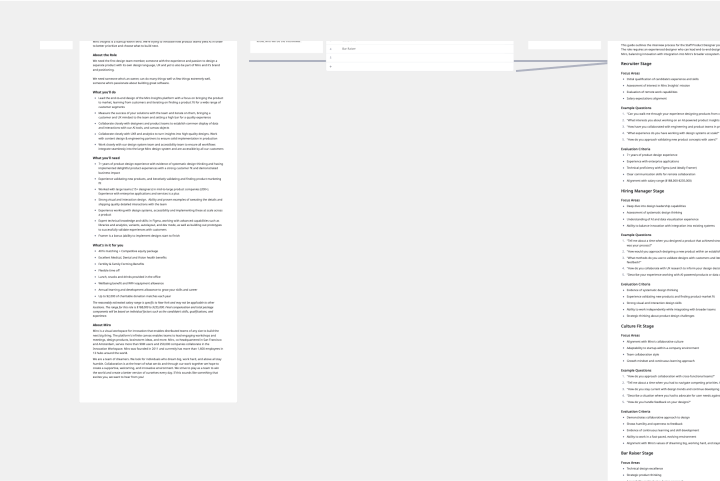
Consolidate your documents. Before the interview, gather all your key materials in one place. Paste in the Job Description, your Company Interview Guide, and the candidate's information, such as their CV or portfolio link.
Brainstorm your questions. Use the dedicated Brainstorm space to think through the key themes and specific questions you want to ask, tailored to the role and the candidate.
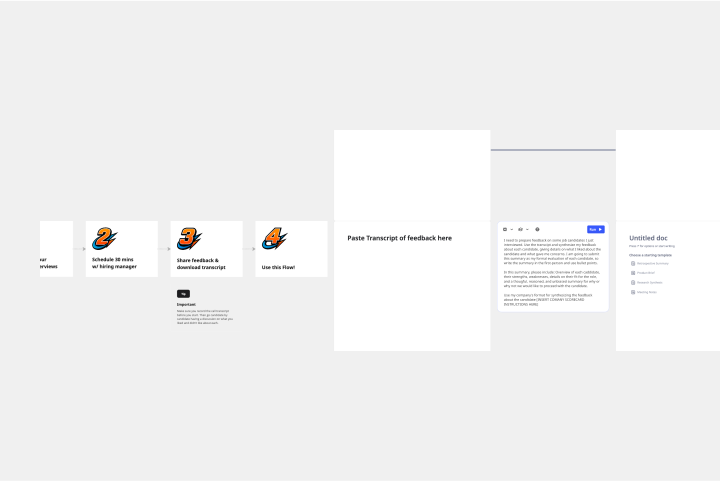
Follow the script. The template includes a pre-built interview script with timed sections for introductions, core questions, and closing. Use it as your guide during the call to ensure you stay on track and cover all your bases.
Take notes directly on the board. Capture your observations and the candidate's answers in real-time right next to each question, keeping your evaluation organized and easy to review later with your team.
Why use the Candidate Interview Script template?
Run more consistent interviews. Using a standardized script and structure helps reduce bias and ensures every candidate gets a fair and equal opportunity to shine.
Stay organized and present. Stop switching between windows and documents. With everything on the Miro board, you can stay focused on the candidate and the conversation, not on your messy desktop.
Collaborate on hiring decisions. Share the board with your hiring team so everyone can review your notes, see the candidate's information, and make more informed, collaborative decisions, whether you're working in real-time or async.