The Note & Vote Micro-Workshop is extremely simple & short (10-15 mins) — which makes it perfect for beginners who want to run a remote workshop for the first time. To make it even easier for you, we’ve included the facilitation script right in the Miro board! ‘Note’ and ‘Vote’ are two exercises that are at the core of every great workshop, and they can be applied to so many situations to help you collaborate on answering any question, prioritize challenges, and ideate solutions.
Here’s how it works at a high level: instead of spending so much time trying to brainstorm in a meeting by talking, discussing, and trying to agree on something, everyone ideates in simultaneously on sticky notes, then votes simultaneously using red dots, and you end up with a mass of ideas prioritized based on the team’s votes — all in 10 minutes!
If you’re just starting out with remote facilitation or even facilitation in general, there’s no better place to start than with a Note & Vote Micro-Workshop. It’s easy, it’s short (10-15 mins), and it’s effective. You get to try your hand at remote facilitation and build your experience in short 10-minute bursts while exposing your team to better ways of collaboration. You can even run this Micro-Workshop within a regular meeting and just carve out 15 minutes out of a 60-minute meeting to run a Note & Vote.
What makes this template special is the built-in word-for-word facilitation script which you can use while facilitating remotely — without your team knowing, so they get a great, natural facilitated Micro-Workshop delivered by you and you never have to worry about what to say or fear that you would forget to say something important.
So what are you waiting for? Grab this template along with the facilitation script and try it for ideation, retros, prioritizing problems, or to answer any question that you and your team need to collaborate on answering.

AJ&Smart
Product Design Sprint Agency
AJ&Smart is an award-winning product design sprint agency that uses Design Sprints to compress work that would usually take months into days.
Categories
Similar templates
Dot Voting Template
Dot Voting Template
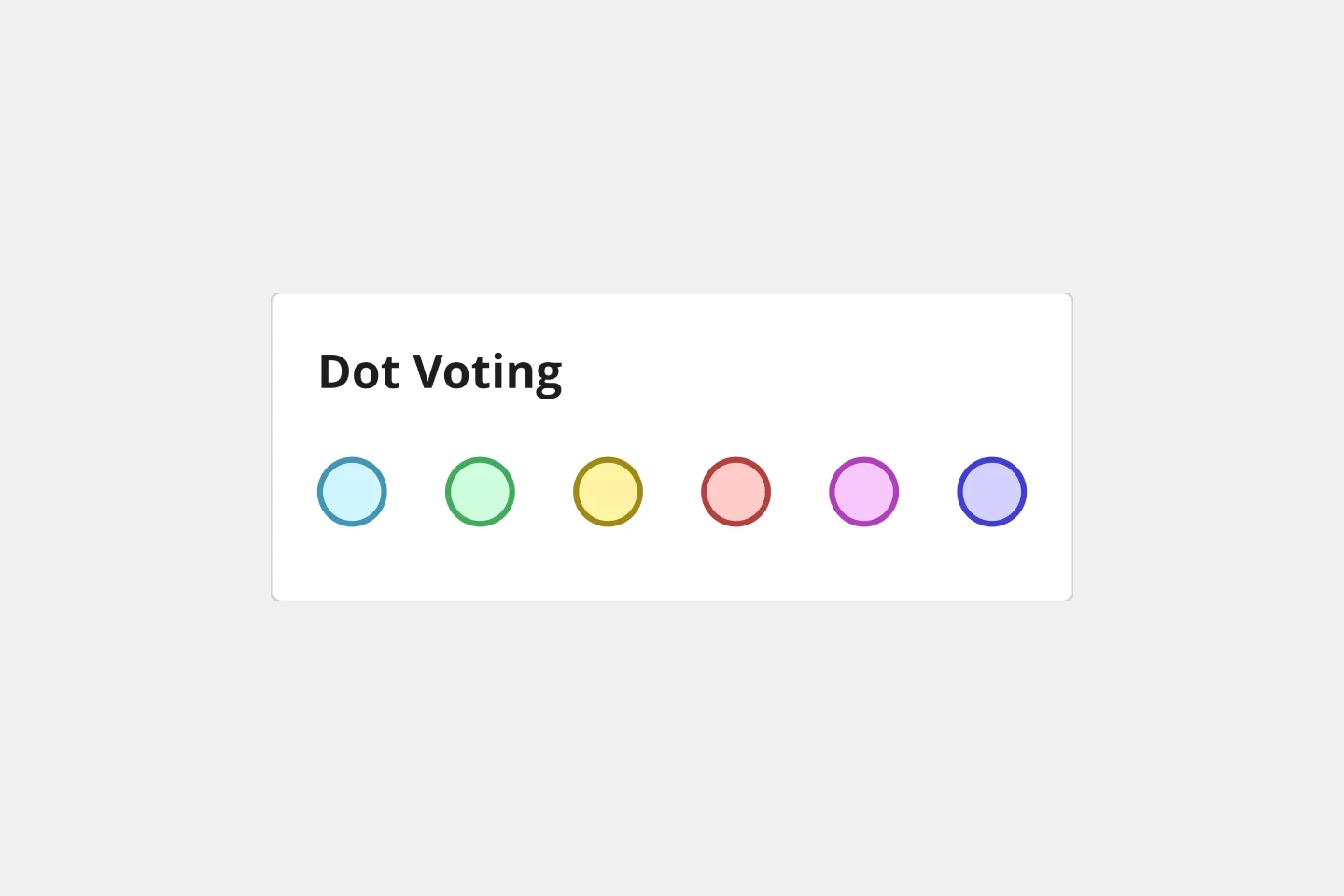
Dot voting, also known as “sticker voting,” “dotmocracy,” or “voting with dots”, allows teams to point out issues in a series of potential solutions or to prioritize tasks when presented with various options. Dot voting is different from the default “one-share” or “one-vote” rule. Instead, each person in the group is given as many votes (or “points”) as can be filled. Those votes can either all be cast for one idea, or distributed among many ideas. You can use dot voting any time your team prioritizes options or agrees on a direction to take for a high-stakes project.
Remote Design Sprint

Remote Design Sprint
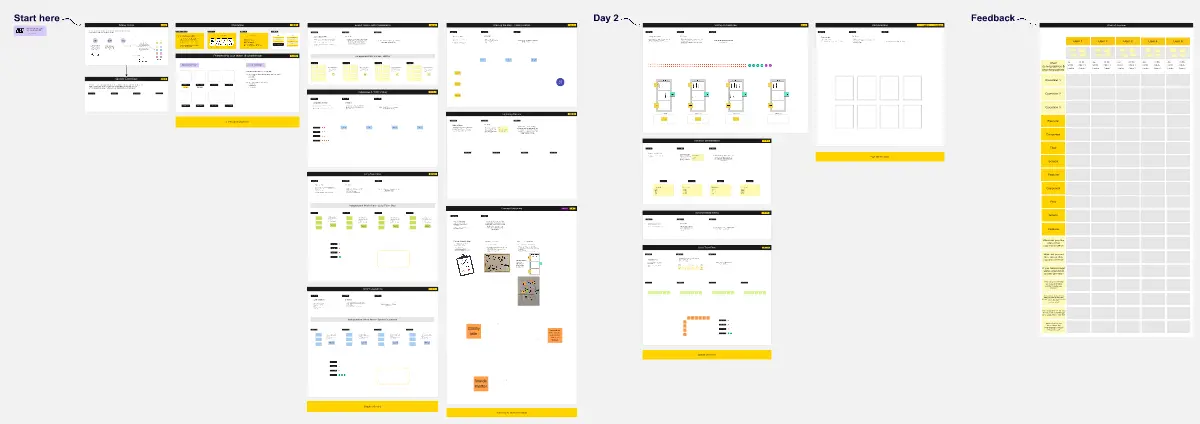
A design sprint is an intensive process of designing, iterating, and testing a prototype over a 4 or 5 day period. Design sprints are conducted to break out of stal, work processes, find a fresh perspective, identify problems in a unique way, and rapidly develop solutions. Developed by Google, design sprints were created to enable teams to align on a specific problem, generate multiple solutions, create and test prototypes, and get feedback from users in a short period of time. This template was originally created by JustMad, a business-driven design consultancy, and has been leveraged by distributed teams worldwide.
Work Life Impact Play
Dot Voting Template
Dot Voting Template
Dot voting, also known as “sticker voting,” “dotmocracy,” or “voting with dots”, allows teams to point out issues in a series of potential solutions or to prioritize tasks when presented with various options. Dot voting is different from the default “one-share” or “one-vote” rule. Instead, each person in the group is given as many votes (or “points”) as can be filled. Those votes can either all be cast for one idea, or distributed among many ideas. You can use dot voting any time your team prioritizes options or agrees on a direction to take for a high-stakes project.
Remote Design Sprint

Remote Design Sprint
A design sprint is an intensive process of designing, iterating, and testing a prototype over a 4 or 5 day period. Design sprints are conducted to break out of stal, work processes, find a fresh perspective, identify problems in a unique way, and rapidly develop solutions. Developed by Google, design sprints were created to enable teams to align on a specific problem, generate multiple solutions, create and test prototypes, and get feedback from users in a short period of time. This template was originally created by JustMad, a business-driven design consultancy, and has been leveraged by distributed teams worldwide.