About the Chain of Command Template
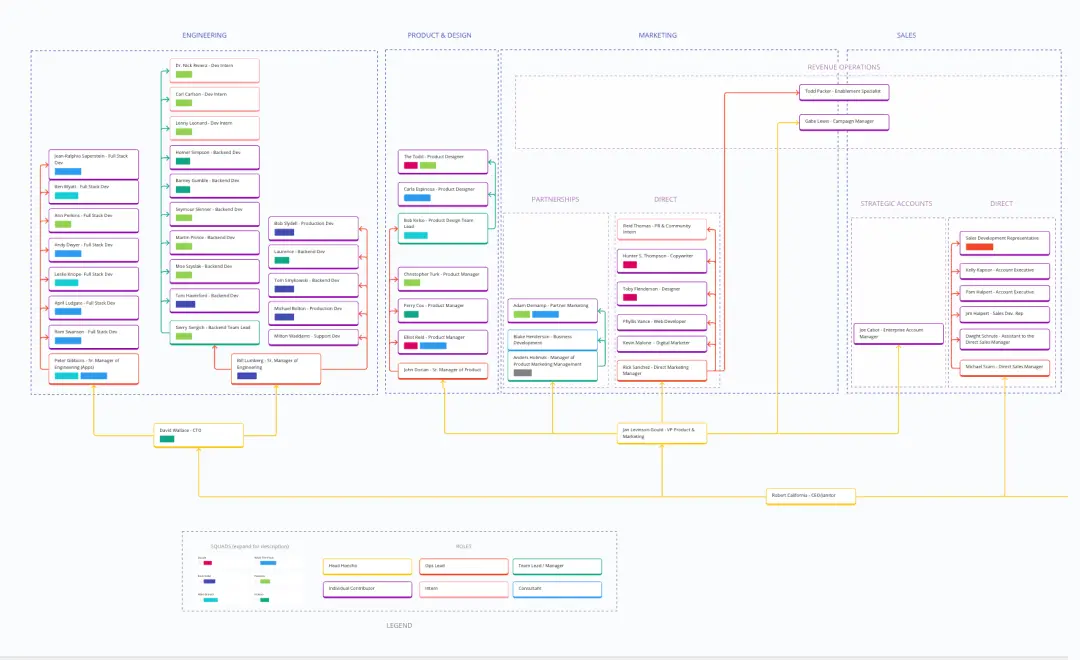
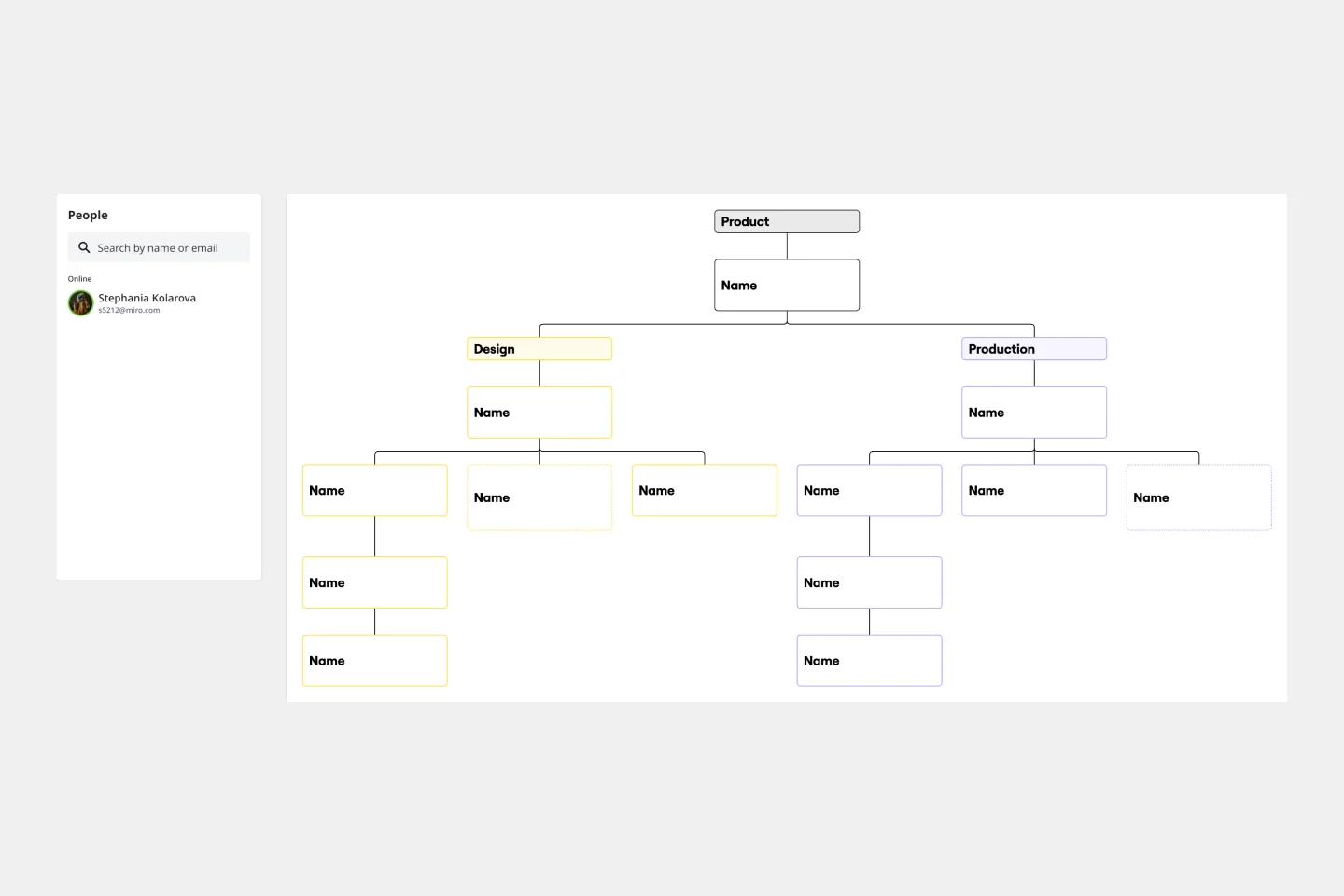
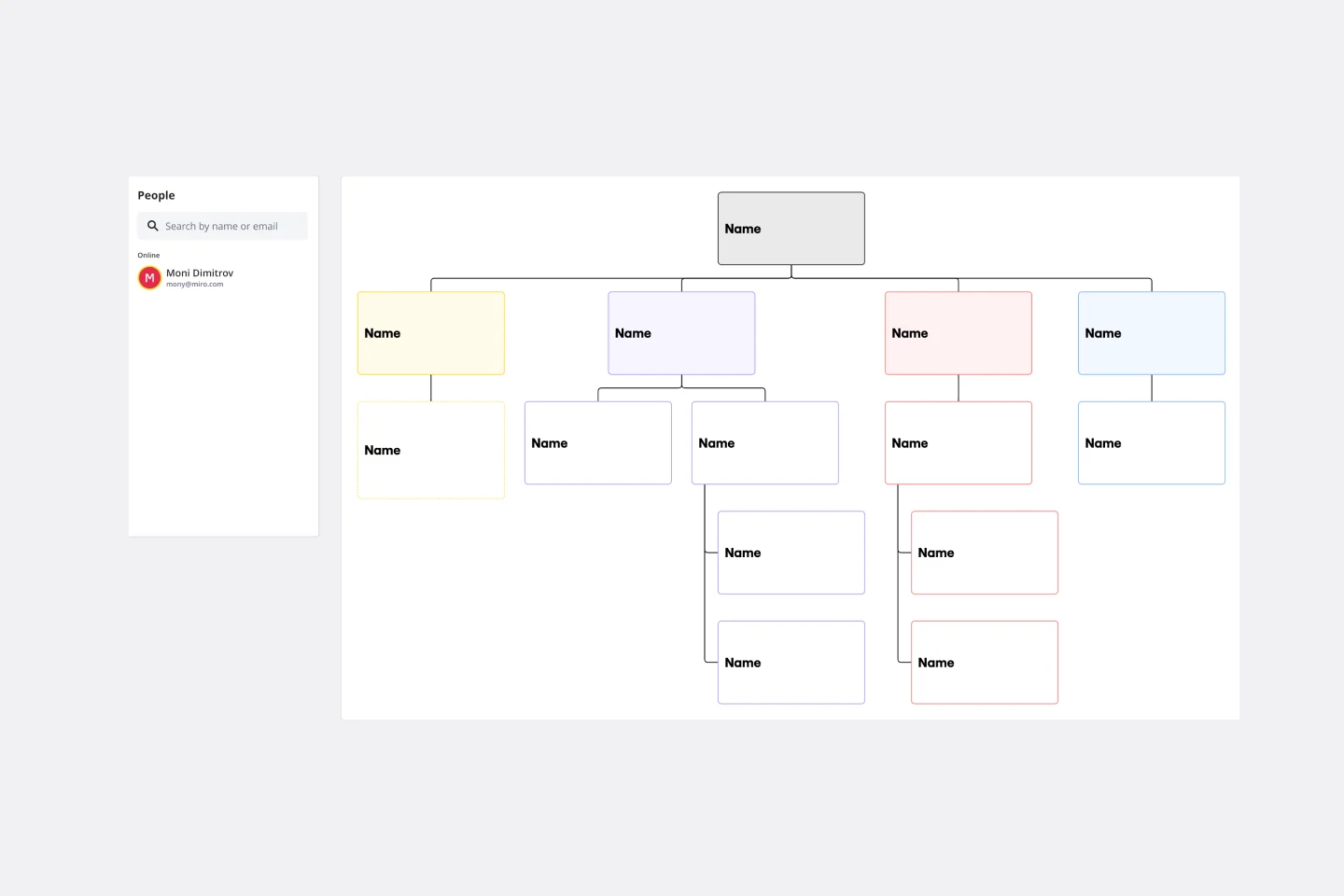
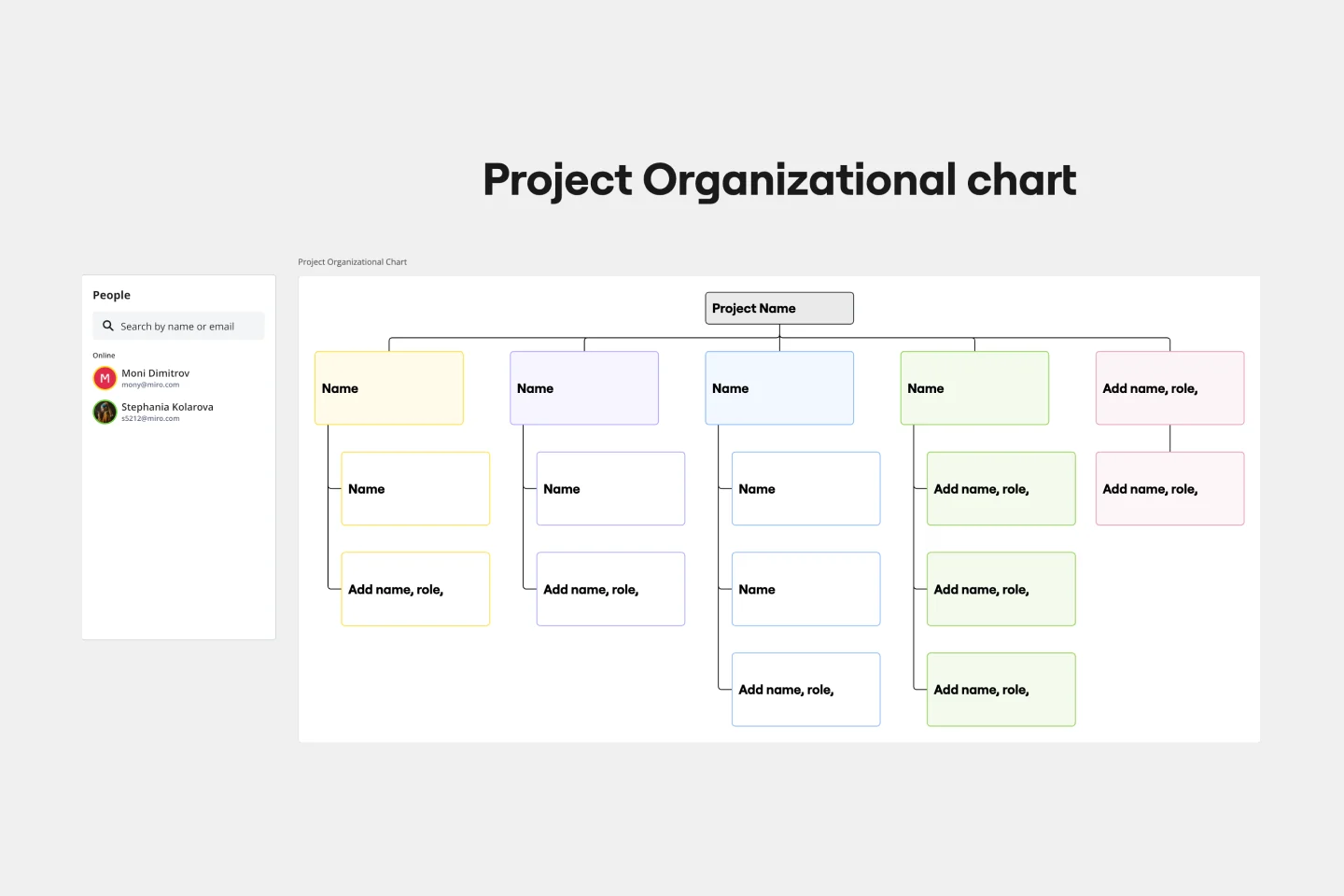
Visualize the hierarchical structures of an organization with the chain of command template. This blueprint helps to visually represent an organization's different layers of authority and responsibility, allowing for clear understanding and efficient communication and showcasing an organization's hierarchical structure.
How to use the chain of command template in Miro
You can edit and tailor the template to match your organization's unique structure with just a few clicks. Here is a step-by-step on how to use the template:
1. Add the template to your board
Choose from the Templates Library and add it to your workspace.
2. Customize it
You can begin editing the template with a few simple clicks. Select and click on the shapes to adjust its structure, add or remove levels, and tailor it to represent your organization's unique hierarchical structure.
3. Use automated diagramming capabilities
If you need to expand or adjust the template, click on the shapes to add subsequent shapes. This feature expands your template with just one click, creating extended chains or adding sub-levels as needed.
4. Review and save
Once you've made all desired changes, take a moment to review the structure for accuracy. Save your chain of command template, and it's ready for team-wide accessibility and reference.