Table of contents
Table of contents
PlantUML vs. Mermaid in Miro: Everything you need to know
If you're a developer on a product team, you know the importance of clear, concise, and visually appealing diagrams. Whether you're mapping out a new feature, documenting an existing system, or planning your next big project, having the right tool is crucial. Two popular tools integrated into Miro's visual workspace for creating diagrams are PlantUML and Mermaid. But which one is right for you? Let's dive in and find out!
PlantUML vs. Mermaid: An overview
PlantUML and Mermaid both bring unique strengths to the table when integrated into Miro, allowing developers to create powerful visual representations directly on their Miro boards. Here’s a closer look at each:
What is PlantUML?
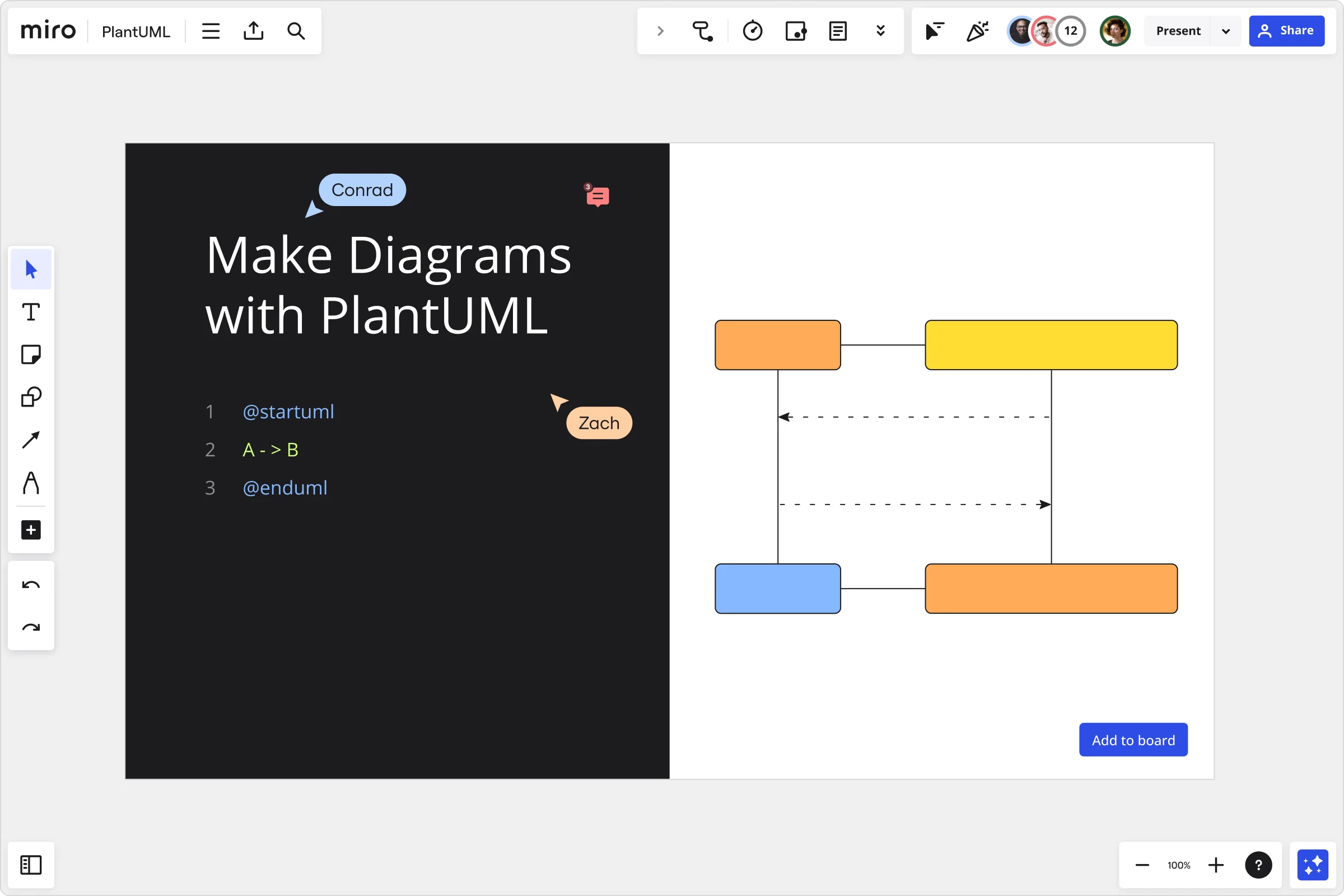
PlantUML is a versatile tool designed for developers who prefer to create diagrams using code. It supports a wide range of diagram types, making it particularly powerful for complex systems. By writing simple text descriptions, you can generate complex UML diagrams, flowcharts, and more.
What is Mermaid?
Mermaid is designed for simplicity and ease of use, making it ideal for developers who need quick, straightforward diagrams without extensive coding. Mermaid uses a syntax-based approach, allowing you to create diagrams by writing Mermaid syntax. In Miro, Mermaid operates as a frontend-only application, distributing static files hosted by Amazon S3. This makes it lightweight and easily accessible, perfect for integrating seamlessly into your workflow without worrying about backend infrastructure. Mermaid supports a variety of diagram types, from flowcharts and sequence diagrams to Gantt charts and pie charts, catering to diverse visualization needs.
Features comparison
When comparing PlantUML and Mermaid in Miro, it's important to delve into the details of their features to understand which might suit your needs better. Here’s an in-depth comparison:
PlantUML in Miro
- Code-based diagrams: PlantUML excels in creating detailed diagrams from plain text descriptions. This feature is particularly useful for developers who are comfortable writing code and want to generate visuals programmatically.
- Editable within Miro: Users can edit PlantUML diagrams directly within the Miro board. By selecting the diagram, they can access the PlantUML editor, making it easy to refine and update diagrams in real-time.
- Backend architecture: PlantUML's integration in Miro includes a robust backend component. The backend is a microservice hosted by Miro, utilizing the PlantUML library to convert UML code into SVG images. This architecture allows for complex processing and elastic scaling, ensuring performance is maintained even with large diagrams.
Diagram types supported: PlantUML supports a wide range of diagrams, including:
- ER diagrams
- UML diagrams (Class, Use Case, Sequence, Activity, State Machine, Component, Deployment)
- Data Flow Diagrams
- Flowcharts
- BPMN
Mermaid in Miro
- Syntax-based diagrams: Mermaid allows users to create diagrams using its straightforward syntax. This makes it accessible for those who may not want to dive into extensive coding but still need to create effective diagrams quickly.
- Frontend-only application: Mermaid operates entirely on the frontend, distributing static files via Amazon S3. This makes it lightweight and easy to use, without the need for complex backend infrastructure.
- Editable within Miro: Similar to PlantUML, Mermaid diagrams can be edited directly within Miro. By selecting the diagram on the board, users can access the Mermaid app again to make changes.
Diagram types supported: Mermaid supports various diagram types, including:
- Flowcharts
- Sequence diagrams
- Class diagrams
- ER diagrams
- Gantt charts
- Pie charts
- C4 architecture diagrams
Which tool is right for you?
Choosing between PlantUML and Mermaid depends on your specific needs and preferences. Let’s explore the strengths of each tool to help you make an informed decision.
Why choose PlantUML?
PlantUML is ideal for developers who need to create detailed and complex diagrams. Here’s why it might be the right choice for you:
- Complex Diagrams: PlantUML supports a wide range of UML diagrams, making it perfect for modeling detailed systems and processes.
- Backend Support: The robust backend architecture can handle large and complex diagrams, ensuring scalability and performance.
- Code-Driven Approach: If you prefer writing code to generate diagrams, PlantUML’s text-based approach will feel intuitive and efficient.
- Versatile Diagram Types: With support for ER diagrams, data flow diagrams, BPMN, and more, PlantUML offers versatility for various visualization needs.
Why choose Mermaid?
Mermaid is suited for those who need quick, straightforward diagrams without the complexity of extensive coding. Here’s why you might opt for Mermaid:
- Ease of Use: Mermaid’s simple syntax makes it easy to create diagrams quickly, even if you’re not a coding expert.
- Lightweight Application: As a frontend-only tool, Mermaid is lightweight and easy to integrate into your workflow without worrying about backend complexities.
- Quick Edits: Making changes is a breeze with the ability to edit diagrams directly within Miro.
- Diverse Diagram Types: From flowcharts and sequence diagrams to Gantt charts and pie charts, Mermaid supports a variety of diagram types to meet your needs.
Tips for using PlantUML and Mermaid in Miro
To get the most out of PlantUML and Mermaid within Miro’s visual workspace, consider these detailed tips.
Tips for PlantUML
- Start with templates: Miro offers PlantUML templates that can help you get started quickly. Use these templates as a foundation and customize them to suit your needs.
- Leverage the editor: Use the PlantUML editor within Miro to make real-time changes to your diagrams. This is particularly useful for collaborative projects where multiple team members need to contribute.
- Understand the syntax: Familiarize yourself with PlantUML syntax to make the most of its features. The official documentation, accessible from the Miro app panel, is a great resource.
- Take advantage of backend scaling: For larger diagrams, PlantUML’s backend architecture supports elastic scaling. This ensures that performance remains smooth, even with complex visuals.
- Integrate with other tools: PlantUML integrates well with other development tools. Consider how you can incorporate it into your existing workflow to streamline your diagramming process.
Tips for Mermaid
- Use simple syntax: Mermaid’s syntax is designed to be easy and straightforward. Spend some time learning the basics, which will enable you to create diagrams quickly.
- Explore different diagram types: Mermaid supports a variety of diagram types. Experiment with flowcharts, sequence diagrams, and Gantt charts to find the best fit for your project.
- Edit with ease: Make the most of Miro’s integration by editing Mermaid diagrams directly on the board. This makes collaboration seamless and efficient.
- Refer to documentation: The official Mermaid documentation is accessible from the Miro app panel. Use it to find tips, tricks, and examples that can enhance your diagrams.
- Keep it lightweight: Since Mermaid is a frontend-only application, it’s perfect for quick, simple diagrams. Use it to create visuals on the fly without worrying about backend infrastructure.
Diagram with confidence
No matter which tool you choose, Miro’s visual workspace for innovation makes it easy to create, edit, and share your diagrams. Our platform’s strong collaboration features support both real-time and asynchronous work, ensuring your team stays on the same page. Dive into Miro today and start diagramming with confidence, knowing you have the best tools at your disposal.
In conclusion, both PlantUML and Mermaid bring powerful diagramming capabilities to Miro. Your choice depends on your specific needs, whether it’s the detailed complexity of PlantUML or the simplicity and speed of Mermaid. Happy diagramming!
Read more
Join our 100M+ users today


