About the Mood Board Templates Collection
Mood board templates are powerful for visualizing ideas, concepts, and themes. They serve as a creative canvas where designers, marketers, and product teams gather and organize visual elements to convey a specific mood or style. Our mood board templates are designed to be flexible and user-friendly, allowing teams to collaborate seamlessly and bring their visions to life.
What is a mood board template, and why is it important?
A mood board template is a pre-designed layout that helps you compile and arrange images, colors, textures, and other visual elements in an organized way. Mood boards are important because they provide a structured way to explore and communicate creative ideas, ensuring that everyone involved in a project is on the same page. Mood boards are essential for:
Inspiration: They help spark creativity and generate new ideas.
Communication: They provide a visual language that all team members can easily understand.
Alignment: They ensure that everyone clearly understands the project's direction and aesthetic.
Key Components of a Moodboard Template
A professional moodboard template acts as a "Visual North Star." Every high-performance Miro board should include these five elements:
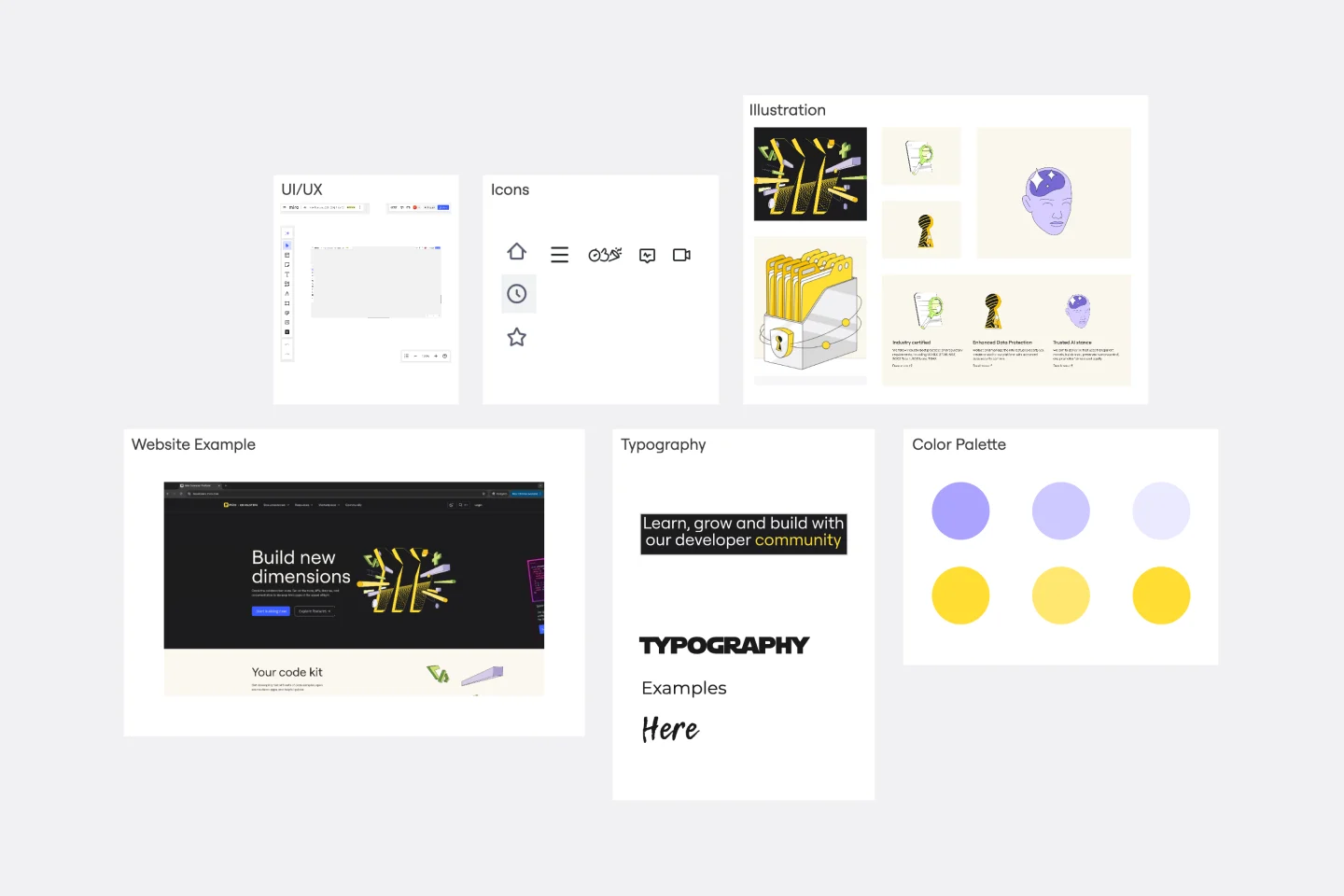
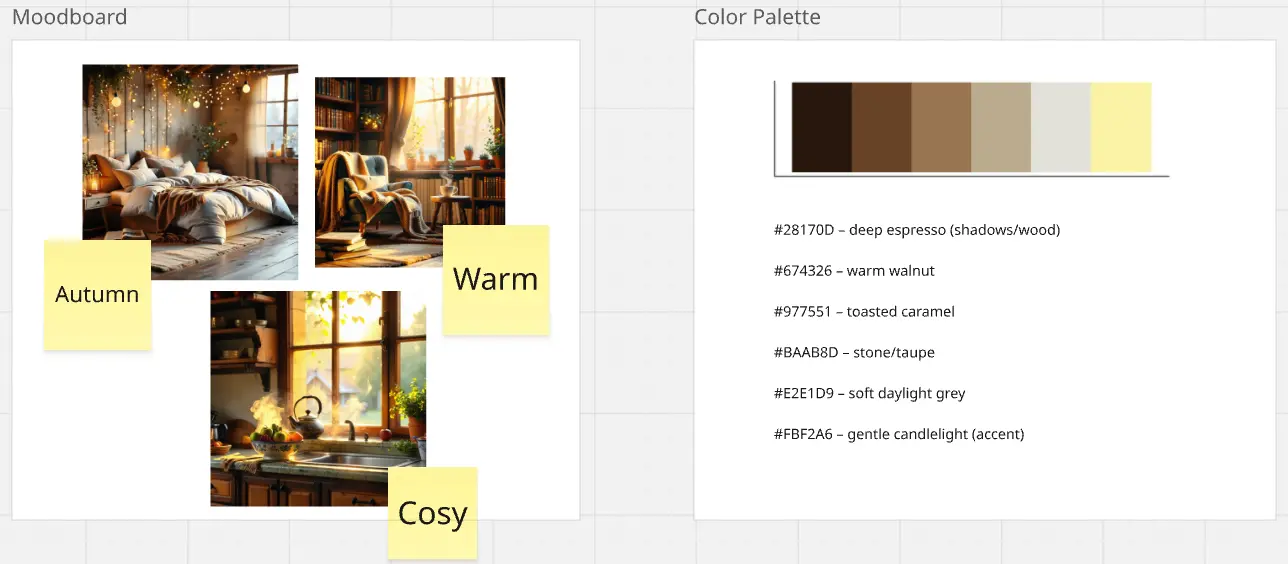
Central Theme Statement: A short phrase that summarizes the aesthetic (e.g., "Industrial Heritage" or "Digital Zen").
Imagery & Photography Style: A collection of photos that define the lighting, composition, and subject matter.
The Color Story: A set of hex codes and color swatches with defined usage ratios.
Typography Pairing: At least two font choices (Heading and Body) to show how they contrast and complement each other.
Patterns & UI Elements: Graphic flourishes or interface components that add "flavor" to the layout.
Which Moodboard Template Do You Need?
Select the Miro template that matches your creative objective:
How to use the mood board templates in Miro
Using Miro's mood board maker is easy. Follow these steps to get started:
Select a template: Browse through our collection of mood board templates and choose one that fits your project.
Customize your board: Add your images, colors, and other visual elements. You can easily drag and drop files from your computer or use Miro's built-in image search.
Collaborate with your team: Invite team members to join your board. They can add their own elements, leave comments, and provide feedback in real time.
Organize your elements: Arrange your visual elements in a way that makes sense for your project. Use Miro's tools to resize, rotate, and align items.
Share your board: Once your mood board is complete, share it with stakeholders or export it as a PDF or image file.
Our mood board templates are a valuable resource for any creative team. They help streamline the creative process, foster collaboration, and ensure that everyone is aligned on the project's vision. Try our templates today and see how they can help your team thrive.