Decide what to build with Miro Prototypes
Build the right thing, together. Align and accelerate decision-making by turning early ideas into clear, collaborative prototypes before moving to design or code.
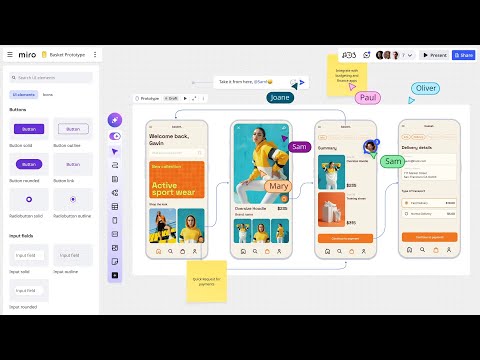


Everything your team needs to go from idea to decision
Miro Prototypes is built for fast, flexible collaboration so teams can accelerate discovery and decision making.
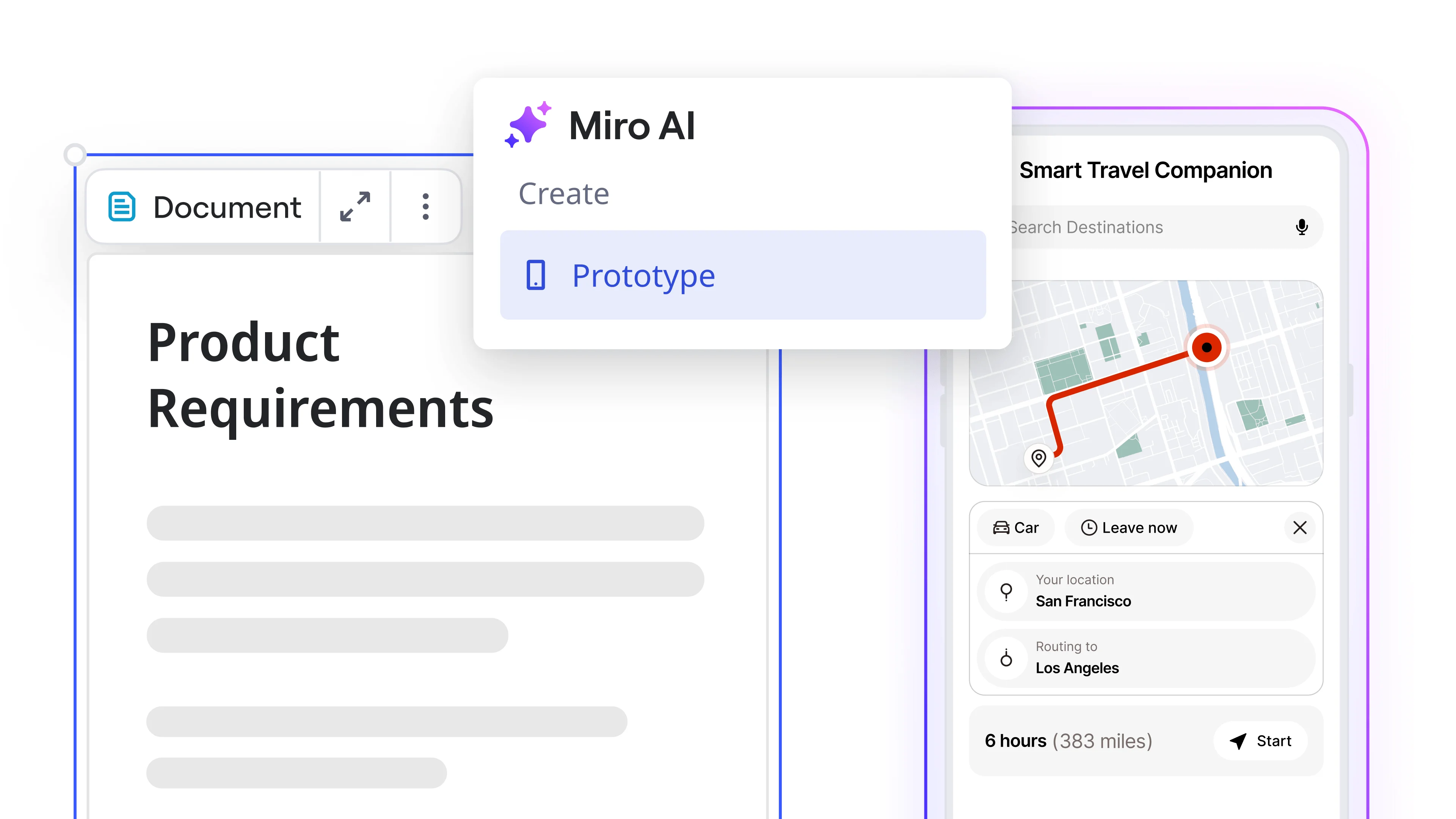
Generate from anything
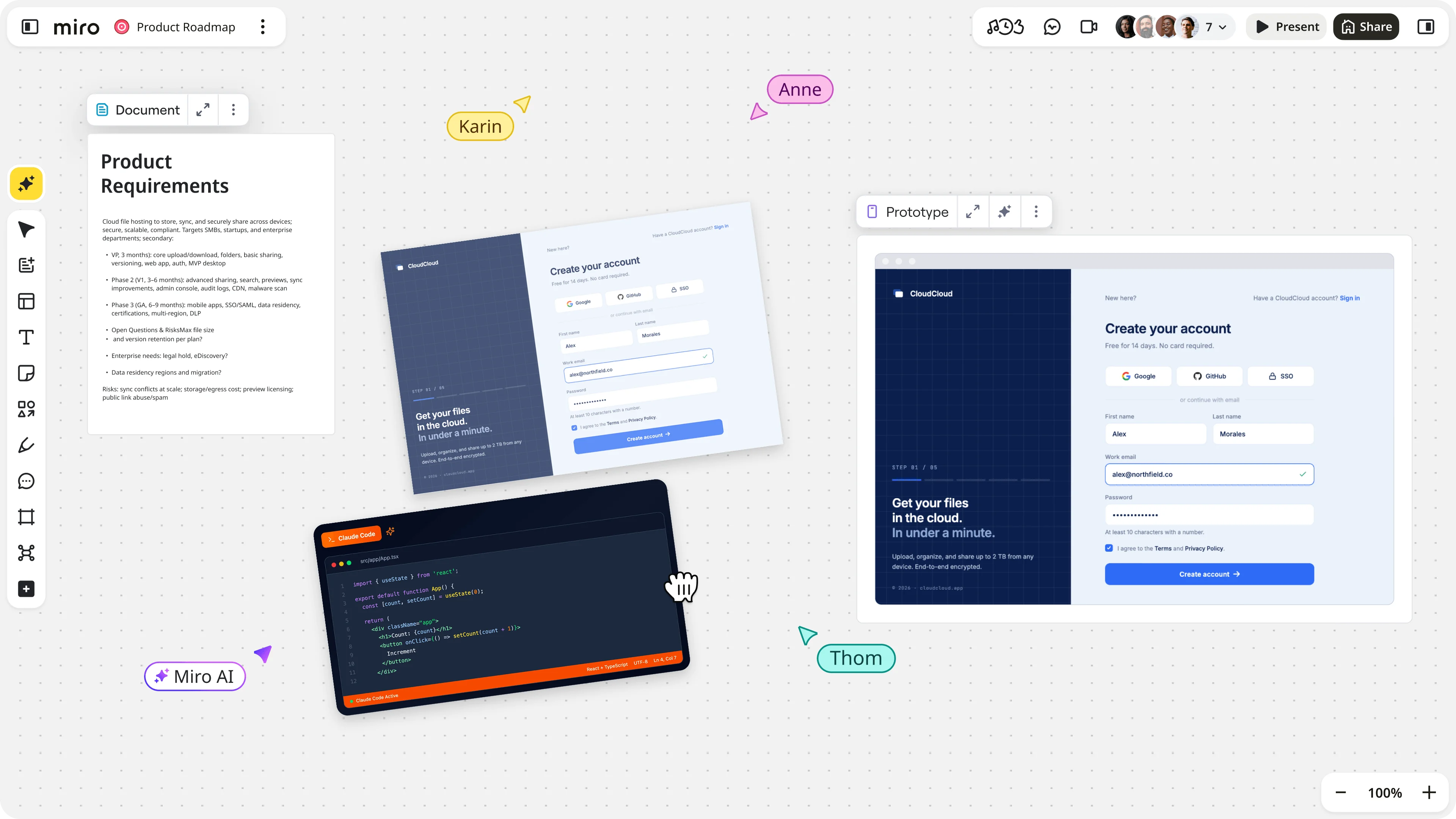
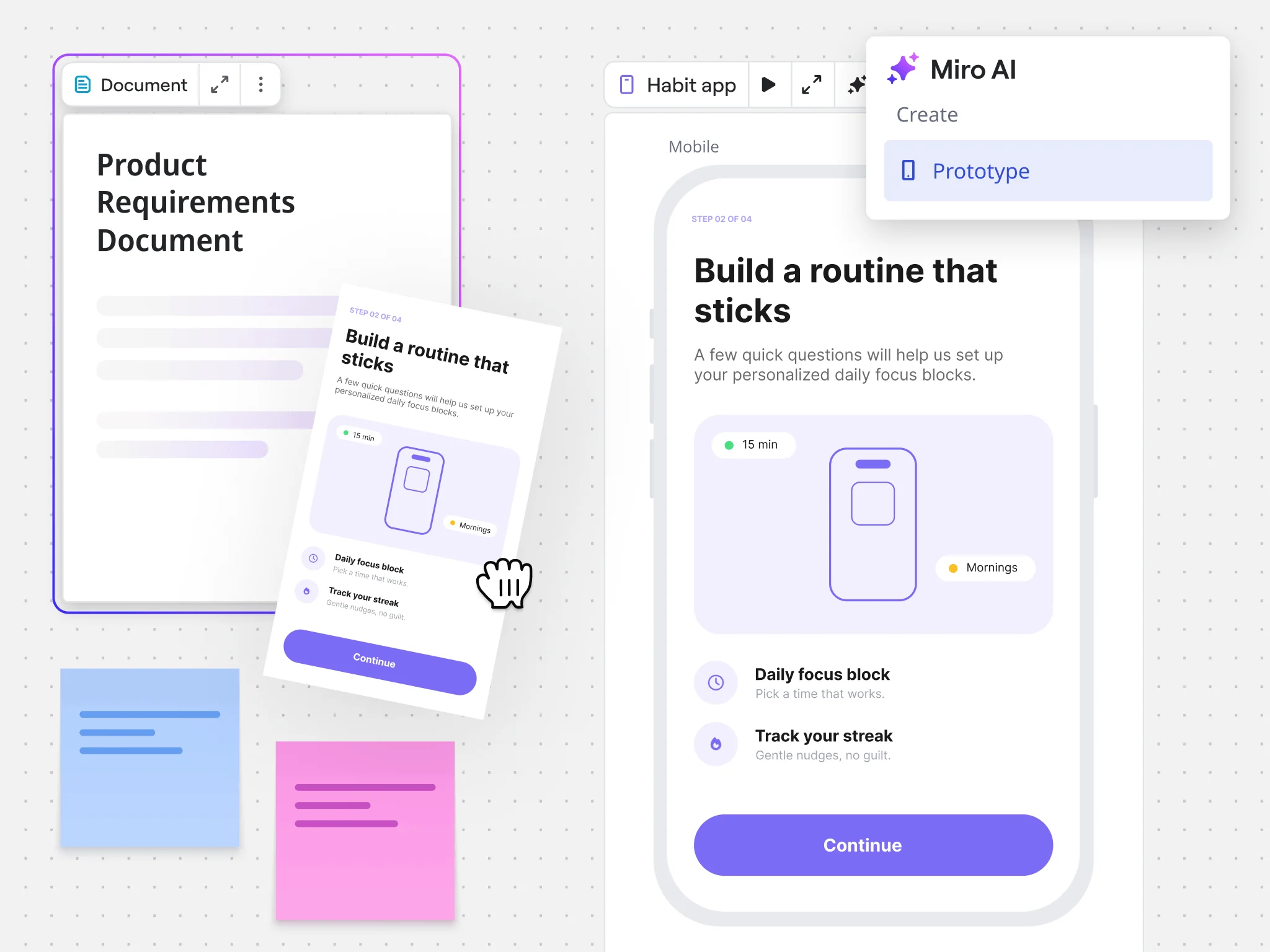
Start with what's on your canvas. Use sticky notes, PRDs, diagrams, code, or workshop output as your prompt.
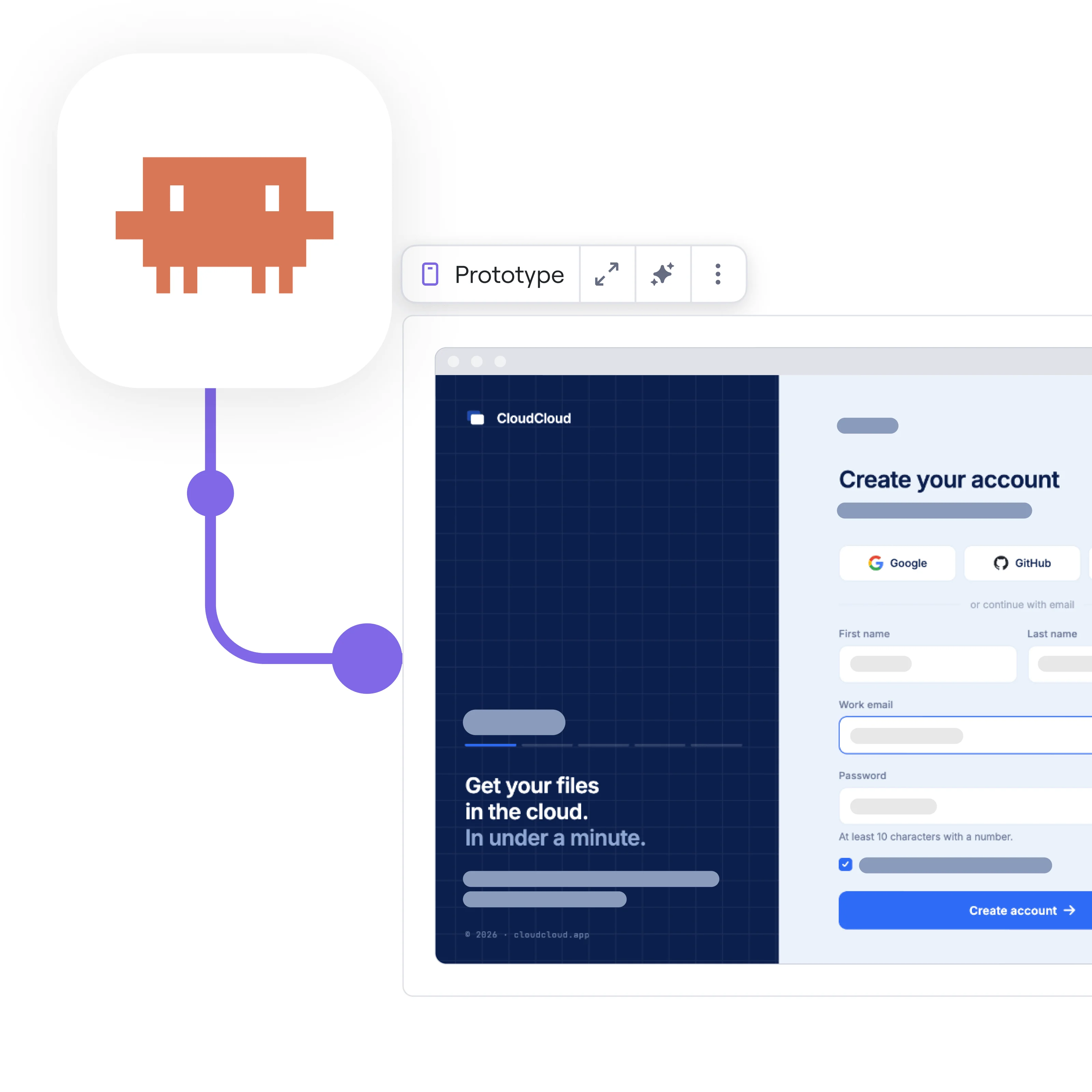
Bring prototypes into the canvas
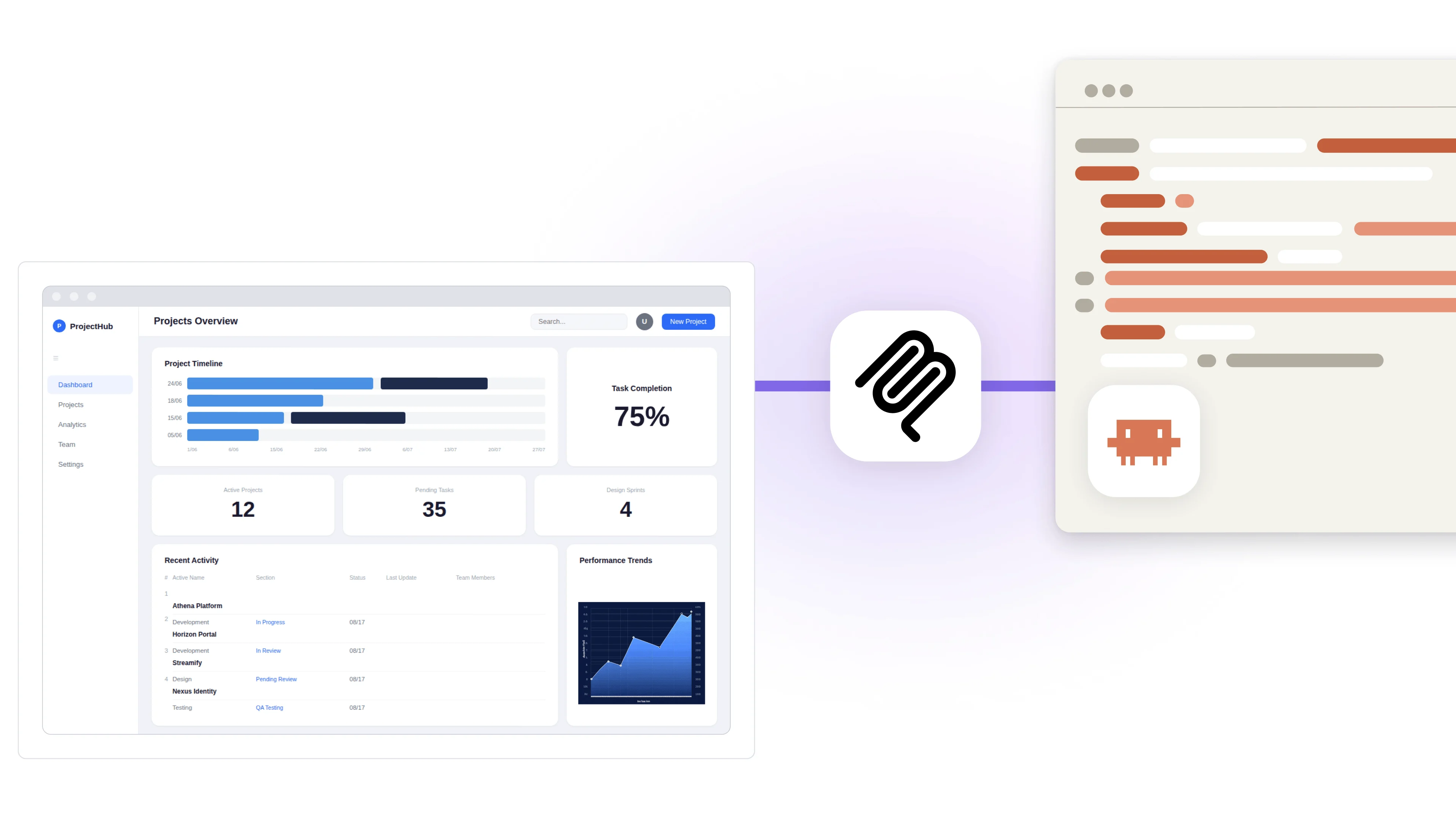
Import prototypes from coding agents or design tools into the canvas to review and shape together.
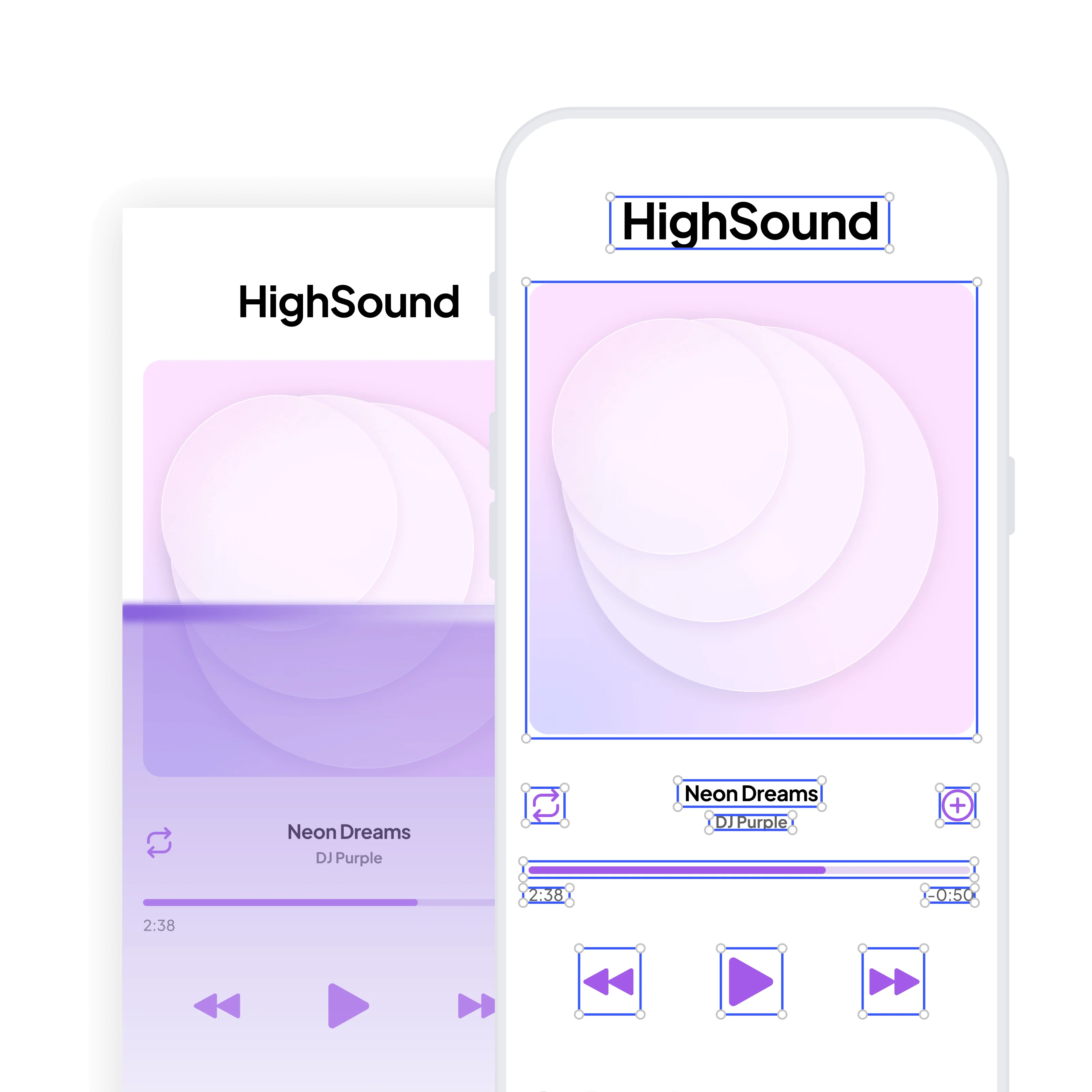
Build prototypes from your existing product
Start from a screenshot and generate new screens or entire flows to match.
Collect feedback right on the prototype
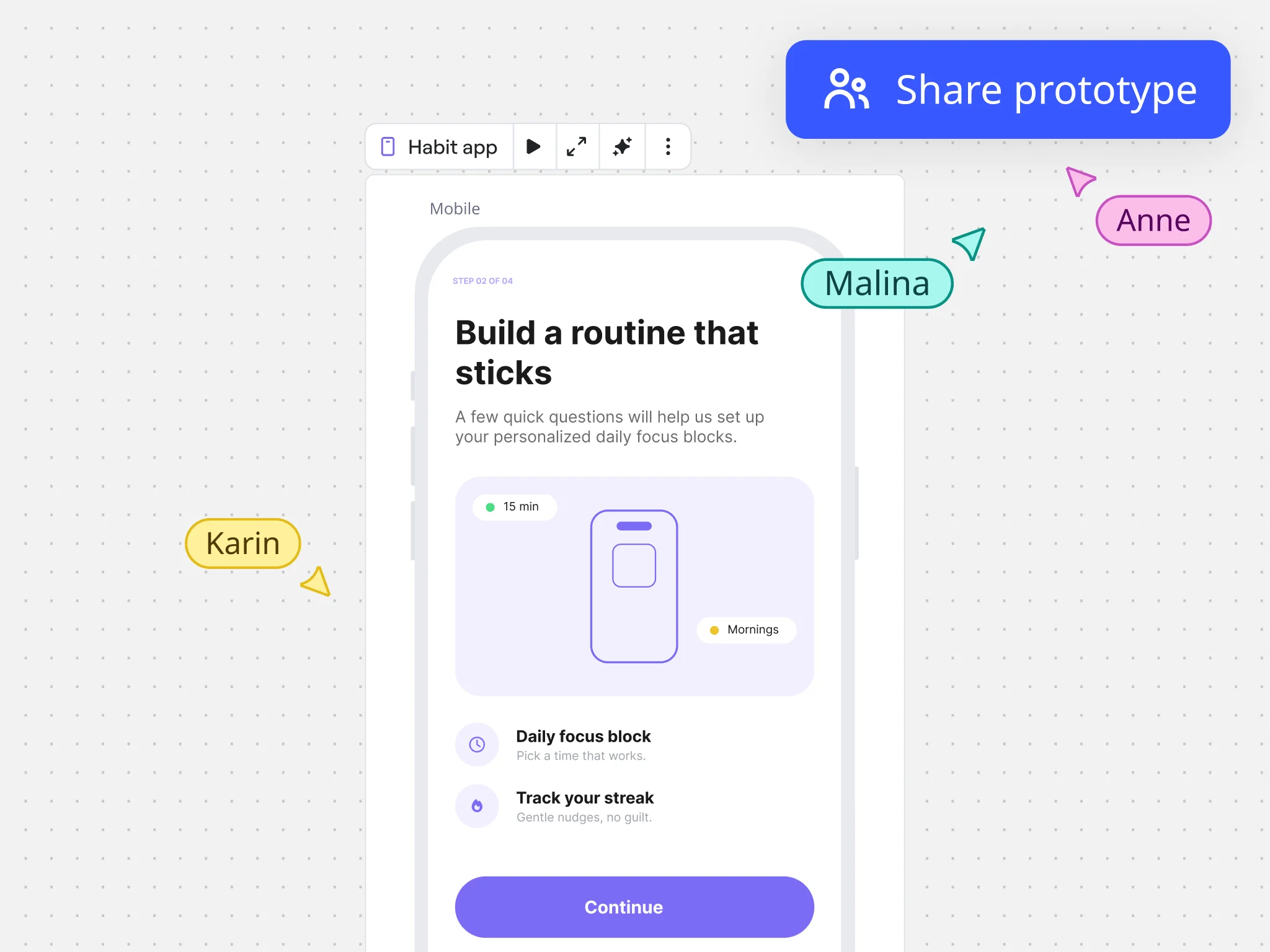
Comment, react, vote, and make changes together, directly on the prototype.
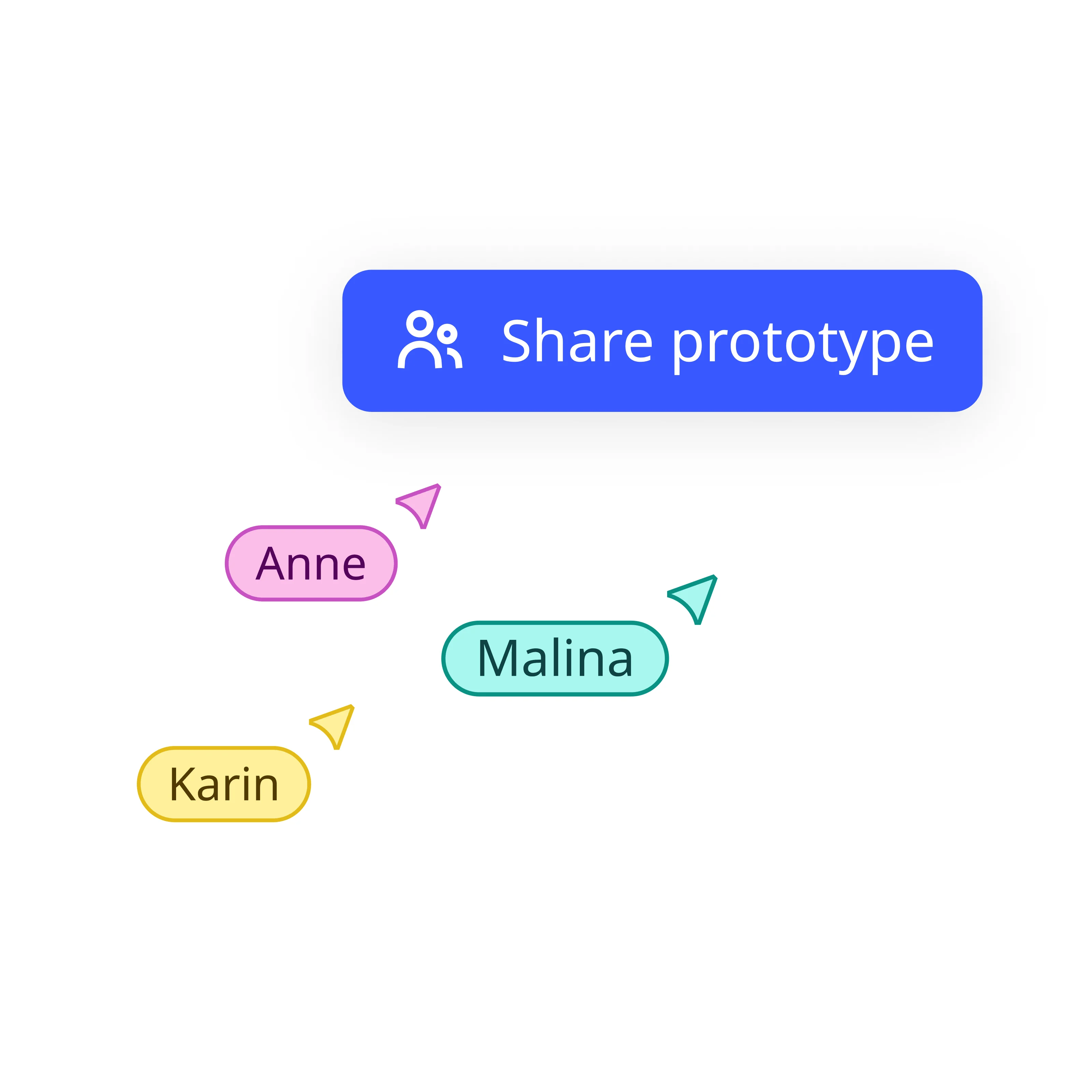
Edit directly on the canvas
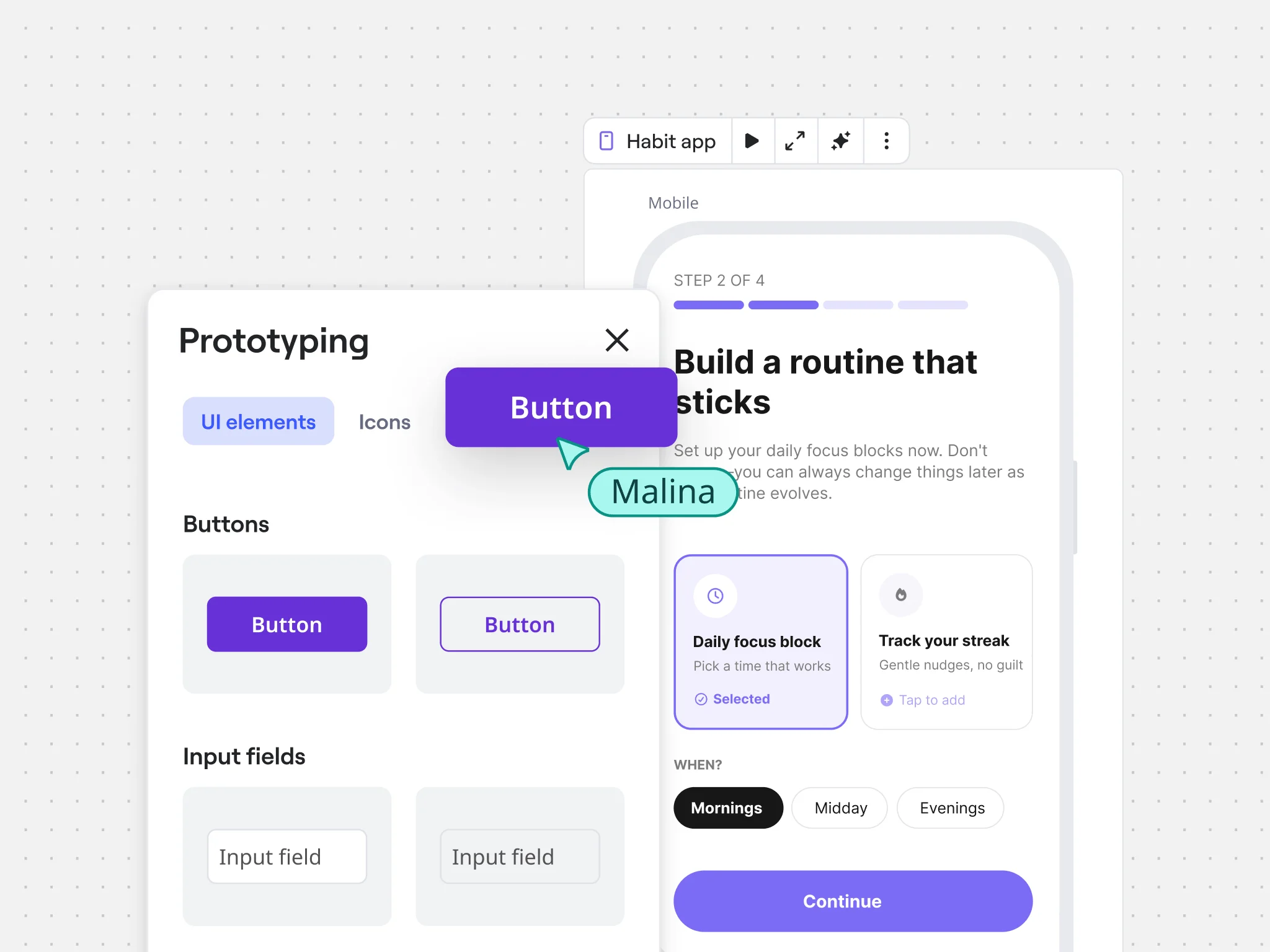
Anyone can drag and drop, move, resize, and rearrange on the canvas. Or just ask AI.
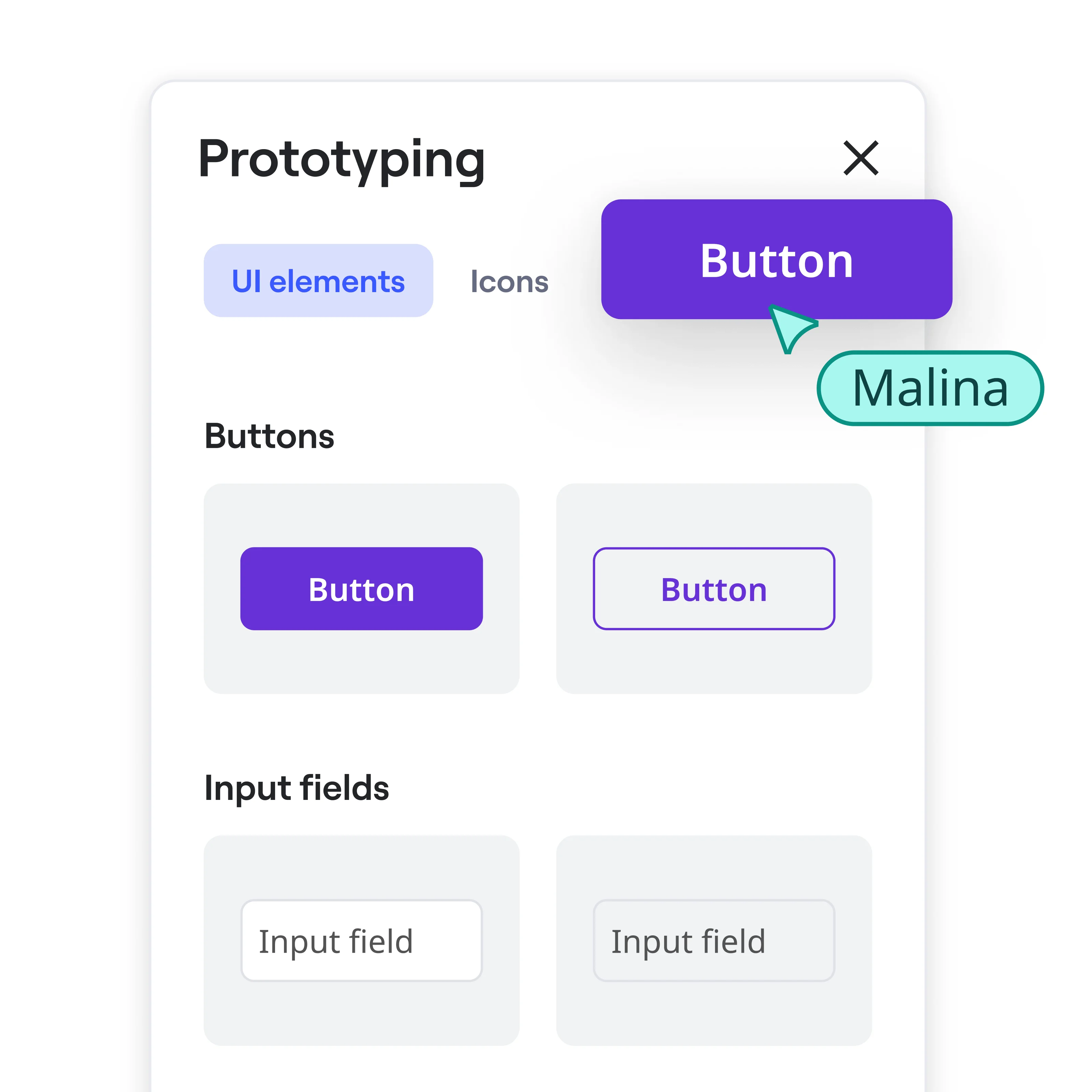
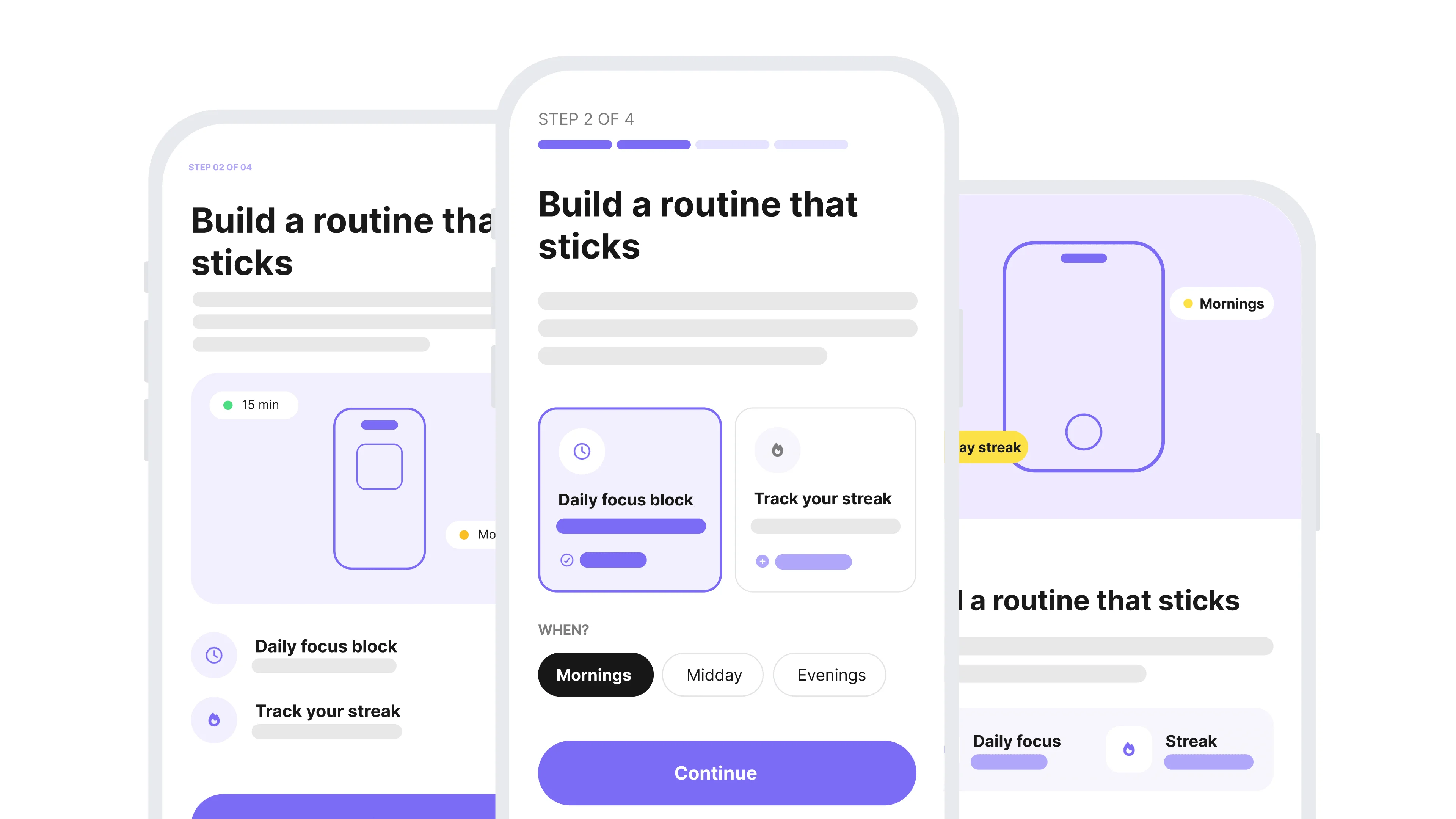
Explore more than one direction
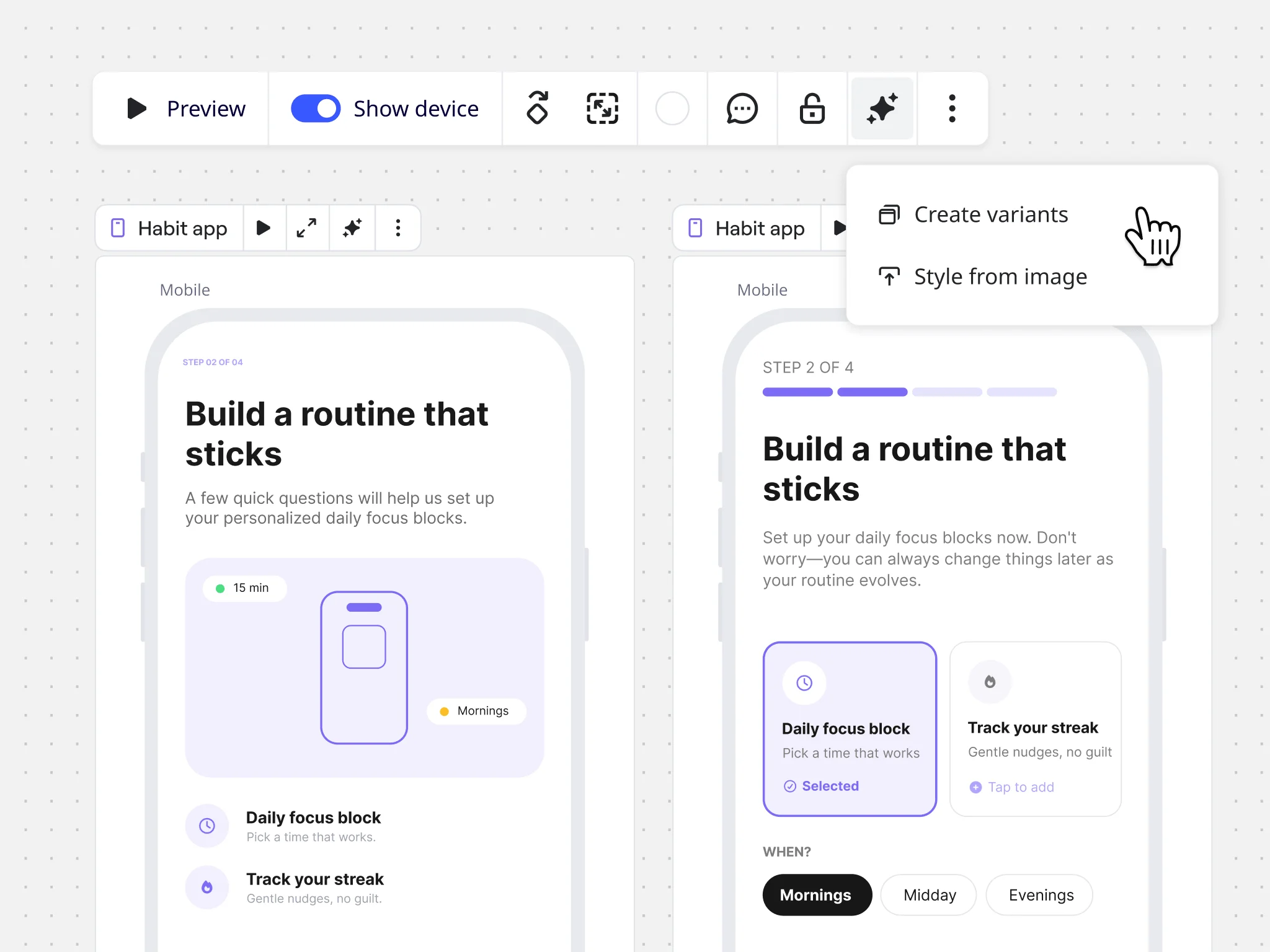
Compare variations side by side so your team can react to real options, then decide together.
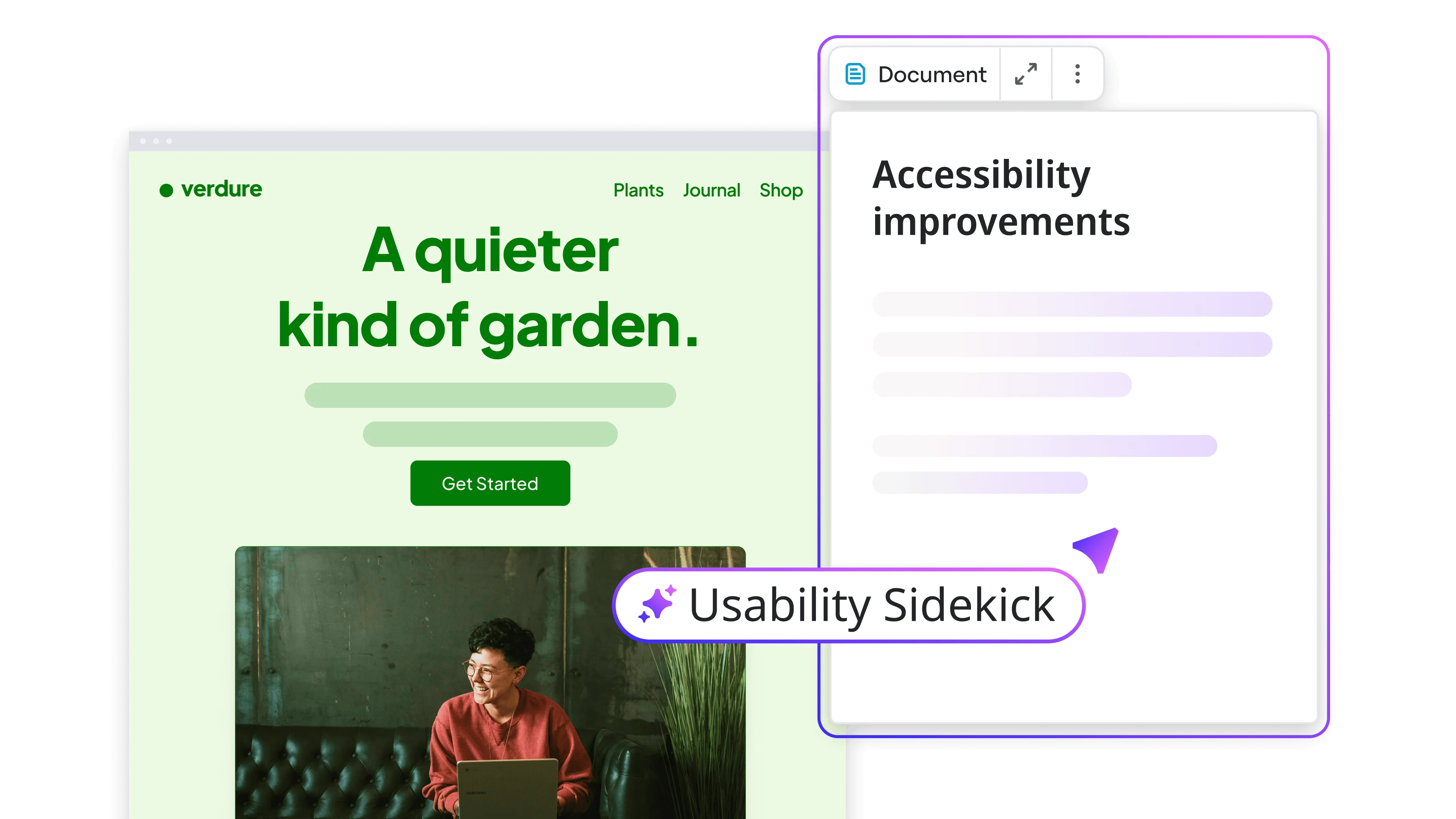
Test with AI before real users do
Ask AI to review and refine your prototype. Spot what's not working before it goes anywhere.
Hand off to build when you're aligned
Push to a coding agent via MCP, or export for design refinement.
Why product teams choose Miro for prototyping
"I love the tool! It cut my ideation time in half. While it is great to get your ideas out quickly onto the board, it does not replace the need for the human touch. Very helpful though to get your noggin rolling on some concepts and direction, given you use the tool effectively."

Toni H.
Senior Digital Strategist at Throughline

"Miro Prototypes provides me with something where I can change what I want to and not be stuck with the initial output. Sometimes, when you see something, it sparks a new idea that you want to explore. And I love that Miro Prototypes gives me that."

Rike Plaputta
Product Coach at Spark Networks
"Miro has become one of my favorite tools after trying their Prototyping and AI capabilities."

Nigel Wilcocks
Product Design Lead at Nedbank
"I’ve been able to prototype so fast and accurately with Miro. I can't imagine my day-to-day work without it."

Mariana Carril
Director of Product Management at EPAM Systems
"I did a competitive benchmark in 30 minutes with Miro Prototyping, which would have taken me 2 hours."

Victoria Lamppa
Design Lead, Design Team Management at Scandinavian Airlines
How Miro Prototypes helps
Miro Prototypes optimizes for deciding, giving product teams a shared place to explore, react, and align.
Start your free trial
Try Business free for 14 days. Get prototyping, AI workflows, and more in one plan. No credit card needed.
Roll it out across your team
Talk to sales about team pricing, admin controls, and getting your whole product org on one platform.
How to build a prototype with Miro's tools
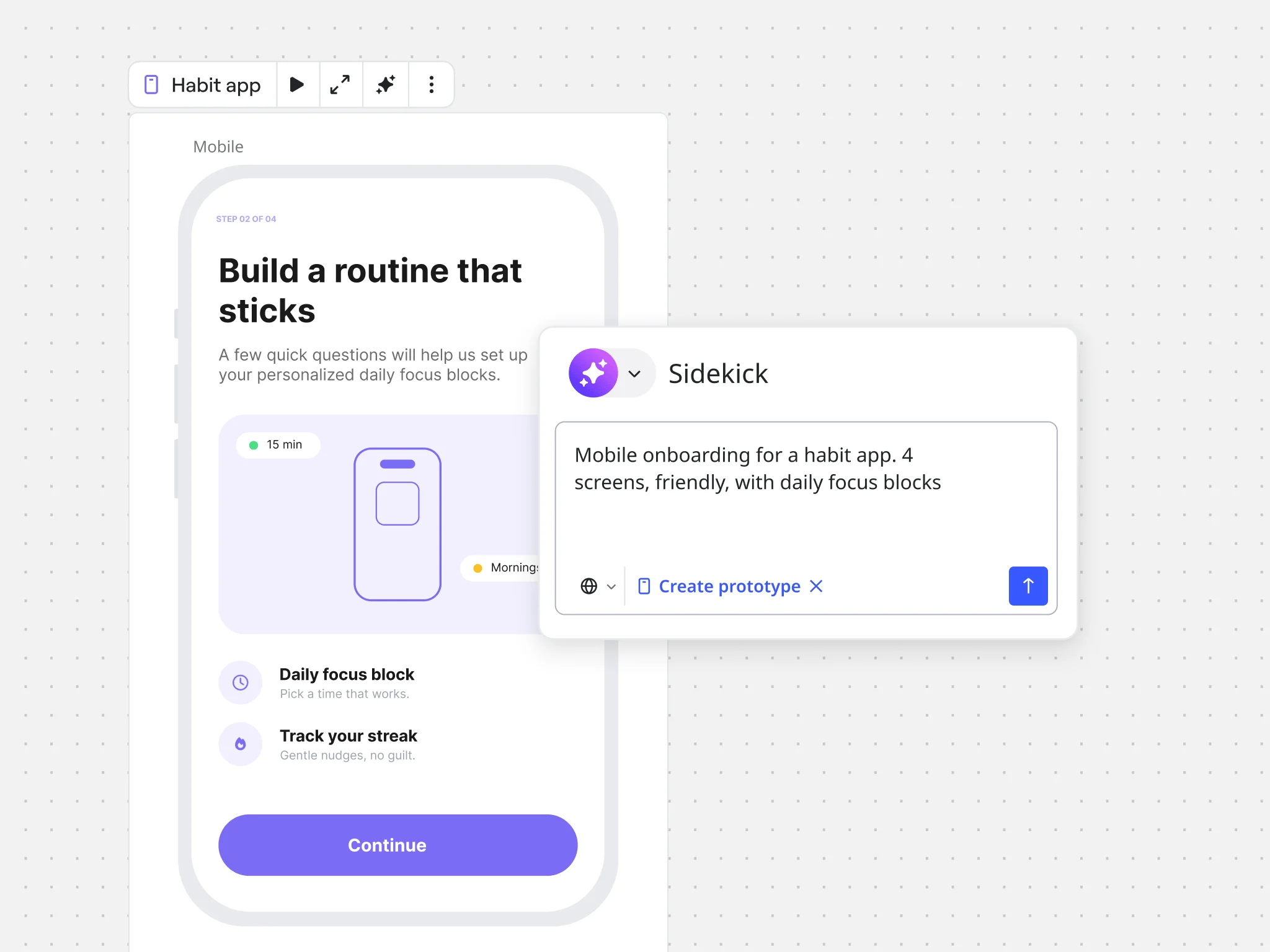
Start from where your team already works. Pull in screenshots of your existing product, requirements docs from Confluence or Notion, or workshop outputs directly from your Miro board.
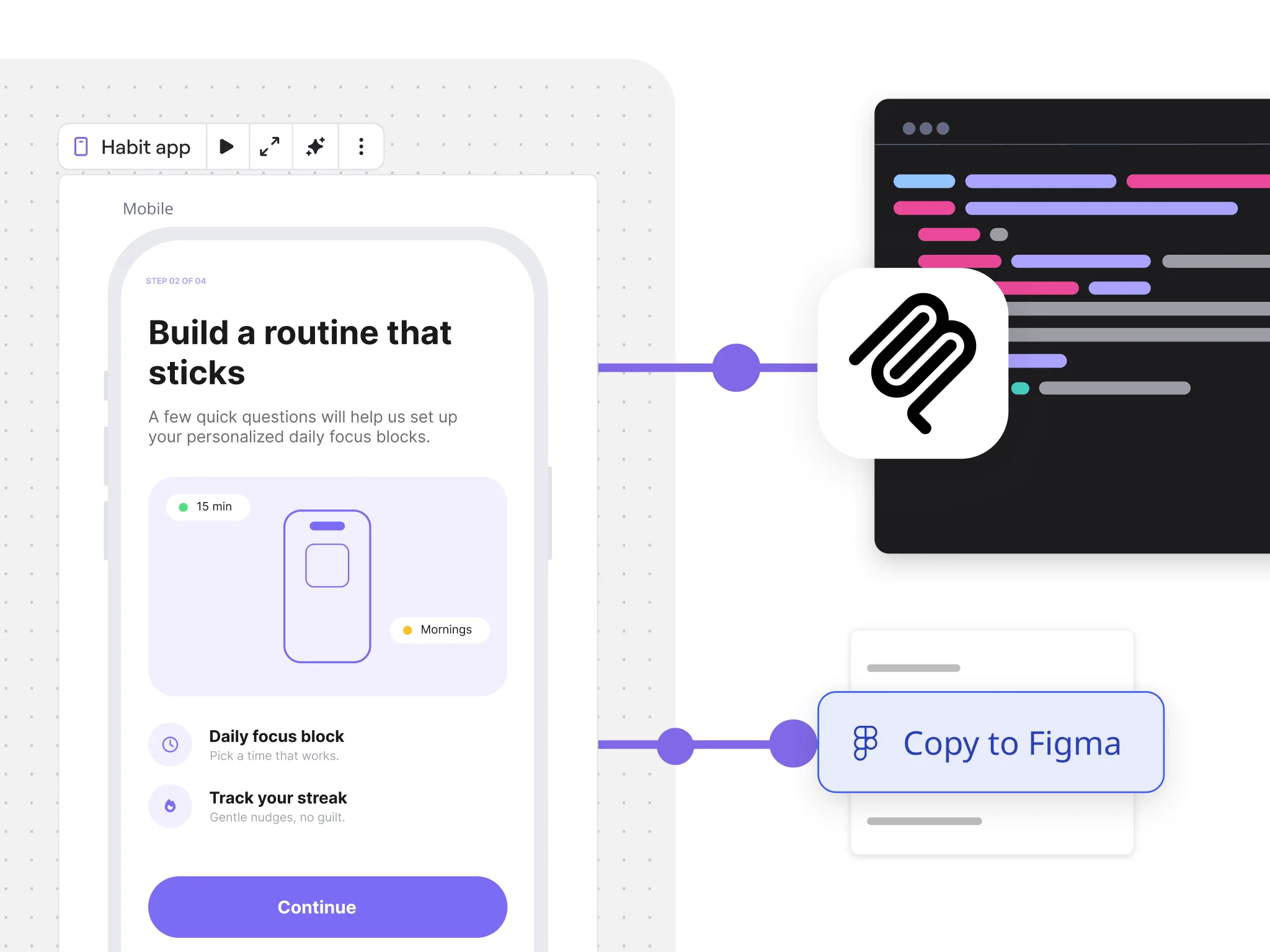
Create your first collaborative prototype today
Jump into customizable templates that any team can use to explore concepts, test ideas, and find the right way forward.
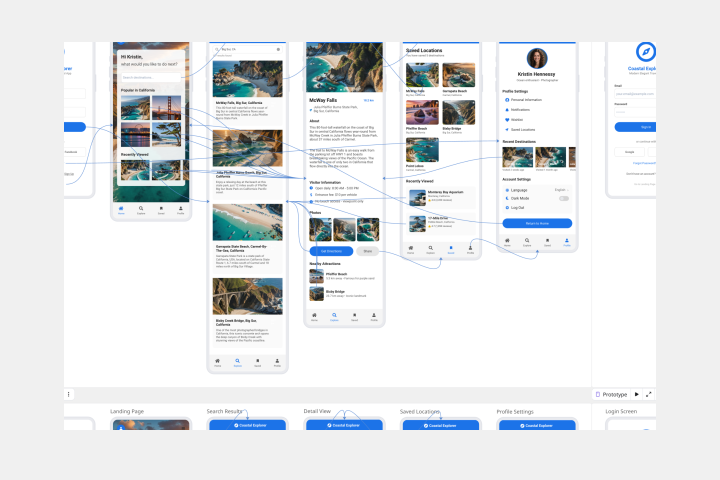
AI Prototype Template
Create product prototypes, conduct usability testing, and gather stakeholder feedback.
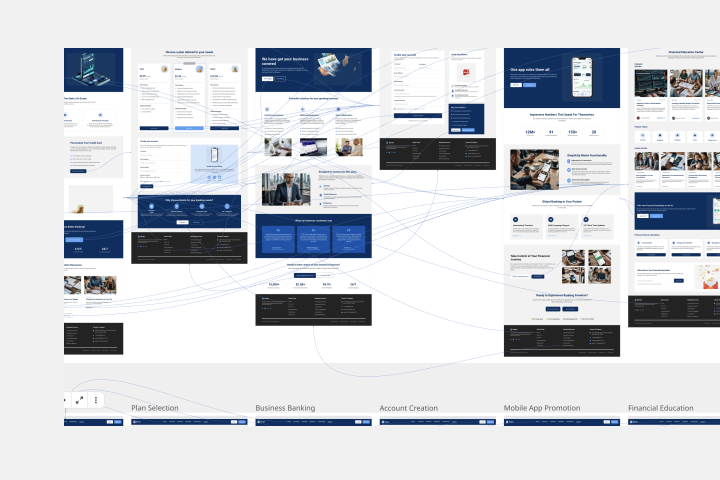
Website Prototype Template
Visualize and iterate website designs using the latest AI capabilities for improved prototyping. Start off with our website prototype template.
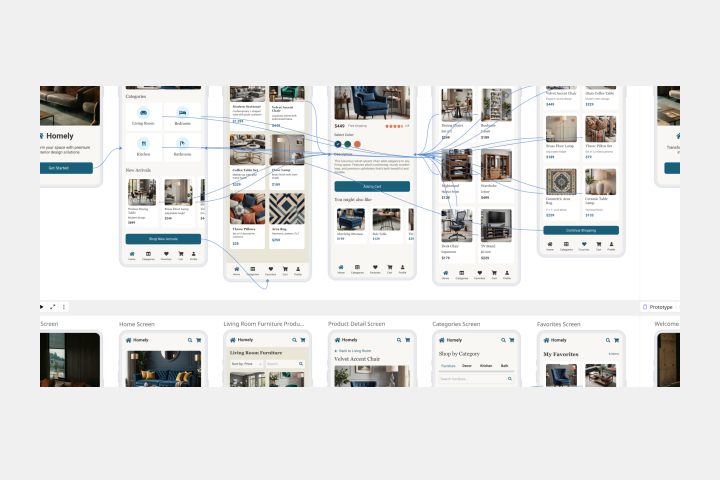
Mobile App Prototype AI Template
Streamline the creation and refinement of mobile app designs with the mobile app prototype template. Have a structured yet flexible framework that allows teams to quickly sketch, iterate, and perfect their app concepts.
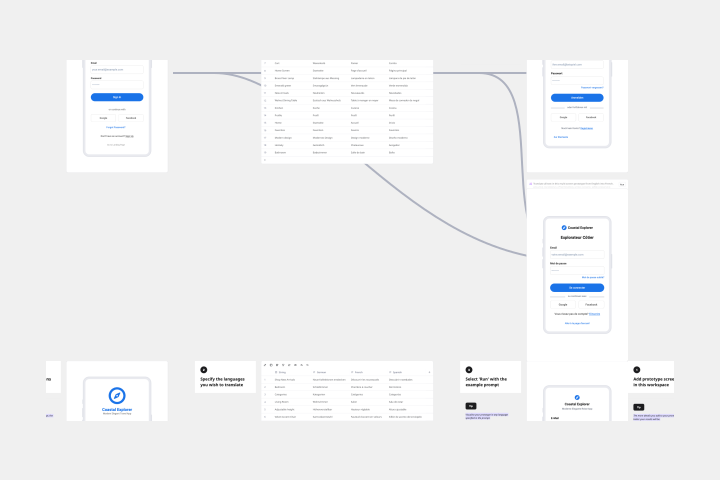
Localise Prototypes
Instantly visualize your UI designs in multiple languages.
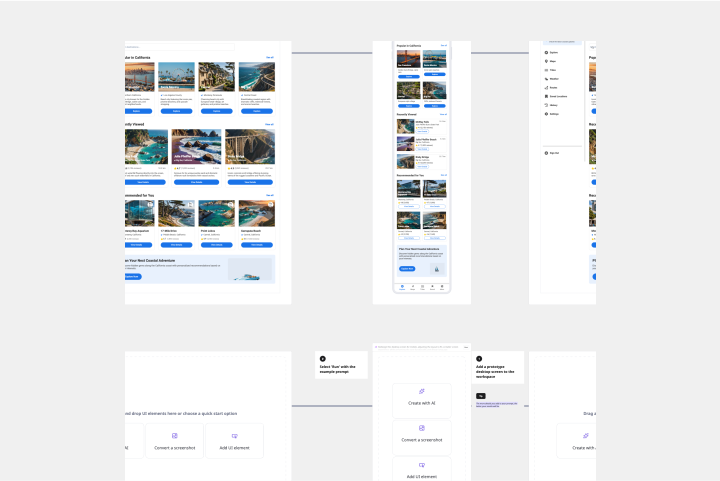
Responsive Mockups from Desktop to Mobile
Transform desktop designs into mobile-friendly layouts with just a few clicks.
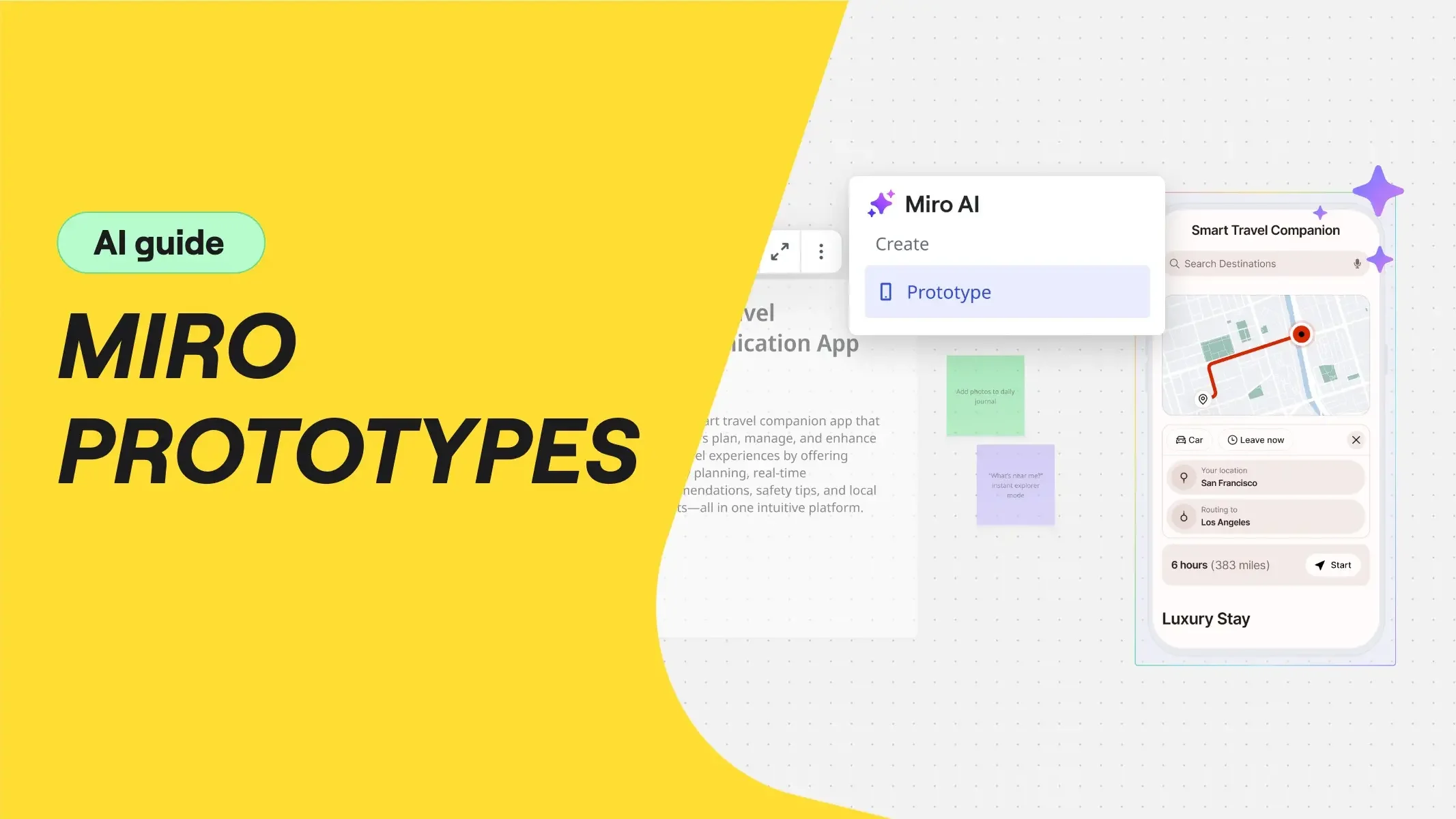
Getting Started With Prototyping in Miro
Transform your product ideation process with this comprehensive AI Prototyping template.
Need help getting started?
Learn more about Miro Prototypes or take your skills to the next level with these resources.