About the Spider Diagram Template
Discover an intuitive way to organize, visualize, and brainstorm your ideas using Miro's spider diagram template. This valuable tool provides a clear layout for mapping out concepts or events and their associated elements in a digestible format. Not only does it streamline the process of idea organization, it also facilitates real time collaboration and interaction, making it perfect for individual ideation and team brainstorming sessions.
How to use the spider diagram template in Miro
Using the spider diagram template in Miro is a straightforward process supported by the platform's automated diagramming features. Let's explore this process more thoroughly:
1. Selecting the template
Start by opening a new Miro board.
Click on the Template Library icon in the left toolbar.
Search for the 'Spider Diagram Template' and select it to open on your new board.
2. Setting up your diagram
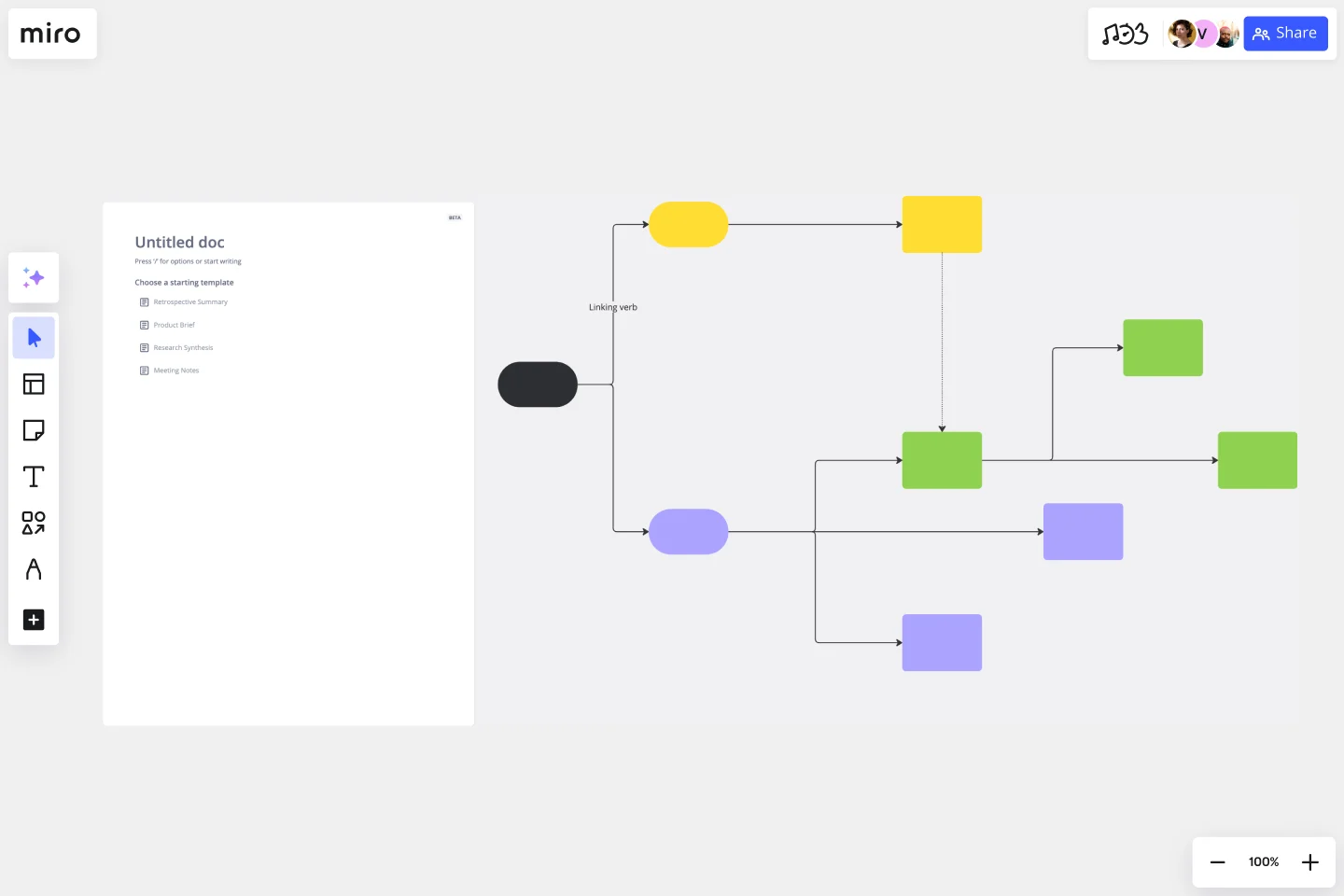
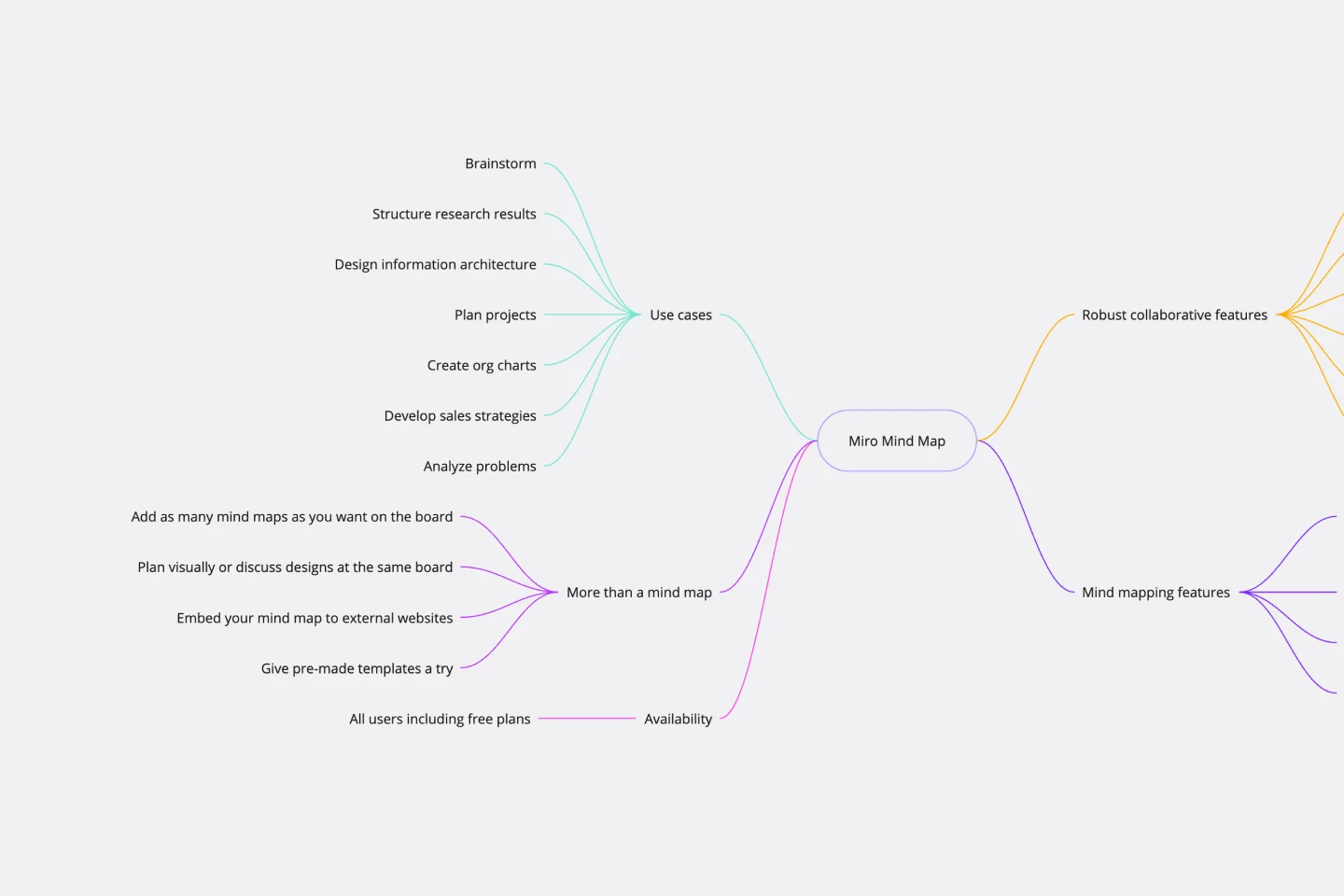
Identify your central node, representing the main concept or question you're exploring.
Click on the central node and enter your main idea.
3. Creating and labeling branches
Start creating branches from the central node that represent related ideas or subtopics.
To create a branch, click on the central node, drag, and create a new connected node.
Click on this newly created node and enter your subtopic.
Repeat this process for all related subtopics or ideas.
4. Using automated suggestions
Miro's AI-driven features can suggest related concepts, making brainstorming more effortless and robust. Find the AI feature in the context menu bar.
5. Inviting your team
Click the 'Share' button to invite team members to your board.
Team members can join the board and add their inputs, facilitating real time collaboration.