




Andrey
See collaborative AI in action — straight from the Canvas 26 keynote.
Jeff

Process mapping for training and development teams

Turn tribal knowledge into documented training flows your whole org can follow. Map onboarding, certification, and upskilling paths in one shared canvas.

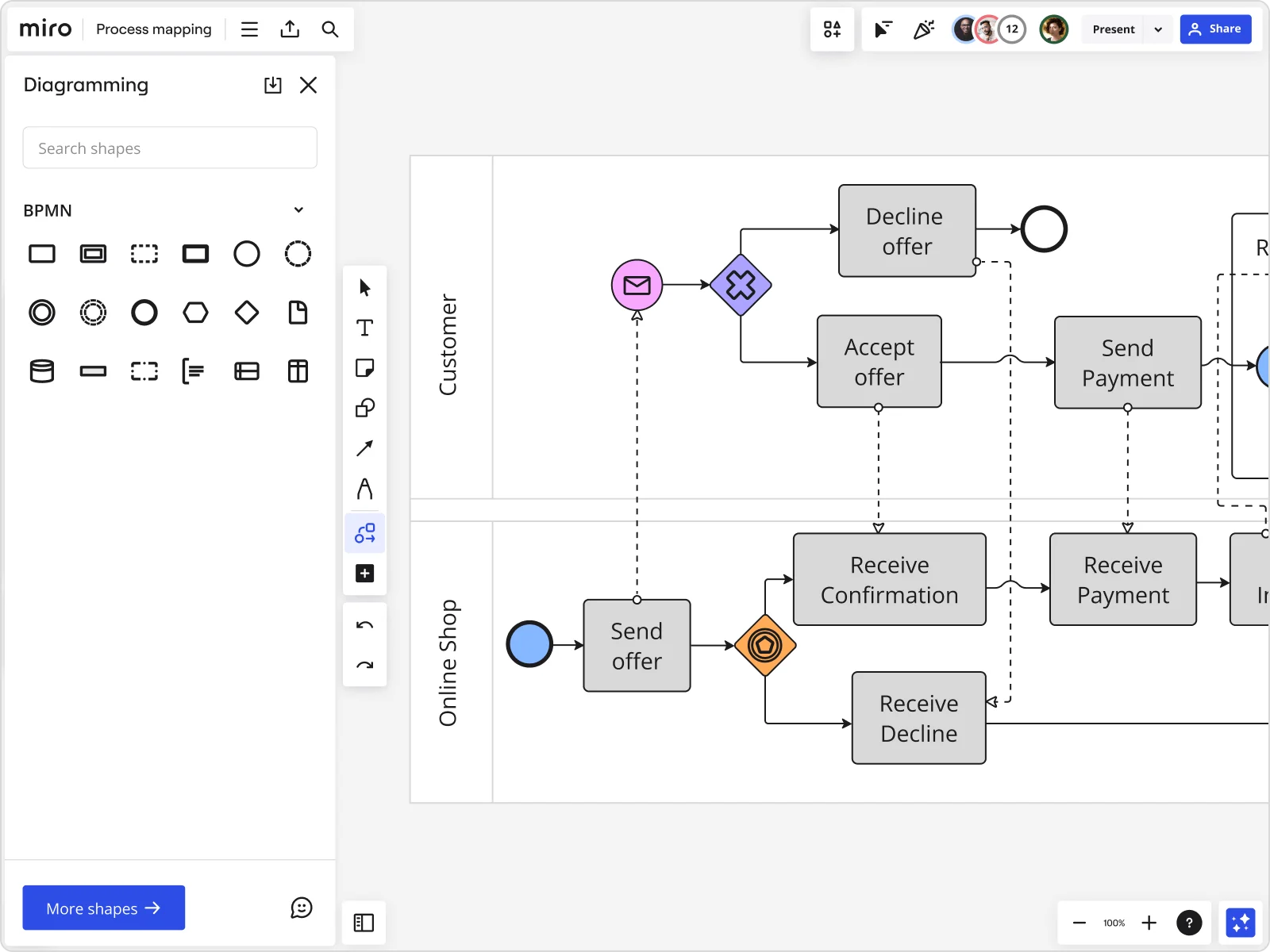
Miro board displaying a BPMN process mapping diagram with two swimlanes (Customer and Online Shop), showing decision gateways, message events, and task boxes for an order/offer workflow including 'Send offer', 'Accept offer', 'Decline offer', 'Send Payment', 'Receive Confirmation', and 'Receive Decline' steps, with the BPMN shapes panel open on the left.

What experts say

  • Process mapping gives organizations a start-to-finish look at their workflows, making it easier to grasp how everything works behind the scenes.

    ABBYY Content Team

    Marketing and Product Specialists · ABBYY

    Practitioner
  • Before you can improve anything, you must first understand what is going on in your process.

    Ken Feldman

    Lean Six Sigma Master Black Belt · iSixSigma

    Industry Expert

The research on process mapping

  • 30-50%

    Business Process Management (including process mapping) delivers 30-50% productivity gains

    Source: Forrester

  • 25 percentage points

    Employee engagement increased by 25 percentage points after process redesign integrating functions with clear governance and KPIs

    Source: McKinsey & Company

See process mapping in action

Related templates for training and development managers

We have 88 templates in our library for Process Mapping. Here are some of the best fits for L&D work.

BPM

BPM

— Visualize the complete new hire lifecycle from day one to day 90, so onboarding never feels like a black box.

Use template
Employee Journey Map

Employee Journey Map

— Structure organizational goals into macro and micro learning objectives, so every course ties back to a real business need.

Use template
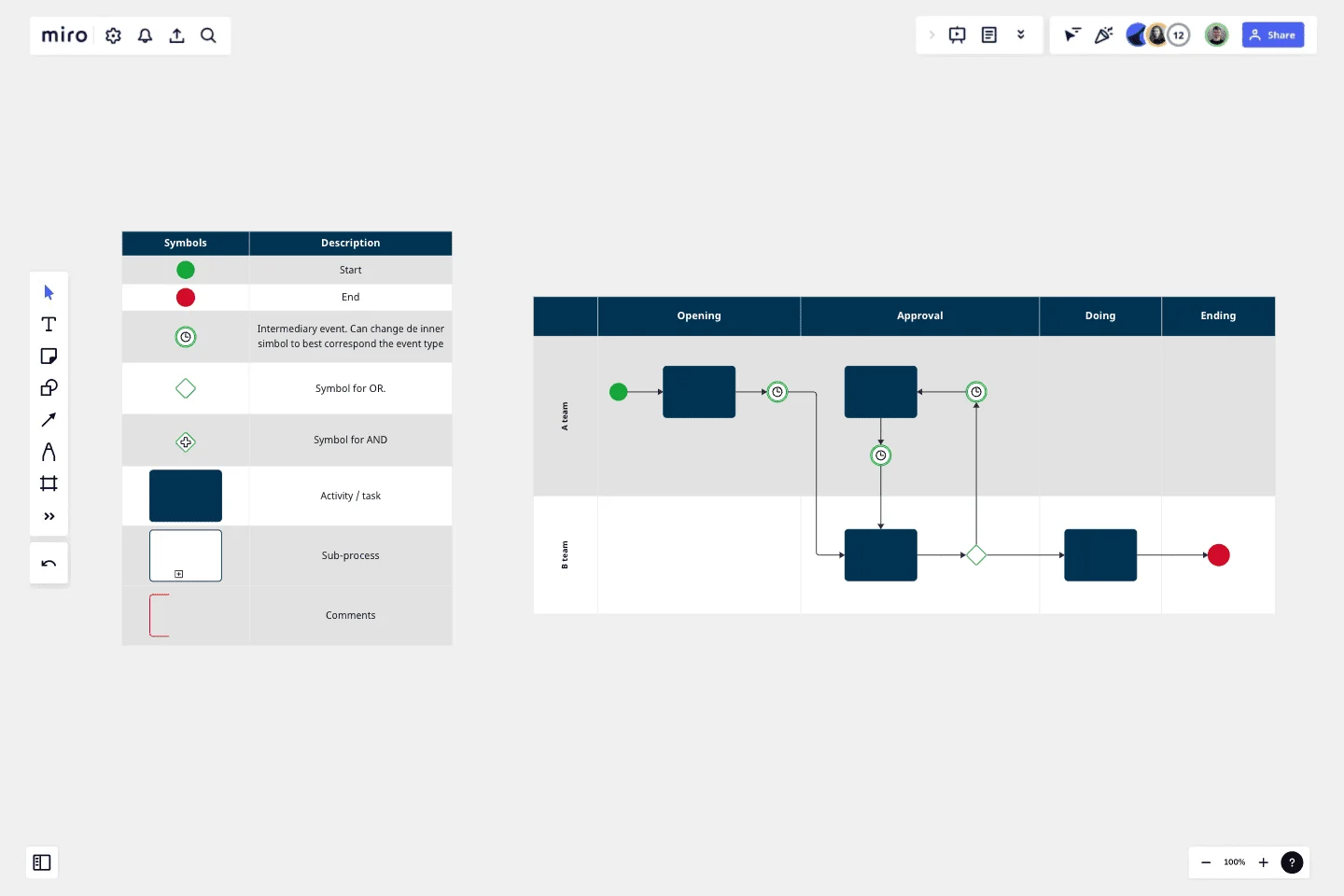
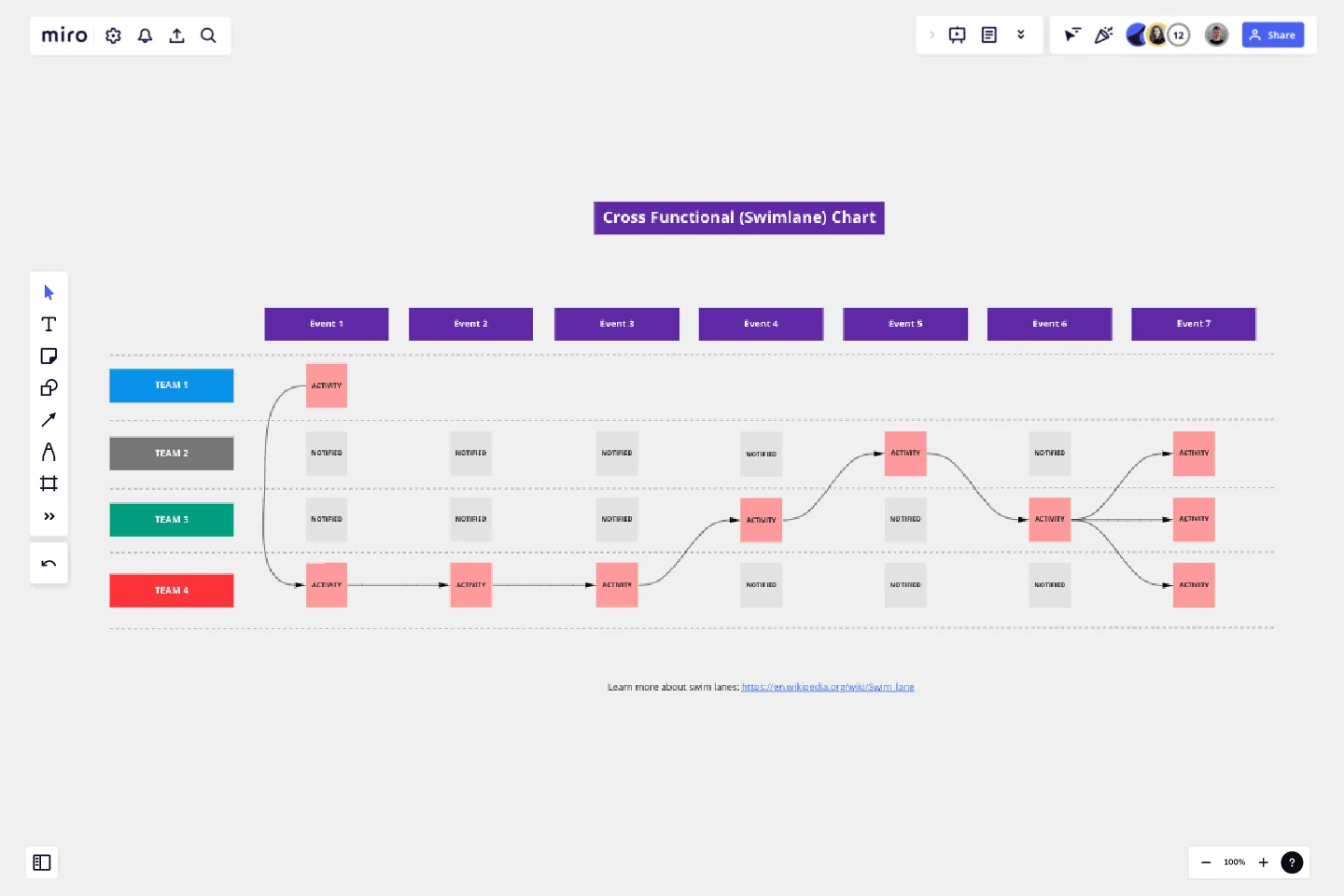
Cross-functional Swimlane Flowchart

Cross-functional Swimlane Flowchart

— Break down the full pipeline from an initial training request to course launch, step by step.

Use template
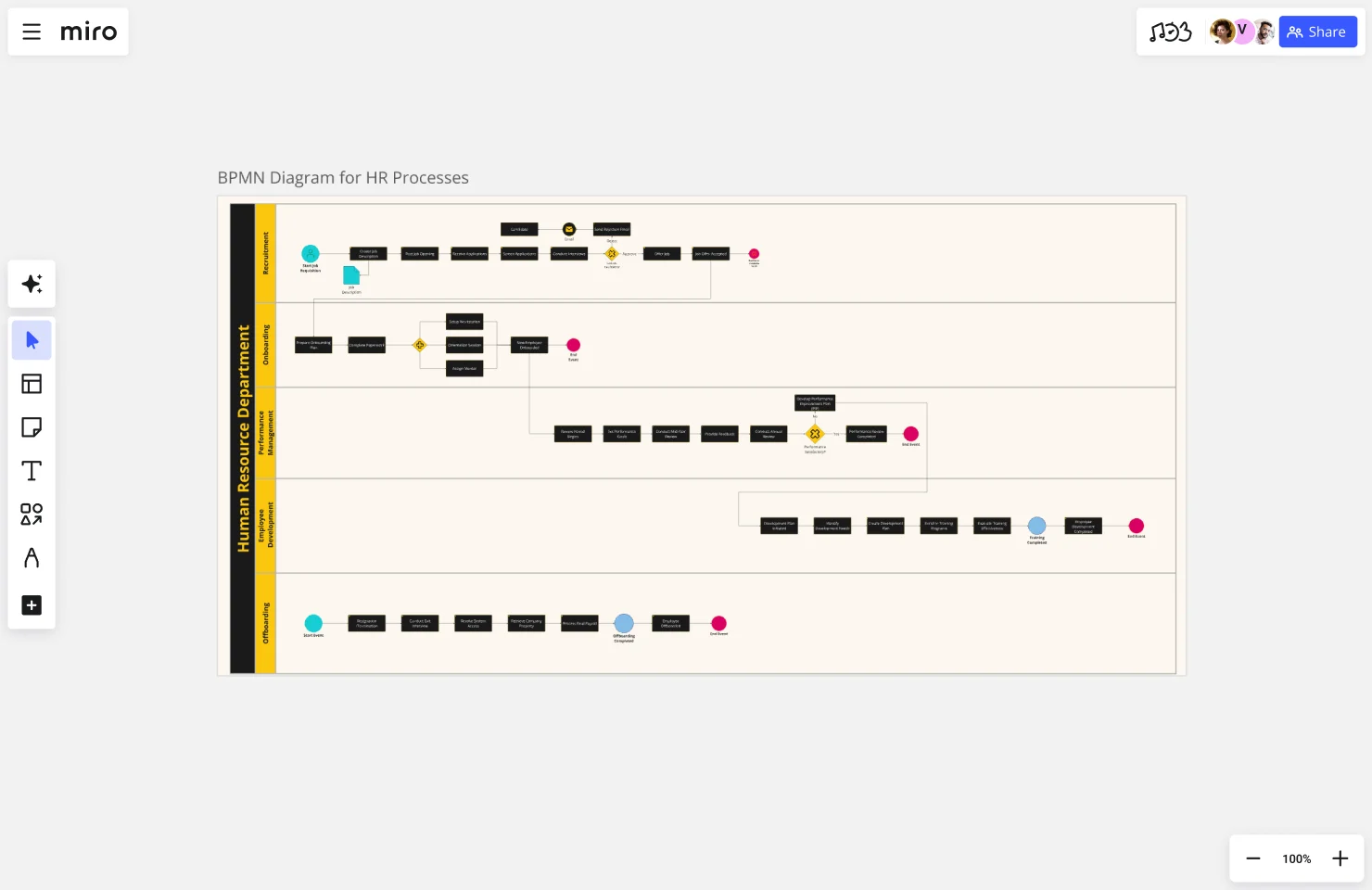
BPMN Diagram For HR Processes

BPMN Diagram For HR Processes

— Track the time and resources spent creating a training program and find where the process lags before it slips a deadline.

Use template
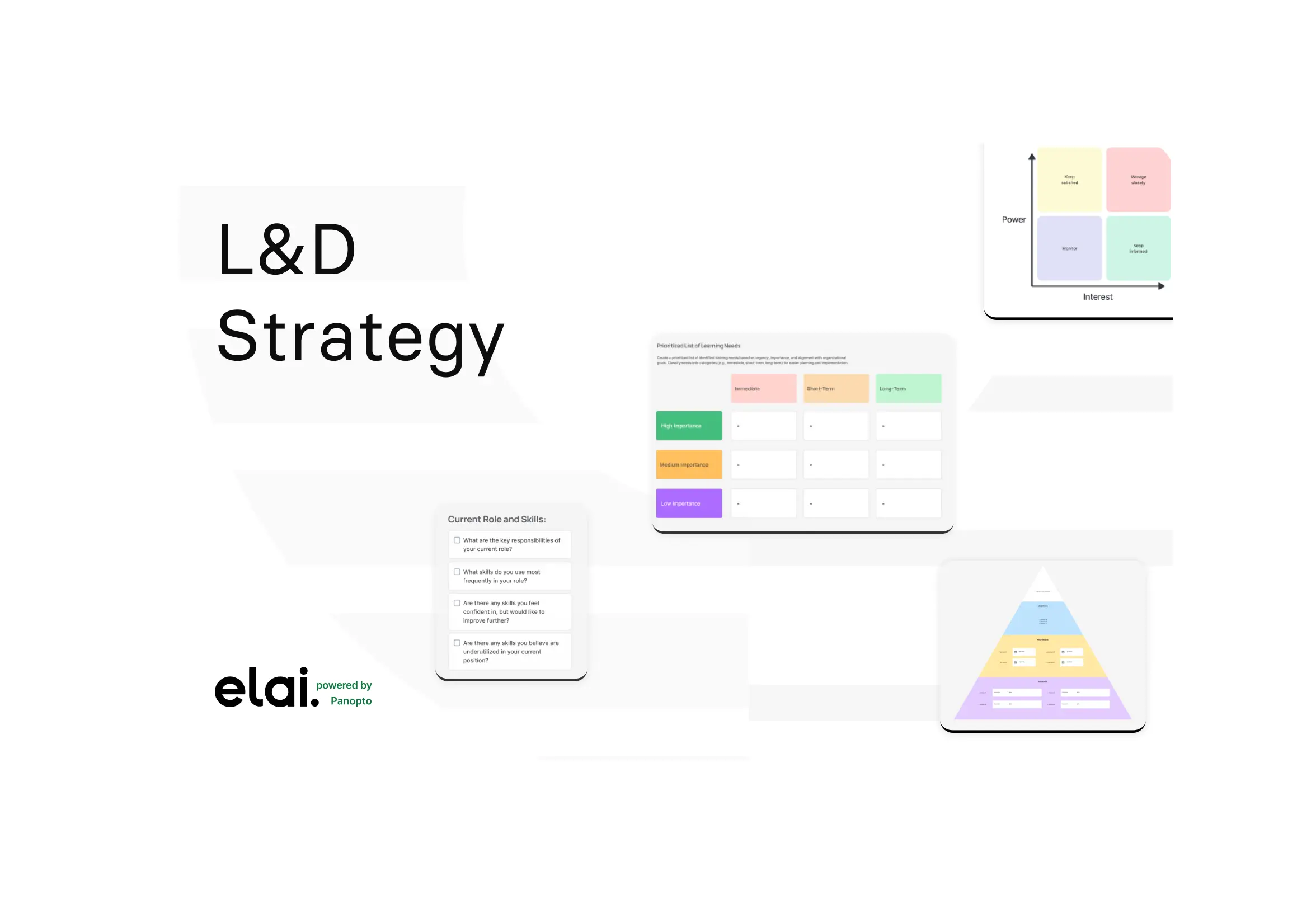
Learning & Development Strategy

Learning & Development Strategy

— Map curriculum design sequentially through Analysis, Design, Development, Implementation, and Evaluation. The classic instructional design process, in one shared view.

Use template
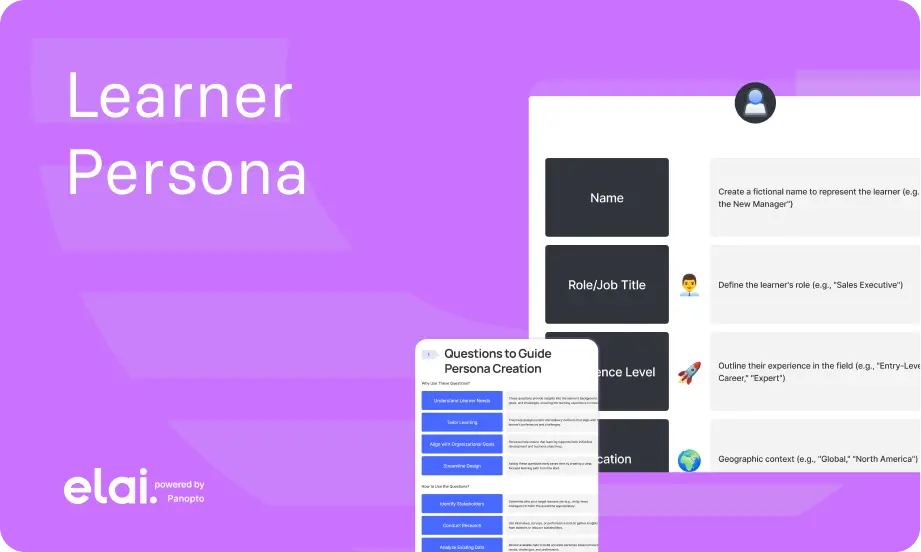
Learner Persona

Learner Persona

— Outline the psychological and tactical steps a trainee takes through a digital learning path, so T&D pros can design for actual humans, not hypothetical ones.

Use template

Why L&D teams love mapping processes in Miro

  • From scattered onboarding checklists to one accountable training flow

    When new-hire onboarding touches HR, IT, and department leads, handoffs live in three tools and nobody owns the gaps. Use swimlane layouts to assign each step to the right owner so no new hire falls through the cracks. Every handoff is visible before it breaks.
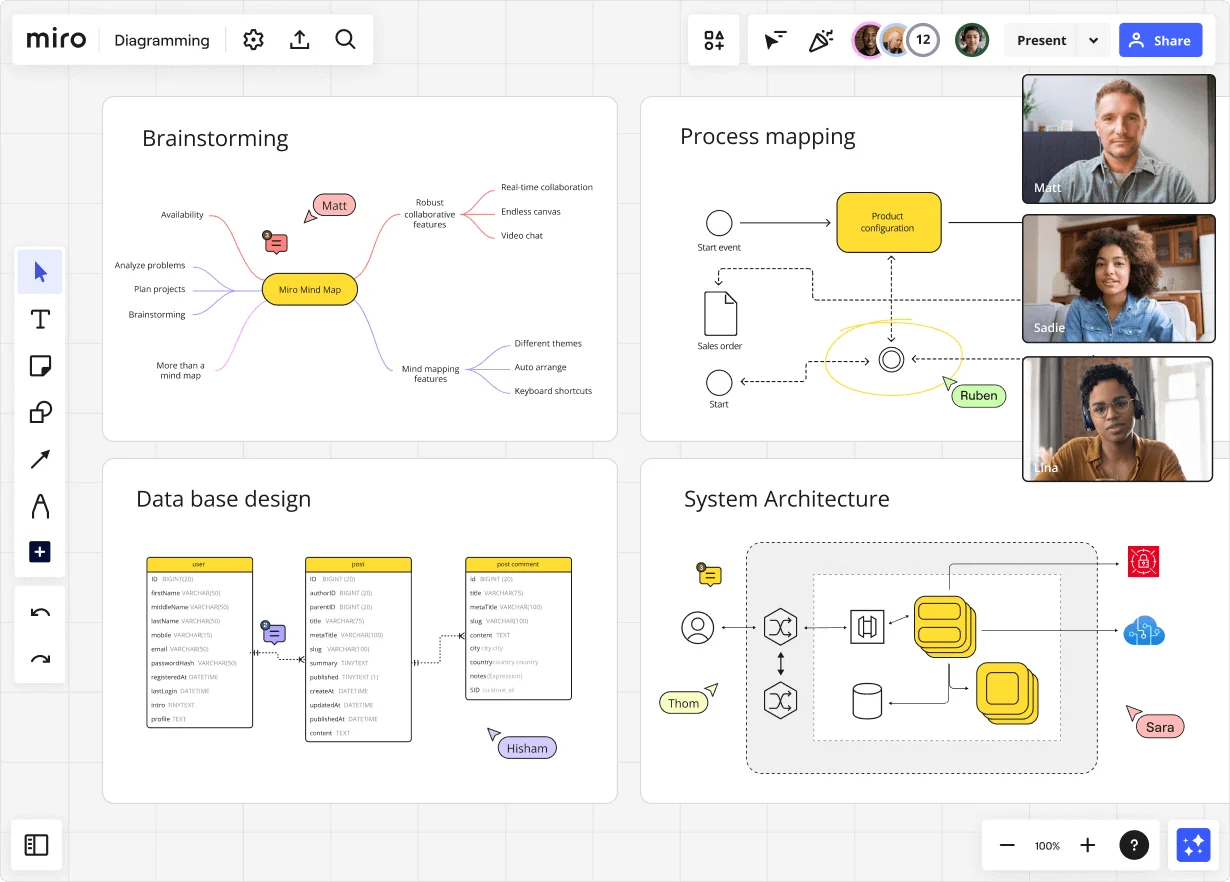
    Miro diagramming board showing four active workspaces: a mind map centered on 'Miro Mind Map' with feature branches, a BPMN-style process mapping flowchart with 'Product configuration' decision node, a database ER diagram with three related tables (user, post, post comment), and a system architecture diagram with interconnected components — all with visible collaborator cursors (Matt, Sadie, Ruben, Lina in video panel, plus Hisham, Thom, Sara as cursor labels).
  • Your curriculum map, without the version-control nightmare

    Coordinating with legal, SMEs, and instructional designers across a shared drive full of conflicting docs slows every compliance build. Miro's AI drafts your first curriculum flow from a plain-text description. Status Labels (Draft / In Review / Published) keep every reviewer on the same page without a single email thread.

    Miro board displaying a BPMN process mapping diagram with two swimlanes (Customer and Online Shop), showing decision gateways, message events, and task boxes for an order/offer workflow including 'Send offer', 'Accept offer', 'Decline offer', 'Send Payment', 'Receive Confirmation', and 'Receive Decline' steps, with the BPMN shapes panel open on the left.
  • Stop rebuilding the same onboarding process every quarter

    Every cohort kicks off the same way: someone duplicates last quarter's board, breaks the links, and loses the exception notes. Miro's Process Documentation Blueprint packages your onboarding flow, sub-process boards, and improvement tracker into one reusable space. Start each cycle clean, not from scratch.

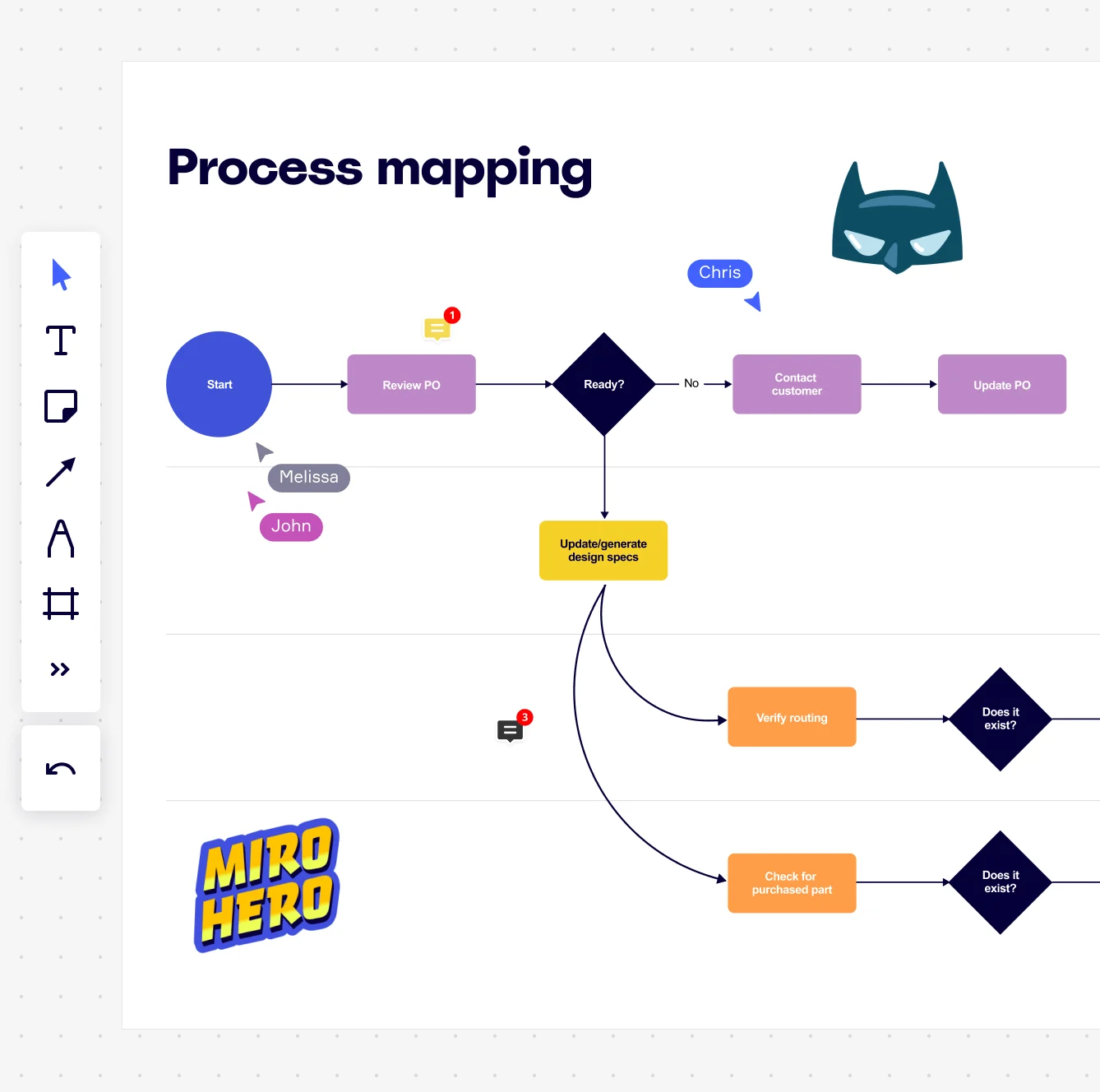
    Miro board displaying a process mapping flowchart with labeled nodes including Start, Review PO, a Ready decision diamond, Contact Customer, Update PO, Update/generate design specs, Verify routing, and Check for purchased part, with collaborative cursors (Chris, Melissa, John), comment badges, and decorative Batman and Miro Hero stickers.
  • Turn skills gap analysis into a real process, not a spreadsheet

    Map your gap assessment, course assignment, and completion tracking as a connected BPMN flow. Then use Miro Engage's ranking activity to prioritize which gaps to close first. Facilitator notes and participant votes live on the same canvas.

    Miro process mapping board displaying a cross-functional flowchart with circular process nodes (Process 1.0, 1.1, 2.0), decision paths (Yes/No branches leading to 'Accept offer' and 'Decline offer'), and rectangular action steps including 'Send payment', 'Receive Confirmation', 'Receive Decline', and 'Process', connected by solid and dashed arrows.
  • Validate training SOPs with subject-matter experts before launch

    Walking a department lead through a 40-step certification workflow over email guarantees missed feedback. Run the validation in Presentation Mode, collect comments directly on each step, then embed the finalized SOP into Confluence or your LMS wiki. It stays live. Never a stale PDF.

    Miro board displaying a BPMN process mapping diagram with two swimlanes (Customer and Online Shop), showing decision gateways, message events, and task boxes including 'Send offer', 'Accept offer', 'Decline offer', 'Send Payment', 'Receive Confirmation', 'Receive Payment', and 'Receive Decline', alongside the BPMN diagramming shapes panel on the left.

How training and development teams get started with Process Mapping in Miro

  • Map a real training workflow first

    Open a Swimlane Diagram Template from Miro's Template Library and drop in an actual process you own right now - new hire onboarding, a compliance training rollout, or a skills assessment cycle - so your first map reflects what really happens, not what the SOP says should happen.

  • Build your process map together

    Invite the L&D coordinators, subject matter experts, and department leads who actually run each training step to add their own swimlanes simultaneously in Diagramming Mode, capturing handoffs between HR, managers, and learners before anyone rewrites history.

  • Turn the map into a living SOP

    Drag your finalized process diagram into a Miro Doc using the SOP/Runbook Doc Format, then use AI Actions inline to rewrite dense procedural steps in plain language - and export to PDF for your LMS documentation library or Markdown for your internal wiki.

  • Present findings to L&D leadership

    Select your process map frames and run AI Slides with a prompt like "for the L&D leadership team, 5-slide deck: current onboarding state, key bottlenecks, proposed improvements, pilot plan, and resource ask" - configure Brand Center colors first so the deck looks intentional, not improvised.

Process Mapping tips for training and development managers

  • When mapping training processes that span multiple departments, use color-coded Sticky Notes to flag steps where L&D managers lose visibility - for example, where manager-led coaching happens off-system and never gets tracked.

  • For large organizations running the same training process across multiple regions or business units, use Synced Copies to push master process map updates to each regional L&D board automatically, so regional training coordinators always work from the current version.

  • Before your validation workshop with training stakeholders, set your board's Default View to the process map frame and lock it - so senior L&D leaders and business partners land on the finished diagram, not a canvas full of in-progress sticky notes.

Understand how training and development managers transform their work

  • Miro is an incredibly intuitive and user-friendly collaboration tool. Its clean and visually appealing interface makes it easy to navigate, even for first-time users. Whether you're brainstorming ideas, mapping out workflows, or running workshops, Miro provides a seamless experience that encourages creativity and teamwork. The drag-and-drop functionality, real-time collaboration features, and...

    Verified User

    G2
  • It's a virtual whiteboard where you can visually see plans, calendars, etc while still linking to documentation. (Less clutter. More creativity & collaboration.) And the community templates are wonderful!

    Verified User

    G2

Process Mapping essential guide for training and development managers

CategoryKey insights
  • Common mistakes to avoid

    The biggest trap training and development managers fall into is mapping the process as it looks in the policy manual, not as it actually happens in the room. Frontline facilitators and subject matter experts carry workarounds in their heads that never make it into official documentation, so build your maps with those people in the session, not after it. For larger L&D organizations especially, agree on start and end points before anyone picks up a virtual pen. Scope creep is real, and a map that tries to capture every edge case ends up as a diagram nobody actually reads.

  • Key integrations for training and development managers

    Confluence is the natural home for training and development managers to publish finalized process maps alongside SOPs and knowledge bases, so your documentation lives in one place rather than scattered across shared drives. Jira and Asana let training and development managers link process improvement steps directly to action items, so gaps identified in a map translate into accountable work rather than good intentions. For training and development managers migrating from older tooling, Miro's Visio and Lucidchart import means existing process libraries don't have to be rebuilt from scratch.

  • When to use it

    Use Process Mapping in Miro when you're building or redesigning a training program and need everyone who touches that program, from instructional designers to department heads, to agree on how the work actually flows. It's the right tool when onboarding new hires or facilitating a team handoff, since a visual map of a 20-step process lands faster than a five-page SOP ever will. For example, a training and development manager rolling out a new employee onboarding workflow across multiple departments can use a BPMN template in Miro to map every step in real time with stakeholders, spot the approval bottlenecks slowing down Day 1 readiness, and design a leaner future-state process before a single policy document gets rewritten.

  • Security & Compliance

    Training and development managers at regulated organizations can work confidently knowing Miro is SOC 2 Type II certified and HIPAA compliant, which matters when process maps touch sensitive employee data or healthcare-adjacent workflows. For enterprise L&D teams, data residency controls and granular sharing permissions mean you can keep proprietary training processes and organizational knowledge inside the right boundaries. Private Mode is a practical asset for training and development managers running sensitive sessions, such as performance process reviews or restructuring workflows, where you need honest input without premature visibility.

Frequently asked questions for training and development managers

Last updated: Thursday, June 25, 2026