





Andrey
See collaborative AI in action — straight from the Canvas 26 keynote.
Jeff

Process mapping for IT solution architects

Your architecture diagrams shouldn't break in production because someone missed a handoff in a file no one can find. Map every integration point, dependency, and cross-team handoff on one live canvas — then actually keep it up to date.

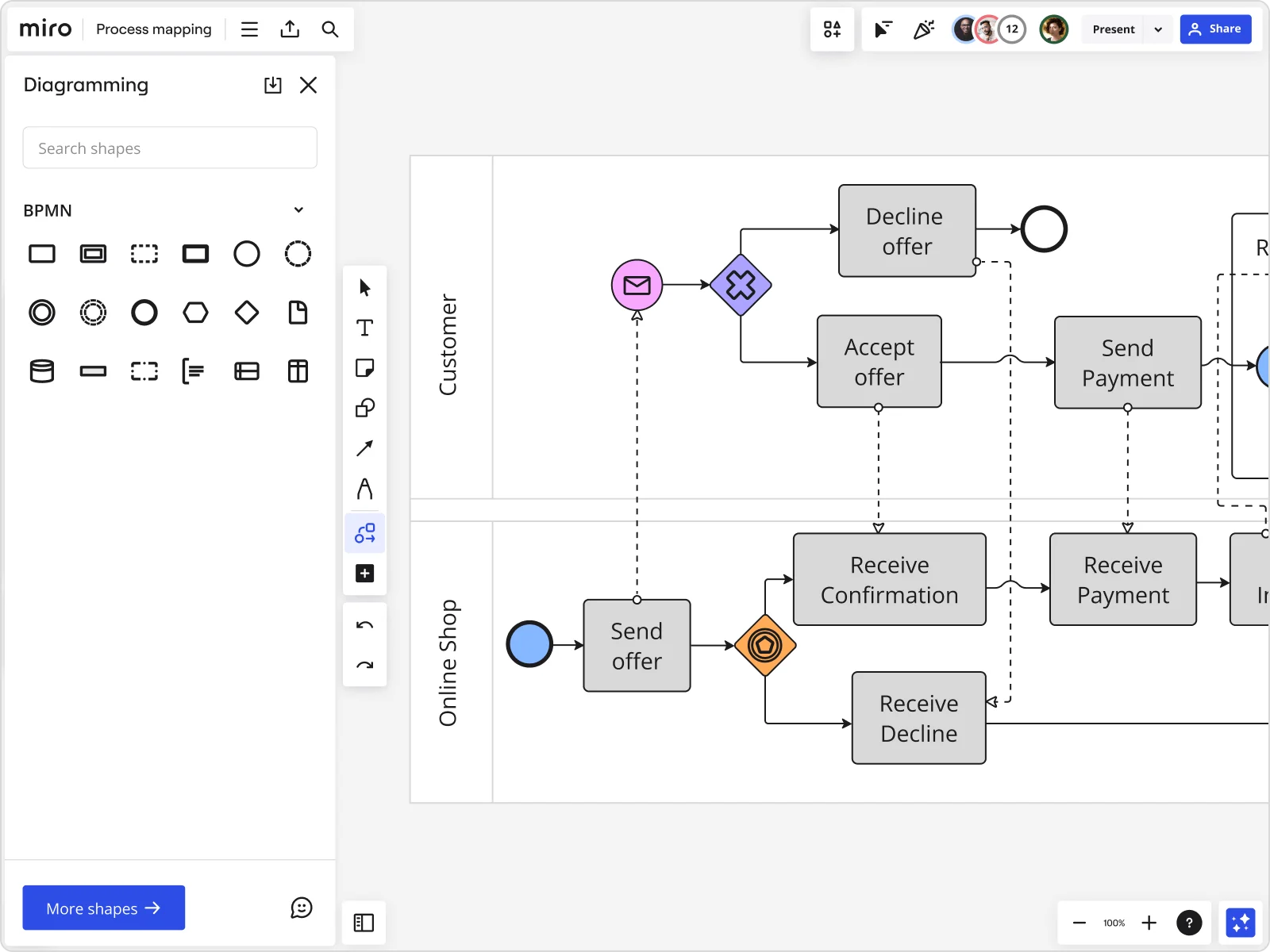
Miro board displaying a BPMN process mapping diagram with two swimlanes (Customer and Online Shop), showing decision gateways, message events, and task boxes including 'Send offer', 'Accept offer', 'Decline offer', 'Send Payment', 'Receive Confirmation', 'Receive Payment', and 'Receive Decline', alongside the BPMN diagramming shapes panel on the left.
  • A good process map outlines inputs, core processes, interactions, outputs and support processes

    Miriam Boudreaux

    author · Mireaux Management Solutions

  • Process mapping shows what is actually happening, who is involved, where information, data, and materials are flowing, and most importantly, handoffs between processes, departments, and supply chains.

    iSixSigma

    Lean Six Sigma education publisher · iSixSigma

The research on process mapping

  • 30-50%

    Business Process Management (including process mapping) delivers 30-50% productivity gains

    Source: Forrester

See process mapping in action

Related templates for IT solution architects

We have 88 templates in our library for Process Mapping. Here are some built for the problems architects actually solve.

Why IT solution architects love mapping processes in Miro

  • From scattered Visio files to one live architecture diagram

    Your current-state architecture docs live in three different .vsdx files, a Confluence page nobody's updated since Q2, and one engineer's head. Miro imports directly from Visio, Lucidchart, and Draw.io - shapes, connectors, layout preserved - then turns those static artifacts into a board your whole solution team edits simultaneously.
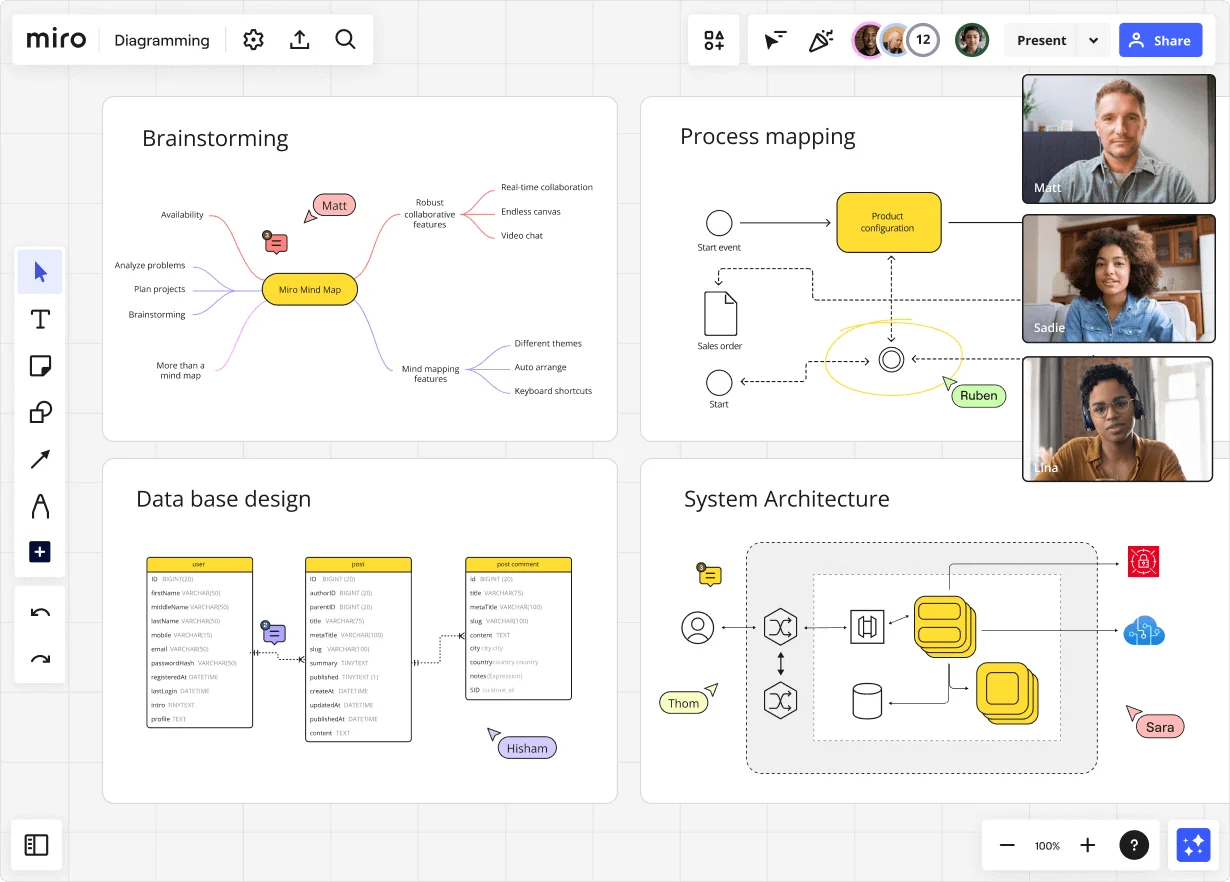
    Miro diagramming board showing four active workspaces: a mind map centered on 'Miro Mind Map' with feature branches, a BPMN-style process mapping flowchart with 'Product configuration' decision node, a database ER diagram with three related tables (user, post, post comment), and a system architecture diagram with interconnected components — all with visible collaborator cursors (Matt, Sadie, Ruben, Lina in video panel, plus Hisham, Thom, Sara as cursor labels).
  • When the integration spec changes two days before go-live

    A vendor updates their API contract mid-sprint, and every swimlane that touches that service needs revisiting. Use Synced Copies to push the corrected canonical diagram to every sub-process board within seconds - no copy-pasting, no forks, no out-of-sync handoff docs.

    Miro board displaying a BPMN process mapping diagram with two swimlanes (Customer and Online Shop), showing decision gateways, message events, and task boxes for an order/offer workflow including 'Send offer', 'Accept offer', 'Decline offer', 'Send Payment', 'Receive Confirmation', and 'Receive Decline' steps, with the BPMN shapes panel open on the left.
  • Your BPMN map, defensible at the architecture review board

    Gateway logic, pools, lanes, exception paths - Miro's Diagramming Mode gives you the full BPMN 2.0 shape pack with smart connectors that snap and auto-route. Whether you're a two-person solution team or a 200-seat enterprise org, the output survives a master-black-belt review.

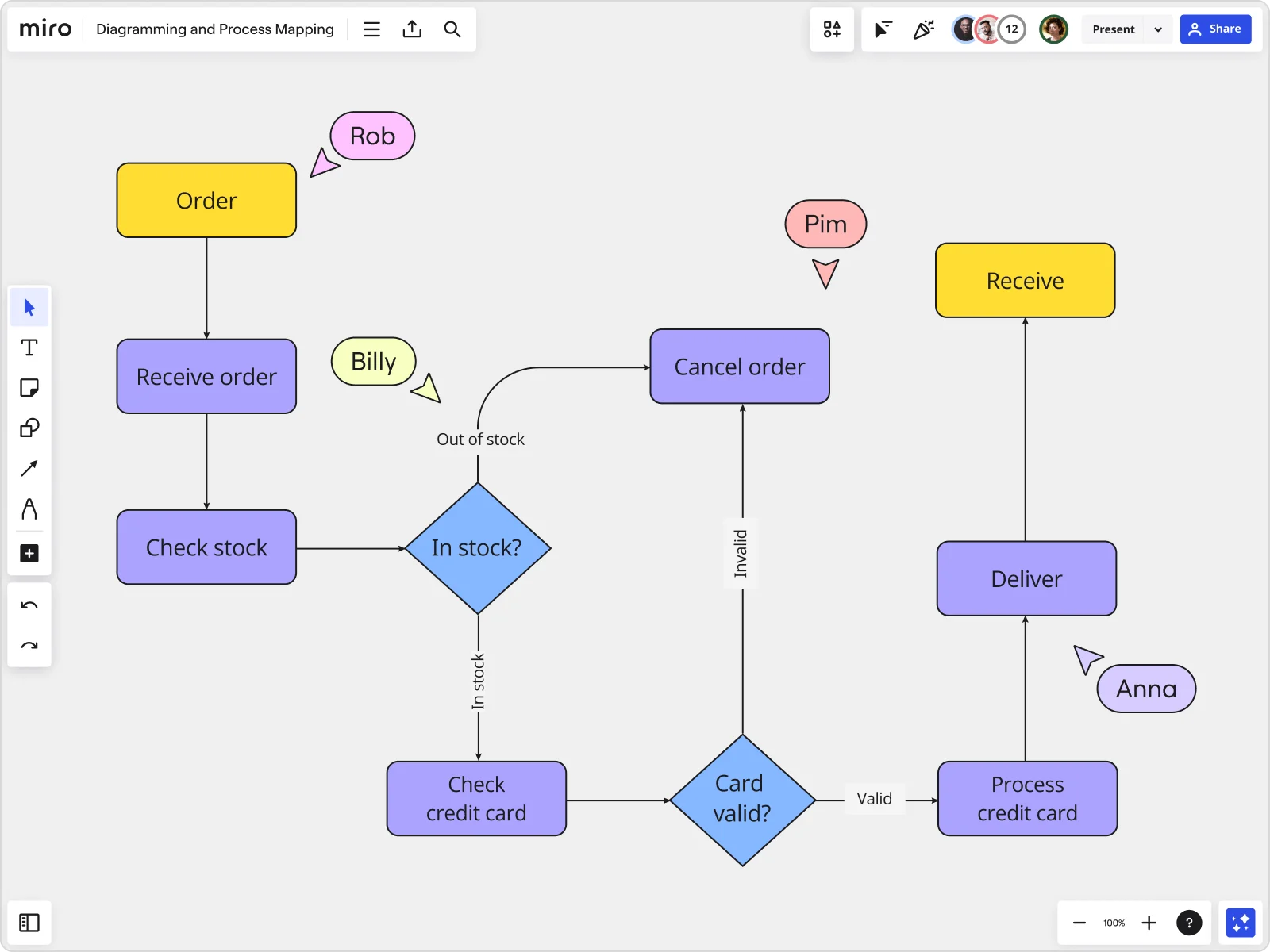
    Miro board displaying a detailed order processing flowchart with colored decision diamonds (blue) for 'In stock?' and 'Card valid?' checks, purple process blocks for steps like 'Receive order', 'Check stock', 'Check credit card', 'Process credit card', 'Deliver', and 'Cancel order', a yellow 'Order' start block and 'Receive' end block, plus named collaborator cursors (Rob, Billy, Pim, Anna) visible on the canvas.
  • Stop rebuilding the discovery workshop from scratch each engagement

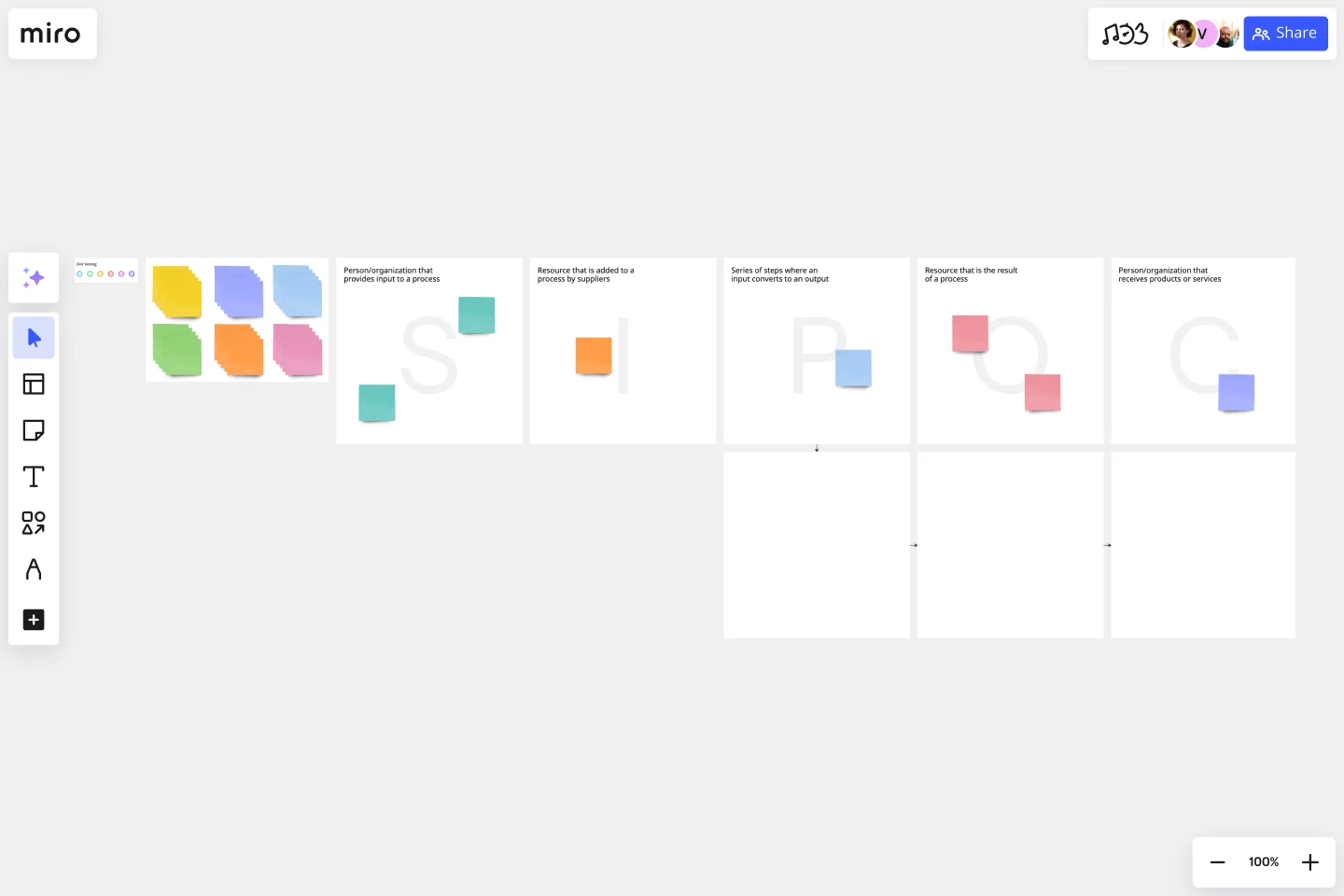
    Every new client engagement starts with the same blank canvas: scope the process, identify systems, map handoffs between middleware, CRM, and ERP layers. The Process Documentation Blueprint pre-wires your SIPOC, current-state, and exception-handling boards so you open a Space, not a blank board.

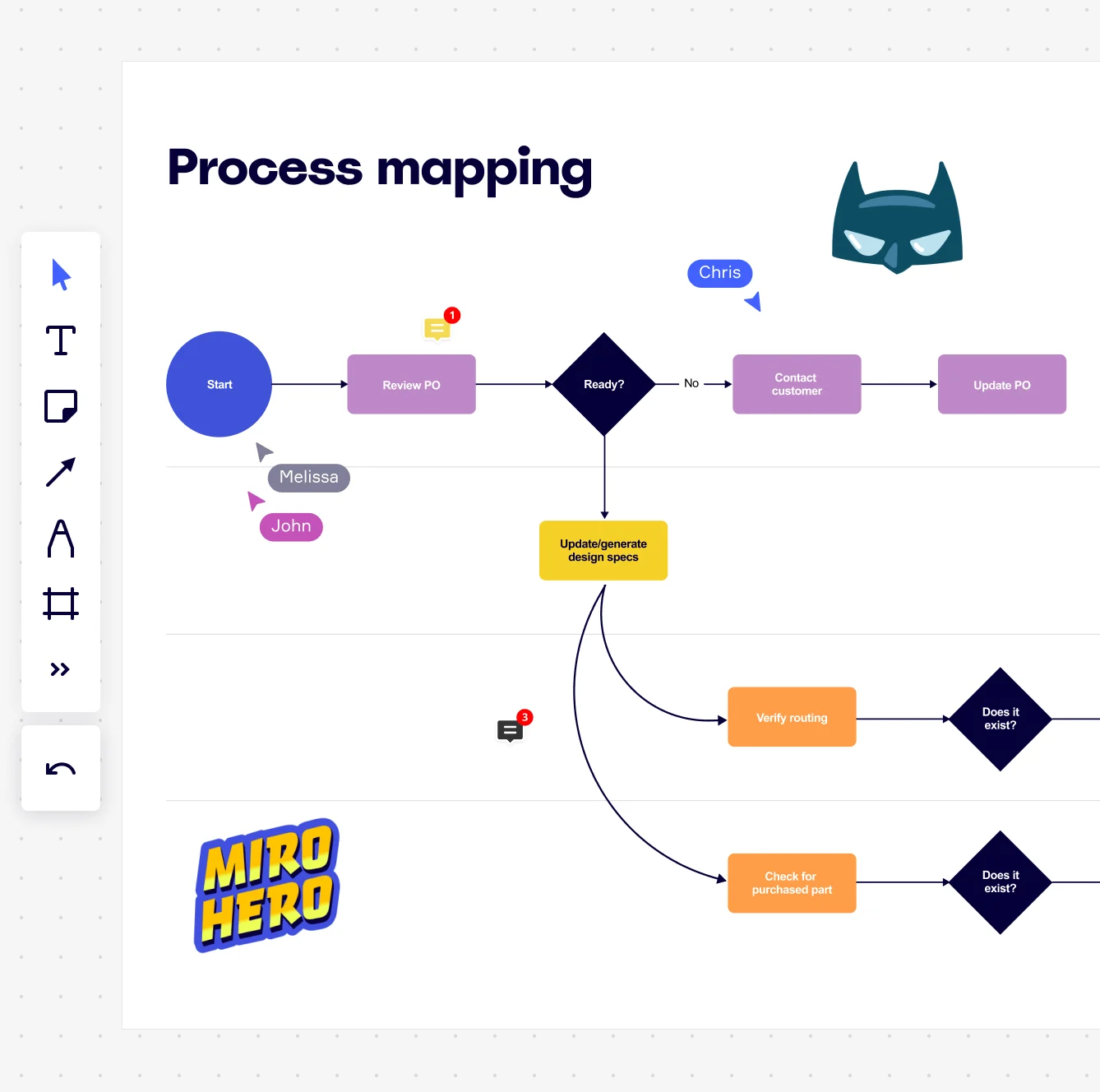
    Miro board displaying a process mapping flowchart with labeled nodes including Start, Review PO, a Ready decision diamond, Contact Customer, Update PO, Update/generate design specs, Verify routing, and Check for purchased part, with collaborative cursors (Chris, Melissa, John), comment badges, and decorative Batman and Miro Hero stickers.
  • Turn a text description into a first-draft sequence diagram in seconds

    Drop a plain-language description of your order-to-cash or incident-escalation flow into Miro and its AI generates a structured flowchart or BPMN draft instantly. Small teams skip the blank-canvas problem. Large teams run that draft through the Software Architect Sidekick to flag missing decision branches and undocumented exception paths before the first stakeholder review.

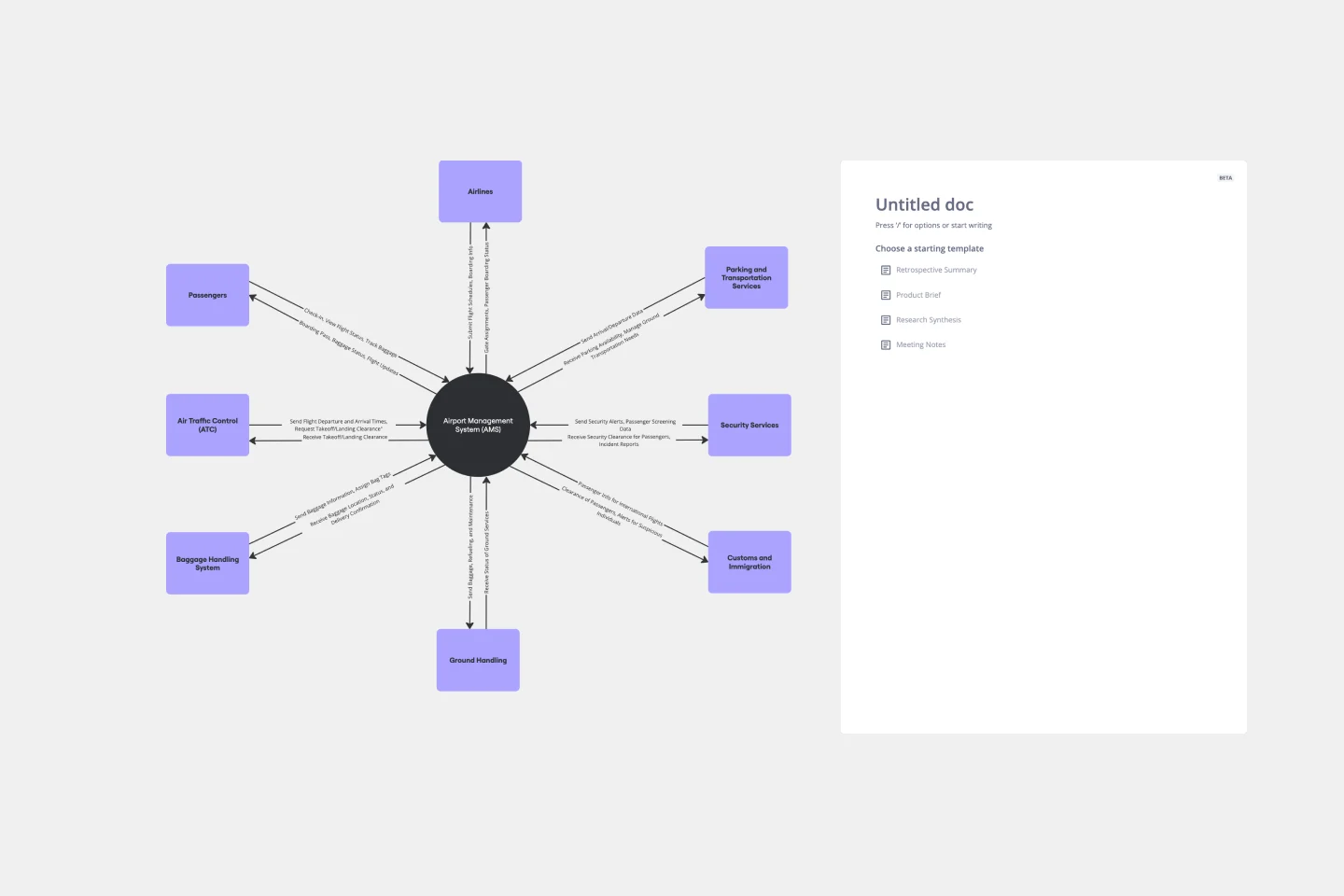
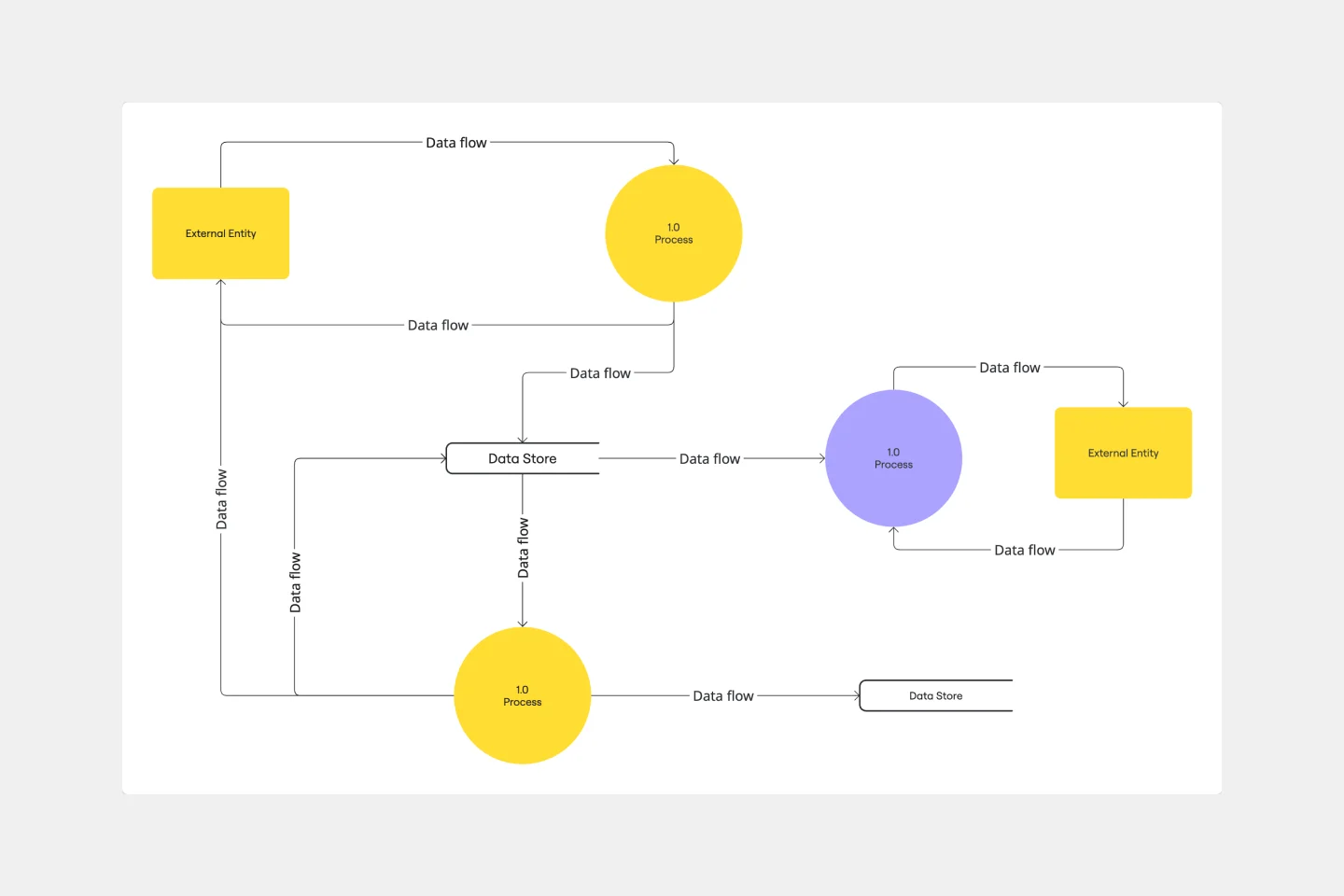
    Miro process mapping board displaying a cross-functional flowchart with circular process nodes (Process 1.0, 1.1, 2.0), decision paths (Yes/No branches leading to 'Accept offer' and 'Decline offer'), and rectangular action steps including 'Send payment', 'Receive Confirmation', 'Receive Decline', and 'Process', connected by solid and dashed arrows.

How IT solution architects get started with Process Mapping in Miro

  • Draft your first architecture flow

    Open Diagramming Mode, pick the BPMN Shape Pack or Sequence Diagrams for your first system integration or service-delivery flow, and let AI Generate Diagram build a draft from a plain-text description of the process so you're reacting to something real, not staring at a blank canvas.

  • Map handoffs across systems and teams

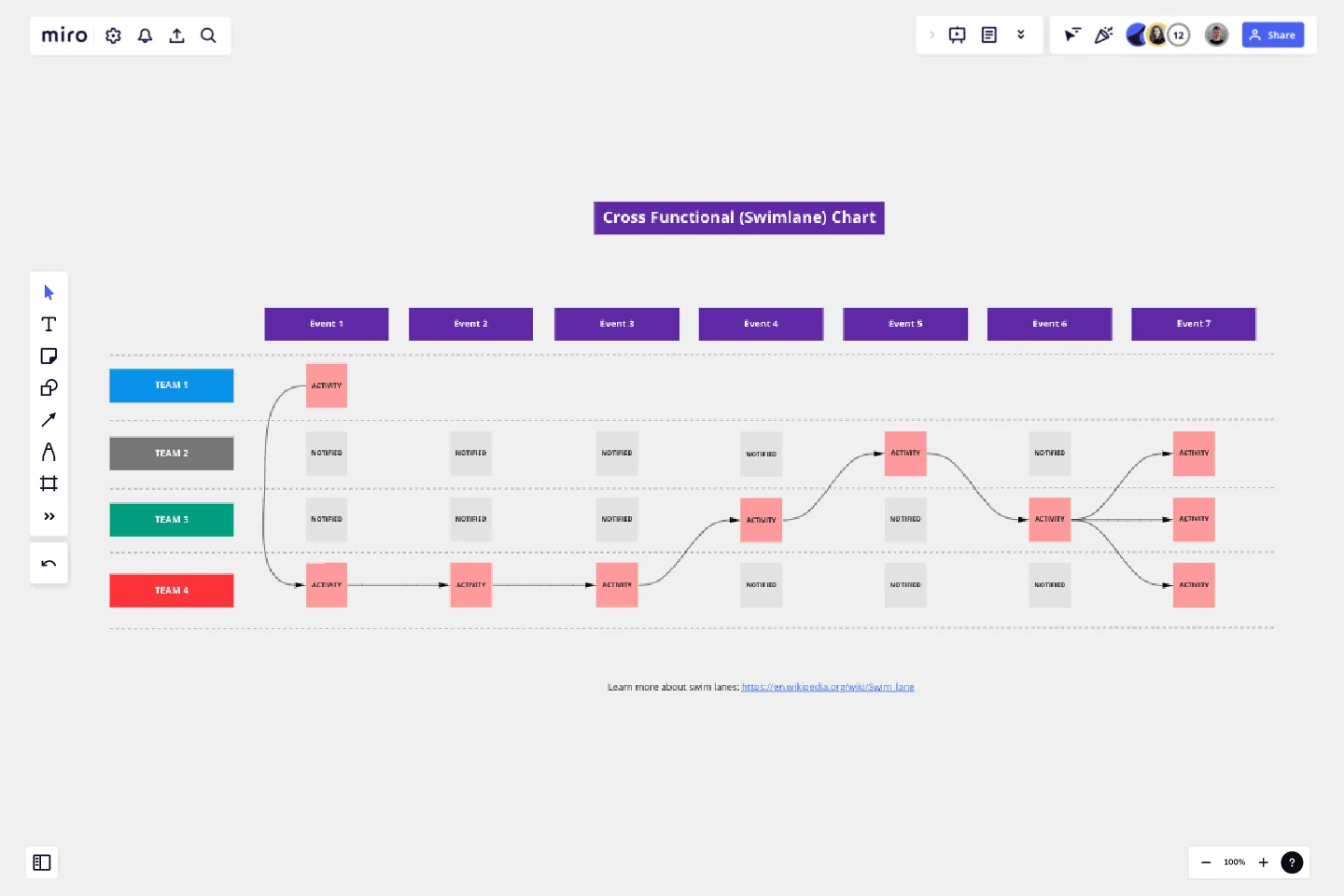
    Add Containers and Swimlanes to separate each system, service boundary, or owning team, then wire the steps together with Smart Connectors so every handoff and dependency is visually explicit and ready for stakeholder review.

  • Connect the map to your existing toolchain

    Link flagged gaps or rework loops directly to Jira Cards to give each fix an owner and a deadline, then embed the live process map into your Confluence runbook so architects and engineers always reference the current version, not a PDF from last quarter.

  • Lock the validated design as your team's standard

    Apply Status Labels (Draft / In Review / Published) to signal lifecycle state at a glance, use Synced Copies to push the canonical map to every sub-process board simultaneously, and pin it as the locked Default View so reviewers land on the signed-off architecture every time.

  • If you're migrating from Visio or Lucidchart, use Diagram Import to bring existing architecture diagrams in bulk rather than rebuilding from scratch - you'll be mapping improvements on day one instead of redrawing what already exists.

  • Use Mermaid Diagrams or PlantUML for flows that live close to code - solution architects can version-control the syntax alongside their repos and render the visual on the Miro board when they need stakeholder input.

  • For large-scale documentation across multiple domains, organize architecture maps by service area using Frames and link between them - a high-level overview frame with drill-down sub-process frames beats a single overloaded diagram that nobody can read on a laptop screen.

Understand how IT solution architects transform their work

  • Miro has quickly become an essential tool in my daily workflow over the past three months. I'm amazed by its versatility – I've effortlessly used it for mind mapping, process mapping, and brainstorming sessions, and it's been fantastic for each. What's really surprising is how intuitive and simple it is to use; I jumped right in without any setup or excesive implementation effort.

    Verified User

    G2
  • There are so many ways to engage with the platform - from mindmapping and prototyping, to process working, to collaboration.

    Verified User

    G2

Process Mapping essential guide for IT solution architects

CategoryKey insights
  • Common mistakes to avoid

    Map what actually happens, not what your architecture diagrams say should happen. Real handoffs, workarounds, and tribal knowledge live in the heads of the people doing the work, not in your documentation. Pick one notation standard (BPMN or flowchart) and stick with it across every diagram, whether you're a two-person team or a 200-person org.

  • Key integrations for IT solution architects

    Connect Miro to Jira and Confluence so every process improvement maps directly to tickets and lives alongside your technical docs. Import existing Visio, Lucidchart, or Draw.io files to skip the redraw and get straight to the analysis.

  • When to use it

    Reach for this when you're untangling a cross-functional workflow before a system migration or integration project. A solution architect mapping a patient onboarding flow across five departments can use BPMN templates and swimlanes in Miro to surface handoff delays, validate the current state with stakeholders in Presentation Mode, then link each fix directly to Jira tickets.

  • Security & Compliance

    Miro is SOC 2 Type II certified and HIPAA compliant, which covers the baseline most solution architects need to clear procurement. For larger organizations with stricter requirements, data residency controls and granular sharing permissions give IT admins the guardrails they need before rolling out broadly.

Frequently asked questions for it solution architects

Last updated: Friday, June 12, 2026